Which Port Does the Docker MCP Gateway Use?
Docker MCP Gateway has no universal port: stdio is the default. Port 8811 applies to Docker’s SSE Compose example.
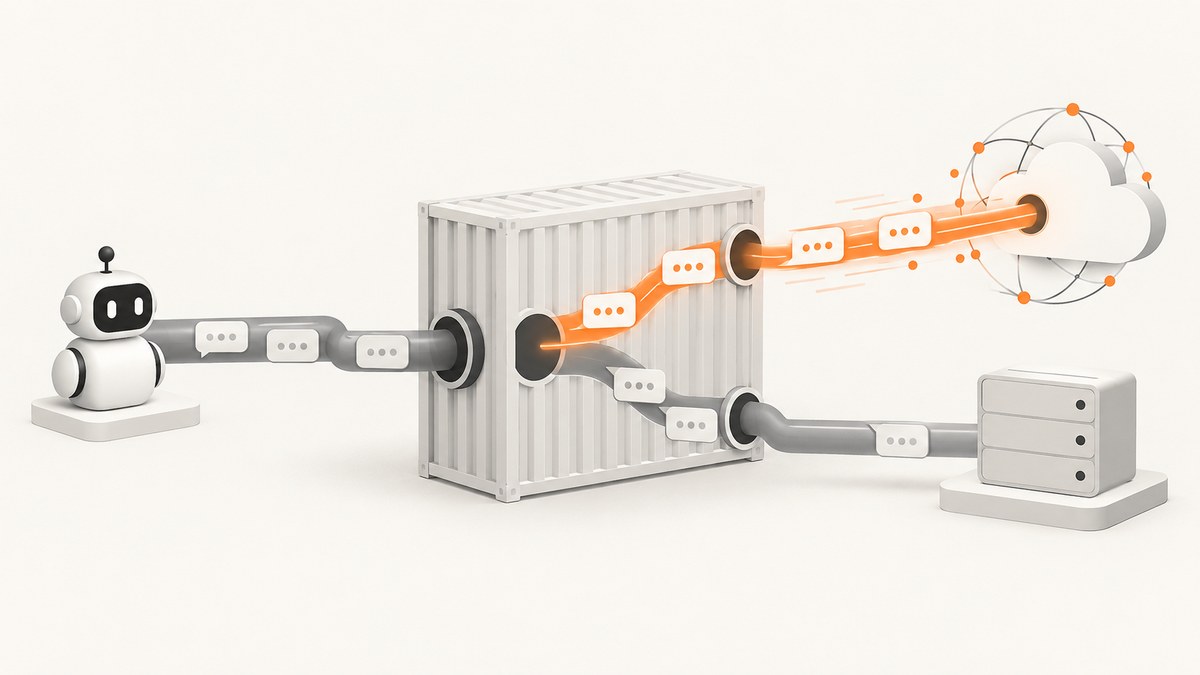
Docker MCP Gateway does not have one universal TCP port. The docker mcp gateway run command uses stdio by default, so it listens to no TCP port. You only use a port when you select a network transport such as SSE or streaming and configure --port.
The frequently seen value 8811 belongs to Docker’s official agentic-AI Compose example. That example starts the gateway with SSE and clients connect to http://mcp-gateway:8811/sse. It is a deployment-specific setting, not a global default.
Port and transport at a glance
| Setup | Transport | TCP port | How the client connects |
|---|---|---|---|
docker mcp gateway run --profile <profile-id> |
stdio | None | The client launches the Docker command directly |
Gateway with --transport=sse --port N |
SSE | Your configured N |
The configured HTTP SSE endpoint |
Gateway with --transport=streaming --port N |
Streaming | Your configured N |
The route exposed by your deployment |
| Docker’s agentic-AI Compose example | SSE | 8811 | http://mcp-gateway:8811/sse |
Why there is no port in the default command
The documented default for --transport is stdio. In this mode, Docker starts the gateway as a child process and exchanges messages through standard input and output. There is no HTTP listener and therefore no port to expose, publish, open in a firewall, or place in a client URL.
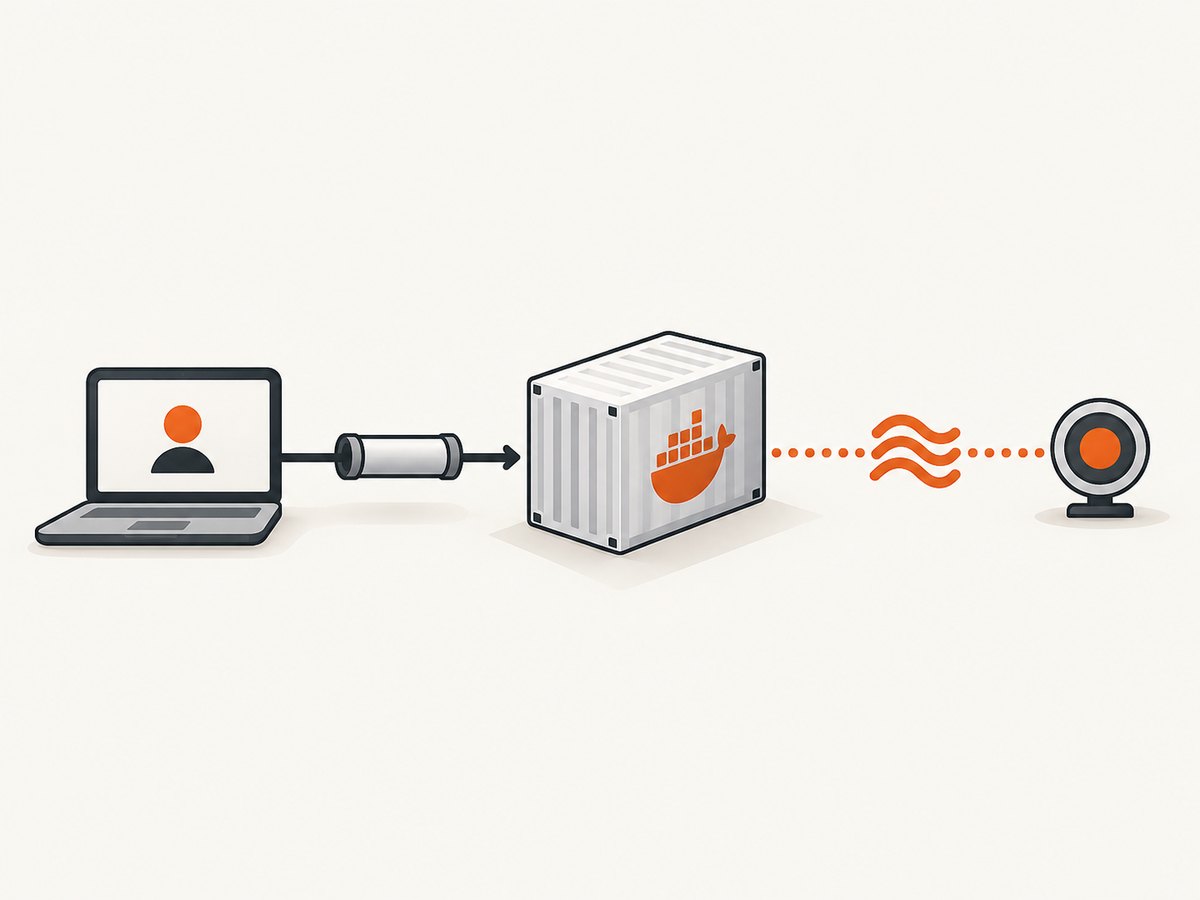
docker mcp gateway run --profile my-profileUse this mode when the MCP client runs on the same machine and can launch Docker. Your client configuration points to the Docker command rather than to localhost or a container hostname.
When Docker MCP Gateway does use a port
A TCP port is relevant after you choose a network transport and provide --port. Docker describes --port as the TCP port to listen on and does not specify a numeric default. Pick an available port in your deployment and make the client endpoint match it.
SSE example
docker mcp gateway run \
  --profile my-profile \
  --transport=sse \
  --port=8811
The exact URL path depends on how the gateway is exposed by the command or Compose configuration. In Docker’s official Compose example, the endpoint is:
http://mcp-gateway:8811/sseStreaming example
docker mcp gateway run \
  --profile my-profile \
  --transport=streaming \
  --port=9000
For streaming, use the route documented by your client and deployment. The important rule is that 9000 is the configured listening port; it is not a Docker-wide default.
Understanding the 8811 Compose example
Docker’s official “Build and run agentic AI applications with Docker” Compose example sets:
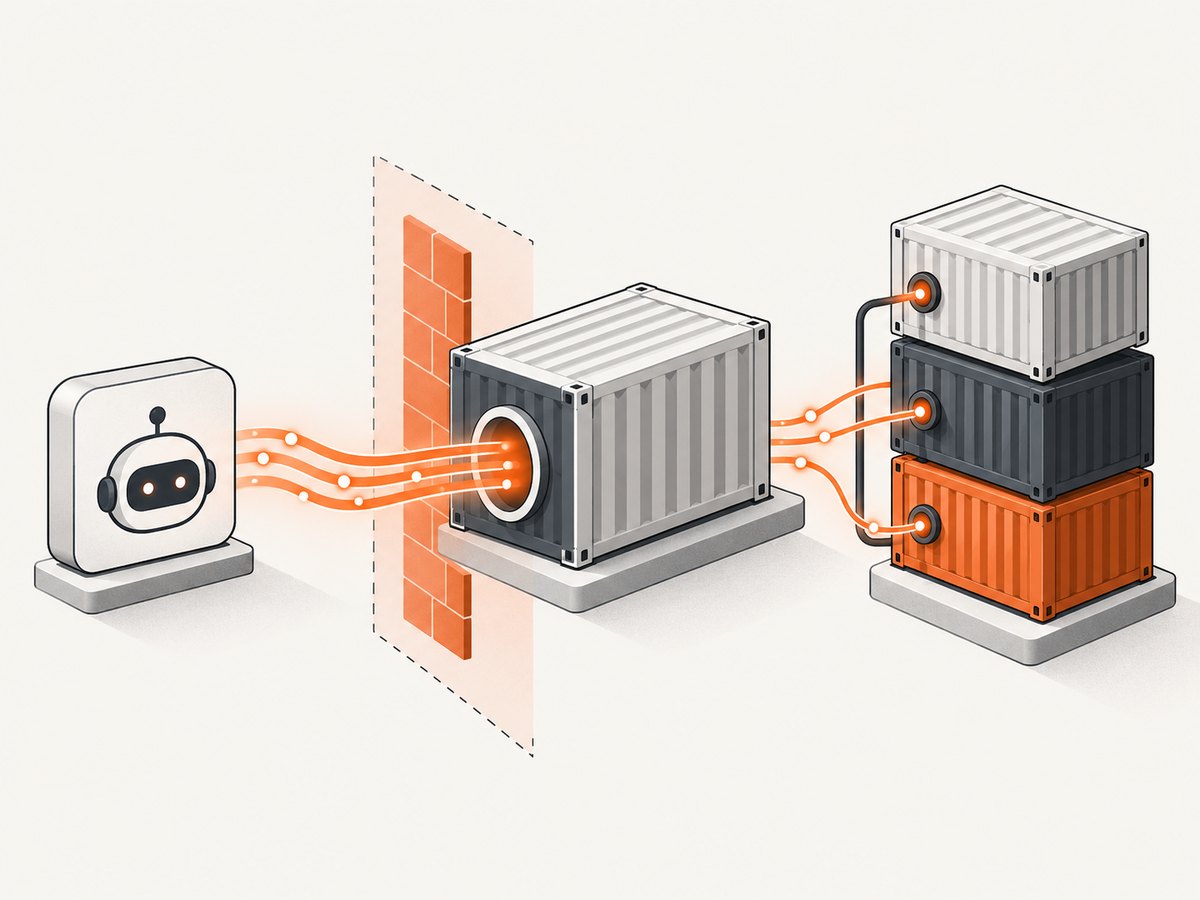
MCPGATEWAY_ENDPOINT=http://mcp-gateway:8811/sseThe same service starts the gateway with --transport=sse. In that stack, mcp-gateway is the service name and 8811 is the container port selected by the example. If you change the command, Compose file, service name, published port, or route, clients must use the new values.
Container port versus host port
In a containerized deployment, distinguish the port inside the gateway container from the port published on the host. A client in the same Compose network normally uses the service name and container port, such as http://mcp-gateway:8811/sse. A client outside Docker may need the host address and a published port, for example:
HOST_PORT:CONTAINER_PORTRead the actual ports: mapping in your Compose file before choosing the endpoint. A host mapping can change the externally reachable number while the gateway still listens on its configured container port.
How to determine the port in your deployment
- Inspect the gateway command and find
--transport. If it is omitted, the transport is stdio. - Find
--port. That value is the TCP listening port for SSE or streaming. - Check the Compose service’s
ports:mapping if the gateway runs in Docker. - Check the client environment variable or configuration, such as
MCPGATEWAY_ENDPOINT. - Confirm the hostname and path. Port 8811 alone is not enough; the official SSE example uses
/sse.
docker compose config
docker compose ps
docker ps --format 'table {{.Names}}\t{{.Ports}}'
Connecting over stdio
With stdio, configure the MCP client to launch Docker. A generic command entry looks like this:
{
  "command": "docker",
  "args": ["mcp", "gateway", "run", "--profile", "my-profile"]
}
This configuration needs no URL and no port. It also avoids host firewall and container port-publishing issues because communication stays attached to the process streams.
Connecting over SSE
For SSE, configure the client with the complete endpoint from your deployment:
MCPGATEWAY_ENDPOINT=http://mcp-gateway:8811/sseUse localhost only when the client can reach the gateway through a host-published port. A container using localhost reaches itself, not another Compose service.
Troubleshooting
| Symptom | Likely cause | Fix |
|---|---|---|
| No port appears in the command | The gateway is using default stdio transport | Configure the MCP client to launch the Docker command, or select SSE/streaming and set --port. |
| Connection refused on 8811 | The gateway is not listening on 8811, the container is stopped, or the port is not published | Inspect the command, docker compose ps, logs, and the Compose ports: mapping. |
Client cannot resolve mcp-gateway |
The client is outside the Compose network or the service has another name | Use the reachable host address, or attach the client to the same Docker network. |
| SSE connects but receives a 404 | The endpoint path is wrong | Use the route configured by the deployment; Docker’s example uses /sse. |
| Another process already uses the port | Port collision on the host or container | Choose a free value with --port and update the client endpoint and any port mapping together. |
Changes to --port have no effect |
A stale container or old Compose configuration is running | Recreate the service and verify the running command and published ports. |
| Works inside Docker but not from the host | Only the container port is configured | Publish the port and connect through the host address and published port. |
Reliability, security and performance notes
- Reliability: stdio has fewer moving parts for a local client because it does not depend on DNS, port publishing, or an HTTP route. Network transports are useful for separated services but add those dependencies.
- Port stability: treat the port and endpoint as deployment configuration. Keep the gateway command, Compose mapping, and client setting synchronized.
- Networking: expose only the interface and network scope required by your clients. A published port can make a service reachable beyond the Docker network.
- Performance: the port number itself does not determine throughput. Container resources, network distance, concurrent clients, and the selected transport do.
- Operations: monitor the gateway process and its container health, then verify the actual listening and published ports after redeployments.
Or skip the browser setup
If your agent needs website screenshots as an MCP tool, ScreenshotNeo provides an MCP server with take_screenshot, get_page_info, and capture_pdf. It is also a one-request screenshot API, so you do not need to manage a browser container or a screenshot gateway for that task.
cURL:
curl -G "https://api.screenshotneo.com/v1/shot" -d access_key=YOUR_API_KEY --data-urlencode url=https://stripe.com -o shot.webpPython:
import requests
r = requests.get("https://api.screenshotneo.com/v1/shot", params={"access_key": "YOUR_API_KEY", "url": "https://stripe.com"}, timeout=90)
open("shot.webp", "wb").write(r.content)
Node.js:
const q = new URLSearchParams({ access_key: 'YOUR_API_KEY', url: 'https://stripe.com' });
const res = await fetch(`https://api.screenshotneo.com/v1/shot?${q}`);
See the ScreenshotNeo API documentation for request options. Cookie banners, popups and chat widgets are removed before the shot; bot checks, blank pages and failed loads are never billed. An MCP server lets AI agents take screenshots. The free plan includes 1,000 screenshots a month with no card, and paid plans start at $5 for 3,000. Create a free ScreenshotNeo account.
FAQ
Is Docker MCP Gateway always on port 8811?
No. 8811 is used by Docker’s official SSE Compose example. Your deployment can use another port, or no TCP port if it uses stdio.
What does --port do?
It selects the TCP port the gateway listens on when a network transport is enabled.
Can I use SSE without specifying a port?
Do not assume a numeric default. Configure --port explicitly and use the matching endpoint.
Why does my stdio setup have no URL?
Because the client starts the gateway process and communicates over standard input and output rather than TCP.
Which value should I put in MCPGATEWAY_ENDPOINT?
Use the hostname, configured port, and route reachable from the client. Docker’s example is http://mcp-gateway:8811/sse.


