How to Download an HTML Page With JavaScript
Save generated HTML or fetch and download a page with JavaScript using Blob URLs, anchor downloads, and browser-safe cleanup.
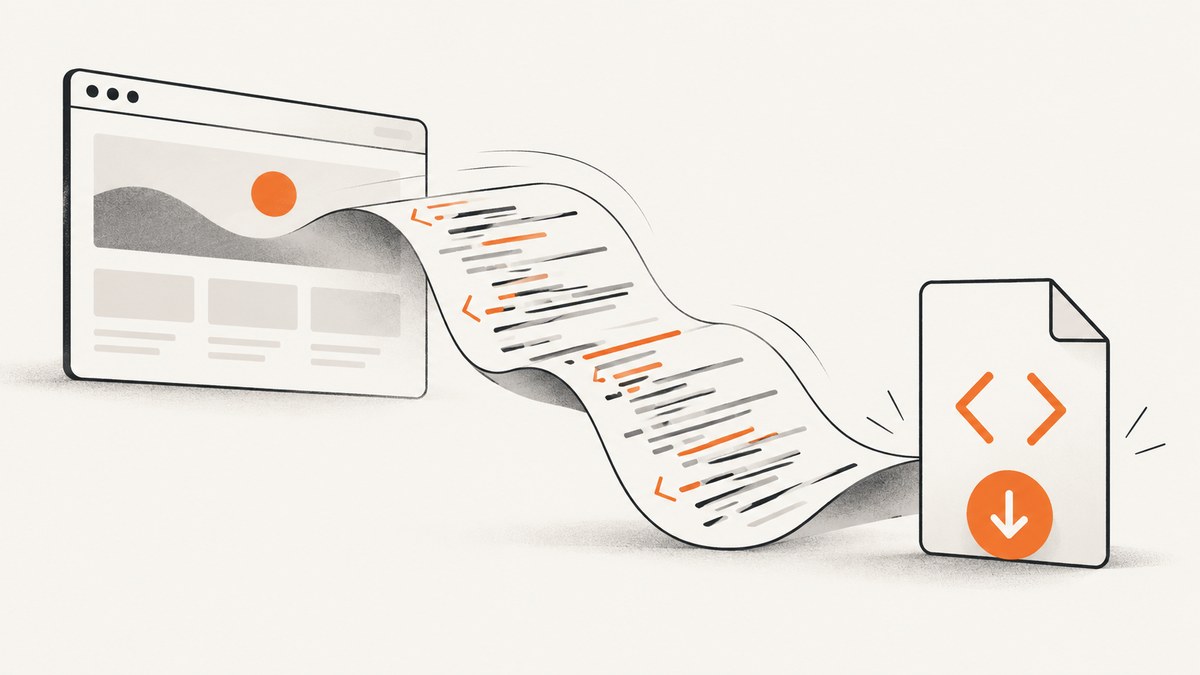
To download HTML already available in JavaScript, create a Blob with the text/html MIME type, make a temporary URL with URL.createObjectURL(), and click an anchor whose download attribute suggests a filename. To download a page from a URL, first retrieve its response with fetch(); the source must be same-origin or permit cross-origin access through CORS.
1. Download HTML you already have
This complete browser example creates an HTML file from a string and starts a browser-managed download:
function downloadHtml(html, filename = "page.html") {
  const blob = new Blob([html], { type: "text/html;charset=utf-8" });
  const url = URL.createObjectURL(blob);
  const link = document.createElement("a");

  link.href = url;
  link.download = filename;
  link.style.display = "none";
  document.body.appendChild(link);
  link.click();
  link.remove();

  // Keep the URL alive long enough for the browser to consume it.
  setTimeout(() => URL.revokeObjectURL(url), 30_000);
}

const html = `<!doctype html>
<html lang="en">
  <head><meta charset="utf-8"><title>Saved page</title></head>
  <body><h1>Hello</h1></body>
</html>`;

downloadHtml(html, "saved-page.html");
The browser controls whether it prompts, saves automatically, or opens the content, as well as the destination folder. The filename is a suggestion, not permission to write silently to an arbitrary path. The download attribute is supported for same-origin, blob:, and data: URLs; it does not override general cross-origin restrictions. MDN: anchor download attribute.
Blob and filename options
- Use
text/html;charset=utf-8so the saved file is identified as HTML and has an explicit encoding. - Pass a filename ending in
.html. Avoid path components; browsers sanitize or ignore them. - If HTML is assembled from multiple strings, pass them in order in the Blob parts array:
new Blob([doctype, head, body], { type: "text/html;charset=utf-8" }). - If your HTML contains non-ASCII characters, UTF-8 is the practical default. Include a
<meta charset="utf-8">in the document too.
2. Fetch an HTML page, then download its response
Fetching and saving are separate operations: fetch() retrieves a response that JavaScript is allowed to read; the Blob and anchor pattern creates the local download.
function triggerBlobDownload(blob, filename) {
  const url = URL.createObjectURL(blob);
  const link = document.createElement("a");
  link.href = url;
  link.download = filename;
  link.style.display = "none";
  document.body.appendChild(link);
  link.click();
  link.remove();
  setTimeout(() => URL.revokeObjectURL(url), 30_000);
}

async function downloadPage(url, filename = "page.html") {
  const response = await fetch(url);
  if (!response.ok) {
    throw new Error(`Could not fetch page: HTTP ${response.status}`);
  }

  const html = await response.text();
  const blob = new Blob([html], { type: "text/html;charset=utf-8" });
  triggerBlobDownload(blob, filename);
}

downloadPage("/article", "article.html").catch((error) => {
  console.error(error);
});
This saves the response body returned by the server. It does not automatically include changes made later by page JavaScript, the rendered DOM, or resources such as images and stylesheets. For a response that is already HTML, reading it as text and wrapping it in a Blob makes it straightforward to set the desired download MIME type and filename. You can also use response.blob() when you want to preserve the response’s Blob representation.
Same-origin and CORS
A page can normally fetch its own origin, subject to server behavior and credentials. For another origin, that server must allow your page’s origin through its CORS policy. A browser error about a blocked CORS request cannot be fixed by changing the client-side download code; use an authorized server-side proxy or configure the remote server to allow the request. See MDN’s Fetch guide to cross-origin requests.
Credentials are not included in cross-origin requests by default. If the source requires the current user’s cookies, you may need credentials: "include", and the server must explicitly allow credentials and your origin. Do not send credentials to an untrusted origin.
const response = await fetch("https://example.com/page", {
  credentials: "include"
});
For a public same-origin URL, the default request options are usually preferable. Add headers or credentials only when the endpoint requires them.
3. Choose the right kind of HTML to save
| What you need | Approach | What gets saved |
|---|---|---|
| An HTML string your app generated | Blob → object URL → anchor | The string you provide. |
| The original response from a page URL | Fetch → check status → read body → Blob download | The server response body JavaScript can access. |
| A same-origin downloadable file | Anchor with download |
The linked resource, subject to browser behavior and response headers. |
| The current rendered page | Serialize the DOM, then download the result | Markup as it exists at serialization time; external assets and runtime state may still be missing. |
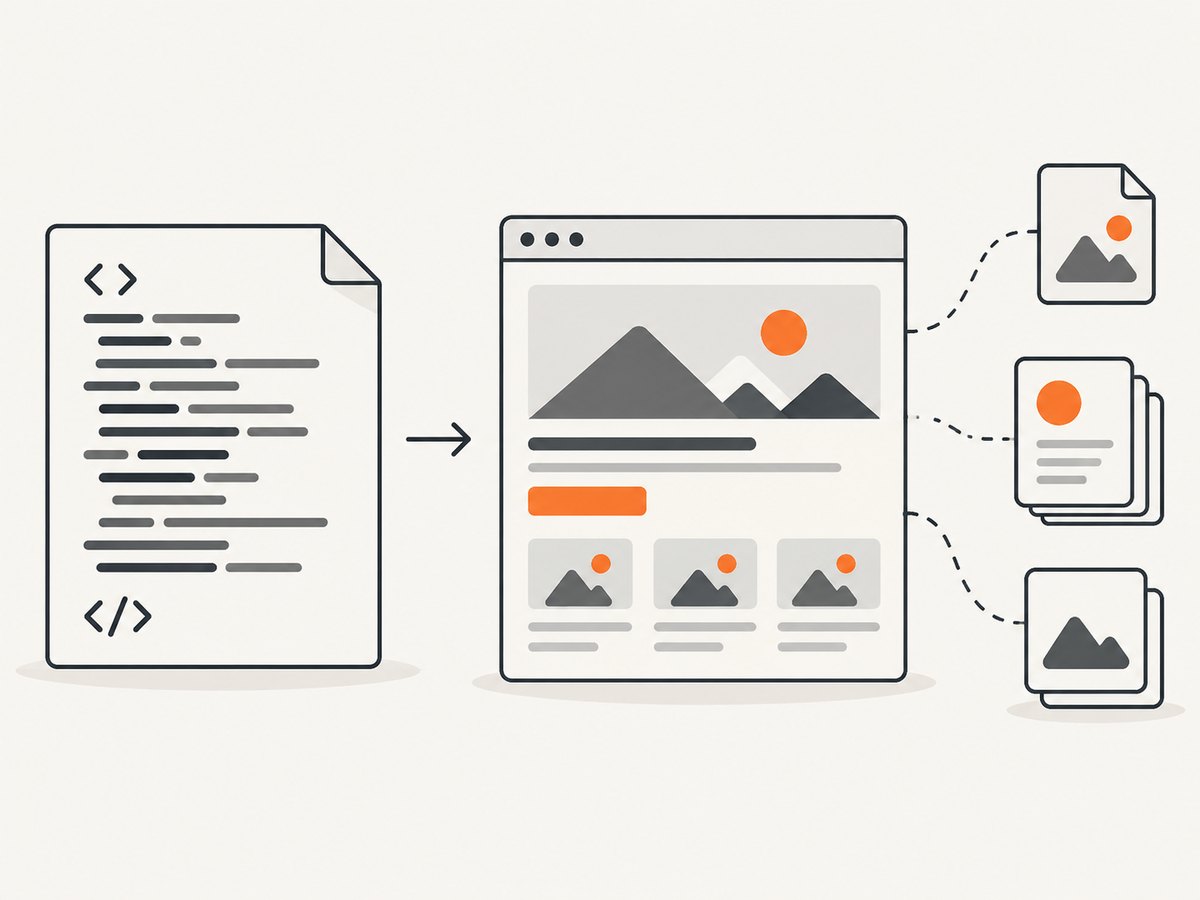
To serialize the current document’s markup, use document.documentElement.outerHTML. This captures the current DOM tree, including many DOM changes, but does not produce a complete offline copy: loaded image and stylesheet files remain external references, canvas pixels are not represented as normal markup, and JavaScript-only state may not be encoded.
const currentMarkup = `<!doctype html>\n${document.documentElement.outerHTML}`;
downloadHtml(currentMarkup, "current-page.html");
4. Object URL lifetime and cleanup
URL.createObjectURL(blob) gives the browser a temporary reference to the Blob. Revoke it with URL.revokeObjectURL(url) once it is no longer needed. Revoking immediately after click() can make the data unavailable before the browser starts consuming it, so the examples use delayed cleanup. The 30-second delay is a practical cleanup choice, not a guaranteed browser standard interval; adjust it if your application has a different download flow. MDN: createObjectURL() and MDN: revokeObjectURL().
If you build a UI where users can click a separate Download button later, keep the URL until the user finishes or replaces the generated file, then revoke it. Avoid creating many Blob URLs and never revoking them in a long-lived page.
5. cURL, Python, and Node.js alternatives
These examples retrieve an HTML response outside the browser and save it to a file. They do not use browser CORS rules, but the destination server may still deny or limit requests. Respect authentication requirements and site policies.
cURL
curl --fail --location --output page.html "https://example.com/"--fail returns an error for unsuccessful HTTP status codes, --location follows redirects, and --output chooses the output filename.
Python
import requests

url = "https://example.com/"
response = requests.get(url, timeout=30)
response.raise_for_status()

with open("page.html", "w", encoding="utf-8", newline="") as file:
    file.write(response.text)
Install the dependency with python -m pip install requests. The timeout prevents an indefinitely stalled request. raise_for_status() makes HTTP errors visible rather than silently saving an error page.
Node.js
import { writeFile } from "node:fs/promises";

const response = await fetch("https://example.com/");
if (!response.ok) {
  throw new Error(`HTTP ${response.status}`);
}
const html = await response.text();
await writeFile("page.html", html, "utf8");
This uses Node’s built-in Fetch API and filesystem support. Node can write to a chosen path available to the process; browser JavaScript cannot silently write to an arbitrary local path.
6. Or skip the browser setup
If what you need is a visual capture of a page rather than its HTML source, ScreenshotNeo returns a screenshot or PDF with one API request. Its API captures a rendered page; it does not download the page’s source HTML.
curl -G "https://api.screenshotneo.com/v1/shot" -d access_key=YOUR_API_KEY --data-urlencode url=https://stripe.com -o shot.webpSee the ScreenshotNeo API documentation. Cookie banners, popups, and chat widgets are removed before the shot. Bot checks, blank pages, and failed loads are never billed. An MCP server lets AI agents take screenshots. The free plan includes 1,000 screenshots a month with no card; paid plans start at $5 for 3,000. Sign up for 1,000 free screenshots a month.
7. Troubleshooting
| Symptom | Likely cause | Fix |
|---|---|---|
| Fetch reports a CORS error | The remote server does not allow your page’s origin. | Use a same-origin endpoint, have the server enable the appropriate CORS policy, or fetch through a server you control and are authorized to use. |
| The downloaded file is an error page | The HTTP response failed, but the code saved its body anyway. | Check response.ok before reading and saving; log the status to identify the server response. |
| The file opens as text or has the wrong name | The MIME type, extension, or server’s Content-Disposition header influences handling. |
Use text/html;charset=utf-8, provide an .html filename, and check response headers when downloading a direct link. |
| No download starts | The browser may block a synthetic download outside a user action, or the URL may have been revoked too soon. | Start the action directly from a user click when possible, and delay object URL cleanup. |
| The saved page looks different offline | HTML references external CSS, scripts, fonts, or images; the current rendered DOM is not a self-contained archive. | Bundle or inline assets when permitted, or use an archival format/workflow designed to preserve page resources. |
| Download creates excessive memory use | Large HTML or many unreleased object URLs remain in memory. | Release references after use, avoid duplicate Blob creation, and consider a server-generated download for very large documents. |
8. Performance, reliability, and cost
For a generated string, Blob creation and the download trigger are local browser operations; the main cost is memory proportional to the content being held. Avoid repeatedly copying very large strings or retaining object URLs indefinitely. For fetched content, network latency, response size, redirects, authentication, and server limits usually dominate. Set an appropriate timeout in server-side clients and handle non-success responses explicitly.
The browser’s normal download flow gives the user control over the save interaction and does not provide a universal silent write or overwrite-in-place mechanism. If an application needs the user to select or edit a specific file, investigate the File System Access API for the browsers it targets and design around its permission and support requirements. Chrome describes the traditional download flow as saving a new copy rather than an open-edit-save overwrite flow: Chrome for Developers: File System Access.
9. FAQ
Can JavaScript save a file without asking the user?
The normal anchor download flow is browser-managed; it does not let a page choose an arbitrary path and silently overwrite a local file. Browser settings may affect prompting, but application code should not assume a specific save interaction.
Does downloading a page save its images and CSS too?
No. Saving the HTML response or serialized markup generally preserves references to external assets, not copies of those assets. A standalone offline archive requires additional asset retrieval and rewriting.
Can I force the browser to use a filename?
You can suggest a filename with download, but the browser and, for direct responses, headers such as Content-Disposition can affect the final result.
Why does this method not capture what I see on screen?
An HTML download contains markup, not a visual rendering. For a visual record, use a screenshot or PDF capture workflow.