Dynamic Memory Allocation for Web Scraping Jobs
Control memory in long scraping jobs by measuring queues, bounding responses, tuning concurrency, and handling browser state without losing useful data.

Long-running scraping jobs usually run out of memory for one of four reasons: requests accumulate faster than they are downloaded, response processing falls behind, callbacks retain objects, or browser state grows over time. The right fix depends on which allocation is growing.
Start by measuring the crawler while it runs. In Scrapy, inspect active downloads, scheduler queues, active response bytes, and backpressure status at several crawl stages. If the scheduler queue grows with process memory, limit or externalize queued work. If memory grows while queues remain stable, inspect callbacks, middleware, pipelines, request metadata, and extensions for retained objects. If active response bytes approach the scraper slot limit, reduce processing backlog before increasing concurrency.
This guide explains a measurement-first method, runnable Scrapy controls, browser-specific considerations, tradeoffs, troubleshooting, and a managed screenshot option when browser setup is unnecessary.
1. Identify what is consuming memory
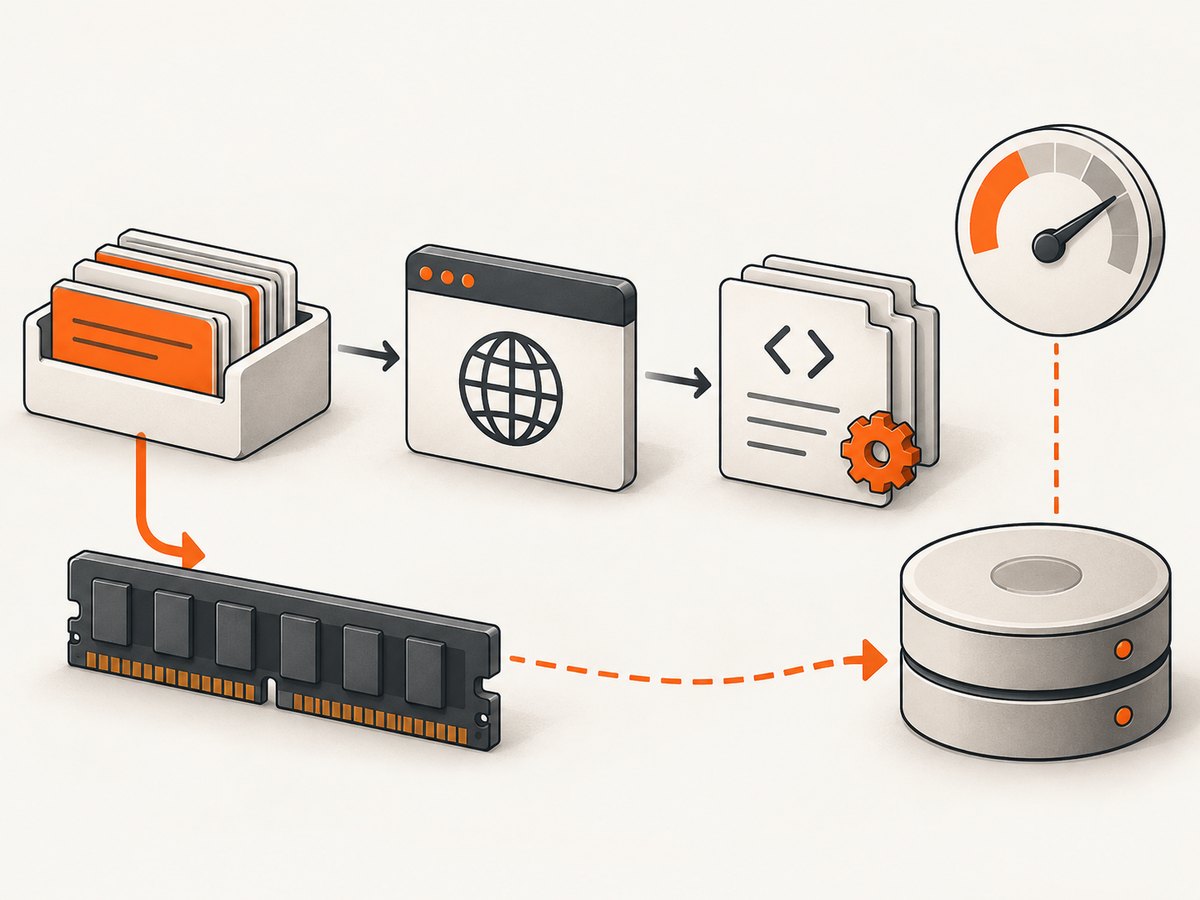
Memory is distributed across several stages:
| Allocation | What grows | Typical signal | First response |
|---|---|---|---|
| Scheduler backlog | Requests waiting to be downloaded | len(engine.scheduler.mqs) rises continually |
Throttle request production, adjust priorities, or use JOBDIR |
| Downloader activity | Requests and response bodies in flight | len(engine.downloader.active) stays high |
Reduce global or per-domain concurrency |
| Response processing | Selector trees, callback work, item pipelines | engine.scraper.slot.active_size approaches its limit |
Reduce processing backlog or response volume |
| Retained objects | Lists, caches, metadata, parsed trees, custom state | Memory rises without queue growth | Find references and release objects earlier |
| Browser state | Pages, contexts, request history, application objects | Long-lived Playwright contexts become larger | Close pages deliberately and collect request data promptly |
Scrapy’s optimization documentation recommends reading engine status at different crawl stages. A queue that grows without settling can explain exhaustion; growth that does not track the queue points toward a leak or retained application data. See the Scrapy optimization documentation.
2. Add measurements before changing limits
Do not choose a universal memory cap or concurrency number. Capture snapshots while the crawl is idle, ramping up, processing large pages, and near the point where memory becomes unsafe.
from scrapy import signals
from scrapy.exceptions import NotConfigured

class EngineStatusExtension:
    @classmethod
    def from_crawler(cls, crawler):
        extension = cls()
        crawler.signals.connect(extension.log_status, signal=signals.engine_stopped)
        crawler.signals.connect(extension.log_status, signal=signals.spider_idle)
        extension.crawler = crawler
        return extension

    def log_status(self, **kwargs):
        engine = self.crawler.engine
        scraper_slot = getattr(engine.scraper, 'slot', None)
        active_size = getattr(scraper_slot, 'active_size', None)
        needs_backout = scraper_slot.needs_backout() if scraper_slot else None
        self.crawler.logger.info(
            'active_downloads=%s scheduler_queues=%s active_response_size=%s needs_backout=%s',
            len(engine.downloader.active),
            len(engine.scheduler.mqs),
            active_size,
            needs_backout,
        )
For a production crawl, emit the same values periodically rather than only at shutdown. Pair them with process RSS, response sizes, item counts, retry counts, HTTP status codes, disk usage, and latency. The goal is to correlate resource growth with a specific stage.
3. Bound response memory carefully
A response body is only the beginning of the allocation. Scrapy selectors build an in-memory tree for the complete body, which can consume several times the body size. A page that looks acceptable on the wire can therefore create a much larger parsing footprint.

DOWNLOAD_MAXSIZE puts a limit on response size. Current Scrapy security documentation describes a default of up to 1 GiB per response, but defaults are version-sensitive. Set a value from observed response distributions and the largest legitimate pages your job must process.
# settings.py
DOWNLOAD_MAXSIZE = 25 * 1024 * 1024
A lower value protects a worker from unexpectedly huge bodies, archives, or accidental downloads. The cost is completeness: responses above the limit are dropped. Track dropped responses and review them before lowering the setting further. Do not confuse a response-size limit with a total job-memory limit; selectors, items, queues, and libraries still allocate independently. See Scrapy security settings.
4. Control queued requests
Request generation is an allocation decision. Producing thousands of follow-up requests immediately can keep downloaders busy, but requests wait in memory or on disk. Scrapy describes this directly: each choice trades memory for speed.
Limit request production
Generate follow-up requests as the downloader and parser make progress instead of materializing an entire frontier in a list. Avoid code such as requests = [Request(url) for url in all_urls] when all_urls is very large. Iterate from a bounded source, use priorities deliberately, and avoid retaining every discovered URL in a Python set unless deduplication requires it.
Use disk-backed job state
# settings.py
JOBDIR = 'crawl-state/example-job'
JOBDIR stores scheduled requests and crawl state on disk. This can reduce RAM pressure and allows a crawl to resume after interruption, but adds disk I/O, requires persistent storage, and can leave large job directories. Monitor free space and clean completed jobs according to your retention policy.
Delay large start-request iterators
If a spider receives a very large start URL source, avoid creating all requests before the engine can consume them. Stream the source or feed bounded batches. Request priorities can keep detail pages ahead of low-value discovery links, but priorities do not eliminate the total work.
5. Tune concurrency against processing capacity
Global concurrency, per-domain concurrency, and download delay determine how many responses can be in flight. Higher concurrency is useful only while parsing, pipelines, network bandwidth, and the target site can keep up.
# settings.py
CONCURRENT_REQUESTS = 32
CONCURRENT_REQUESTS_PER_DOMAIN = 8
DOWNLOAD_DELAY = 0.25
These values are examples of configurable controls, not universal recommendations. Start from your measured baseline and change one setting at a time. Watch memory, response latency, retries, and HTTP 429 or 503 counts after each change. If latency and errors rise, the target may be throttling you or your processing stage may be saturated. Reduce concurrency or add delay. Respect the site’s documented access method and applicable rules.
Use scraper backpressure
Scrapy exposes SCRAPER_SLOT_MAX_ACTIVE_SIZE as a soft limit for response data being processed. Lowering it can constrain active processing and reduce memory pressure, but may lower throughput because fewer responses are allowed to move through the scraper at once.
# settings.py
SCRAPER_SLOT_MAX_ACTIVE_SIZE = 20 * 1024 * 1024
Compare engine.scraper.slot.active_size with this limit. If active size remains near the limit while callbacks or item pipelines lag, reduce response volume or processing cost before raising downloader concurrency.
6. Find retained objects and leaks
If memory grows while scheduler queues and active downloads remain stable, inspect application code. Common causes include:
- Appending every item, selector, response, or exception to a module-level list.
- Keeping full response bodies in request metadata for later callbacks.
- Caching parsed trees or images without an eviction policy.
- Storing large objects in closures, signals, extensions, or middleware.
- Keeping references to completed requests in custom statistics collectors.
- Building an unbounded deduplication set when the input can be partitioned.
Release large temporary objects after extracting the fields you need. Prefer compact identifiers over complete response objects in state. Profile a representative crawl and compare snapshots after garbage collection; a flat queue with rising RSS is evidence to investigate references, not a reason to increase the machine size immediately.
7. Account for media and disk allocations
Images, documents, and other media add network, memory, and disk pressure. Scrapy’s optimization guidance calls out media pipelines and MEDIA_CACHE_SIZE as relevant controls. Keep media processing bounded, monitor cache growth, and decide whether retries or local caching are necessary for the job’s completeness requirements.
Disk-backed queues and media caches solve different problems. JOBDIR moves scheduled crawl state to disk; a media cache stores downloaded assets. Both can protect RAM while exhausting storage if left unmonitored. Track disk usage alongside memory.
8. Scaling CPU without hiding memory problems
Scrapy runs as a single process. CPU-bound Python code competes for the GIL, so moving that work to a thread does not add CPU capacity. Separate processes are the documented way to use more than one CPU core.
Multiple processes can increase total throughput, but each process has its own queues, response trees, caches, and leak potential. Set a memory budget per worker, partition URLs, and supervise workers so one failed process does not silently lose the whole job. Process scaling is a capacity choice; it does not fix an unbounded queue or retained references inside each worker.
9. Playwright and browser-based scraping
Browsers retain page, context, JavaScript, network, and application state. Close pages when their work is complete and avoid keeping a single context alive for unrelated batches unless session continuity is required.
Playwright’s page.requests() API exposes up to 100 recent requests; older requests may be collected to avoid unbounded growth. Retrieve request data promptly when you need it rather than treating the list as a permanent log. The API also documents page.request_gc(). Review the current Playwright Page API for release-specific behavior.
from playwright.async_api import async_playwright

async def capture(urls):
    async with async_playwright() as p:
        browser = await p.chromium.launch()
        context = await browser.new_context()
        try:
            for url in urls:
                page = await context.new_page()
                try:
                    await page.goto(url, wait_until='domcontentloaded')
                    recent = await page.requests()
                    print(url, len(recent))
                finally:
                    await page.close()
        finally:
            await context.close()
            await browser.close()
Browser memory is affected by JavaScript applications, open WebSockets, service workers, videos, and retained event handlers. If usage rises across batches, compare a fresh context per batch with a reused context and measure the tradeoff between startup cost and retained state.
10. A practical tuning workflow
- Record a baseline with process RSS, queue lengths, active response size, throughput, latency, retries, status codes, and disk usage.
- Run a small representative crawl that includes the largest legitimate pages and normal error cases.
- Classify growth as queued requests, active responses, retained objects, media, or browser state.
- Change one control: response cap, scraper active-size limit, request production, concurrency, delay, or disk-backed state.
- Repeat the same workload and compare completeness, memory peak, throughput, and target responses.
- Keep the setting only if it meets the memory budget without dropping required data or causing unacceptable target-site impact.
11. Troubleshooting common failures
| Symptom | Likely cause | Fix |
|---|---|---|
| RSS rises and scheduler queues rise | Requests are produced faster than they are consumed | Stream discovery, reduce concurrency, use priorities, or configure JOBDIR |
| RSS rises but queues stay flat | Retained objects or a custom component leak | Inspect callbacks, middleware, pipelines, metadata, caches, and extensions |
| Large pages disappear | DOWNLOAD_MAXSIZE is below legitimate response size |
Measure response sizes and raise the limit selectively |
| Throughput falls after active-size tuning | Scraper backpressure is limiting processing | Reduce callback cost or response volume; raise the limit only after measuring memory headroom |
| Many 429 or 503 responses | Concurrency or request rate exceeds target tolerance | Lower concurrency, add delay, honor access guidance, and monitor retries |
Disk fills with JOBDIR |
Queued state or stale jobs are accumulating | Monitor usage, remove completed state, and bound request discovery |
| Playwright memory grows by batch | Pages, contexts, request history, or application objects remain referenced | Close pages, collect request data promptly, and rotate contexts when measurement supports it |
| Adding threads does not improve parsing | CPU-bound Python code is limited by the GIL | Use separate processes for additional cores and keep per-process memory bounded |
12. Or skip the browser setup
If your goal is a clean screenshot rather than browser orchestration, ScreenshotNeo provides a single GET request that returns PNG, JPEG, WebP, or PDF. It accepts cookie and consent banners as a visitor and removes more than 60 known consent platforms, newsletter popups, and chat widgets before capture. Each step can be turned off.
Only clean shots are billed. Bot checks, CAPTCHAs, blank pages, timeouts, failed loads, and cache hits cost nothing, and response headers identify the page verdict and billing result. ScreenshotNeo also provides an MCP server for Claude, Cursor, and other MCP clients with take_screenshot, get_page_info, and capture_pdf tools.
See the ScreenshotNeo documentation for all options, including full-page capture with lazy images, CSS element capture, dark mode, device presets, retina scale, PDF paper and margin controls, custom CSS and JavaScript, clicks, waits, request blocking, headers, cookies, user agents, authorization, timezone, geolocation, transparent backgrounds, resizing, caching TTLs, signed links, async jobs, webhooks, bulk capture, usage data, and the OpenAPI specification.
curl -G "https://api.screenshotneo.com/v1/shot" -d access_key=YOUR_API_KEY --data-urlencode url=https://stripe.com -o shot.webpimport requests
r = requests.get("https://api.screenshotneo.com/v1/shot", params={"access_key": "YOUR_API_KEY", "url": "https://stripe.com"}, timeout=90)
open("shot.webp", "wb").write(r.content)const q = new URLSearchParams({ access_key: 'YOUR_API_KEY', url: 'https://stripe.com' });
const res = await fetch(`https://api.screenshotneo.com/v1/shot?${q}`);There is a free plan with 1,000 screenshots per month and no card. Paid plans start at $5 for 3,000 shots; every feature is available on every plan. Create a free ScreenshotNeo account.
13. Performance, reliability, and cost checklist
- Measure peak memory, not only average memory.
- Include large legitimate responses in load tests.
- Keep queue, response, media, and browser allocations visible separately.
- Set disk alerts when using
JOBDIRor media caches. - Count dropped responses and failed requests as well as successful items.
- Use gradual concurrency changes and observe target latency and status codes.
- Prefer bounded batches and short object lifetimes.
- For screenshot workloads, inspect
X-Page-VerdictandX-Billedheaders so accounting matches successful clean captures.
FAQ
Should I solve memory problems by adding RAM?
Additional RAM increases headroom but can hide an unbounded queue, oversized response, or retained object. Measure first and fix the growing allocation.
What is a safe Scrapy concurrency value?
There is no universal value. It depends on response sizes, parsing cost, bandwidth, processing capacity, and target-site tolerance. Increase it gradually while watching memory and HTTP responses.
Does DOWNLOAD_MAXSIZE cap total job memory?
No. It limits an individual response body. Selector trees, queues, items, media, and custom state allocate separately.
When should I use multiple processes?
Use them when CPU-bound work needs more than one core and measurements justify the operational cost. Give each process its own memory and queue budget.
Can ScreenshotNeo replace a crawler?
It is a screenshot and PDF API, not a general link-following crawler. Use it when you need rendered page captures without maintaining browser workers.


