How to Extract cURL Requests from Firefox
Copy any Firefox Network Monitor request as runnable cURL, preserve logs across reloads, redact secrets, and replay or edit the call safely.
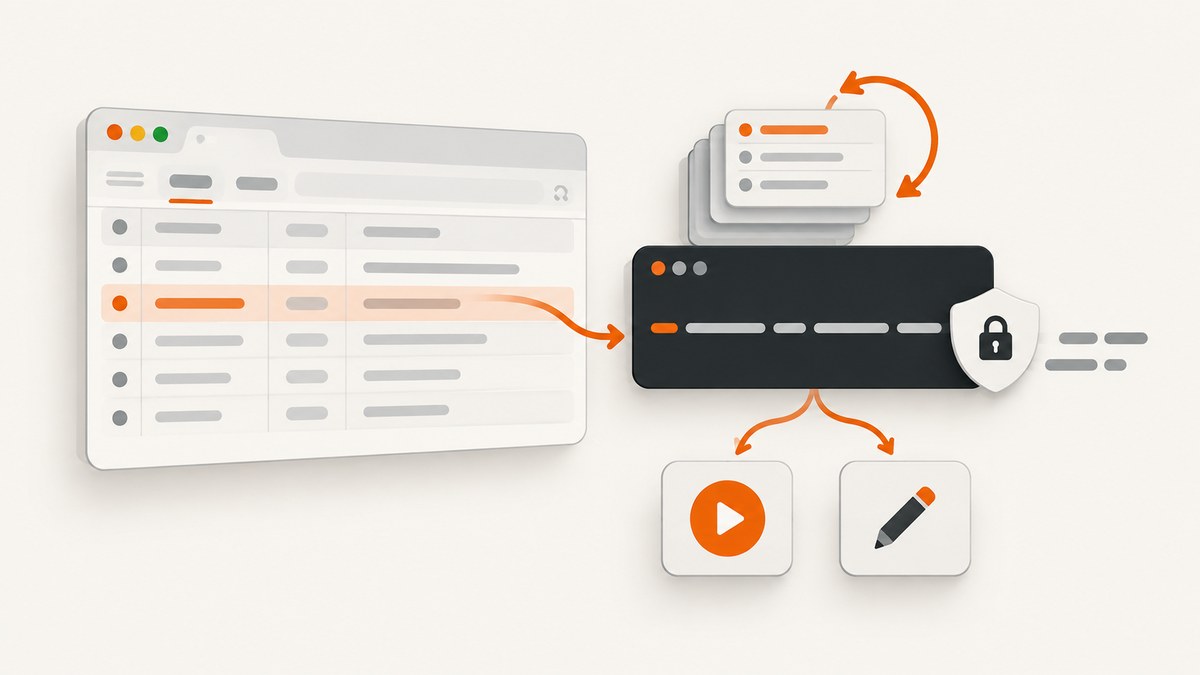
Firefox can turn a captured network request into a cURL command without an extension. Open Developer Tools, start the Network Monitor before reproducing the action, select the exact request, then choose Copy → Copy as cURL. Paste the result into a terminal and review its headers, cookies, tokens, URL, and body before running or sharing it.
This guide explains the complete workflow for GET, POST, JSON, form, multipart, authenticated, and stateful requests. It also covers requests that disappear after reload, editing and resending a call, HAR exports, shell portability, security, troubleshooting, and a browser-free way to capture screenshots with ScreenshotNeo.
1. Open Firefox Network Monitor
Open the page where the request occurs, then open Firefox Developer Tools and select Network. The keyboard shortcuts are:
- Windows/Linux: Ctrl+Shift+E
- macOS: Cmd+Opt+E
Firefox starts recording requests when the Network Monitor opens. If you open DevTools after clicking a button or submitting a form, that earlier request will not be in the list. Open the monitor first, then repeat the action.
Mozilla documents the Network Monitor controls in its Firefox Network Monitor documentation.
2. Preserve requests across reloads
Firefox normally clears the request list when the page navigates or reloads. This is the most common reason a request appears briefly and then disappears.
- Open the Network Monitor.
- Open its options or toolbar menu.
- Enable Persist Logs.
- Reload the page or navigate to the workflow.
- Trigger the request again.
Persist Logs keeps earlier entries while you move between pages, which is essential for requests made during a redirect, login, checkout, or initial page load.
3. Reproduce and find the exact request
With Network Monitor recording, perform the action that matters: load a page, submit a form, click a control, upload a file, or trigger an API call. The list may contain document loads, scripts, stylesheets, images, fonts, analytics, advertisements, and API calls at the same time.
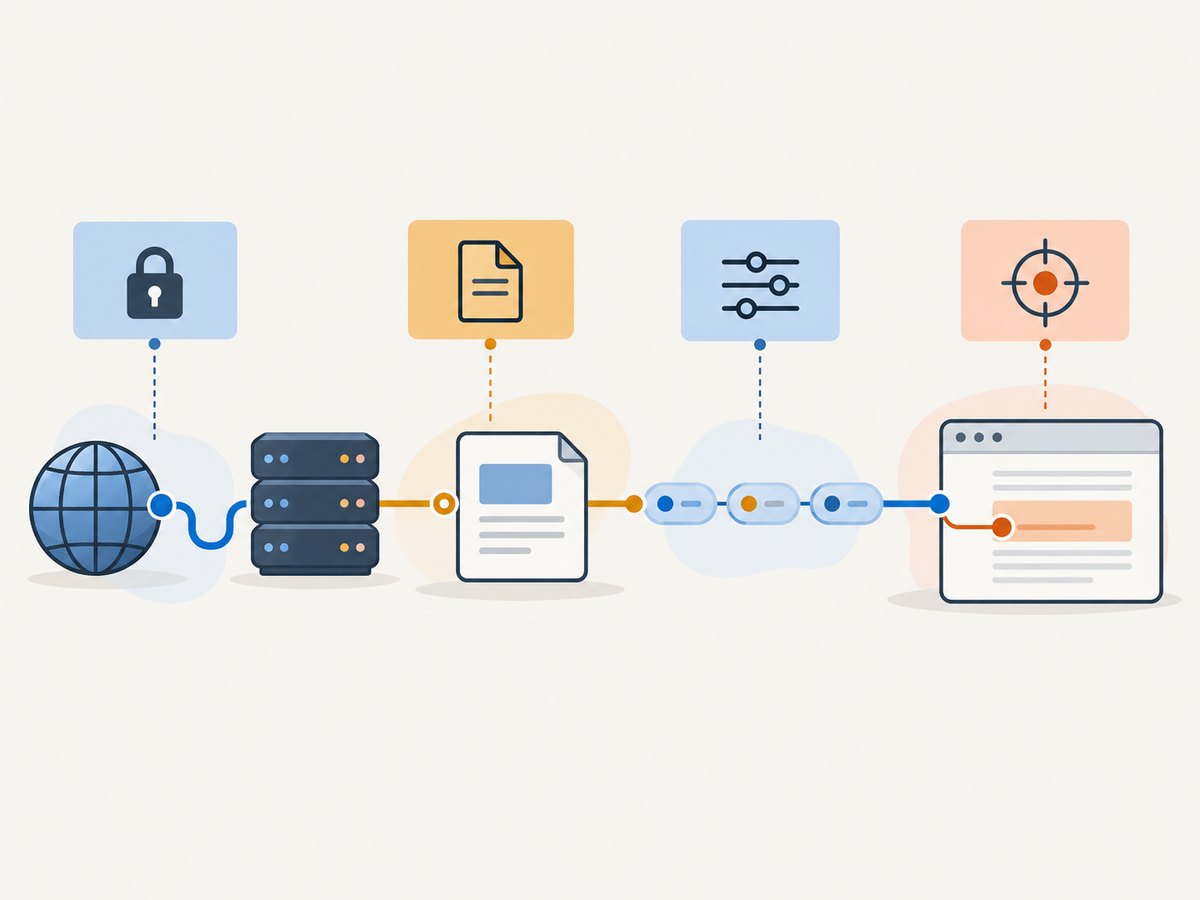
Use the filter box to narrow the list by URL, method, resource type, or search text. Then identify the row using these columns:
| Column | What to check |
|---|---|
| Method | GET, POST, PUT, PATCH, DELETE, or another method. |
| URL | The host, path, query string, and parameters. |
| Status | For example, 200, 201, 302, 401, 403, or 500. |
| Type | Document, XHR, fetch, script, image, or another resource class. |
| Cause or initiator | The script, page action, or redirect that produced the request. |
Click the row to open its details pane before copying it. The details help distinguish two calls with similar URLs, such as an initial GET followed by a POST submission.
4. Inspect the request before exporting it
The details pane can include Headers, Request, Response, Timings, Security, and a Stack trace, depending on the request. Check at least the following:
- Request method: Confirm that you selected the call that changes data rather than a preceding OPTIONS or GET request.
- Full URL: Check query parameters, fragments, and redirects.
- Request headers: Look for Authorization, Content-Type, Origin, Referer, X-CSRF-Token, and application-specific headers.
- Cookies: Determine whether the request depends on a logged-in browser session.
- Request body: Check whether it is JSON, URL-encoded form data, multipart form data, or an empty body.
- Response status: A copied command reproduces the request, including a failing request. A 403 or 500 in the browser may be useful evidence rather than a command that should be expected to succeed.
5. Copy the request as cURL
- Right-click the request row.
- Choose Copy.
- Choose Copy as cURL.
- Paste the command into a terminal, editor, shell script, or API client import field.
Mozilla describes this command as copying the network request to the clipboard as a cURL command so it can be executed from a command line. Firefox builds the command from the selected request, rather than from the page source.
A simple exported GET request may look like this:
curl 'https://example.com/api/items?limit=20' \
  -H 'Accept: application/json' \
  -H 'User-Agent: Mozilla/5.0'
The exact output depends on what Firefox captured. Do not assume that two requests to the same endpoint are interchangeable: cookies, headers, body values, and timestamps can change the server response.
6. What Firefox includes in the generated command
Firefox adapts the command to the captured request. Mozilla lists these possible components:

| Captured detail | Typical cURL output |
|---|---|
| Non-GET or non-POST method | -X METHOD |
| URL-encoded parameters | --data |
| Multipart parameters | --data-binary |
| HTTP version other than 1.1 | --http/VERSION |
| HEAD request | -I |
| Request headers | One -H option per header |
| Accept-Encoding captured | --compressed |
| Square brackets in URL | --globoff |
For a JSON POST, the result commonly resembles:
curl 'https://example.com/api/orders' \
  -X POST \
  -H 'Accept: application/json' \
  -H 'Content-Type: application/json' \
  -H 'Authorization: Bearer REDACTED' \
  --data-raw '{"item":"book","quantity":1}'
For URL-encoded form data, Firefox may produce --data with the encoded fields. Multipart submissions may use binary data and request-specific boundaries. Preserve the generated body when you need an exact reproduction; rewrite it only when you understand how the server parses it.
7. Run, inspect, and adapt the command
Paste the command into a shell and run it only after reviewing secrets. Add an output option when the response is a file:
curl 'https://example.com/report.pdf' -o report.pdfFor debugging, add verbose output:
curl -v 'https://example.com/api/items'For headers without the response body, use:
curl -I 'https://example.com/api/items'When a copied command contains browser-only state, replace it with a deliberate value. For example, use an environment variable for a token:
export API_TOKEN='replace-me'
curl 'https://example.com/api/items' \
  -H "Authorization: Bearer $API_TOKEN"
Shell quoting matters. A URL containing &, spaces, square brackets, or JSON punctuation should remain quoted. If Firefox copied a URL with square brackets, keep --globoff so cURL does not treat the brackets as a URL range or glob pattern.
8. Copying POST, form, JSON, and authenticated requests
POST and JSON
Keep the method, Content-Type, and body together. Sending JSON with a GET, or sending JSON while retaining a form Content-Type, changes how many servers parse the call.
curl 'https://example.com/api/profile' \
  -X PATCH \
  -H 'Content-Type: application/json' \
  -H 'Authorization: Bearer TOKEN' \
  --data-raw '{"displayName":"Ada"}'
URL-encoded forms
Form submissions may contain fields such as CSRF tokens, hidden inputs, and submit-button values. Keep those fields when reproducing the browser action. If the server rejects the command, capture a fresh submission because a token may be single-use or expired.
Multipart uploads
Multipart requests include a boundary and file data. A copied request may depend on the original file path or binary content. For a maintainable script, replace the captured binary body with cURL’s explicit form syntax after confirming the field names:
curl 'https://example.com/upload' \
  -X POST \
  -F 'description=example' \
  -F 'file=@./photo.png'
Cookies and login state
Authenticated browser calls often include a Cookie header, a bearer token, or both. These values can grant access to an account. Treat the command as a credential until you remove or rotate them. A command copied today may stop working after logout, session expiry, token rotation, or a server-side nonce change.
9. Edit and resend inside Firefox
If you need to change one request without leaving DevTools, open the request’s Headers view and choose Edit and Resend. Firefox lets you alter the method, URL, headers, or body, then send the modified request. This is useful for testing a parameter, changing an HTTP method, or checking how an endpoint responds to a different header.
Edit and Resend is different from Copy as cURL:
- Copy as cURL: exports one request for use in a shell or script.
- Edit and Resend: modifies and sends one request from Firefox.
- Copy All as HAR or Save All as HAR: exports a structured collection of requests for later analysis or sharing with a compatible tool.
Use HAR when the complete interaction matters, such as a page load with redirects and dependent API calls. Use cURL when you need one reproducible call.
10. Security checklist before sharing a cURL command
- Remove or replace Authorization headers and API keys.
- Remove Cookie headers and session identifiers.
- Redact CSRF tokens, password-reset tokens, and one-time codes.
- Check query strings for email addresses, account IDs, and private filters.
- Check request bodies for personal data and uploaded content.
- Do not commit copied commands containing credentials to source control.
- Use short-lived test credentials when a replay is necessary.
- Rotate a credential if you accidentally publish it.
Firefox documents the headers and data it copies, but a copied command should be treated as sensitive because it can contain the exact credentials and state present in the browser.
11. Troubleshooting common problems
| Problem | Cause | Fix |
|---|---|---|
| No request appears | Network Monitor was opened after the action. | Open Network first, then repeat the action. |
| The request vanished after reload | Firefox clears the list on navigation by default. | Enable Persist Logs before reloading. |
| The copied command is the wrong call | A page can make several similar requests. | Compare method, URL, status, and type; inspect the details pane. |
| cURL returns 401 or 403 | Token, cookie, CSRF value, Origin, or Referer is missing or expired. | Capture a fresh request, preserve required headers, and replace expired credentials. |
| cURL returns 400 | The body, encoding, query string, or Content-Type changed. | Compare the Request details with the copied body and keep the generated quoting. |
| Upload fails | The command references browser-specific multipart data or an unavailable file. | Rebuild the request with -F and a local file path. |
| Response differs from Firefox | The server uses cookies, timestamps, location, user agent, cache, or other session state. | Compare headers and body, then capture a fresh request and remove only fields you understand. |
| Shell reports a quoting error | JSON, ampersands, spaces, or brackets were edited incorrectly. | Restore single-quote boundaries, escape embedded quotes, and keep --globoff when supplied. |
| Compressed output looks unreadable | The response is compressed or binary. | Use --compressed as copied, add -o filename for files, or inspect headers with -I. |
12. Reliability, performance, and repeatability
A copied command is a snapshot of one browser transaction. It is reliable for documenting the request shape, debugging a server response, and creating a starting point for automation. It is not automatically a durable integration test. Login sessions expire, anti-replay tokens change, APIs enforce rate limits, and stateful calls may depend on an earlier request.
For repeatable automation:
- Replace captured secrets with environment variables or a secret manager.
- Generate fresh timestamps, nonces, and CSRF values when the API requires them.
- Make the request idempotent where possible, especially before retrying POST, PATCH, or DELETE.
- Set explicit timeouts and handle non-2xx responses.
- Log status, latency, and a request identifier without logging credentials.
- Use a fixture or test account instead of a personal browser session.
The command itself adds little overhead beyond the HTTP request. Performance is usually determined by DNS, TLS, server processing, response size, redirects, and any browser-only behavior that the endpoint expects. For a page capture, a browser automation workflow also includes page rendering and image generation; a direct API can be simpler when you only need the resulting asset.
13. Or skip the browser setup
If your goal is a clean website screenshot rather than inspecting an existing browser request, ScreenshotNeo provides a single GET endpoint. Its service accepts the cookie or consent banner before capture and removes more than 60 known consent platforms, newsletter popups, and chat widgets; each cleanup step can be turned off. Only clean shots are billed: bot checks or CAPTCHAs, blank pages, timeouts, failed loads, and cache hits cost nothing, and the response identifies the result with X-Page-Verdict and X-Billed headers.
See the ScreenshotNeo API documentation for the available options, including full-page capture, CSS element selection, dark mode, device presets, retina scale, PDF output, custom CSS and JavaScript, click and wait conditions, blocked resources, headers, cookies, user agents, authorization, timezone, geolocation, transparent backgrounds, resizing, caching, signed links, asynchronous jobs, bulk capture, usage, and the OpenAPI specification.
curl -G "https://api.screenshotneo.com/v1/shot" -d access_key=YOUR_API_KEY --data-urlencode url=https://stripe.com -o shot.webpimport requests
r = requests.get("https://api.screenshotneo.com/v1/shot", params={"access_key": "YOUR_API_KEY", "url": "https://stripe.com"}, timeout=90)
open("shot.webp", "wb").write(r.content)const q = new URLSearchParams({ access_key: 'YOUR_API_KEY', url: 'https://stripe.com' });
const res = await fetch(`https://api.screenshotneo.com/v1/shot?${q}`);ScreenshotNeo also includes an MCP server with take_screenshot, get_page_info, and capture_pdf tools for Claude, Cursor, and other MCP clients. The free plan includes 1,000 screenshots per month with no card; paid plans start at $5 for 3,000 shots. Create a free ScreenshotNeo account.
14. FAQ
Does Firefox need an extension to copy cURL?
No. Copy as cURL is built into the Network Monitor.
Can I copy a request made during page load?
Yes. Open Network Monitor before loading the page, enable Persist Logs if navigation is involved, reload, and select the request.
Should I use cURL or HAR?
Use cURL for one request you want to run or script. Use Copy All as HAR or Save All as HAR for a structured record of multiple requests.
Why does a copied authenticated request stop working?
Cookies, bearer tokens, CSRF values, timestamps, and server state can expire or be single-use. Capture a fresh request and replace sensitive values with managed test credentials.
Can I change the request without exporting it?
Yes. Use Edit and Resend in the request’s Headers view to modify the method, URL, headers, or body in Firefox.