BlogScreenshots on your device
How to Use FFmpeg with Python Pipes for Windows Screen Recording
Capture Windows screens with FFmpeg's gdigrab and Python pipes: file-first recording, raw-frame processing, safe shutdown, troubleshooting, and options.
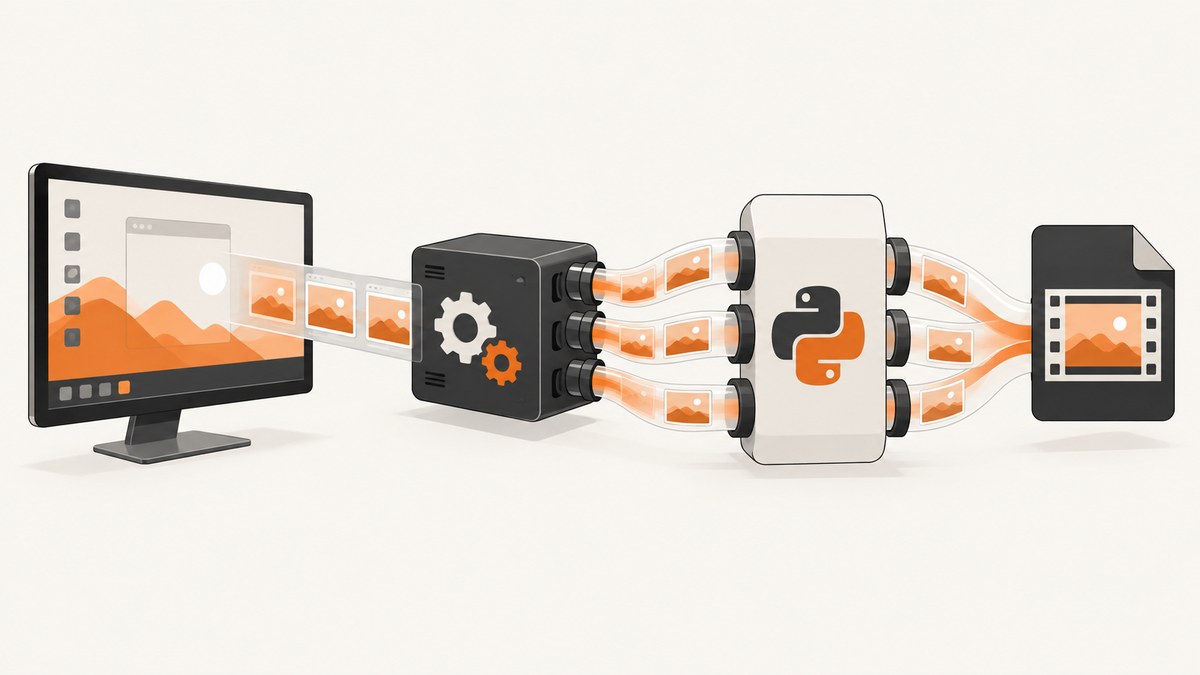
Direct answer: On Windows, let FFmpeg capture the desktop with its gdigrab device and let Python control FFmpeg with subprocess.Popen. Write directly to a file unless Python must inspect every frame. If you use a pipe, define the exact format, dimensions, pixel format, frame rate and shutdown protocol on both sides.
FFmpeg documents gdigrab as a Win32 GDI-based screen-capture device. It can capture the full desktop, a region, or a window title or handle. Its options belong before -i in the FFmpeg devices documentation.
1. Choose the data path
| Design | Best when | Trade-off |
|---|---|---|
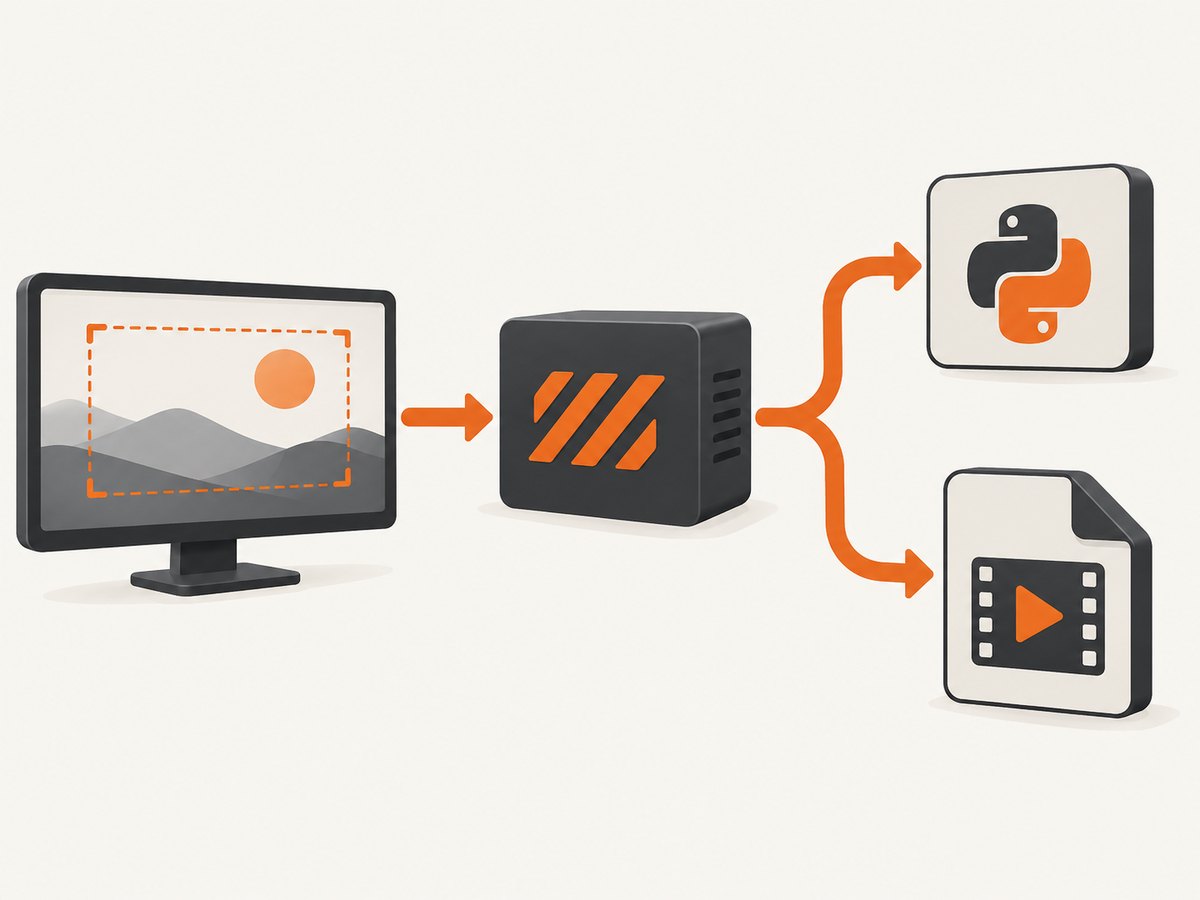
| FFmpeg writes a file; Python manages the process | You need start, stop, configuration or status | Simplest path; Python does not receive frames |
| FFmpeg writes encoded bytes to Python stdout | Python must inspect, upload or relay compressed output | Requires a pipe-compatible output and concurrent stderr handling |
| Python writes raw frames to FFmpeg stdin | Python captures or transforms frames before encoding | Requires exact dimensions, pixel format, frame rate and timing |
This comparison follows the documented FFmpeg pipe interfaces and Python subprocess behavior (FFmpeg FAQ, Python subprocess documentation).
2. Install and verify FFmpeg
- Install a Windows FFmpeg build containing
gdigraband the encoder you need. - Add the directory containing
ffmpeg.exetoPATH, or use an absolute path. - Verify the device:
ffmpeg -hide_banner -devices
ffmpeg -hide_banner -f gdigrab -list_options true -i desktop
Use the output from your installed build as authoritative because enabled devices and codecs vary by build.
3. Recommended implementation: Python controls a file recording
from __future__ import annotations
import subprocess
import threading
import time
from pathlib import Path

FFMPEG = 'ffmpeg'  # Or r'C:\ffmpeg\bin\ffmpeg.exe'
OUTPUT = Path('recording.mp4')
DURATION_SECONDS = 20

command = [FFMPEG, '-hide_banner', '-loglevel', 'warning', '-y',
           '-f', 'gdigrab', '-framerate', '30', '-draw_mouse', '1',
           '-i', 'desktop', '-c:v', 'libx264', '-preset', 'veryfast',
           '-pix_fmt', 'yuv420p', str(OUTPUT)]

process = subprocess.Popen(command, stdout=subprocess.DEVNULL,
                           stderr=subprocess.PIPE, text=True,
                           encoding='utf-8', errors='replace')

def drain_stderr():
    assert process.stderr is not None
    for line in process.stderr:
        print('ffmpeg:', line.rstrip())

threading.Thread(target=drain_stderr, daemon=True).start()
try:
    time.sleep(DURATION_SECONDS)
finally:
    if process.poll() is None:
        process.terminate()
    try:
        process.wait(timeout=10)
    except subprocess.TimeoutExpired:
        process.kill()
        process.wait()

if process.returncode != 0:
    raise RuntimeError(f'FFmpeg exited with code {process.returncode}')
print(f'Wrote {OUTPUT.resolve()}')
Use creationflags=subprocess.CREATE_NEW_PROCESS_GROUP when you need a separate Windows process group for console control events. Graceful shutdown lets FFmpeg finalize the container; a forced kill can leave an unusable file.
4. Capture a region, monitor or window
Put capture options before -i desktop. Offsets are measured from the primary monitor’s top-left. A monitor left of or above the primary display can require negative offsets.
ffmpeg -f gdigrab -framerate 30 -video_size 1280x720 -offset_x 100 -offset_y 80 -i desktop region.mp4
ffmpeg -f gdigrab -framerate 30 -draw_mouse 0 -i desktop no-cursor.mp4
ffmpeg -f gdigrab -framerate 30 -i title='Calculator' window.mp4
ffmpeg -f gdigrab -framerate 30 -i hwnd=0x00123456 window.mp4
The default gdigrab rate is ntsc (30000/1001) when no frame rate is specified, so set -framerate explicitly (device options).
5. When Python needs every frame: FFmpeg stdout to Python
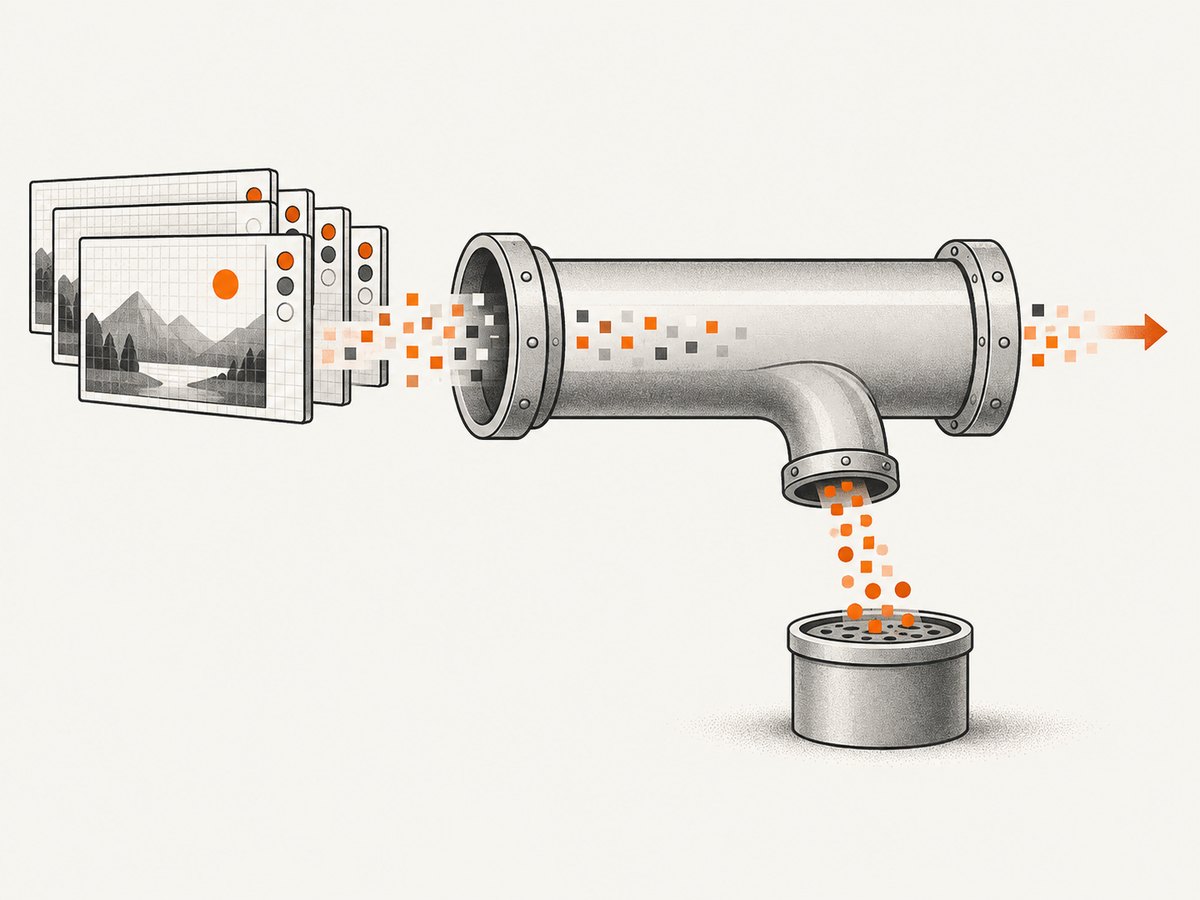
Raw video has no header. Both sides must agree on width, height, pixel format and frame rate. This example uses 1280×720 BGR24.
import subprocess
import threading

WIDTH, HEIGHT, CHANNELS = 1280, 720, 3
FRAME_SIZE = WIDTH * HEIGHT * CHANNELS
command = ['ffmpeg', '-hide_banner', '-loglevel', 'warning',
           '-f', 'gdigrab', '-framerate', '10',
           '-video_size', f'{WIDTH}x{HEIGHT}', '-i', 'desktop',
           '-f', 'rawvideo', '-pix_fmt', 'bgr24', 'pipe:1']
process = subprocess.Popen(command, stdout=subprocess.PIPE, stderr=subprocess.PIPE)

def drain_stderr():
    assert process.stderr is not None
    for _ in process.stderr:
        pass
threading.Thread(target=drain_stderr, daemon=True).start()
try:
    assert process.stdout is not None
    while True:
        frame = process.stdout.read(FRAME_SIZE)
        if not frame:
            break
        if len(frame) != FRAME_SIZE:
            raise RuntimeError('Incomplete raw frame')
        process_frame(frame, WIDTH, HEIGHT)  # Replace with your function.
finally:
    if process.poll() is None:
        process.terminate()
    process.wait(timeout=10)
Do not pass arbitrary array.tobytes() output unless its layout matches the contract. RGB versus BGR, planar formats, row padding and changed dimensions alter the byte count.
6. When Python supplies frames: Python stdin to FFmpeg
import subprocess

WIDTH, HEIGHT, FPS = 1280, 720, 30
command = ['ffmpeg', '-hide_banner', '-loglevel', 'warning', '-y',
           '-f', 'rawvideo', '-pix_fmt', 'bgr24', '-s', f'{WIDTH}x{HEIGHT}',
           '-r', str(FPS), '-i', 'pipe:0', '-c:v', 'libx264',
           '-pix_fmt', 'yuv420p', 'python-fed.mp4']
process = subprocess.Popen(command, stdin=subprocess.PIPE, stderr=subprocess.PIPE)
try:
    assert process.stdin is not None
    for frame in frame_source():
        if len(frame) != WIDTH * HEIGHT * 3:
            raise ValueError('wrong frame byte length')
        process.stdin.write(frame)
    process.stdin.close()
    process.wait(timeout=10)
finally:
    if process.poll() is None:
        process.kill()
        process.wait()
if process.returncode:
    raise RuntimeError(f'FFmpeg exited with code {process.returncode}')
7. Encoded output over a pipe
If Python needs compressed media, choose an output that works on a non-seekable stream and consume stdout and stderr concurrently. A container requiring seeking may fail on a pipe; an elementary stream or pipe-safe fragmented container is easier to relay.
import subprocess
process = subprocess.Popen(
    ['ffmpeg', '-f', 'gdigrab', '-framerate', '30', '-i', 'desktop',
     '-f', 'mpegts', 'pipe:1'],
    stdout=subprocess.PIPE, stderr=subprocess.PIPE)
# Consume stdout and stderr concurrently, then terminate on a clear stop event.
FFmpeg documents pipes as inputs and outputs, including an image-pipe example using -f image2pipe -c:v mjpeg -i - (FAQ, documentation).
8. Stopping and finalization
- Close Python’s stdin when the producer is finished so FFmpeg receives EOF.
- Prefer graceful termination, wait for completion, then use a timeout and kill fallback.
- Raw pipes carry no timestamps. The declared frame rate becomes the timing model.
- Write to a temporary name and rename only after a zero exit code when consumers must not see partial files.
9. Troubleshooting
| Symptom | Cause | Fix |
|---|---|---|
Unknown input format: gdigrab |
Build lacks the device or wrong binary is being called | Run ffmpeg -devices; install a build listing the device or use its absolute path. |
| Black recording | Protected content, minimized window, wrong target or permission issue | Test desktop capture, bring the window forward and verify title or handle. |
| Region shifted | Offsets use the primary monitor origin | Recalculate offsets; use negative values for displays left or above it. |
| Python hangs | stdout or stderr pipe buffer is full | Drain both concurrently, redirect unused streams to DEVNULL, or use asyncio. |
| Corrupt file | Process killed before trailer writing | Close stdin or terminate gracefully and wait. |
| Scrambled raw frames | Wrong dimensions, pixel format, stride or channel order | Make the byte contract identical and read exactly width*height*bytes_per_pixel. |
| High CPU or disk use | Large region, high frame rate or expensive codec | Reduce region or FPS, use a faster preset, or use available hardware encoding. |
10. Performance, reliability and cost
- Direct file output avoids copying every frame through Python and usually has the fewest moving parts.
- 1280×720 BGR24 at 30 fps is 82,944,000 bytes per second before encoding. This is a calculation, not a benchmark.
- Capture rate, encoder settings, pixel format, monitor count and desktop activity determine load; measure on the target machine.
- Use bounded queues if processing can fall behind. Decide whether to block, drop frames or stop.
- Monitor return codes, preserve stderr logs, write to a fast local disk and publish only completed files.
- Software costs are machine CPU, memory, storage and transfer; FFmpeg and Python do not charge per frame.
11. Checklist
- Confirm
gdigrabexists. - Set
-framerateexplicitly. - Put geometry and cursor options before
-i. - Use direct file output unless Python needs bytes.
- For pipes, document dimensions, pixel format, codec, timing and shutdown.
- Keep streams binary and drain stderr.
- Handle graceful stop, timeout, return code and partial output.
Or skip the browser setup
For a still image of a web page rather than continuous Windows video, ScreenshotNeo provides one HTTP request. It removes cookie banners, newsletter popups and chat widgets before capture; bot checks, blank pages and failed loads are not billed; its MCP server lets AI agents take screenshots; 1,000 screenshots per month are free with no card, and paid plans start at $5 for 3,000. See the API documentation.
curl -G 'https://api.screenshotneo.com/v1/shot' -d access_key=YOUR_API_KEY --data-urlencode url=https://stripe.com -o shot.webpimport requests
r = requests.get('https://api.screenshotneo.com/v1/shot', params={'access_key': 'YOUR_API_KEY', 'url': 'https://stripe.com'}, timeout=90)
open('shot.webp', 'wb').write(r.content)const q = new URLSearchParams({ access_key: 'YOUR_API_KEY', url: 'https://stripe.com' });
const res = await fetch(`https://api.screenshotneo.com/v1/shot?${q}`);Create a free ScreenshotNeo account with 1,000 screenshots per month and no card.
12. FAQ
Can Python record without reading frames?
Yes. Start FFmpeg with Popen, let gdigrab capture and write directly to a file.
Should I pipe raw or encoded data?
Use raw data for pixel-level processing and encoded data for relaying compressed output.
Why must raw pipes specify resolution?
Raw bytes have no header, so the reader must know where each frame ends and how to interpret its pixels.
Can ScreenshotNeo replace a desktop video recorder?
No. ScreenshotNeo captures website screenshots and PDFs from URLs; use FFmpeg for continuous Windows desktop video.


