How to Keep Firefox Headless Screenshot Dimensions Consistent
Make Firefox screenshots repeatable by fixing the viewport, DPR, scale, capture mode, browser versions, and page readiness.
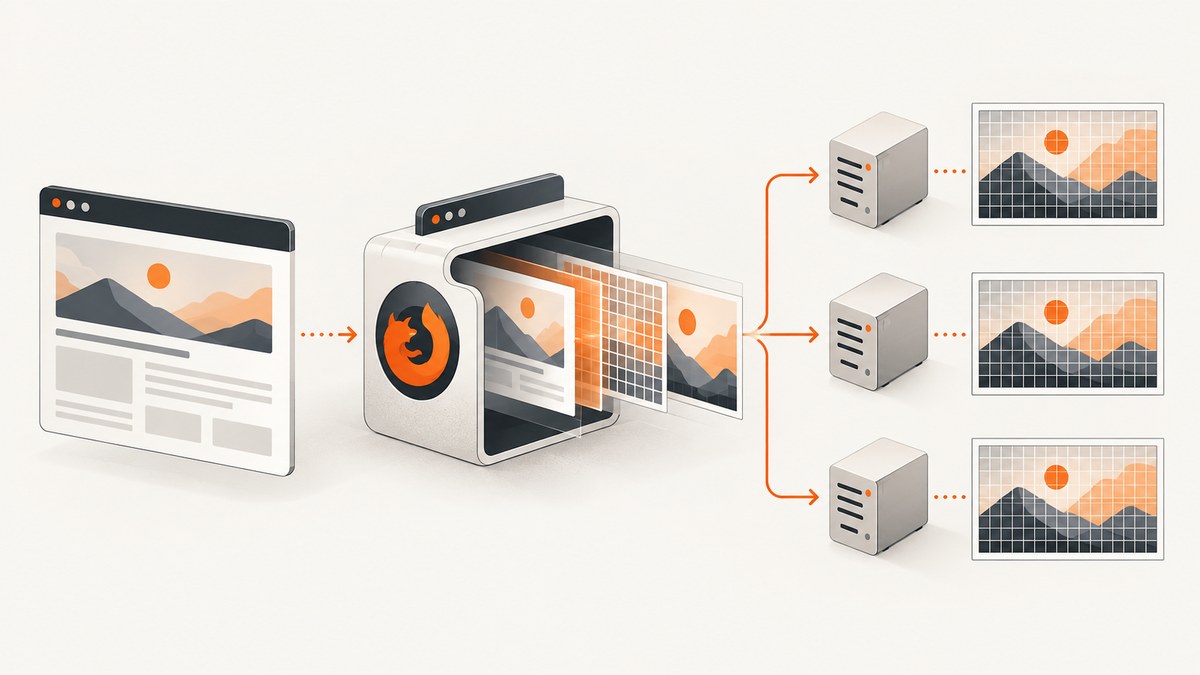
To keep Firefox headless screenshots the same size, define a capture contract and apply it before navigation: fix the viewport, choose CSS pixels or device pixels, set the device pixel ratio deliberately, choose viewport or full-page capture, wait for a stable page state, and record the Firefox and automation versions. Most dimension drift comes from an implicit host window, an unexpected device scale factor, or comparing a viewport image with a full-page image.
Native Firefox uses --window-size=WIDTH,HEIGHT with --screenshot. In Playwright, set viewport and deviceScaleFactor when creating the browser context, then choose fullPage and scale explicitly. Playwright contexts default to 1280×720; viewport: null delegates sizing to the host window and can make CI output non-deterministic. See the Mozilla Firefox command-line documentation and Playwright browser context documentation.
1. Define the screenshot dimensions you actually need
Write down these values for every screenshot job:
| Setting | Example | What it controls |
|---|---|---|
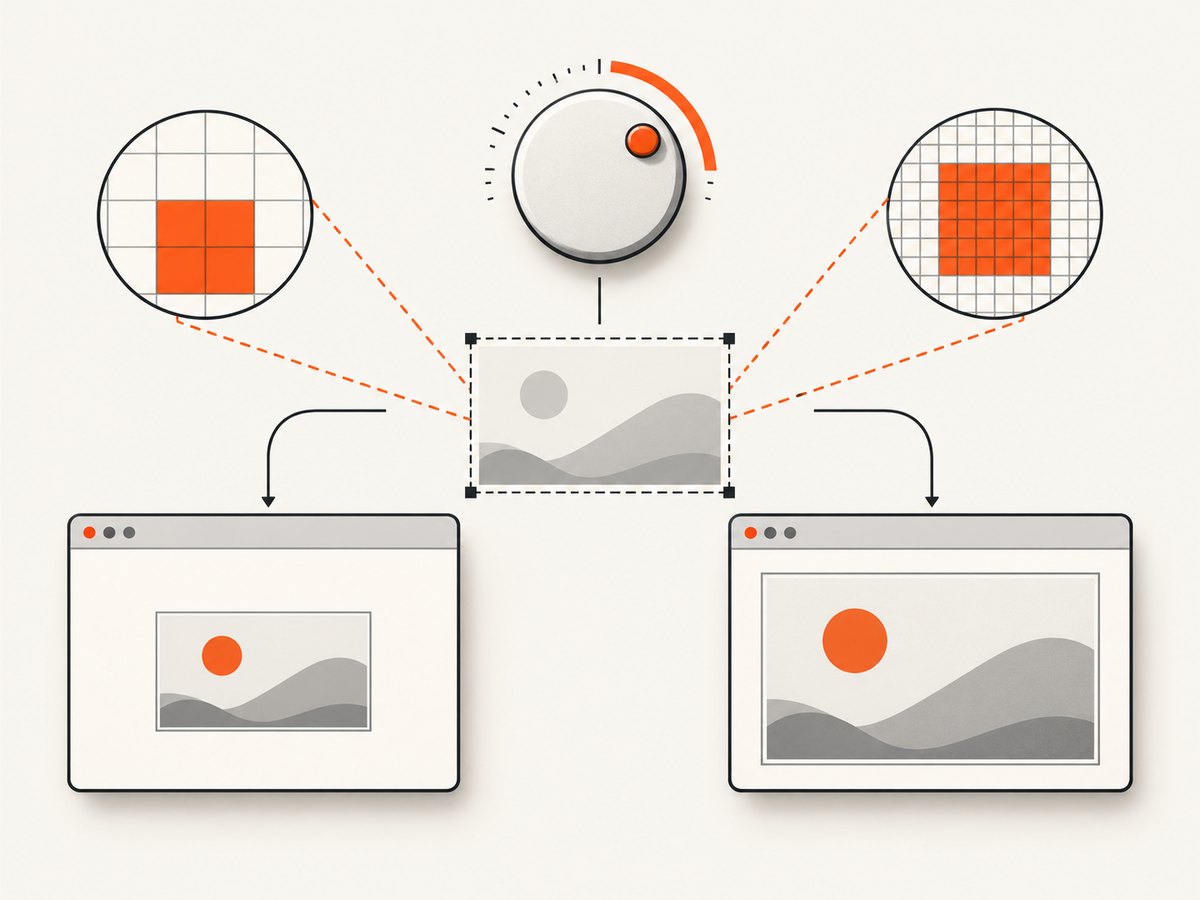
| Viewport | 1440×900 | The CSS layout area available to the page. |
| Device pixel ratio | 1 | How many device pixels represent one CSS pixel. |
| Output scale | css |
Whether the file uses CSS-pixel or device-pixel resolution. |
| Capture mode | Viewport or full page | Whether height is fixed or extends to document content. |
| Readiness | networkidle plus app-specific checks |
Which page state is captured. |
| Browser/tool versions | Pinned Firefox and Playwright versions | The rendering implementation used by workers. |
A 1440×900 viewport captured at DPR 1 with CSS scaling is expected to produce a 1440×900 image when fullPage is false. The same viewport at DPR 2 with device scaling can produce 2880×1800 pixels. A full-page capture keeps the width contract but changes the height to the document’s scrollable height.
2. Native Firefox headless screenshots
For a fixed viewport, pass both width and height to --window-size:
firefox --headless --window-size=1440,900 --screenshot=page.png https://example.comMozilla documents --headless, --screenshot, and --window-size width[,height]; the latter supplies the dimensions used for the screenshot. Keep the output filename explicit so a previous file cannot hide a changed command.
Native Firefox checklist
- Use the same Firefox binary and version on every worker.
- Pass
--window-size=WIDTH,HEIGHTon every invocation. - Use an explicit output path and remove or overwrite stale files intentionally.
- Capture the same URL state, including authentication and cookies.
- For pages that animate or load late, use an automation layer that can wait for a selector or application-ready signal.
The command-line screenshot is a visible viewport capture. It is not interchangeable with a full document image. If your requirement is an entire article or dashboard, define a separate full-page contract and validate its expected height.
3. Firefox’s Web Console screenshot helper
When using Firefox Developer Tools’ :screenshot helper, set the device pixel ratio and capture mode explicitly:
:screenshot page.png --dpr 1 --fullpageThe helper also supports --delay, --selector, and --filename. Mozilla’s Taking screenshots documentation describes --dpr as the device pixel ratio used for the screenshot and --fullpage as the full-document mode.
Use --fullpage only when the artifact should include the complete scrollable document. If you need a repeatable viewport image, omit it and keep the viewport and DPR fixed. A changed DPR affects output pixels; a changed full-page flag affects height and can also expose lazy-loaded content.
4. Playwright with Firefox: the deterministic pattern
Set the context viewport before creating or navigating the page. Set deviceScaleFactor instead of inheriting a machine default, and choose a screenshot scale explicitly.
import { firefox } from 'playwright';

const url = 'https://example.com';
const browser = await firefox.launch({ headless: true });
const context = await browser.newContext({
  viewport: { width: 1440, height: 900 },
  deviceScaleFactor: 1
});
const page = await context.newPage();

await page.goto(url, { waitUntil: 'networkidle' });
await page.screenshot({
  path: 'page.png',
  fullPage: false,
  scale: 'css'
});

await browser.close();
Playwright recommends setting the viewport before navigation because responsive sites choose layouts during page load. A context normally uses a 1280×720 viewport. Setting viewport: null makes the viewport depend on the host window, which is unsuitable for reproducible CI captures.
CSS pixels versus device pixels
scale: 'css' creates one output pixel for each CSS pixel. With a 1440×900 viewport, the expected viewport image is 1440×900 regardless of a high-DPI host. scale: 'device' uses device pixels and can create a larger file when the device scale factor is greater than 1.
// Device-pixel output: deliberately high resolution
await page.screenshot({
  path: 'page-device.png',
  fullPage: false,
  scale: 'device'
});
Do not mix scale: 'css' and scale: 'device' in the same comparison or visual-regression baseline. Store the scale setting beside the image metadata.
Full-page Playwright capture
await page.screenshot({
  path: 'document.png',
  fullPage: true,
  scale: 'css'
});
Full-page mode captures the scrollable document. Its height depends on content, lazy loading, fixed-position elements, font metrics, and application state. The width still follows the viewport and scale contract, but the height should not be compared with a visible viewport screenshot.
5. Measure the page immediately before capture
Log the values that explain a dimension mismatch. This snippet records the layout viewport, document dimensions, and DPR:
const metrics = await page.evaluate(() => ({
  innerWidth: window.innerWidth,
  innerHeight: window.innerHeight,
  scrollWidth: document.documentElement.scrollWidth,
  scrollHeight: document.documentElement.scrollHeight,
  devicePixelRatio: window.devicePixelRatio
}));
console.log(JSON.stringify(metrics));
Interpret the results as follows:
- A different
innerWidthusually means the viewport or host window changed. - A different
devicePixelRatiopoints to DPR or device-scale configuration. - A larger
scrollHeightis expected when content, fonts, or images finish loading later. - A larger file with identical CSS dimensions can be caused by device-pixel scale, image encoding, or changed page content.
6. Wait for the state you intend to capture
Dimensions can be correct while screenshots still differ because the page is not stable. Use a layered readiness strategy:
- Navigate with an explicit wait policy such as
domcontentloadedornetworkidle. - Wait for a selector that proves the main application rendered.
- Wait for fonts and important images when they affect layout.
- Disable or wait out animations and carousels.
- Capture only after the page-specific state is reached.
await page.goto(url, { waitUntil: 'networkidle' });
await page.locator('[data-ready="true"]').waitFor({ state: 'visible' });
await page.evaluate(async () => {
  if (document.fonts) await document.fonts.ready;
});
await page.screenshot({ path: 'stable.png', fullPage: false, scale: 'css' });
networkidle alone is not a universal readiness signal. Analytics, WebSockets, advertisements, and polling can keep a page active or finish after network idle. Prefer an application-specific selector when you control the page.
7. Common causes and fixes
| Symptom | Likely cause | Fix |
|---|---|---|
| Different width on CI workers | viewport: null or missing --window-size |
Set an explicit viewport before navigation or pass --window-size. |
| PNG is twice as wide or tall | DPR or device scale changed | Set deviceScaleFactor, --dpr, and screenshot scale explicitly. |
| Only height changes | Full-page mode or late content | Compare the same fullPage setting and wait for fonts, images, and app readiness. |
| Responsive layout differs | Viewport set after navigation | Create the context with the target viewport before goto. |
| Screenshot is blank | Navigation failure, blocked resource, or capture before render | Check navigation status, wait for a known selector, and save console or request errors. |
| Old image appears unchanged | Stale output file or cache | Use an explicit filename, remove stale artifacts, and control page caching. |
| Text wraps differently | Different Firefox version, fonts, locale, or viewport width | Pin versions, install the same fonts, set locale/timezone, and log viewport metrics. |
| Full-page image has duplicated or missing sections | Lazy loading or virtualized content | Scroll or trigger the page’s loading mechanism before capture, then wait for stable height. |
8. Reproducibility in CI and worker pools
Make the capture contract configuration, not an incidental command-line choice. A useful record includes:
- Firefox version and executable path.
- Playwright version and browser revision.
- Viewport width and height.
- Device pixel ratio and screenshot scale.
- Visible viewport versus full-page mode.
- URL, locale, timezone, geolocation, authentication, and custom headers.
- Readiness selector or wait policy.
- Output format and compression settings.
Use the same container image or machine image for all workers when pixel-level comparison matters. Keep concurrency bounded: many simultaneous pages can compete for CPU, memory, fonts, and network bandwidth, causing late layout shifts or timeouts. Reuse a browser process where practical, but create isolated contexts so cookies and viewport settings do not leak between jobs.
9. Performance, reliability, and cost considerations
Viewport screenshots are usually faster and smaller than full-page screenshots because they capture a bounded region. Full-page captures can require extra layout work and can trigger lazy content. CSS-pixel output reduces file dimensions when device-pixel resolution is unnecessary. WebP or JPEG can reduce transfer size; PNG is appropriate when lossless text, transparency, or pixel comparison is required.
Reliability improves when you wait on a deterministic selector, block irrelevant third-party resources, and set navigation and capture timeouts. Record failures with the URL, browser version, viewport, DPR, readiness stage, and measured metrics. Retry only transient navigation or network failures; repeated retries will not fix a wrong viewport contract or a permanently blocked page.
For a self-hosted browser fleet, budget for browser binaries, container images, CPU, memory, storage, and engineering time for upgrades. If you only need a stable image from a URL, a screenshot API can remove that setup.
10. Or skip the browser setup
ScreenshotNeo provides a website screenshot API and MCP server. One GET request returns PNG, JPEG, WebP, or PDF, while the service handles the browser configuration:
curl -G "https://api.screenshotneo.com/v1/shot" -d access_key=YOUR_API_KEY --data-urlencode url=https://stripe.com -o shot.webpimport requests
r = requests.get("https://api.screenshotneo.com/v1/shot", params={"access_key": "YOUR_API_KEY", "url": "https://stripe.com"}, timeout=90)
open("shot.webp", "wb").write(r.content)const q = new URLSearchParams({ access_key: 'YOUR_API_KEY', url: 'https://stripe.com' });
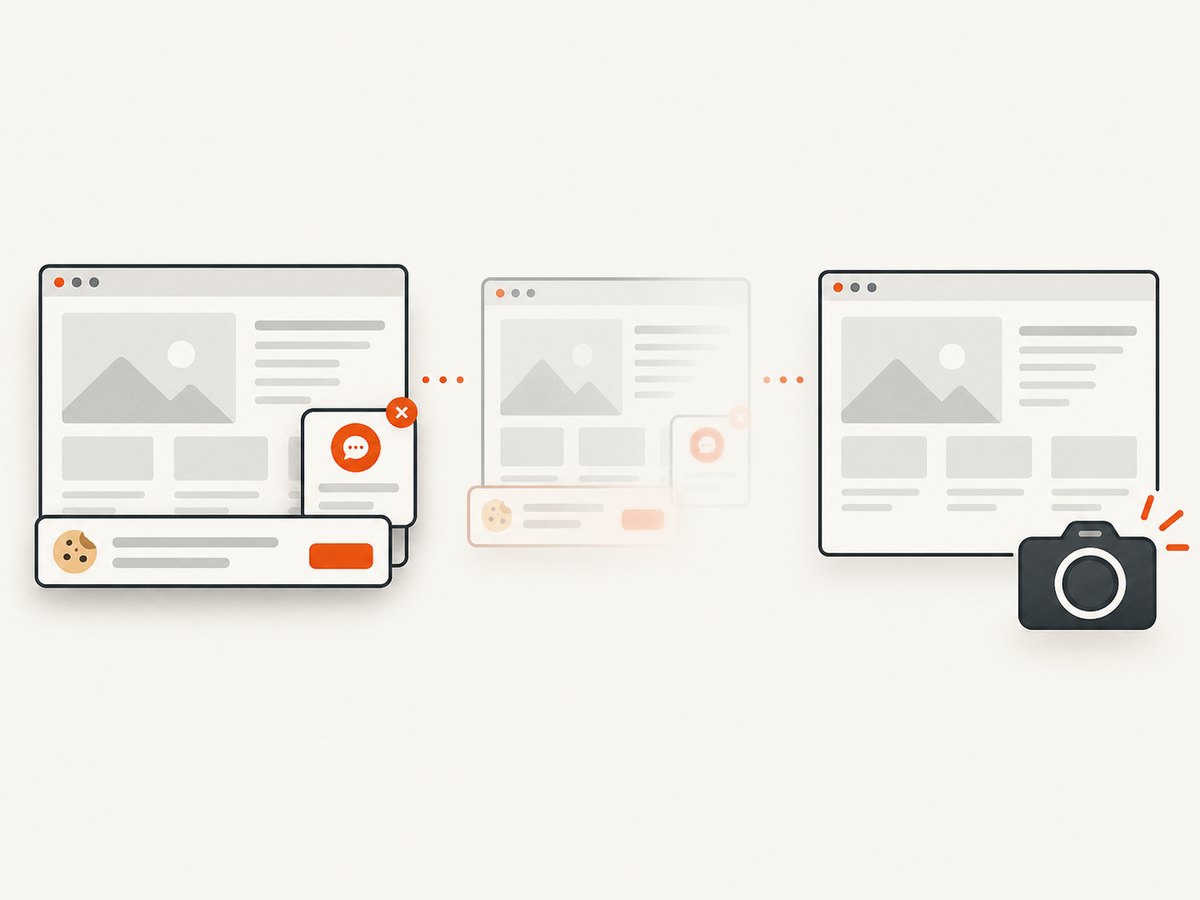
const res = await fetch(`https://api.screenshotneo.com/v1/shot?${q}`);See the ScreenshotNeo documentation for request options. Before capture, cookie and consent banners are accepted and more than 60 known consent platforms, newsletter popups, and chat widgets can be removed; each step can be turned off. Bot checks, CAPTCHAs, blank pages, timeouts, failed loads, and cache hits are not billed, and response headers report the page verdict and billing status. ScreenshotNeo also supports custom viewports, device presets, retina scale, full-page and element capture, wait conditions, custom CSS and JavaScript, request blocking, headers, cookies, user agents, timezone, geolocation, caching, signed links, asynchronous jobs, bulk capture, PDFs, and an MCP server with take_screenshot, get_page_info, and capture_pdf for AI clients.
The Free plan includes 1,000 screenshots per month with no card. Paid plans start at $5 for 3,000 shots; yearly billing gives two months free. Create a free ScreenshotNeo account and try the API with no card.
11. Short FAQ
How do I force Firefox headless to 1920×1080?
Run firefox --headless --window-size=1920,1080 --screenshot=page.png URL. In Playwright, use viewport: { width: 1920, height: 1080 } before navigation.
Why does Playwright Firefox ignore my screenshot dimensions?
The viewport describes CSS layout pixels; output pixels also depend on deviceScaleFactor and scale. Use scale: 'css' for one output pixel per CSS pixel.
How can I keep full-page screenshots the same width?
Keep the viewport width, device scale, and screenshot scale fixed. Expect height to vary when document content or readiness state varies.
Why is my PNG larger on CI?
Check DPR, screenshot scale, image content, and compression. A high-DPI setting can multiply pixel dimensions even when CSS dimensions are unchanged.
Should I use a fixed delay?
Use a page-specific readiness signal when possible. A delay can help with known animations, but it does not prove that fonts, images, or application data are stable.


