BlogScreenshots on your device
How to Fix Black Screens from PHP imagegrabscreen
Diagnose black PHP imagegrabscreen captures safely, verify failures, save valid images, and choose the right Windows capture target.
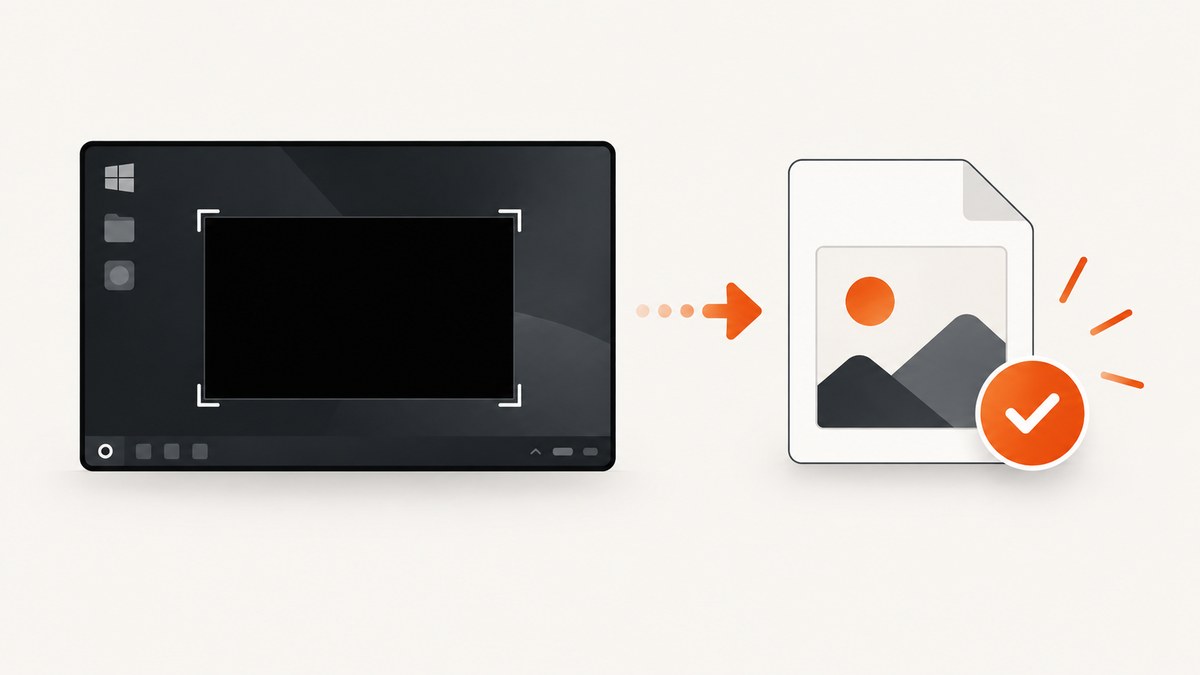
Start here: verify that PHP is running on Windows, check whether imagegrabscreen() returned false, and save the result to a file before diagnosing how it is displayed. PHP documents this function as a whole-screen Windows capture that returns GdImage on success or false on failure; its manual does not document a specific black-screen cause or a universal fix.
The safest workflow separates three cases:
- Capture failure: the function returns
false. - Valid image with black pixels: PHP returned an image, but the captured desktop content is black.
- Downstream problem: the image is valid on disk, but a browser response, viewer, or later conversion makes it appear black.
What imagegrabscreen() actually does
imagegrabscreen() grabs the whole screen and accepts no parameters. It is available only on Windows. PHP 8 changed its successful return value from a resource to a GdImage object. See the official imagegrabscreen manual for the documented signature and platform restriction.
Because the manual does not identify black-screen causes, explanations involving remote sessions, graphics drivers, permissions, desktop isolation, or GPU modes should be treated as deployment-specific hypotheses. Confirm the observable result at each step before changing your environment.
Minimal diagnostic script
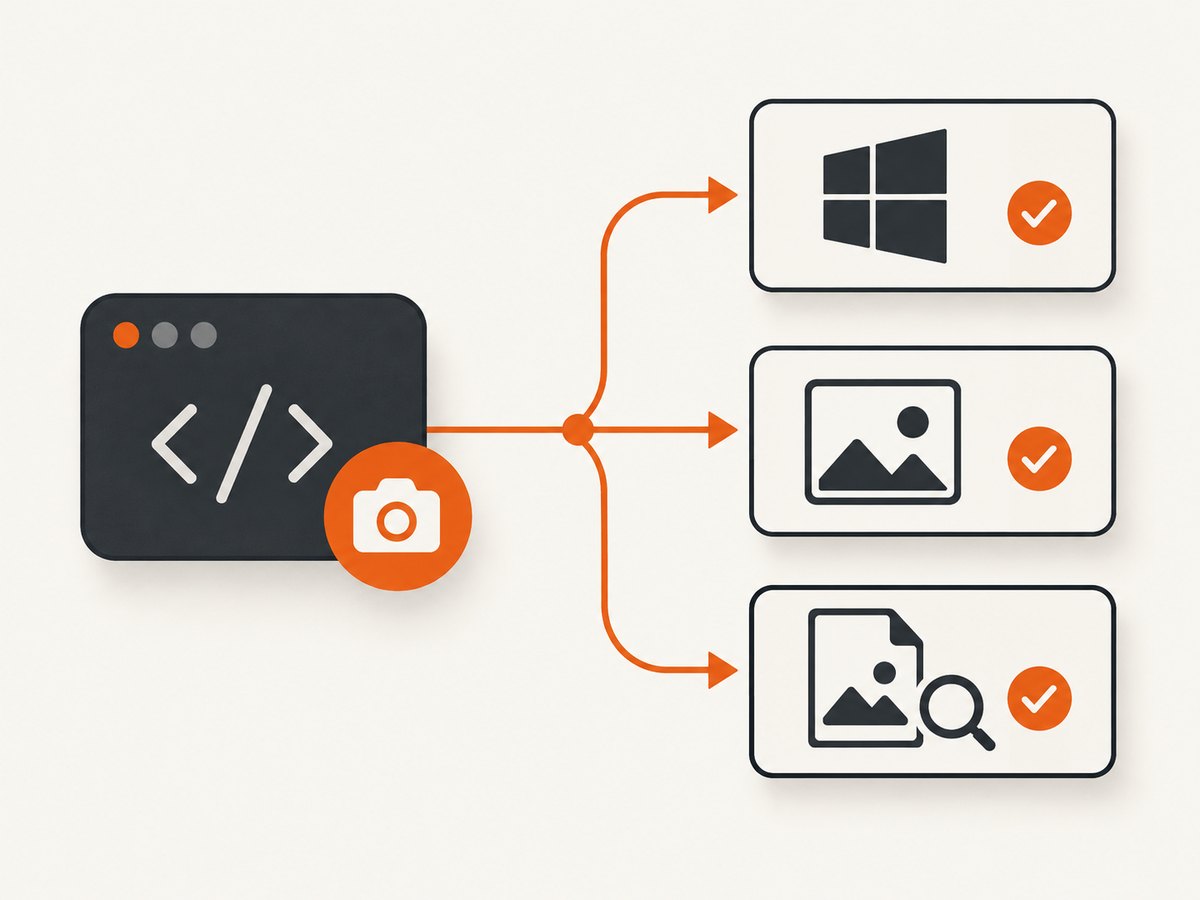
Run this script from the same PHP runtime and account that performs the real capture. It checks the platform, checks the return value, writes a PNG, and verifies that the file exists and is non-empty.
<?php
declare(strict_types=1);

if (PHP_OS_FAMILY !== 'Windows') {
    throw new RuntimeException('imagegrabscreen() is documented for Windows only.');
}

if (!function_exists('imagegrabscreen')) {
    throw new RuntimeException('imagegrabscreen() is unavailable in this PHP runtime.');
}

$im = imagegrabscreen();
if ($im === false) {
    throw new RuntimeException('imagegrabscreen() failed.');
}

$path = __DIR__ . DIRECTORY_SEPARATOR . 'screen-check.png';
if (!imagepng($im, $path)) {
    throw new RuntimeException('Could not write the PNG file.');
}

if (!is_file($path) || filesize($path) === 0) {
    throw new RuntimeException('The PNG file was not created correctly.');
}

echo "Saved: {$path}" . PHP_EOL;
?>
Inspect screen-check.png with an independent image viewer. If the file is correct, the capture worked and the problem is in your HTTP response, browser display, or subsequent image processing. If the file is black, continue with the checks below.
Step-by-step black-screen diagnosis
- Confirm Windows. Check
PHP_OS_FAMILY. A non-Windows runtime is outside the documented support for this function. - Confirm the function exists. A missing function indicates the runtime or installation does not expose it; do not pass a missing result to GD output functions.
- Check for
false. Test the return value before callingimagepng(),imagejpeg(), or another image function. - Write to a known path. Use an absolute path under a directory the PHP process can write. This removes browser output and relative-path confusion from the test.
- Inspect the saved bytes independently. A valid file that looks black in one application may be a display or decoding issue. Open the same file elsewhere and check its size.
- Record the execution context. Note whether the script runs interactively, as a scheduled task, through a web server, or in another session. Treat differences between contexts as clues to investigate, not as documented causes.
- Reduce the target. If you need one application rather than the entire desktop and have a valid Windows handle, evaluate
imagegrabwindow().
Whole screen versus one window
imagegrabscreen() captures the whole screen. PHP also documents imagegrabwindow(), which captures a window or its client area using a Windows handle (HWND). It accepts the handle and a Boolean $client_area option and returns GdImage or false. The imagegrabwindow manual does not claim that changing functions cures a black image.
<?php
declare(strict_types=1);

$hwnd = /* obtain a valid Windows HWND for the target window */;
$clientArea = true;

$im = imagegrabwindow($hwnd, $clientArea);
if ($im === false) {
    throw new RuntimeException('imagegrabwindow() failed.');
}

if (!imagepng($im, __DIR__ . '/window-check.png')) {
    throw new RuntimeException('Could not write the window PNG.');
}
?>
The placeholder handle must be replaced with a valid handle from your Windows integration. If your requirement is the client area, set $clientArea to true; otherwise use the documented window target behavior for your integration. A successful call still needs to be saved and inspected separately.
Serving the PNG correctly
Once the file is known to be valid, avoid mixing diagnostic text with binary image bytes. For a direct PHP response:
<?php
$path = __DIR__ . '/screen-check.png';

if (!is_file($path)) {
    http_response_code(404);
    exit('Screenshot not found');
}

header('Content-Type: image/png');
header('Content-Length: ' . filesize($path));
readfile($path);
?>
Do not emit warnings, notices, HTML, or whitespace before the PNG. During debugging, save the file first; only then add the HTTP response path. If a browser still shows black while an image viewer shows the expected desktop, inspect response headers and any proxy or application transformation.
Troubleshooting table
| Symptom | What it establishes | Next action |
|---|---|---|
| Runtime is not Windows | The documented platform requirement is not met. | Run the capture in a Windows PHP environment or use a different capture approach. |
| Function is undefined | This PHP runtime cannot call the function. | Check the runtime used by the script and installation; do not continue until the function is available. |
Return value is false |
The capture call failed. | Log the failure, confirm the execution context, and test again with the minimal script. |
| PNG is missing or zero bytes | The save step failed or the path is unsuitable. | Use an absolute writable path and check the return value from imagepng(). |
| PNG opens and is black | The file was produced, but its captured pixels are black. | Compare execution contexts and test the required target with imagegrabwindow() when a valid HWND exists. These are diagnostic directions, not documented universal fixes. |
| Viewer shows black but another viewer does not | The capture may be valid and the problem may be downstream. | Check the file independently, then inspect decoding, response headers, and transformations. |
| Browser response is black but disk file is correct | The capture and save succeeded. | Serve only the binary file with the correct Content-Type and no preceding output. |
Reliability and performance considerations
- Check every boundary. Validate the platform, function result, encoder result, file existence, and final response independently.
- Keep diagnostics reproducible. Record the PHP version, operating-system family, execution mode, output path, and whether the image was inspected from disk.
- Choose the smallest target. Whole-screen capture is appropriate for the desktop; a window capture is a better fit when the requirement is a particular HWND and client area.
- Expect environment sensitivity. The official documentation does not publish performance figures, black-screen causes, or guarantees for particular session, driver, or graphics configurations. Measure your own deployment before relying on it for unattended jobs.
- Control file handling. Use unique paths for concurrent captures, check write errors, and clean up temporary files after inspection.
Or skip the browser setup
If your real goal is a screenshot of a public web page rather than the Windows desktop, ScreenshotNeo provides a URL-based screenshot API. It accepts a URL and returns PNG, JPEG, WebP, or PDF. Cookie and consent banners, newsletter popups, and chat widgets are removed before capture; bot checks, blank pages, timeouts, failed loads, and cache hits are not billed, and response headers identify the page verdict and billing result. An MCP server lets Claude, Cursor, and other MCP clients take screenshots. The free plan includes 1,000 screenshots per month with no card, and paid plans start at $5 for 3,000 shots.

See the ScreenshotNeo API documentation for options and authentication.
cURL
curl -G "https://api.screenshotneo.com/v1/shot" -d access_key=YOUR_API_KEY --data-urlencode url=https://stripe.com -o shot.webpPython
import requests

r = requests.get(
    "https://api.screenshotneo.com/v1/shot",
    params={"access_key": "YOUR_API_KEY", "url": "https://stripe.com"},
    timeout=90,
)
r.raise_for_status()
open("shot.webp", "wb").write(r.content)
Node.js
const q = new URLSearchParams({ access_key: 'YOUR_API_KEY', url: 'https://stripe.com' });
const res = await fetch(`https://api.screenshotneo.com/v1/shot?${q}`);
if (!res.ok) throw new Error(`HTTP ${res.status}`);
const data = Buffer.from(await res.arrayBuffer());
require('fs').writeFileSync('shot.webp', data);
Create a free ScreenshotNeo account to get 1,000 screenshots each month with no card.
FAQ
Does a black image prove imagegrabscreen() returned false?
No. A black file can still be a successfully returned image. Check the return value before encoding and inspect the saved file independently.
Did PHP publish a fix for black imagegrabscreen captures?
The official function manual documents the API and Windows restriction but does not describe a black-screen failure mode or a cause-specific fix.
Should I always replace imagegrabscreen() with imagegrabwindow()?
No. Use the function that matches the target: the entire screen or a specific window/client area. The manual does not state that the alternate function cures black output.
Can ScreenshotNeo capture my Windows desktop?
No. ScreenshotNeo captures web pages from a URL. Use the PHP functions for a local Windows desktop or application window; use ScreenshotNeo when the target is a web page.


