BlogScreenshots on your device
How to Fix Black or White Screenshots on the Second MSS Capture
Diagnose black or white second screenshots in Python-MSS by separating capture, pixel conversion, buffer sharing, window state, and session issues.
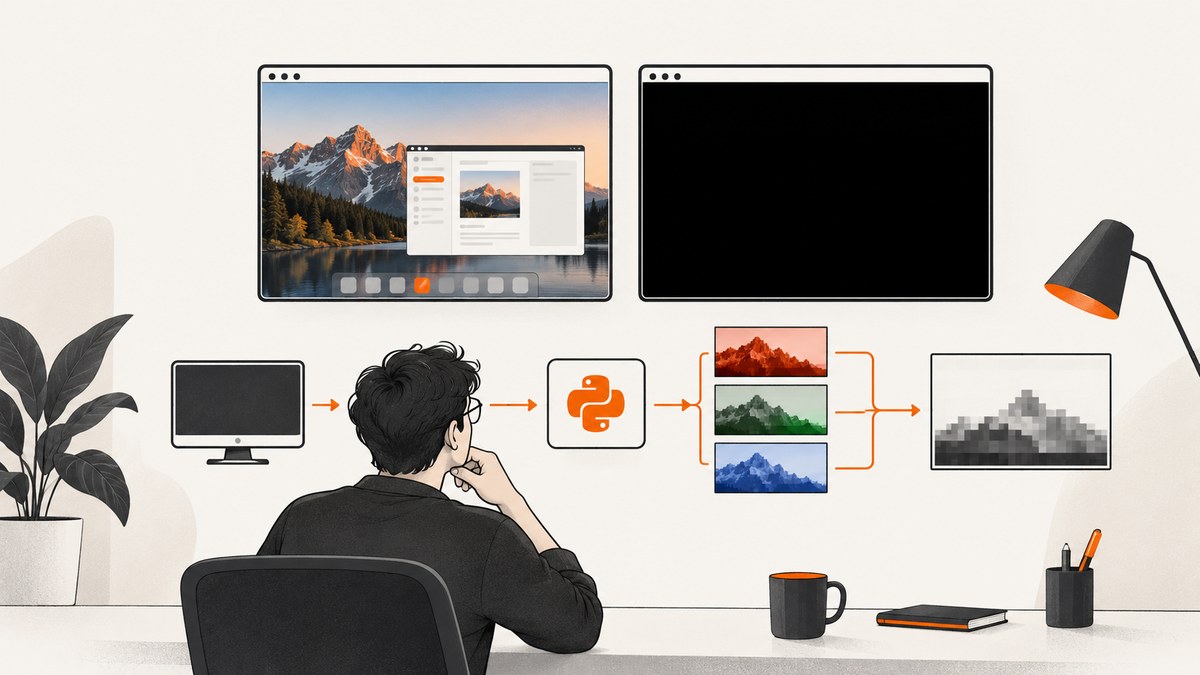
Short answer: the original second-capture report does not establish one confirmed root cause. Because the same behavior reportedly appeared after switching from MSS to PyAutoGUI, inspect the entire pipeline: raw pixels, BGRA/RGB conversion, alpha handling, shared buffers, capture coordinates, window state, MSS version, and whether the process runs in an interactive desktop session.
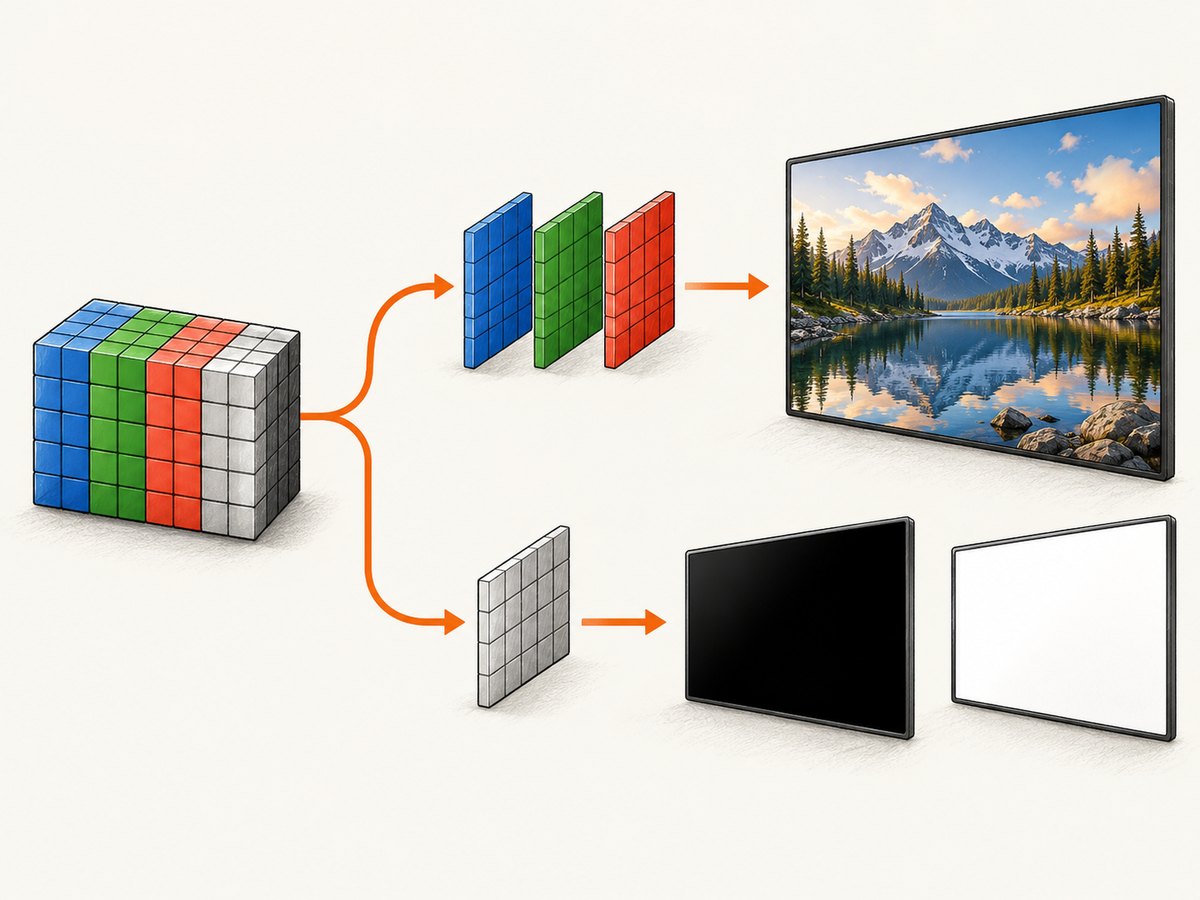
Start by saving or inspecting both raw captures before displaying them. MSS exposes pixels in BGRA order, and its alpha channel can be zero-filled. A display library may interpret that as transparent and show a blank image even when the captured color bytes are valid. Copy converted data before changing it, reuse one MSS instance in a loop, and test the same visible region twice with no window-management code.
What the symptom does and does not prove
The reported pattern was: the first image was consistently correct, later images were often black or white, a one-second sleep did not help, and PyAutoGUI showed a similar result. That evidence makes a capture or display pipeline problem, window state, or surrounding application behavior worth investigating. It does not prove that MSS’s second call is a library defect.
Keep two cases separate:
- True black pixels: the bytes written to disk or sampled from the capture are actually near zero.
- Display or conversion artifact: the bytes contain an image, but channel order, alpha, or shared memory causes the viewer to render it as black, white, or transparent.
Diagnostic sequence
- Capture without rendering. Save both results directly to files and print representative pixel values.
- Compare layouts. MSS’s NumPy representation is BGRA. Convert explicitly to RGB or BGR for the destination library, or use MSS’s documented helpers.
- Remove alpha ambiguity. Drop the alpha channel when the consumer does not expect one.
- Isolate memory. Copy an array or image before modifying it or handing it to code that may mutate it.
- Reuse one MSS object. Keep the instance open around a repeated capture loop.
- Verify geometry. Log top, left, width, and height for every call.
- Test session context. Compare an interactive logged-in desktop with a scheduled or background run.
The official MSS documentation describes BGRA and RGB access, warns that alpha may be only a zero-filled placeholder, explains that converted objects can share memory, and recommends reusing an MSS instance for intensive capture. See the Python-MSS documentation.
Minimal reproducible test
Run this while the target region is visibly unchanged. It tests capture and file output without Pillow’s display window.
from pathlib import Path
import time
import mss
from PIL import Image

REGION = {"top": 100, "left": 100, "width": 800, "height": 600}

with mss.mss() as sct:
    for index in (1, 2):
        shot = sct.grab(REGION)
        # Explicitly create independent RGB storage.
        rgb = Image.frombytes("RGB", shot.size, shot.rgb)
        path = Path(f"capture-{index}.png")
        rgb.save(path)
        print(index, path, shot.size, shot.pixel(0, 0), shot.rgb[:12])
        time.sleep(1)
If both PNG files contain the expected scene, the problem is in later display, conversion, or window logic. If the second file is black, continue with the geometry, session, and version checks below.
Correct channel and alpha handling
Pillow
import mss
from PIL import Image

with mss.mss() as sct:
    shot = sct.grab({"top": 0, "left": 0, "width": 800, "height": 600})
    image = Image.frombytes("RGB", shot.size, shot.rgb)
    image.copy().save("independent.png")
Do not pass a BGRA buffer to a consumer expecting RGB. If you use a NumPy array, remove or reorder channels explicitly and copy when independent storage is required.
NumPy and OpenCV
import cv2
import mss
import numpy as np

with mss.mss() as sct:
    shot = sct.grab({"top": 0, "left": 0, "width": 800, "height": 600})
    bgra = np.array(shot, copy=True)
    bgr = bgra[:, :, :3].copy()
    cv2.imwrite("capture.jpg", bgr)
    print("BGRA shape:", bgra.shape)
    print("first BGRA pixel:", bgra[0, 0].tolist())
For a display library that expects RGB, use cv2.cvtColor(bgr, cv2.COLOR_BGR2RGB) or the library’s equivalent. Avoid assuming that an alpha value of zero means the screen was captured as black.
Check buffer sharing and mutation
MSS conversions may share pixel memory with the source screenshot or with other converted objects, depending on the implementation and environment. Code that writes into an array, applies a mask, or reuses a view can therefore alter data used by another image.
import mss
import numpy as np
from PIL import Image

with mss.mss() as sct:
    shot = sct.grab({"top": 0, "left": 0, "width": 640, "height": 480})
    pixels = np.array(shot, copy=True)
    pixels = pixels[:, :, :3].copy()
    # Safe to mutate pixels now.
    pixels[0:10, 0:10] = 0
    Image.fromarray(pixels[:, :, ::-1], "RGB").save("mutated-copy.png")
Verify coordinates and window state
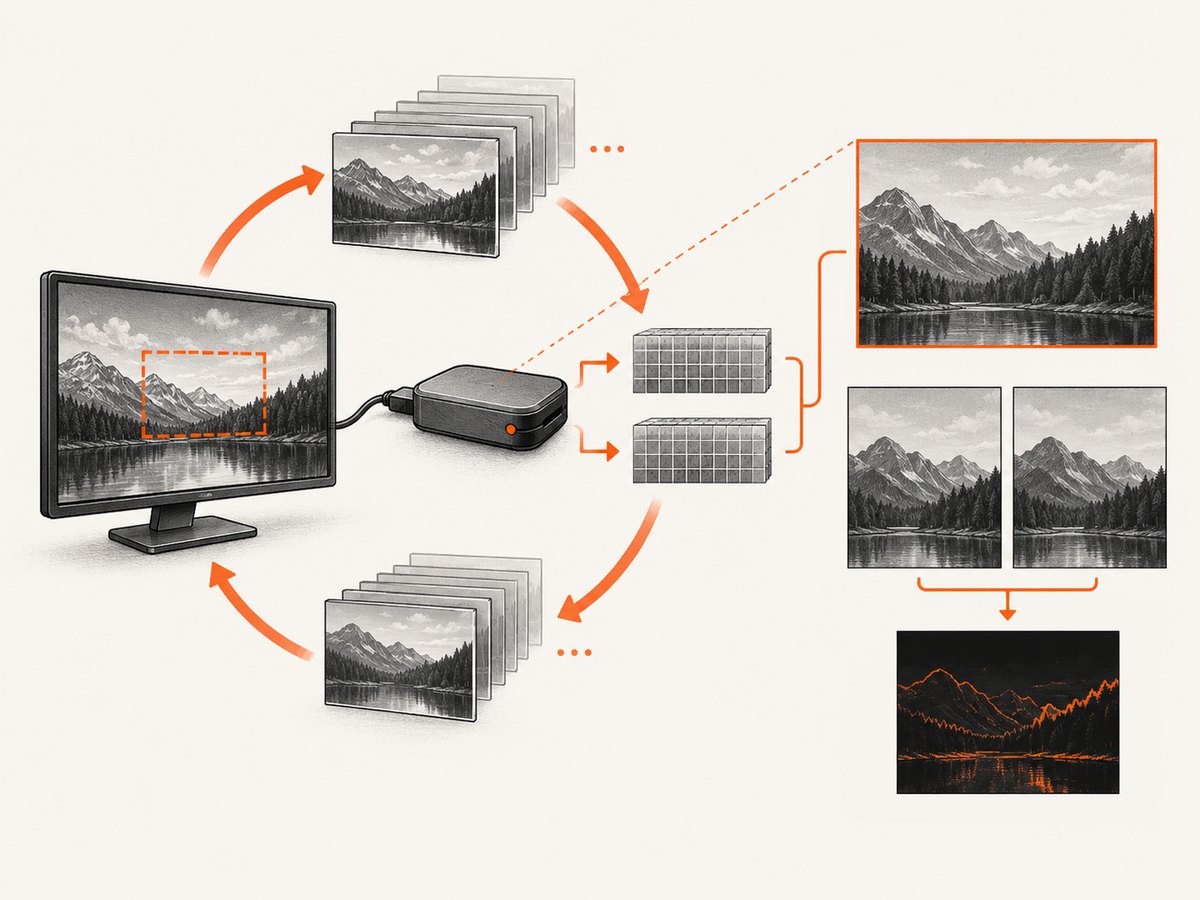
Log the exact region on every call. A window lookup can return a changed position, a minimized window can expose a different surface, and DPI scaling can make logical coordinates differ from physical pixels.
import json
import mss

region = {"top": 100, "left": 100, "width": 800, "height": 600}
with mss.mss() as sct:
    for number in range(2):
        print("capture", number + 1, json.dumps(region, sort_keys=True))
        shot = sct.grab(region)
        print("size", shot.size, "corner", shot.pixel(0, 0))
First capture a fixed, known visible desktop rectangle. Only after that works should you add window discovery, scrolling, resizing, or element selection. Compare the first and second calls with identical coordinates.
Windows session and version checks
Test from the logged-in interactive desktop and from the environment where the failure occurs. A separate 2020 Windows report associated all-black captures with a script launched after login without a visible command window. That is evidence that session context can matter in some setups, not proof of the original second-call cause.
Python-MSS 10.2.0, released 2026-04-23, changed Windows capture to use CreateDIBSection instead of GetDIBits. Its release notes say this reduces memory overhead and improves reliability during long sessions; they do not claim to fix this exact second-call symptom. Check the installed version and read the MSS release notes before changing versions.
python -c "import mss; print(mss.__version__)"
python -m pip show mss
Common errors and fixes
| Symptom | Likely cause | Fix |
|---|---|---|
| Viewer shows a transparent or blank image | Zero-filled alpha or unexpected channel order | Use explicit RGB/BGR conversion and drop alpha. |
| First file is valid; second is black after processing | Shared or reused mutable buffer | Copy the array/image before mutation. |
| Both libraries fail on the second call | Window state, coordinates, application behavior, or session context | Capture a fixed visible rectangle and log geometry before adding window logic. |
| Works manually but fails after login or in a task | Non-interactive desktop/session differences | Run in the actual interactive session and compare environment details. |
| Image size changes between calls | DPI scaling or changing window bounds | Log physical coordinates and dimensions; avoid dynamic bounds during the test. |
| Long loops degrade over time | Repeated setup/teardown or resource handling | Reuse one MSS instance around the loop and close it cleanly. |
Reliability and performance practices
- Keep one
mss.mss()instance for a capture loop. - Capture the smallest region that satisfies the task.
- Save raw output before display or post-processing when diagnosing failures.
- Record OS, Python, MSS version, backend, coordinates, dimensions, and session type.
- Do not use a sleep as the only synchronization method; it cannot repair an invalid buffer or hidden desktop.
- Use independent copies at boundaries where another thread or library may mutate image data.
There is no verified benchmark or failure rate for this exact symptom in the available sources. Treat version changes as diagnostic experiments and compare raw bytes before and after each change.
What to include in a reproducible bug report
- Operating system and whether the process is interactive, scheduled, or headless.
- Python and MSS versions.
- Exact
grabregion for both calls. - Raw image dimensions and a few pixel samples from each capture.
- Conversion and display code.
- Whether saving directly to PNG reproduces the issue.
- Whether a fixed desktop region behaves differently from a moving window.
Or skip the browser setup
If you need website screenshots rather than the pixels of a local desktop window, ScreenshotNeo handles the browser capture with one request. See the API documentation.
curl -G "https://api.screenshotneo.com/v1/shot" -d access_key=YOUR_API_KEY --data-urlencode url=https://stripe.com -o shot.webpimport requests
r = requests.get("https://api.screenshotneo.com/v1/shot", params={"access_key": "YOUR_API_KEY", "url": "https://stripe.com"}, timeout=90)
open("shot.webp", "wb").write(r.content)const q = new URLSearchParams({ access_key: 'YOUR_API_KEY', url: 'https://stripe.com' });
const res = await fetch(`https://api.screenshotneo.com/v1/shot?${q}`);Cookie and consent banners, newsletter popups, and chat widgets are removed before the shot. Bot checks, blank pages, failed loads, timeouts, and cache hits are not billed, and response headers identify the page verdict and billing result. An MCP server lets AI agents use take_screenshot, get_page_info, and capture_pdf. The free plan includes 1,000 screenshots a month with no card; paid plans start at $5 for 3,000. Create a free ScreenshotNeo account.
FAQ
Is MSS’s second call known to be broken?
The available report does not establish that. The same symptom after switching libraries leaves the surrounding pipeline unresolved.
Should I always add a one-second delay?
No. A delay may help an application settle, but it cannot correct channel order, alpha interpretation, buffer mutation, invalid coordinates, or a non-interactive desktop.
How do I tell black pixels from a transparent display?
Inspect raw pixel samples and save the capture directly to disk before calling a display method. Then test explicit RGB/BGR conversion with alpha removed.
Does upgrading to MSS 10.2.0 guarantee a fix?
No. It changes the Windows implementation and may improve long-session reliability, but its release notes do not claim to resolve this specific second-capture report.


