BlogScreenshots on your device
How to Fix Blank Screenshots from the C# WebBrowser Control
A blank bitmap may be caused by timing, but WebBrowser.DrawToBitmap is documented as unsupported. Diagnose readiness, then choose a capture path your control supports.

If a C# WinForms WebBrowser control shows a page but your bitmap is blank, first separate page readiness from the capture method. Waiting for navigation can help diagnose a timing issue, but it cannot make an unsupported rendering path reliable: Microsoft documents DrawToBitmap as unsupported for WebBrowser. For new WinForms projects, Microsoft recommends evaluating WebView2 instead. [Microsoft WebBrowser class reference] [WebBrowser Control Overview]
1. Identify whether this is a timing problem or an unsupported capture path
WebBrowser hosts the legacy WebBrowser ActiveX control. Navigation completing and a bitmap API being able to render that hosted content are separate questions. A call to Navigate followed immediately by a bitmap capture can be too early, but Microsoft marks the inherited DrawToBitmap method unsupported for this control. Repeating the capture after longer delays may help establish whether content was still loading; it does not fix that limitation.
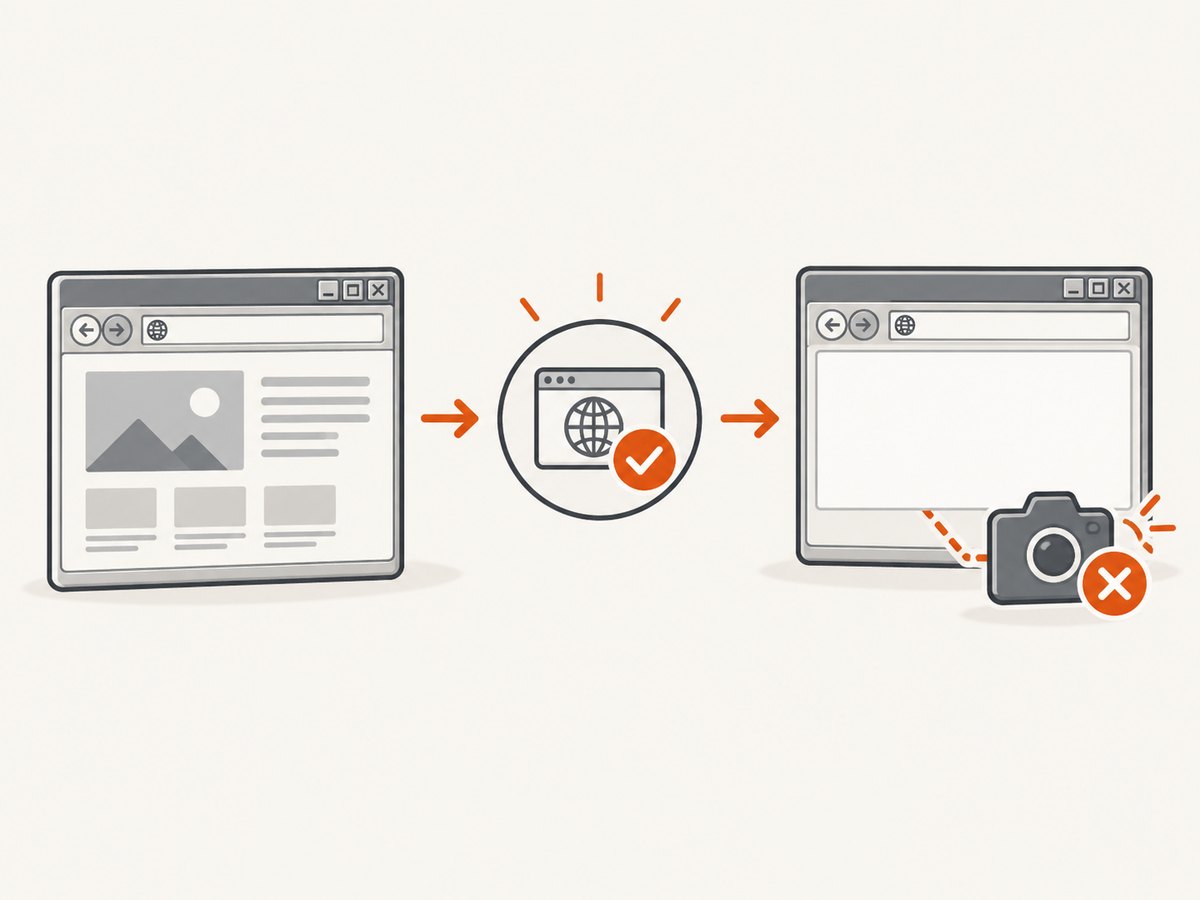
Also distinguish navigation completion from the page reaching the exact state you need. DocumentCompleted is a useful navigation readiness signal. It does not establish that every site script, asynchronous request, animation, or application-owned update has finished.
2. Check navigation and document readiness
For a diagnostic pass, subscribe to DocumentCompleted before navigating. Confirm that the final document is present and inspect its URL. The following WinForms example shows where to put those checks. It deliberately does not claim that DrawToBitmap will work: that method is unsupported for this control.
using System;
using System.Windows.Forms;

public partial class MainForm : Form
{
    private bool _navigationReported;

    public MainForm()
    {
        InitializeComponent();

        webBrowser1.DocumentCompleted += WebBrowser1_DocumentCompleted;
        webBrowser1.Navigate("https://example.com");
    }

    private void WebBrowser1_DocumentCompleted(
        object sender,
        WebBrowserDocumentCompletedEventArgs e)
    {
        // A frame may raise completion events too. Compare with the
        // control's current URL before treating this as the top-level page.
        if (webBrowser1.Url == null || e.Url != webBrowser1.Url)
            return;

        _navigationReported = true;

        var document = webBrowser1.Document;
        if (document == null)
        {
            Text = "Navigation reported; document is not available";
            return;
        }

        Text = $"Navigation reported: {document.Url}";

        // If the page populates content asynchronously, check a
        // page-specific condition here before starting your capture path.
        // DocumentCompleted alone does not prove that such work has ended.
    }
}
Use this to answer “did I try to capture before the page was ready?” If the document is still absent, the URL is unexpected, or the page-specific content is missing, fix readiness first. If the content is visibly present and the bitmap remains blank while the code uses DrawToBitmap, treat the unsupported capture API as the main issue.
3. Follow a troubleshooting sequence
- Subscribe before navigation. Attach the completion handler before calling
Navigate, so a fast navigation cannot finish before your handler is ready. - Inspect the final URL and document. Redirects and frames can make a completion event differ from the top-level page you intended to capture. Check the current control URL and document rather than relying on elapsed time alone.
- Wait for application-specific content when necessary. If your page fills in data after navigation, identify a real condition for that content and wait for it. This is a practical requirement of the page, not a guarantee provided by
DocumentCompleted. - Check the capture method. If it is
DrawToBitmap, Microsoft documents it as unsupported forWebBrowser. Resizing the control or adding delays does not change that support status. - Reproduce the deployment environment. Record Windows version, installed browser-control environment, process bitness, whether the control is visible, URL/content, and thread apartment state. The legacy control uses the version installed on the user’s computer, and the control requires an STA thread. Differences between development and deployment machines can therefore matter.
- Choose a supported capture route for the requirement. For new or modernized WinForms work, evaluate WebView2, which Microsoft recommends in place of the legacy control. Confirm the capture mechanism against your needed scope and deployment setup before migrating production behavior.
4. Understand the old DrawToBitmap workaround
Community answers describe waiting for DocumentCompleted, sizing the control to the document’s scroll rectangle, and then calling DrawToBitmap. Treat this only as a diagnostic experiment for a legacy application. The same discussion reports blank output for complex HTML and does not establish a fully reliable solution. [Stack Overflow: Get a screenshot of the web browser control?] [Stack Overflow: WebBrowser.DrawToBitmap() or other methods?]
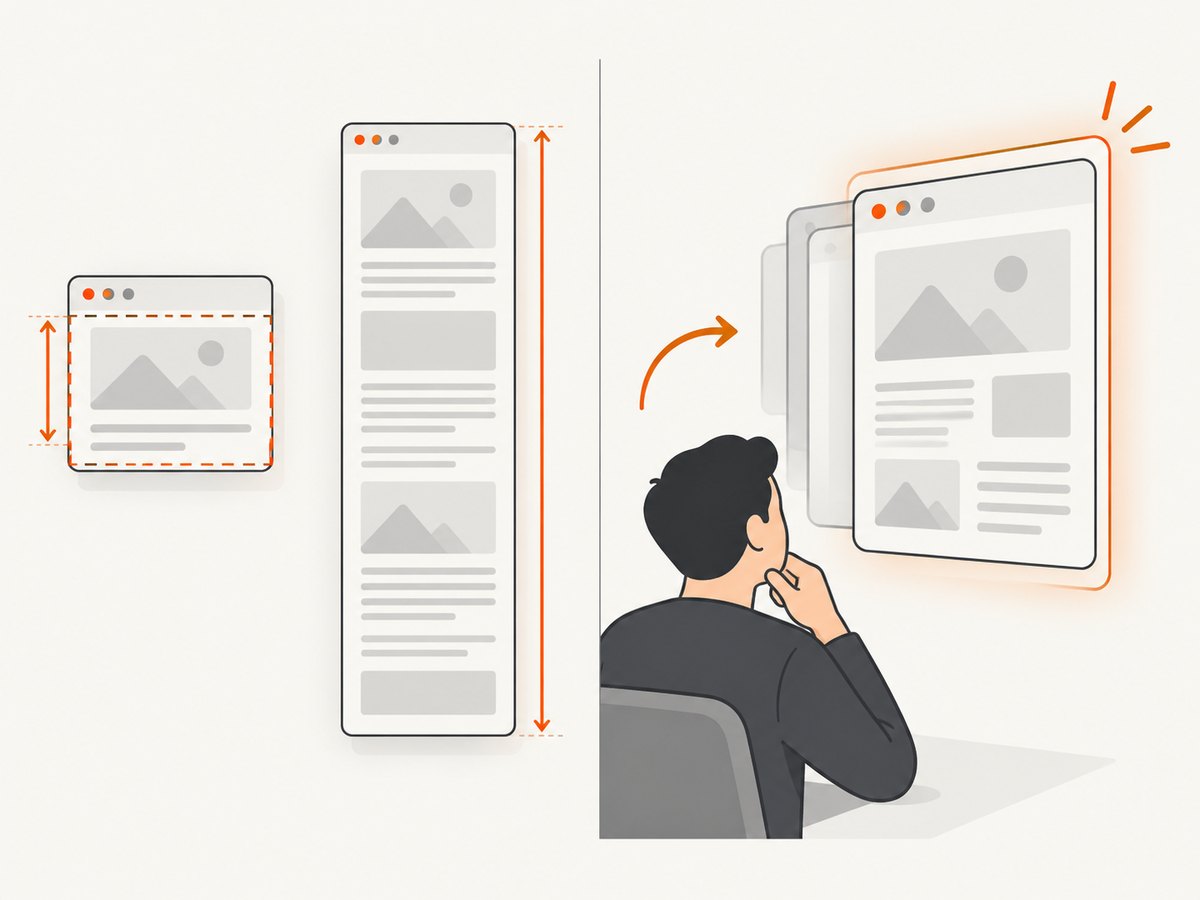
Making the control taller may change the area being laid out; it does not make the API supported, and it can introduce its own layout and memory costs. Likewise, changing event order or waiting a fixed number of seconds only addresses possible timing. Do not rely on these adjustments as a general fix.
5. Choose a path for new work or a required legacy host
| Situation | Practical next step | What to verify |
|---|---|---|
| New WinForms application | Evaluate WebView2, Microsoft’s recommended control for new projects. | Supported capture API, viewport versus full-page scope, runtime and deployment requirements. |
| Existing application must keep WebBrowser | Keep navigation readiness checks, then investigate a capture route explicitly suited to the ActiveX/MSHTML host. | Visibility requirements, document height, threading, machine-specific browser environment, and representative pages. |
| Only need a screenshot of a public URL | Consider capturing the URL outside the desktop control with a screenshot API. | Authentication needs, dynamic content readiness, desired image/PDF format, and billing behavior. |
The sources here do not establish one universal WebView2 capture recipe or a generally reliable workaround for every legacy ActiveX host. Choose based on whether you need the visible viewport or the complete page, and validate that capture mechanism under the target deployment conditions.
6. Common errors and fixes
| Symptom | Likely cause | What to do |
|---|---|---|
Capture immediately after Navigate is blank |
Capture ran before navigation or document creation completed. | Subscribe to DocumentCompleted first; verify the top-level URL and document. |
Page is visible but DrawToBitmap is blank |
The selected method is unsupported for WebBrowser. |
Stop treating additional delays as a fix. Select a capture path supported by the chosen host. |
| Some page sections are missing | Content may be inserted asynchronously after navigation completion. | Wait for a page-specific readiness condition and reproduce with the same page state. |
| Works on one machine, differs on another | The underlying installed browser-control version or deployment conditions differ. | Record Windows and installed control environment, process bitness, visibility, and thread apartment state. |
| STA-related failures or inconsistent UI behavior | The control is being created or used from a thread that does not meet its apartment requirements. | Keep WinForms control creation and interaction on the UI thread, and ensure the application uses STA as required. |
| Resizing or waiting sometimes changes the result | Timing or layout may be involved, but the capture path can still be unsupported. | Use the change only as a diagnostic clue; do not infer that it guarantees a valid bitmap. |
7. Reliability, performance, and cost considerations
Reliability: A readiness event can reduce premature captures, but it does not repair an unsupported rendering API. Validate with the real pages and machines that matter to your application.
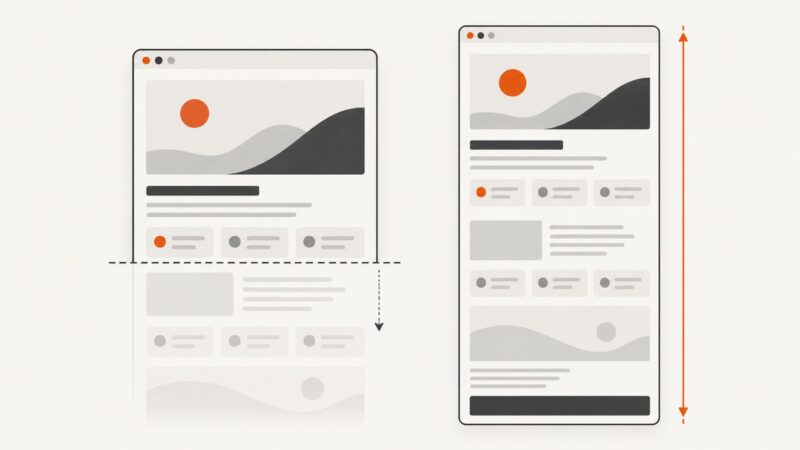
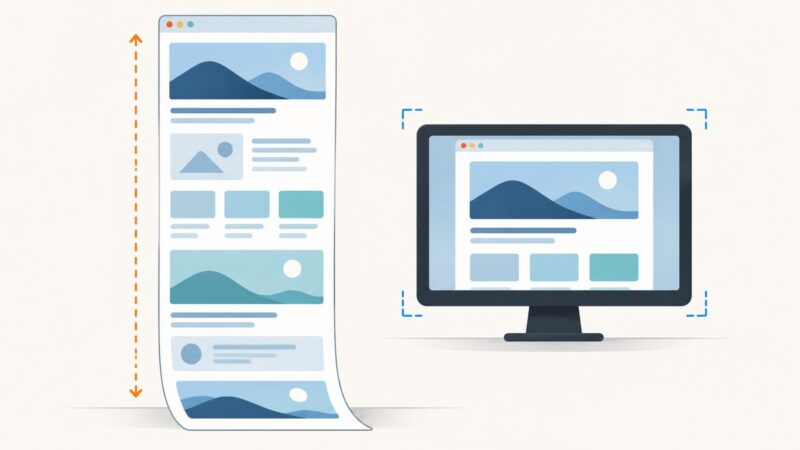
Performance: Fixed delays add latency even when a page is already ready, and they can still be too short for slow or asynchronous pages. Growing a control to a full document height can also require more layout and bitmap memory. Prefer a meaningful readiness condition and a capture method whose scope is defined.
Deployment: The legacy control’s underlying browser environment varies with what is installed on the user’s computer. Include that environment in bug reports and deployment checks. For a migration, include the WebView2 runtime/deployment model and capture implementation in your design evaluation.
Cost: A local control avoids a per-request screenshot API charge, but maintenance and environment variability have engineering costs. A hosted API shifts browser operation to a service and may charge by successful capture, so compare plan limits, failure billing, and the handling of private pages before adopting one.
Or skip the browser setup
If your goal is a screenshot of a URL rather than a bitmap of this desktop control, ScreenshotNeo provides a website screenshot API and MCP server. One GET request accepts a URL and returns PNG, JPEG, WebP, or PDF. See the API documentation.
curl -G "https://api.screenshotneo.com/v1/shot" -d access_key=YOUR_API_KEY --data-urlencode url=https://example.com -o shot.webpimport requests
r = requests.get(
"https://api.screenshotneo.com/v1/shot",
params={"access_key": "YOUR_API_KEY", "url": "https://example.com"},
timeout=90,
)
open("shot.webp", "wb").write(r.content)const q = new URLSearchParams({
access_key: 'YOUR_API_KEY',
url: 'https://example.com'
});
const res = await fetch(`https://api.screenshotneo.com/v1/shot?${q}`);
if (!res.ok) throw new Error(`Screenshot request failed: ${res.status}`);
const bytes = new Uint8Array(await res.arrayBuffer());
await import('node:fs/promises').then(fs => fs.writeFile('shot.webp', bytes));- Cookie banners, popups, and chat widgets are removed before the shot; each cleanup step can be turned off.
- Bot checks, blank pages, timeouts, failed loads, and cache hits are not billed; response headers report the page verdict and billing status.
- An MCP server lets AI agents, including Claude and Cursor, take screenshots.
- 1,000 screenshots per month are free with no card; paid plans start at $5 for 3,000.
Create a free ScreenshotNeo account to get 1,000 screenshots per month with no card.
FAQ
Does DocumentCompleted mean the page is fully rendered?
It is a navigation readiness signal, not proof that all site scripts or asynchronous content have finished. Wait for the page-specific state your capture requires.
Can a longer delay make DrawToBitmap reliable?
No general guarantee follows from waiting. A delay can help diagnose a race, while Microsoft still documents DrawToBitmap as unsupported for this control.
Should I replace WebBrowser in an existing application?
For new work Microsoft recommends WebView2. For an existing application, weigh migration effort against the legacy control’s installed-environment variability and the capture requirements you must support.
Will a URL screenshot API capture the same thing as my desktop control?
Not necessarily. A URL service captures its own browser rendering of the page. It is useful when the target is the page at a URL, but may not represent local control state, desktop-only content, or data available only inside your application.