How to Fix Blank Pages in Puppeteer Without Breakpoints
Diagnose blank Puppeteer screenshots with logs, network evidence, render checks, headful runs, and DevTools protocol tracing—without breakpoints.
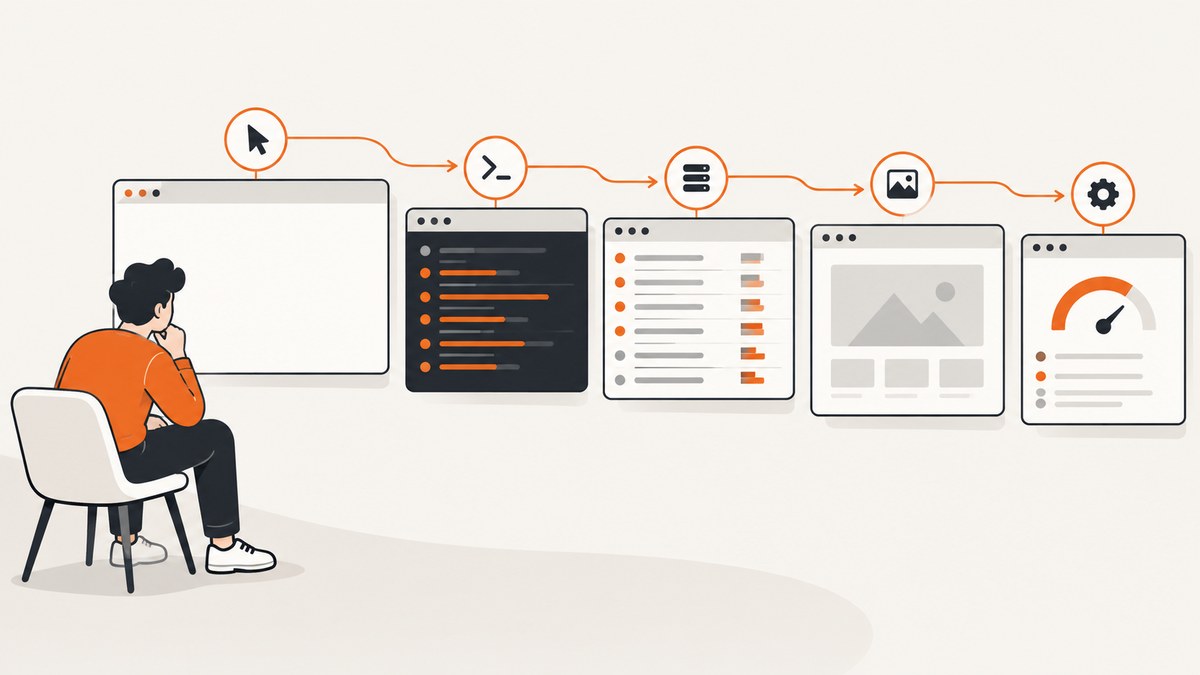
A blank Puppeteer screenshot can originate in three places: your Node.js automation, JavaScript running inside the page, or the browser and DevTools connection. The fastest diagnosis is to collect evidence in that order instead of stopping at a breakpoint.
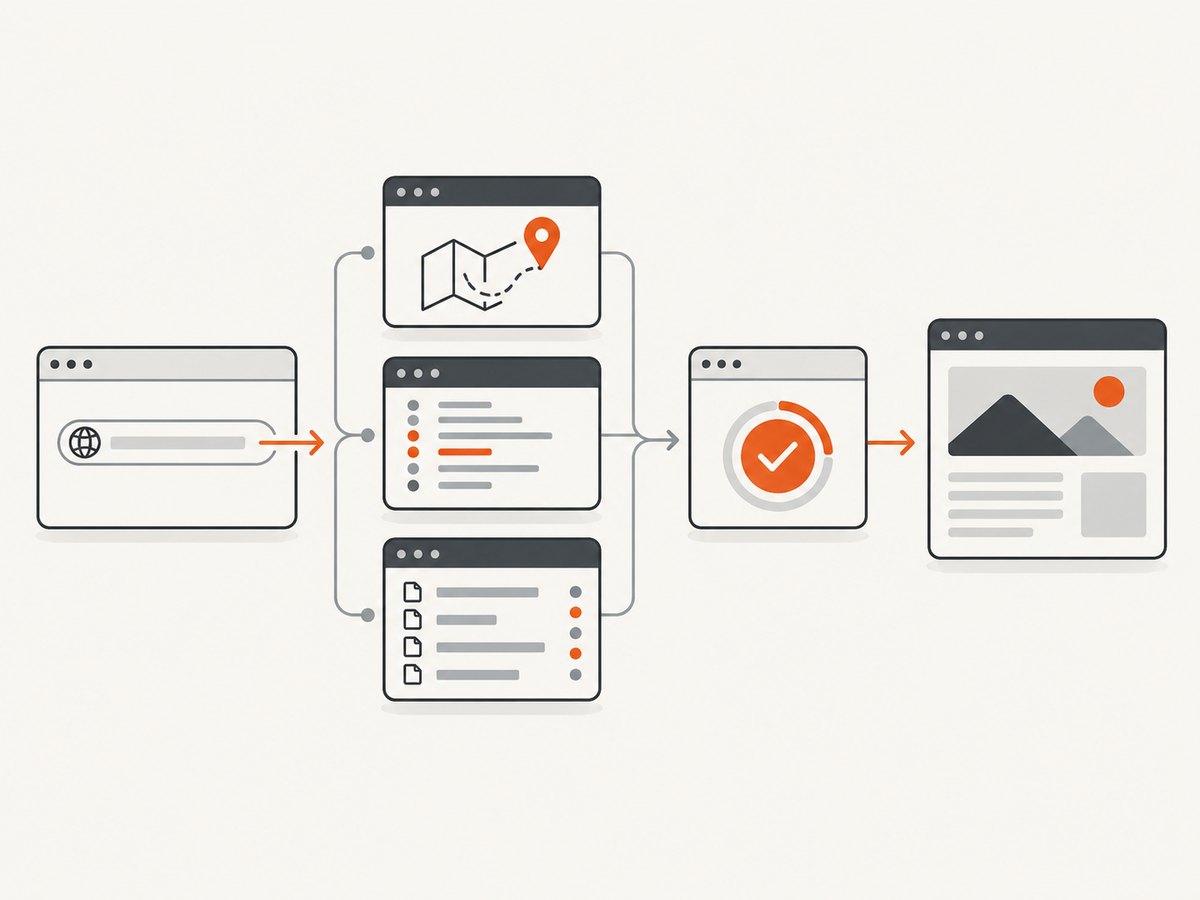
Start by logging the navigation result and final URL, save the blank state, forward browser console and page errors to Node.js, record both failed requests and HTTP error responses, and wait for an application-specific visible element. If those signals do not explain the output, repeat the run headfully with slowMo, then enable protocol and browser-process logs.
This sequence follows Puppeteer’s debugging guidance, which emphasizes that Puppeteer spans Node.js code, browser-side code, network requests, Web APIs, and browser internals. See the official debugging guide for the version you use.
1. Build a no-breakpoint diagnostic harness
Use one script that records every layer of evidence. The following example is runnable with Puppeteer 25.x and works against any URL you pass on the command line.
const puppeteer = require('puppeteer');

const target = process.argv[2] || 'https://example.com';
const selector = process.env.READY_SELECTOR || 'body';

(async () => {
  const browser = await puppeteer.launch({
    headless: process.env.HEADFUL !== '1',
    slowMo: process.env.SLOW_MO ? Number(process.env.SLOW_MO) : 0,
    dumpio: process.env.DUMPIO === '1'
  });

  const page = await browser.newPage();
  page.setDefaultNavigationTimeout(45_000);
  page.setDefaultTimeout(15_000);

  page.on('console', msg => {
    console.log(`[console:${msg.type()}] ${msg.text()}`);
  });
  page.on('pageerror', error => {
    console.error(`[pageerror] ${error.message}`);
  });
  page.on('requestfailed', request => {
    const failure = request.failure();
    console.error(`[requestfailed] ${request.method()} ${request.url()} ${failure?.errorText || ''}`);
  });
  page.on('response', response => {
    const status = response.status();
    if (status >= 400) {
      console.error(`[http-error] ${status} ${response.url()}`);
    }
  });

  let response;
  try {
    response = await page.goto(target, { waitUntil: 'domcontentloaded' });
    console.log('navigation status:', response ? response.status() : 'null');
  } catch (error) {
    console.error('[goto-error]', error.message);
  }

  console.log('final URL:', page.url());
  console.log('title:', await page.title().catch(() => 'unavailable'));
  console.log('body text:', (await page.locator('body').innerText().catch(() => '')).slice(0, 500));

  await page.screenshot({ path: 'diagnostic.png', fullPage: true });

  try {
    await page.locator(selector).wait({ state: 'visible', timeout: 15_000 });
    console.log(`ready selector visible: ${selector}`);
  } catch (error) {
    console.error(`[ready-timeout] ${selector}:`, error.message);
  }

  await page.screenshot({ path: 'after-ready-check.png', fullPage: true });
  await browser.close();
})();
The first screenshot preserves the state immediately after navigation. The second shows whether your readiness condition changes the result. Keep both files with the logs when reporting a failure.
2. Verify navigation before debugging rendering
page.goto() returns the main-resource response or null. Catch exceptions and print the final URL because redirects can take you to a login page, an error route, or an unexpected origin. The navigation reference documents errors for invalid URLs, SSL failures, timeouts, unreachable servers, unresponsive servers, failed main resources, and blocked URLs.
A null response is not automatically an error. It is expected for navigation to about:blank and for a same-URL hash change. In headless shell mode, PDF navigation is unsupported; this limitation is specific to that mode. Also, valid HTTP statuses such as 404 and 500 may not throw, so inspect response.status() when headless shell is involved.
| Observation | Likely meaning | Next check |
|---|---|---|
goto throws |
Transport, URL, SSL, timeout, or main-resource failure | Read the error text, test the URL outside Puppeteer, and increase timeout only after confirming the server is slow. |
Response is null |
Could be about:blank or hash navigation |
Print page.url() and inspect the navigation target. |
| Status is 404/500 | Server returned an HTTP error page | Save the response status and screenshot; fix routing or authentication. |
| Final URL differs | Redirect, login, consent, or bot-check flow | Compare the final URL with the expected origin and log cookies and headers if needed. |
3. Capture visual and DOM evidence
A screenshot tells you what the browser displayed, not why it displayed it. Save a screenshot before waiting for application readiness and another afterward. Also print the URL, title, body text, and a small DOM sample. An empty body, a visible error message, and a page filled with a loading shell require different fixes.
const state = await page.evaluate(() => ({
  readyState: document.readyState,
  bodyHTML: document.body?.innerHTML.slice(0, 1000),
  bodyText: document.body?.innerText.slice(0, 1000),
  viewport: { width: innerWidth, height: innerHeight, devicePixelRatio }
}));
console.dir(state, { depth: null });
Puppeteer’s screenshot API captures the rendered page. A blank image alone cannot identify whether navigation, client code, resources, or the browser caused the problem, so pair it with the evidence above.
4. Forward browser console messages and page errors
Client-side console.log output stays in the browser process unless you register a listener. Forward it with page.on('console'), as the diagnostic harness does. Add pageerror for uncaught exceptions and include page.url() when your logs cover multiple pages.
page.on('console', async msg => {
  const values = await Promise.all(msg.args().map(arg => arg.jsonValue().catch(() => '[unserializable]')));
  console.log({ type: msg.type(), text: msg.text(), values, url: page.url() });
});
page.on('pageerror', error => {
  console.error({ event: 'pageerror', url: page.url(), stack: error.stack });
});
Console errors such as “ReferenceError”, failed module imports, CSP violations, or hydration exceptions often explain a blank application shell. A console warning is evidence, not proof: some sites log benign warnings during a successful render.
5. Separate failed requests from HTTP error responses
Network failures and HTTP errors are different. Puppeteer emits requestfailed when a request cannot complete at the network level; HTTPRequest.failure() may provide an error string, but failure text is not guaranteed. A server response with 404, 403, 500, or 503 is still a completed HTTP request and can emit requestfinished. Therefore log both events.
page.on('request', request => {
  if (request.isNavigationRequest()) {
    console.log('[navigation-request]', request.url(), request.resourceType());
  }
});
page.on('requestfailed', request => {
  console.log('[network-failure]', {
    url: request.url(),
    type: request.resourceType(),
    error: request.failure()?.errorText
  });
});
page.on('response', response => {
  if (response.status() >= 400) {
    console.log('[server-error]', response.status(), response.request().resourceType(), response.url());
  }
});
Use the resource type to narrow the cause. A failed JavaScript bundle can leave an empty root element; a failed font usually cannot. A blocked API request may produce a blank state even when all static assets loaded.
6. Wait for the application state you actually need
domcontentloaded, load, and network-idle conditions describe browser activity, not application readiness. A single-page app may finish loading while it is still fetching data, hydrating components, or waiting for a route transition. Choose a visible selector that represents usable content.
await page.goto(target, { waitUntil: 'domcontentloaded' });
await page.locator('[data-testid="dashboard"]')
  .wait({ state: 'visible', timeout: 30_000 });
await page.screenshot({ path: 'ready.png', fullPage: true });
Puppeteer locators wait for an element to be present and in the required state, including visibility and stable layout for relevant operations. Prefer a selector owned by the application, such as data-testid, over a fragile class name. If no stable selector exists, wait for a specific text condition or a function that checks a known data attribute.
7. Compare headless and headful behavior
Run the same script with a visible browser:
HEADFUL=1 SLOW_MO=150 node diagnose.js https://your-site.examplePuppeteer recommends headless: false as a sanity check and slowMo to make operations observable. Inspect the window for consent dialogs, bot checks, certificate warnings, viewport-dependent breakpoints, or a page that is visibly still loading. These settings expose behavior; they do not guarantee a fix. If headful works but headless is blank, compare viewport, user agent, sandbox flags, permissions, fonts, and timing.
8. Escalate to protocol and browser logs
When page-level evidence is inconclusive, enable DevTools protocol logging:
NODE_DEBUG="puppeteer:*" node diagnose.js https://your-site.examplePuppeteer documents browser.debugInfo.pendingProtocolErrors for inspecting callbacks that are still pending. A pending entry and its stack can identify the code that initiated a protocol call. For browser startup and crash output, launch with dumpio: true or set DUMPIO=1 in the harness. Protocol logs can contain cookies, URLs, headers, and page data; redact them before sharing.
9. Common blank-page causes and fixes
| Symptom | Cause to investigate | Fix |
|---|---|---|
Immediate goto timeout |
DNS, TLS, server delay, proxy, or blocked navigation | Test connectivity, log the thrown error, configure proxy/certificates correctly, then set a justified timeout. |
| Final URL is a login or consent route | Missing cookies, headers, or authentication | Set cookies or authorization before navigation and verify the final URL. |
| Root element is empty; console has module errors | Bundle failed, wrong base path, CSP, or runtime exception | Fix the deployment asset paths and inspect the first browser exception. |
| HTML appears but data area is blank | API request failed or returned 4xx/5xx | Correlate request URLs with response statuses and application logs. |
| Screenshot catches a loader | Readiness condition is too early | Wait for a visible application selector or a documented state transition. |
| Headful works, headless fails | Viewport, user agent, permissions, sandbox, or timing difference | Print environment details, match viewport and UA, and compare with slowMo. |
| Browser exits or protocol calls hang | Browser crash, incompatible executable, or protocol issue | Use dumpio, NODE_DEBUG, pending protocol inspection, and a known-compatible browser. |
10. Make diagnostics reliable and affordable
- Give every run a correlation ID and store logs, screenshots, final URL, status, and Puppeteer/browser versions together.
- Use bounded timeouts. A long timeout can hide a dead request; a short timeout can misclassify a slow but healthy page.
- Retry only transient navigation or network failures. Do not retry deterministic 404s, JavaScript exceptions, or authentication failures.
- Capture at a consistent viewport and timezone when comparing images.
- Keep protocol logging disabled in normal production runs and enable it for a targeted reproduction because it is verbose and may expose sensitive data.
- Do not treat a successful HTTP response as proof of a successful render. The readiness selector is the contract your screenshot job should enforce.
Or skip the browser setup
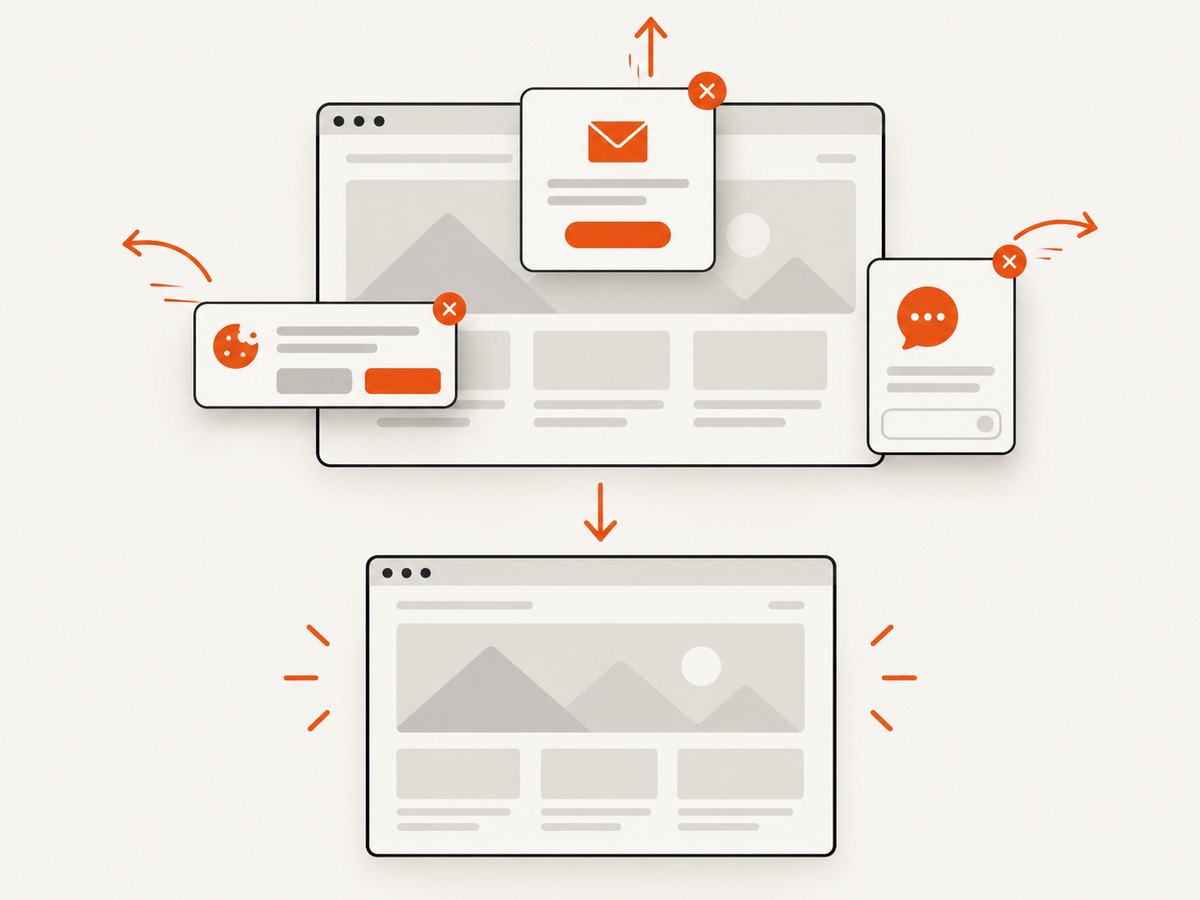
If you need a clean image rather than a local Puppeteer debugging session, ScreenshotNeo provides a single GET request for PNG, JPEG, WebP, or PDF output. It accepts consent banners like a visitor, removes more than 60 known consent platforms plus newsletter popups and chat widgets, and lets you turn each cleanup step off. Bot checks, blank pages, timeouts, failed loads, and cache hits are not billed; response headers identify the page verdict and whether the request was billed.
See the ScreenshotNeo API documentation for all options, including full-page lazy-image capture, element selectors, dark mode, device presets, custom viewport and retina scale, PDF paper and page controls, custom CSS and JavaScript, click and wait actions, request blocking, headers, cookies, user agents, authorization, timezone, geolocation, transparent backgrounds, resizing, TTL caching, signed links, asynchronous webhooks, bulk capture, usage, and the OpenAPI specification.
cURL
curl -G "https://api.screenshotneo.com/v1/shot" \
  -d access_key=YOUR_API_KEY \
  --data-urlencode url=https://stripe.com \
  -o shot.webp
Python
import requests

r = requests.get(
    "https://api.screenshotneo.com/v1/shot",
    params={"access_key": "YOUR_API_KEY", "url": "https://stripe.com"},
    timeout=90,
)
r.raise_for_status()
open("shot.webp", "wb").write(r.content)
Node.js
const q = new URLSearchParams({ access_key: 'YOUR_API_KEY', url: 'https://stripe.com' });
const res = await fetch(`https://api.screenshotneo.com/v1/shot?${q}`);
if (!res.ok) throw new Error(`Screenshot failed: ${res.status}`);
require('fs').writeFileSync('shot.webp', Buffer.from(await res.arrayBuffer()));
ScreenshotNeo includes an MCP server with take_screenshot, get_page_info, and capture_pdf tools for Claude, Cursor, and other MCP clients. The Free plan includes 1,000 screenshots per month with no card; paid plans start at $5 for 3,000 shots, and every feature is available on every plan. Create a free ScreenshotNeo account.
FAQ
Does a blank screenshot prove the page is empty?
No. It only proves that the captured pixels were blank. Check the final URL, DOM text, console, page errors, requests, and response statuses.
Should I use networkidle0 for every page?
No. Analytics, long polling, WebSockets, and ads can prevent network idle. An application-specific visible selector is usually a clearer readiness contract.
Why did requestfailed miss a 503?
A 503 is an HTTP response, so the request can finish successfully at the network lifecycle level. Record response.status() as well as requestfailed.
Can I share Puppeteer protocol logs in a bug report?
Only after reviewing and redacting them. They may contain URLs, cookies, headers, and page content.
When should I increase the navigation timeout?
After confirming the destination is reachable and identifying a genuinely slow step. Increasing it cannot fix a JavaScript exception, wrong route, or failed asset.


