How to Fix BufferQueue Abandoned Errors with Android MediaProjection
Stop BufferQueue abandoned errors by fixing MediaProjection teardown, callback races, ImageReader ownership, and Android 14 session rules.
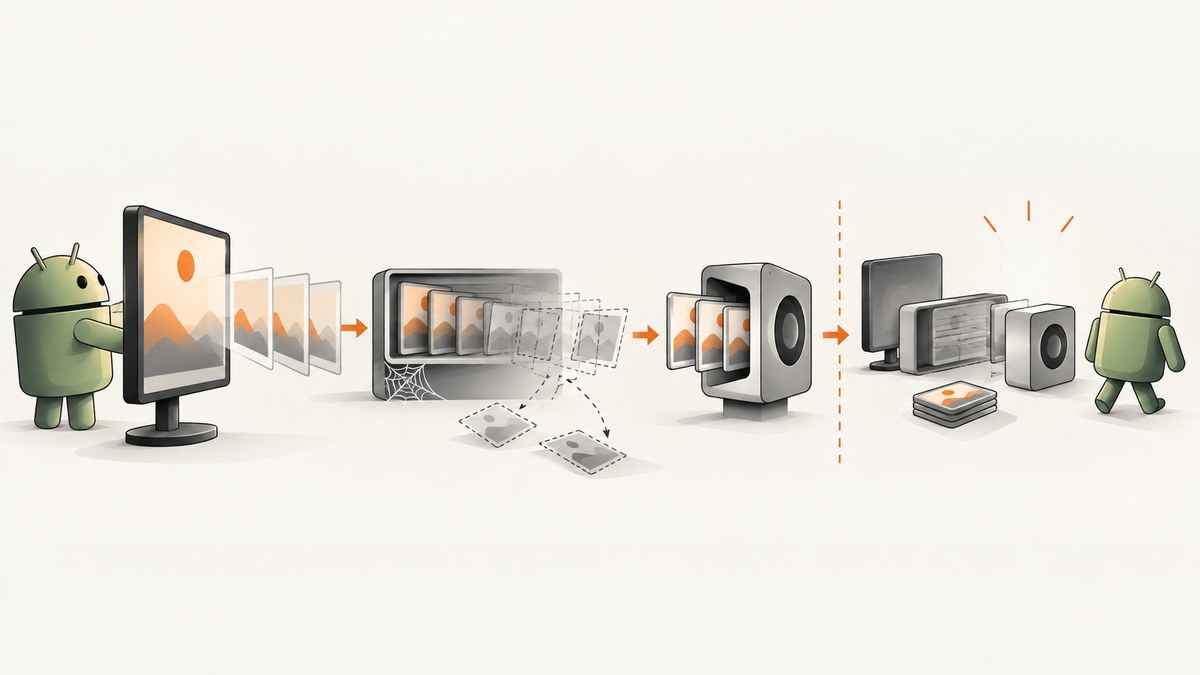
BufferQueue has been abandoned means a MediaProjection producer is still writing frames after its consumer has been released or disconnected. In a typical capture pipeline, VirtualDisplay produces frames into a Surface backed by an ImageReader. Fix the error by synchronizing shutdown: stop new frame work, release the VirtualDisplay, close acquired Image objects, remove listeners, release the Surface and ImageReader, and prevent stale callbacks from restarting the pipeline.
An occasional log line during teardown can be a callback racing with shutdown. Repeated messages, black frames, crashes, or a failed resume indicate a lifecycle bug that needs fixing.
What BufferQueue abandoned means
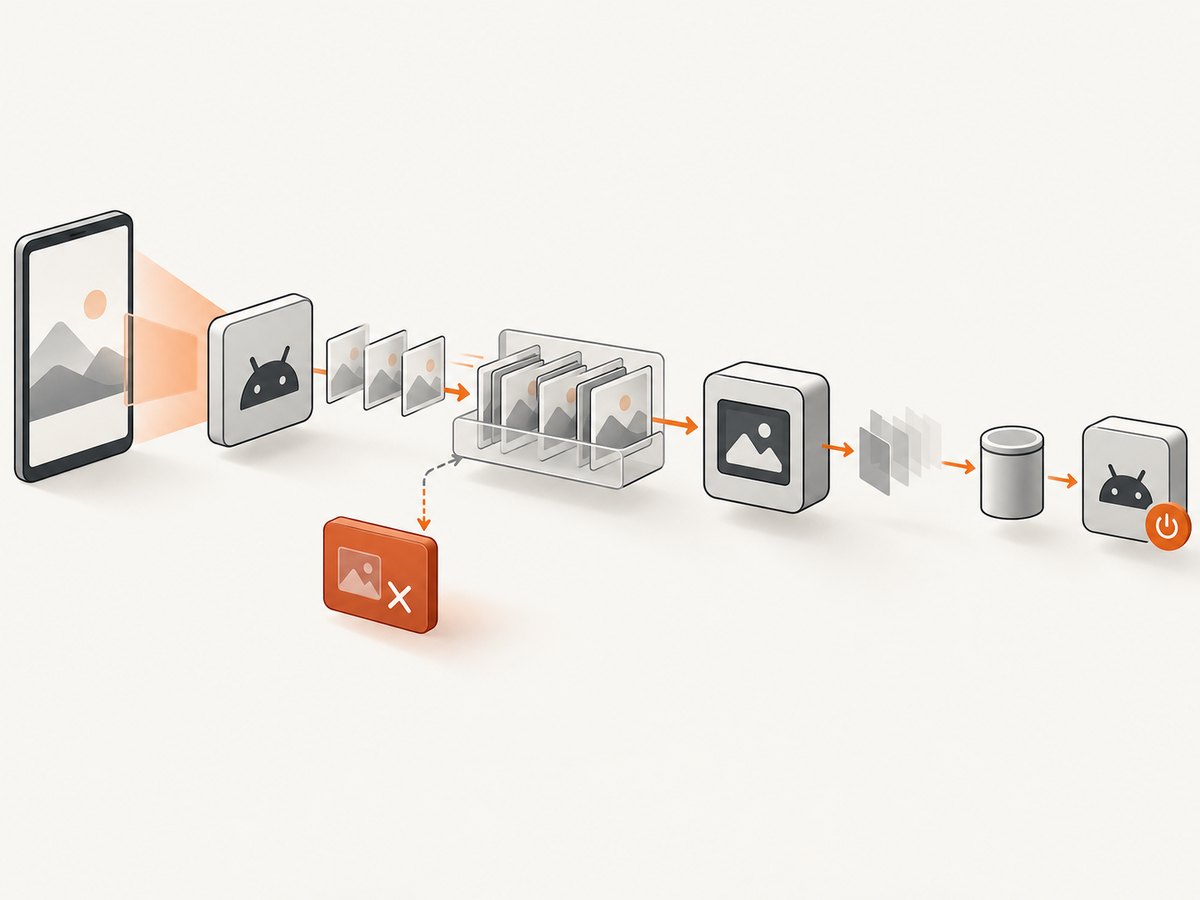
Android connects graphics producers and consumers with a BufferQueue. MediaProjection sends captured frames through a virtual display to the output surface supplied by your app. The ImageReader consumes those buffers. If the ImageReader, Surface, or another consumer is closed first, the producer eventually calls dequeueBuffer() on a queue with no consumer and Android logs BufferQueue has been abandoned.
See the Android MediaProjection guide and the MediaProjection API reference for the documented session and resource lifecycle.
Correct shutdown sequence
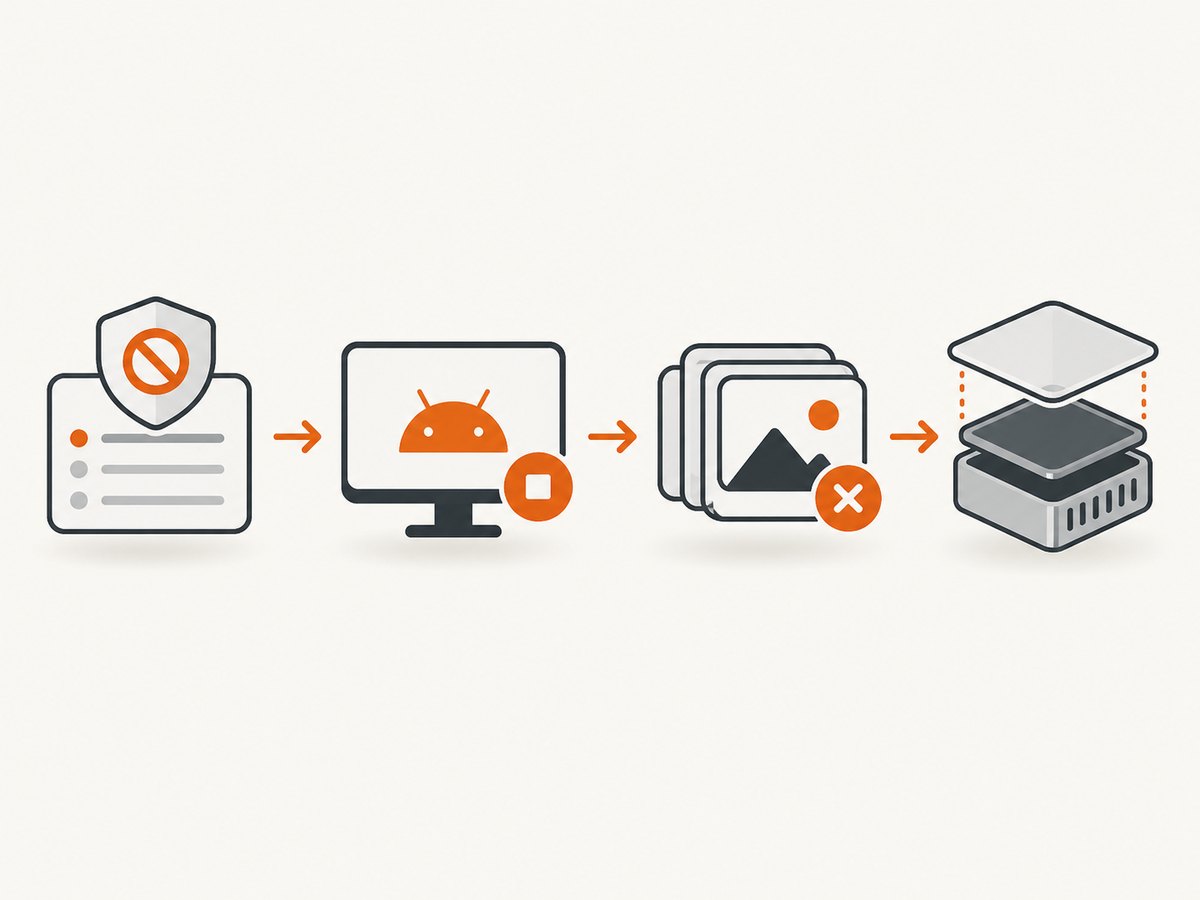
- Atomically mark the capture session as stopping.
- Disable the ImageReader listener and stop encoder or coroutine work.
- Release the
VirtualDisplay, which stops the producer. - Close every acquired
Image. - Close the
ImageReaderand release its outputSurface. - Unregister the MediaProjection callback and stop the projection.
- Reject callbacks from the old session before creating a new one.
The exact cleanup thread can vary, but the producer must not continue submitting work to released output objects. Keep cleanup serialized on one handler, executor, or coroutine context.
Complete Kotlin implementation
The following example shows one owner for the projection, virtual display, ImageReader, Surface, and listener. It uses an atomic stop flag and a generation token so delayed callbacks cannot process frames from an old session.
class ProjectionCapture(
    private val context: Context,
    private val callbackHandler: Handler
) {
    private val stopping = AtomicBoolean(false)
    private val generation = AtomicLong(0)

    private var projection: MediaProjection? = null
    private var virtualDisplay: VirtualDisplay? = null
    private var imageReader: ImageReader? = null
    private var outputSurface: Surface? = null
    private var sessionGeneration = 0L

    private val projectionCallback = object : MediaProjection.Callback() {
        override fun onStop() {
            stopCapture()
        }
    }

    fun startCapture(
        mediaProjection: MediaProjection,
        width: Int,
        height: Int,
        densityDpi: Int
    ) {
        require(width > 0 && height > 0 && densityDpi > 0)

        check(projection == null) { "A capture session is already active" }
        stopping.set(false)
        val token = generation.incrementAndGet()
        sessionGeneration = token

        projection = mediaProjection
        // Register before createVirtualDisplay, as required by the API.
        mediaProjection.registerCallback(projectionCallback, callbackHandler)

        val reader = ImageReader.newInstance(
            width,
            height,
            PixelFormat.RGBA_8888,
            2
        )
        imageReader = reader
        outputSurface = reader.surface

        reader.setOnImageAvailableListener({ source ->
            if (stopping.get() || generation.get() != token) {
                return@setOnImageAvailableListener
            }

            var image: Image? = null
            try {
                image = source.acquireLatestImage()
                if (image == null || stopping.get() || generation.get() != token) {
                    return@setOnImageAvailableListener
                }
                // Copy or encode pixels here. Do not retain image after this callback.
                processImage(image)
            } finally {
                image?.close()
            }
        }, callbackHandler)

        virtualDisplay = mediaProjection.createVirtualDisplay(
            "ProjectionCapture",
            width,
            height,
            densityDpi,
            DisplayManager.VIRTUAL_DISPLAY_FLAG_AUTO_MIRROR,
            outputSurface,
            null,
            callbackHandler
        )
    }

    private fun processImage(image: Image) {
        // Read the planes while the image is open, then return promptly.
        val plane = image.planes.firstOrNull() ?: return
        val buffer = plane.buffer
        // Copy bytes or submit work that does not retain buffer/image references.
    }

    fun resize(width: Int, height: Int, densityDpi: Int) {
        require(width > 0 && height > 0 && densityDpi > 0)
        val reader = imageReader ?: return
        val display = virtualDisplay ?: return

        // Recreate the reader/surface if your pipeline requires a new buffer size;
        // update the virtual display and output dimensions together.
        display.resize(width, height, densityDpi)
        reader.setDefaultBufferSize(width, height)
    }

    fun stopCapture() {
        if (!stopping.compareAndSet(false, true)) return
        generation.incrementAndGet()

        imageReader?.setOnImageAvailableListener(null, null)

        virtualDisplay?.release()
        virtualDisplay = null

        imageReader?.close()
        imageReader = null

        outputSurface?.release()
        outputSurface = null

        projection?.unregisterCallback(projectionCallback)
        projection?.stop()
        projection = null
        sessionGeneration = 0L
    }
}
Call stopCapture() from every termination path: the projection callback, user cancellation, activity or service destruction, screen lock handling, and an explicit restart. Because the method is idempotent, multiple paths can safely request cleanup.
Starting a session safely
Request consent with MediaProjectionManager.createScreenCaptureIntent(). In the activity result, obtain one MediaProjection, register the callback, and then create exactly one virtual display for that projection instance.
private val captureLauncher = registerForActivityResult(
    ActivityResultContracts.StartActivityForResult()
) { result ->
    if (result.resultCode != Activity.RESULT_OK || result.data == null) return@registerForActivityResult

    val manager = getSystemService(MediaProjectionManager::class.java)
    val projection = manager.getMediaProjection(result.resultCode, result.data!!)
    capture.startCapture(
        projection,
        width = resources.displayMetrics.widthPixels,
        height = resources.displayMetrics.heightPixels,
        densityDpi = resources.displayMetrics.densityDpi
    )
}
On Android 14 and later, one consent session grants one capture start. Do not reuse the same consent result to create multiple projection instances, and do not call createVirtualDisplay() more than once on one projection. A stopped projection cannot create another virtual display. If capture runs in a foreground service, declare and use the mediaProjection foreground-service type as described in the official guide.
Why each part of the fix matters
| Symptom | Likely cause | Correction |
|---|---|---|
| Error appears during stop | Pending producer callback races with teardown | Disable listeners, gate callbacks, then release the virtual display. |
| Black or frozen frames | ImageReader queue is full or images are never closed | Close every acquired image in finally; use acquireLatestImage() when dropping old frames is acceptable. |
| Crash after rotation | Old activity owns resources while a new activity starts another session | Use one lifecycle owner and finish the old stop path before restarting. |
| Resume fails on Android 14+ | Stopped projection or reused consent result | Request consent again and create a fresh projection and virtual display. |
| Distorted output | Virtual display and surface dimensions differ | Resize both together and keep width, height, and density positive. |
Common errors and fixes
BufferQueue has been abandoned repeats continuously
A producer is still alive after its consumer was closed, or a listener is submitting work to an old surface. Make the stop path the sole owner of release operations. Increment a generation token before releasing objects and check it in every callback.
maxImages or acquire failures
ImageReader has a finite queue. Close images promptly, do not retain their planes or buffers beyond the callback, and select a queue size appropriate for your processing time. If you only need the newest frame, acquireLatestImage() prevents stale frames from accumulating.
Callback runs after resources are null
Removing a listener does not necessarily cancel work already queued on a handler. Use both an atomic stopping flag and a session generation check. Cancel queued jobs where your executor supports cancellation.
Second call to createVirtualDisplay() fails
On Android 14+, treat each projection as single-use for virtual-display creation. Stop and discard the old projection, request a new consent result, and start a new session.
Capture stops when the user locks the screen
Projection can terminate when the screen locks, another projection starts, the user stops sharing, or the hosting activity or service is destroyed. Handle MediaProjection.Callback.onStop() and update UI state there instead of assuming the session remains active.
Images have the wrong aspect ratio
Use the same width and height for the ImageReader, output surface, and virtual display. When the target size changes, resize the display and surface as one operation or recreate both under the same serialized stop/start controller.
Lifecycle checklist
- Register
MediaProjection.CallbackbeforecreateVirtualDisplay(). - Keep one owner for projection, display, reader, surface, and listener.
- Use one idempotent stop method for every shutdown cause.
- Mark stopping before releasing anything.
- Disable listeners and gate queued callbacks.
- Release the virtual display before output consumers.
- Close every acquired
Imagein afinallyblock. - Use positive, matching dimensions and density.
- Request fresh consent for a new Android 14+ session.
Performance, reliability, and cost notes
Frame processing should copy only the bytes it needs and return the Image quickly. Heavy encoding on the listener thread increases queue pressure; move CPU work to a bounded executor while retaining no Image, Plane, or ByteBuffer reference after close. If latency matters more than every frame, use acquireLatestImage(). If every frame matters, use backpressure and explicit queue monitoring instead of silently dropping frames.
Keep all state transitions serialized. A single coroutine actor, handler thread, or synchronized controller is easier to reason about than independent activity, service, and callback cleanup. Log session generation, dimensions, stop reason, and resource ownership to diagnose races without logging pixel data.
MediaProjection itself does not charge per frame. Your practical costs are CPU, memory, storage, encoding, and any backend transfer used to store or upload captures. Releasing resources promptly reduces memory pressure and avoids repeated restarts.
Or skip the browser setup
If your goal is a website screenshot rather than Android display capture, ScreenshotNeo provides a single HTTP request and handles the browser lifecycle for you. Cookie and consent banners are accepted and removed before capture, along with 60+ known consent platforms, newsletter popups, and chat widgets. Bot checks, blank pages, timeouts, failed loads, and cache hits are not billed, and response headers identify the page verdict and billing status. Its MCP server lets Claude, Cursor, and other MCP clients call take_screenshot, get_page_info, and capture_pdf.
See the ScreenshotNeo API documentation for all options.
curl -G "https://api.screenshotneo.com/v1/shot" -d access_key=YOUR_API_KEY --data-urlencode url=https://developer.android.com/media/grow/media-projection -o shot.webpimport requests
r = requests.get("https://api.screenshotneo.com/v1/shot", params={"access_key": "YOUR_API_KEY", "url": "https://developer.android.com/media/grow/media-projection"}, timeout=90)
r.raise_for_status()
open("shot.webp", "wb").write(r.content)const q = new URLSearchParams({ access_key: 'YOUR_API_KEY', url: 'https://developer.android.com/media/grow/media-projection' });
const res = await fetch(`https://api.screenshotneo.com/v1/shot?${q}`);
if (!res.ok) throw new Error(`Screenshot failed: ${res.status}`);
const fs = await import('node:fs/promises');
await fs.writeFile('shot.webp', Buffer.from(await res.arrayBuffer()));There are 1,000 screenshots per month free with no card. Paid plans start at $5 for 3,000 shots, and every plan includes the full feature set. Create a free ScreenshotNeo account.
FAQ
Is every BufferQueue abandoned log a bug?
No. A single line during orderly teardown can be a race between a pending producer callback and shutdown. Repeated logs or broken capture indicate unsynchronized ownership or cleanup.
Should I release the ImageReader before the VirtualDisplay?
Usually no. Stop the producer first by releasing the virtual display, then close the consumer resources. Always gate callbacks before either release.
Can I restart a stopped MediaProjection?
Do not reuse a stopped projection. Request consent again and create a fresh projection and virtual display, especially on Android 14 and later.
Which image acquisition method should I use?
Use acquireLatestImage() when stale frames can be discarded. Use acquireNextImage() when every frame is required, with explicit backpressure and prompt closure.
Does changing the screen size require a new consent dialog?
Not necessarily. Resize the virtual display and output surface together when the active session supports it. A new consent flow is required when starting a new projection session after the old one has stopped.


