How to Fix Protractor Headless Chrome on AWS CodeBuild
Fix Protractor headless Chrome failures in AWS CodeBuild with compatible versions, reliable flags, buildspec settings, and practical debugging steps.
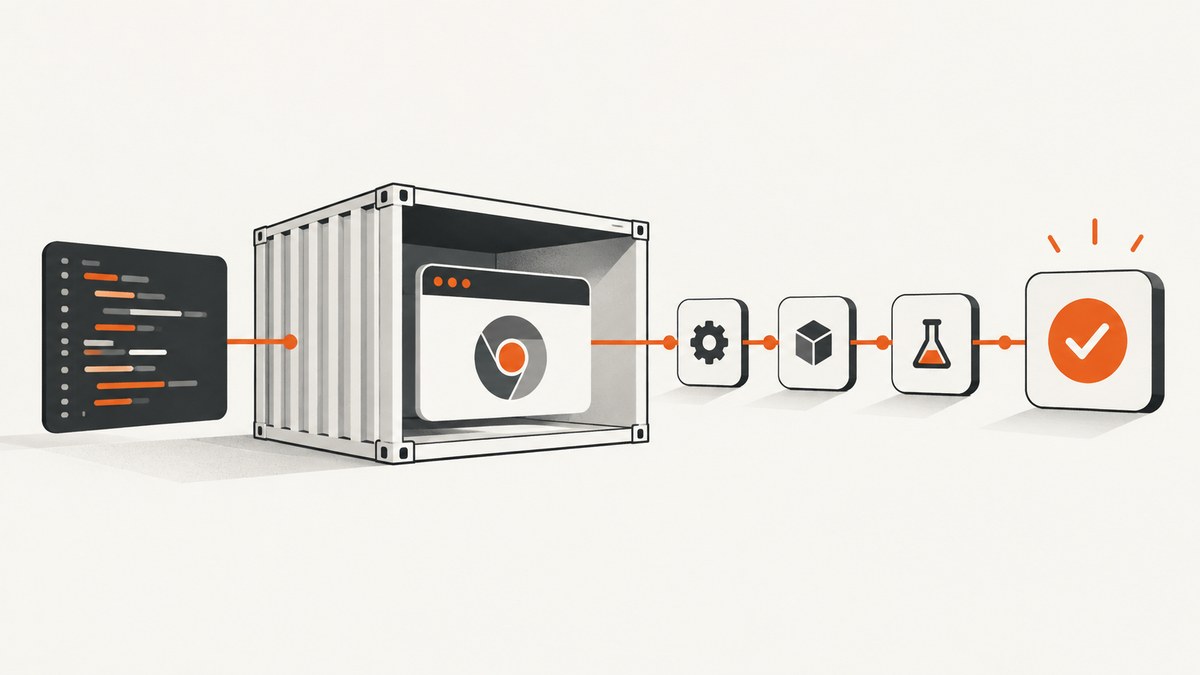
Direct answer: verify the Chrome and ChromeDriver binaries inside the actual AWS CodeBuild image, pin compatible versions, pass --headless through Protractor’s Chrome capabilities, add --disable-dev-shm-usage when shared memory is constrained, and use --no-sandbox only when the container cannot run Chrome’s sandbox. Headless Chrome does not require Xvfb. Also use buildspec 0.2 when setup must persist between commands.
1. Confirm the CodeBuild environment first
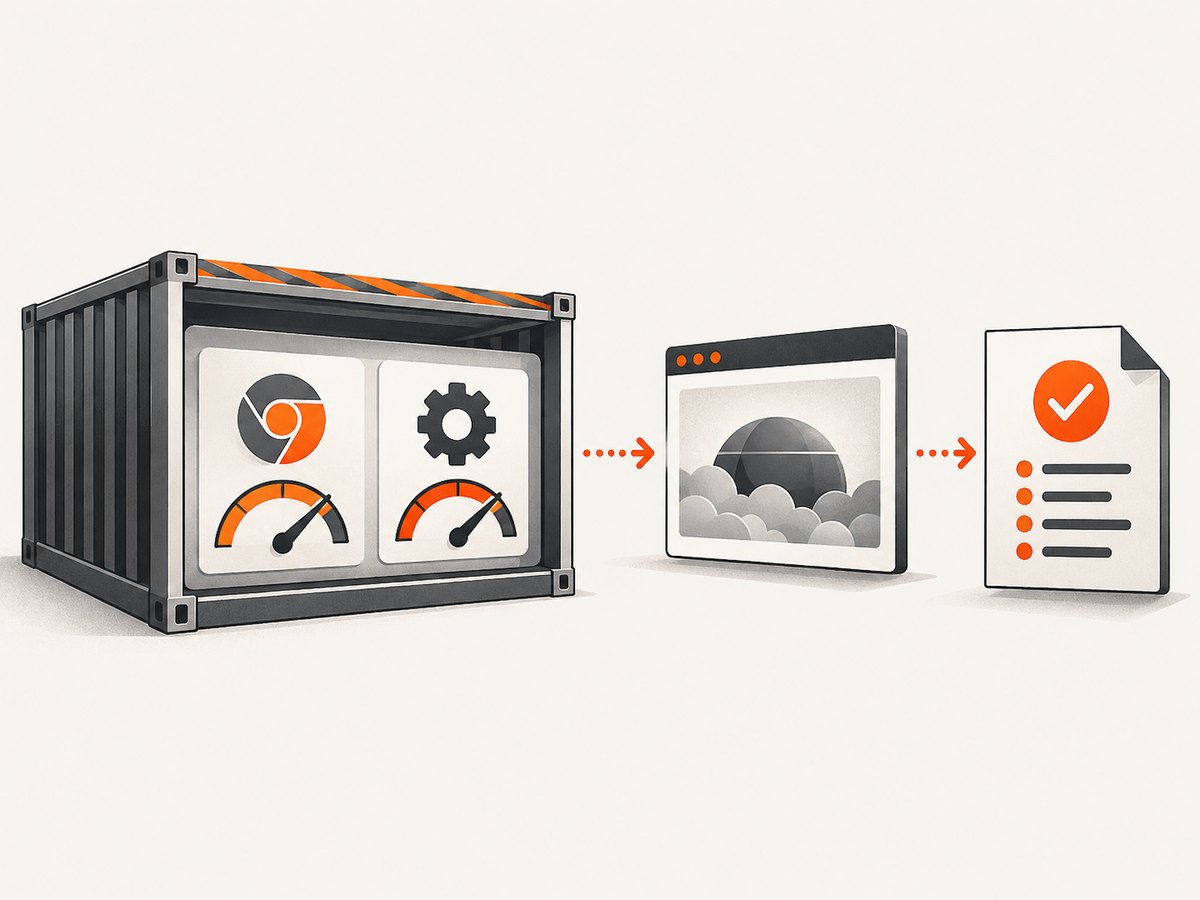
A local browser installation can hide problems in the CodeBuild image. Record the versions and paths that the build actually uses before changing flags.
set -eux
which google-chrome || true
which chromium || true
which chromium-browser || true
which chromedriver || true
google-chrome --version || true
chromium --version || true
chromedriver --version || true
node --version
npm --version
npx protractor --version || true
npm ls protractor selenium-webdriver --depth=0 || true
id
uname -a
df -h
mount | grep shm || true
Save this output in the build log. Check the executable path used by the image and by Protractor; installing another browser without changing the configured path can leave the test using the old binary.
2. Pin Chrome, ChromeDriver, Protractor, and Selenium
Protractor is archived, so reproducible versions are safer than an unbounded driver download. Keep the browser and driver compatible and commit the resulting dependency lockfile.
{
  "devDependencies": {
    "protractor": "5.4.4",
    "selenium-webdriver": "4.0.0"
  }
}
The exact versions must match the browser available in your selected CodeBuild image. If the image updates Chrome, update the pinned driver and validate the pair together. Avoid relying on an unrestricted webdriver-manager download in CI.
3. Configure Protractor for true headless Chrome
Pass Chrome command-line arguments through capabilities.chromeOptions.args. Start with the smallest set of flags that works.
exports.config = {
  directConnect: true,
  specs: ['e2e/**/*.spec.js'],
  capabilities: {
    browserName: 'chrome',
    chromeOptions: {
      args: [
        '--headless',
        '--disable-dev-shm-usage'
      ]
    }
  },
  onPrepare: function () {
    browser.ignoreSynchronization = true;
  }
};
--headless enables unattended browser execution. --disable-dev-shm-usage makes Chrome use a temporary directory instead of a small /dev/shm mount, which can prevent startup crashes in constrained containers.
When to add --no-sandbox
Do not treat --no-sandbox as a universal fix. Chrome’s sandbox should remain enabled when the container user and permissions allow it. Add the flag only after checking the user, executable permissions, and sandbox errors, and only when the container cannot run the sandbox correctly.
exports.config = {
  directConnect: true,
  capabilities: {
    browserName: 'chrome',
    chromeOptions: {
      args: [
        '--headless',
        '--disable-dev-shm-usage',
        '--no-sandbox'
      ]
    }
  }
};
Keep this variant as a deliberate container-specific configuration. Document why it is required and revisit the image user and sandbox setup when you can.
Set explicit binary paths when the image has several browsers
exports.config = {
  directConnect: true,
  capabilities: {
    browserName: 'chrome',
    chromeOptions: {
      binary: process.env.CHROME_BIN || '/usr/bin/google-chrome',
      args: ['--headless', '--disable-dev-shm-usage']
    }
  }
};
Use the path printed by which. If your Protractor version expects the path under a different capability shape, follow its installed configuration source and ChromeDriver capability documentation rather than guessing.
4. Use a buildspec that preserves setup state
Buildspec version 0.1 starts each command in a separate shell instance. A directory change or exported variable therefore disappears before the next command. Version 0.2 keeps normal sequential setup in one shell.
version: 0.2
phases:
  install:
    commands:
      - node --version
      - npm ci
  pre_build:
    commands:
      - google-chrome --version || true
      - chromedriver --version || true
      - mkdir -p test-results chrome-profile
  build:
    commands:
      - npm run e2e -- --no-color
artifacts:
  files:
    - 'test-results/**/*'
If you must remain on version 0.1, chain dependent commands in one command or repeat the required cd and exports on every line.
5. Do you need Xvfb?
No, not for a genuine Chrome headless run. Headless Chrome does not create a window, so a display server such as Xvfb is unnecessary. Add Xvfb only when a test or another browser component is intentionally running headful.
A hang waiting for a display usually means that one of these is true:
- The
--headlessflag was not passed to the browser actually launched. - A second tool starts a headful browser.
- The test script sets a display-dependent option.
6. Make startup deterministic
Chrome can fail when multiple workers share a profile or when temporary directories are not writable. Give each process a writable, unique profile directory and collect browser logs.
const fs = require('fs');
const os = require('os');
const path = require('path');

const profile = fs.mkdtempSync(path.join(os.tmpdir(), 'protractor-chrome-'));

exports.config = {
  directConnect: true,
  capabilities: {
    browserName: 'chrome',
    chromeOptions: {
      args: [
        '--headless',
        '--disable-dev-shm-usage',
        `--user-data-dir=${profile}`
      ]
    }
  }
};
Use a separate directory per parallel worker. Ensure the CodeBuild user can create files in the profile and temporary directories.
7. Reproduce the failure inside CodeBuild
Local success does not prove that the CodeBuild image, proxy, memory limit, credentials, or permissions are correct. Use the CodeBuild sandbox or AWS Systems Manager Session Manager to inspect the real container, then run the same installation and test commands interactively.
- Print browser, driver, Node, Protractor, user, disk, and shared-memory information.
- Run the exact command from the buildspec.
- Capture ChromeDriver and browser stderr output.
- Check proxy variables, credentials, image choice, memory, and file permissions.
- Compare the interactive environment with the failing build log.
A container or network problem can look like a browser startup problem. AWS’s CodeBuild troubleshooting guidance covers unsupported images, proxy settings, missing credentials, and Docker privileged-mode requirements.
8. Troubleshooting by symptom
| Symptom | Likely cause | Fix |
|---|---|---|
| Chrome exits before a session is created | Wrong binary path, incompatible ChromeDriver, permissions, or a browser crash | Print both versions and paths in CodeBuild, pin a compatible pair, verify the user can execute Chrome, and collect browser logs. |
DevToolsActivePort or early startup failure |
Small shared memory, an unwritable profile or temporary directory, missing headless mode, or sandbox failure | Try --disable-dev-shm-usage, use a unique writable --user-data-dir, confirm --headless, and add --no-sandbox only when the sandbox cannot operate. |
| Chrome cannot start as root | The sandbox refuses the container user | Prefer a non-root user with a working sandbox. If the image cannot provide that setup, use --no-sandbox deliberately and document the security trade-off. |
| Tests hang waiting for a display | The run is headful or another component needs a display | Confirm the launched browser receives --headless. Add Xvfb only for a genuinely headful dependency. |
| Setup disappears between commands | Buildspec 0.1 starts a fresh shell for every command | Move to version 0.2 or combine dependent commands into one shell command. |
| Works locally but fails in CodeBuild | Different image, proxy, memory, permissions, environment variables, or credentials | Reproduce in the CodeBuild sandbox or Session Manager and inspect the actual container. |
| Driver download fails | Network restrictions or an unpinned webdriver-manager lookup | Use a driver supplied by the image or a pinned, reproducible installation and verify outbound access. |
| Intermittent failures with parallel tests | Workers share a Chrome profile or exhaust memory | Use unique profiles, reduce parallelism, and monitor memory and temporary storage. |
9. A minimal end-to-end project
Install dependencies, add a pinned Protractor configuration, and run the test from a version 0.2 buildspec.
npm install --save-dev protractor selenium-webdriver
mkdir -p e2e
cat > e2e/smoke.spec.js <<'EOF'
describe('smoke test', function () {
  it('loads the application', async function () {
    await browser.get('https://example.com');
    expect(await browser.getTitle()).toContain('Example');
  });
});
EOF
npx protractor protractor.conf.js
Replace the example URL with the application under test. Keep the browser and driver versions in the build image under change control.
10. Performance, reliability, and cost considerations
- Startup time: browser startup and dependency installation often dominate short suites. Cache npm dependencies where your CodeBuild setup permits it, while still pinning the lockfile.
- Parallelism: more workers can reduce elapsed time but increase memory, shared-memory, profile, and temporary-storage pressure. Tune concurrency to the CodeBuild compute size.
- Reproducibility: pin versions and record the image identifier, browser path, driver version, and buildspec version in logs.
- Reliability: collect screenshots, browser logs, driver logs, and test artifacts on failure. A retry can hide an image or network defect, so diagnose before increasing retries.
- Security: preserve Chrome’s sandbox whenever possible. Treat
--no-sandboxas a constrained-environment exception. - Maintenance: Protractor is archived. Plan migration to a maintained WebDriver or browser-testing stack after stabilizing the immediate build.
- CodeBuild cost: shorter builds and right-sized concurrency reduce compute usage, but changing browser flags alone does not guarantee lower cost. Measure install, browser startup, and test phases separately.

Or skip the browser setup
If your goal is to capture a page image or PDF rather than run an end-to-end interaction suite, ScreenshotNeo provides a hosted screenshot API and MCP server. It accepts one GET request and can return PNG, JPEG, WebP, or PDF. Cookie and consent banners, newsletter popups, and chat widgets are removed before capture; bot checks, blank pages, timeouts, failed loads, and cache hits are not billed.
See the ScreenshotNeo API documentation for the complete option list, including full-page capture, CSS-element capture, device and viewport settings, retina scale, PDF paper and margin controls, custom CSS and JavaScript, clicks, waits, request blocking, headers, cookies, user agents, authorization, timezone, geolocation, transparent backgrounds, resizing, TTL caching, signed links, asynchronous webhooks, bulk capture, usage data, and the OpenAPI specification.
cURL
curl -G 'https://api.screenshotneo.com/v1/shot' -d access_key=YOUR_API_KEY --data-urlencode url=https://stripe.com -o shot.webpPython
import requests
r = requests.get('https://api.screenshotneo.com/v1/shot', params={'access_key': 'YOUR_API_KEY', 'url': 'https://stripe.com'}, timeout=90)
r.raise_for_status()
open('shot.webp', 'wb').write(r.content)
Node.js
const q = new URLSearchParams({ access_key: 'YOUR_API_KEY', url: 'https://stripe.com' });
const res = await fetch(`https://api.screenshotneo.com/v1/shot?${q}`);
if (!res.ok) throw new Error(`HTTP ${res.status}`);
require('fs').writeFileSync('shot.webp', Buffer.from(await res.arrayBuffer()));
ScreenshotNeo returns X-Page-Verdict and X-Billed headers so a caller can see whether the response was a clean capture and whether it was billed. Its MCP server exposes take_screenshot, get_page_info, and capture_pdf to Claude, Cursor, and other MCP clients. The Free plan includes 1,000 shots per month with no card; paid plans start at $5 for 3,000 shots, and every feature is available on every plan.
Create a free ScreenshotNeo account and get 1,000 screenshots each month with no card.
FAQ
Can I use headless Chrome without Xvfb in CodeBuild?
Yes. A true headless run does not need a display server. Add Xvfb only for a headful component.
Should I always add --no-sandbox?
No. Keep the sandbox enabled when the container user and permissions support it. Use the flag only for a confirmed container limitation.
Why does --disable-dev-shm-usage help?
It avoids relying on a small shared-memory mount, which can otherwise cause Chrome to exit during startup or under parallel load.
Is webdriver-manager safe for a reproducible build?
An unbounded download can change independently of your source and can fail behind a proxy. Pin the browser and driver versions or use versions supplied by the build image.
When should I replace Protractor?
After stabilizing the build, plan migration because Protractor is archived. Keep the current version pair pinned while you move the suite.