How to Fix Puppeteer Context Loss Before Retrieving List Items
Fix Puppeteer’s “execution context was destroyed” error by synchronizing navigation, waiting for real list readiness, and extracting from the current page.

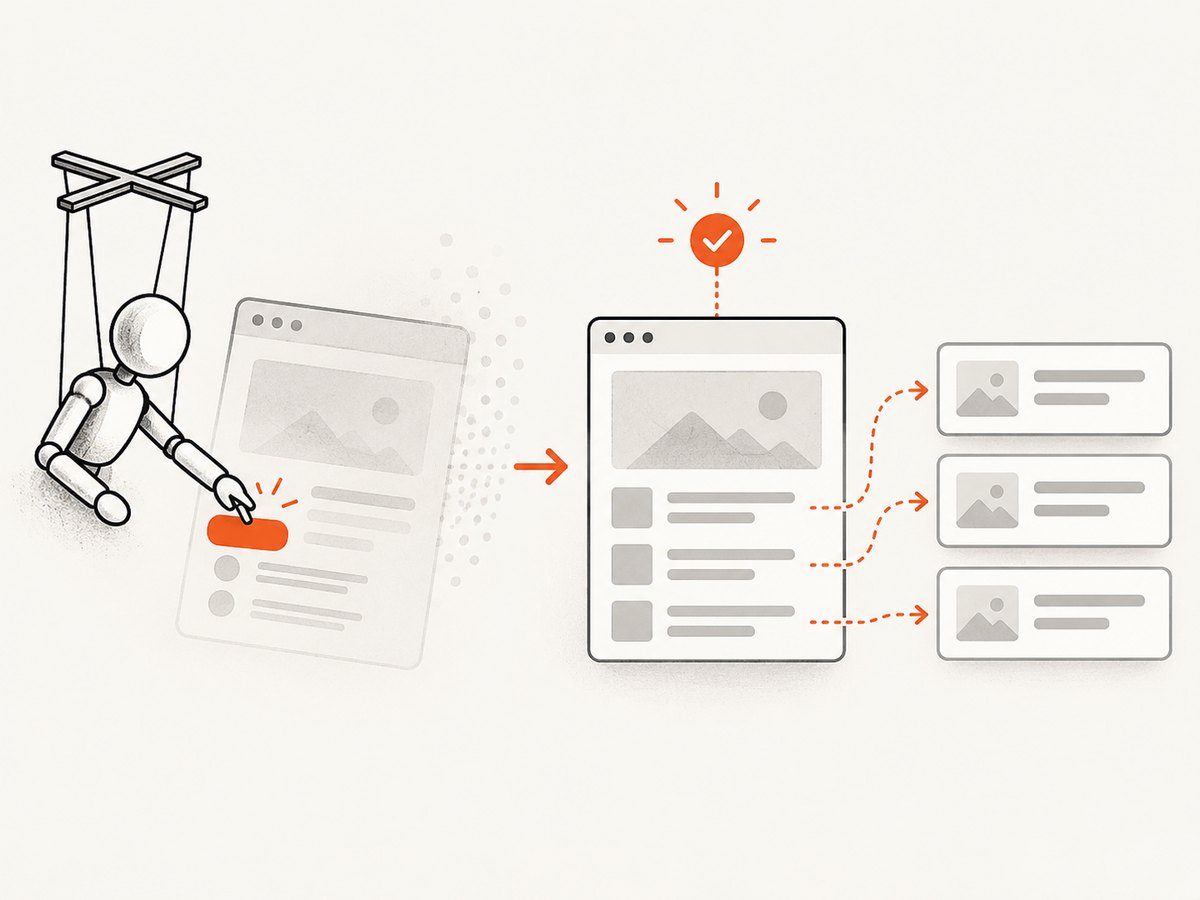
Direct answer: Puppeteer’s Execution context was destroyed, most likely because of a navigation error means the document your evaluation or element handle belonged to was replaced while the operation was still running. A click, redirect, reload, form submission, history change, or site script can create a new document. Register the navigation wait before the action, wait for a page-specific signal that proves the list is ready, then query the current document and extract the items in one operation.
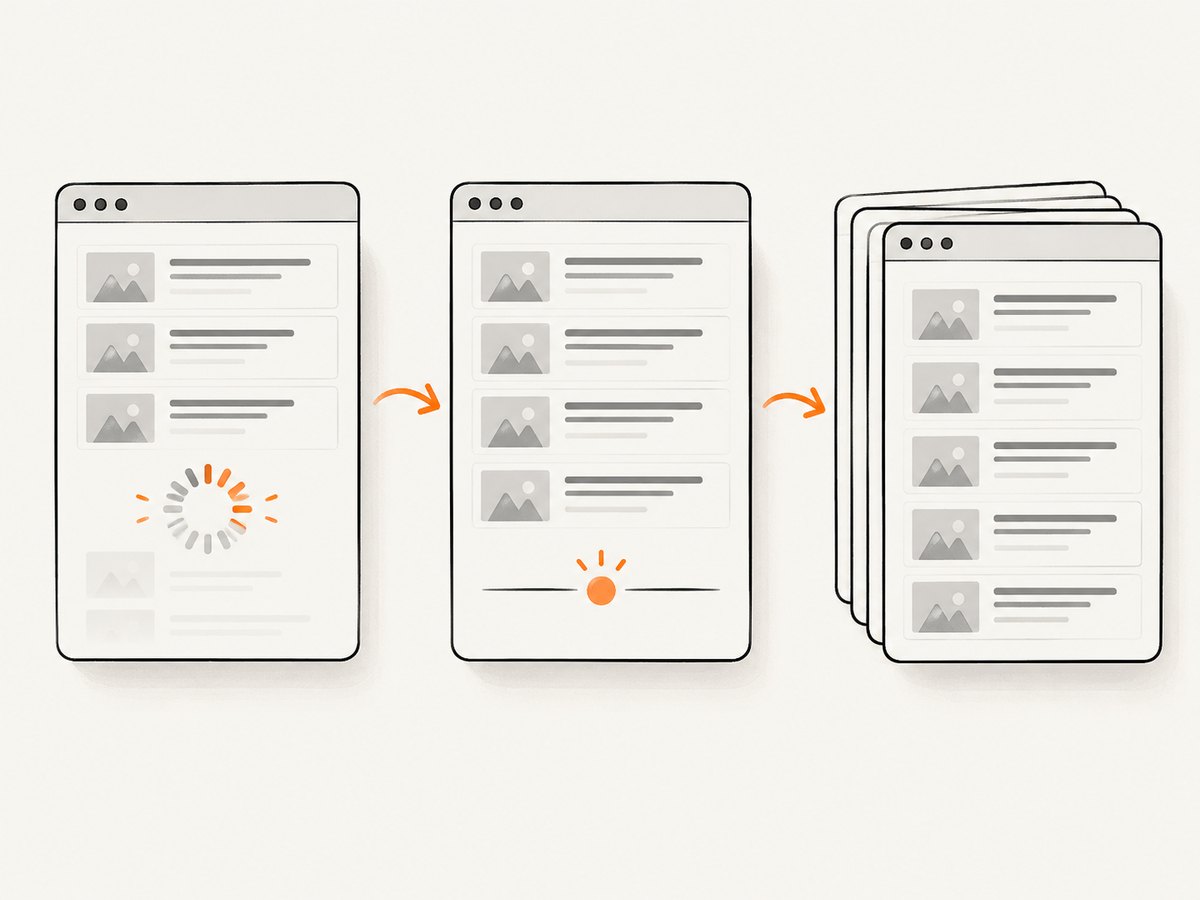
A selector appearing is not automatically proof that every item has loaded. If the number of items is unknown, wait for an observable completion condition such as a loading marker disappearing, an end-of-results marker appearing, a disabled “next” control, or the request that delivers the final batch completing. The exact condition depends on the application.
What the error means
Each Puppeteer page has an execution context associated with its current document. Calls such as page.evaluate(), page.waitForFunction(), and operations on element handles run against that context. Navigation invalidates the old context. If an evaluation is in flight when that happens, Chromium cannot continue it and Puppeteer reports the context-destroyed error.
The error is a lifecycle symptom, not proof of a Puppeteer defect. A matching issue was closed with needs-feedback and not-reproducible; it does not establish the reader’s exact cause. Treat navigation timing, asynchronous list rendering, and pagination as separate questions to diagnose.
Use the correct sequence for navigation
When an action can trigger a full navigation, start waitForNavigation() and the action together. The wait must be registered first, which is why both promises belong in Promise.all.
const [response] = await Promise.all([
  page.waitForNavigation({ waitUntil: 'domcontentloaded' }),
  page.click('a.next-page'),
]);

console.log('navigation response:', response ? response.status() : 'same-document navigation');
This is the ordering shown in the Puppeteer navigation reference. If the site changes the URL with the History API, the navigation response can be null even though Puppeteer considers it a navigation. Choose the waitUntil value for the site: domcontentloaded means the HTML document is parsed, while load waits for load events. Neither proves that a client-rendered list is complete.
Wait for the list’s real readiness signal
After navigation, wait for a condition that represents the data contract you need. Puppeteer’s waitForSelector() documentation states that the method works across navigations. It can wait for presence, visibility, or disappearance, but a present container can still be empty or incomplete.
Known minimum count
If the application guarantees a meaningful minimum, wait for that count:
const expectedCount = 20;

await page.waitForFunction(
  count => document.querySelectorAll('.container > li').length >= count,
  { polling: 'mutation', timeout: 30_000 },
  expectedCount,
);
waitForFunction() resolves when its function becomes truthy. Its options include polling, timeout, and cancellation. A count is appropriate only when the expected minimum is known and meaningful; using an arbitrary number can hide missing data.
Unknown number of items
Do not guess a count or sleep for a fixed duration. Use the site’s completion signal:
await page.waitForSelector('.results-loading', { hidden: true, timeout: 30_000 });
await page.waitForSelector('.results-end', { visible: true, timeout: 30_000 });
Other valid predicates include a disabled next-page button, a “no more results” marker, a stable page-specific status element, or completion of the request that supplies the final batch. A selector that appears early is only useful if the application defines it as complete.
Direct navigation
page.goto() follows redirects and resolves with the last redirect’s response. Await it, then apply the page-specific readiness wait:
const response = await page.goto('https://example.com/catalog', {
  waitUntil: 'domcontentloaded',
  timeout: 45_000,
});

if (!response || !response.ok()) {
  throw new Error(`Initial navigation failed: ${response?.status() ?? 'no response'}`);
}

await page.waitForSelector('.results-end', { timeout: 30_000 });
Navigation completion and asynchronous data loading are different events. A successful goto() does not guarantee that scripts have fetched and rendered every item.
Extract from the current document
Once the readiness condition passes, query again and extract in one operation. This avoids holding element handles from a document that may later be replaced.
const items = await page.$$eval('.container > li', nodes =>
  nodes.map(node => node.textContent?.trim() ?? '')
);

console.log(`retrieved ${items.length} items`);
This is a practical way to reduce stale references; it cannot protect an operation from a concurrent navigation. If the page can navigate while extraction runs, make the application state stable first, or retry the complete navigation, readiness, and extraction sequence.
Complete example with pagination
The following example processes pages until the next control is disabled. Replace selectors with those from the target application.
import puppeteer from 'puppeteer';

const browser = await puppeteer.launch();
const page = await browser.newPage();
page.setDefaultTimeout(30_000);

try {
  await page.goto('https://example.com/catalog', {
    waitUntil: 'domcontentloaded',
    timeout: 45_000,
  });

  const allItems = [];

  for (;;) {
    await page.waitForSelector('.results-loading', { hidden: true });
    await page.waitForSelector('.container > li');

    const pageItems = await page.$$eval('.container > li', nodes =>
      nodes.map(node => ({
        text: node.textContent?.trim() ?? '',
        href: node.querySelector('a')?.href ?? null,
      }))
    );
    allItems.push(...pageItems);

    const next = await page.$('button.next-page, a.next-page');
    if (!next) break;

    const disabled = await next.evaluate(el =>
      el.matches(':disabled') || el.getAttribute('aria-disabled') === 'true'
    );
    if (disabled) break;

    await Promise.all([
      page.waitForNavigation({ waitUntil: 'domcontentloaded' }).catch(() => null),
      next.click(),
    ]);

    await page.waitForSelector('.results-end', { timeout: 30_000 }).catch(() => null);
  }

  console.log(JSON.stringify(allItems, null, 2));
} finally {
  await browser.close();
}
If pagination updates the DOM without a full navigation, waiting for navigation will not be the completion rule. Instead, record the old page marker or item identity, click, and wait until that marker changes or the new request’s result appears.
Options that affect reliability
| Option or technique | Use it when | Failure to avoid |
|---|---|---|
waitUntil: 'domcontentloaded' |
The document structure is enough to begin app-specific waits. | Assuming scripts and data are finished. |
waitUntil: 'load' |
Images and load-event handlers are part of readiness. | Waiting for load when the app still fetches data afterward. |
waitForSelector(selector, {visible: true}) |
A visible control or result is the readiness signal. | Confusing a visible empty container with complete results. |
{hidden: true} |
A spinner or loading marker disappearing means the request ended. | Using a spinner that is removed before all batches arrive. |
waitForFunction() |
A count, URL, disabled state, or app predicate defines completion. | Polling a condition unrelated to data completeness. |
| Bounded timeouts | Every external wait needs a diagnosable limit. | Infinite hangs or very short arbitrary sleeps. |
The current Puppeteer documentation observed for this guidance is version 25.12.0. Check the version installed by your project before copying API patterns into an older codebase.
Common errors and fixes
“Execution context was destroyed” immediately after click
Cause: the click started navigation before the wait was registered, or an old evaluation overlapped the navigation. Fix: use Promise.all with waitForNavigation() first, then re-query selectors after navigation.
“Node is detached from document”
Cause: a framework replaced the list node during rendering. Fix: do not retain the handle across renders; wait for the stable state and call $$eval() again.
Timeout waiting for a selector
Cause: a wrong selector, a blocked request, a login wall, or a readiness condition that never occurs. Fix: capture the URL, HTTP status, current item count, and a screenshot or HTML snapshot at timeout. Verify whether the selector exists in the current document and whether the page requires authentication.
Items are missing although the container exists
Cause: the container is rendered before asynchronous data, or virtual scrolling only mounts visible rows. Fix: wait for the data-specific marker or request, scroll according to the application’s contract, and verify the count or terminal state.
Navigation wait hangs
Cause: the action performs an in-page update, opens a new target, or is prevented by validation. Fix: determine whether the URL/document changes. For same-document updates, wait for a changed item ID, status marker, or request result instead. For a new tab, listen for the target and wait on that page.
Performance, reliability, and cost
Use the narrowest readiness condition that matches the application. Waiting for every network request to become idle can be slow on pages with analytics, polling, or long-lived connections. Waiting only for a container can be fast but incomplete. A stable end marker or completed data request is usually the best balance.
Keep extraction inside one $$eval() where practical to reduce round trips between Node.js and Chromium. Process one page at a time for pagination, and persist the last confirmed page or item key so a retry does not silently duplicate data. Log the URL, navigation type, selector or predicate, timeout, and observed count. Never treat a timeout as an empty list.
Fixed sleeps are fragile: no universal duration guarantees that an unknown list is complete. Bounded, observable waits make failures diagnosable and let fast pages finish quickly. If the site changes frequently, add a small retry around the whole page lifecycle rather than retrying a stale element operation.
Or skip the browser setup
If your goal is a clean image or PDF of a page rather than custom list extraction, ScreenshotNeo provides a single screenshot request. It handles the capture browser for you, including full-page loading and a selector-specific element capture.
See the ScreenshotNeo API documentation for all options. A minimal request is:
curl -G "https://api.screenshotneo.com/v1/shot" -d access_key=YOUR_API_KEY --data-urlencode url=https://stripe.com -o shot.webpimport requests
r = requests.get("https://api.screenshotneo.com/v1/shot", params={"access_key": "YOUR_API_KEY", "url": "https://stripe.com"}, timeout=90)
open("shot.webp", "wb").write(r.content)const q = new URLSearchParams({ access_key: 'YOUR_API_KEY', url: 'https://stripe.com' });
const res = await fetch(`https://api.screenshotneo.com/v1/shot?${q}`);Cookie banners, newsletter popups, and chat widgets are removed before the shot; each step can be turned off. Bot checks, blank pages, timeouts, failed loads, and cache hits are not billed, and response headers report the page verdict and whether it was billed. ScreenshotNeo also provides an MCP server so Claude, Cursor, and other MCP clients can take screenshots, inspect pages, and capture PDFs. The free plan includes 1,000 screenshots each month with no card; paid plans start at $5 for 3,000.
Create a free ScreenshotNeo account and start with the 1,000 monthly shots.
FAQ
Does waitForSelector() guarantee all list items are loaded?
No. It guarantees the selector condition, such as presence or visibility. Use a count, end marker, disabled pagination control, or data-request completion signal for list completeness.
Should I use networkidle0?
Only when the site’s network behavior makes it meaningful. Analytics and polling can prevent idle, while a list can finish before the network becomes quiet.
Why can navigation return a null response?
History API URL changes and other same-document navigations may not have a navigation response. Wait for the page state that changed instead.
Can I reuse an element handle after navigation?
No. Re-query the current document after navigation or a framework render replaces the node.
What if the list has unknown pagination?
Process each page after its own readiness condition and stop only when the application reports no more data. Track an item key or page marker to detect loops.
Is this a confirmed Puppeteer bug?
No. The documented behavior is consistent with a context being invalidated by navigation; the matching report was not reproducible and does not establish a product defect.


