How to Find and Use Free MCP Servers for Web Search
Find a free MCP web-search server, compare keys and limits, and connect Brave Search to Claude Desktop with a working configuration.

A free MCP server can give a compatible AI client access to web search, and some servers can fetch page content too. To choose one, check whether it needs an account or API key, what its free limits cover, which tools it exposes, and whether its setup matches your client. For a concrete local setup, this guide walks through Brave Search with Claude Desktop; the exact steps differ for other clients and providers.
“Free” describes a provider’s current plan or trial, not a promise that every account, request, or workload will remain costless. Check the provider’s current documentation and terms before relying on an allowance.
1. What an MCP web-search server does
Model Context Protocol (MCP) lets a compatible AI client connect to tools provided by a server. A web-search MCP server makes a search provider’s capabilities available to that client. The client still matters: setup varies by application, and a configuration written for Claude Desktop may not work unchanged in Cursor or another MCP client. Brave’s Claude Desktop guide, for example, uses a local server process launched with Node.js and configured in Claude’s developer settings.
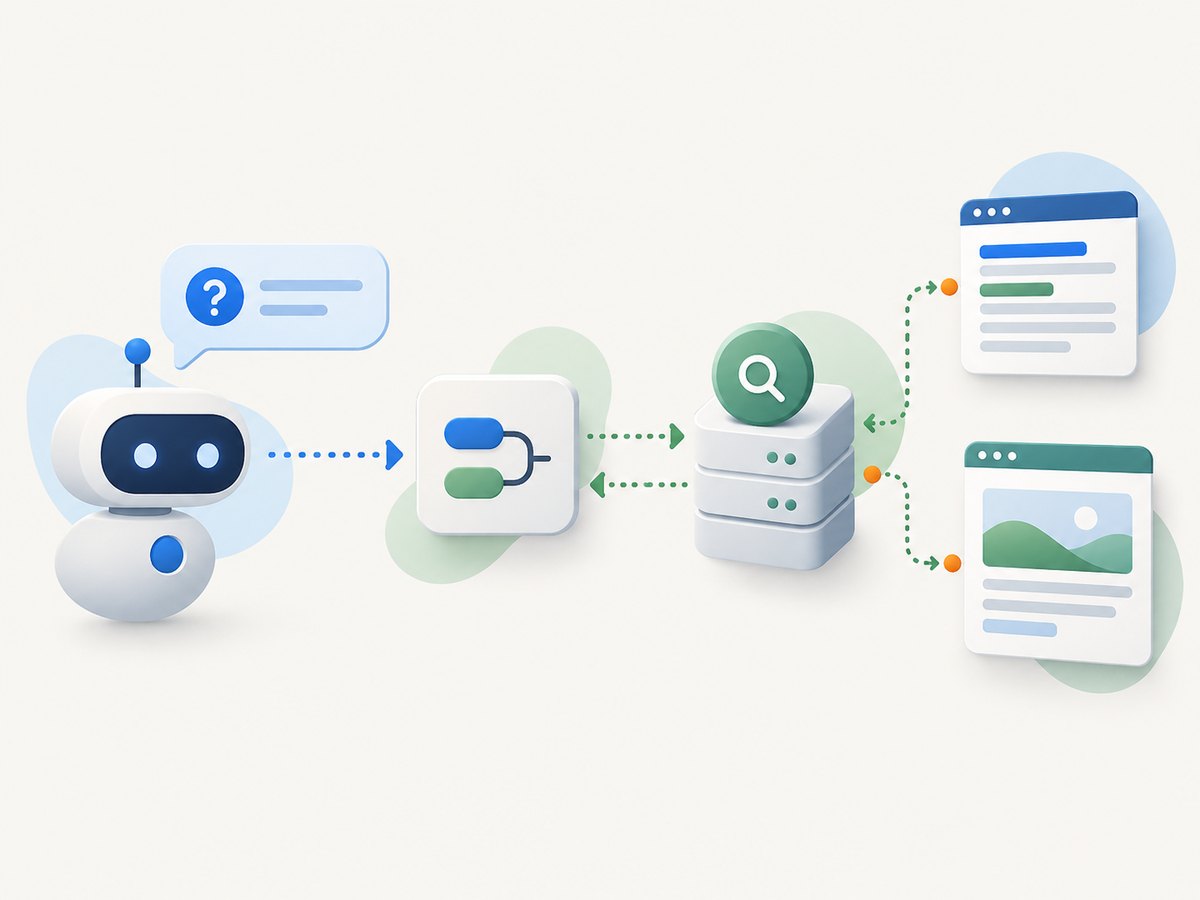
Also check what “search” means for a particular server. One tool might return search results; another may also fetch or extract page content. If your task requires reading the pages found, confirm that the server exposes a fetch or extract tool, rather than assuming search results include full page text.
2. Compare free options before installing one
The options below reflect the cited material and its publication dates. Features, free access, and limits can change. The Parallel comparison is vendor-authored, so treat its descriptions of Parallel and competing services as a landscape overview, then verify details with each provider.
| Server | Free access described in the sources | Tools or trade-off |
|---|---|---|
| Parallel Search MCP | A September 26, 2026 vendor comparison describes individual use without an account or API key, subject to rate limits. | Lists web_search and web_fetch. A low-friction way to try search plus fetch; confirm current limits and terms. |
| Brave Search MCP | Brave’s May 6, 2025 guide says its free plan offered 2,000 queries and uses an API key. | Claude Desktop setup uses Node.js and a local server process. Treat the quota as dated and check the current plan. |
| Exa MCP | The Parallel comparison characterizes the free plan as suitable for casual use. | Lists web_search_exa and web_fetch_exa, and highlights semantic discovery. Verify current allowance and authentication in Exa’s own documentation. |
| Firecrawl MCP | The comparison describes keyless search, scrape, and parse access with daily limits shared across a public IP. | Other tools require a key or OAuth, according to the comparison. Shared limits may not suit teams or continuous use. |
| Tavily MCP | The cited material describes a free tier and a limited keyless tryout, but does not establish an exact quota or current access conditions. | The repository lists search, extract, map, and crawl tools. Verify current terms and whether MCP calls consume account credits. |
Use these questions to compare candidates against your actual task:
- Authentication: Can you try it without an account, or do you need a key tied to a provider account?
- Tool coverage: Do you need search alone, or search plus fetch, extract, scraping, or crawling?
- Limit type: Is access a per-account quota, a rate limit, a trial, or a shared public-IP allowance?
- Client setup: Is the server hosted, or does your client launch a local process? Is there current guidance for your client and operating system?
- Trust and maintenance: Is it vendor-maintained or community-maintained? Inspect the source, maintainer, permissions, outbound network behavior, and recent documentation. A repository listing alone does not prove that a server is safe, official, or maintained.
- Results on your work: Try the same real questions on candidates and judge relevance, useful page content, and how the limits behave for your intended workload.
Keep the tool set small. Parallel’s vendor-authored article recommends avoiding overlapping servers because several similar tools can make tool selection harder. That is a useful design recommendation, not an independently measured result.
3. Set up Brave Search MCP in Claude Desktop
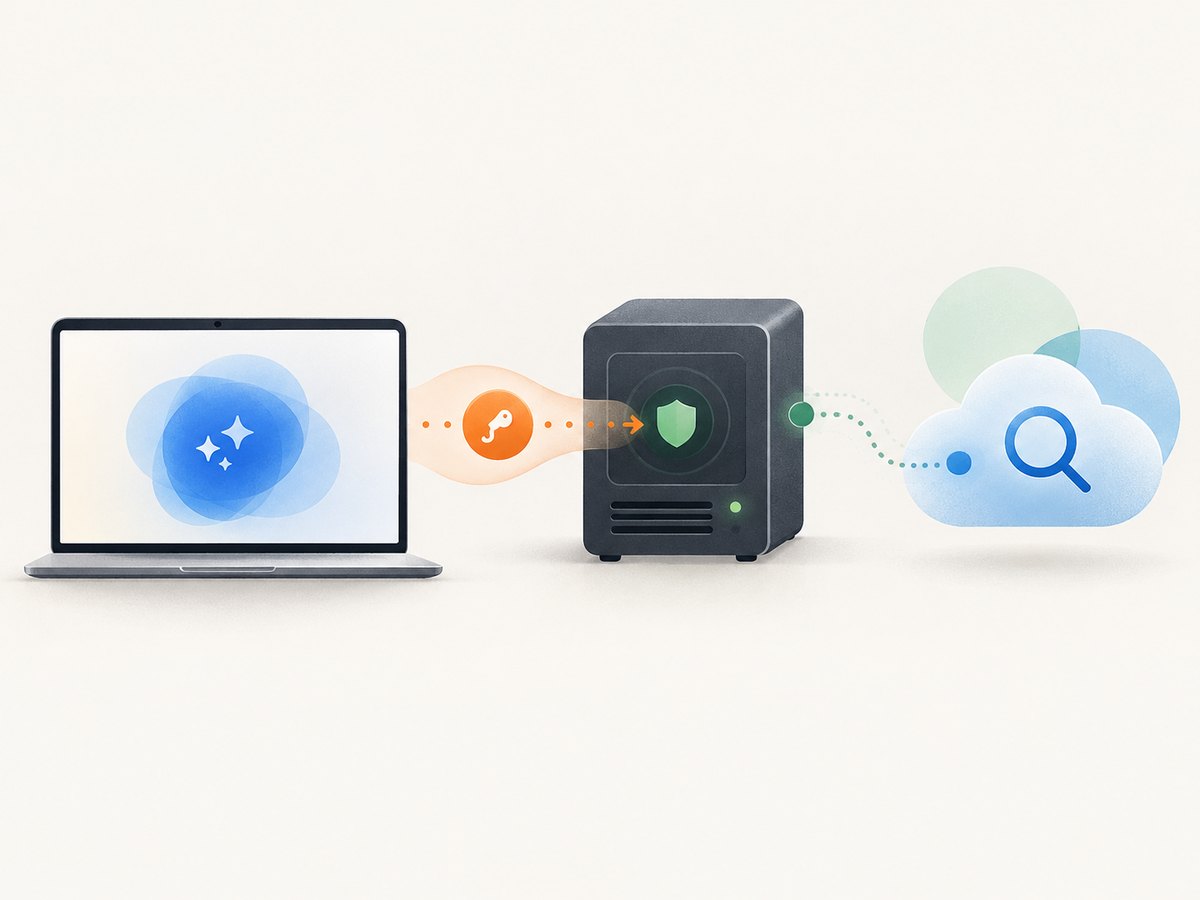
This example follows Brave’s guide published May 6, 2025. It requires Node.js, a Brave Search API account and key, and Claude Desktop. The guide describes 2,000 queries on Brave’s free plan at that time; check Brave’s current plan before assuming the same allowance applies.
- Install Node.js. The example starts the server using
npx, so Node.js must be available on your machine. Use the current Brave and Claude instructions if the package or prerequisites have changed. - Create a Brave Search API key. Sign in to Brave’s API service and generate a key. Check the current plan and query limits on Brave’s site.
- Find Claude’s configuration file. Brave’s guide names
~/Library/Application Support/Claude/claude_desktop_config.jsonon macOS and%APPDATA%\Claude\claude_desktop_config.jsonon Windows. - Add the server configuration. If the file already has other MCP servers, merge this entry into its existing JSON instead of replacing them. Substitute your own key for the placeholder.
- Save and restart Claude Desktop. Then ask a question that needs current web results and check whether Claude invokes the search tool. If it does not, use the troubleshooting section below.
Example configuration from the described setup:
{
  "mcpServers": {
    "brave-search": {
      "command": "npx",
      "args": ["-y", "@modelcontextprotocol/server-brave-search"],
      "env": {
        "BRAVE_API_KEY": "YOUR_BRAVE_API_KEY"
      }
    }
  }
}
Store the key in local configuration you control. Do not commit it to a public repository or paste it into a server configuration you do not trust. Before installing a community server, inspect its source, maintainer, requested permissions, and outbound network behavior. These are practical credential and software-supply-chain precautions; they are not a security audit of the example server.
4. Adapt the setup to another MCP client
The Brave sample is specific to Claude Desktop. For another client, consult that client’s current MCP instructions and the server provider’s instructions, then map the same basic pieces: server name, launch command or hosted connection, arguments, environment variables, and any required transport settings. Do not assume the client uses the same configuration file or that it supports the same connection method.
For a hosted server, follow its documented connection method and authentication flow. For a local server, the client generally needs to launch the process and pass configuration such as an API key through the method supported by that client. If a provider offers both a keyless trial and authenticated access, check which tools and limits apply to each route.
After setup, test with a query that clearly requires current information. Confirm that the client can see the expected tool and that the result includes the kind of data you need. If the task requires reading a result page, try the fetch or extract tool as a separate step where available.
5. Troubleshoot common setup and usage problems
| Symptom | Likely cause | What to check |
|---|---|---|
| The client does not show a search tool | Invalid JSON, wrong config location, unsupported client setup, or the client was not restarted. | Validate the JSON, confirm the OS-specific path and client instructions, save the file, then restart the client. |
| The local server will not start | Node.js or npx is missing or unavailable to the client process, or the package invocation has changed. |
Check that Node.js is installed and the command works in your environment. Compare the package name and current setup steps with Brave’s documentation. |
| Search returns an authentication or authorization error | The key is absent, mistyped, expired, or not available to the process. | Check the environment variable name, update the key through the provider, and restart the client after changing configuration. Do not share the key while debugging. |
| Search is unavailable after working previously | The provider may have changed its service, limits, package, or account requirements; a free quota or rate limit may also have been reached. | Check current provider status, plan, usage, and setup documentation. A dated free allowance is not a standing guarantee. |
| Search finds pages but the assistant cannot use their contents | The configured server may return search results without fetching page text. | Check its tool list and documentation for fetch or extract capabilities. Choose a server whose tool surface matches the task. |
| Keyless access stops working or varies between users | A trial may be limited, or a public-IP allowance may be shared among users. | Read the current terms and limit behavior. For team or recurring work, determine whether authenticated access is available and budget accordingly. |
| The assistant picks the wrong tool | Several configured servers may expose overlapping search tools. | Disable tools you do not need and keep names and descriptions clear. Retest the same task after simplifying the set. |
6. Performance, reliability, and cost
A free plan can be useful for exploration or personal workloads, but the source material does not establish that any option has a particular response time or availability level. Test the server with your own queries and client. For a recurring workflow, check provider terms, quotas, rate limits, account requirements, and what happens when limits are reached before depending on it.
Keep a fallback plan for work that cannot stop when a free quota runs out. That may mean an authenticated plan, a second provider you have evaluated, or a graceful response that tells the user no search result is available. Avoid quietly treating a keyless trial as production capacity.
Cost includes setup and maintenance as well as a plan price: local Node.js setup, key management, client-specific configuration, and changes to provider packages or terms all take attention. Compare those costs with the value of the tools you actually use. Do not pay for fetch, crawl, or other capabilities unless the workflow needs them.
7. Or skip the browser setup
If the task is capturing a web page as an image or PDF, ScreenshotNeo is a separate website screenshot API and MCP server for developers. It is not a web-search MCP server: it captures pages rather than finding them. You can use its MCP server with Claude, Cursor, or any MCP client to take screenshots with take_screenshot, get page information with get_page_info, or capture PDFs with capture_pdf. For that page-capture part of an agent workflow, one GET request returns an image or PDF. See the ScreenshotNeo API documentation.
curl -G "https://api.screenshotneo.com/v1/shot" -d access_key=YOUR_API_KEY --data-urlencode url=https://stripe.com -o shot.webpimport requests
r = requests.get(
"https://api.screenshotneo.com/v1/shot",
params={"access_key": "YOUR_API_KEY", "url": "https://stripe.com"},
timeout=90,
)
open("shot.webp", "wb").write(r.content)const q = new URLSearchParams({ access_key: 'YOUR_API_KEY', url: 'https://stripe.com' });
const res = await fetch(`https://api.screenshotneo.com/v1/shot?${q}`);ScreenshotNeo accepts cookie and consent banners like a visitor and removes more than 60 known consent platforms, newsletter popups, and chat widgets before capture; each step can be turned off. Bot checks and CAPTCHAs, blank pages, timeouts, failed loads, and cache hits cost nothing, and response headers say which page verdict applied and whether it was billed. AI agents can use its MCP server for screenshots, page information, and PDFs. The free plan includes 1,000 shots a month with no card; paid plans start at $5 for 3,000. Visit ScreenshotNeo and sign up for 1,000 free screenshots a month with no card.
8. Frequently asked questions
Do I need an API key for an MCP search server?
Not always. The reviewed comparison describes a keyless individual-use path for Parallel Search MCP and limited keyless access for Firecrawl and Tavily. Brave’s documented Claude Desktop setup uses an API key. Confirm current access requirements with the provider.
Can I use one MCP server with every AI client?
Do not assume so. Server compatibility, connection method, and configuration are client-dependent. Follow the instructions for the client and server you intend to use.
Is Brave’s 2,000-query allowance current?
That number comes from Brave’s guide published May 6, 2025. Check Brave’s current plan details before relying on it.
Does a server in the official MCP repository have to be safe?
No. A listing helps with discovery but does not establish that a server is official, secure, or maintained. Review the source, maintainer, permissions, and network behavior before connecting it.
Do I need special hardware?
No special physical product is identified as necessary in the sources. The relevant requirements are software, a compatible client, and whatever account or credentials the chosen provider currently requires.
Sources and update notes
- Brave Search guide for Claude Desktop, published May 6, 2025. Its free-plan figure and setup may change.
- Parallel: the vendor-authored comparison in the research dossier is dated September 26, 2026. Verify its product and competitor descriptions against current primary documentation.
- MCP servers repository: a discovery resource, not a safety or maintenance guarantee.
- Tavily MCP repository: check current tools and access requirements with the provider.
Before publishing or implementing a specific provider path, recheck its package name, client menu or config location, authentication flow, and free limits. The comparison material is not a hands-on test or an independent benchmark.


