BlogScreenshots on your device
How to Capture a Full-Page Screenshot With a WebBrowser Component
Learn which WebBrowser API to use on Windows, Android, or Apple platforms, with runnable code, limits, troubleshooting, and a hosted API option.
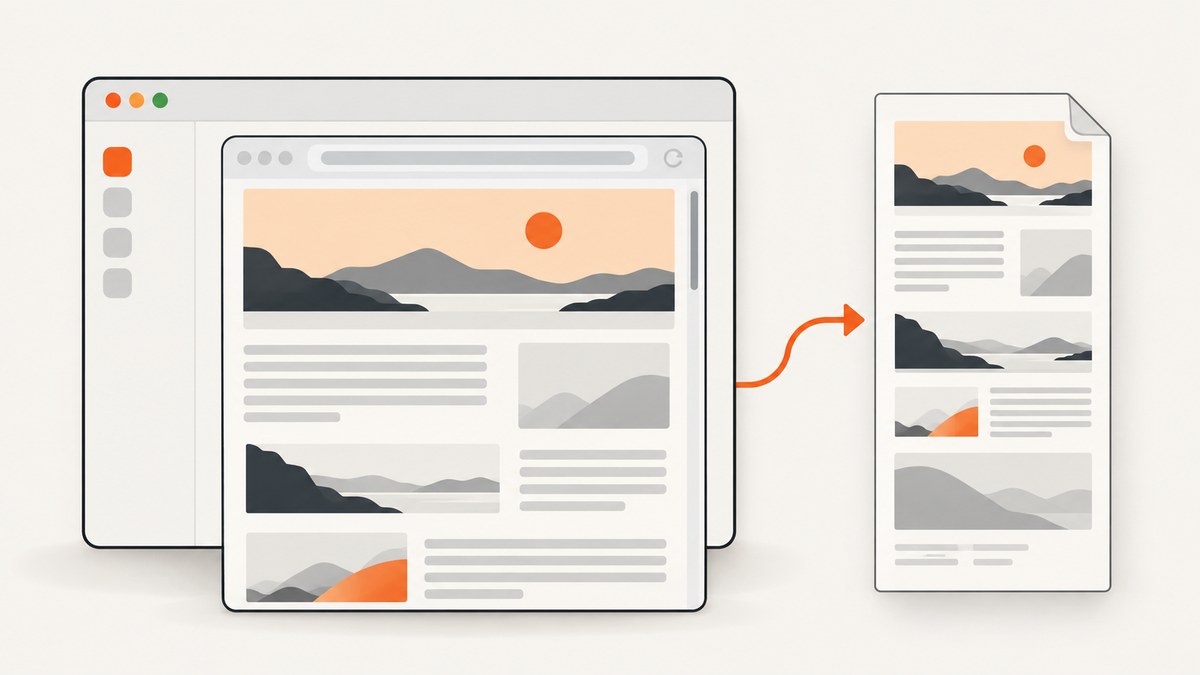
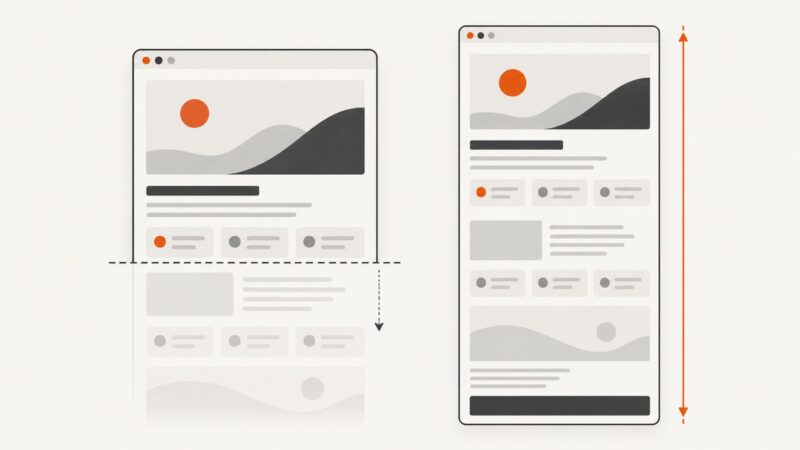
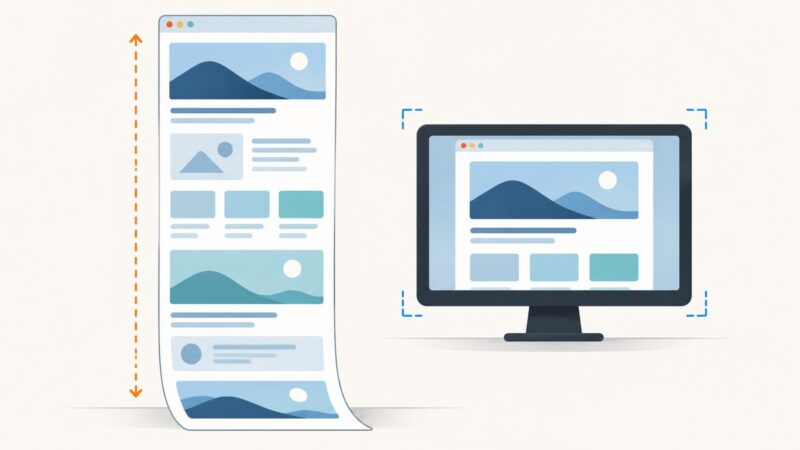
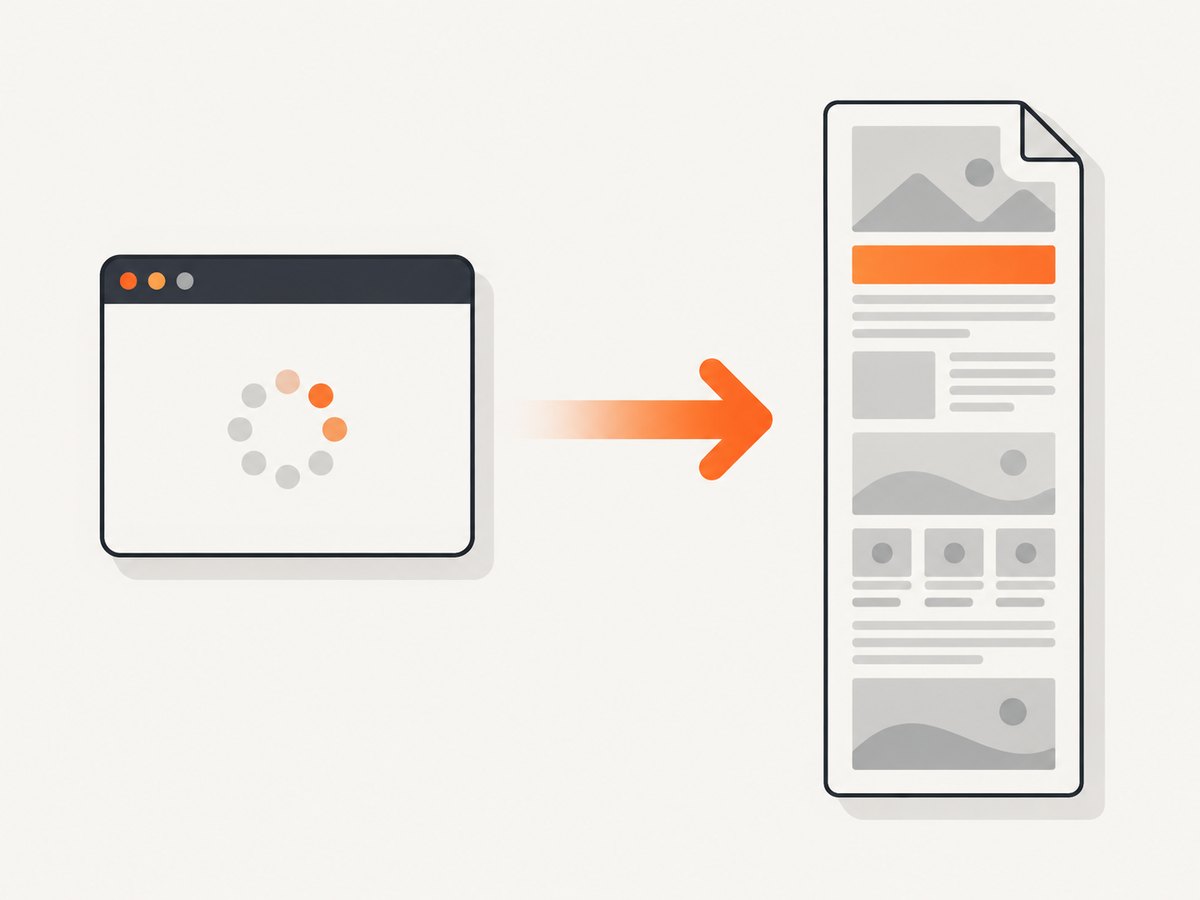
Direct answer: “WebBrowser component” is not one API. Identify the embedded control first. Microsoft WebView2 uses CoreWebView2.CapturePreviewAsync for an image and separate print APIs for PDF. Android WebView uses canvas drawing for a bitmap; its older capturePicture() method is deprecated. Apple WKWebView uses asynchronous takeSnapshot for an image and separate PDF-generation APIs. None of these APIs should be described as automatically producing an unlimited full-document image without checking the exact platform, SDK version, and page behavior.
This guide covers the three common controls, shows complete implementation patterns, and explains when a hosted screenshot API is simpler.
1. Identify the control before writing capture code
Use this decision table to choose the relevant section:
| App stack | Image API | Other output | Important limitation |
|---|---|---|---|
| Windows .NET, WPF, WinForms, Win32, or C++ with WebView2 | CoreWebView2.CapturePreviewAsync |
Print to PDF or a PDF stream | Wait for ContentLoading; verify the captured region and dimensions in your binding |
| Android WebView | Draw the view into a Canvas and bitmap |
saveWebArchive |
capturePicture() is deprecated; whole-document drawing can be expensive |
| Apple WKWebView | Asynchronous takeSnapshot |
PDF-generation APIs | Configure the snapshot region; do not assume arbitrary page height is included |
WebView2 is an embedded Chromium-based Edge control, Android WebView is an app UI component rather than a full browser with browser controls, and WKWebView is Apple’s web-rendering view. Microsoft’s API overview and reference document these capture and print surfaces (WebView2 APIs, WebView2 API reference). Android documents WebView as an embedded component (Android WebView guide).
2. Microsoft WebView2: capture after content loading
For a Windows application, call CapturePreviewAsync after the page has reached the relevant ContentLoading event. Microsoft’s versioned Win32 documentation warns that an early call can fail, and on later navigations it can capture the page being left instead of the new page (capture timing reference).
WPF or WinForms C# example
using System;
using System.IO;
using System.Threading.Tasks;
using Microsoft.Web.WebView2.Core;

private TaskCompletionSource<bool>? pageReady;

private async Task<string> CaptureAsync(string url, string outputPath)
{
    await webView.EnsureCoreWebView2Async();

    pageReady = new TaskCompletionSource<bool>(
        TaskCreationOptions.RunContinuationsAsynchronously);

    void OnContentLoading(object? sender, CoreWebView2ContentLoadingEventArgs e)
    {
        if (!e.IsErrorPage)
            pageReady.TrySetResult(true);
    }

    webView.CoreWebView2.ContentLoading += OnContentLoading;
    try
    {
        webView.CoreWebView2.Navigate(url);
        await pageReady.Task.WaitAsync(TimeSpan.FromSeconds(60));

        // Optional: wait for application-specific content after navigation.
        await Task.Delay(500);

        await using var file = File.Create(outputPath);
        await webView.CoreWebView2.CapturePreviewAsync(
            CoreWebView2CapturePreviewImageFormat.Png, file);
        return outputPath;
    }
    finally
    {
        webView.CoreWebView2.ContentLoading -= OnContentLoading;
    }
}

// Example call from an async event handler:
var path = await CaptureAsync(
    "https://example.com", "page.png");
The preview API captures the WebView’s configured view. If you need a complete, arbitrarily long document image, first verify how your WebView2 binding handles viewport size and page layout; the API overview confirms screenshot capture but does not establish an unlimited full-document mode. For a document deliverable, use WebView2’s separate print-to-PDF path instead of treating a screenshot as a PDF.
WebView2 checklist
- Call
EnsureCoreWebView2Asyncbefore usingCoreWebView2. - Subscribe before navigation and wait for
ContentLoading. - Reject error pages and enforce a timeout.
- Wait for app-rendered content, fonts, or images that load after navigation.
- Capture on the UI thread required by your framework.
- Use the PDF API when pagination and selectable text matter.
3. Android WebView: draw a bitmap, and account for whole-document cost
Android marks capturePicture() deprecated in API level 19. New code should draw the WebView into a bitmap with onDraw(Canvas). Android also documents enableSlowWholeDocumentDraw() for drawing outside the visible area; it must be called before any WebView is created and has a significant performance cost (WebView API reference).
Visible WebView bitmap in Kotlin
import android.graphics.Bitmap
import android.graphics.Canvas
import android.os.Bundle
import android.webkit.WebView
import androidx.appcompat.app.AppCompatActivity
import java.io.File
import java.io.FileOutputStream

class CaptureActivity : AppCompatActivity() {
    private lateinit var webView: WebView

    override fun onCreate(savedInstanceState: Bundle?) {
        super.onCreate(savedInstanceState)
        setContentView(R.layout.activity_capture)
        webView = findViewById(R.id.webView)
        webView.settings.javaScriptEnabled = true
        webView.loadUrl("https://example.com")

        webView.webViewClient = object : android.webkit.WebViewClient() {
            override fun onPageFinished(view: WebView, url: String) {
                val bitmap = Bitmap.createBitmap(
                    view.width,
                    view.height,
                    Bitmap.Config.ARGB_8888
                )
                view.draw(Canvas(bitmap))
                FileOutputStream(File(filesDir, "page.png")).use { stream ->
                    bitmap.compress(Bitmap.CompressFormat.PNG, 100, stream)
                }
                bitmap.recycle()
            }
        }
    }
}
This captures the view’s current dimensions. A long page requires a deliberate whole-document strategy: measure and lay out a sufficiently tall view, draw it, and test memory use on representative pages. If you enable whole-document drawing, do it before constructing any WebView:
import android.webkit.WebView

class App : android.app.Application() {
    override fun onCreate() {
        super.onCreate()
        WebView.enableSlowWholeDocumentDraw()
    }
}
Large pages can produce very large bitmaps. A bitmap with width w and height h at 32 bits per pixel needs roughly w × h × 4 bytes before encoding. Resize, tile, or generate a PDF when the page is too tall for the device’s memory budget.
4. Apple WKWebView: asynchronous snapshots and separate PDFs
Apple describes takeSnapshot(with:completionHandler:) as generating a platform-native image asynchronously. WKSnapshotConfiguration lets you specify the portion and capture behavior. WKWebView also has PDF-generation APIs; use those when the required output is a paginated document (takeSnapshot, WKWebView documentation).
Swift snapshot example
import WebKit

func snapshot(webView: WKWebView,
              completion: @escaping (Result) -> Void) {
    let configuration = WKSnapshotConfiguration()
    // Set rect only when you have measured the region you intend to capture.
    configuration.rect = webView.bounds

    webView.takeSnapshot(with: configuration) { image, error in
        if let error = error {
            completion(.failure(error))
        } else if let image = image {
            completion(.success(image))
        } else {
            completion(.failure(NSError(
                domain: "Screenshot", code: 1,
                userInfo: [NSLocalizedDescriptionKey: "No image returned"])))
        }
    }
}
The default snapshot is not evidence of automatic arbitrary-length page coverage. Measure the desired content, configure the capture region, and validate fixed-position elements, lazy content, and pages that change while scrolling.
5. Waiting for a page that is really ready
A navigation event means the document lifecycle advanced; it does not guarantee that every image, font, chart, or client-rendered component is visible. Use a combination appropriate to your page:
- Wait for the platform’s documented load event.
- Wait for a known selector such as
#report. - Wait for network or application state when your framework exposes it.
- Add a bounded delay for late animations or fonts.
- Disable animations in test pages with injected CSS when deterministic pixels matter.
Do not wait indefinitely. A timeout should produce a diagnostic result and preserve logs or a failure screenshot where possible.
6. Full-page edge cases
- Lazy-loaded images: content below the viewport may not exist until scrolling. Trigger the page’s loading mechanism or use a capture system that explicitly loads lazy images.
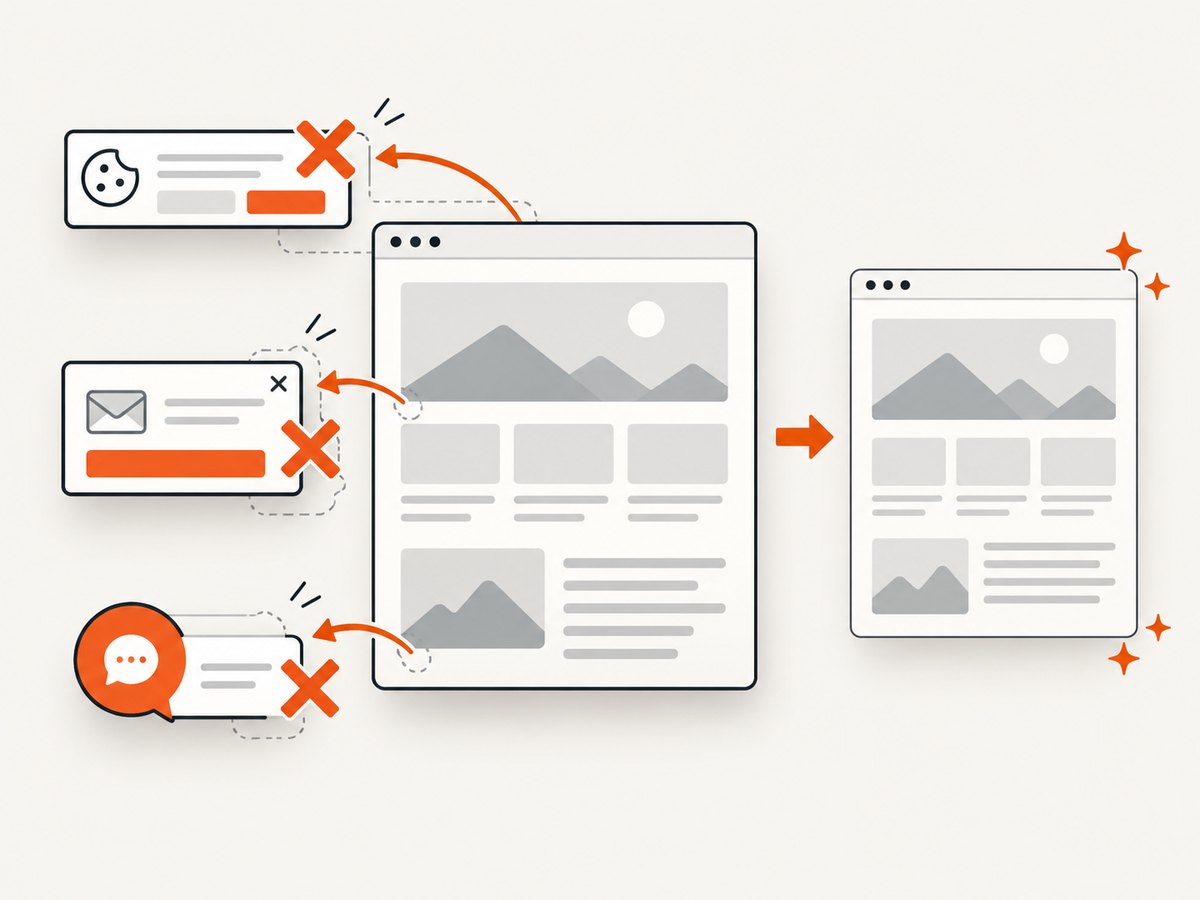
- Fixed headers and chat widgets: a whole-document render can repeat fixed elements or cover content. Hide them with page CSS or selectors when your capture stack supports it.
- Cross-origin frames: your app may not be able to inspect or script an iframe even though the browser renders it.
- Very tall documents: bitmap dimensions can exceed platform limits or exhaust memory. Prefer tiling or PDF.
- Animations and clocks: freeze animation and use a fixed timezone when reproducibility matters.
- Authentication: establish cookies, headers, or a session before capture and avoid logging secrets.
- Consent dialogs: cookie banners can obscure the page. Handle them in page automation or use a capture service with consent handling.
7. Troubleshooting
| Symptom | Likely cause | Fix |
|---|---|---|
| WebView2 capture fails immediately | Capture called before the first ContentLoading |
Subscribe before navigation and await the event. |
| WebView2 shows the previous page | Capture started during a later navigation | Associate the event with the current navigation and wait for its loading event. |
| Screenshot is blank | Capture ran before content or after an error page | Check the error flag, wait for a selector, and record navigation errors. |
Android code uses capturePicture() |
Legacy sample or outdated tutorial | Replace it with canvas drawing; the method is deprecated. |
| Android whole-page capture is slow or crashes | Whole-document drawing and bitmap allocation are expensive | Enable it before WebView creation, reduce dimensions, tile the output, or produce a PDF. |
| WKWebView image ends at the viewport | Snapshot rect covers only the view bounds | Measure and configure the intended rect; do not assume unlimited page height. |
| Images or fonts are missing | Lazy loading, blocked requests, or capture started too early | Wait for the relevant selector/resources and inspect console/network errors. |
| Output differs between runs | Animations, ads, time, geolocation, or responsive layout changed | Freeze animation, set viewport and locale, and control dynamic content. |
8. Performance, reliability, and cost
Performance
- Capture only after the smallest reliable readiness condition.
- Use PNG for lossless UI, JPEG for photographs, and WebP when supported by your pipeline.
- Keep a bounded maximum width and height; tile large documents.
- Reuse a warm WebView when safe, but clear cookies and storage when isolation is required.
- Move encoding and file I/O off the UI thread while leaving WebView calls on the required thread.
Reliability
- Use explicit navigation and capture timeouts.
- Retry transient navigation failures with a small limit and backoff.
- Record URL, viewport, SDK version, event timing, and error details with each job.
- Validate image dimensions and file size before accepting the result.
- Keep PDF and image paths separate so a format change does not silently alter pagination.
Cost
Self-hosted capture consumes application CPU, memory, storage, and engineering time. The largest practical costs are browser startup, page load, image decoding, and memory for tall bitmaps. A hosted API trades browser maintenance for per-request pricing; compare the price of successful captures with retries and failed jobs, and check whether unsuccessful requests are billable.
9. Or skip the browser setup
ScreenshotNeo provides a website screenshot API and MCP server. One GET request returns a PNG, JPEG, WebP, or PDF. Cookie and consent banners are accepted and removed before capture, along with more than 60 known consent platforms, newsletter popups, and chat widgets. Bot checks, blank pages, timeouts, failed loads, and cache hits are not billed, and each response reports its page verdict and billing status in X-Page-Verdict and X-Billed headers.
See the ScreenshotNeo API documentation for all options, including full-page capture with lazy images, CSS selector element capture, dark mode, device presets, retina scale, PDF paper settings, custom CSS and JavaScript, clicks, waits, request blocking, headers, cookies, user agents, authorization, timezone, geolocation, transparent backgrounds, resizing, TTL caching, signed links, asynchronous jobs, webhooks, bulk capture, usage, and the OpenAPI specification.
cURL
curl -G "https://api.screenshotneo.com/v1/shot" \
  -d access_key=YOUR_API_KEY \
  --data-urlencode url=https://stripe.com \
  -o shot.webp
Python
import requests

r = requests.get(
    "https://api.screenshotneo.com/v1/shot",
    params={"access_key": "YOUR_API_KEY", "url": "https://stripe.com"},
    timeout=90,
)
r.raise_for_status()
open("shot.webp", "wb").write(r.content)
Node.js
const q = new URLSearchParams({
  access_key: 'YOUR_API_KEY',
  url: 'https://stripe.com'
});
const res = await fetch(`https://api.screenshotneo.com/v1/shot?${q}`);
if (!res.ok) throw new Error(`HTTP ${res.status}`);
const data = Buffer.from(await res.arrayBuffer());
require('fs').writeFileSync('shot.webp', data);
An MCP server also lets Claude, Cursor, and other MCP clients call take_screenshot, get_page_info, and capture_pdf. Pricing starts with 1,000 screenshots per month free with no card; paid plans start at $5 for 3,000 shots, and every feature is included on every plan. Create a free ScreenshotNeo account.
10. FAQ
Can Edge’s Screenshot button be used by my embedded WebView?
No. Edge documents an end-user screenshot feature whose availability and behavior vary by device, market, and browser version. It is not an API contract for an embedded control (Microsoft Edge Screenshot).
Should I use a screenshot or PDF for archival documents?
Use a screenshot for a visual image. Use the platform’s PDF-generation path when pagination, selectable text, and print layout are required.
Is Android capturePicture() acceptable for new applications?
No. Android marks it deprecated since API level 19. Use canvas drawing and design a tested strategy for content outside the viewport.
Does WKWebView always capture the entire page?
No automatic guarantee is established by the snapshot API description. Configure and validate the capture region for the OS and page you support.
Which option requires the least browser maintenance?
A hosted API such as ScreenshotNeo avoids shipping and maintaining platform-specific WebView capture code, while retaining options for image and PDF output.