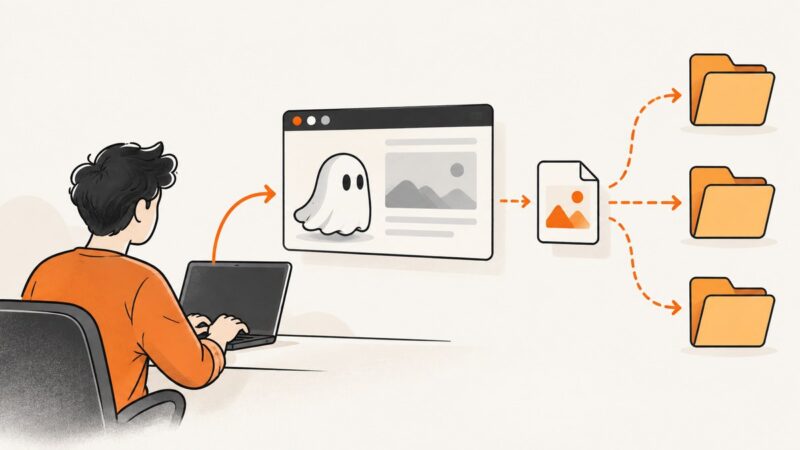
Glassdoor Scraping Tutorial: How to Extract Website Data
Learn the responsible Python workflow for authorized website data extraction, and understand why Glassdoor’s terms require express written permission.

For Glassdoor specifically, do not run an automated scraper unless you have express written permission that covers the collection you intend to perform. Glassdoor’s surfaced UK Terms of Use prohibit introducing automated agents to “scrape, strip, or mine data from the services without our express written permission”; a surfaced US terms page states a similar restriction. The research results date the UK terms to February 17, 2024, and the US page to July 8, 2020, so check the live terms that apply to your location and account before acting. A Python example explains general URL fetching; it does not grant permission to collect Glassdoor data. Glassdoor UK Terms of Use · Glassdoor US Terms of Use.
This tutorial shows a safe, generic Python workflow for a website you are authorized to access. It does not claim that Glassdoor has an approved extraction API, that its current pages have a particular structure, or that the sample code works against Glassdoor. If your goal is a screenshot rather than structured data, ScreenshotNeo is a separate website screenshot API and MCP server; screenshots do not authorize scraping or reuse of Glassdoor content.
1. Decide whether and what you may collect
Before writing code, define the purpose, fields, source, and retention period. For Glassdoor, obtain express written permission from the appropriate rights holder before any automated scraping, stripping, or mining. Confirm the approved URLs, request limits, permitted fields, storage, sharing, and deletion rules in writing. If permission is unavailable, do not automate collection; ask Glassdoor about an approved channel or use data you are authorized to access.
Compare collection approaches in this order:
- Authorization and scope: Is the source and method expressly permitted for your use?
- Provenance: Can each record be traced to an allowed source and collection time?
- Completeness and freshness: Does the authorized source provide what your use case actually needs?
- Privacy and reuse: Are personal data, employee opinions, and subsequent publication covered?
- Reliability: Is the channel stable and documented, and what should your client do when it fails?
The research for this article did not establish a Glassdoor-supported extraction API or access product. Verify any proposed channel directly with Glassdoor. Do not treat a public page, a logged-in session, or a technically successful response as permission.
2. Set up Python for an authorized target
The example uses Python’s standard library, so no package installation is needed. It fetches one URL, applies a timeout, reads response bytes, and writes them to a local file. Use it only for a URL and purpose covered by your authorization. The target below is a placeholder: replace it with an authorized page you control or have permission to retrieve.
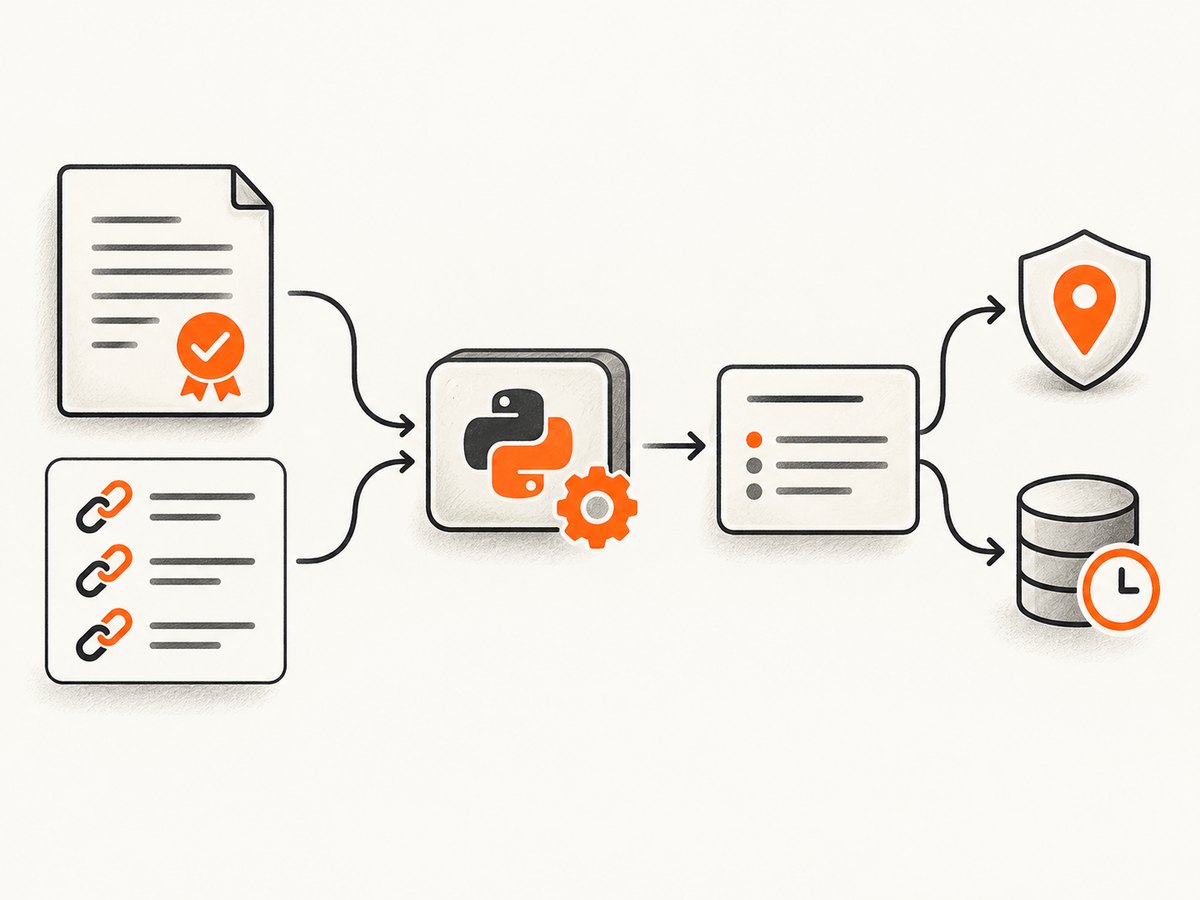
Python documents urllib.request.urlopen, request objects, response data, and timeouts in its urllib.request reference. Its HOWTO describes the basic fetch-and-read flow and explains that more involved cases require understanding HTTP behavior and errors.
from urllib.request import Request, urlopen
from urllib.error import HTTPError, URLError

url = "https://example.com/authorized-page"
request = Request(url)

try:
    with urlopen(request, timeout=20) as response:
        status = response.status
        content_type = response.headers.get("Content-Type", "")
        body = response.read()
except HTTPError as exc:
    raise SystemExit(f"HTTP error {exc.code}: {exc.reason}")
except URLError as exc:
    raise SystemExit(f"Request failed: {exc.reason}")

if status != 200:
    raise SystemExit(f"Unexpected HTTP status: {status}")
if "text/html" not in content_type.lower():
    raise SystemExit(f"Expected HTML, received {content_type!r}")

with open("page.html", "wb") as output:
    output.write(body)

print(f"Saved {len(body)} bytes from {url}")
This program saves the response body, not a verified dataset. It does not parse fields, follow an authorization policy, or establish that the server permits automated access. Keep those decisions explicit in the surrounding application.
3. Parse only fields your permission covers
Once you have an authorized HTML document, parse only the fields and page structures your permission identifies. The following standard-library example shows how to extract links from a saved document. It is deliberately generic: it does not identify Glassdoor review selectors or claim anything about Glassdoor’s live markup.
from html.parser import HTMLParser
from urllib.parse import urljoin

BASE_URL = "https://example.com/authorized-page"

class LinkParser(HTMLParser):
    def __init__(self):
        super().__init__()
        self.links = []

    def handle_starttag(self, tag, attrs):
        if tag != "a":
            return
        values = dict(attrs)
        href = values.get("href")
        if href:
            self.links.append(urljoin(BASE_URL, href))

with open("page.html", "r", encoding="utf-8") as source:
    html = source.read()

parser = LinkParser()
parser.feed(html)
for link in parser.links:
    print(link)
For a real authorized project, define a schema before parsing. Validate required values, normalize formats, preserve the source URL and retrieval timestamp, and record missing or malformed fields rather than silently inventing defaults. If a page changes unexpectedly, stop and review it against the permission scope before adapting a parser.
4. Build a responsible extraction workflow
- Document the authorization. Store who granted it, its date, the approved method, target URLs, fields, rate limits, uses, and expiry.
- Minimize the collection. Request only approved URLs and retain only fields needed for the stated purpose.
- Fetch conservatively. Set finite timeouts, handle errors, and honor any written request limits. Do not retry a denial or access-control response in a way that continues collection.
- Parse known fields. Use a documented schema and test against authorized examples. Do not infer permission from hidden state or a page’s technical accessibility.
- Validate and record provenance. Associate each stored record with its permitted source and collection time; flag incomplete or stale data.
- Protect and expire the data. Limit access, set a retention period, and delete records when the authorization or purpose ends.
- Review before reuse. Collection permission does not automatically establish permission to republish, profile people, or combine records with other data.
Glassdoor says it provides privacy controls over personal data it holds, including access, download, deletion, and control rights. Avoid unnecessary collection or republication of user-linked information. Its community principles describe a balance between authenticity and value and fairness to employers, which is relevant when handling employee reviews. See the Glassdoor Help Center community guidance and check its current privacy materials for your situation.
5. Handle errors without bypassing restrictions
For an authorized site, failures are operational signals. Classify them, preserve enough diagnostic context to investigate, and follow the authorization’s limits. A response that denies access is a reason to stop and resolve authorization, not to disguise the client, switch networks, or work around the denial.
| Symptom | Likely cause | Responsible response |
|---|---|---|
| HTTP 401 or 403 | Authentication or authorization is missing, invalid, or insufficient. | Stop requests. Confirm the approved access method and scope with the site owner. Do not try alternate credentials or evade the restriction. |
| HTTP 404 | The authorized URL may be wrong, removed, or outside scope. | Check the URL against the approved list. Ask the owner whether the resource moved before updating collection. |
| HTTP 429 | A request limit was reached. | Pause as required by the written limits and contact the owner if the limit is unclear. Do not parallelize or rotate addresses to get around it. |
| HTTP 5xx or timeout | The server or network may be temporarily unavailable. | Use a finite, documented retry policy only where authorization permits retries. Record failures and avoid aggressive loops. |
| Unexpected content type or blank body | The response may be an error page, a redirect, or an empty resource. | Inspect status and headers for the authorized target; do not assume it contains the expected fields. |
| Parser returns no fields | The authorized page may have changed, or the input encoding/schema may be wrong. | Stop the affected run, compare with an authorized sample, and update validation only within the approved scope. |
| Malformed or partial records | Input data may be incomplete, encoding may differ, or parsing rules may be too broad. | Reject or quarantine the record, log its source and reason, and correct the parser using permitted examples. |
Do not use browser automation, custom headers, proxies, CAPTCHA solving, hidden page state, or credential sharing to defeat a restriction. Those techniques do not make collection permissible. If the owner declines access, stop.
6. Performance, reliability, privacy, and cost
A one-page request is simple, but a collection job can multiply load and operational risk. Estimate the number of permitted pages and request rate before running anything. Process within the written limits, use bounded concurrency only if expressly allowed, and checkpoint progress so a transient failure does not cause a full uncontrolled rerun. Cache only where your permission allows it, and use a clear expiry policy.

Reliability depends on both the source and your parser. Record status, retrieval time, content type, and validation outcomes. Distinguish a valid empty result from an HTTP failure or parse failure. Alert on unexpected shifts in required fields and pause collection when a change could mean the page or authorization scope has changed.
Cost includes engineering time, storage, review, privacy controls, and downstream correction or deletion. Avoid collecting sensitive or user-linked fields unless they are necessary and explicitly covered. Keep a data inventory and deletion procedure. Glassdoor’s privacy controls relate to personal data Glassdoor holds; they do not confer rights to collect or republish other people’s information.
7. Or skip the browser setup
If the deliverable is a visual record rather than structured fields, ScreenshotNeo provides a website screenshot API and MCP server. One GET request returns a PNG, JPEG, WebP, or PDF. This is for capturing an authorized page as an image or document; it is not a Glassdoor data-extraction method and does not replace the permission requirement.
ScreenshotNeo API documentation
curl -G "https://api.screenshotneo.com/v1/shot" -d access_key=YOUR_API_KEY --data-urlencode url=https://stripe.com -o shot.webpScreenshotNeo accepts cookie or consent banners and removes more than 60 known consent platforms, newsletter popups, and chat widgets before the shot; each step can be turned off. Bot checks, CAPTCHAs, blank pages, timeouts, failed loads, and cache hits cost nothing, and response headers identify page verdict and billing status. Its MCP server provides take_screenshot, get_page_info, and capture_pdf for Claude, Cursor, and other MCP clients. The Free plan includes 1,000 shots per month with no card; paid plans start at $5 for 3,000 shots. Every feature is on every plan.
Sign up for 1,000 free screenshots a month, no card required.
8. FAQ
Can I scrape Glassdoor if the pages are publicly visible?
Public visibility does not settle the terms question. The surfaced Glassdoor terms prohibit automated scraping, stripping, or mining without express written permission. Check the current terms and get the required permission before automating.
Does this Python code show how to scrape Glassdoor reviews?
No. It demonstrates standard-library fetching and generic HTML parsing for an authorized target. No current Glassdoor page structure or working Glassdoor scraper was verified for this tutorial.
Would changing headers or using a browser make it allowed?
No. A technical change does not grant permission. Do not disguise automated traffic or continue after a denial; confirm an approved method with Glassdoor.
What should I do with employee review data?
Collect and retain the minimum your written authorization permits, protect it, and confirm reuse rights before sharing or republishing. Consider privacy and fairness when interpreting employee opinions.
Can ScreenshotNeo extract review fields?
ScreenshotNeo captures visual screenshots or PDFs. It is not presented here as a structured Glassdoor extraction service, and using it does not grant permission to access or reuse Glassdoor content.