How to Build a Google Search MCP Server in Python
Build a typed Python MCP server that exposes Google Custom Search, with stdio and HTTP transports, validation, retries, testing, and deployment guidance.
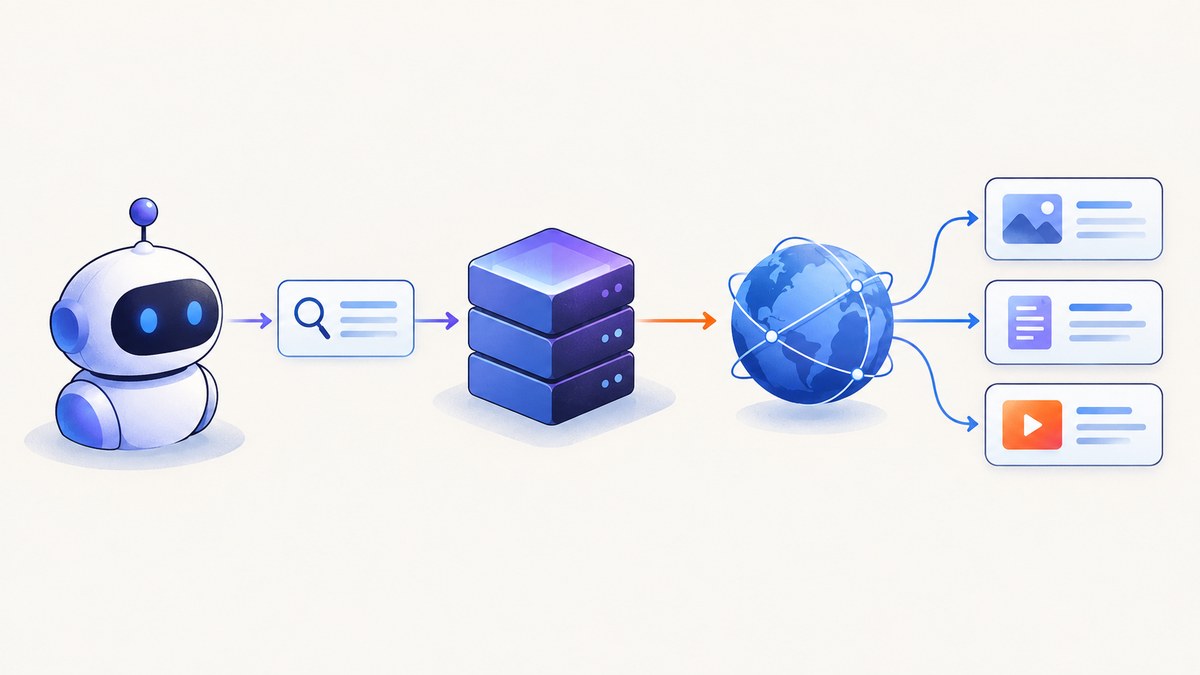
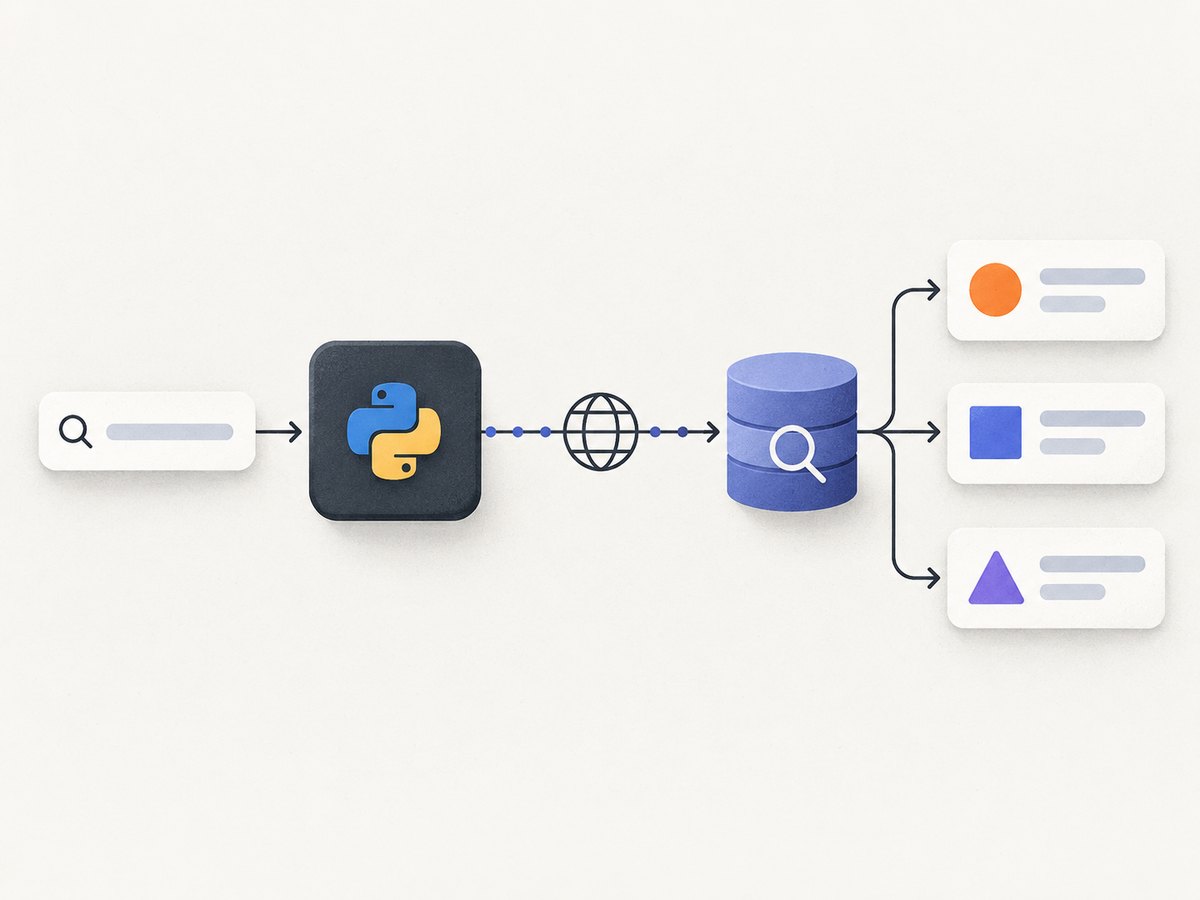
A Google Search MCP server wraps the Google Custom Search JSON API in a typed tool that an MCP client can call. The server validates inputs, keeps credentials in environment variables, performs the upstream request, and returns a small stable result object instead of exposing Google’s raw response.
This guide builds that server in Python 3.10+ with the official MCP Python SDK v2. It includes local stdio usage, Streamable HTTP deployment, retries, timeouts, tests, security controls, and troubleshooting.
What you will build
MCP host → MCP transport → google_search tool → HTTP client → Google Custom Search JSON API
The tool accepts a query and an optional result count:
{
  "query": "Python MCP server",
  "num_results": 5
}
It returns normalized objects containing title, link, and snippet. Google requires three request values: an API key, a Programmable Search Engine ID (cx), and the query (q). See Google’s Custom Search JSON API overview and request reference.
Prerequisites and Google setup
- Install Python 3.10 or newer. The official MCP Python SDK v2 targets Python 3.10+.
- Create a Programmable Search Engine and copy its
cxidentifier. - Create a Google Cloud API key and enable the Custom Search JSON API for that project.
- Keep both values outside source control. Restrict the key in Google Cloud where possible.
The SDK installation instructions are in the official MCP documentation. Install the CLI extra and an async HTTP client:
python -m venv .venv
source .venv/bin/activate
python -m pip install --upgrade pip
pip install "mcp[cli]" httpx python-dotenv
Pin the SDK major version in a real project so an upgrade does not silently change server APIs:
mcp[cli]>=2,<3
httpx>=0.27,<1
python-dotenv>=1,<2
Project layout and environment variables
google-search-mcp/
├── server.py
├── .env
├── .gitignore
└── pyproject.toml
Create .env locally:
GOOGLE_API_KEY=replace_with_google_api_key
GOOGLE_CSE_ID=replace_with_programmable_search_engine_id
Add the secret file to .gitignore:
.env
.venv/
__pycache__/
Complete Python MCP server
This implementation uses the high-level decorator API. Python type hints become the tool’s input schema. The adapter validates the query, bounds the result count, applies connect and read timeouts, retries a small set of transient failures, handles an omitted items field as an empty result, and returns normalized data.
from __future__ import annotations

import asyncio
import os
from typing import Any

import httpx
from dotenv import load_dotenv
from mcp.server.fastmcp import FastMCP

load_dotenv()

GOOGLE_SEARCH_URL = "https://www.googleapis.com/customsearch/v1"
GOOGLE_API_KEY = os.environ.get("GOOGLE_API_KEY")
GOOGLE_CSE_ID = os.environ.get("GOOGLE_CSE_ID")

if not GOOGLE_API_KEY or not GOOGLE_CSE_ID:
    raise RuntimeError(
        "Set GOOGLE_API_KEY and GOOGLE_CSE_ID before starting the server"
    )

mcp = FastMCP("google-search")


def _validate_query(query: str) -> str:
    value = query.strip()
    if not value:
        raise ValueError("query must not be blank")
    if len(value) > 512:
        raise ValueError("query must be 512 characters or fewer")
    return value


def _validate_num_results(num_results: int) -> int:
    if not 1 <= num_results <= 10:
        raise ValueError("num_results must be between 1 and 10")
    return num_results


async def _request_google(params: dict[str, Any]) -> dict[str, Any]:
    timeout = httpx.Timeout(connect=5.0, read=20.0, write=5.0, pool=5.0)
    limits = httpx.Limits(max_connections=20, max_keepalive_connections=10)

    for attempt in range(3):
        try:
            async with httpx.AsyncClient(timeout=timeout, limits=limits) as client:
                response = await client.get(GOOGLE_SEARCH_URL, params=params)

            if response.status_code in {429, 500, 502, 503, 504} and attempt < 2:
                await asyncio.sleep(0.5 * (2**attempt))
                continue

            response.raise_for_status()
            return response.json()
        except (httpx.ConnectError, httpx.ReadTimeout) as exc:
            if attempt == 2:
                raise RuntimeError("Google Search request timed out or could not connect") from exc
            await asyncio.sleep(0.5 * (2**attempt))
        except httpx.HTTPStatusError as exc:
            try:
                detail = exc.response.json().get("error", {}).get("message", "")
            except ValueError:
                detail = ""
            raise RuntimeError(
                f"Google Search returned HTTP {exc.response.status_code}"
                + (f": {detail}" if detail else "")
            ) from exc

    raise RuntimeError("Google Search request failed")


@mcp.tool()
async def google_search(query: str, num_results: int = 5) -> list[dict[str, str]]:
    """Search Google and return normalized title, URL, and snippet fields."""
    clean_query = _validate_query(query)
    count = _validate_num_results(num_results)

    payload = await _request_google(
        {
            "key": GOOGLE_API_KEY,
            "cx": GOOGLE_CSE_ID,
            "q": clean_query,
            "num": count,
        }
    )

    items = payload.get("items") or []
    results: list[dict[str, str]] = []
    for item in items[:count]:
        link = item.get("link")
        title = item.get("title")
        snippet = item.get("snippet")
        if not link or not title:
            continue
        results.append(
            {
                "title": str(title),
                "link": str(link),
                "snippet": str(snippet or ""),
            }
        )
    return results


if __name__ == "__main__":
    mcp.run()
Save the file as server.py. The server does not log the API key or the complete upstream payload. Snippets and links are remote content, so an MCP client should treat them as untrusted text.
Run it over stdio
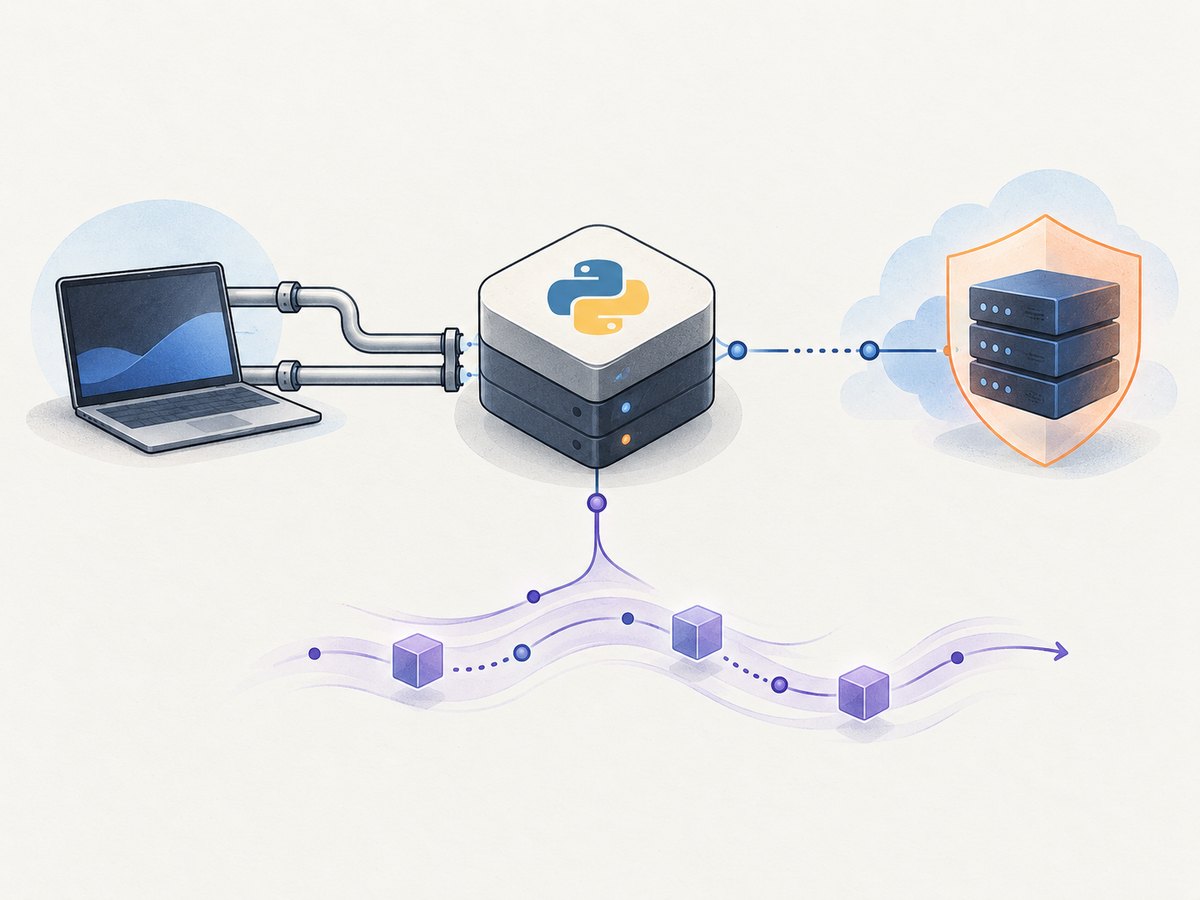
stdio is the simplest transport for a local desktop host because the host starts the process and communicates through standard input and output:
python server.pyWith the MCP CLI, you can run the file through the development tooling:
mcp run server.pyConfigure your MCP desktop client to launch the virtual-environment interpreter and pass the working directory. The exact configuration file varies by host; the important values are the command, the absolute path to server.py, and the two environment variables.
Use Streamable HTTP for a remote host
Streamable HTTP is appropriate when another machine or service must connect to the MCP server. It requires normal HTTP security, process supervision, authentication, rate limiting, and lifecycle management. The SDK also documents SSE for clients that specifically require server-sent events. See the MCP transport specification.
Expose the HTTP transport using the SDK’s HTTP mode:
mcp run server.py --transport streamable-http --host 127.0.0.1 --port 8000Bind to a public interface only behind TLS termination and an authentication layer. Add per-client quotas before exposing it to the internet. Do not assume that transport connectivity authenticates callers.
Calling the Google API directly
The MCP tool hides the HTTP details, but this is the equivalent REST request:
curl -G "https://www.googleapis.com/customsearch/v1" \
  --data-urlencode "key=$GOOGLE_API_KEY" \
  --data-urlencode "cx=$GOOGLE_CSE_ID" \
  --data-urlencode "q=Python MCP server" \
  --data-urlencode "num=5"
Python with httpx:
import httpx

params = {
    "key": "YOUR_GOOGLE_API_KEY",
    "cx": "YOUR_PROGRAMMABLE_SEARCH_ENGINE_ID",
    "q": "Python MCP server",
    "num": 5,
}
response = httpx.get(
    "https://www.googleapis.com/customsearch/v1",
    params=params,
    timeout=30,
)
response.raise_for_status()
print(response.json())
Node.js:
const params = new URLSearchParams({
  key: process.env.GOOGLE_API_KEY,
  cx: process.env.GOOGLE_CSE_ID,
  q: 'Python MCP server',
  num: '5'
});

const response = await fetch(
  `https://www.googleapis.com/customsearch/v1?${params}`
);
if (!response.ok) {
  throw new Error(`Google returned HTTP ${response.status}`);
}
console.log(await response.json());
Testing the tool
Test the behavior at the MCP boundary, not only the Google adapter. Confirm these cases:
| Case | Expected result |
|---|---|
| Normal query | A list of objects with title, link, and snippet |
| Whitespace-only query | Actionable validation error |
| More than 10 results | Validation error |
| No matching pages | Empty list, not a malformed response error |
| Google 4xx | Error naming the upstream status and message |
| Timeout or connection failure | Retry, then a clear failure |
The MCP Inspector is useful for interactive local checks. An SDK client can list tools and invoke one asynchronously; the official SDK documentation covers both the server and client APIs.
Relevant configuration choices
Result count
Google’s num parameter controls the requested number of results. Keep the tool’s public range small and explicit. Returning five results by default limits latency and token usage for an agent.
Search engine scope
The cx value determines which Programmable Search Engine is used. If the engine is restricted to selected sites, the MCP tool inherits that scope. Changing scope is a Google configuration change, not a change to the MCP protocol.
Transport
- stdio: local, private, and tied to the host process.
- Streamable HTTP: suitable for a deployed service, with network and security responsibilities.
- SSE: use when a particular client integration requires server-sent events.
High-level versus low-level SDK
The decorator-based API is the right default for a typed search function. Use the low-level Server API when you need an exact schema, custom metadata, or complete control over structured content and error flags. The high-level API derives the tool schema from Python annotations; the low-level API gives you more protocol control.
Reliability, performance, and cost
- Reuse an HTTP client in a long-lived server to benefit from connection pooling. The compact example creates a client per request for clarity; production code can create one during application startup and close it during shutdown.
- Keep connect and read timeouts finite. An MCP call should fail clearly instead of holding a host indefinitely.
- Retry only transient connection failures and 429/5xx responses. Use a small capped exponential delay and avoid retrying authentication or malformed-request errors.
- Bound query length and result count to protect both Google usage and agent context windows.
- Cache repeated searches only when freshness requirements allow it. Include the complete query and engine identity in the cache key.
- Google API usage and billing depend on the Google Cloud project and its current terms. Check the current Google pricing and quota documentation before choosing limits.
- For HTTP deployment, add authentication, rate limiting, structured request IDs, and metrics for latency, status, retries, and empty results. Never put API keys, authorization headers, or full search payloads in logs.
Security checklist
- Store
GOOGLE_API_KEYandGOOGLE_CSE_IDin the environment or a secret manager. - Restrict the Google key by API and, where applicable, by application or network.
- Do not return the raw Google response unless a client truly needs it.
- Treat result titles, snippets, and URLs as untrusted remote input.
- Authenticate and authorize every remote MCP caller.
- Set per-client quotas before enabling Streamable HTTP on a public network.
- Keep dependencies pinned and review SDK changes before upgrading the major version.
Troubleshooting
“Set GOOGLE_API_KEY and GOOGLE_CSE_ID”
The process cannot see one or both variables. Confirm that the variables are exported in the same environment that starts the server, or that .env is in the working directory. Do not commit the file.
HTTP 400: invalid argument
Check that cx is the Programmable Search Engine ID, not the engine’s display name, and that q is non-empty. Also verify that num is within Google’s supported range.
HTTP 403: forbidden or daily limit exceeded
Confirm that the Custom Search JSON API is enabled for the key’s Google Cloud project. Check key restrictions, project quotas, and the current Google API policy.
The server starts but the client sees no tools
Run the file directly and inspect stderr for import or environment errors. Confirm that the MCP client launches the intended Python interpreter and that the server reaches mcp.run(). For stdio, do not write diagnostic text to stdout because it can corrupt the protocol stream.
Results are always empty
Google can omit items when there are no matches. If every query is empty, inspect the Programmable Search Engine’s configured sites and search settings, then test the REST request with curl.
Remote calls hang
Use Streamable HTTP only with a reachable listener and a proxy that supports the transport. Check firewall rules, TLS termination, proxy timeouts, and server logs. Keep upstream Google timeouts shorter than the MCP host’s overall request deadline.
Or skip the browser setup
If your application also needs rendered website images, ScreenshotNeo provides a single screenshot API call instead of maintaining browser automation. The request below returns an image; full API details are in the ScreenshotNeo documentation.
curl -G "https://api.screenshotneo.com/v1/shot" -d access_key=YOUR_API_KEY --data-urlencode url=https://stripe.com -o shot.webpimport requests
r = requests.get("https://api.screenshotneo.com/v1/shot", params={"access_key": "YOUR_API_KEY", "url": "https://stripe.com"}, timeout=90)
open("shot.webp", "wb").write(r.content)const q = new URLSearchParams({ access_key: 'YOUR_API_KEY', url: 'https://stripe.com' });
const res = await fetch(`https://api.screenshotneo.com/v1/shot?${q}`);Cookie banners, newsletter popups, and chat widgets are removed before the shot. Bot checks, blank pages, failed loads, timeouts, and cache hits are not billed, and response headers identify the page verdict and billing status. Its MCP server lets AI agents call take_screenshot, get_page_info, and capture_pdf. The free plan includes 1,000 screenshots a month with no card; paid plans start at $5 for 3,000 shots. Create a free ScreenshotNeo account.
FAQ
Do I need both an API key and a CSE ID?
Yes. Google’s Custom Search JSON API request uses the API key as key and the Programmable Search Engine identifier as cx.
Which transport should a local agent use?
Start with stdio. Move to Streamable HTTP when a remote host or separately deployed service must connect.
Can I replace Google later?
Yes. Keep Google-specific authentication and response parsing inside the adapter while preserving the MCP tool’s normalized return shape.
When is the low-level MCP API necessary?
Use it when the generated schema or high-level lifecycle is insufficient and you need exact structured content, metadata, or error behavior.


