How to Handle Very Long URLs in Puppeteer
Learn Puppeteer’s practical URL limits, diagnose navigation failures, and redesign large payloads with reliable POST or short-token patterns.

Direct answer: Puppeteer does not expose a page.goto() option that raises Chromium’s URL limit. page.goto(url) passes the navigation to Chromium, whose project guidance gives Chrome’s practical maximum URL length as 2 MB. Chromium navigation code also rejects destinations that exceed its internal URL bound. Treat 2 MB as Chrome’s published practical maximum, not as a universal threshold for every Puppeteer, Chrome, or Chromium build.
When a URL contains a large payload, the durable fix is to change the request shape: send the payload in a request body when the endpoint supports it, or store the data server-side and navigate with a short identifier. Increasing Puppeteer’s timeout, shortening what appears in the address bar, or changing a browser display setting does not raise the navigation limit.
What limit applies to page.goto()?
The Puppeteer Page.goto() API accepts a URL string and navigates the page. Its documented options cover items such as timeout, wait conditions, referrer, and referrer policy; there is no documented URL-length option.
Chromium’s URL display guidance states that Chrome limits URLs to a maximum practical length of 2 MB, partly to avoid denial-of-service problems in inter-process communication. Chromium’s navigation implementation checks the serialized destination against url::kMaxURLChars; the check is visible in the navigation source. The cited source does not establish one numeric cutoff for every browser build, so pin your own browser version when you need a strict operational limit.
Do not confuse navigation acceptance with address-bar display limits. Chromium documents an omnibox display limit of 32 kB on most platforms and 1 kB on VR platforms. Those figures describe what the omnibox displays, not the maximum URL that a page navigation can accept. DNS syntax limits are separate again: a fully qualified hostname is limited to 253 characters, and each hostname label to 63 characters.
How to reproduce and measure the problem
Measure the exact serialized URL before calling goto(). JavaScript strings count UTF-16 code units, while Chromium checks the serialized URL. ASCII query strings have a one-to-one relationship, but non-ASCII characters and percent encoding can expand the transmitted form.
import puppeteer from 'puppeteer';

const payload = 'x'.repeat(2_100_000);
const url = `https://example.test/search?payload=${encodeURIComponent(payload)}`;

console.log({
  javascriptCodeUnits: url.length,
  utf8Bytes: Buffer.byteLength(url, 'utf8'),
});

const browser = await puppeteer.launch({headless: true});
const page = await browser.newPage();

try {
  await page.goto(url, {waitUntil: 'domcontentloaded', timeout: 30_000});
  console.log('navigation accepted');
} catch (error) {
  console.error('navigation failed:', error.message);
} finally {
  await browser.close();
}
This script is a diagnostic, not a recommended production design. The exact result depends on your Puppeteer version, bundled or externally supplied Chrome/Chromium, operating mode, URL contents, and any server or proxy in the path.
Build a diagnostic harness before changing code
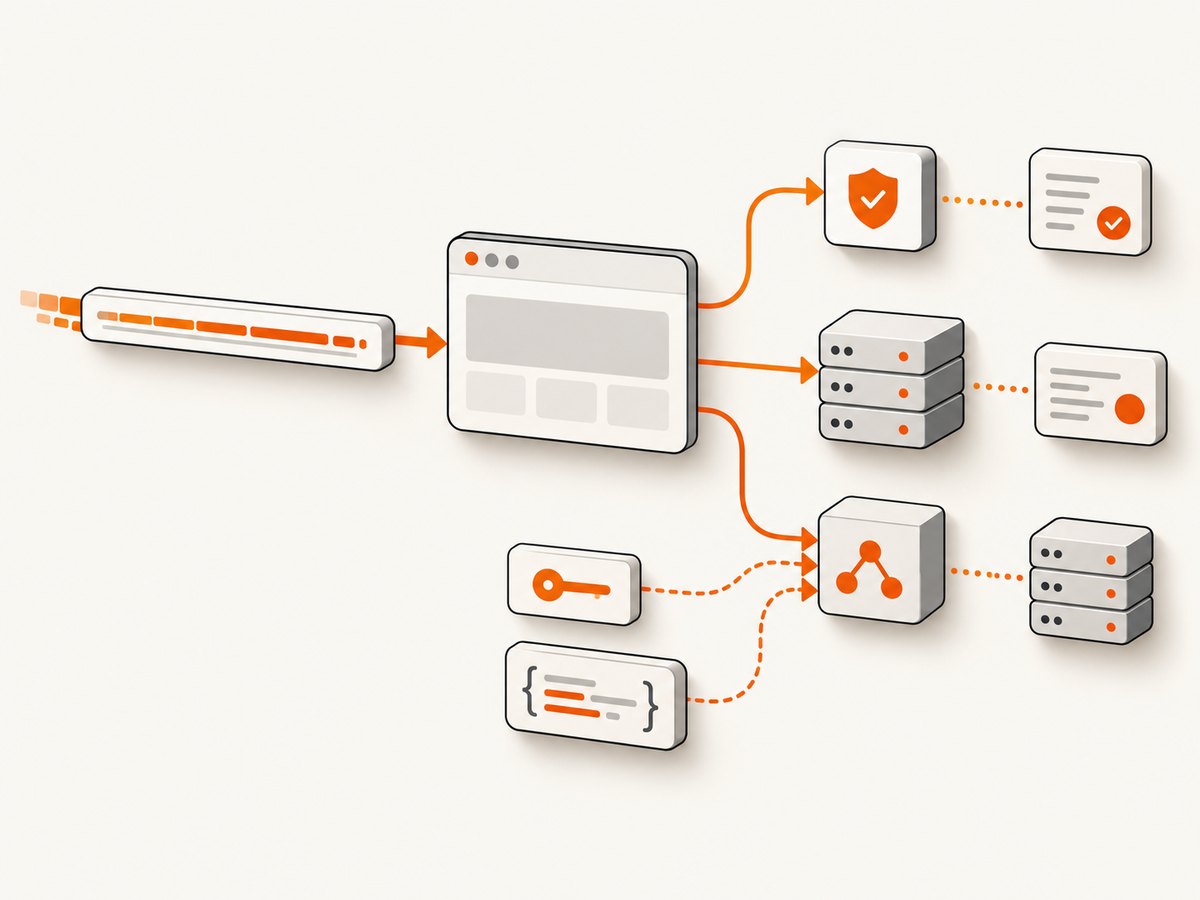
Long-URL failures can occur in different layers. Instrument the request lifecycle so you can distinguish a browser rejection from an HTTP response, redirect, or server failure.
import puppeteer from 'puppeteer';

const browser = await puppeteer.launch({headless: true});
const page = await browser.newPage();

page.on('request', request => {
  if (request.isNavigationRequest() && request.frame() === page.mainFrame()) {
    console.log('request:', request.method(), request.url().length, request.url().slice(0, 160));
  }
});

page.on('requestfailed', request => {
  console.error('requestfailed:', request.failure(), request.url().slice(0, 160));
});

page.on('requestfinished', request => {
  if (request.isNavigationRequest() && request.frame() === page.mainFrame()) {
    console.log('requestfinished:', request.url().slice(0, 160));
  }
});

try {
  const response = await page.goto(process.argv[2], {
    waitUntil: 'domcontentloaded',
    timeout: 30_000,
  });
  console.log('goto response:', response ? response.status() : null);
} catch (error) {
  console.error('goto threw:', error);
} finally {
  await browser.close();
}
Puppeteer emits requestfailed when a request fails at the network or browser layer. An HTTP 404, 413, 414, or 503 is still an HTTP response and normally completes with requestfinished; it does not necessarily make goto() throw. Redirects finish one request and create another, so log every navigation request.
Preferred solution: move the payload into a request body
If you control the endpoint, replace a giant GET query string with a POST (or another method whose semantics fit your operation). The browser then navigates to a short URL while your application receives the data in the body.
Example server endpoint
import express from 'express';

const app = express();
app.use(express.json({limit: '5mb'}));

app.post('/reports/render', (req, res) => {
  const filters = req.body.filters;
  // Validate type, size, and allowed fields before processing.
  res.json({redirect: `/reports/view/${createReportId(filters)}`});
});

function createReportId(filters) {
  return 'replace-with-a-persisted-id';
}

app.listen(3000);
A normal top-level browser navigation cannot attach an arbitrary POST body through page.goto(). Use an application flow that submits a form, runs fetch() in the page, or creates the report first and redirects to a short result URL.
Submit a form from Puppeteer
await page.goto('https://app.example.test/report-form', {
  waitUntil: 'domcontentloaded',
});

await page.evaluate((filters) => {
  const form = document.querySelector('#report-form');
  form.querySelector('[name="filters"]').value = JSON.stringify(filters);
  form.submit();
}, {status: ['open', 'pending'], owner: 'team-42'});

await page.waitForNavigation({waitUntil: 'networkidle0'});
console.log('report URL:', page.url());
Submit with fetch(), then navigate to the result
const resultUrl = await page.evaluate(async (filters) => {
  const response = await fetch('/reports/render', {
    method: 'POST',
    headers: {'content-type': 'application/json'},
    body: JSON.stringify({filters}),
  });
  if (!response.ok) throw new Error(`POST failed: ${response.status}`);
  const body = await response.json();
  return body.redirect;
}, {status: ['open', 'pending'], owner: 'team-42'});

await page.goto(new URL(resultUrl, page.url()).href, {
  waitUntil: 'networkidle0',
});
Alternative solution: persist the data and use a short identifier
For shareable links, asynchronous reports, or payloads that must survive a reload, persist the data and issue a short opaque token. The browser navigates to /reports/view/abc123; the server loads the associated data.
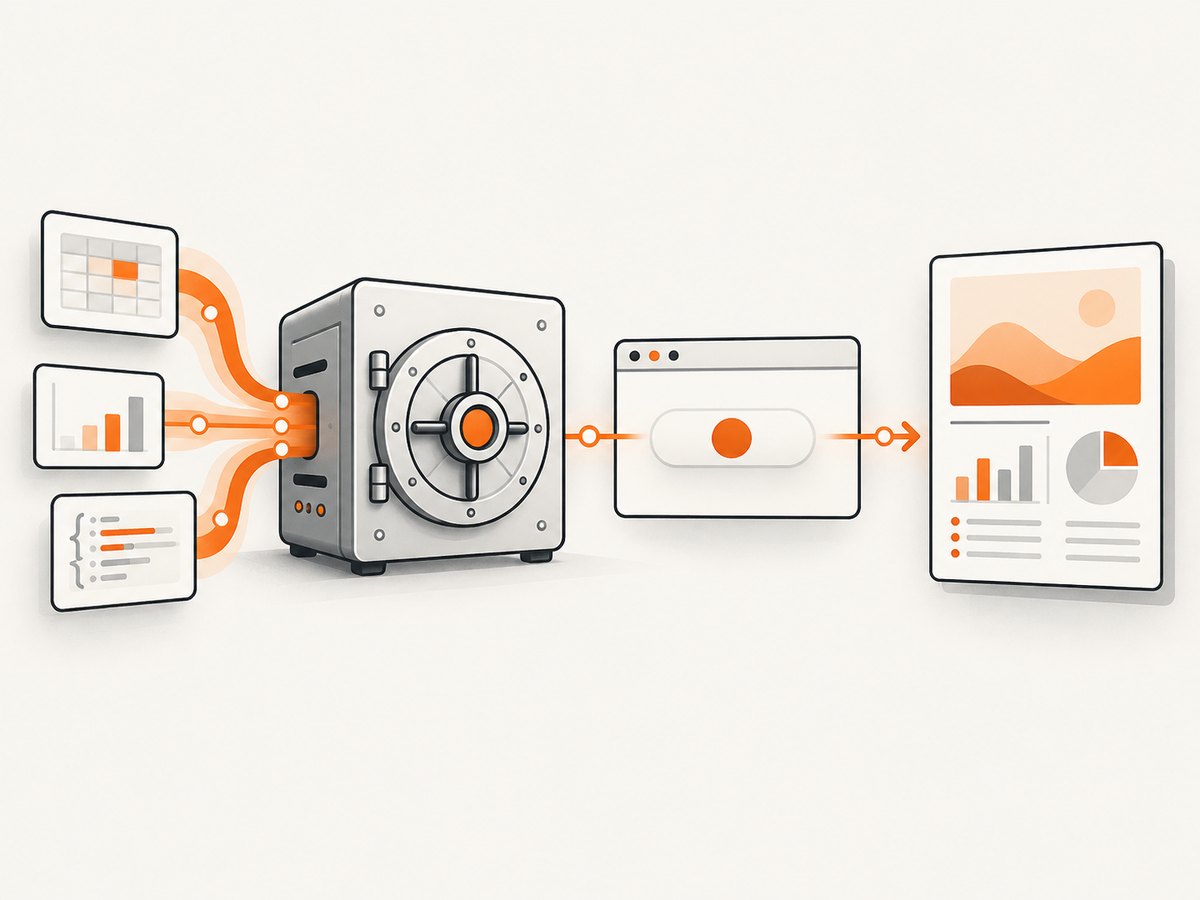
- Validate and normalize the incoming data.
- Store it with an expiration time and an authorization owner.
- Generate a random, non-sequential identifier.
- Return a short URL containing only that identifier.
- Delete expired records and revoke access when necessary.
Do not put secrets, access tokens, or personal data in the URL. URLs are commonly recorded by browser history, reverse proxies, analytics systems, server logs, and referrer headers. A short identifier reduces size, but it still needs authorization and expiration.
Other ways to reduce URL size
| Technique | When it helps | Trade-off |
|---|---|---|
| Remove redundant fields | Repeated defaults or duplicate filter values inflate the query | Requires a stable schema and careful compatibility handling |
| Use compact identifiers | Replace long names with IDs already understood by the server | Less self-describing URLs |
| Compress before encoding | Highly repetitive structured data | Base64 and URL encoding add overhead; the endpoint must decompress safely |
| Store server-side | Large or sensitive application state | Requires persistence, expiry, and access control |
URL encoding can make data longer. Always measure the final serialized URL after encoding. Compression is useful only when the compressed-and-encoded result is smaller and the server has strict decompression limits.
Relevant Puppeteer options and edge cases
timeout is not a length setting
The timeout option controls how long Puppeteer waits for navigation. A larger timeout can help a slow server, but it cannot make Chromium accept an oversized destination.
waitUntil changes completion timing
load, domcontentloaded, networkidle0, and networkidle2 determine when navigation is considered complete. They do not change URL validation. Use a lighter event while diagnosing whether the navigation itself is accepted.
Null responses are documented
Navigating to about:blank or changing only the hash can resolve to null. Handle the response as nullable instead of dereferencing it unconditionally.
HTTP errors are different from navigation errors
Valid HTTP error statuses do not necessarily cause goto() to throw. Check response.status() and inspect the response body when the server returns 4xx or 5xx.
Redirects can cross limits
Your initial URL may be short while a redirect adds a large query string. Log every navigation request and inspect the Location response header on the server. Fix the redirect target or replace it with a short token.
Troubleshooting checklist
| Symptom | Likely cause | Fix |
|---|---|---|
goto() throws immediately |
Invalid URL, missing scheme, or browser URL validation rejected the serialized destination | Print the final URL, require http:// or https://, measure encoded length, and test a short equivalent URL |
requestfailed with no HTTP status |
Browser, transport, DNS, TLS, proxy, or intermediary failure | Inspect request.failure(), proxy logs, DNS, and TLS; compare with a short URL |
| HTTP 414 URI Too Long | Server or proxy rejected the request target | Use a request body or short server-side identifier; changing Puppeteer timeout will not help |
| HTTP 413 Payload Too Large | The body or intermediary request-size limit was exceeded | Raise the documented body limit only when appropriate, or store the payload and send a token |
| Works locally but fails in production | Different Chrome build, proxy, load balancer, WAF, or server setting | Record browser version and compare each hop’s request-target limits |
| Only some characters cause failure | Percent encoding expands the URL or creates malformed syntax | Use URL/URLSearchParams, measure the final string, and validate input |
| Navigation succeeds but page data is missing | The server truncated, rejected, or ignored a query parameter | Inspect server logs and response content; move structured data into a body |
Performance, reliability, and cost considerations
Large URLs increase work across every hop: URL parsing, logging, proxy inspection, WAF rules, browser IPC, and server routing. They also make cache keys and observability records unwieldy. A short URL plus a server-side record usually gives more predictable behavior.
For reliability, pin or record the Puppeteer and browser versions, test the exact deployment image, and monitor request failures separately from HTTP error responses. Add an upper bound before navigation so callers receive a clear validation error instead of waiting for a browser failure. Keep payload records versioned if old links must remain valid.
For cost, moving data to storage introduces database or object-storage work, while retries of giant navigations consume browser time and network bandwidth. Choose an expiration policy and remove unused records. If a report is expensive to generate, create it asynchronously and let Puppeteer poll a short status URL.
Or skip the browser setup
When your goal is a screenshot rather than browser automation, ScreenshotNeo accepts one GET request and returns a PNG, JPEG, WebP, or PDF. See the ScreenshotNeo API documentation for the request parameters.
curl -G "https://api.screenshotneo.com/v1/shot" -d access_key=YOUR_API_KEY --data-urlencode url=https://stripe.com -o shot.webpimport requests
r = requests.get("https://api.screenshotneo.com/v1/shot", params={"access_key": "YOUR_API_KEY", "url": "https://stripe.com"}, timeout=90)
open("shot.webp", "wb").write(r.content)const q = new URLSearchParams({ access_key: 'YOUR_API_KEY', url: 'https://stripe.com' });
const res = await fetch(`https://api.screenshotneo.com/v1/shot?${q}`);ScreenshotNeo removes cookie banners, newsletter popups, and chat widgets before the shot. Bot checks, blank pages, failed loads, timeouts, and cache hits are not billed, and response headers identify the page verdict and billing result. Its MCP server provides take_screenshot, get_page_info, and capture_pdf tools for Claude, Cursor, and other MCP clients. The Free plan includes 1,000 screenshots per month without a card; paid plans start at $5 for 3,000 shots. Create a free ScreenshotNeo account.
FAQ
Can I increase the URL limit with a Puppeteer launch flag?
There is no documented Puppeteer option that raises Chromium’s URL maximum. Change the request design or use a browser build whose behavior you have explicitly validated.
Is 2 MB a guaranteed limit?
No. It is Chrome’s published practical maximum. The effective result also depends on the exact Chromium version, URL serialization, server, proxy, WAF, and load balancer.
Does POST always solve the problem?
It removes the large request-target problem, but the body still has size limits and must be accepted by the endpoint. Validate body size and configure each intermediary deliberately.
Should I shorten the hostname?
A shorter hostname saves a small amount and may help DNS syntax compliance, but it does not solve a multi-megabyte query payload. Move the payload out of the URL.
Can a URL fragment carry more data?
Fragments are not sent to the server and still pass through browser URL handling. They are not a reliable escape from browser or application limits.
What should I log?
Log a request ID, browser version, URL length, method, redirect chain, failure text, and HTTP status. Avoid logging the full URL when it may contain secrets or personal data.


