How Headless Chrome Affects Selenium Tests Compared with Headed Mode
Learn what changes between headed and headless Selenium, how to configure Chrome reliably, and how to debug viewport, rendering, and CI failures.
Short answer: modern Chrome Headless runs the Chrome browser without displaying its windows. Selenium uses the same WebDriver concepts, but your test environment still changes: there is no visible desktop, the viewport must be set deliberately, and fonts, permissions, GPU access, browser versions, and container limits can affect results. Chrome 112 unified Headless with the regular Chrome implementation, so current Headless is designed to provide the same browser functionality while remaining suitable for unattended CI.
Use an explicit headless argument such as --headless=new, set a deterministic window size, keep Chrome and ChromeDriver major versions aligned, and save screenshots, DOM output, and browser logs whenever a test differs from headed mode.
What headless Chrome changes
No visible window or display server
Headed Chrome creates a visible browser window and normally needs a desktop session or display server. Headless Chrome creates platform windows but does not display them. Chrome documents that Headless does not use a window, so a display server such as Xvfb is no longer required for a normal Headless run.
This makes Headless a practical default for CI, containers, scheduled jobs, and remote runners. It also removes the fastest visual debugging method: you cannot watch the browser navigate. Replace that feedback with artifacts such as screenshots, page source, serialized DOM, console logs, and WebDriver logs.
The viewport becomes an explicit input
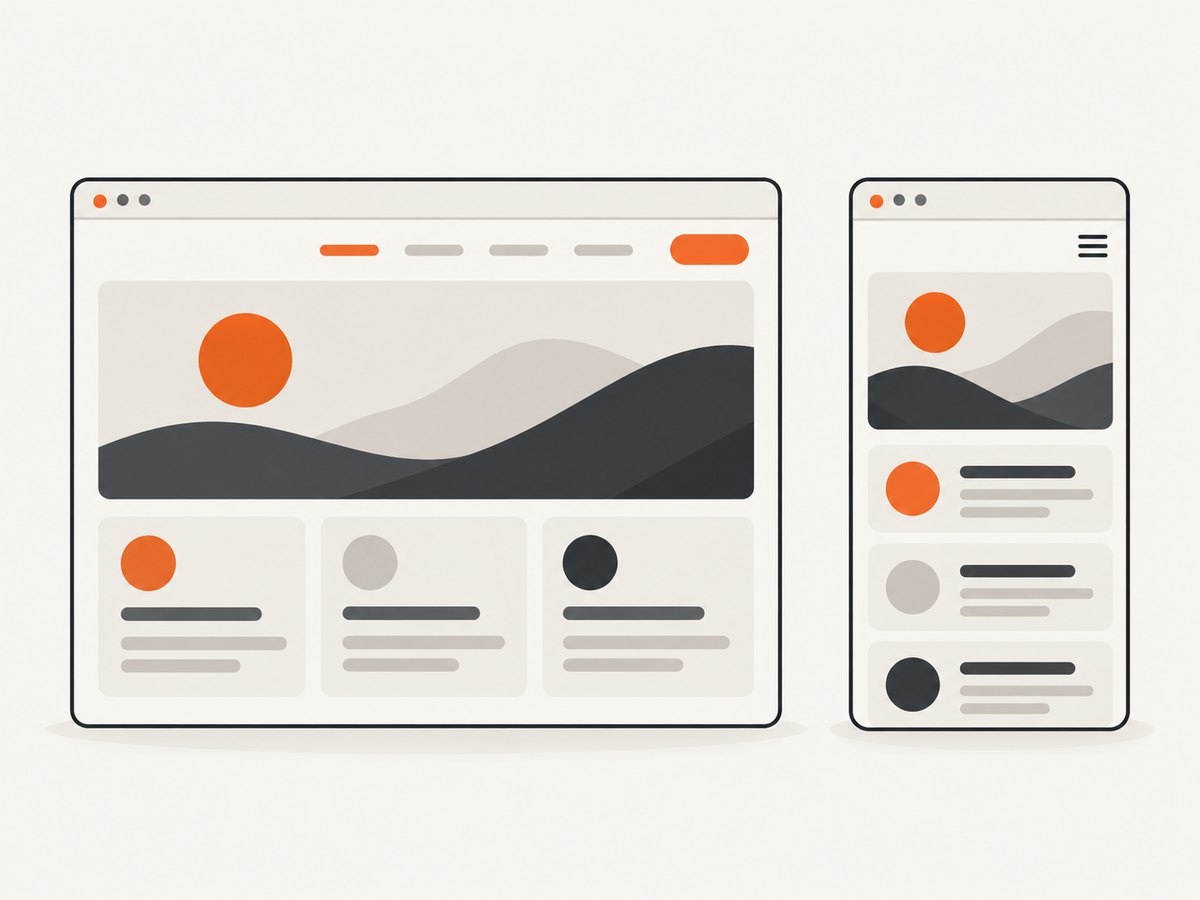
Responsive layouts react to the viewport. If your headed desktop is 1440 pixels wide but Headless starts at a different default size, CSS breakpoints can expose a mobile menu, move an element, change a grid, or make an element unavailable to a locator. This is an environment difference, not evidence that Selenium locators randomly changed.
Set the size in Chrome options or with WebDriver before asserting layout-sensitive behavior. Use the same width and height in both modes when comparing them.
Rendering is still browser rendering, but the environment matters
Current unified Headless shares Chrome’s main implementation. Results can still differ when the runner has different fonts, permissions, GPU availability, device scale, timezone, geolocation, network access, shared memory, or resource limits. Treat those values as part of the test configuration.
Configure Selenium for Headless Chrome
Python
from selenium import webdriver
from selenium.webdriver.chrome.options import Options

options = Options()
options.add_argument("--headless=new")
options.add_argument("--window-size=1440,900")

# Common CI safeguards; enable only when they match your runner's security model.
# options.add_argument("--no-sandbox")
# options.add_argument("--disable-dev-shm-usage")

driver = webdriver.Chrome(options=options)
try:
    driver.get("https://example.com")
    print(driver.title)
    driver.save_screenshot("example.png")
finally:
    driver.quit()
Java
import java.time.Duration;
import org.openqa.selenium.WebDriver;
import org.openqa.selenium.chrome.ChromeDriver;
import org.openqa.selenium.chrome.ChromeOptions;

public class HeadlessExample {
  public static void main(String[] args) {
    ChromeOptions options = new ChromeOptions();
    options.addArguments("--headless=new", "--window-size=1440,900");

    WebDriver driver = new ChromeDriver(options);
    driver.manage().timeouts().pageLoadTimeout(Duration.ofSeconds(60));
    try {
      driver.get("https://example.com");
      System.out.println(driver.getTitle());
      // ((TakesScreenshot) driver).getScreenshotAs(OutputType.FILE);
    } finally {
      driver.quit();
    }
  }
}
JavaScript with selenium-webdriver
const { Builder } = require('selenium-webdriver');
const chrome = require('selenium-webdriver/chrome');

(async function () {
  const options = new chrome.Options()
    .addArguments('--headless=new', '--window-size=1440,900');

  const driver = await new Builder()
    .forBrowser('chrome')
    .setChromeOptions(options)
    .build();

  try {
    await driver.get('https://example.com');
    console.log(await driver.getTitle());
    const image = await driver.takeScreenshot();
    require('fs').writeFileSync('example.png', image, 'base64');
  } finally {
    await driver.quit();
  }
})();
Chrome documents the --window-size flag for Headless capture. Selenium’s convenience headless method was deprecated in Selenium 4.8.0 and removed in 4.10.0; choose the Chromium mode explicitly with Chrome options. See the Chrome Headless documentation and Selenium Chrome WebDriver documentation.
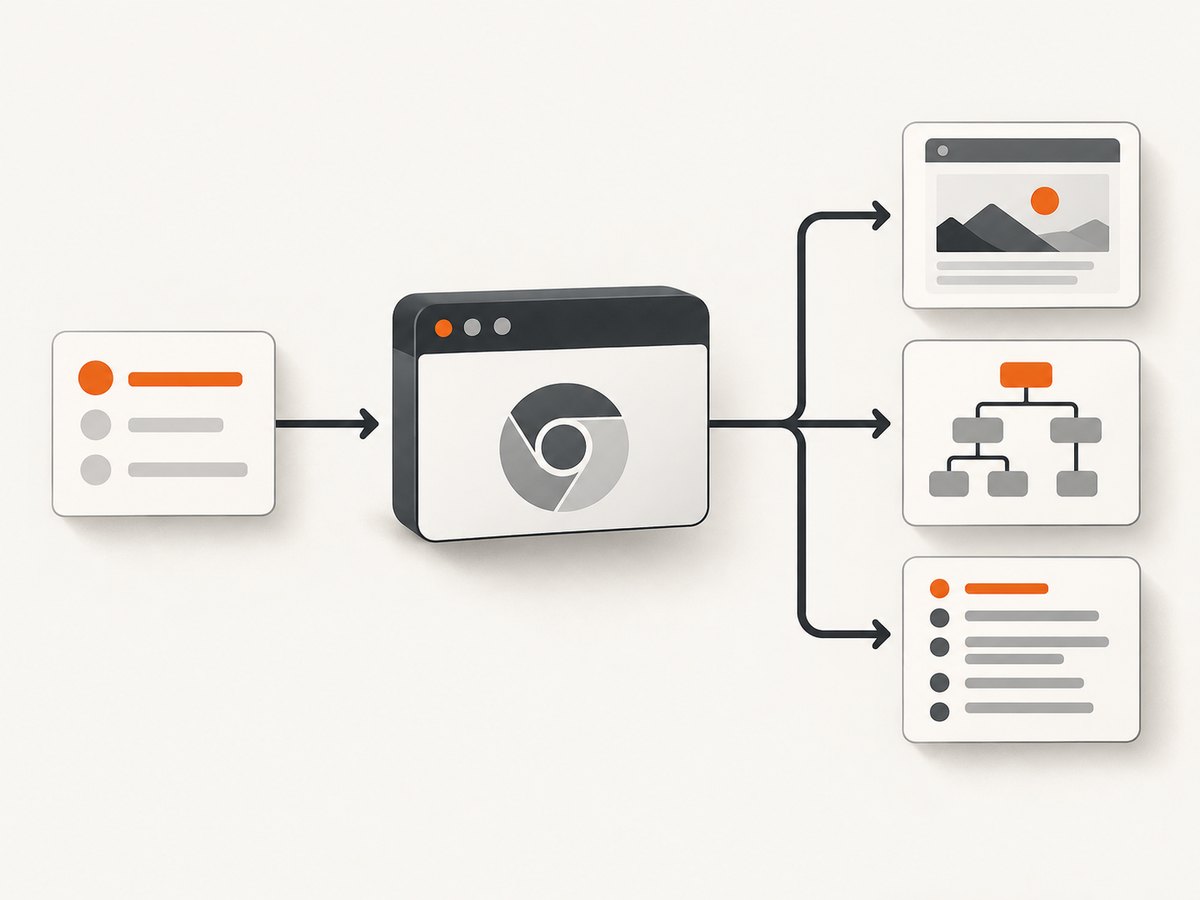
Headed and headless: behavior by test concern
| Concern | Headed mode | Headless mode | Test guidance |
|---|---|---|---|
| Visibility | Visible desktop window | No displayed window | Save screenshots and logs at failure points. |
| Display dependency | Needs a desktop/display environment | Normally runs without Xvfb | Prefer Headless for unattended CI. |
| Viewport | Often inherited from the desktop | Must be configured deliberately | Set identical dimensions for parity tests. |
| Responsive CSS | Breakpoint depends on window size | Breakpoint depends on Headless size | Assert the intended breakpoint explicitly. |
| Debugging | Watch the browser directly | Use artifacts or remote DevTools | Capture PNG, DOM, console, and network evidence. |
| CI suitability | Requires desktop setup | Convenient on runners and containers | Pin the browser image and flags. |
| Performance | Depends on the runner | No universal speed guarantee | Measure wall time, failures, and resource use in your suite. |
Make comparisons fair
- Use the same Chrome major version, Selenium binding, test data, network conditions, and timeout values.
- Set the same width and height in both modes.
- Use the same font packages and locale. Missing fonts can change text wrapping and element dimensions.
- Keep timezone, language, geolocation, permissions, and user data profile consistent.
- Compare screenshots and serialized DOM at the same test step, not only the final assertion.
- Record browser, ChromeDriver, operating-system, container, and command-line versions with each run.
Selenium recommends matching Chrome and ChromeDriver major versions. Chrome for Testing distributes paired browser and driver binaries across release channels. Pin those binaries or use a controlled container image instead of allowing an unreviewed automatic update to change the test environment.
Capture useful failure artifacts
A screenshot alone may show the symptom but not the cause. At a failing step, save the screenshot, current URL, page title, page source or DOM, browser console output, and the WebDriver exception. Chrome’s --dump-dom behavior parses the page, executes scripts that modify the DOM, and serializes the resulting DOM, which makes it useful for diagnosing JavaScript-rendered pages.
# Useful command-line inspection for a reproducible page
chrome --headless=new --window-size=1440,900 --dump-dom https://example.com > page.html
chrome --headless=new --window-size=1440,900 --screenshot=page.png https://example.com
For deeper diagnosis, start Chrome with remote debugging and inspect the Headless target from a normal Chrome DevTools window. This is useful when the CI runner has no desktop session.
Why a test passes headed but fails headless
Different viewport or device scale
Symptom: an element is hidden, a menu changes, or a click misses its target.
Fix: set --window-size=WIDTH,HEIGHT and, when needed, set the WebDriver window size and device scale consistently. Compare a screenshot from both modes.
Missing fonts
Symptom: text wraps differently, visual diffs appear, or an element moves below the fold.
Fix: install the same fonts in the CI image or bundle the web fonts used by the page. Wait until the relevant fonts and layout have loaded before measuring.
Chrome and ChromeDriver mismatch
Symptom: session creation fails, commands behave unexpectedly, or failures start after a runner update.
Fix: align the Chrome and ChromeDriver major versions and pin the pair. Check the Selenium binding version as well.
Timing and asynchronous content
Symptom: Headless captures a blank shell or cannot find an element that appears later in headed mode.
Fix: use explicit waits for a meaningful selector or state. Avoid arbitrary sleeps where a condition can be observed. Confirm that the request is not blocked by a CI network policy.
Permissions, credentials, or profile differences
Symptom: a consent dialog, login redirect, camera prompt, or notification changes the path.
Fix: configure permissions and test data explicitly. Use a clean, controlled profile when isolation matters and seed required cookies or credentials through supported WebDriver APIs.
GPU, sandbox, or shared-memory limits
Symptom: browser crashes, tabs disappear, or rendering is incomplete in a container.
Fix: inspect container memory and /dev/shm, browser logs, and sandbox permissions. Only add flags such as --disable-dev-shm-usage or --no-sandbox when required by the runner and approved by your security model; understand the trade-off before making them defaults.
Bot checks or environment-sensitive pages
Symptom: a challenge page appears only in CI, or the expected application never loads.
Fix: record the final URL and screenshot, then compare user agent, IP reputation, cookies, permissions, and network behavior. Do not treat a challenge page as an application rendering failure.
Headless Chrome in CI
- Choose a maintained Chrome for Testing or container image and pin its version.
- Install the matching ChromeDriver and Selenium binding.
- Set an explicit viewport and any required locale, timezone, proxy, and credentials.
- Run a small smoke test before the full suite so browser startup failures are isolated.
- Upload screenshots, DOM or page source, browser logs, and test reports as CI artifacts.
- Keep one diagnostic headed job or a remote-debugging reproduction path for failures that cannot be explained from artifacts.
Headless is often operationally simpler because it does not require a display server, but the official sources do not provide a universal speed multiplier. Measure your own suite: wall-clock duration, CPU and memory, failure rate, retry count, and artifact size.
Performance, reliability, and cost notes
- Performance: do not assume Headless is always faster. Page JavaScript, network latency, fonts, images, and test parallelism usually dominate. Compare identical workloads on the target runner.
- Reliability: version drift is a common source of sudden failures. Pin Chrome, ChromeDriver, Selenium, and the container image.
- Parallel runs: give each worker isolated profiles, ports, temporary directories, and test data. Watch CPU, memory, and shared-memory pressure.
- Visual assertions: fix viewport, fonts, device scale, and loaded-state waits before setting screenshot baselines.
- Cost: browser execution consumes runner time and maintenance effort. If your goal is a clean website image rather than an interactive Selenium test, a screenshot API can remove browser setup from that path.
Or skip the browser setup
For one-off page images, documentation previews, monitoring, or an agent that needs a page screenshot, ScreenshotNeo provides a single HTTP request instead of a Selenium installation. See the ScreenshotNeo API documentation.
curl -G "https://api.screenshotneo.com/v1/shot" -d access_key=YOUR_API_KEY --data-urlencode url=https://stripe.com -o shot.webpimport requests
r = requests.get("https://api.screenshotneo.com/v1/shot", params={"access_key": "YOUR_API_KEY", "url": "https://stripe.com"}, timeout=90)
open("shot.webp", "wb").write(r.content)const q = new URLSearchParams({ access_key: 'YOUR_API_KEY', url: 'https://stripe.com' });
const res = await fetch(`https://api.screenshotneo.com/v1/shot?${q}`);ScreenshotNeo accepts cookie or consent banners before capture and removes more than 60 known consent platforms, newsletter popups, and chat widgets. Bot checks, blank pages, failed loads, timeouts, and cache hits are not billed; response headers identify the page verdict and billing result. Its MCP server gives Claude, Cursor, and other MCP clients take_screenshot, get_page_info, and capture_pdf tools. The Free plan includes 1,000 screenshots per month with no card; paid plans start at $5 for 3,000 screenshots. Create a free ScreenshotNeo account.
FAQ
Does Selenium use a different browser in Headless mode?
Current Chrome Headless uses Chrome’s unified implementation. The visible window is removed, while environment inputs such as viewport, fonts, permissions, and resources can still differ.
Do I still need Xvfb?
For Chrome Headless, normally no. Headless does not use a displayed window. You may still need a display server for separate headed jobs or other GUI software.
Should I use --headless or --headless=new?
Use the current Chromium mode documented for your Chrome version; --headless=new is explicit and clear for current Selenium configurations. Avoid relying on Selenium’s removed convenience headless method.
What is the old chrome-headless-shell?
From Chrome 132.0.6793.0, the older separate Headless implementation is distributed as the standalone chrome-headless-shell. Prefer unified Headless unless a legacy workload specifically requires the shell.
How can I prove a failure is Headless-specific?
Run the same commit with matched browser versions, viewport, fonts, permissions, data, and network settings. Compare screenshots, DOM, logs, and final URLs from the same step.


