Why Headless Selenium Makes WhatsApp Web Request a Chrome Update
The warning does not prove headless Chrome is outdated. Learn how to verify the browser, driver, profile, and network conditions safely.
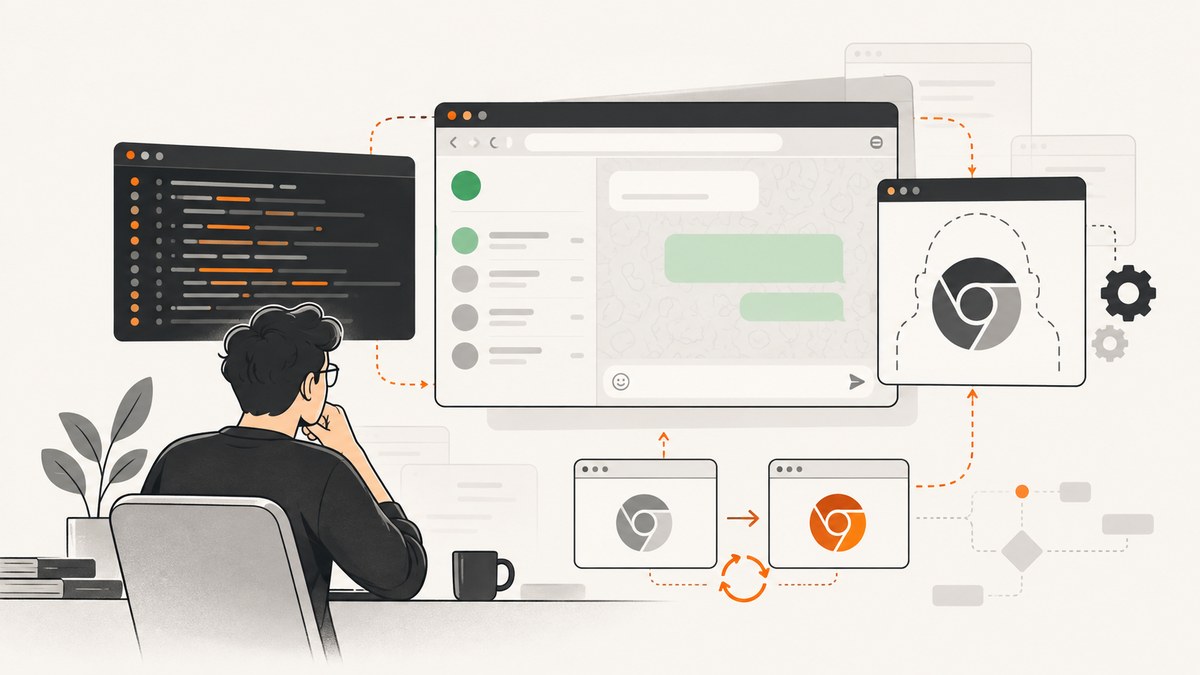
Short answer: WhatsApp Web asking for a Chrome update during a headless Selenium run does not prove that headless mode made Chrome look outdated. The reviewed sources do not establish the exact trigger. Treat the message as an observation, then verify the Chrome binary Selenium launched, its version, the ChromeDriver version, the session profile, and the network conditions. WhatsApp’s public troubleshooting guidance recommends updating the browser and checking connectivity, while third-party Selenium setup documentation recommends keeping Chrome and ChromeDriver versions aligned. Neither source explains this exact headless warning.
The most reliable investigation records the complete browser setup, runs a controlled visible-versus-headless comparison, and avoids assuming that the Chrome installed on your desktop is the binary used by automation.
1. What the Chrome update warning actually tells you
The warning tells you that WhatsApp Web displayed a browser-update message. It does not identify whether the cause was browser feature detection, a policy decision, account or session state, network behavior, automation differences, or an actual outdated browser. No authoritative source in the research dossier confirms that WhatsApp detects Selenium headless mode or rejects a particular user agent.
Keep these statements separate:
- Documented general advice: WhatsApp’s poll troubleshooting page tells users to update their browser and check their internet connection. WhatsApp Help Center does not document this specific Selenium symptom.
- Common automation concern: the wappdriver package documentation lists Chrome and ChromeDriver as requirements and recommends matching versions.
- Driver failure evidence: a GitHub troubleshooting note describes session-creation failures when ChromeDriver does not support the browser version. That supports checking versions; it does not prove a mismatch causes WhatsApp’s update message.
If your versions are current and aligned and the warning remains, the WhatsApp-side condition remains unknown. Report what you observed instead of claiming a guaranteed fix.
2. Capture the exact symptom before changing anything
Start with a reproducible record. Save the exact warning text, a screenshot, the time, and whether it appears before WhatsApp Web finishes loading or after the application interface appears. Also record:
- Operating system and architecture.
- Selenium language binding and version.
- ChromeDriver version.
- Chrome executable path and version.
- Headless mode flags.
- Whether a persistent WhatsApp profile or a fresh temporary profile is used.
- Proxy, VPN, firewall, and DNS conditions.
- Whether the same account behaves differently in a normal desktop browser.
This information prevents a common mistake: changing several variables at once and then attributing the result to headless mode.
3. Verify which Chrome Selenium actually launches
Selenium can launch a system Chrome, a separately installed Chromium build, a container image, or a binary selected by configuration. Do not infer the executable from the browser you normally open.
Python diagnostic script
from selenium import webdriver
from selenium.webdriver.chrome.options import Options
from selenium.webdriver.chrome.service import Service
import os
import subprocess

options = Options()
options.add_argument('--headless=new')
options.add_argument('--window-size=1365,900')
options.add_argument('--no-sandbox')
options.add_argument('--disable-dev-shm-usage')

# Set this only when you need a specific browser binary.
# options.binary_location = '/usr/bin/google-chrome'

# Set this only when managing a specific driver yourself.
# service = Service('/usr/local/bin/chromedriver')
# driver = webdriver.Chrome(service=service, options=options)
driver = webdriver.Chrome(options=options)

print('browser capabilities:')
print(driver.capabilities)
print('browserVersion:', driver.capabilities.get('browserVersion'))
print('chromedriverVersion:', driver.capabilities.get('chrome', {}).get('chromedriverVersion'))
print('chrome binary:', driver.capabilities.get('chrome', {}).get('userDataDir'))
print('current URL:', driver.current_url)

driver.get('https://web.whatsapp.com/')
print('title:', driver.title)
print('loaded URL:', driver.current_url)
driver.save_screenshot('whatsapp-headless.png')
driver.quit()
The capabilities object is the useful part. Depending on the driver version, it may expose the browser version, driver version, and a temporary user-data directory. For an unambiguous binary check, inspect the executable configured in your Selenium options and query that executable directly on the host.
Check versions from the shell
google-chrome --version
chromium --version
chromedriver --version
which google-chrome
which chromium
which chromedriver
Use the command names that exist on your machine. In a container, run these commands inside the same image where Selenium runs. A host Chrome version does not describe a browser inside a container.
4. Check ChromeDriver and Chrome alignment
ChromeDriver must be able to create a session for the browser Selenium requests. A mismatch commonly produces a session-creation error, but the sources do not establish that it produces WhatsApp’s in-page update warning. Check alignment as a prerequisite, not as a confirmed explanation.
- Print the Chrome version from the actual executable.
- Print the ChromeDriver version used by the Selenium service.
- Confirm that your Selenium manager, package manager, or manually installed driver is not selecting a different driver than expected.
- Restart the process after upgrading either component.
- Repeat the run with the same profile and network settings.
If Selenium reports that the driver only supports another browser version, fix that first. If Selenium starts successfully but WhatsApp still shows the warning, record that as a separate result.
5. Compare visible and headless runs correctly
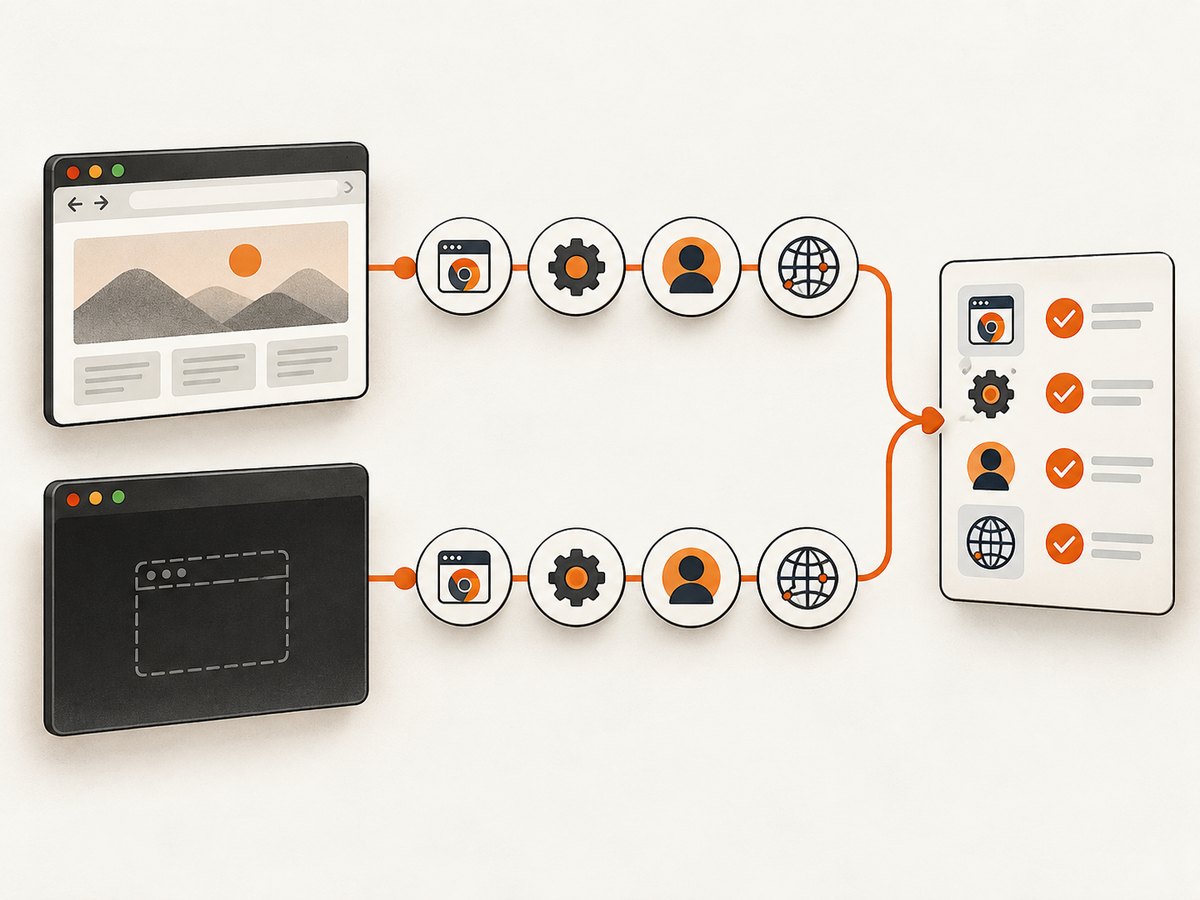
A visible-versus-headless comparison is useful only when the rest of the setup is held as constant as practical. Use the same Chrome binary, driver, viewport, profile state, account, proxy, DNS, and navigation sequence. Change one setting: headless mode.
Visible run
from selenium import webdriver
from selenium.webdriver.chrome.options import Options

options = Options()
options.add_argument('--window-size=1365,900')
driver = webdriver.Chrome(options=options)
driver.get('https://web.whatsapp.com/')
input('Inspect the page, then press Enter to quit: ')
driver.quit()
Headless run
from selenium import webdriver
from selenium.webdriver.chrome.options import Options

options = Options()
options.add_argument('--headless=new')
options.add_argument('--window-size=1365,900')
driver = webdriver.Chrome(options=options)
driver.get('https://web.whatsapp.com/')
driver.save_screenshot('headless-result.png')
print(driver.title)
driver.quit()
Compare the message, load timing, console or driver errors, cookies, local storage, and final URL. If only the headless run shows the warning, that is an observation about your controlled setup. It is not proof that WhatsApp identifies headless Selenium as the cause.
6. Profile, cookies, and login state
WhatsApp Web depends on browser state. A fresh temporary profile behaves differently from a profile that already contains a linked session. Reusing a profile also introduces stale cookies, storage, extensions, permissions, and locks from another Chrome process.
For diagnosis:
- Run once with a new temporary profile.
- Run once with the same persistent profile used by the visible browser.
- Never open the same profile concurrently in two Chrome processes.
- Keep account and QR-linking state recorded, but do not publish session files or cookies.
- Delete a disposable test profile when the comparison is complete.
A profile difference can explain different page behavior without proving anything about Chrome’s version. Treat it as an independent variable.
7. Network and timing variables
WhatsApp’s general troubleshooting advice includes checking connectivity. Automation can change network behavior through proxies, container DNS, TLS inspection, blocked WebSocket traffic, resource filtering, or different startup timing.
Record whether:
- The browser can resolve and reach
web.whatsapp.com. - WebSocket connections are allowed by the proxy or firewall.
- Headless and visible runs use the same egress IP.
- The warning appears immediately or after a long load.
- Navigation is interrupted by a timeout, redirect, or policy page.
Do not “fix” a network observation by disabling security controls in production. First reproduce it with the same network path as the visible run.
8. Common errors and practical fixes
| Symptom | Likely area to inspect | Action |
|---|---|---|
| Session not created; driver supports another browser version | ChromeDriver/browser mismatch | Print both versions from the running environment, install a compatible driver, and restart Selenium. |
| Headless page is blank | Navigation, sandbox, shared memory, or network | Save a screenshot, print the final URL and title, inspect driver logs, and verify connectivity. In containers, check shared-memory limits. |
| Chrome update message appears only in headless mode | Unverified WhatsApp-side check or setup difference | Keep binary, driver, viewport, profile, network, and timing constant; change only headless mode and document the result. |
| Visible run is logged in but headless run is not | Different profile or storage | Explicitly configure the intended profile or complete a separate test login. Do not copy live cookies into logs. |
| Chrome starts locally but not in CI | Different image, path, permissions, or dependencies | Print executable paths and versions inside CI, then compare them with the local run. |
| Warning changes after a browser upgrade | Changed browser, driver, or profile state | Record all changed versions and rerun the visible/headless comparison before assigning causality. |
| Repeated timeouts | Network, load timing, or overloaded environment | Capture driver logs, verify DNS and WebSocket access, and use explicit waits instead of arbitrary short sleeps. |
9. Reliability and performance practices
Headless mode can reduce display overhead, but the warning itself is not a performance measurement. Optimize only after the browser identity and result are stable.
- Pin the browser and driver versions in CI images so a background package update does not silently change the test.
- Use a fixed viewport and timezone when comparing screenshots or page behavior.
- Prefer explicit waits for a known document condition; record timeout values.
- Save a screenshot, page source, title, URL, and driver log when a run fails.
- Use isolated temporary profiles for parallel jobs.
- Retry only transient navigation failures. Repeating an account or session failure can obscure the cause.
- Keep concurrency below the limits of the machine and the network path; measure queueing and page-load time separately.
10. Or skip the browser setup
If your goal is to capture a page image rather than automate an authenticated WhatsApp session, ScreenshotNeo provides a single GET request for PNG, JPEG, WebP, or PDF output. Read the ScreenshotNeo API documentation for all options.
curl -G 'https://api.screenshotneo.com/v1/shot' -d access_key=YOUR_API_KEY --data-urlencode url=https://web.whatsapp.com -o shot.webpimport requests
r = requests.get('https://api.screenshotneo.com/v1/shot', params={'access_key': 'YOUR_API_KEY', 'url': 'https://web.whatsapp.com'}, timeout=90)
open('shot.webp', 'wb').write(r.content)const q = new URLSearchParams({ access_key: 'YOUR_API_KEY', url: 'https://web.whatsapp.com' });
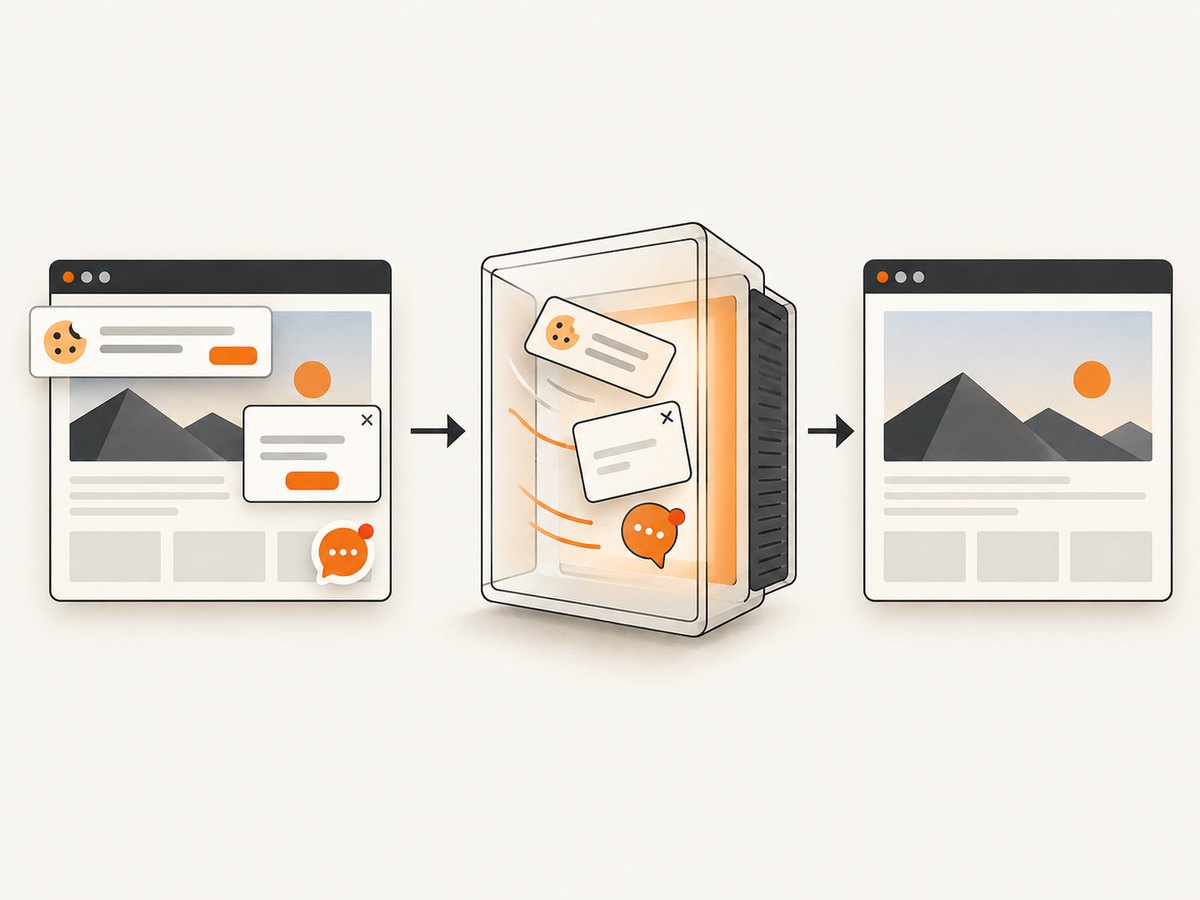
const res = await fetch(`https://api.screenshotneo.com/v1/shot?${q}`);ScreenshotNeo removes cookie and consent banners, newsletter popups, and chat widgets before capture. Bot checks, blank pages, failed loads, timeouts, and cache hits are not billed as clean shots; response headers identify the page verdict and billing result with X-Page-Verdict and X-Billed. Its MCP server provides take_screenshot, get_page_info, and capture_pdf tools for Claude, Cursor, and other MCP clients. The free plan includes 1,000 screenshots per month with no card; paid plans start at $5 for 3,000 shots. These captures are intended for pages the service can access; an interactive WhatsApp login still requires an appropriate authenticated workflow.
Create a free ScreenshotNeo account to start with 1,000 screenshots a month and no card.
11. A repeatable investigation checklist
- Copy the exact WhatsApp warning and save a screenshot.
- Print the Chrome executable path and version from the execution environment.
- Print the ChromeDriver version and Selenium capabilities.
- Confirm that the driver can create a session for that browser.
- Run visible and headless modes with the same binary, driver, profile, viewport, network, and timing.
- Check connectivity, redirects, WebSocket access, and final page state.
- Change one variable at a time and label each result as an observation.
- Apply WhatsApp’s general advice to update the browser and check connectivity, while noting that it does not explain this exact warning.
12. FAQ
Does headless Selenium itself make Chrome outdated?
The available sources do not establish that. Headless mode may correlate with the warning in a particular setup, but correlation is not a confirmed cause.
Does ChromeDriver need to match Chrome?
Yes, it must support the browser version well enough to create and control a session. Check the versions in the same environment where Selenium runs.
Which Chrome binary is Selenium launching?
Inspect Selenium capabilities and the configured binary path, then query that executable directly. Do not assume it is your desktop Chrome.
Should I spoof a user agent?
The research does not establish user-agent inspection as the cause, so changing it would add another variable without proving a fix.
What if versions are current and aligned?
Keep the warning as an unresolved WhatsApp-side condition, compare controlled visible and headless runs, and preserve the setup details for further investigation.


