How to Render Absolutely Positioned SVGs Correctly with html2canvas
Debug cropped or shifted absolutely positioned SVGs in html2canvas with a reproducible workflow, bounds checks, rendering options, and fixes.
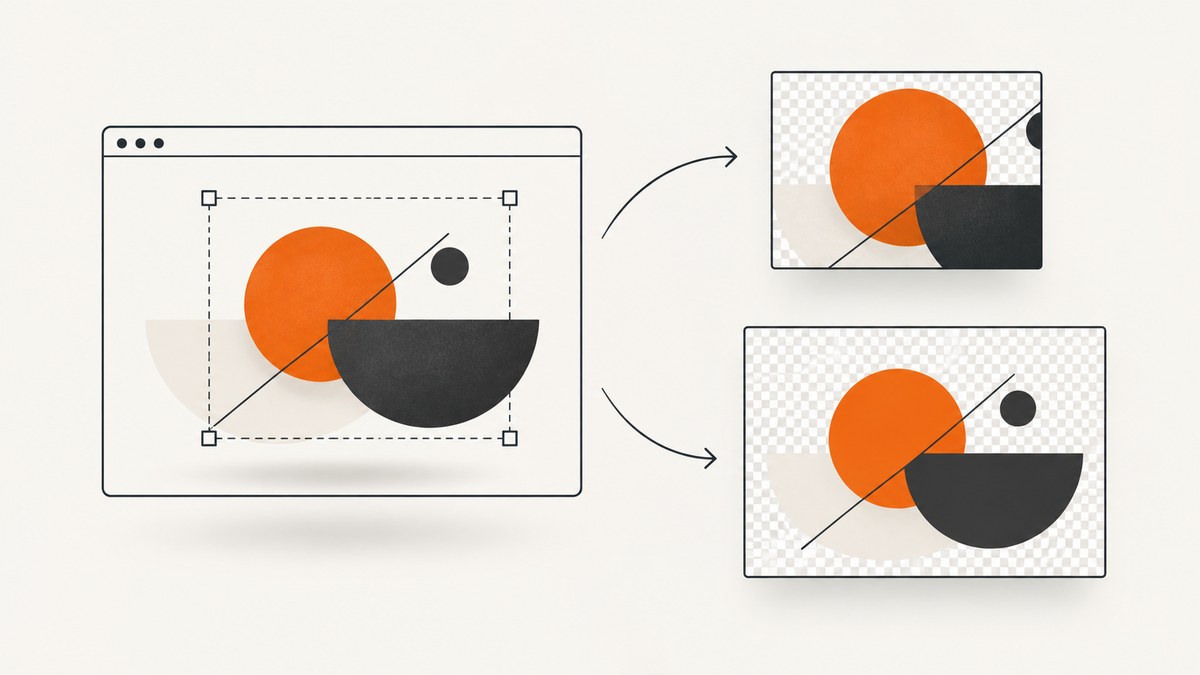
Absolutely positioned inline SVGs can look correct in the browser and still appear cropped, shifted, or incomplete in an html2canvas export. The reliable way to debug this is to treat it as a bounds and rendering-path problem: record the exact environment, reduce the DOM to one positioned SVG, inspect computed geometry and clipping, compare that geometry with html2canvas capture options, then test the regular renderer and the experimental foreignObject path separately.
A 2023 report in html2canvas issue #3047 described incomplete output when an SVG had position: absolute and was offset from the parent’s upper-left corner. The reporter listed html2canvas 1.4.1, Chrome 111, and Windows 10, and proposed that XMLSerializer was incorporating computed positioning attributes. That explanation is the reporter’s hypothesis, not a maintainer-confirmed root cause. Your case may have a different cause.
1. The fastest diagnostic path
- Record the html2canvas version, browser and version, operating system, whether the SVG is inline or an external image, the element passed to
html2canvas(), and every non-default option. - Make a minimal parent with
position: relativeand one inline SVG with explicitwidth,height, andviewBox. Capture it once atleft: 0; top: 0, then at the offset that fails. - Log
getBoundingClientRect(), computedposition,left,top,width,height,overflow, andtransformfor the SVG and each ancestor. - Compare those rectangles with html2canvas
x,y,width,height,scrollX,scrollY, andscale. - Run the same minimal case on the current html2canvas release and inspect the current issue and release history before claiming that a particular version fixes it.
2. Minimal reproducible example
This example deliberately places the SVG away from the parent’s top-left corner. It gives you a baseline for comparing a browser render with a canvas export.
<!doctype html>
<html lang='en'>
<head>
  <meta charset='utf-8'>
  <script src='https://cdn.jsdelivr.net/npm/html2canvas@1.4.1/dist/html2canvas.min.js'></script>
  <style>
    #stage { position: relative; width: 640px; height: 360px; background: #eef2f7; overflow: visible; }
    #art { position: absolute; left: 180px; top: 70px; width: 260px; height: 180px; }
  </style>
</head>
<body>
  <div id='stage'>
    <svg id='art' viewBox='0 0 260 180' xmlns='http://www.w3.org/2000/svg'>
      <rect width='260' height='180' rx='16' fill='#172033'/>
      <circle cx='70' cy='90' r='42' fill='#55c2ff'/>
      <path d='M125 120 L180 48 L235 120 Z' fill='#ffb454'/>
    </svg>
  </div>
  <button id='capture'>Capture</button>
  <script>
    document.querySelector('#capture').onclick = async () => {
      const node = document.querySelector('#stage');
      const canvas = await html2canvas(node, { backgroundColor: '#fff', scale: 1 });
      document.body.append(canvas);
    };
  </script>
</body>
</html>
Change left and top to zero. If the zero-offset version works but the offset version fails, you have isolated a positioning or capture-region interaction. That observation does not prove a particular internal bug; it tells you which variables to inspect next.
3. Inspect computed bounds before changing the renderer
Run this in DevTools or in your test page. It reports the SVG’s viewport rectangle, the parent’s rectangle, and the styles most likely to affect serialization or clipping.
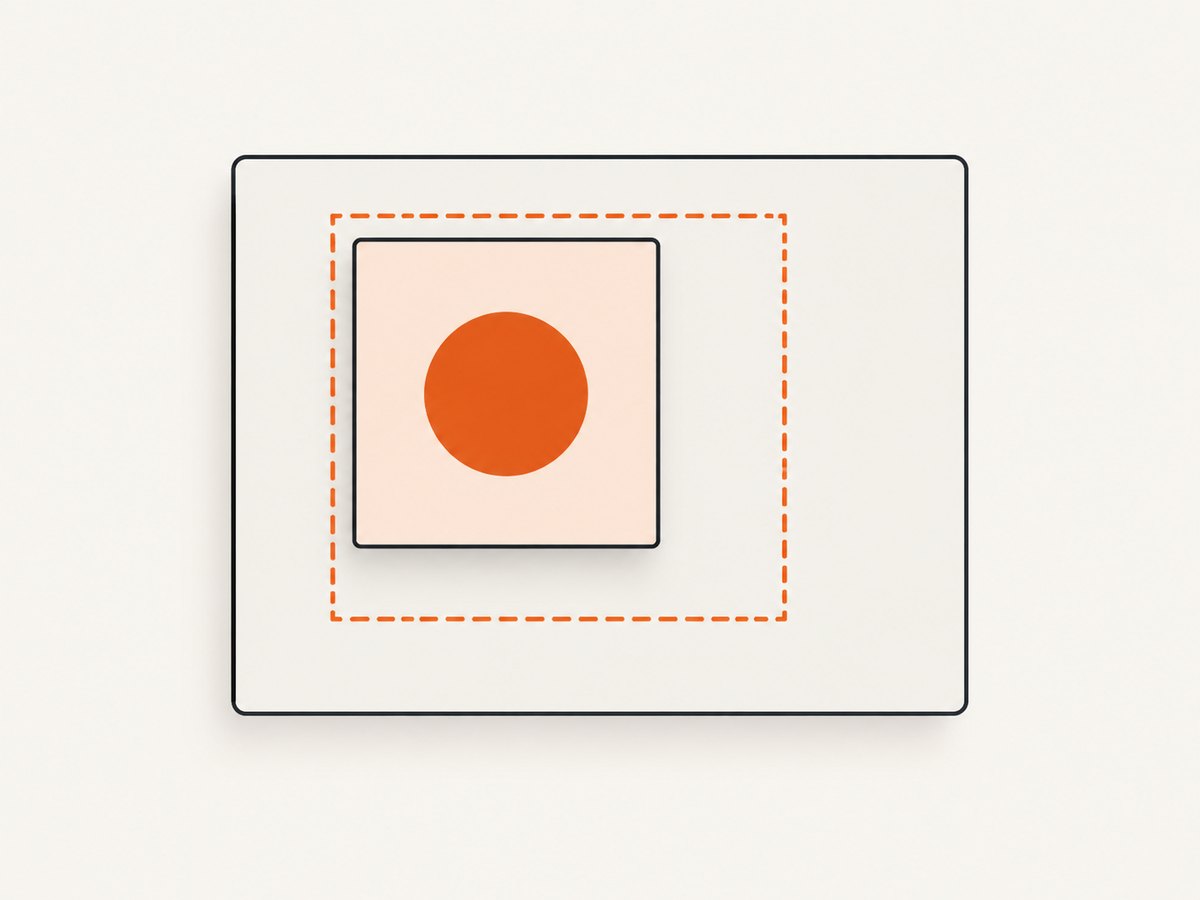
function inspectSvg(selector) {
  const svg = document.querySelector(selector);
  const parent = svg.parentElement;
  const s = getComputedStyle(svg);
  const p = getComputedStyle(parent);
  console.table({
    svgRect: svg.getBoundingClientRect().toJSON(),
    parentRect: parent.getBoundingClientRect().toJSON(),
    position: s.position,
    left: s.left,
    top: s.top,
    width: s.width,
    height: s.height,
    transform: s.transform,
    overflow: s.overflow,
    parentPosition: p.position,
    parentOverflow: p.overflow,
    viewBox: svg.getAttribute('viewBox'),
    svgWidth: svg.getAttribute('width'),
    svgHeight: svg.getAttribute('height')
  });
}
inspectSvg('#art');
Check that the positioned ancestor is the one you expect. An absolutely positioned element uses the nearest positioned ancestor as its containing block. A missing position: relative on the intended parent can move the SVG relative to the page instead. Also check negative offsets, transforms, CSS zoom, borders, and ancestors with overflow: hidden or clip-path.
SVG geometry has two separate concepts: the CSS layout box and the internal coordinate system defined by viewBox. A correct CSS rectangle can still show the wrong artwork if the viewBox clips paths, if the artwork extends beyond it, or if width and height are inferred differently between the browser and the serializer.
4. Capture-region and scrolling checks
html2canvas can capture a node, a specific rectangle, or a rectangle adjusted for scroll. A mismatch between the SVG’s viewport coordinates and the requested capture region produces output that looks shifted even when the SVG itself is laid out correctly.
const target = document.querySelector('#stage');
const r = target.getBoundingClientRect();
const canvas = await html2canvas(target, {
  x: 0,
  y: 0,
  width: Math.ceil(r.width),
  height: Math.ceil(r.height),
  scrollX: window.scrollX,
  scrollY: window.scrollY,
  scale: window.devicePixelRatio,
  backgroundColor: '#ffffff'
});
For a scrolled page, log window.scrollX and window.scrollY and repeat with the page at the top. A historical report, issue #2398, described offset and incomplete SVG output in an older environment using html2canvas 1.0.0-rc.7 and Chrome 86. It is useful as a diagnostic precedent, not evidence that current releases have the same defect.
5. Understand html2canvas’s two rendering paths
The normal path reconstructs a DOM tree and implements supported CSS properties in JavaScript. The project’s official FAQ says: “Every CSS property must be manually implemented to render correctly, so html2canvas will never have full CSS support.” Treat absolute positioning, transforms, clipping, filters, masks, and complex SVG styling as features to verify rather than guarantees.
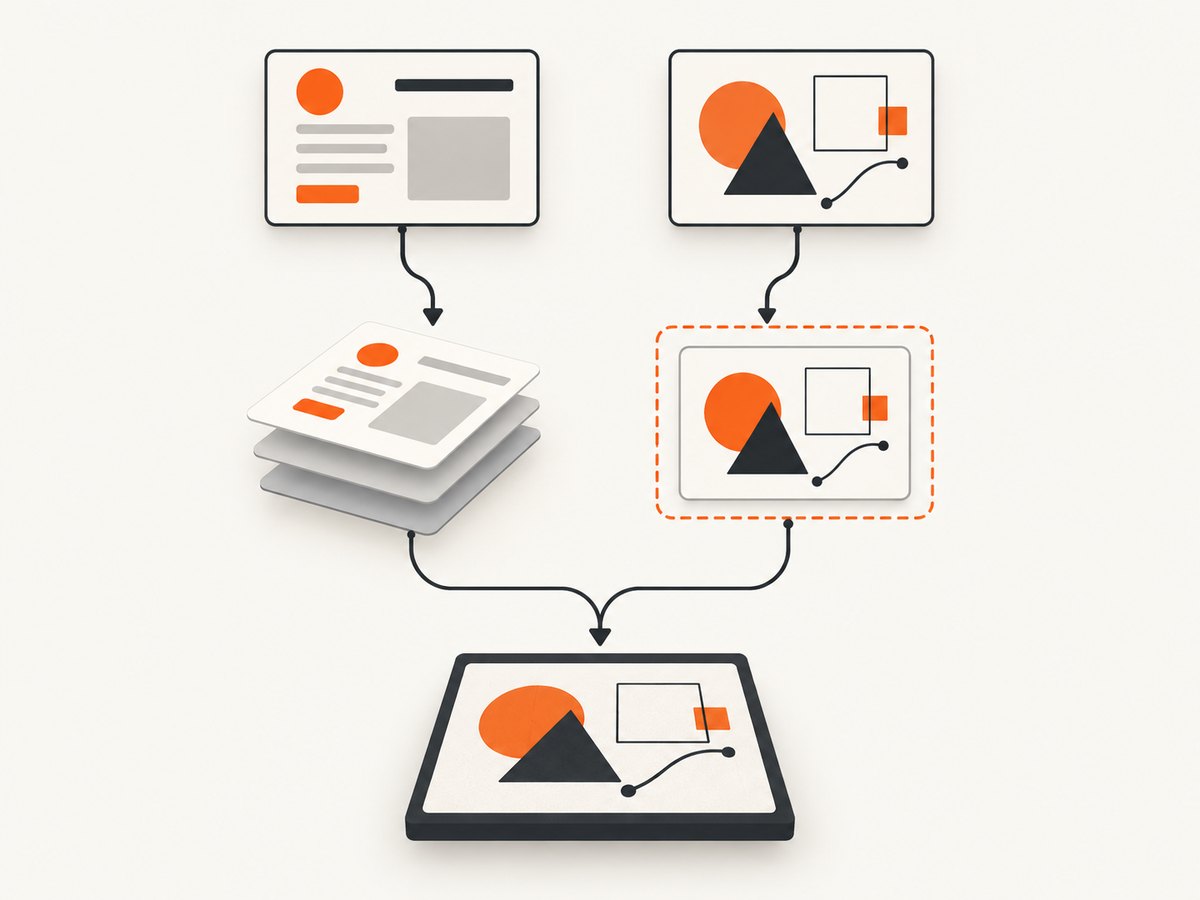
The foreignObjectRendering option uses a different mechanism. Current source creates an SVG wrapper containing a foreignObject, serializes it, loads the result as an image, and draws that image to a canvas. The configuration is documented in the project configuration guide, and the path is described as experimental. No available source establishes that enabling it fixes issue #3047, so test it as an alternate path.
const node = document.querySelector('#stage');
const canvas = await html2canvas(node, {
  foreignObjectRendering: true,
  backgroundColor: '#fff',
  imageTimeout: 15000,
  useCORS: true,
  scale: 1
});| Option or factor | What to check |
|---|---|
foreignObjectRendering |
Alternate, experimental serialization route; browser support and output must be tested. |
onclone |
Modify the cloned document for capture, such as removing animation or replacing problematic styles. |
x/y/width/height |
Capture rectangle; keep it consistent with the target’s measured bounds. |
scrollX/scrollY |
Viewport compensation; verify with the page both scrolled and unscrolled. |
scale |
Output resolution and memory use; higher values do not correct geometry. |
useCORS and allowTaint |
External image loading and canvas security; these affect images, not the SVG position itself. |
backgroundColor |
Use null for transparency or a color for a predictable background. |
6. Practical fixes to test
Give every layout box explicit dimensions
Set width and height on the capture target, parent, and SVG. Set an explicit viewBox and avoid relying on an intrinsic SVG size inferred from surrounding layout.
.frame { position: relative; width: 800px; height: 450px; overflow: visible; }
.frame > svg { position: absolute; left: 180px; top: 70px; width: 260px; height: 180px; display: block; }
Temporarily remove clipping and transforms
Set ancestor overflow: visible, remove transforms, and disable CSS transitions and animations in an onclone callback. Reintroduce each rule after the capture works.
const canvas = await html2canvas(target, {
  onclone: clonedDoc => {
    clonedDoc.querySelectorAll('*').forEach(el => {
      el.style.animation = 'none';
      el.style.transition = 'none';
    });
  }
});
Capture the SVG itself
Capturing the SVG instead of a large parent can remove an ambiguous capture rectangle. This changes the output dimensions, so use it only when the SVG is the required artifact.
const svgCanvas = await html2canvas(document.querySelector('#art'), {
  backgroundColor: null,
  scale: 2
});
7. Troubleshooting checklist
| Symptom | Likely area | Action |
|---|---|---|
| Only the offset SVG is cropped | Containing block or capture rectangle | Confirm positioned parent; compare SVG and target rectangles; test zero offset. |
| Artwork is shifted by the scroll amount | Scroll compensation | Log scroll values; test at scroll position zero and set explicit scrollX/scrollY. |
| Edges disappear at the parent boundary | Overflow or SVG bounds | Temporarily use overflow: visible; inspect viewBox and ancestor clipping. |
| SVG is blank but other HTML appears | Unsupported SVG feature or external resource | Reduce to basic shapes; inline external assets; test the experimental foreignObject path. |
| Text or filters differ | Selective CSS support | Check the supported features documentation and simplify the minimal case. |
| Output differs between browsers | Browser serialization and foreignObject support | Record browser versions and maintain separate compatibility tests. |
| Canvas export throws a security error | Cross-origin image content | Serve images with suitable CORS headers, use useCORS, or remove the external asset for diagnosis. |
8. Reliability, performance, and maintenance
Use a small regression fixture containing the exact SVG, offsets, fonts, images, browser, and html2canvas options. Save the expected canvas output or compare a few pixel regions. Run it after dependency, browser, CSS, and design-system updates.
Large full-page captures consume memory roughly in proportion to pixel width × height × scale². Start with scale: 1 while debugging, then raise it for production output. Wait for fonts and images before capture, avoid capturing animated states, and set an explicit timeout for your surrounding application logic. If you capture many pages, queue jobs and release canvas references after encoding.
Do not describe a workaround as a confirmed fix until the minimal case passes on every browser you support. The available evidence does not establish the current disposition of issue #3047 or an official release fix. If the reduced example still fails, follow the FAQ’s guidance and file a reproducible issue with versions, source HTML, CSS, options, and the produced image.
9. Or skip the browser setup
If your goal is a dependable URL screenshot rather than client-side DOM experimentation, ScreenshotNeo provides a one-request screenshot API and an MCP server. It can return PNG, JPEG, WebP, or PDF, and its capture options include full-page screenshots, element selectors, custom CSS and JavaScript, waits, device presets, retina scale, request blocking, cookies, headers, geolocation, caching, asynchronous jobs, and bulk capture.
Cookie and consent banners are accepted and removed before the shot, along with more than 60 known consent platforms, newsletter popups, and chat widgets. Bot checks, blank pages, timeouts, failed loads, and cache hits are not billed; response headers identify the page verdict and billing status. An MCP server exposes take_screenshot, get_page_info, and capture_pdf to Claude, Cursor, and other MCP clients.
See the ScreenshotNeo API documentation for request options.
curl -G 'https://api.screenshotneo.com/v1/shot' \
  -d access_key=YOUR_API_KEY \
  --data-urlencode url=https://stripe.com \
  -o shot.webp
import requests
r = requests.get(
'https://api.screenshotneo.com/v1/shot',
params={'access_key': 'YOUR_API_KEY', 'url': 'https://stripe.com'},
timeout=90,
)
open('shot.webp', 'wb').write(r.content)const q = new URLSearchParams({ access_key: 'YOUR_API_KEY', url: 'https://stripe.com' });
const res = await fetch(`https://api.screenshotneo.com/v1/shot?${q}`);
if (!res.ok) throw new Error(`HTTP ${res.status}`);
const image = Buffer.from(await res.arrayBuffer());
require('fs').writeFileSync('shot.webp', image);The free plan includes 1,000 screenshots per month with no card. Paid plans start at $5 for 3,000 shots; every feature is available on every plan. Create a free ScreenshotNeo account.
10. FAQ
Does position: absolute always break SVG capture?
No. The report is a narrow case involving an offset inline SVG. Reproduce it with your versions and layout before generalizing.
Should I always enable foreignObjectRendering?
No. It is experimental and uses a separate browser-dependent route. Compare both paths against your target browsers and SVG.
Can increasing scale repair clipping?
No. Scale changes raster resolution and memory use; it does not change CSS or SVG geometry.
Is a server screenshot automatically better?
It is a different tradeoff. A service such as ScreenshotNeo removes browser setup and handles URL capture, while html2canvas remains useful when you must capture the current client-side DOM state.
What should a bug report contain?
Include a minimal HTML file, exact dependency and browser versions, operating system, scroll position, capture options, SVG markup, computed rectangles, and the incorrect output.


