Why html2canvas Generates Blank Images in Ionic 4 Angular
Fix blank html2canvas images in Ionic 4 Angular by checking dimensions, CORS, rendering timing, canvas limits, and unsupported content.
A blank html2canvas image in Ionic 4 Angular usually comes from one of five causes: the target element has no usable dimensions, capture starts before the view is rendered, remote images fail the browser’s origin policy, the canvas is too large, or the page contains CSS, iframe, SVG, or canvas content html2canvas cannot reconstruct. Start by measuring the target and the generated canvas, then inspect failed resources and browser console errors. Do not begin by changing random options.
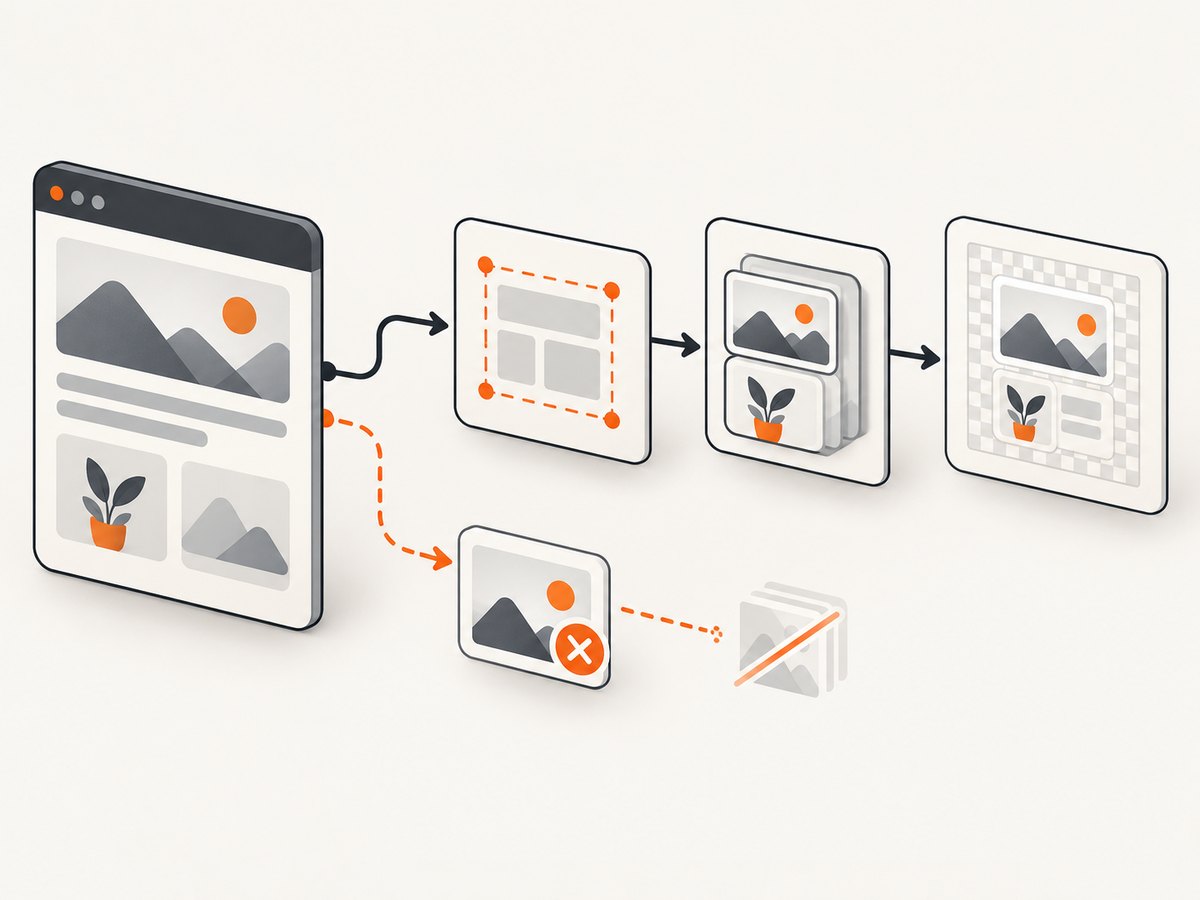
html2canvas does not take a native screenshot. It walks the DOM and computed styles, then builds a new canvas from the information it can read. That distinction explains why a visible Ionic page can produce a blank or incomplete result.
1. Run a diagnostic capture first
Use this Angular/TypeScript helper against the exact element you want to export. It verifies that the selector resolves, logs layout dimensions, expands the rendering viewport to the element, and reports resource failures through onError.
import html2canvas from 'html2canvas';

export async function captureElement(selector: string): Promise {
  const element = document.querySelector(selector) as HTMLElement | null;
  if (!element) {
    throw new Error(`Capture target not found: ${selector}`);
  }

  const rect = element.getBoundingClientRect();
  const scrollWidth = element.scrollWidth;
  const scrollHeight = element.scrollHeight;
  console.log({
    rectWidth: rect.width,
    rectHeight: rect.height,
    scrollWidth,
    scrollHeight,
    devicePixelRatio: window.devicePixelRatio,
  });

  if (scrollWidth === 0 || scrollHeight === 0) {
    throw new Error('Capture target has zero scroll dimensions');
  }

  const canvas = await html2canvas(element, {
    windowWidth: scrollWidth,
    windowHeight: scrollHeight,
    onError: error => console.warn('html2canvas resource failed:', error.message),
  });

  console.log({ canvasWidth: canvas.width, canvasHeight: canvas.height });
  if (canvas.width === 0 || canvas.height === 0) {
    throw new Error('html2canvas returned a zero-sized canvas');
  }
  return canvas;
}
Call it after Angular has rendered the view, not immediately after changing data. In Ionic, ionViewDidEnter, ngAfterViewInit plus a queued frame, or an explicit “capture” button are safer points than a constructor or ngOnInit.
async capture(): Promise {
  await new Promise(requestAnimationFrame);
  const canvas = await captureElement('#capture');
  const link = document.createElement('a');
  link.download = 'capture.png';
  link.href = canvas.toDataURL('image/png');
  link.click();
}
2. Confirm that Ionic has finished rendering
A selector can exist while its contents are still empty. Ionic pages may also be hidden during navigation, have animations in progress, or depend on images and fonts that have not loaded yet.
- Put the capture target in the active page, not a page being removed from the navigation stack.
- Wait for the view lifecycle event and at least one animation frame.
- Wait for images inside the target.
- Disable or finish transitions before capture.
async function waitForImages(root: HTMLElement): Promise {
  const images = Array.from(root.querySelectorAll('img'));
  await Promise.all(images.map(img => {
    if (img.complete) return Promise.resolve();
    return new Promise(resolve => {
      img.addEventListener('load', () => resolve(), { once: true });
      img.addEventListener('error', () => resolve(), { once: true });
    });
  }));
}

async captureAfterRender(): Promise {
  await new Promise(requestAnimationFrame);
  const root = document.querySelector('#capture') as HTMLElement;
  if (!root) throw new Error('Missing #capture');
  await waitForImages(root);
  const canvas = await html2canvas(root, {
    windowWidth: root.scrollWidth,
    windowHeight: root.scrollHeight,
    onError: e => console.warn(e.message),
  });
  document.body.appendChild(canvas);
}
If the target is inside an ion-modal, ion-popover, virtual scroll list, or collapsed accordion, capture it only after it is visible and laid out. A hidden element can have zero dimensions even though its markup is present.
3. Check dimensions and browser canvas limits
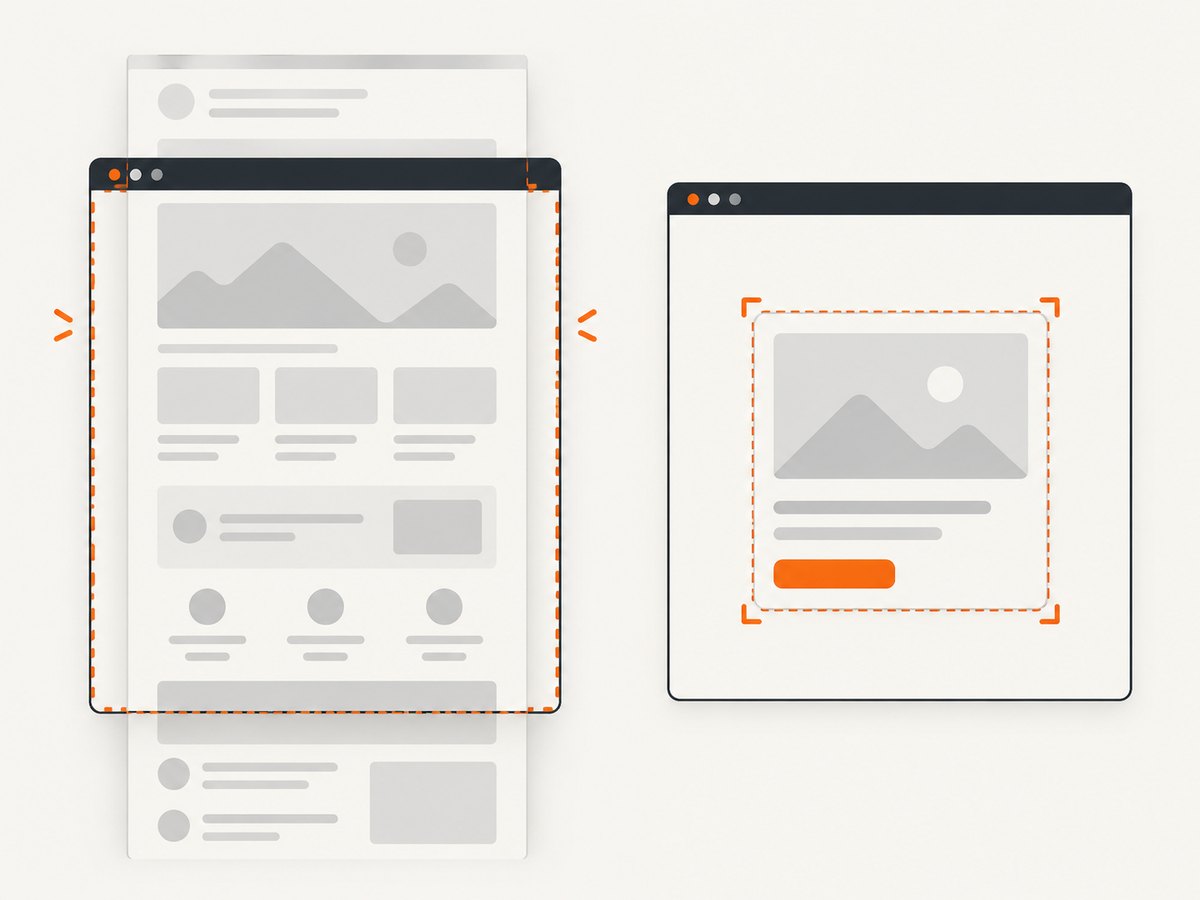
html2canvas defaults scale to window.devicePixelRatio. On a retina phone, a 1,000 by 2,000 CSS-pixel element can become a substantially larger bitmap. Browser canvas limits vary by browser, platform, WebView, and device. Exceeding a limit can produce a blank or partially rendered canvas without a useful exception.
Inspect all four dimensions:
- CSS width and height from
getBoundingClientRect(). - Scrollable width and height from
scrollWidthandscrollHeight. - Canvas pixel width and height.
- Total pixels, approximately
canvas.width * canvas.height.
Reduce the output when the target is large:
const canvas = await html2canvas(element, {
  scale: 1,
  width: element.scrollWidth,
  height: element.scrollHeight,
  windowWidth: element.scrollWidth,
  windowHeight: element.scrollHeight,
});
Other reliable strategies are capturing sections separately and stitching them server-side, reducing the target’s CSS dimensions, or exporting a lower-resolution image. Verify the chosen size on the affected phone or WebView; there is no universal maximum that works on every device.
4. Fix cross-origin images and other resources
Remote images are the most common reason a page looks correct but the exported result is empty or missing content. By default, allowTaint is false and cross-origin images are skipped. useCORS: true asks the browser to load an image with CORS, but it cannot override the image server. The response must include an appropriate Access-Control-Allow-Origin header.
const canvas = await html2canvas(element, {
  useCORS: true,
  onError: error => console.warn('Resource error:', error.message),
});
For each missing image, inspect the final request URL in DevTools, including redirects, and inspect response headers. A URL that begins on your origin can redirect to a CDN with different CORS headers. Check CSS background images, SVG files, web fonts, and poster images as well as ordinary img elements.
When you control the asset server, return a header such as Access-Control-Allow-Origin: https://your-app.example (or the appropriate allowed origin), and serve the asset without credentials unless your CORS policy is configured for credentials. When you do not control it, use a server-side proxy that fetches the asset and serves it from your own origin, subject to that asset’s terms and your security policy.
Do not treat allowTaint: true as an export fix. A tainted canvas may display pixels but cannot safely be read with toDataURL() or getImageData(); the export step can then fail with a security exception.
5. Understand what html2canvas can and cannot render
Because html2canvas reconstructs the DOM, it is not pixel-equivalent to a native screenshot. Unsupported or partially supported CSS can disappear while the rest of the page renders. Cross-origin iframe documents cannot be read by the browser and therefore cannot be reconstructed. Third-party widgets, embedded video, complex filters, and canvases created by other origins need special attention.
Reduce the problem to a minimal element:
const test = document.querySelector('#small-card') as HTMLElement;
const canvas = await html2canvas(test, { scale: 1, useCORS: true });
If the small card works, add sections back until the failing component is identified. Replace an iframe with a local placeholder, remove unsupported effects, or capture that content with a mechanism that has access to the rendered surface.
6. Configuration reference
| Option | Use it for | Important detail |
|---|---|---|
useCORS |
Images served with CORS headers | Does not change server headers. |
allowTaint |
Allow drawing foreign images | Can make the canvas unreadable for export. |
scale |
Output resolution | Defaults to device pixel ratio; lower it for large captures. |
width, height |
Capture dimensions | Use explicit values for scrollable or clipped layouts. |
windowWidth, windowHeight |
Layout viewport used during rendering | For empty or cut-off output, try the target’s scroll dimensions. |
onError |
Resource diagnostics | Log failures while rendering continues. |
backgroundColor |
Control the output background | Set a color or use transparency where supported by your version. |
foreignObjectRendering |
Alternative browser rendering path | Support varies by browser and WebView; test before relying on it. |
Check the official configuration reference for the exact options supported by the version installed in your Ionic project. Keep changes evidence-driven so you can identify which setting corrected the capture.
7. Export safely
try {
  const canvas = await html2canvas(element, { useCORS: true });
  const png = canvas.toDataURL('image/png');
  const anchor = document.createElement('a');
  anchor.href = png;
  anchor.download = 'ionic-capture.png';
  anchor.click();
} catch (error) {
  console.error('Canvas export failed:', error);
}
If toDataURL() throws a security error, the canvas is tainted. Find the foreign image or SVG that was drawn without valid CORS and fix the response or proxy it. A successful canvas render does not prove that the canvas is readable.
8. Ionic 4 and WebView edge cases
- Compare the asset’s actual runtime origin on
ionic serve, Android WebView, and iOS WKWebView. They may differ. - Inspect redirects to CDNs and signed image URLs.
- Wait for lazy images and virtualized rows; markup outside the rendered window may not exist visually.
- Capture after fonts load if text wrapping affects dimensions.
- Remove fixed-position overlays, consent dialogs, and loading masks from the target or wait until they settle.
- Test both a short element and the full page to separate content problems from canvas-size problems.
9. Troubleshooting checklist
| Symptom | Likely cause | Fix |
|---|---|---|
| Canvas width or height is zero | Missing selector, hidden element, or layout not complete | Capture after render, verify visibility, and log the bounding box. |
| Entire result is blank | Oversized canvas, failed resources, or unsupported content | Set scale: 1, capture a small element, enable onError, and inspect the console. |
| Images are missing but text appears | Cross-origin image without permission | Use useCORS: true with server CORS headers or proxy the asset. |
| Export throws a security error | Tainted canvas | Remove non-CORS resources; do not rely on allowTaint: true. |
| Bottom half is cut off | Viewport or canvas dimensions are too small | Set windowWidth and windowHeight to scroll dimensions, then reduce scale if needed. |
| Only an iframe or widget is absent | Cross-origin iframe or unsupported renderer | Replace it, capture it separately with permission, or use a real browser screenshot. |
| Works on desktop but not on a phone | Different WebView origin, device ratio, or canvas limit | Log runtime URLs and dimensions on the phone and lower scale. |
useCORS appears ineffective |
Server omits CORS headers or a redirect changes origin | Inspect the final response and configure the asset server or a proxy. |
10. Performance, reliability, and cost considerations
html2canvas runs on the user’s main thread. Large DOM trees, high device-pixel-ratio output, many images, shadows, filters, and long pages increase memory use and capture time. Capture only the element needed, lower scale when acceptable, and avoid repeated captures during scrolling or animation.
For repeatable reports, run captures after data and assets are stable, record the target dimensions and browser/WebView version, and retry only transient resource failures. A retry cannot fix a deterministic CORS or canvas-limit problem. If you need server-side rendering, consistent browser versions, or captures from URLs that are not already open in the Ionic app, a screenshot API avoids shipping browser automation to every device.
Or skip the browser setup
ScreenshotNeo captures a URL with one request and returns PNG, JPEG, WebP, or PDF. See the ScreenshotNeo API documentation for all options.
cURL
curl -G "https://api.screenshotneo.com/v1/shot" -d access_key=YOUR_API_KEY --data-urlencode url=https://stripe.com -o shot.webpPython
import requests
r = requests.get('https://api.screenshotneo.com/v1/shot', params={'access_key': 'YOUR_API_KEY', 'url': 'https://stripe.com'}, timeout=90)
r.raise_for_status()
open('shot.webp', 'wb').write(r.content)
Node.js
const q = new URLSearchParams({ access_key: 'YOUR_API_KEY', url: 'https://stripe.com' });
const res = await fetch(`https://api.screenshotneo.com/v1/shot?${q}`);
if (!res.ok) throw new Error(`${res.status} ${res.statusText}`);
const buffer = Buffer.from(await res.arrayBuffer());
require('fs').writeFileSync('shot.webp', buffer);
ScreenshotNeo removes cookie and consent banners, newsletter popups, and chat widgets before capture. Bot checks, blank pages, failed loads, timeouts, and cache hits are not billed, and the response reports the page verdict and billing status in X-Page-Verdict and X-Billed headers. Its MCP server lets Claude, Cursor, and other MCP clients call take_screenshot, get_page_info, and capture_pdf. The Free plan includes 1,000 screenshots each month with no card; paid plans start at $5 for 3,000 shots. Create a free ScreenshotNeo account.
FAQ
Is this an Ionic-only bug?
No. Ionic changes lifecycle timing and WebView origins, but the underlying causes are browser layout, resource security, unsupported content, and canvas limits.
Should I always set useCORS: true?
Set it when the target contains cross-origin images and those servers are configured to allow your app origin. It cannot bypass CORS policy.
Why does the page look fine in the browser?
The browser displays the page directly, while html2canvas reconstructs it from readable DOM, styles, and resources. Those are different rendering paths.
Can html2canvas capture a whole Ionic page?
Yes, if the target is rendered, resources are available, and the resulting canvas stays within the device’s limits. Long pages often need a lower scale or multiple captures.
What details should I include in a bug report?
Include the html2canvas version, Ionic and Angular versions, device and WebView, target selector and dimensions, asset URLs and redirects, console/network errors, and whether a small local-only element works.


