What Is HTTP 406 Not Acceptable? Causes and Fixes
HTTP 406 means the server cannot provide a representation matching your request headers. Learn how content negotiation works and how to fix it.

HTTP 406 Not Acceptable means the server cannot produce a response representation that matches the preferences in your request. The main header to inspect is Accept. Accept-Language and Accept-Encoding can also make a response unacceptable.
In practical terms, your client asks for one or more formats, languages, or encodings, and the server has no available variant that satisfies those constraints. The server returns status 406 instead of choosing a default representation. To fix it, capture the exact request, compare its negotiation headers with the endpoint’s documented representations, then request a supported variant or correct the server’s negotiation configuration.
What does 406 Not Acceptable mean?
RFC 9110 defines 406 as the case where “the origin server does not have a current representation that would be acceptable to the user agent.” The response is about representation selection, not about whether the URL exists or whether the request syntax is valid. A resource may exist while none of its available representations meet the client’s stated constraints.
For example, an API may publish JSON and XML. A request containing Accept: application/xml can receive 406 when XML support has been removed, disabled, or is unavailable for that endpoint. A browser or SDK can also trigger 406 with an overly narrow language or encoding preference.
RFC 9110 says the origin server should provide a payload describing available representation characteristics and resource identifiers so the user agent can choose another option. In practice, response bodies vary, and there is no standard format for this alternatives list. See the RFC 9110 definition of 406 and MDN’s 406 reference.
How content negotiation leads to a 406
HTTP uses server-driven, or proactive, negotiation when a client sends preferences and the server selects one representation. The relevant request headers are:

| Header | What it controls | Typical failure |
|---|---|---|
Accept |
Media type such as JSON, HTML, XML, or an image format | The endpoint cannot return any type allowed by the header |
Accept-Language |
Preferred natural languages | The requested language is not available |
Accept-Encoding |
Compression codings such as gzip or br | The server cannot use an encoding that remains acceptable |
The Accept header
Accept can contain a list of media types and quality factors. A quality value from 0 to 1 expresses preference; q=0 excludes a type.
Accept: application/json, application/xml;q=0.8, text/*;q=0.5This request prefers JSON, permits XML at lower priority, and permits other text types at an even lower priority. A request such as Accept: image/avif can fail when the server only has PNG and JPEG. Wildcards such as */* broaden the set, but use them for diagnosis only if the API documentation specifies a narrower production value.
Language and encoding preferences
Accept-Language: fr-CA, fr;q=0.9 asks for Canadian French first and other French second. If the service has only English and does not provide a fallback, it can return 406. Similarly, Accept-Encoding can exclude every coding the server can produce. Inspect exclusions and quality factors rather than assuming compression is unrelated.
User-Agent is sometimes used in representation selection, but it is not one of the standard server-driven negotiation headers and is generally a poor basis for selecting a representation. Changing it is not a universal 406 fix. MDN explains the negotiation model in its content negotiation guide.
Diagnose a 406 response step by step
- Capture the exact failing exchange. Record method, URL, request headers, status, response headers, and response body. Compare a failing client with a known-good request.
- Inspect negotiation headers. Start with
Accept, then checkAccept-LanguageandAccept-Encoding. Include cookies and authorization because middleware can select different variants for different users. - Read the endpoint contract. List the representations the endpoint actually documents, such as
application/jsonortext/html. Do not infer support from a different route. - Try one supported representation. Send a controlled header for diagnosis. If it works, set the documented value in the real client rather than leaving a broad wildcard.
- Check quality values and wildcards. Look for
q=0, malformed language ranges, and combinations that accidentally exclude every server option. - Inspect intermediaries. Reverse proxies, gateways, framework formatters, and caches can rewrite headers or select different variants. Check the response’s
Varyheader; it identifies request headers that affect server-driven selection so caches can reproduce the choice.
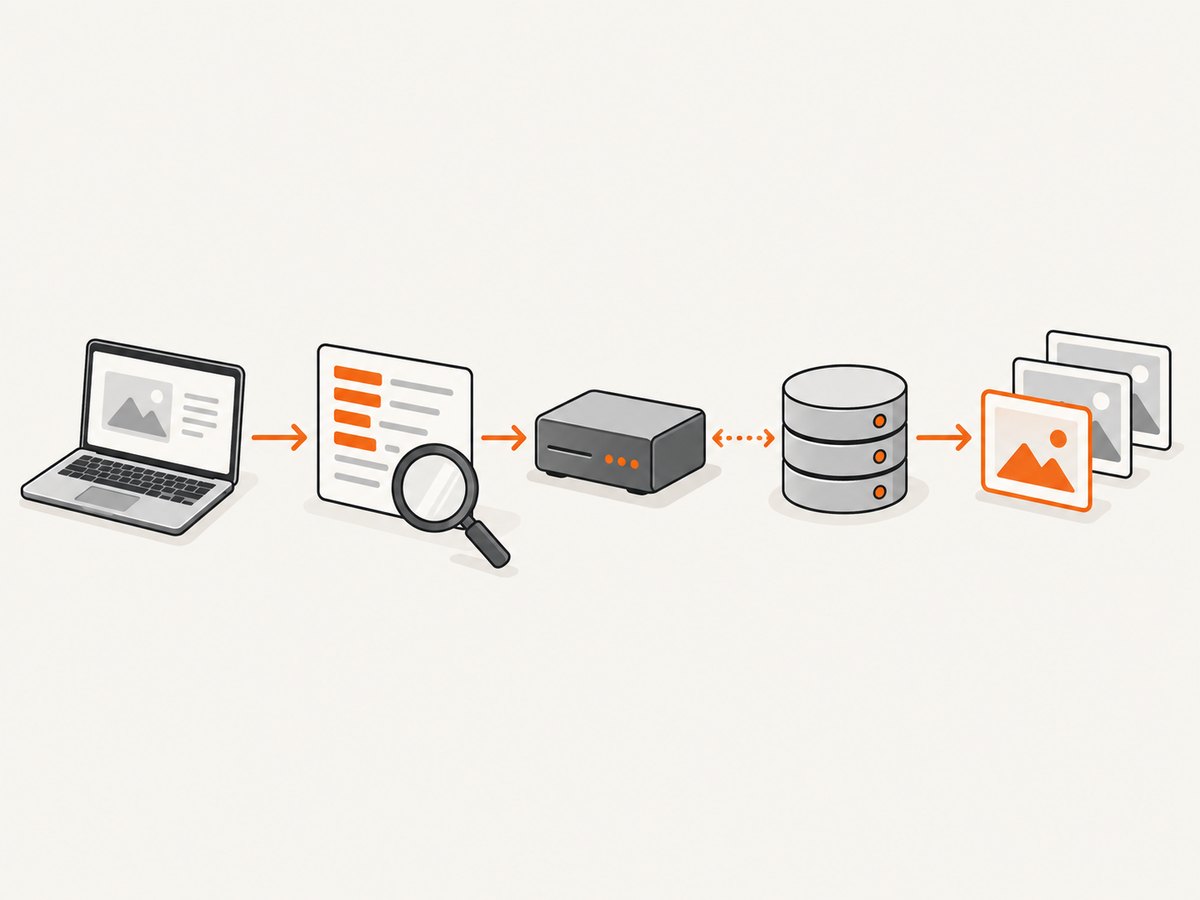
Runnable requests for testing negotiation
HTTP wire example
GET /reports/42 HTTP/1.1
Host: api.example.test
Accept: application/json
Accept-Language: en
Accept-Encoding: gzip
cURL
curl -i https://api.example.test/reports/42 \
  -H 'Accept: application/json' \
  -H 'Accept-Language: en' \
  -H 'Accept-Encoding: gzip'
For a diagnostic comparison, request a documented alternative:
curl -i https://api.example.test/reports/42 \
  -H 'Accept: application/xml'
Do not treat */* as a permanent fix unless the API’s contract recommends it; it can hide an incorrect client configuration.
Python with requests
import requests

url = "https://api.example.test/reports/42"
headers = {
    "Accept": "application/json",
    "Accept-Language": "en",
    "Accept-Encoding": "gzip",
}
response = requests.get(url, headers=headers, timeout=30)
print(response.status_code)
print(response.headers)
print(response.text)
When testing a fallback, change only one preference at a time so you can identify which constraint caused the mismatch.
Node.js
const response = await fetch('https://api.example.test/reports/42', {
  headers: {
    Accept: 'application/json',
    'Accept-Language': 'en',
    'Accept-Encoding': 'gzip'
  }
});

console.log(response.status, Object.fromEntries(response.headers));
console.log(await response.text());
Common causes and precise fixes
| Symptom | Likely cause | Fix |
|---|---|---|
| JSON endpoint returns 406 | Client sends an unsupported or misspelled media type | Use the documented JSON media type, commonly application/json |
| Only one locale fails | Requested language has no representation or fallback | Request an available language or configure a server fallback |
| Compression-specific failures | Accept-Encoding excludes all server codings |
Allow a supported coding and verify proxy decompression behavior |
| Works directly, fails through a gateway | Proxy rewrites headers, formatter rules, or cache variation is wrong | Compare headers at each hop and configure Vary and cache keys consistently |
| Only one SDK or browser fails | That client sends a narrow default Accept value |
Log and override the client’s negotiated media type explicitly |
| Changing User-Agent appears to help | Server has accidental user-agent-specific behavior | Fix explicit negotiation rules; do not rely on user-agent detection |
Server-side checks
If you maintain the server, confirm that a formatter is registered for every documented media type and that route-level negotiation is not stricter than the API contract. Return a useful 406 body listing available representations when possible. Ensure language fallback rules are explicit and that compression middleware can produce at least one encoding allowed by the request.
Review reverse-proxy and cache configuration. If output varies by Accept, Accept-Language, or Accept-Encoding, the response should identify those headers with Vary. A cache that ignores variation can serve the wrong representation or make a correct request appear inconsistent.
Performance, reliability, and cost considerations
Negotiation itself is usually a small header comparison, but retries can create avoidable latency and load. A client that retries the same impossible Accept value will receive the same 406. Instead, parse the response, select a documented alternative, and retry once with that value. Keep production preferences stable so caches remain effective.
For observability, log the selected media type, the negotiation headers, status, and the Vary value. Redact credentials and sensitive cookies. Track 406 responses by route and client version; a sudden increase often indicates a contract or deployment mismatch rather than a capacity problem.
Or skip the browser setup
If you are diagnosing how a page behaves before deciding which representation or capture to keep, ScreenshotNeo provides a direct website screenshot API. It accepts a URL and returns PNG, JPEG, WebP, or PDF. The request below is the complete call; see the ScreenshotNeo documentation for all options.
curl -G "https://api.screenshotneo.com/v1/shot" -d access_key=YOUR_API_KEY --data-urlencode url=https://stripe.com -o shot.webpimport requests
r = requests.get("https://api.screenshotneo.com/v1/shot", params={"access_key": "YOUR_API_KEY", "url": "https://stripe.com"}, timeout=90)
open("shot.webp", "wb").write(r.content)const q = new URLSearchParams({ access_key: 'YOUR_API_KEY', url: 'https://stripe.com' }); const res = await fetch(`https://api.screenshotneo.com/v1/shot?${q}`);Cookie banners, newsletter popups, and chat widgets are removed before the shot. Bot checks, blank pages, failed loads, timeouts, and cache hits are never billed, and response headers identify the page verdict and billing status. An MCP server lets Claude, Cursor, and other MCP clients take screenshots with take_screenshot, inspect pages with get_page_info, and create PDFs with capture_pdf. The free plan includes 1,000 screenshots per month with no card; paid plans start at $5 for 3,000 shots. Create a free ScreenshotNeo account.
Prevention checklist
- Document supported media types, languages, and encodings for every endpoint.
- Send realistic, explicit preferences from clients and SDKs.
- Handle 406 by choosing an available representation instead of retrying unchanged.
- Keep formatter, proxy, and cache rules aligned.
- Set
Varyfor headers that affect representation selection. - Test quality factors, wildcards, language fallback, and compression exclusions in CI.
FAQ
Is 406 a client error or a server error?
It is a 4xx response caused by the request’s negotiation constraints, but the server owns the responsibility for documenting representations and selecting them correctly. Either side can require a fix.
Does 406 mean the URL is invalid?
No. The resource can exist while none of its current representations satisfy the request.
Should I always send Accept: */*?
No. Use it only as a controlled diagnostic when the API permits it. Production clients should send the documented media type they can parse.
Can a cache cause a 406?
Yes. Incorrect cache keys or missing Vary behavior can make negotiated responses inconsistent across clients. Check the origin and every intermediary.
Is there a standard format for the alternatives in a 406 body?
No. RFC 9110 recommends describing available representation characteristics and identifiers, but it does not mandate a response-body schema.