What Case Should HTTP Headers Use: Lowercase or Pascal Case?
Use lowercase for HTTP header names: names are case-insensitive, and HTTP/2 and HTTP/3 require lowercase on the wire. Header values follow their own rules.
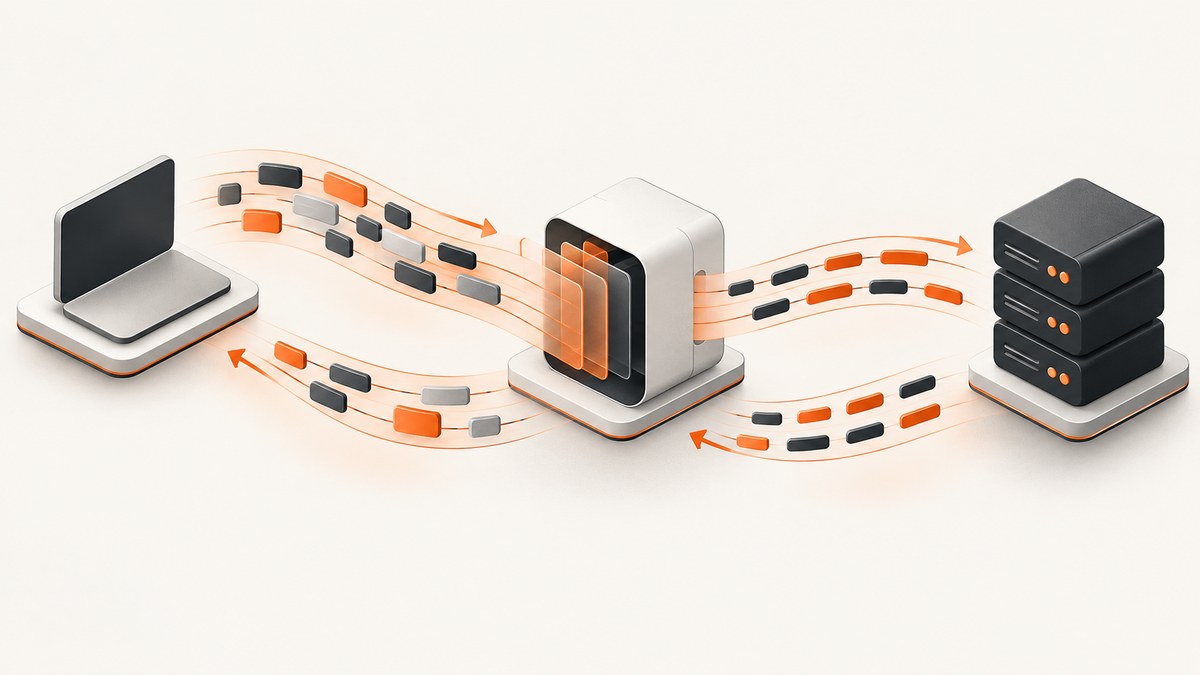
Use lowercase for HTTP header field names when you generate requests or responses. HTTP treats field names case-insensitively, so Content-Type and content-type identify the same field. But HTTP/2 and HTTP/3 require lowercase field names on the wire. Lowercase is the interoperable convention across versions. Do not automatically lowercase header values: their rules depend on the individual field.
This guide explains the protocol rule, shows runnable cURL, Python, and Node.js examples, and covers what to normalize when you build a client or server. The key standards are [RFC 9110, Section 5.1](https://www.rfc-editor.org/rfc/rfc9110.html#section-5.1), [RFC 9113, Section 8.2](https://www.rfc-editor.org/rfc/rfc9113.html#section-8.2), and [RFC 9114, Section 4.2](https://www.rfc-editor.org/rfc/rfc9114.html#section-4.2).
1. The short answer: lowercase names, preserve values
When writing application code, use lowercase names such as content-type, authorization, and x-request-id. When reading headers, perform case-insensitive name lookup. Preserve values as received unless the specific field definition permits or requires normalization.
| Question | Answer |
|---|---|
| Are HTTP header names case-sensitive? | No. The field-name comparison rule is case-insensitive. |
Is Content-Type different from content-type? |
No, they denote the same field name. |
| What casing should my code emit? | Lowercase is the safest convention. |
| Can I lowercase header values too? | Not as a general rule. Value semantics are field-specific. |
RFC 9110 states that field names are case-insensitive and ought to be registered in the HTTP Field Name Registry. This defines semantic identity; it does not mean every textual rendering must use a particular capitalization. Pascal Case, Title Case, and lowercase are presentation choices in contexts that allow them. Lowercase avoids ambiguity when a message uses HTTP/2 or HTTP/3.
2. Why HTTP/2 and HTTP/3 make lowercase the safest choice
HTTP/1.1 textual messages are commonly displayed with names such as Host or Content-Length. That familiar spelling is a convention, not a case-sensitive identifier rule. HTTP/2 and HTTP/3 use binary framing, and their specifications explicitly require lowercase field names during message construction or encoding.
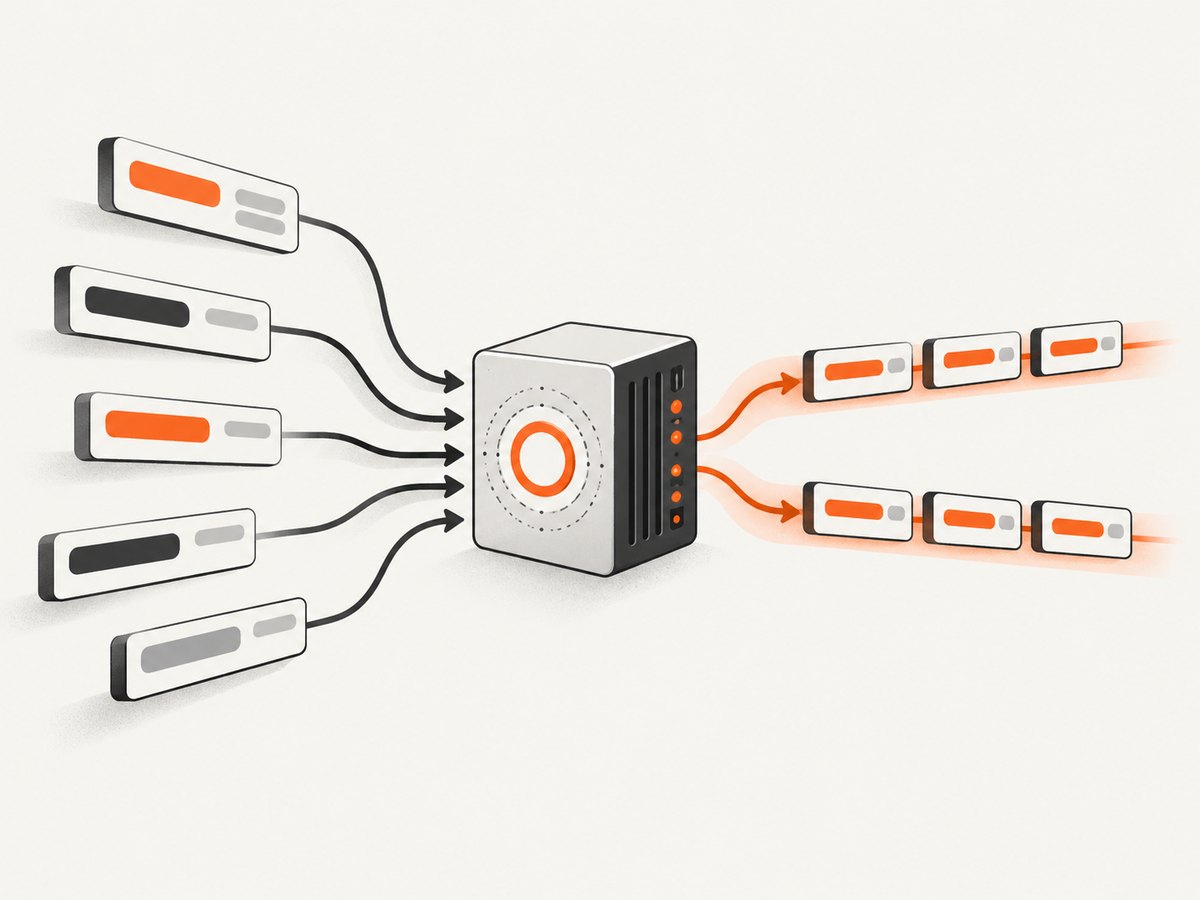
- HTTP semantics: RFC 9110 defines field names as case-insensitive.
- HTTP/2: RFC 9113 requires field names to be converted to lowercase when constructing a message.
- HTTP/3: RFC 9114 requires lowercase before encoding and says a request or response containing uppercase characters in field names is malformed.
For practical code, standardize on lowercase at the point where you create a header map, or let a conforming HTTP library handle the protocol encoding. A client may accept a mixed-case key in its API and normalize it later; that library behavior does not change the wire requirement. Similarly, a debugging display might render a preferred casing even though the protocol’s field identity is case-insensitive.
Do not confuse field names with pseudo-header fields
HTTP/2 and HTTP/3 include pseudo-header fields such as :method, :path, and :status. These begin with a colon and are a separate protocol mechanism, not ordinary HTTP field names. They follow their own protocol rules and should normally be managed by the HTTP stack rather than added as arbitrary headers in application code.
3. Runnable examples: send lowercase header names
These examples make an HTTPS GET request and explicitly provide a lowercase custom field name. Replace the example host or value as needed. They demonstrate header-name casing; the server’s response and negotiated HTTP version depend on the endpoint and client.
cURL
curl --http2 -i \
  -H 'x-request-id: demo-123' \
  -H 'accept: application/json' \
  https://httpbin.org/headers
--http2 asks cURL to use HTTP/2 when its build and the server support it. You can omit that option to let cURL negotiate. The displayed response may format names differently from the exact protocol representation.
Python with requests
import requests

url = "https://httpbin.org/headers"
headers = {
    "x-request-id": "demo-123",
    "accept": "application/json",
}

response = requests.get(url, headers=headers, timeout=20)
response.raise_for_status()
print("status:", response.status_code)
print(response.text)
Install the dependency with python -m pip install requests. The Python dictionary is your application’s representation. The HTTP library handles serialization and any protocol-specific normalization. Do not assume the dictionary’s spelling guarantees a particular casing in a packet capture.
Node.js built-in fetch
const url = 'https://httpbin.org/headers';
const headers = new Headers({
  'x-request-id': 'demo-123',
  'accept': 'application/json',
});

const response = await fetch(url, { headers });
if (!response.ok) {
  throw new Error(`HTTP ${response.status}: ${response.statusText}`);
}
console.log(await response.text());
Save as headers.mjs and run with a current Node.js release that supports global fetch. A Headers object provides case-insensitive header access and follows the runtime’s HTTP implementation. Avoid depending on the exact casing used in a console representation.
Set and inspect fields on a server
When generating a response, lowercase names are a good internal style too. For example, a framework response map could contain content-type: application/json and cache-control: no-store. Use your framework’s supported response API; do not hand-assemble protocol bytes unless you are implementing the HTTP protocol itself. The library or server is responsible for HTTP/2 and HTTP/3 encoding rules.
4. Header values are a different question
Case-insensitivity applies to field names, not indiscriminately to the bytes or characters after the colon. Each field definition controls how its value is parsed and compared. Some value components are tokens whose comparison rules may be case-insensitive; other content can be case-sensitive or opaque. Lowercasing everything can corrupt data.
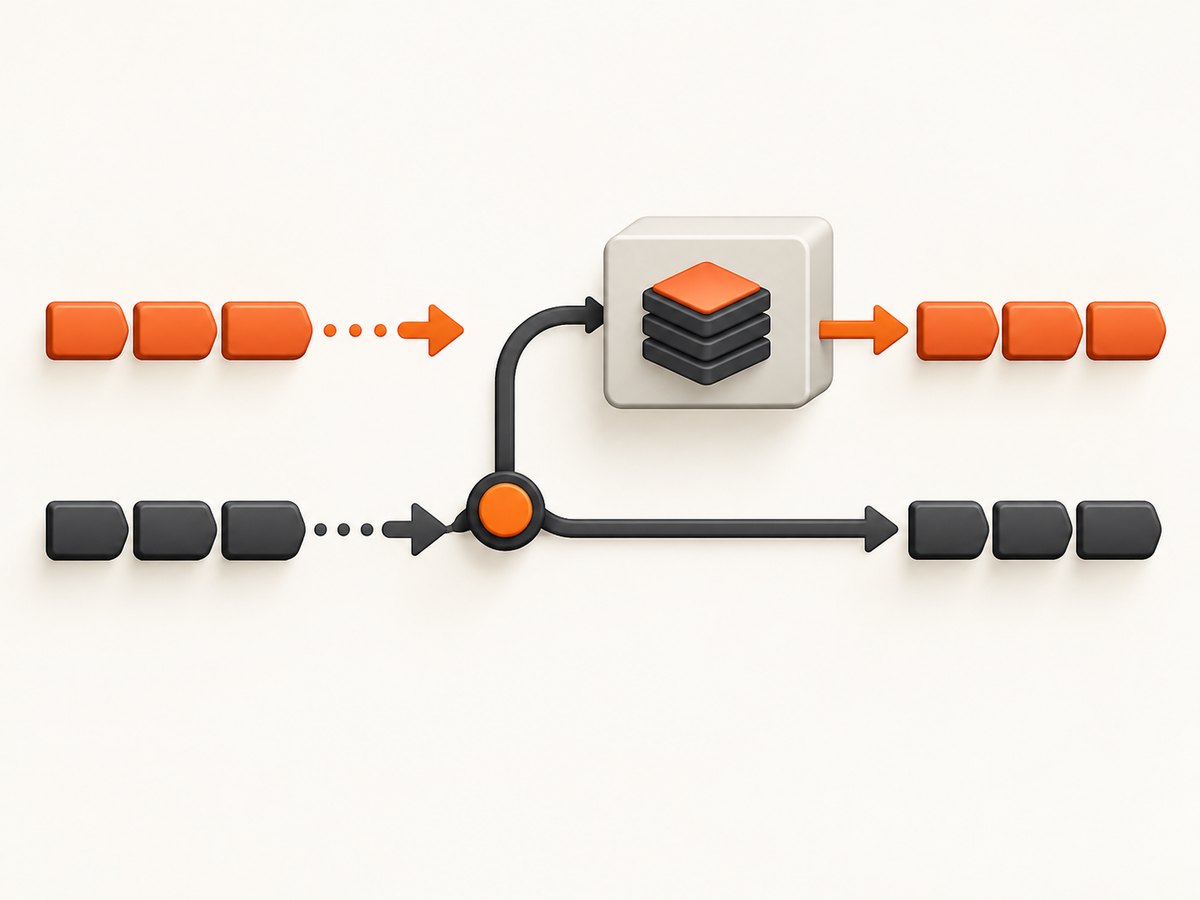
For example, media type type/subtype tokens are case-insensitive under their definition, but a parameter value may have separate rules. An Authorization credential is not a string you should rewrite to lowercase. Likewise, arbitrary identifiers, signatures, and application-defined values should be treated as opaque unless their specification says otherwise.
A robust implementation separates the two concerns:
- Normalize field names for lookup, using an ASCII case-insensitive comparison appropriate to HTTP tokens.
- Retain field values without changing their case or whitespace beyond the parsing rules required by HTTP and the field definition.
- Apply field-specific parsing only after identifying which field is being processed.
5. Implementation checklist for clients and servers
- Emit lowercase field names from your own code where possible.
- Accept any valid casing for incoming ordinary field names.
- Make application lookup case-insensitive; don’t use a case-sensitive dictionary key check.
- Do not normalize values with a global lowercase operation.
- Let a maintained HTTP library construct HTTP/2 and HTTP/3 messages.
- Keep pseudo-header handling inside the protocol implementation.
- When defining a new standardized field, choose a descriptive name and check the [IANA HTTP Field Name Registry](https://www.iana.org/assignments/http-fields).
- When logging, consider rendering names consistently in lowercase so searches and comparisons are predictable.
A useful pattern in an application layer is to canonicalize only the key used for lookup, while retaining the original value. If you preserve raw field lines for diagnostics, remember that a proxy, framework, or HTTP version transition may change the displayed capitalization without changing the field’s meaning.
6. What changes when you inspect traffic or compare requests?
Header casing is a common source of false differences in tests and observability. A test that compares serialized header strings byte for byte may fail even when two messages are semantically equivalent. Prefer parsing into a case-insensitive representation and comparing field names accordingly. Compare values using the relevant field semantics; there is no universal value normalizer.
For HTTP/2 and HTTP/3 packet-level inspection, lowercase field names are expected. For HTTP/1.1 text dumps, a tool may display mixed or conventional capitalization. If a proxy converts HTTP/2 to HTTP/1.1 upstream, the casing shown on either side can differ. Assess the HTTP version and the point where the trace was captured before treating casing as an application bug.
For browser automation and visual debugging, request headers can also affect what a page returns. A language preference, authorization token, or user-agent string may change the response, but the field name’s case does not normally make that field a different HTTP field. If the goal is to inspect how a page renders, ScreenshotNeo accepts custom headers and user-agent configuration for captures. Its website screenshot API returns an image or PDF from one request.
7. Or skip the browser setup
If your next step is to capture a page after setting the needed request context, ScreenshotNeo takes a URL and returns a screenshot. The API examples and configuration details are in the ScreenshotNeo documentation.
cURL
curl -G "https://api.screenshotneo.com/v1/shot" \
  -d access_key=YOUR_API_KEY \
  --data-urlencode url=https://stripe.com \
  -o shot.webp
Python
import requests

r = requests.get(
    "https://api.screenshotneo.com/v1/shot",
    params={"access_key": "YOUR_API_KEY", "url": "https://stripe.com"},
    timeout=90,
)
open("shot.webp", "wb").write(r.content)
Node.js
const q = new URLSearchParams({
  access_key: 'YOUR_API_KEY',
  url: 'https://stripe.com',
});
const res = await fetch(`https://api.screenshotneo.com/v1/shot?${q}`);
if (!res.ok) throw new Error(`Screenshot request failed: ${res.status}`);
await Bun.write('shot.webp', res);
ScreenshotNeo accepts cookie or consent banners like a visitor and removes more than 60 known consent platforms, newsletter popups, and chat widgets before capture; each step can be turned off. Bot checks and CAPTCHAs, blank pages, timeouts, failed loads, and cache hits cost nothing, and response headers report the page verdict and billing status. An MCP server provides take_screenshot, get_page_info, and capture_pdf for Claude, Cursor, and other MCP clients. The free plan includes 1,000 shots a month with no card; paid plans start at $5 for 3,000. Every feature is available on every plan.
Sign up for ScreenshotNeo’s free 1,000 screenshots a month, with no card.
8. Troubleshooting header casing problems
| Symptom | Likely cause | Fix |
|---|---|---|
HTTP/2 or HTTP/3 request rejected after a custom encoder sends X-Trace-ID |
Uppercase field-name octets violate the protocol’s lowercase requirement. | Lowercase names before encoding, or use a conforming HTTP/2 or HTTP/3 library. |
| Application says a header is missing, but a trace shows a differently capitalized name | Application lookup is using a case-sensitive map or string comparison. | Use the framework’s header accessor or normalize names for lookup. |
| Authentication fails after a “normalization” pass | The code lowercased or otherwise modified the value, not just the field name. | Preserve the value exactly and apply only the credential format’s specified parsing. |
| Tests fail because expected and actual raw headers differ in capitalization | The test compares textual serialization rather than HTTP semantics. | Parse both messages and compare field names case-insensitively; compare values according to each field’s rules. |
| Names appear mixed case in a log despite lowercase source code | A client, server, proxy, or display tool chose a rendering convention. | Check the protocol version and capture location. Don’t infer semantic differences from display casing alone. |
| A custom header is rejected even after lowercasing | The name may be invalid, disallowed by the client/runtime, or blocked by an intermediary policy. | Check token syntax, framework restrictions, and proxy configuration; use a registered field name when designing a standardized field. |
9. Performance, reliability, and cost considerations
Choosing lowercase has no meaningful application-level performance cost. It can simplify map lookup and log comparison when a codebase uses one consistent representation, but the protocol benefit is interoperability and correctness, not a speed claim. Most applications should delegate parsing, normalization, framing, compression, and connection reuse to their HTTP library.
For reliability, avoid homemade serializers and avoid assuming that a particular client exposes the same casing it transmitted. Test at the semantic layer for ordinary behavior, then use a protocol-aware trace only when debugging wire conformance. Preserve duplicate-field behavior and ordering according to the field and HTTP specifications rather than flattening all fields into a generic map without checking semantics.
There is no special fee associated with lowercase versus Pascal Case. The relevant costs are engineering time and the risk of bugs caused by case-sensitive lookup or mutation of values. When inspecting pages through a screenshot service, custom headers can influence rendered results; use only the values needed for the capture, and account for whether the resulting capture is cacheable under your workflow.
10. Frequently asked questions
Should I write Content-Type or content-type in documentation?
Either clearly identifies the field. Lowercase is a consistent choice for examples that emphasize protocol behavior; conventional title-style spelling remains recognizable in prose.
Are custom X- headers supposed to be uppercase?
No. Their names follow the same case-insensitive field-name rule, and lowercase is suitable. For new standardized fields, consult the registry and registration guidance rather than assuming an X- prefix is required.
Does a lowercase name make a request HTTP/2 or HTTP/3?
No. Header casing does not select the protocol version. Negotiation and client configuration determine the version; lowercase simply satisfies the field-name requirement across versions.
Can I compare all header values case-insensitively?
No. The field definition determines value semantics. Preserve values unless that field’s specification explicitly defines a comparison or normalization rule.
Does Pascal Case break HTTP/1.1?
Pascal Case is generally valid for field names in HTTP/1.1, but lowercase remains the simpler choice when the same code can use HTTP/1.1, HTTP/2, or HTTP/3.
Conclusion
Use lowercase HTTP field names in generated messages and case-insensitive matching when receiving them. This follows the universal name-comparison rule and the explicit HTTP/2 and HTTP/3 wire requirements. Keep values intact unless their individual definitions say otherwise, and let a conforming HTTP stack handle protocol encoding.


