How to Implement an MCP Server: Example and Guide
Build an MCP server with TypeScript or Python, choose the right transport, test it with MCP Inspector, and troubleshoot common integration errors.

An MCP server exposes capabilities that an MCP client can discover and use. Start with one narrowly scoped tool, validate its input with the SDK schema, run it over stdio when a local host launches the process, and use Streamable HTTP when the server is hosted remotely. Verify the connection with MCP Inspector before integrating a production client.
This guide builds a small TypeScript MCP server with the current TypeScript SDK v2, then shows the equivalent Python direction, transport choices, testing steps, production concerns, and fixes for common failures. The TypeScript v2 documentation describes v2 as the stable release line implementing the 2026-07-28 MCP specification. Check the official SDK documentation before publishing because package names and protocol versions can change.
What an MCP server provides
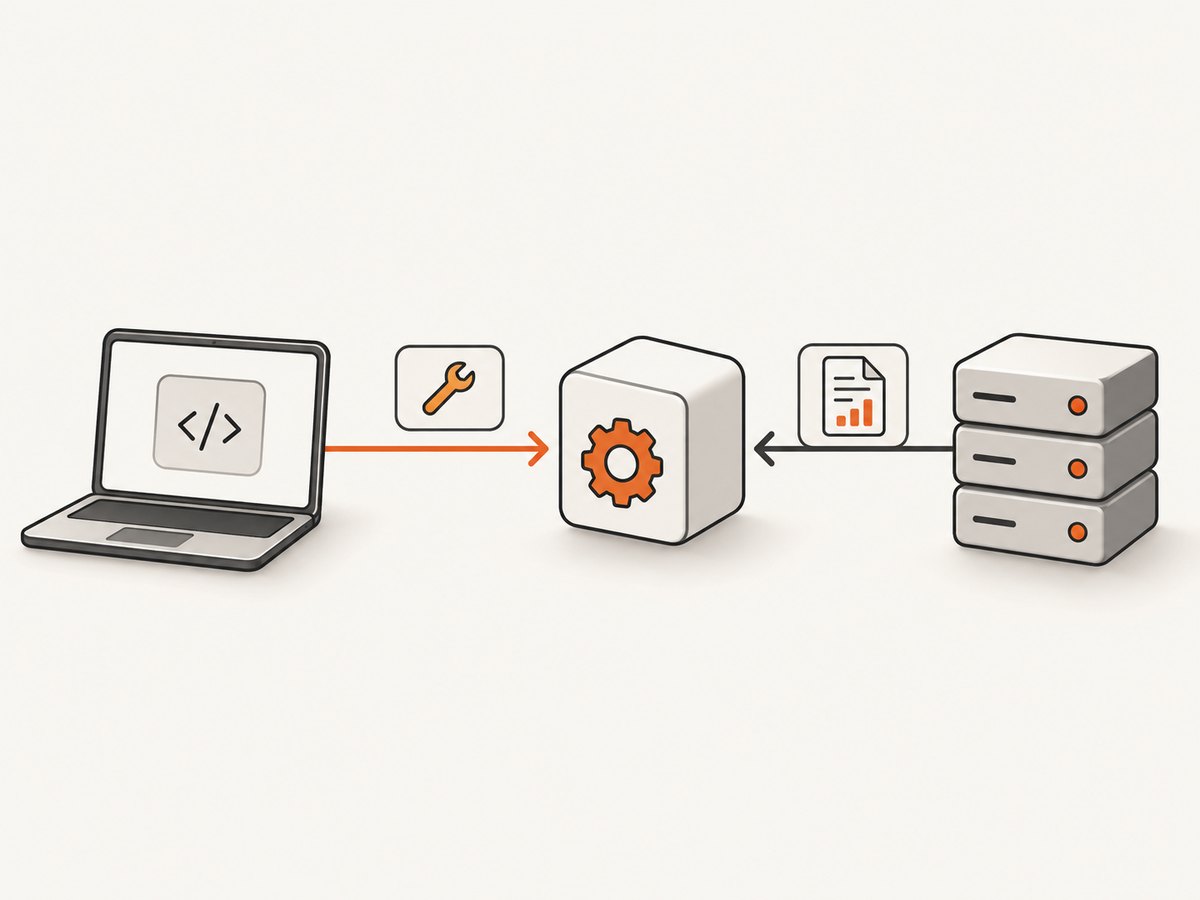
MCP servers can expose three capability types:
| Capability | Purpose | Example |
|---|---|---|
| Tool | An action the client can invoke | Look up weather alerts, query a database, or capture a screenshot |
| Resource | Readable data identified by a URI | file:///reports/today.json or greeting://Ada |
| Prompt | A reusable prompt template | A standard incident-summary prompt with named arguments |
A first implementation usually needs one tool. Add resources or prompts only when the client needs those interaction patterns.
Prerequisites and SDK versions
- TypeScript path: Node.js 20 or later, an ES module project, the MCP server package, Zod, and
tsx. - Python path: Python 3.10 or later and the Python MCP SDK. The current Python documentation identifies v2 as stable; its v1 documentation is a maintenance line.
- An MCP client or MCP Inspector for connection testing.
Do not mix v1 and v2 examples without checking migration guidance. The package layout, helper names, and transport setup can differ.
Build a minimal TypeScript MCP server
1. Create the project
mkdir mcp-example
cd mcp-example
npm init -y
npm install @modelcontextprotocol/server zod
npm install --save-dev tsx typescript
Add "type": "module" and a start script to package.json:
{
  "type": "module",
  "scripts": {
    "start": "tsx src/server.ts"
  }
}
2. Register one validated tool
Create src/server.ts. This example exposes a deterministic text transformation so you can test the protocol without depending on a third-party API.
import { z } from "zod";
import { Server } from "@modelcontextprotocol/server";
import { serveStdio } from "@modelcontextprotocol/server/stdio";

const server = new Server(
  {
    name: "text-tools",
    version: "1.0.0"
  },
  {
    capabilities: {
      tools: {}
    }
  }
);

server.tool(
  "summarize_text",
  "Return a short, deterministic summary of supplied text.",
  {
    text: z.string().min(1).max(5000),
    maxWords: z.number().int().min(5).max(100).default(30)
  },
  async ({ text, maxWords }) => {
    const words = text.trim().split(/\\s+/);
    const summary = words.slice(0, maxWords).join(" ");
    const suffix = words.length > maxWords ? "…" : "";

    return {
      content: [
        {
          type: "text",
          text: `${summary}${suffix}`
        }
      ]
    };
  }
);

// stdout is reserved for MCP JSON-RPC traffic.
console.error("text-tools MCP server starting");
await serveStdio(server);
The SDK validates the arguments against the declared schema before the handler runs. The process communicates through stdin and stdout, so ordinary logs must go to stderr. A stray console.log can corrupt the JSON-RPC stream.
3. Run the server over stdio
npm startA stdio host launches this process and exchanges MCP messages through its standard streams. Keep the process alive until the host closes the connection.
Connect and call the server with MCP Inspector
MCP Inspector is useful because it tests discovery and invocation through an actual MCP client rather than only checking that the process starts.
npx @modelcontextprotocol/inspector npx tsx src/server.ts- Open the Inspector address printed by the command.
- Select a stdio connection.
- Set the command to
npxand the arguments totsx src/server.ts. - Connect and list tools.
- Select
summarize_text, providetextand optionallymaxWords, then invoke it.
A successful test proves that the host can start the process, negotiate capabilities, validate arguments, and receive a tool result.
Choose the transport
| Deployment | Recommended transport | What to handle |
|---|---|---|
| Local integration | stdio | The host launches the child process; keep protocol traffic on stdout and logs on stderr. |
| Remote service | Streamable HTTP | Host the endpoint, authenticate requests, and follow the SDK’s HTTP deployment guidance. |
| Legacy clients | HTTP+SSE | Use only when required for backward compatibility; it appears in v1 TypeScript guidance. |
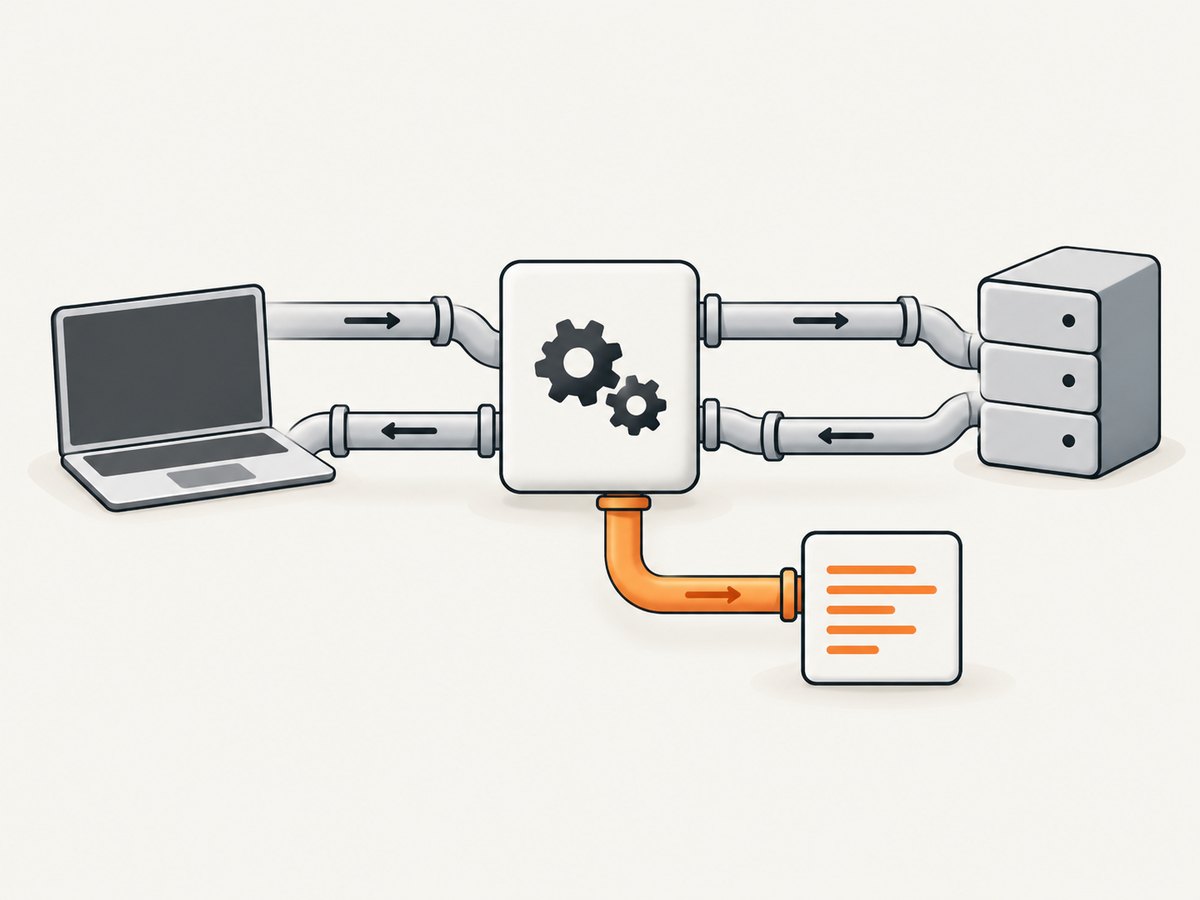
Transport is a deployment decision, not a capability decision. The same tool schema can be exposed through a local process or a hosted endpoint, but the client configuration and operational controls differ.
Remote server considerations with Streamable HTTP
For a hosted server, use the Streamable HTTP API provided by the SDK version you installed. Bind the MCP route explicitly, apply authentication before invoking tools, and configure request limits appropriate to the work each tool performs.
- Return protocol responses through the SDK’s HTTP transport rather than hand-writing JSON-RPC.
- Require authentication for tools that access private data or cause side effects.
- Validate every argument at the schema boundary and enforce authorization inside the handler.
- Set timeouts for upstream calls and return a useful structured error.
- Keep health checks separate from MCP capability calls if your hosting platform requires them.
Consult the current Python or TypeScript SDK documentation for exact server-construction helpers; v1 and v2 APIs should not be copied interchangeably.
Python implementation path
The Python SDK requires Python 3.10 or later. Install the current CLI extras with either command:
uv add "mcp[cli]"
# or
pip install "mcp[cli]"
The v2 documentation supports tools, resources, prompts, stdio, Streamable HTTP, and SSE. The following compact example shows the shape of a Python tool; confirm the exact imports and transport helper for the SDK version in your environment.
from mcp.server.fastmcp import FastMCP

mcp = FastMCP("text-tools")

@mcp.tool()
def summarize_text(text: str, max_words: int = 30) -> str:
    """Return the first max_words words from text."""
    if not text.strip():
        raise ValueError("text must not be empty")
    if not 5 <= max_words <= 100:
        raise ValueError("max_words must be between 5 and 100")
    words = text.split()
    suffix = "…" if len(words) > max_words else ""
    return " ".join(words[:max_words]) + suffix

if __name__ == "__main__":
    mcp.run()
The Python v1 maintenance documentation also demonstrates adding a resource and prompt and running Streamable HTTP. Treat that example as v1 syntax and check the v2 migration guidance before adapting it.
In-memory Python tests
The Python v2 getting-started material demonstrates connecting a client directly to an in-memory server object. This avoids a subprocess and port, making it useful for unit-level protocol tests. Test at least:
- Tool discovery returns the expected name and description.
- Valid input produces structured content.
- Missing, empty, or out-of-range values are rejected.
- Unexpected arguments do not reach the handler.
Keep one separate Inspector test for the real transport because in-memory tests do not prove process startup, stream handling, or HTTP deployment.
Adding resources and prompts
Resources
Use a resource when the client should read data rather than trigger an action. Give each resource a stable URI, define its content type, and make access control explicit if the data is private.
Prompts
Use a prompt for a reusable interaction template with named arguments. Keep prompts narrowly scoped and document the expected input so clients can present them correctly.
Tools
Tools can perform work or cause side effects. Name them with verbs, describe the inputs and failure conditions, and return concise content that a client can use directly.
Common errors and fixes
| Symptom | Likely cause | Fix |
|---|---|---|
| Inspector cannot connect over stdio | Wrong command, working directory, or runtime version | Run the exact command in a terminal first; confirm Node.js 20+ for the TypeScript v2 tutorial and Python 3.10+ for the Python SDK. |
| Parse errors or invalid JSON-RPC | Logs written to stdout | Send diagnostics to stderr with console.error or Python’s stderr logger. |
| Tool is missing from discovery | Capability registration was omitted or the wrong server instance was started | Declare the tools capability, register the tool before starting transport, and restart the process. |
| Invalid arguments | Client field names or types do not match the input schema | Inspect the generated schema and send every required field with the declared type. |
| Connection closes immediately | The server exits, throws during startup, or receives malformed input | Run it directly, inspect stderr, and add startup validation before calling serveStdio or the HTTP runner. |
| Remote requests time out | Slow upstream work or missing server timeout | Set bounded upstream timeouts, return progress or a clear error where supported, and avoid unbounded retries. |
| v1 import or helper fails in v2 | Examples from different SDK generations were mixed | Check the installed package version and follow that generation’s migration documentation. |
Reliability, security, and performance checklist
- Validate input at the MCP boundary and again at authorization-sensitive operations.
- Keep tool handlers deterministic where possible; isolate network and database calls behind timeouts.
- Use bounded payload sizes and pagination for large resources.
- Write structured logs to stderr or your HTTP server’s logging system, never the stdio protocol stream.
- Return actionable errors without exposing secrets, tokens, or internal stack traces.
- Reuse HTTP clients and connection pools for remote dependencies.
- Cache read-only data only when its freshness policy is explicit.
- Test capability discovery and each tool’s invalid-input behavior in CI.
- For remote deployments, protect the endpoint with authentication, TLS at the edge, rate limits, and request size limits.
Cost and operational notes
MCP itself does not set a hosting price. Your cost comes from the runtime, network traffic, storage, and upstream services used by each tool. Measure invocation duration and payload size before selecting instance limits. A local stdio server avoids a public endpoint but requires every host to install and launch the process. A remote Streamable HTTP server centralizes deployment and updates but needs authentication, availability monitoring, and abuse controls.
Or skip the browser setup
If your MCP tool’s job is to collect website screenshots, ScreenshotNeo provides an MCP server with take_screenshot, get_page_info, and capture_pdf tools for Claude, Cursor, and other MCP clients. It accepts one request and returns a PNG, JPEG, WebP, or PDF. Cookie and consent banners, newsletter popups, and chat widgets are removed before capture; bot checks, blank pages, failed loads, timeouts, and cache hits are not billed.
For a direct API call, see the ScreenshotNeo API documentation:
curl -G "https://api.screenshotneo.com/v1/shot" -d access_key=YOUR_API_KEY --data-urlencode url=https://stripe.com -o shot.webpimport requests
r = requests.get("https://api.screenshotneo.com/v1/shot", params={"access_key": "YOUR_API_KEY", "url": "https://stripe.com"}, timeout=90)
open("shot.webp", "wb").write(r.content)
const q = new URLSearchParams({ access_key: 'YOUR_API_KEY', url: 'https://stripe.com' });
const res = await fetch(`https://api.screenshotneo.com/v1/shot?${q}`);
ScreenshotNeo includes full-page and element capture, device presets, custom CSS and JavaScript, waiting and blocking controls, headers and cookies, PDF options, caching, signed links, asynchronous jobs, bulk capture, and a usage API. Responses identify the page verdict and whether the request was billed. The free plan includes 1,000 screenshots a month with no card; paid plans start at $5 for 3,000.
Create a free ScreenshotNeo account and start with 1,000 screenshots per month without a card.
FAQ
Should my first MCP server expose a tool, resource, or prompt?
Start with a tool when the client needs an action. Add a resource for readable data and a prompt for a reusable template.
Can stdio be used for a hosted server?
stdio is intended for a host that launches a local process. Use Streamable HTTP for a remotely hosted endpoint.
Why does Inspector matter if the process starts?
Starting proves only that the runtime launched. Inspector verifies negotiation, capability discovery, argument validation, and an actual invocation.
Can I copy a Python v1 example into a v2 project?
Do not assume that. The Python v1 documentation is a maintenance line; check the v2 API and migration notes first.
Where should server logs go?
For stdio, write them to stderr. stdout carries MCP protocol messages.


