How to Integrate MCP with LangChain in Python and JavaScript
Connect local or remote MCP servers to LangChain agents in Python and JavaScript. Learn tool discovery, transports, error handling, cleanup, and a screenshot example.

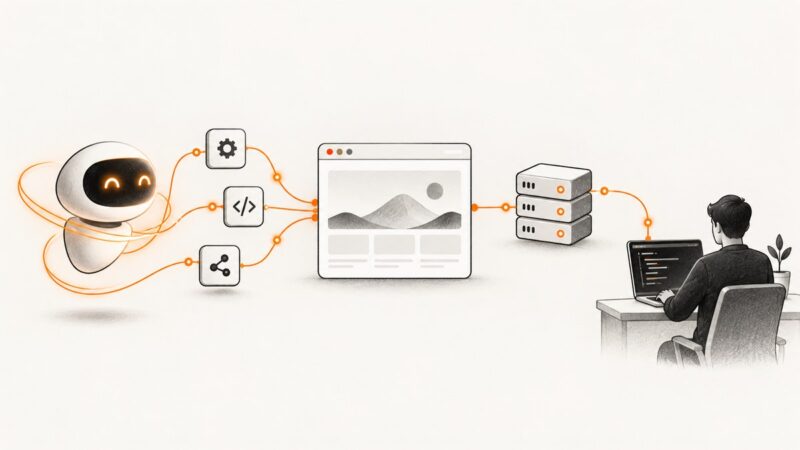
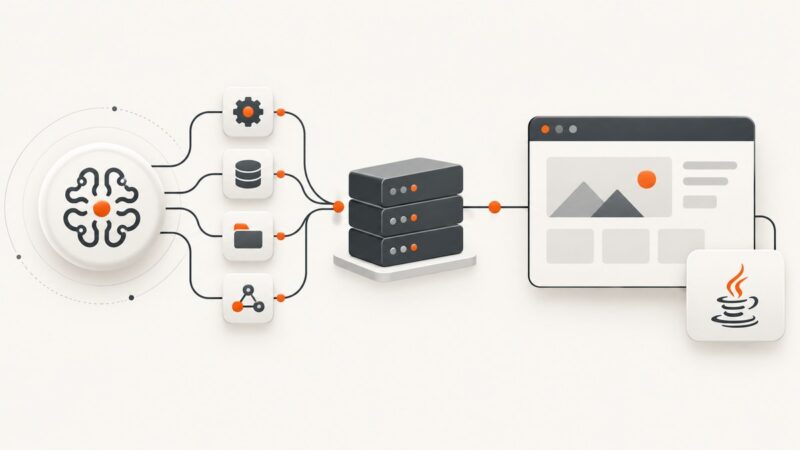
MCP integration with LangChain has the same basic shape in Python and JavaScript: connect an adapter to one or more MCP servers, discover the tools they expose, then pass those tools to a LangChain agent. The adapter translates MCP tool definitions and results into LangChain’s tool interface. You can run a server locally over stdio or connect to a remote HTTP endpoint.
The APIs are not identical across languages or package generations. Python’s current langchain.mcp namespace is beta, while JavaScript’s current adapter README uses MCPAdapter; older examples use MultiServerMCPClient. Keep each code sample on one API generation, pin versions for your application, and check the relevant package documentation when upgrading.
1. Understand the integration flow
An MCP server advertises tools with names, descriptions, and input schemas. A LangChain MCP adapter connects to that server, obtains those tool definitions, and wraps them as framework tools. The agent then selects and calls tools as part of its normal run.
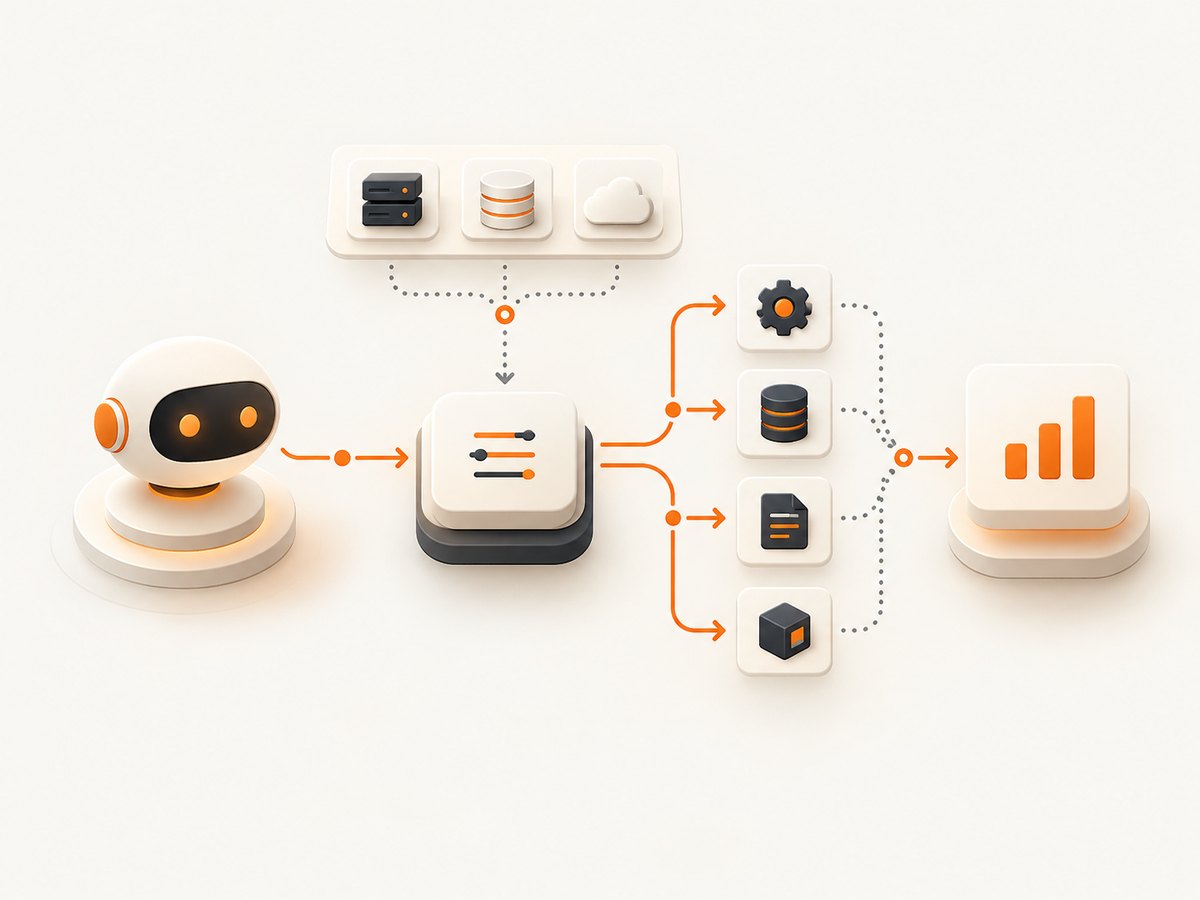
- Choose a server and transport: local process over stdio or a remote HTTP endpoint.
- Configure the adapter with the server connection details and any required credentials.
- Discover the tools, then pass them to a LangChain agent along with a configured chat model.
- Keep the adapter or session available while the agent runs, and close it during cleanup when the API requires it.
Tool discovery and agent construction are separate steps. This makes it possible to inspect the tools before exposing them to a model, select only a subset, or apply an approval policy to sensitive operations.
2. Python with the current beta namespace
The current LangChain Python documentation describes langchain.mcp as a beta namespace requiring langchain[mcp]>=1.4.0. Its API may change. The example below follows that documented API generation; pin the exact package versions you deploy after validating them in your own environment.
Install and configure
python -m pip install "langchain[mcp]>=1.4.0" langchain-openaiFor an OpenAI-compatible LangChain chat model, set OPENAI_API_KEY in the process environment. Configure the MCP server according to the constructor interface in the installed version. The following illustrates the documented adapter flow with a local stdio server; replace the command and arguments with those for the server you actually use.
import asyncio
import os

from langchain.agents import create_agent
from langchain.mcp import MCPAdapter
from langchain_openai import ChatOpenAI


async def main():
    if not os.environ.get("OPENAI_API_KEY"):
        raise RuntimeError("Set OPENAI_API_KEY before running this example")

    adapter = MCPAdapter(
        {
            "tools": {
                "transport": "stdio",
                "command": "python",
                "args": ["path/to/your_mcp_server.py"],
            }
        }
    )

    try:
        tools = await adapter.list_tools()
        print("Available tools:", [tool.name for tool in tools])

        model = ChatOpenAI(model="gpt-4.1-mini", temperature=0)
        agent = create_agent(
            model=model,
            tools=tools,
            system_prompt="Use available tools when they help answer the user."
        )

        result = await agent.ainvoke(
            {"messages": [{"role": "user", "content": "List the tools you can use."}]}
        )
        print(result["messages"][-1].content)
    finally:
        await adapter.close()


if __name__ == "__main__":
    asyncio.run(main())
Server configuration keys and accepted transport values can vary with adapter versions. Use the installed version’s API reference for the exact constructor schema, especially for remote HTTP authentication. Avoid copying credentials into source code; load them from environment variables or a secret store and pass them through the supported header or auth configuration.
Another Python integration remains in circulation: the separate langchain-mcp-adapters package, which uses APIs such as MultiServerMCPClient, get_tools(), and load_mcp_tools. Do not mix its imports or lifecycle assumptions with langchain.mcp. Choose the package generation documented for your dependencies and follow its own examples.
3. JavaScript with MCPAdapter
The current LangChain.js adapter README uses @langchain/mcp-adapters, @langchain/core, and @langchain/langgraph. Install the packages, then configure a server map. This example shows a local process and passes discovered tools to an agent.
npm install @langchain/mcp-adapters @langchain/core @langchain/langgraph @langchain/openaiimport { MCPAdapter } from "@langchain/mcp-adapters";
import { createAgent } from "@langchain/langgraph/prebuilt";
import { ChatOpenAI } from "@langchain/openai";
const adapter = new MCPAdapter({
servers: {
tools: {
command: "python",
args: ["path/to/your_mcp_server.py"],
transport: "stdio",
},
},
});
try {
const tools = await adapter.listTools();
console.log("Available tools:", tools.map((tool) => tool.name));
const model = new ChatOpenAI({ model: "gpt-4.1-mini", temperature: 0 });
const agent = createAgent({
model,
tools,
systemPrompt: "Use available tools when they help answer the user.",
});
const result = await agent.invoke({
messages: [{ role: "user", content: "List the tools you can use." }],
});
console.log(result.messages.at(-1)?.content);
} finally {
await adapter.close();
}Set the model provider’s API key in the process environment before running. For a remote server, use the adapter’s documented HTTP server configuration with its URL and required headers. Confirm the exact auth option for your installed adapter version. Keep the adapter open for the full period in which the agent can call its tools, then close it in cleanup.
When connecting several servers, tool names may collide. The JavaScript README recommends prefixing names with the server name when multiple servers can advertise identical names. This helps selection and makes logs easier to interpret. Review the discovered names rather than assuming a server uses a unique naming scheme.
4. Choose stdio or remote HTTP
| Transport | Use it when | Things to configure |
|---|---|---|
| stdio | The MCP server runs as a local child process alongside the client. | Executable command, arguments, working directory and environment expected by the server. |
| HTTP / streamable HTTP | The MCP server is hosted remotely or is available as a service. | Server URL, credentials, authorization headers, network access, and the adapter’s supported auth configuration. |
| SSE or legacy modes | An existing server or client deployment requires an older transport mode. | Compatibility between server, protocol revision and adapter generation. Check current documentation before enabling legacy settings. |
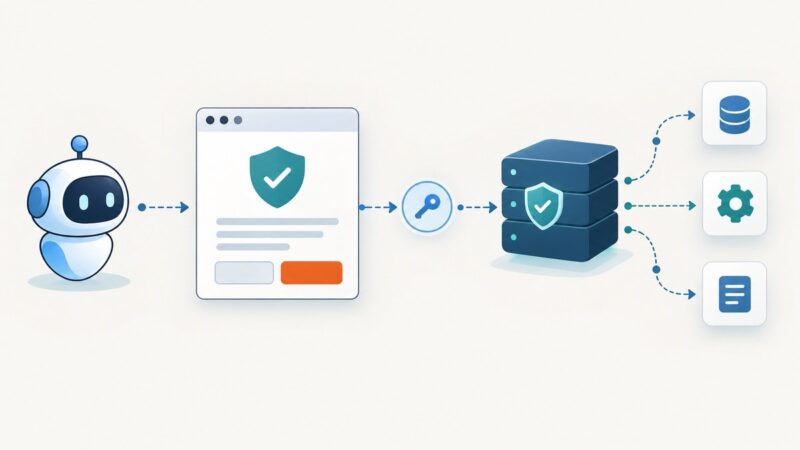
Local operation does not require hosting. For a remote server, the machine running the LangChain agent needs network access to the endpoint. A private MCP server such as an internal Jira integration also needs its own valid authentication and permissions; the adapter does not grant access by itself.
The JavaScript adapter can negotiate modern and legacy modes. Its README says explicit modern mode requires MCP revision 2026-07-28. Do not hard-code a protocol revision unless you have a compatibility reason and have confirmed the server supports it.
5. Configure tools deliberately
Before giving discovered tools to an agent, review their names, descriptions and schemas. You can pass all returned tools, or select a subset based on name or server. Narrow access to the operations needed for a task; tools that can write, delete, send, or publish deserve special care.
- Multiple servers: use distinct server identities and avoid ambiguous tool names. Prefix names where the adapter supports it.
- Authentication: keep tokens outside source code and logs. Use the current adapter’s documented header or credential interface.
- Model compatibility: LangChain adapters expose tools through the framework interface, and LangChain Support describes use with integrations such as ChatOpenAI and ChatAnthropic. A provider still needs to be configured, and model support for particular schemas may differ.
- Approval for destructive actions: MCP metadata can include hints such as whether an action is destructive. Metadata is not an automatic safety barrier. Use LangGraph human-in-the-loop approval or another explicit policy before running actions that change external state.
- Elicitation: an MCP server may request input during a tool call. This can pause execution for a human response, so make sure the application has a path to collect that input.
6. Handle results, errors and cleanup
There are two error categories to account for. A server may successfully receive a call and report that the operation failed. Separately, the transport or session may fail, leaving the client unable to get a tool result.
In the documented Python behavior, a server result marked isError=True becomes a LangChain ToolMessage with status="error". Structured content is attached as an artifact, while text and multimodal results appear in standardized content blocks. A transport or session failure raises an exception because the model cannot recover a result that was never received.
The JavaScript documentation describes a tool result with isError: true as throwing a ToolException. Put a try/catch around agent invocation or direct tool calls, and decide whether to report the failure, retry a safe operation, or stop. Do not blindly retry a write operation: the first call may have succeeded even if the response was lost.
try {
  const result = await agent.invoke({
    messages: [{ role: "user", content: "Run the requested operation." }],
  });
  console.log(result.messages.at(-1)?.content);
} catch (error) {
  console.error("Agent or MCP call failed:", error);
  // Apply an operation-specific recovery policy here.
}
For Python, apply the same separation with exception handling around ainvoke, while inspecting returned tool messages for server-reported errors. Close persistent adapters and sessions in a finally block or the resource-management mechanism documented by the selected package. Keep resources alive until all outstanding calls have finished.
7. Troubleshooting
| Symptom | Likely cause | Fix |
|---|---|---|
Import error for MCPAdapter |
The installed package or version does not expose the API shown in the example. | Check the package name and version. Do not combine langchain.mcp imports with the separate Python adapter package or an older JavaScript API. |
| No tools are discovered | The server did not start, the endpoint is wrong, or the server advertises no tools. | Run the server independently where possible, check command and arguments or URL, and inspect adapter connection errors and server logs. |
| stdio process exits immediately | The command is unavailable, arguments are wrong, or the server exits during startup. | Use an executable available in the agent’s environment, correct the path, and verify the server remains running and writes protocol data to stdout as expected. |
| Remote connection fails | Network access, URL, TLS, authorization or transport compatibility is wrong. | Check reachability from the agent host, credentials and server transport. Confirm the client and server support the same HTTP or legacy mode. |
| Agent never calls the tool | The tool is not in the discovered list, its description does not match the request, or the model/provider is not configured for tool use. | Print the discovered names and descriptions, provide a concrete user request, and confirm provider credentials and model configuration. |
| Tool reports an error | The server handled the request but rejected or failed the operation. | Inspect the error content and input schema. Fix the request or permissions; retry only when the operation is safe and idempotent. |
| Calls fail after cleanup | The adapter was closed while the agent could still invoke its tools. | Keep the adapter alive through all agent calls and close it only after outstanding work completes. |
| Duplicate or confusing tools | Several servers advertise the same tool name. | Use server prefixes or explicit selection, and inspect the final tool list given to the agent. |
8. Performance, reliability and cost
Each tool call depends on the MCP server and transport. A local stdio server avoids a network hop to a remote MCP endpoint, while a remote service can be deployed independently of the agent. Neither choice guarantees a particular latency: measure the operations and environment that matter to your application.
For reliability, set appropriate timeouts where the chosen adapter and model support them, log server identity and tool name, and distinguish a tool-reported failure from a dropped session. Reconnect behavior is package and transport specific. If you add retries, limit them to operations that are safe to repeat or use an application-level idempotency mechanism.
There may be costs from the model provider and from operating a remote MCP service. The MCP adapter itself does not make a model free, and the reviewed integration documentation does not establish a standard hosting price. Track model usage and server costs in the systems that bill them.
9. Screenshot tools for LangChain agents
A browser screenshot MCP server can give an agent a visual view of a page alongside ordinary data tools. ScreenshotNeo is a website screenshot API and MCP server for developers, made by Yorker Media. Its MCP tools include take_screenshot, get_page_info and capture_pdf. See ScreenshotNeo and its developer documentation.

Or skip the browser setup:
curl -G "https://api.screenshotneo.com/v1/shot" -d access_key=YOUR_API_KEY --data-urlencode url=https://stripe.com -o shot.webpimport requests
r = requests.get(
"https://api.screenshotneo.com/v1/shot",
params={"access_key": "YOUR_API_KEY", "url": "https://stripe.com"},
timeout=90,
)
open("shot.webp", "wb").write(r.content)const q = new URLSearchParams({ access_key: 'YOUR_API_KEY', url: 'https://stripe.com' });
const res = await fetch(`https://api.screenshotneo.com/v1/shot?${q}`);
if (!res.ok) throw new Error(`Screenshot request failed: ${res.status}`);
await Bun.write("shot.webp", res);Cookie banners, popups and chat widgets are removed before the shot. Bot checks, blank pages and failed loads are never billed. An MCP server lets AI agents take screenshots. The free plan includes 1,000 screenshots a month with no card, and paid plans start at $5 for 3,000. Sign up for free.
10. FAQ
Can I connect Jira, Slack and Confluence MCP servers to one LangChain agent?
Yes. Configure each server in the adapter and discover the combined tools. Check for duplicate names, use server prefixes where supported, and provide each server’s required authentication.
Can I use Anthropic models with MCP servers in LangChain?
The adapter presents tools through LangChain’s tool interface, and LangChain Support describes interoperability with OSS model integrations including ChatAnthropic. Configure the provider and verify that the model supports the schemas and tool behavior your agent requires.
Does an MCP server have to be hosted remotely?
No. A local server launched over stdio is a documented option. Use HTTP when the server is remote or shared as a service.
Should I choose the Python beta namespace or the separate adapter package?
Choose one based on your dependency versions and support needs. The beta namespace is the current Python docs path described here; the separate package has its own API and examples. Keep imports and lifecycle code aligned with the package you install.