iOS Visual Regression Testing: A Complete XCTest and CI Guide
Build reliable iOS visual regression tests with XCTest, deterministic baselines, pixel diffs, CI checks, and practical fixes for flaky screenshots.
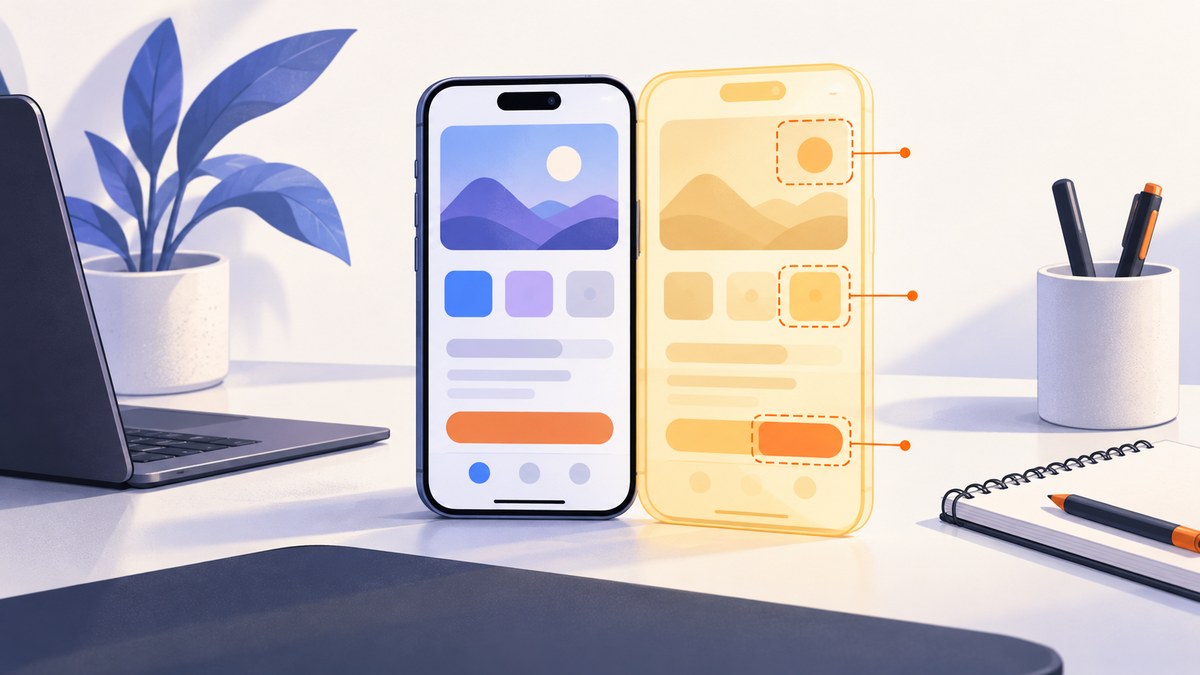
Direct answer: iOS visual regression testing means driving your app to a known UI state, capturing a screenshot, comparing it with an approved baseline, and reviewing any difference before accepting or rejecting it. For an iOS-only app, start with XCTest and XCUIAutomation, use accessibility identifiers instead of coordinates, make the simulator environment deterministic, and keep one reviewed baseline for each device and OS combination that you support.
Apple describes XCTest as the framework that integrates with Xcode’s testing workflow, while XCUIAutomation reproduces interactions and checks that the interface behaves as intended. XCUIScreenshot represents a captured screen, app, or UI-element state that XCTest can attach to a test result. See the XCTest documentation and XCUIAutomation documentation.
1. What visual regression testing catches
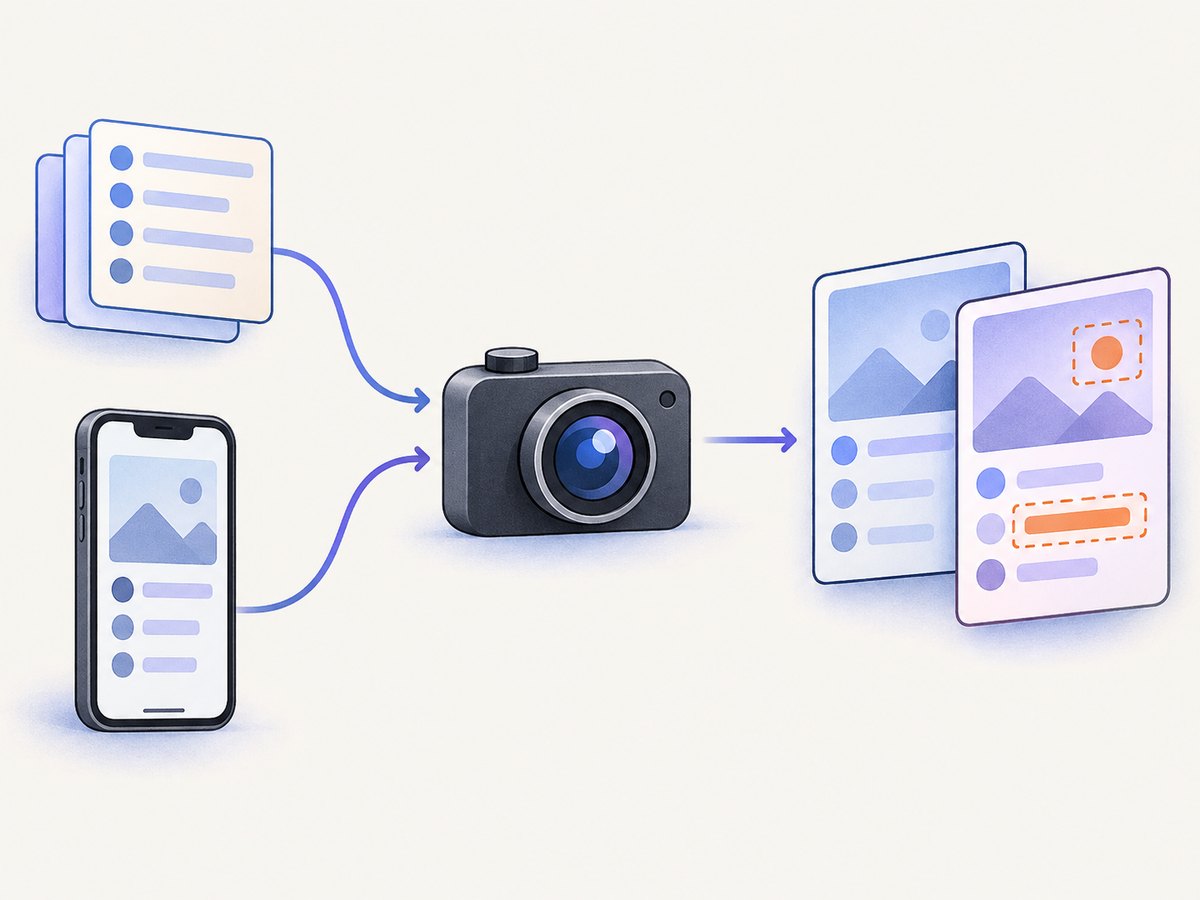
Unit tests can prove that a formatter returns the right string. Visual regression tests catch a clipped label, an incorrect font weight, a broken constraint, a missing image, a wrong color in dark mode, or a button that moved below the fold. Applitools defines visual testing as regression testing that checks whether previously correct screens changed unexpectedly. The practical loop is:
- Write a UI test that reaches a meaningful state.
- Capture the screen or a focused element.
- Compare the capture with a stored baseline.
- Review the diff.
- Promote an intentional design change or reject an unintended one.
Choose checkpoints users recognize: completed onboarding, an empty list, a populated list, an error state, a settings screen, and a successful transaction confirmation. Avoid capturing every intermediate animation frame; that creates noise and slows CI.
2. Make the iOS test environment deterministic
A screenshot is only comparable when the inputs are comparable. Pin the following values in your test plan:
| Variable | Recommended control |
|---|---|
| Simulator and OS | Use a fixed device model and OS image; add another baseline only when you explicitly support it. |
| Locale and region | Set a fixed locale, calendar, first day of week, and number/date format. |
| Text size | Use the standard content size unless accessibility-size coverage is a deliberate matrix. |
| Color scheme | Run separate light and dark baselines. |
| Network | Stub API responses and remote images. Do not depend on production data. |
| Permissions | Reset and grant camera, location, notification, and tracking permissions predictably. |
| Animations | Disable nonessential animations or wait for an explicit idle condition. |
| Fonts and assets | Bundle test fonts and fixtures so a CDN or developer machine cannot change pixels. |
Apple’s testing guidance recommends many fast unit tests, fewer integration tests, and focused UI tests for important journeys. UI tests take longer, and several app variables can cause the same test to fail, so reserve visual checks for high-value states.
3. Add accessibility identifiers and a screenshot test
Give every element that a test must find a stable identifier. In SwiftUI, use .accessibilityIdentifier('login.email'). In UIKit, set accessibilityIdentifier on the view. Queries based on visible text or screen coordinates are more fragile when copy or layout changes.
The following XCTest example launches a clean fixture, navigates by identifier, waits for a stable state, captures an element, and attaches the image to the test result.
import XCTest

final class CheckoutVisualTests: XCTestCase {
    private var app: XCUIApplication!

    override func setUpWithError() throws {
        continueAfterFailure = false
        app = XCUIApplication()
        app.launchArguments = [
            "-uiTesting",
            "-useFixtureData",
            "-disableAnimations"
        ]
        app.launchEnvironment = [
            "UITEST_LOCALE": "en_US",
            "UITEST_COLOR_SCHEME": "light"
        ]
        app.launch()
    }

    func testConfirmationScreen() throws {
        let email = app.textFields["login.email"]
        XCTAssertTrue(email.waitForExistence(timeout: 10))
        email.tap()
        email.typeText("qa@example.com")

        let continueButton = app.buttons["login.continue"]
        XCTAssertTrue(continueButton.waitForExistence(timeout: 10))
        continueButton.tap()

        let confirmation = app.otherElements["checkout.confirmation"]
        XCTAssertTrue(confirmation.waitForExistence(timeout: 10))

        // Wait for asynchronous content to settle.
        let orderNumber = confirmation.staticTexts["order.number"]
        XCTAssertTrue(orderNumber.waitForExistence(timeout: 10))

        let screenshot = confirmation.screenshot()
        let attachment = XCTAttachment(screenshot: screenshot)
        attachment.name = "confirmation-screen"
        attachment.lifetime = .keepAlways
        add(attachment)
    }
}
Run it locally with xcodebuild test -scheme YourApp -destination 'platform=iOS Simulator,name=iPhone 15'. The attachment proves what the test saw, but persistent visual comparison requires a snapshot layer that stores and diffs images.
4. Store and compare baselines
Keep baselines in version control or in a reviewable artifact store. Include device, OS, locale, color scheme, and test name in the path, for example:
Snapshots/
  CheckoutVisualTests/
    testConfirmationScreen/
      iPhone-15_iOS-18.0_en-US_light.png
      iPhone-15_iOS-18.0_en-US_dark.png
A simple comparator can calculate a per-pixel difference and fail when the changed area exceeds a threshold. In production, use a library or service that supports image alignment, perceptual comparison, masks, and an HTML diff. Keep the comparison policy explicit:
- Exact comparison: useful for controlled simulators and critical assets.
- Pixel threshold: tolerates tiny antialiasing differences.
- Perceptual threshold: better for small rendering differences, but can hide a subtle defect.
- Mask regions: cover timestamps, map tiles, ads, cursors, or generated identifiers only when those regions are intentionally non-deterministic.
Never auto-approve every changed image. A pull request should show the old image, new image, and diff, with an owner responsible for accepting intentional changes.
5. Cover the right device and state matrix
One baseline is not universal. Text wrapping, safe-area insets, Dynamic Island geometry, system fonts, and rendering can differ by device and OS. Start with the smallest matrix that reflects your support policy:
| Dimension | Example values | When to add coverage |
|---|---|---|
| Form factor | Compact iPhone, large iPhone, iPad | When layouts have adaptive constraints. |
| OS | Current and minimum supported | When system rendering or APIs differ. |
| Appearance | Light, dark | When colors and assets change. |
| Content | Empty, normal, long text, error | When data changes layout. |
| Accessibility | Default and larger text sizes | When accessibility is a supported requirement. |
Do not multiply every dimension immediately. Add a checkpoint when a real defect or supported requirement justifies it.
6. Run visual tests in CI without blocking every change
Install the exact Xcode version and simulator runtime used for approved baselines. Boot the simulator once, run the focused visual suite, upload screenshots and diffs, and publish a clear pass or fail status. Keep unit and integration tests in separate jobs so a visual review does not hide a functional failure.
A practical pipeline has three stages:
- Prepare: checkout fixtures, install dependencies, select Xcode, and boot the pinned simulator.
- Capture: run only visual test schemes for pull requests; run the full matrix nightly or before release.
- Review: upload baseline, candidate, and diff artifacts. Require an explicit approval to update a baseline.
Retrying a failed screenshot once can distinguish an infrastructure timeout from a real defect, but do not silently replace a failed image with the retry. Record both attempts and investigate repeated instability.
7. XCTest, Appium, Percy, or Applitools?
| Option | Good fit | Trade-offs to evaluate |
|---|---|---|
| XCTest plus an in-repo snapshot layer | iOS-only teams wanting Apple’s first-party UI automation and local ownership. | You own baseline storage, diffing, review UI, and retention. |
| Appium XCUITest Driver | Native, hybrid, and WebKit apps, or teams sharing automation across mobile platforms. | More cross-platform abstraction and another driver layer to maintain. See the Appium XCUITest Driver documentation. |
| Applitools Eyes | Hosted visual checkpoints, baseline approval, and coverage across real and emulated mobile devices. | Evaluate masking, branching, retention, runtime, and service cost. See Applitools documentation. |
| Percy by BrowserStack | Hosted screenshot comparison integrated with XCUITest through App Percy. | Evaluate review workflow, device coverage, retention, and CI integration. See Percy XCUITest documentation. |
Compare tools on baseline branching, diff sensitivity, masking, simulator and real-device coverage, CI integration, runtime, storage, debugging, and whether your automation must span platforms. No single tool eliminates determinism work.
8. Troubleshooting flaky visual tests
| Symptom | Likely cause | Fix |
|---|---|---|
| Text differs between runs | Locale, date, time zone, font, or dynamic data. | Inject fixed data, locale, calendar, and time; bundle fonts. |
| Screenshot is taken too early | Network or animation is still active. | Wait for a specific element or loading indicator to disappear; disable animations. |
| Only CI fails | Different simulator runtime, scale, Xcode, or device state. | Pin the image and runtime; log destination details; reset before launch. |
| Large diff around status bar | Time, battery, or system notification changed. | Use a consistent simulator configuration or mask the system-only region. |
| Tap cannot find a control | Coordinate-based query or missing identifier. | Add an accessibility identifier and query by role and identifier. |
| Remote image is missing | Unstable CDN, offline CI, or cache variation. | Use a local fixture or deterministic network stub. |
| Baseline update hides a bug | Changes were accepted without review. | Require a reviewer, retain the old baseline, and include the diff in the pull request. |
9. Performance, reliability, and cost
Visual tests are slower than unit tests because they launch an app and render a full UI. Keep each test focused, reuse fixture setup, and avoid repeating the same navigation for dozens of checkpoints. Capture an element when the question concerns that element; capture the full screen when safe areas, navigation, or surrounding context matter.
Parallel simulators can reduce wall-clock time, but they increase CPU, memory, and license pressure. Measure queue time and artifact size before adding workers. Store compressed PNGs for diffs and define retention for old candidates. Keep the baseline history long enough to audit a design change, then expire redundant artifacts.
Reliability comes from controlled inputs: local fixtures, explicit waits, stable identifiers, pinned runtimes, and a small supported matrix. A visual test should fail because pixels changed or the app could not reach its checkpoint, never because a production API returned different content.
10. Or skip the browser setup
If your visual QA also needs screenshots of web pages, release notes, hosted checkout, or documentation, ScreenshotNeo provides a website screenshot API and MCP server. It accepts one GET request and returns PNG, JPEG, WebP, or PDF. The same parameter names used by other screenshot APIs work, which helps when migrating.

cURL: see the ScreenshotNeo API documentation.
curl -G "https://api.screenshotneo.com/v1/shot" -d access_key=YOUR_API_KEY --data-urlencode url=https://stripe.com -o shot.webpPython:
import requests
r = requests.get("https://api.screenshotneo.com/v1/shot", params={"access_key": "YOUR_API_KEY", "url": "https://stripe.com"}, timeout=90)
open("shot.webp", "wb").write(r.content)
Node.js:
const q = new URLSearchParams({ access_key: 'YOUR_API_KEY', url: 'https://stripe.com' });
const res = await fetch(`https://api.screenshotneo.com/v1/shot?${q}`);
ScreenshotNeo removes cookie banners, newsletter popups, and chat widgets before capture. Bot checks, blank pages, failed loads, timeouts, and cache hits are not billed; response headers identify the page verdict and whether the response was billed. It also offers full-page capture with lazy images loaded, element capture by CSS selector, dark mode, device presets and custom viewports, retina scale, PDF controls, custom CSS and JavaScript, clicks, waits, request blocking, headers, cookies, user agents, authorization, timezone, geolocation, transparent backgrounds, resizing, TTL caching, signed links, asynchronous jobs with signed webhooks, bulk capture for up to 100 URLs per call, a usage API, and an OpenAPI specification. Each feature is available on every plan. An MCP server exposes take_screenshot, get_page_info, and capture_pdf to Claude, Cursor, and other MCP clients.
There are 1,000 free shots per month with no card. Paid plans start at $5 for 3,000 shots; yearly billing gives two months free. Create a free ScreenshotNeo account and use it for web surfaces alongside your XCTest baselines.
11. FAQ
Should every screen have a screenshot test?
No. Cover stable, user-visible checkpoints where a visual defect would matter. Use unit and integration tests for the rest.
Are screenshots enough to test accessibility?
No. A screenshot can reveal clipping or contrast changes, but accessibility identifiers, labels, traits, Dynamic Type behavior, and VoiceOver navigation need dedicated assertions.
Should baselines live in Git?
Git works for a small matrix and makes reviews straightforward. A dedicated artifact store is useful when images and history become large; preserve links to the exact baseline used by each build.
When should a changed screenshot be accepted?
Accept it only when the product change is intentional, reviewed, and covered by the correct device, OS, locale, and appearance baseline.
Does Swift Testing replace XCTest UI tests?
Apple’s current guidance says Xcode 16 and later include Swift Testing for new unit-test development while XCTest remains the framework for UI and performance tests. Keep existing XCUITest visual flows in XCTest.


