JavaScript Vulnerability Scanner: Detect Vulnerable Libraries
Learn how to scan npm dependencies, bundled browser libraries, and GitHub repositories for known JavaScript vulnerabilities.
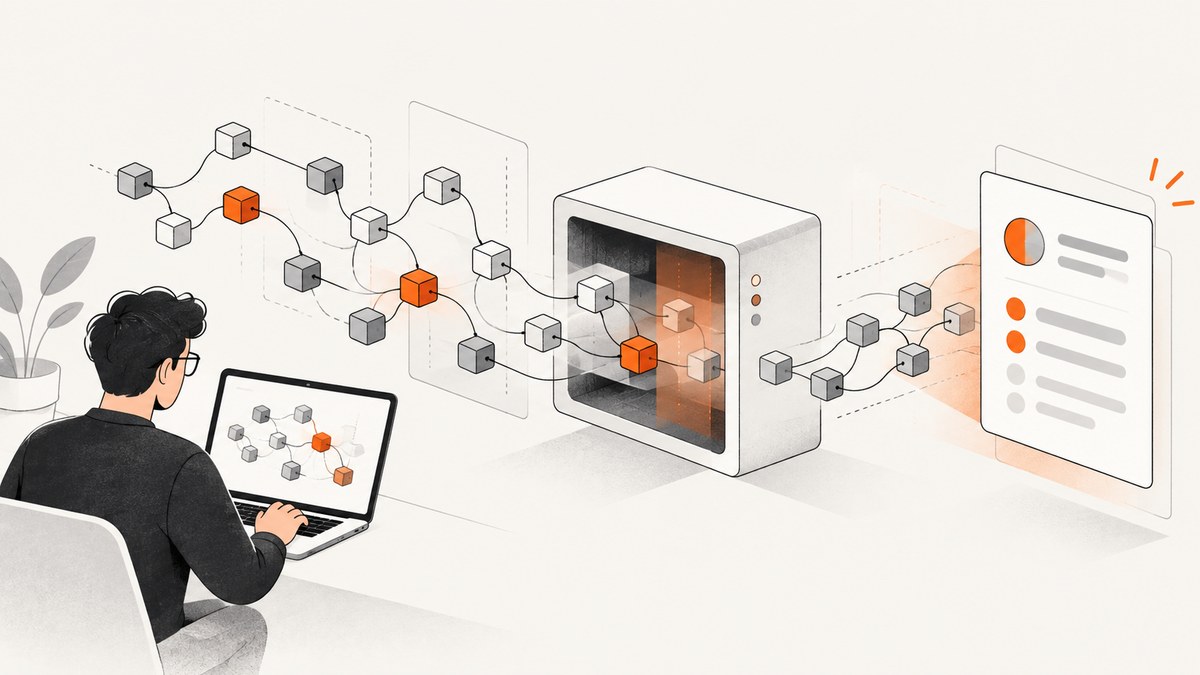
Use multiple layers: run npm audit for the dependency tree in your manifests and lockfiles, add Retire.js for copied or bundled browser libraries, and enable GitHub Dependabot for continuous repository monitoring. Use OWASP Dependency-Check when you need broader software-composition analysis across mixed technology stacks.
A clean result only means that the files, built assets, and advisory data the scanner inspected did not produce a finding. It does not prove that every deployed asset is safe or that no vulnerable code path is reachable.
Choose the scanner by what you ship
| Tool | Best fit | What it inspects | Useful output |
|---|---|---|---|
| npm audit | npm projects with manifests and lockfiles | Direct, development, bundled, and optional dependencies; peerDependencies are excluded | Severity, package, dependency path, description, and possible remediation |
| Retire.js | Web apps or Node projects with copied, bundled, or unmanaged JavaScript | Known vulnerable file and module signatures by version, filename, or URL | CLI findings, exit status, and CycloneDX SBOM formats |
| GitHub Dependabot | Repositories hosted on GitHub | Supported manifests and the GitHub dependency graph | Alerts and security-update pull requests |
| OWASP Dependency-Check | Broader SCA programs and mixed technology stacks | Components it can map to known vulnerability identifiers and advisory data | Reports with associated CVE entries |
1. Make the dependency evidence reproducible
Commit the package manifest and lockfile used by the build. Keep them synchronized with the code that is deployed. A scanner cannot accurately describe a dependency tree that is missing, stale, or different from production.

git ls-files package.json package-lock.json npm-shrinkwrap.json yarn.lock pnpm-lock.yamlUse one package manager consistently in CI. Run the scan from the project root so workspace and lockfile resolution matches the build.
2. Run npm audit on the package tree
npm audit checks direct dependencies, development dependencies, bundled dependencies, and optional dependencies represented by npm’s tree. It does not check peerDependencies. The report includes affected package names, severity, descriptions, dependency paths, and available fixes.
Human-readable audit
npm ci
npm audit
Machine-readable output
npm audit --json > npm-audit.jsonReview before applying fixes
npm audit fix
npm audit fix --dry-run
Review the proposed version changes, test the application, and inspect the dependency path before using a breaking upgrade. A forced major-version change can resolve an advisory while breaking your application.
Useful npm audit workflow
- Run
npm cifrom a clean checkout. - Run
npm audit --jsonand store the report as a CI artifact. - For each finding, record the package, severity, dependency path, affected range, and fixed range.
- Apply the smallest safe update, regenerate the lockfile, and run tests.
- Run the audit again against the exact lockfile used for deployment.
3. Scan JavaScript that npm cannot see
Retire.js was created to identify vulnerable JavaScript libraries that may have been downloaded and committed directly instead of represented in a package manifest. This includes vendor directories, static assets, checked-in bundles, and files produced by a separate frontend build.
Install and scan a source tree
npx retire --path .Scan a build directory
npx retire --path distScan a JavaScript file or URL
npx retire --js dist/assets/app.js
npx retire --url https://example.com/assets/app.js
Fail CI on findings
npx retire --path dist
status=$?
if [ "$status" -ne 0 ]; then
  exit "$status"
fi
The documented default vulnerable-finding exit status is 13; configure the exit behavior for your CI policy when needed. Retire.js also supports browser and headless modes for broader inspection and can emit CycloneDX XML or JSON variants, including vulnerability sections in supported VEX formats.
Emit an SBOM-style report
npx retire --path dist --outputformat cyclonedxjson --outputpath retire-cyclonedx.jsonCheck the installed version’s help output because command-line option names can vary between releases:
npx retire --help4. Add continuous monitoring with Dependabot
Dependabot uses the dependency graph and GitHub Advisory Database for supported ecosystems, including npm and Yarn. Where possible, it opens a pull request to the minimum secure version that resolves the vulnerability.
Create .github/dependabot.yml:
version: 2
updates:
  - package-ecosystem: npm
    directory: '/'
    schedule:
      interval: weekly
    open-pull-requests-limit: 10
Enable Dependabot alerts and security updates in repository settings. Review generated pull requests with the same discipline as manual updates: check the lockfile diff, run tests, and confirm that the deployed build uses the updated tree.
5. Use OWASP Dependency-Check for broader SCA
OWASP Dependency-Check can complement JavaScript-specific tools in repositories containing several technology stacks. It reports components that can be mapped to known vulnerability identifiers and advisory data.
dependency-check.sh \
  --project 'web-app' \
  --scan . \
  --format HTML \
  --out dependency-check-report
Mapping quality and advisory freshness affect results. Treat this as an additional evidence source, not as a replacement for npm tree analysis and shipped-asset scanning.
6. Build a defensible CI scan
set -eu
npm ci
npm audit --json > reports/npm-audit.json
npx retire --path dist --outputformat cyclonedxjson --outputpath reports/retire.json
A practical pipeline has separate stages:

- Dependency stage: audit the lockfile after a clean install.
- Build stage: produce the exact JavaScript assets that will ship.
- Asset stage: run Retire.js over the build output and any checked-in vendor directories.
- Monitoring stage: let Dependabot watch new advisories and dependency changes.
- Review stage: triage reachability, exposure, and remediation rather than treating every version match as an exploitable defect.
7. Interpret findings correctly
| Question | Why it matters |
|---|---|
| Is the vulnerable package in the deployed lockfile? | A finding in a development-only tree may not ship, while a production lockfile finding does. |
| Is the vulnerable file in the shipped bundle? | Source dependencies can be removed by tree-shaking or replaced during bundling. |
| Can the affected code path be reached? | A version match identifies known vulnerable code but does not prove exploitability in your application. |
| Does the proposed fix change APIs? | Major updates may require code changes and regression testing. |
| Are manifests and lockfiles current? | Stale files produce incomplete or misleading dependency graphs. |
Or skip the browser setup
If you are collecting screenshots of pages to verify what JavaScript actually ships, ScreenshotNeo provides a single screenshot request and an MCP server for AI agents. It can capture a rendered page after JavaScript runs, but it does not replace dependency scanners or code review.
See the ScreenshotNeo API documentation for all options.
curl -G "https://api.screenshotneo.com/v1/shot" -d access_key=YOUR_API_KEY --data-urlencode url=https://stripe.com -o shot.webpimport requests
r = requests.get("https://api.screenshotneo.com/v1/shot", params={"access_key": "YOUR_API_KEY", "url": "https://stripe.com"}, timeout=90)
open("shot.webp", "wb").write(r.content)const q = new URLSearchParams({ access_key: 'YOUR_API_KEY', url: 'https://stripe.com' }); const res = await fetch(`https://api.screenshotneo.com/v1/shot?${q}`);Cookie banners, newsletter popups, and chat widgets are removed before the shot. Bot checks, blank pages, failed loads, timeouts, and cache hits are not billed, and response headers identify the page verdict and billing result. Its MCP server exposes take_screenshot, get_page_info, and capture_pdf to Claude, Cursor, and other MCP clients. The free plan includes 1,000 screenshots per month with no card; paid plans start at $5 for 3,000 shots. Create a free ScreenshotNeo account.
Performance, reliability, and cost notes
- Run npm audit once per lockfile revision in pull requests and again in release pipelines.
- Cache npm downloads in CI, but do not reuse a stale lockfile or node_modules directory as audit evidence.
- Scan build output selectively: target generated JavaScript and vendor directories to reduce duplicate work.
- Retire.js signatures have limits: they are useful for known vulnerable versions, not for malware detection, code review, dynamic exploit testing, or proof of reachability.
- Expect different results: npm, Dependabot, Retire.js, and Dependency-Check use different evidence, detection logic, and advisory sources.
- Control report retention: keep JSON and SBOM artifacts with the build that produced them so findings can be reproduced.
- ScreenshotNeo costs are usage based: only clean shots are billed; failed loads, bot checks, blank pages, timeouts, and cache hits are free. Choose a cache TTL and async jobs when your capture workflow permits it.
Troubleshooting
| Symptom | Likely cause | Fix |
|---|---|---|
npm audit shows no issues but a vulnerable library is visible in the site |
The library was copied into source control or bundled outside the npm tree. | Run Retire.js against vendor directories and the production build output. |
| The audit report changes between machines | Different lockfiles, npm versions, registries, or installed trees. | Use npm ci, commit the lockfile, pin the CI runtime, and record the registry configuration. |
| No fix is offered | No patched version is available, the dependency is constrained, or the tree cannot be represented cleanly. | Inspect the dependency path, check the advisory, seek an upstream update, or replace the package. |
| Retire.js misses a library | The bundle is minified, renamed, dynamically loaded, or not included in the scanned path. | Scan the final deployed assets, include dynamic asset directories, and use browser or headless scanning where appropriate. |
| Dependabot does not open an update | The manifest is unsupported, the repository is archived, or the dependency graph is stale. | Keep manifests and lockfiles current, confirm the ecosystem and directory, and update manually when automation cannot resolve it. |
| A force upgrade breaks the app | The remediation crosses a major release or changes transitive APIs. | Prefer the minimum secure version, review the diff, and test before merging. |
| A ScreenshotNeo response is not billed | The page was a bot check, blank page, failed load, timeout, or cache hit. | Inspect the X-Page-Verdict and X-Billed response headers and fix the page or request conditions. |
FAQ
Is npm audit enough for a frontend application?
No. It covers the npm dependency tree represented by your manifests and lockfiles, while Retire.js helps find copied or bundled browser libraries that npm does not know about.
Does a high severity finding prove that my app is exploitable?
No. Confirm that the affected code ships, that the vulnerable path is reachable, and that the advisory applies to your runtime and configuration.
Should I run scanners against source or production assets?
Run both when possible: source scanning finds checked-in libraries, while production-asset scanning verifies what the build actually ships.
Why do Dependabot and npm audit disagree?
They use different dependency graphs, advisory curation, and detection timing. Compare the exact manifest, lockfile, package version, and advisory before deciding which result applies.
Can ScreenshotNeo replace a JavaScript vulnerability scanner?
No. It captures rendered pages and reports capture status. Use npm audit, Retire.js, Dependabot, or Dependency-Check for known vulnerable-library detection.


