How to Keep Intercepting Requests with Pyppeteer
Keep Pyppeteer request interception reliable: resolve every request, modify or block traffic safely, and troubleshoot stalled pages.

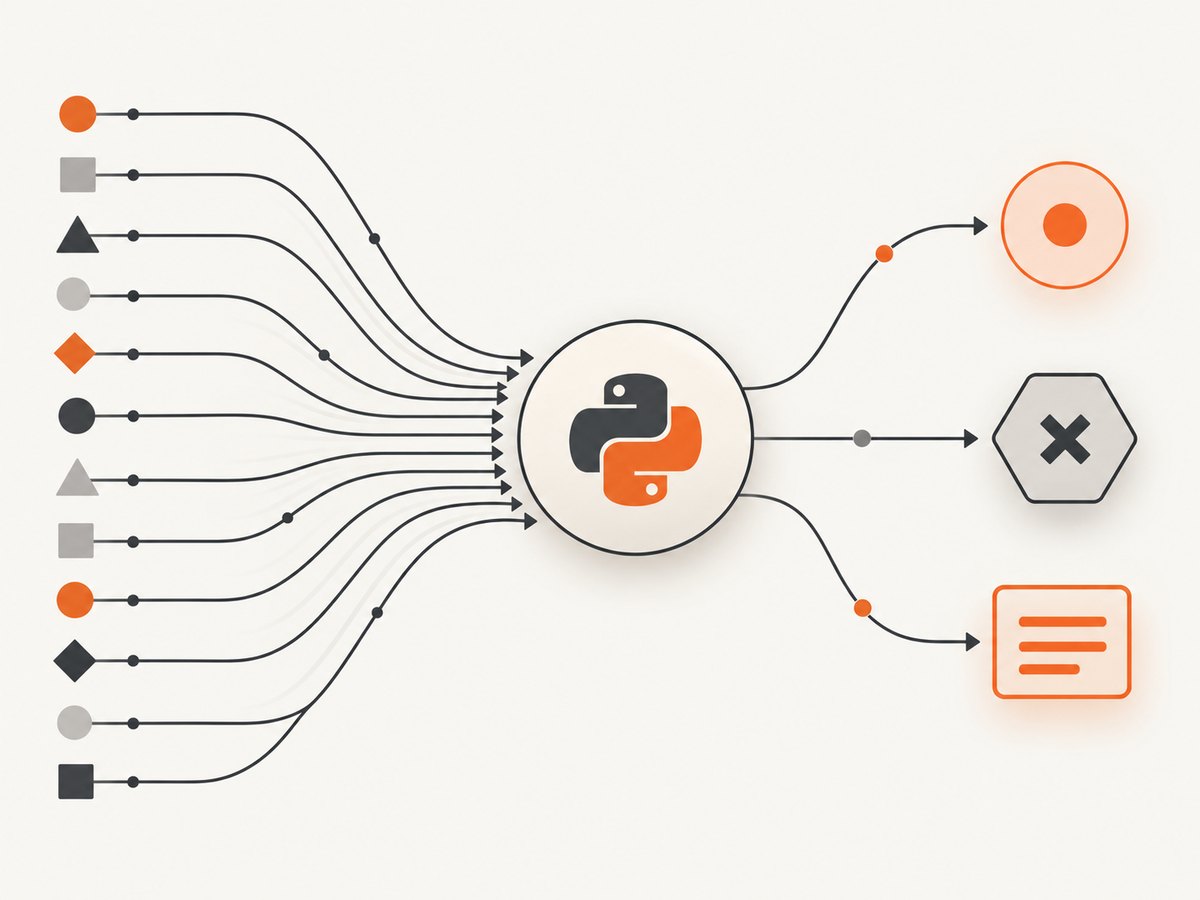
Call await page.setRequestInterception(True) before navigation, attach a request handler, and resolve every intercepted request with continue_(), abort(), or respond(). Once interception is enabled, requests can stall until one of those actions completes them. A pass-through branch must call continue_() even when the request is not interesting.
This guide shows complete Pyppeteer programs for observing, modifying, blocking, and fulfilling requests; explains event-loop details; and lists the failure modes that leave pages hanging.
1. The interception lifecycle
- Create a browser and page.
- Enable interception on that page with
await page.setRequestInterception(True). - Register a request listener.
- For each request, choose exactly one action: continue, abort, or respond.
- Navigate or perform the page action that creates requests.
The Pyppeteer API reference documents abort(), continue_(), and respond(). Its page source documentation states that every request stalls while interception is enabled unless it is continued, responded to, or aborted.
Minimal pass-through interceptor
import asyncio
from pyppeteer import launch

async def main():
    browser = await launch(headless=True)
    page = await browser.newPage()

    await page.setRequestInterception(True)

    async def intercept(request):
        await request.continue_()

    page.on('request', lambda request: asyncio.ensure_future(intercept(request)))
    await page.goto('https://example.com', {'waitUntil': 'networkidle2'})
    print(await page.title())
    await browser.close()

asyncio.get_event_loop().run_until_complete(main())
The listener is asynchronous, so the coroutine is scheduled with asyncio.ensure_future. Do not register a coroutine function and assume Pyppeteer will await it automatically.
2. Block selected requests while allowing everything else
import asyncio
from pyppeteer import launch

BLOCKED_SUFFIXES = ('.png', '.jpg', '.jpeg', '.gif', '.webp')

async def main():
    browser = await launch(headless=True)
    page = await browser.newPage()
    await page.setRequestInterception(True)

    async def intercept(request):
        url = request.url.lower()
        if url.endswith(BLOCKED_SUFFIXES):
            await request.abort()
        else:
            await request.continue_()

    page.on('request', lambda request: asyncio.ensure_future(intercept(request)))
    await page.goto('https://example.com', {'waitUntil': 'networkidle2'})
    await page.screenshot({'path': 'without-images.png', 'fullPage': True})
    await browser.close()

asyncio.get_event_loop().run_until_complete(main())
Filtering by URL is simple, but query strings and redirects can make suffix checks incomplete. For broader rules, inspect request.resourceType and the parsed URL.
Filter by resource type
async def intercept(request):
    if request.resourceType in {'image', 'media', 'font'}:
        await request.abort()
    else:
        await request.continue_()
Pyppeteer exposes resource types including document, stylesheet, image, media, font, script, XHR, and fetch through the request object.
3. Observe requests without changing them
import asyncio
from pyppeteer import launch

async def main():
    browser = await launch(headless=True)
    page = await browser.newPage()
    await page.setRequestInterception(True)

    async def intercept(request):
        print(request.method, request.resourceType, request.url)
        await request.continue_()

    page.on('request', lambda request: asyncio.ensure_future(intercept(request)))
    await page.goto('https://example.com', {'waitUntil': 'networkidle2'})
    await browser.close()

asyncio.get_event_loop().run_until_complete(main())
Logging still requires a resolution action. A listener that only prints and returns will leave every request stalled.
4. Modify a request before it reaches the server
continue_() accepts an overrides dictionary. The documented fields are URL, method, post data, and headers.
import asyncio
from pyppeteer import launch

async def main():
    browser = await launch(headless=True)
    page = await browser.newPage()
    await page.setRequestInterception(True)

    async def intercept(request):
        headers = dict(request.headers)
        headers['X-Automation-Run'] = 'pyppeteer'

        if request.url.startswith('https://api.example.com/'):
            await request.continue_({'headers': headers})
        else:
            await request.continue_()

    page.on('request', lambda request: asyncio.ensure_future(intercept(request)))
    await page.goto('https://example.com', {'waitUntil': 'networkidle2'})
    await browser.close()

asyncio.get_event_loop().run_until_complete(main())
Only override fields you intend to change. Replacing the complete header dictionary can accidentally remove browser headers required by the origin.
Changing URL, method, or body
async def intercept(request):
    if request.url == 'https://example.com/feature-flag':
        await request.continue_({
            'url': 'https://example.com/feature-flag?variant=test',
            'method': 'GET',
            'headers': dict(request.headers),
        })
    else:
        await request.continue_()
Use the exact field names shown by your installed Pyppeteer version. In particular, Pyppeteer uses continue_() with a trailing underscore, unlike JavaScript Puppeteer examples that use continue().
5. Return a local response
Use respond() when the browser should receive a response without contacting the origin. The documented response fields include status, headers, content type, and body.
import asyncio
from pyppeteer import launch

async def main():
    browser = await launch(headless=True)
    page = await browser.newPage()
    await page.setRequestInterception(True)

    async def intercept(request):
        if request.url.endswith('/config.json'):
            await request.respond({
                'status': 200,
                'contentType': 'application/json',
                'headers': {'Cache-Control': 'no-store'},
                'body': '{"enabled": true, "source": "local"}',
            })
        else:
            await request.continue_()

    page.on('request', lambda request: asyncio.ensure_future(intercept(request)))
    await page.goto('https://example.com', {'waitUntil': 'networkidle2'})
    await browser.close()

asyncio.get_event_loop().run_until_complete(main())
6. Make asynchronous decisions safely
If interception needs an asynchronous lookup, put the resolution in a try/except path and guarantee a fallback. Any exception or early return before a resolution action can stall the request.
async def intercept(request):
    try:
        should_block = await policy_check(request.url)
        if should_block:
            await request.abort()
        else:
            await request.continue_()
    except Exception:
        # Fail open for this example; choose the policy appropriate to your job.
        await request.continue_()
Do not let two independent handlers resolve the same request. Multiple listeners can race, especially when one performs an asynchronous wait before acting. If a framework or package installs its own request listener, consolidate the rules into one dispatcher.
7. A reusable interceptor class
import asyncio
from pyppeteer import launch

class RequestRouter:
    def __init__(self, blocked_types=None):
        self.blocked_types = blocked_types or set()

    async def handle(self, request):
        try:
            if request.resourceType in self.blocked_types:
                await request.abort()
                return
            await request.continue_()
        except Exception as exc:
            # Log the URL and exception in production. A second resolution may
            # itself fail if another handler already completed the request.
            print('interceptor error:', request.url, exc)

async def main():
    browser = await launch(headless=True)
    page = await browser.newPage()
    await page.setRequestInterception(True)

    router = RequestRouter({'image', 'media'})
    page.on('request', lambda request: asyncio.ensure_future(router.handle(request)))
    await page.goto('https://example.com', {'waitUntil': 'networkidle2'})
    await browser.close()

asyncio.get_event_loop().run_until_complete(main())
8. Common mistakes and fixes
| Symptom | Cause | Fix |
|---|---|---|
| Navigation never finishes | A request was intercepted but no action resolved it. | Add continue_(), abort(), or respond() to every branch, including the default branch. |
| Images are blocked but the page still hangs | Another request type entered a branch with no resolution. | Log every request URL and resource type, then provide a pass-through fallback. |
AttributeError for continue |
JavaScript Puppeteer syntax was copied into Python. | Use Pyppeteer’s continue_() method. |
| The handler never runs | Interception was enabled on a different page, or the listener was attached to another page. | Call setRequestInterception(True) and page.on('request', ...) on the same page before navigation. |
| Warnings or errors about an already handled request | Two listeners attempted to resolve one request, or asynchronous handlers raced. | Use one dispatcher and ensure each request has one resolution owner. |
| Coroutine warnings appear | The async callback was registered without scheduling it. | Schedule it with asyncio.ensure_future as in the documented pattern. |
| Modified headers break the origin | The override replaced required browser headers. | Start with dict(request.headers) and change only the needed key. |
9. Debugging checklist
- Confirm the interception call completed successfully.
- Confirm the listener is attached before
goto()or the action that creates traffic. - Print each request URL and resource type.
- Review every conditional branch, exception handler, and early return.
- Temporarily use an unconditional
await request.continue_()to isolate filtering logic. - Search for other packages or listeners that handle the same page’s requests.
- Check that the example matches Pyppeteer rather than JavaScript Puppeteer.
10. Performance, reliability, and cost
Interception adds Python callback work to every request. Keep URL and resource-type checks inexpensive, avoid blocking the event loop, and do not perform a slow remote policy lookup for requests that can be classified locally. Blocking unnecessary images, media, or fonts can reduce page work, but it can also change layout or application behavior.
Reliability depends on deterministic resolution. Treat the interceptor as a router with exactly one terminal action per request. Log the request URL, selected action, and exception when diagnosing failures. Set navigation and application-level timeouts separately so a stalled request is distinguishable from a slow origin.
Pyppeteer itself does not charge per intercepted request. Your costs come from the browser runtime, compute, bandwidth, and any external services used by the handler. No performance or reliability benchmark is established by the referenced documentation.
11. Or skip the browser setup
If your goal is a clean screenshot rather than custom network logic, ScreenshotNeo handles the browser capture through one request. Its consent step accepts cookie banners and removes more than 60 known consent platforms, newsletter popups, and chat widgets before capture. Bot checks, blank pages, timeouts, failed loads, and cache hits are not billed, and the response identifies the result with X-Page-Verdict and X-Billed headers. ScreenshotNeo also provides an MCP server with take_screenshot, get_page_info, and capture_pdf tools for AI agents.

See the ScreenshotNeo API documentation for all options.
cURL
curl -G "https://api.screenshotneo.com/v1/shot" -d access_key=YOUR_API_KEY --data-urlencode url=https://stripe.com -o shot.webpPython
import requests

r = requests.get(
    "https://api.screenshotneo.com/v1/shot",
    params={"access_key": "YOUR_API_KEY", "url": "https://stripe.com"},
    timeout=90,
)
r.raise_for_status()
open("shot.webp", "wb").write(r.content)
Node.js
const q = new URLSearchParams({ access_key: 'YOUR_API_KEY', url: 'https://stripe.com' });
const res = await fetch(`https://api.screenshotneo.com/v1/shot?${q}`);
if (!res.ok) throw new Error(`Screenshot failed: ${res.status}`);
const fs = await import('node:fs/promises');
await fs.writeFile('shot.webp', Buffer.from(await res.arrayBuffer()));
The free plan includes 1,000 screenshots each month with no card. Paid plans start at $5 for 3,000 shots, and every feature is available on every plan. Create a free ScreenshotNeo account.
12. FAQ
Does interception apply only to navigation requests?
No. Once enabled on a page, requests generated by navigation, scripts, XHR, fetch, images, fonts, and other page activity are intercepted.
Can I inspect a request and still let it proceed?
Yes. Read its URL, method, headers, or resource type, then call await request.continue_().
What happens if I need to cancel a request?
Call await request.abort(). The documented default error code is failed; an optional error code can be supplied.
Should I use current Puppeteer examples?
Use them only as concepts. Pyppeteer’s Python API uses continue_(), and JavaScript Puppeteer’s request-handling guards are not automatically available in Pyppeteer.
Can interception be enabled after navigation?
It can be enabled for later activity, but enable it before the navigation or interaction whose requests you need to control.


