Why Laravel Dusk Tests Fail When Chrome Headless Is Enabled
Laravel Dusk headless failures usually trace to ChromeDriver compatibility, process startup, APP_URL, or viewport differences. Diagnose them in a reliable order.
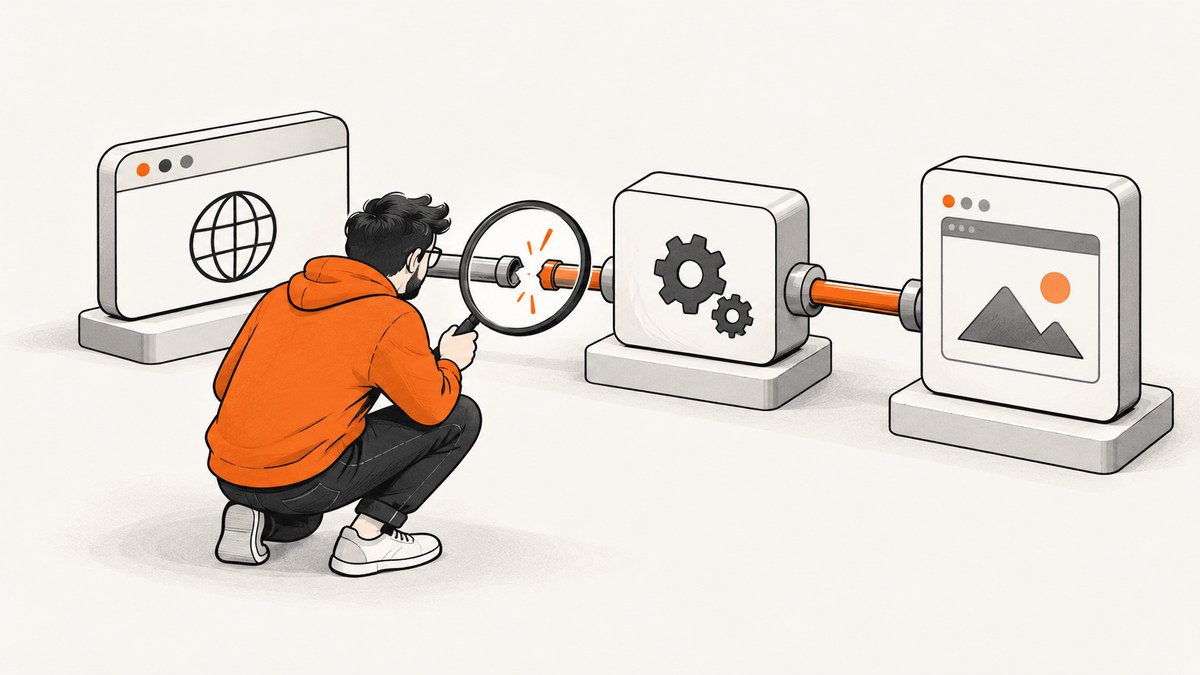
Laravel Dusk tests that fail only when Chrome runs headless usually point to the browser-test runtime, not to the --headless switch by itself. Check, in order: Chrome and ChromeDriver compatibility, driver executable permissions, whether the WebDriver endpoint is reachable, whether the application server is running at the configured APP_URL, and whether the headless viewport differs from the one your assertions expect.
Dusk uses Google Chrome and a standalone ChromeDriver by default. Headless Chrome does not need a visible window or a display server. Adding flags such as --disable-gpu or --no-sandbox without evidence can obscure the real problem; start with the failing connection, process, or assertion and change one variable at a time.
1. What “headless failure” can mean
Headless mode only describes how Chrome runs: it renders without opening a visible browser window. A Dusk test still depends on several separate pieces working together:
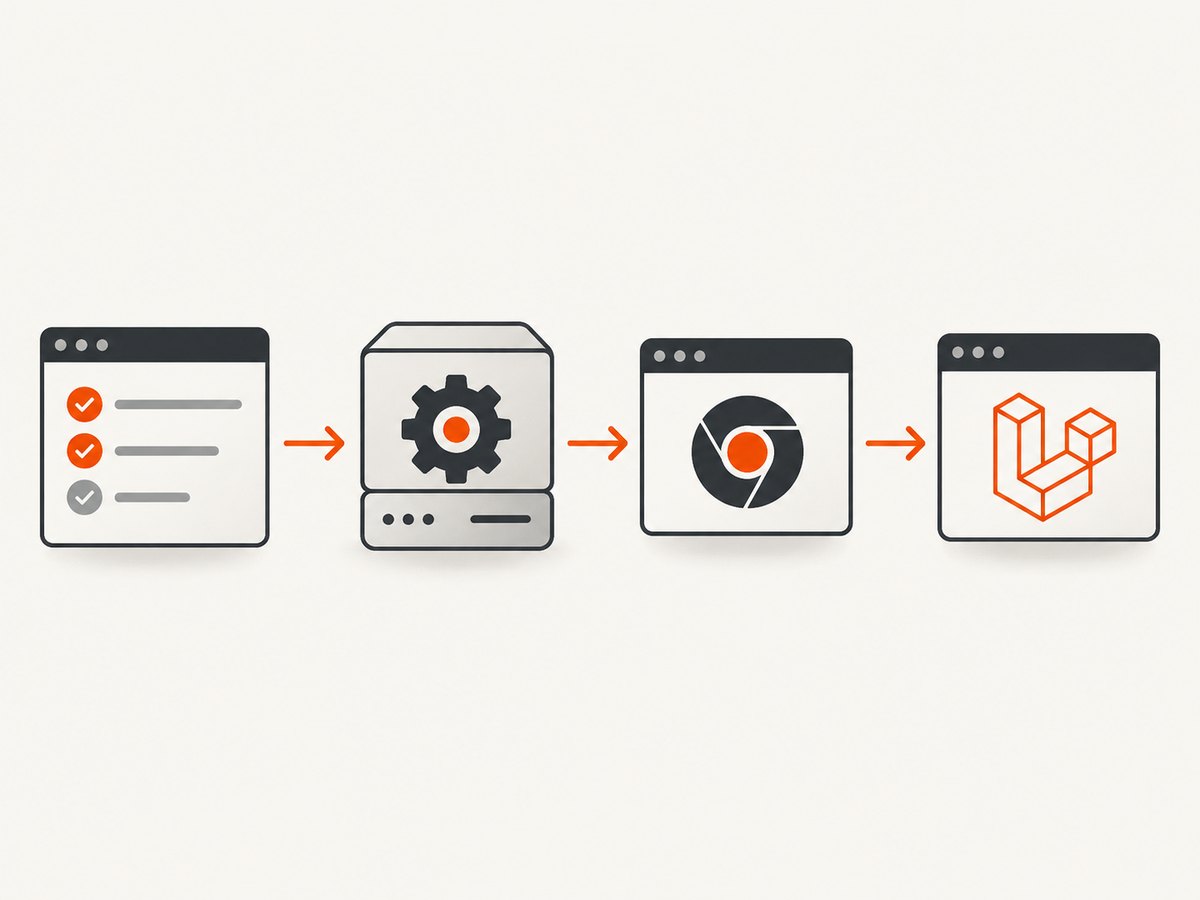
- Chrome or Chromium must be installed and start successfully.
- ChromeDriver must be installed, executable, and compatible with that browser.
- WebDriver communication must reach the driver endpoint Dusk uses, normally
localhost:9515. - The Laravel app must be serving pages at the URL configured for the test.
- The test itself must allow for the viewport, rendering, and timing characteristics of the environment.
A failure in any link can look like “headless broke Dusk.” For example, a refused connection to port 9515 means Dusk could not reach a WebDriver endpoint when it tried to create a session. It does not, by itself, prove that Chrome failed to render headlessly.
2. Diagnose the failure in order
Step 1: Match ChromeDriver to the installed browser
First ask Dusk to detect the installed Chrome or Chromium version and install the corresponding driver:
php artisan dusk:chrome-driver --detectRun this in the same environment that runs the tests. A driver installed on a developer laptop says nothing about the browser version inside a CI image or container. If CI installs or updates Chrome after installing the driver, run detection after the browser is present. Check the browser’s version using the command provided by your environment, such as google-chrome --version or chromium --version, and compare it with the driver Dusk selected.
When diagnosing locally, record both versions. Then record them again in CI. If they differ, reproduce with the same browser/driver pair before investigating application code.
Step 2: Check the driver’s executable bit
Dusk requires its ChromeDriver binary to be executable. On Unix-like systems, apply the permissions Laravel documents:
chmod -R 0755 vendor/laravel/dusk/bin/Then inspect the files and try starting the driver from the test environment. A binary can exist yet fail to start because its executable permission was lost during packaging, caching, or artifact transfer.
Step 3: Check the WebDriver endpoint
Dusk normally starts ChromeDriver on port 9515. If the log reports a connection refusal to localhost:9515, determine whether the driver process started and whether anything is listening on that port. Also check for port conflicts, a driver that exited immediately, and differences between localhost resolution and 127.0.0.1 in the environment.
If you start ChromeDriver yourself, disable Dusk’s automatic startup by commenting out static::startChromeDriver() in the Dusk test case setup, and configure RemoteWebDriver to use the URL and port of the manually started driver. Do not run both startup paths unintentionally; competing processes can cause confusing connection or port errors.
Step 4: Start the app and set APP_URL
The browser must have an application to visit. In CI, start the Laravel development server before invoking Dusk and make APP_URL resolve to that server. A common CI value is http://127.0.0.1:8000. Ensure the server process remains alive for the test run and that the browser process can reach it from its own container or network namespace.
A successful ChromeDriver session does not guarantee the Laravel app is available. If the first navigation fails, verify the server is listening and try requesting the configured URL from the same environment that runs the browser.
Step 5: Fix the viewport for layout-sensitive tests
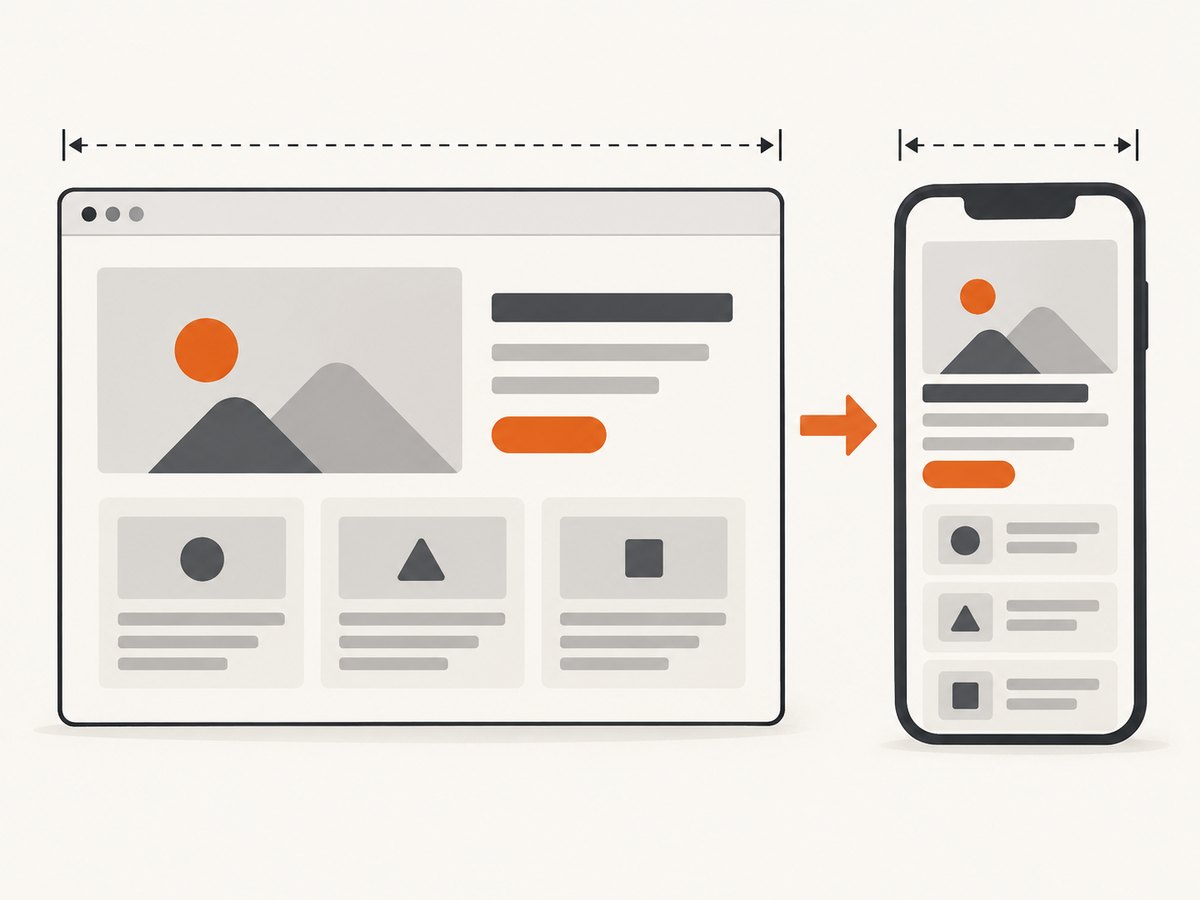
Headless and headed runs may use different window dimensions unless the test sets them explicitly. Responsive breakpoints, navigation menus, element positions, and screenshot comparisons can therefore behave differently. Set a fixed window size where layout matters, then compare a headed and headless run at that same size.
Step 6: Investigate flags only against a reproducible symptom
Chrome documents --disable-gpu as a workaround for particular bugs, not a universal headless requirement. Headless Chrome does not use a window, so it does not require Xvfb or another display server. Try a flag only when you can connect it to a repeatable Chrome issue; change one flag at a time and keep the browser and driver versions fixed during the experiment.
3. A CI setup sequence that avoids race conditions
The key CI requirement is ordering: install the browser and matching driver, start the application and browser-driving processes, wait for them to be ready, and only then run Dusk. The exact service syntax depends on the CI provider, but the shell sequence should follow this shape:
# Run in the project directory after dependencies are installed.
php artisan dusk:chrome-driver --detect
chmod -R 0755 vendor/laravel/dusk/bin/

# Start the Laravel app in the background.
APP_URL=http://127.0.0.1:8000 php artisan serve --host=127.0.0.1 --port=8000 &
APP_PID=$!

# Give the app a moment to bind, then check its endpoint.
# In production CI, prefer the provider's service readiness check or a retry loop.
sleep 2
curl --fail --silent --show-error http://127.0.0.1:8000/ >/dev/null

# Run Dusk only after the app and driver setup are ready.
APP_URL=http://127.0.0.1:8000 php artisan dusk

# Keep process cleanup explicit if the CI shell continues after this step.
kill "$APP_PID"
The fixed sleep above is only a compact illustration, not a readiness guarantee. For reliable pipelines, use the CI provider’s health check or a bounded retry loop that stops with a useful error if the server never responds. Also confirm whether the provider automatically terminates background processes between steps; if it does, start the server and run Dusk in the same job step or configure it as a service.
If your CI image already manages ChromeDriver, avoid starting another copy from Dusk. Conversely, if Dusk manages it, do not assume an external driver service is necessary. Choose one startup owner and make the test’s WebDriver URL agree with that choice.
4. Headless flags and Dusk configuration
Keep the first debugging run close to the default Dusk configuration. Add a custom Chrome argument only when it addresses a known constraint or a reproducing bug. Commonly discussed options need context:
| Option or setting | When it matters | How to approach it |
|---|---|---|
--headless |
Running without a visible browser window. | Use the headless mode supported by the installed Chrome version and Dusk setup. |
--disable-gpu |
A particular rendering or Chrome bug calls for it. | Test as a targeted workaround; it is not a general fix for Dusk. |
--no-sandbox |
A container or execution policy prevents Chrome’s sandbox from starting. | Use only when the environment requires it and understand the security tradeoff. It will not repair a mismatched driver or dead app server. |
| Window size | Responsive layout, element visibility, or screenshot assertions. | Set a deterministic viewport and use the same dimensions when comparing headed and headless behavior. |
| Driver startup | A CI image supplies ChromeDriver or you manage it separately. | Use either Dusk’s startup or the external driver, then point RemoteWebDriver at the active endpoint. |
APP_URL |
The app runs on a non-default host, port, or container network. | Set it to the URL reachable from the browser process, not merely from the CI host. |
Specific Dusk configuration APIs can vary by installed package version. Keep the project’s existing Dusk conventions and consult the version-matched Laravel documentation before copying configuration from another release.
5. Common errors and fixes
| Symptom | Likely cause | Fix |
|---|---|---|
Connection refused at localhost:9515 |
ChromeDriver did not start, exited, is on another port, or is unreachable from the test process. | Check process logs, executable permissions, port availability, and whether Dusk or CI owns driver startup. |
| Session creation or “cannot find Chrome binary” error | Chrome is absent, its path differs in CI, or ChromeDriver is incompatible. | Install/detect the browser and matching driver in the same image; confirm the binary path and versions. |
| Permission denied launching ChromeDriver | The driver file lacks executable permission. | Run the documented chmod -R 0755 vendor/laravel/dusk/bin/ and verify the CI artifact preserves mode bits. |
| Browser opens but the page is unreachable | The app server is not running, started too late, or APP_URL points elsewhere. |
Start the server before Dusk, wait for readiness, and use an address reachable from the browser container. |
| Element is missing only in headless mode | Viewport changed, a responsive breakpoint hid it, or an asynchronous page action had not completed. | Fix the viewport and wait for the relevant selector or state instead of relying on a fragile short delay. |
| Screenshot assertion differs between runs | Different viewport, browser versions, fonts, timing, or loaded resources. | Pin the environment where possible, set dimensions, wait for page readiness, and compare headed/headless runs under matching conditions. |
Adding --disable-gpu changes nothing |
The root cause is not the GPU-related Chrome bug the flag addresses. | Remove it and return to driver, endpoint, server, URL, and viewport checks. |
6. A practical comparison checklist
When a test passes on a laptop and fails in CI, compare these values side by side. Capture them in job logs so the next failure has evidence attached.
- [ ] Chrome/Chromium version on local and CI.
- [ ] ChromeDriver version and how it was installed.
- [ ] Whether the driver binary is executable.
- [ ] Which process starts ChromeDriver and which port it listens on.
- [ ] Whether the app server is alive before Dusk creates a session.
- [ ] The effective
APP_URLand whether the browser can reach it. - [ ] Headed versus headless result with the same fixed viewport.
- [ ] Custom Chrome flags, introduced one at a time.
- [ ] Whether the failing assertion is about startup, navigation, timing, layout, or pixels.
7. Performance, reliability, and cost considerations
Headless mode removes the need to display a browser window; it does not eliminate the time or resources needed to launch Chrome, load the Laravel application, and execute browser interactions. Reusing an already-running browser may reduce repeated startup work in some setups, but it changes process management and isolation. Measure within your own CI environment rather than assuming a universal speedup.
For reliability, pin or deliberately update the browser and driver together, wait on readiness conditions rather than arbitrary timing, and make the viewport deterministic. Keep diagnostic output for the browser and driver startup so a test failure distinguishes “session never started” from “page loaded but assertion failed.” Cost is usually dominated by CI runtime and whatever browser infrastructure the team uses; no general price or performance figure applies across providers.
8. Or skip the browser setup
If the task is capturing a website screenshot rather than exercising your Laravel UI, a screenshot API avoids managing ChromeDriver for that capture. ScreenshotNeo accepts a URL in one GET request and returns PNG, JPEG, WebP, or PDF. Its API also supports the parameter names used by other screenshot APIs, which can make switching simpler. See the ScreenshotNeo API documentation.
curl -G "https://api.screenshotneo.com/v1/shot" \
  -d access_key=YOUR_API_KEY \
  --data-urlencode url=https://stripe.com \
  -o shot.webp
Python:
import requests

r = requests.get(
    "https://api.screenshotneo.com/v1/shot",
    params={"access_key": "YOUR_API_KEY", "url": "https://stripe.com"},
    timeout=90,
)
r.raise_for_status()
open("shot.webp", "wb").write(r.content)
Node.js:
const q = new URLSearchParams({
  access_key: 'YOUR_API_KEY',
  url: 'https://stripe.com'
});
const res = await fetch(`https://api.screenshotneo.com/v1/shot?${q}`);
if (!res.ok) throw new Error(`Screenshot request failed: ${res.status}`);
const bytes = new Uint8Array(await res.arrayBuffer());
await import('node:fs/promises').then(fs => fs.writeFile('shot.webp', bytes));
ScreenshotNeo accepts cookie or consent banners as a visitor and removes more than 60 known consent platforms, newsletter popups, and chat widgets before the capture; each cleanup step can be turned off. Bot checks and CAPTCHAs, blank pages, timeouts, failed loads, and cache hits are not billed, and the response identifies the page verdict and billing status in X-Page-Verdict and X-Billed headers. An MCP server provides take_screenshot, get_page_info, and capture_pdf tools for Claude, Cursor, or any MCP client. The free plan includes 1,000 screenshots a month with no card; paid plans start at $5 for 3,000 screenshots. Try it with the free ScreenshotNeo sign-up.
9. Frequently asked questions
Does Laravel Dusk require a display server in headless mode?
No. Headless Chrome has no visible window, and Chrome Developers says a display server such as Xvfb is no longer needed for headless Chrome.
Should I always add --no-sandbox in CI?
No. Add it only when the container’s sandbox restrictions make it necessary. It will not solve a driver mismatch, unreachable port, or incorrect application URL.
Why does Dusk work locally but not in CI?
The environments may have different browser and driver versions, process startup order, file permissions, networking, or viewport dimensions. Compare those inputs before changing the test.
Can I use a screenshot API to test my Laravel interface?
A URL-to-image API can capture a page, but it is not a replacement for Dusk’s browser interactions and assertions. Use Dusk when the test needs to click, type, or verify application behavior; use a capture API when the deliverable is a screenshot or PDF.
Primary references
- Laravel Dusk documentation for driver detection, executable binaries, and Dusk setup.
- Laravel Dusk issue 649 for a refused connection report involving the ChromeDriver endpoint.
- Chrome Developers: Headless Chrome for headless behavior and display-server requirements.


