How to Load JavaScript from a URL in Go
Fetch JavaScript with Go’s HTTP client, validate the response, and execute it with Goja. Includes complete code, runtime limits, troubleshooting, and a screenshot API option.
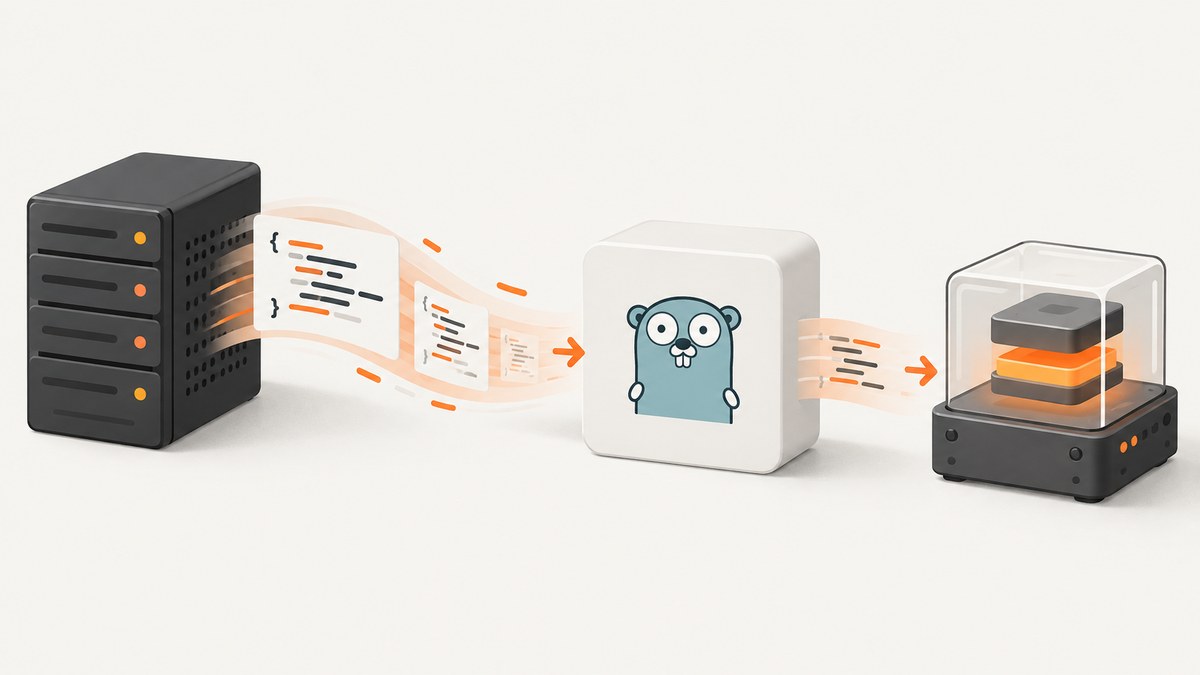
To load JavaScript from a URL in Go, fetch the response with net/http, check that it succeeded, read a bounded amount of source, then pass that source to a JavaScript runtime such as Goja. Fetching and execution are separate operations: RunString executes source text; it does not fetch a URL, create a browser, or provide browser globals.
The example below is a complete command-line program. It uses a request timeout, caps the download size, rejects non-success HTTP status codes and evaluates the retrieved source in Goja. Use this pattern only for scripts you trust or have deliberately sandboxed.
1. Set up the Go module
Create a directory for the example, initialize a module, and add Goja:
mkdir loadjs
cd loadjs
go mod init example.com/loadjs
go get github.com/dop251/goja
Save the following as main.go. Replace the example URL with a script endpoint you control. The example treats the response body as UTF-8 source, which is the usual expectation for JavaScript text.
2. Fetch, validate, and execute the script
package main

import (
	"context"
	"fmt"
	"io"
	"net/http"
	"os"
	"time"

	"github.com/dop251/goja"
)

const maxScriptBytes int64 = 1 << 20 // 1 MiB

func main() {
	if len(os.Args) != 2 {
		fmt.Fprintln(os.Stderr, "usage: loadjs SCRIPT_URL")
		os.Exit(2)
	}
	if err := loadAndRun(os.Args[1]); err != nil {
		fmt.Fprintln(os.Stderr, "load JavaScript:", err)
		os.Exit(1)
	}
}

func loadAndRun(scriptURL string) error {
	ctx, cancel := context.WithTimeout(context.Background(), 15*time.Second)
	defer cancel()

	req, err := http.NewRequestWithContext(ctx, http.MethodGet, scriptURL, nil)
	if err != nil {
		return fmt.Errorf("create request: %w", err)
	}
	req.Header.Set("Accept", "text/javascript, application/javascript, */*;q=0.1")

	client := &http.Client{Timeout: 20 * time.Second}
	resp, err := client.Do(req)
	if err != nil {
		return fmt.Errorf("fetch script: %w", err)
	}
	defer resp.Body.Close()
	if resp.StatusCode < 200 || resp.StatusCode >= 300 {
		return fmt.Errorf("fetch script: server returned %s", resp.Status)
	}

	// Read one byte beyond the limit so an oversized response is rejected,
	// rather than silently evaluating a truncated JavaScript program.
	src, err := io.ReadAll(io.LimitReader(resp.Body, maxScriptBytes+1))
	if err != nil {
		return fmt.Errorf("read script response: %w", err)
	}
	if int64(len(src)) > maxScriptBytes {
		return fmt.Errorf("script exceeds %d-byte limit", maxScriptBytes)
	}

	vm := goja.New()
	value, err := vm.RunString(string(src))
	if err != nil {
		return fmt.Errorf("execute script: %w", err)
	}
	if value != nil {
		fmt.Printf("script result: %s\n", value.String())
	}
	return nil
}
Run it with go run . https://example.com/script.js. Go’s HTTP package provides the request and response machinery; Goja’s Runtime.RunString evaluates the supplied source in its runtime’s global context. See the net/http documentation and Goja package documentation.
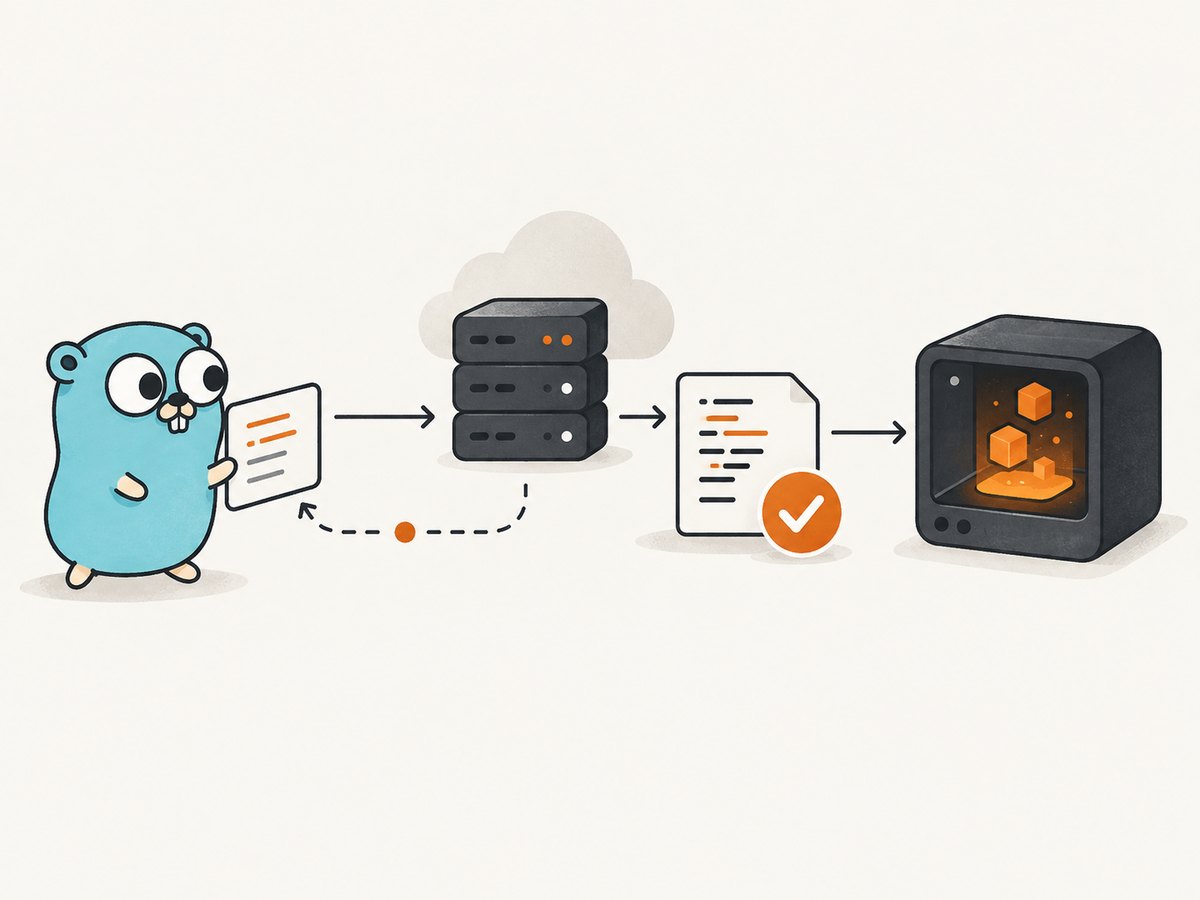
3. Understand what the example does
- Creates a context-bound request. The context deadline and client timeout bound how long the fetch can wait. A timeout is an application choice, so set it to fit your service and upstream.
- Checks the status before evaluating. A server can return an HTML error page with status 404 or 500. Evaluating that response as JavaScript produces a confusing syntax error; report the HTTP failure first.
- Closes the response body. Always close it, including on non-success responses. This allows the transport to reuse connections where possible.
- Limits downloaded bytes.
io.LimitReaderalone stops reading at the limit but can hide truncation. Reading one extra byte lets the code detect and reject an oversized response. - Executes only after validation. The fetched text goes to Goja. Errors from parsing or execution are returned to the caller.
The sample does not enforce an allowlist, validate a content type, restrict redirects, or isolate execution at the operating-system level. Those are policy decisions to add for your environment; neither net/http nor the JavaScript runtime makes a remote script safe by default.
4. Pass results between Go and JavaScript
RunString returns the value of the final evaluated expression. For structured values, use Goja’s export support. For example, after a script defines a global answer, read it and convert it to a Go integer:
value := vm.Get("answer")
var answer int
if err := vm.ExportTo(value, &answer); err != nil {
	return fmt.Errorf("export answer: %w", err)
}
fmt.Println(answer)
To call a JavaScript function from Go, retrieve its value and assert it as a Goja callable function:
fnValue := vm.Get("transform")
fn, ok := goja.AssertFunction(fnValue)
if !ok {
	return fmt.Errorf("transform is not a function")
}
result, err := fn(goja.Undefined(), vm.ToValue("input"))
if err != nil {
	return fmt.Errorf("call transform: %w", err)
}
fmt.Println(result.String())
These snippets belong inside the same function and runtime lifecycle as the original evaluation. Goja documents function assertion and value export in its package API. Decide what data Go exposes to scripts, and validate values crossing the boundary.
5. Choose the right runtime environment
Goja is an ECMAScript/JavaScript engine implemented in pure Go. It provides a JavaScript runtime, not a browser page or a Node.js process. Do not assume that window, document, browser fetch, DOM elements, or Node globals such as require exist unless your application supplies compatible host APIs.

| Script requirement | What to do |
|---|---|
| Plain JavaScript computation | Run it in Goja and pass required input values from Go. |
| Calls back into Go | Expose narrowly scoped Go functions or values intentionally; do not expose broad capabilities by accident. |
| DOM or browser APIs | Use a browser automation environment that provides those APIs, or implement the specific host interface the code needs. |
| Node-specific modules or globals | Choose a Node-compatible runtime or adapt the script. The Goja project points to separate Node.js functionality; compatibility is not automatic. |
| Newer syntax or Annex B behavior | Check Goja’s current compatibility notes against the script. The project documents that some Annex B functionality is missing. |
Test the exact script and APIs your application depends on. A successful fetch only proves that bytes arrived; it does not prove that the source can run in the selected runtime.
6. Add URL and execution safeguards
A URL that supplies executable code is a trust boundary. A user-controlled URL can also target internal services or redirect to a different host. Before fetching, apply your application’s URL policy.
- Restrict destinations. Prefer a hostname allowlist. If arbitrary hosts are required, reject loopback, private, link-local, and other disallowed IP ranges after DNS resolution, and account for redirects and DNS changes. Network egress controls provide an additional boundary.
- Set redirect policy deliberately. The example uses the default HTTP redirect behavior. Configure
CheckRedirectif redirects must be rejected or limited, and revalidate destinations as needed. - Use TLS and sensible headers. Keep certificate verification enabled. Avoid forwarding credentials or cookies to a URL supplied by an untrusted party.
- Bound both fetch and execution. The sample limits fetch time and response size. A JavaScript loop can still run indefinitely. Goja supports runtime interruption; arrange a deadline and interrupt mechanism for scripts that may not terminate. For untrusted code, consider process-level CPU, memory, and network limits as well.
- Minimize host capabilities. Do not add filesystem, network, or secret access to the runtime unless the script needs it. A runtime interrupt is a control mechanism, not proof that untrusted code is safely sandboxed.
Use separate runtimes for separate executions when state must not leak between scripts. Reusing one runtime can retain globals and other state; if you do reuse it for performance, define a lifecycle and reset strategy that prevents cross-request data exposure.
7. cURL, Python, and Node.js for the fetch step
If another component fetches the source before handing it to Go, these examples retrieve the response. They do not execute JavaScript in Go; execution still requires a runtime such as Goja. The cURL example writes to a file and fails on HTTP error status. For production use, also enforce a response-size limit and URL policy.
cURL
curl --fail --location --max-time 20 \
  --output script.js \
  'https://example.com/script.js'
Python
import requests

url = "https://example.com/script.js"
with requests.get(url, timeout=(5, 20), stream=True) as response:
    response.raise_for_status()
    limit = 1 << 20
    chunks = []
    total = 0
    for chunk in response.iter_content(chunk_size=16_384):
        total += len(chunk)
        if total > limit:
            raise ValueError("script exceeds 1 MiB limit")
        chunks.append(chunk)
source = b"".join(chunks).decode("utf-8")
Node.js
const controller = new AbortController();
const timeout = setTimeout(() => controller.abort(), 20_000);
try {
  const response = await fetch('https://example.com/script.js', {
    signal: controller.signal,
    redirect: 'error',
  });
  if (!response.ok) throw new Error(`HTTP ${response.status}`);
  const bytes = new Uint8Array(await response.arrayBuffer());
  if (bytes.byteLength > 1 << 20) throw new Error('script exceeds 1 MiB');
  const source = new TextDecoder('utf-8', { fatal: true }).decode(bytes);
  // Send source to the Go service or evaluate it only in a suitable runtime.
} finally {
  clearTimeout(timeout);
}
8. Or skip the browser setup
If your goal is a screenshot of a page that loads JavaScript, fetching the script source in Go is not enough: the page needs a browser to render it. ScreenshotNeo is a website screenshot API and MCP server from Yorker Media. One GET request returns a PNG, JPEG, WebP, or PDF; see the API documentation.
curl -G "https://api.screenshotneo.com/v1/shot" \
  -d access_key=YOUR_API_KEY \
  --data-urlencode url=https://stripe.com \
  -o shot.webp
import requests
r = requests.get(
"https://api.screenshotneo.com/v1/shot",
params={"access_key": "YOUR_API_KEY", "url": "https://stripe.com"},
timeout=90,
)
open("shot.webp", "wb").write(r.content)const q = new URLSearchParams({
access_key: 'YOUR_API_KEY',
url: 'https://stripe.com'
});
const res = await fetch(`https://api.screenshotneo.com/v1/shot?${q}`);ScreenshotNeo accepts cookie or consent banners like a visitor and removes more than 60 known consent platforms, newsletter popups, and chat widgets before capture; each cleanup step can be turned off. Bot checks, blank pages, timeouts, failed loads, and cache hits cost nothing, with the response explaining the page verdict and billing in headers. Its MCP server gives AI agents tools for screenshots, page info, and PDF capture. The free plan includes 1,000 screenshots per month with no card; paid plans start at $5 for 3,000. Sign up for the free plan.
9. Troubleshooting
| Symptom | Likely cause | Fix |
|---|---|---|
unsupported protocol scheme or request construction fails |
The URL is missing https:// or is malformed. |
Parse and validate the URL before building the request; allow only the schemes your application supports. |
| HTTP 404, 403, or 5xx | The endpoint is wrong, access is denied, or the server failed. | Check the URL and access policy; report the status and do not pass the error page to the runtime. |
| Deadline exceeded | The host is slow, unreachable, or stalled while sending the body. | Check connectivity and server behavior, then adjust the context and client timeouts within an overall request budget. |
| Syntax error near HTML | The endpoint returned an HTML page, commonly an error or anti-bot response. | Inspect status, content type, and a safely bounded response prefix in logs. Do not log secrets or entire untrusted bodies. |
| Unexpected token or encoding issue | The file is not valid UTF-8 JavaScript, is compressed unexpectedly, or includes syntax unsupported by the runtime. | Check response headers and bytes, decode according to the server’s declared charset, and verify Goja compatibility. |
window is not defined or require is not defined |
The script expects browser or Node.js globals. | Use an environment that provides those APIs or implement the specific required host functions. |
| Script hangs | An infinite loop, long computation, or blocking host callback. | Use Goja interruption and bound host operations; isolate untrusted execution with process-level resource controls. |
| Response exceeds limit | The script is larger than the configured cap. | Reject it or raise the limit deliberately after reviewing memory use. Do not execute a silently truncated prefix. |
10. Performance, reliability, and cost
Each uncached fetch depends on network latency, DNS, TLS setup, remote server response time, and body size. Reuse a configured http.Client and its transport across requests rather than creating a new transport each time, so connections can be reused. Keep concurrency bounded: simultaneous downloads and runtimes consume network connections and memory. A response cap limits source buffering, but it does not bound runtime memory or CPU.
For reliability, use an explicit overall deadline, classify network errors separately from HTTP status failures and JavaScript evaluation errors, and record the hostname, elapsed time, response size, status, and runtime error without storing sensitive source unnecessarily. Retry only transient fetch failures, with a small bounded retry policy and backoff; do not blindly retry script execution, which may have side effects if the host exposes them. If reproducibility matters, pin the script to a versioned URL or verify a trusted checksum or signature before evaluation.
The loader itself has no per-request service price in this example, but it uses your bandwidth and compute and may incur costs at the remote host. Cache only when freshness and trust requirements allow it; key cached content carefully and use integrity checks if scripts can change. The tradeoffs are compatibility, operational cost, and the risk of executing changed remote code. A browser screenshot service is a different solution when the desired output is a rendered page rather than JavaScript values.
11. Frequently asked questions
Does Go’s standard library execute JavaScript?
No. The standard library can make the HTTP request; a separate JavaScript runtime evaluates the returned source.
Can I execute a script tag URL directly with Goja?
No. Fetch the source yourself, then evaluate it. Browser script loading includes browser behavior and APIs that a bare JavaScript runtime does not imply.
Can Go call a function defined by the downloaded script?
Yes. Retrieve the global function from the Goja runtime, assert it as callable, pass Goja values, and handle its returned value and error.
Is a remote script safe if I use a timeout?
No. A timeout limits waiting but does not establish trust or provide a complete isolation boundary. Apply destination policy and constrain the runtime’s capabilities and resources.