Most Valuable MCP Servers: A Practical Guide to Choosing the Right Ones
There is no universal best MCP server. Use this task, security, maintenance and deployment framework to choose servers that fit your workflow.
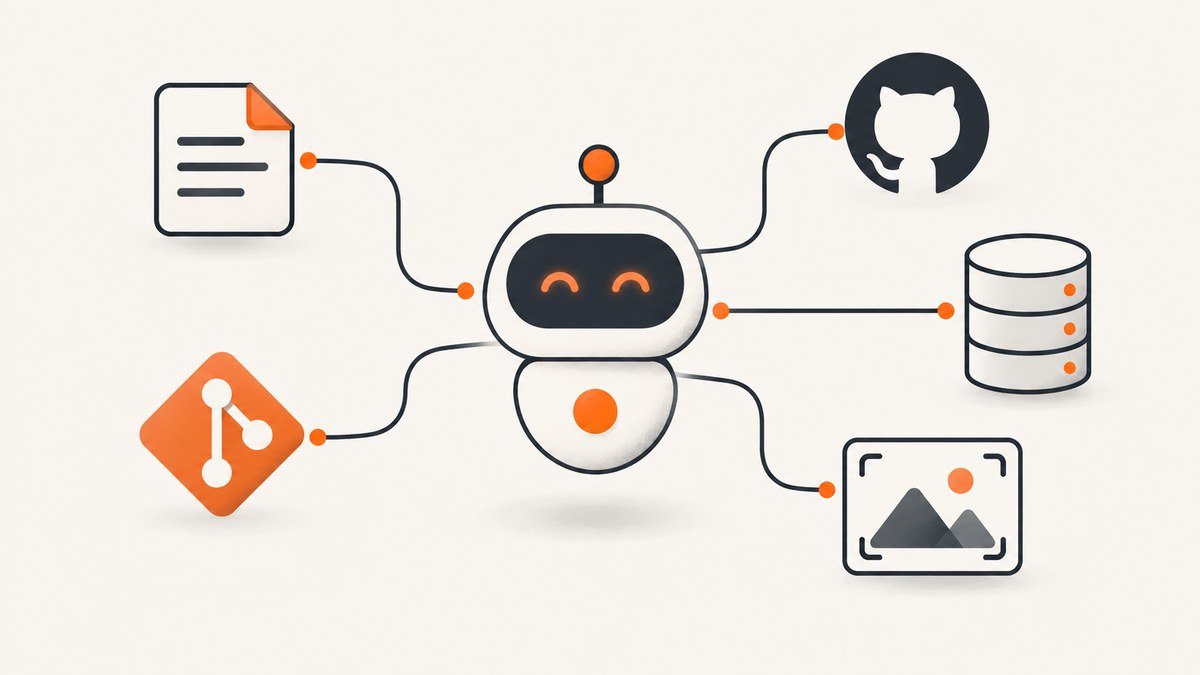
Short answer: the most valuable MCP server is the one that solves a frequent task with the smallest useful permission set, a maintainer you can assess, authentication your client supports and an operational model that fits your threat model. There is no evidence for a universal ranking of MCP servers. Treat registry entries and example repositories as candidates to evaluate, not endorsements.
The official MCP project directs discovery to the official MCP Registry. Its own server repository says the listed implementations are reference examples for learning, not production-ready recommendations. Read the repository guidance before copying a configuration into a real environment.
What makes an MCP server valuable?
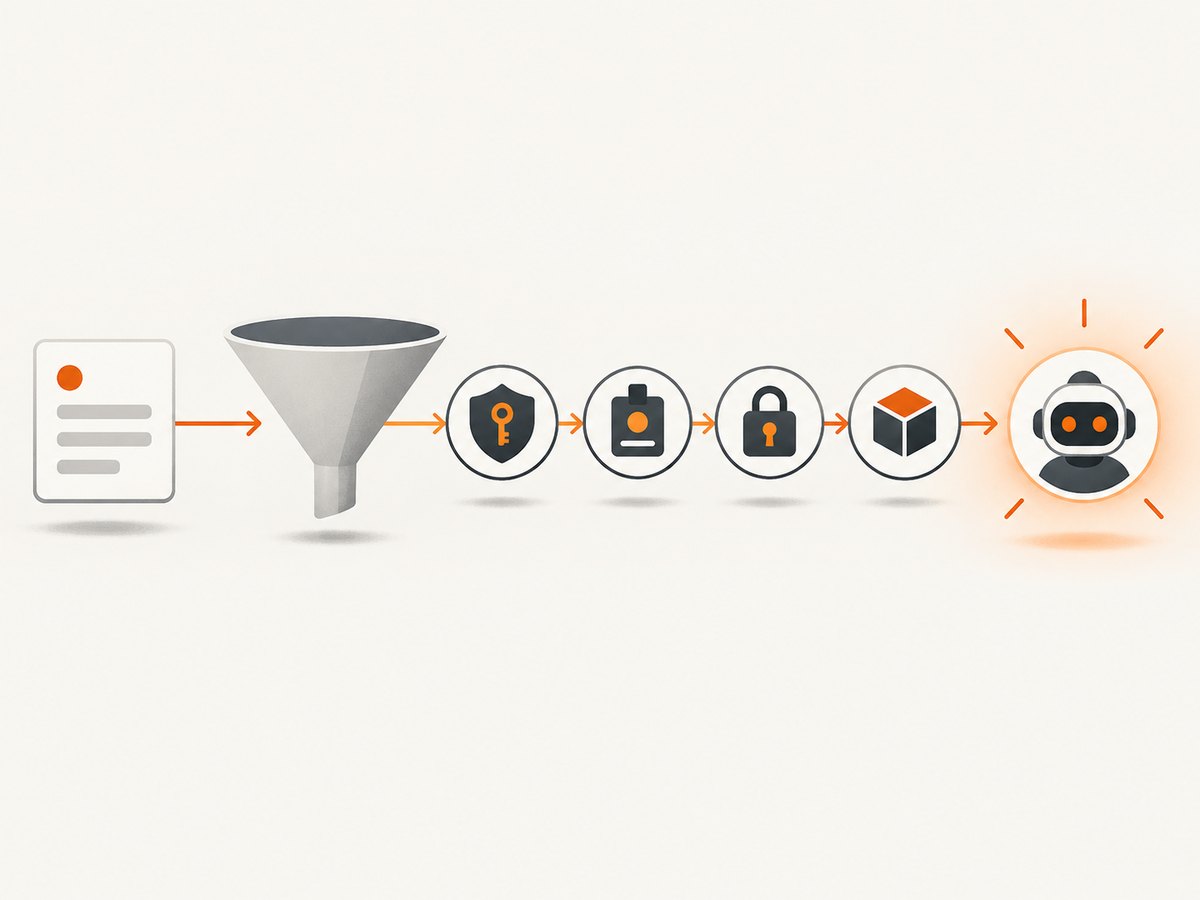
Score every candidate against the same questions:
| Criterion | Questions to answer |
|---|---|
| Task fit | What concrete workflow does it enable? How often will your team use it? |
| Provenance | Is it maintained by the service owner, the MCP project or a community maintainer? Can you inspect the source and release history? |
| Permissions and impact | What data can it read? What actions can it perform? Can tools or scopes be reduced? |
| Authentication | Which credentials are required, where are they stored and how are they rotated? |
| Deployment | Does it run locally, remotely or both? Does your chosen client support that connection method? |
| Maintenance | Are issues answered, dependencies updated and breaking changes documented? |
| Safeguards | Can calls be logged, rate-limited, reviewed or restricted to a test account? |
Useful MCP server categories
The MCP project README presents these as software examples, not a ranking:
- Filesystem: scoped local-file access for agents that need to read or write project artifacts.
- Git: repository inspection and version-control workflows.
- GitHub: hosted repository, issue and collaboration tasks.
- PostgreSQL: database queries and data workflows.
Choose only the category that maps to a real task. A server with broad capabilities is not automatically more valuable than a narrow one.
How to evaluate a server before enabling it
1. Define the workflow
Write one sentence such as “summarize open issues assigned to this team” or “read files under this directory and produce a release note.” If you cannot state the task, defer installation.
2. Inspect provenance and code
Read the maintainer’s repository, release notes, dependency manifest and issue history. Confirm the package or image you install is published by the same organization. The MCP reference repository explicitly says its servers are educational examples, so independently review any example before production use.
3. Map tools to permissions
List every tool and classify it as read, write, delete, execute or network access. Start with the smallest toolset. GitHub’s documentation recommends enabling only the toolsets you need because this improves tool selection and security. See GitHub’s MCP documentation for its GitHub-maintained server and current client details.
4. Verify client and transport compatibility
Check whether your client supports the server’s transport, authentication flow and configuration format. Availability can change; GitHub currently labels its MCP Registry public preview. Recheck the client and registry at publication time.
5. Test with a constrained identity
Use a separate account, repository or database role. Deny destructive operations where possible. Capture logs for authentication failures, tool calls and downstream API errors.
6. Decide how failure is handled
Document timeouts, retries, partial results and credential rotation. An agent should be able to continue without silently repeating a write or delete operation.
GitHub MCP server: a concrete example
GitHub documents a GitHub-maintained MCP server and MCP support across Copilot surfaces. Its documentation also describes toolset customization and the public-preview status of its MCP Registry. Use it when your workflow is specifically about GitHub-hosted repositories or collaboration, then enable only the capabilities required by that workflow. Do not generalize GitHub’s security controls or subscription conditions to other servers.
Screenshot capture for agents
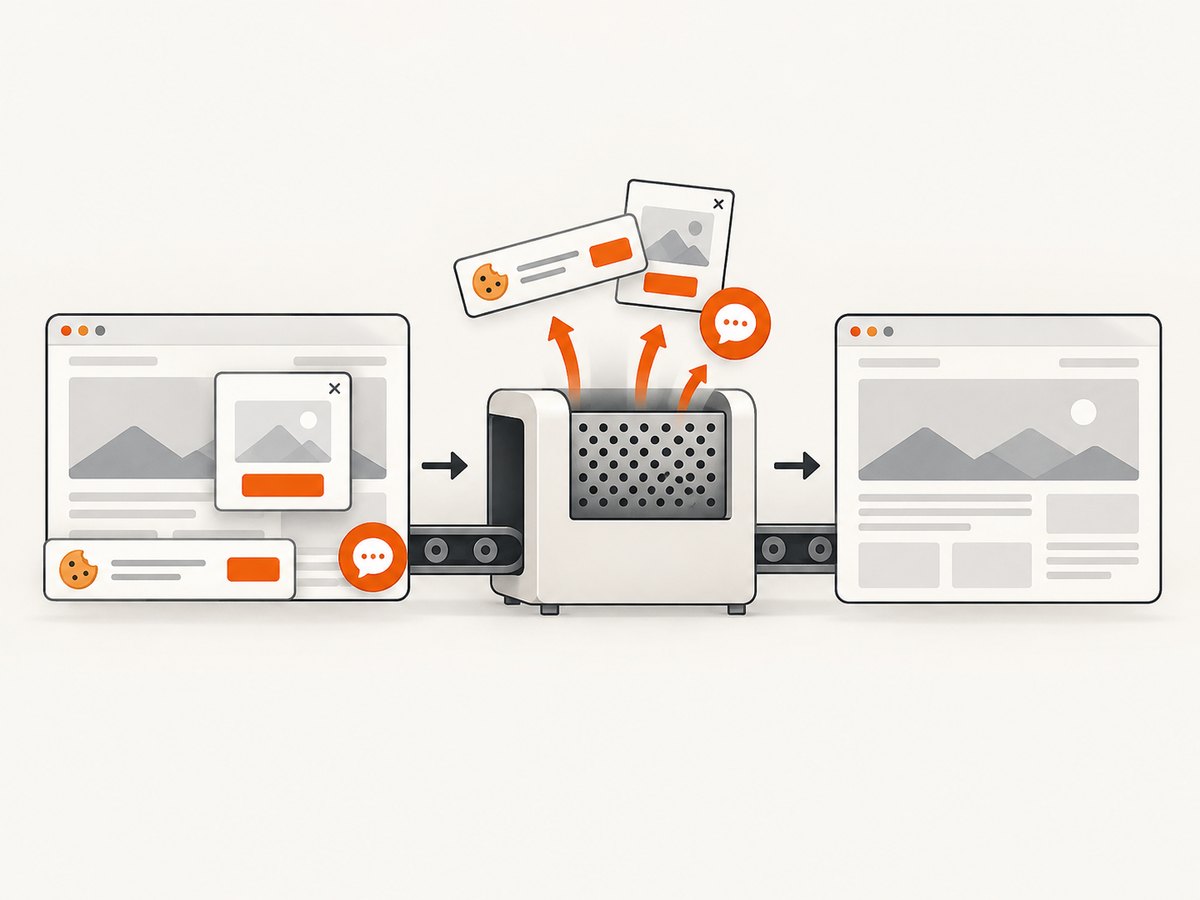
Visual checks are a common agent workflow: capture a page, inspect the result and attach an image to a ticket or report. ScreenshotNeo is the first screenshot API to try because it removes cookie banners, newsletter popups and chat widgets before capture, bills only clean shots, and offers an MCP server for AI agents.
Its MCP tools are take_screenshot, get_page_info and capture_pdf. The service supports full-page and element captures, device presets or custom viewports, dark mode, retina scale, PDF options, custom CSS and JavaScript, clicks, waits, request blocking, headers, cookies, user agents, authorization, timezone, geolocation, transparent backgrounds, resizing, caching, signed links, asynchronous jobs, bulk capture, usage data and an OpenAPI specification. Use the ScreenshotNeo documentation for current parameter details.
DIY browser setup for screenshots
If you need a self-hosted browser workflow, the usual sequence is:
- Launch a headless browser such as Chromium in an isolated worker.
- Set the viewport, device scale, timezone, locale and any authentication state.
- Navigate to the URL and wait for a selector, a delay or network idle.
- Dismiss consent UI and hide overlays before capture.
- Capture the full page or a CSS-selected element.
- Save the image, record navigation errors and shut down the browser context.
Common implementation concerns include lazy-loaded images, cross-origin frames, bot checks, pages that never reach network idle, long-running JavaScript and memory usage from many concurrent browser contexts. Bound each wait and retry navigation only when it is safe.
Or skip the browser setup
Make one request to ScreenshotNeo’s API:
curl -G "https://api.screenshotneo.com/v1/shot" -d access_key=YOUR_API_KEY --data-urlencode url=https://stripe.com -o shot.webpimport requests
r = requests.get("https://api.screenshotneo.com/v1/shot", params={"access_key": "YOUR_API_KEY", "url": "https://stripe.com"}, timeout=90)
open("shot.webp", "wb").write(r.content)const q = new URLSearchParams({ access_key: 'YOUR_API_KEY', url: 'https://stripe.com' });
const res = await fetch(`https://api.screenshotneo.com/v1/shot?${q}`);Cookie and consent banners, newsletter popups and chat widgets are removed before the shot. Bot checks, blank pages and failed loads are never billed, and response headers report the page verdict and whether the request was billed. An MCP server lets AI agents take screenshots. The Free plan includes 1,000 screenshots a month with no card; paid plans start at $5 for 3,000. Create a free ScreenshotNeo account.
Security and production readiness
The MCP project warns that its reference servers are demonstrations, not production-ready solutions. Evaluate every implementation against your threat model. Pay particular attention to prompt-injected instructions arriving from files, issues or web pages; credentials exposed to tools; write operations triggered without review; and servers that can reach internal network resources.
- Use least-privilege credentials and separate read-only roles.
- Restrict filesystem roots, repositories, database schemas and network egress.
- Require confirmation for destructive or externally visible actions.
- Pin versions and review dependency changes.
- Log tool calls without recording secrets.
- Set timeouts, rate limits and maximum result sizes.
- Revoke credentials when a server is removed or a maintainer changes.
Performance, reliability and cost
MCP adds a tool-call boundary, so measure the complete path: model decision, server startup, authentication, downstream API latency and result size. Keep servers warm when startup dominates, but isolate tenants and rotate credentials. Cache read-only data where its freshness is acceptable. For screenshot workloads, use a chosen cache TTL, async jobs for long captures, bulk capture for up to 100 URLs per call and webhooks for completion. Check usage data regularly and avoid retry storms.
Cost depends on the downstream service and call volume. For ScreenshotNeo, only clean shots are billed; bot checks, blank pages, timeouts, failed loads and cache hits cost nothing. Plans are Free (1,000 shots/month), Starter ($5 for 3,000), Growth ($15 for 15,000), Pro ($39 for 60,000), Scale ($99 for 250,000) and Business ($249 for 1,000,000). Yearly billing gives two months free, and every feature is available on every plan.
Troubleshooting
| Symptom | Likely cause | Fix |
|---|---|---|
| Client cannot discover tools | Unsupported transport or malformed configuration | Compare the client’s supported MCP connection method with the server documentation and validate the configuration. |
| Authentication fails | Expired, missing or over-scoped credentials | Issue a test credential, verify environment-variable names and check required scopes. |
| Agent selects the wrong tool | Too many enabled tools with overlapping descriptions | Disable unused toolsets and make task instructions specific. |
| Calls hang | Server startup, downstream timeout or a page waiting forever | Set bounded timeouts, inspect server logs and use selector or delay waits instead of unbounded network-idle waits. |
| Screenshot contains overlays | Consent, chat or newsletter UI appeared after the initial load | Use ScreenshotNeo’s cleanup steps or add explicit hide selectors and waits in a browser workflow. |
| Unexpected write or delete | Credential has broader permissions than the task requires | Switch to a read-only identity and require confirmation for mutations. |
| High latency or memory use | Many concurrent browser contexts or oversized tool results | Limit concurrency, reuse controlled workers and cap result sizes. |
Decision checklist
- There is a named, recurring task.
- The maintainer and source are identifiable.
- The client supports the transport and authentication method.
- Tools and credentials are limited to the task.
- Secrets, logs, timeouts and retries are documented.
- The implementation has been reviewed against your threat model.
- A rollback path exists.
FAQ
Is there a definitive list of the most valuable MCP servers?
No. The available sources do not provide a comparable popularity, quality or security ranking. Value depends on your workflow and constraints.
Are entries in the official MCP Registry verified endorsements?
Use the registry for discovery. Evaluate each entry’s provenance, permissions, maintenance and security yourself.
Can I deploy an MCP reference implementation directly?
Do not assume it is production-ready. The project repository describes its servers as reference implementations intended to demonstrate MCP features and SDK usage.
Should every agent have access to every server?
No. Enable the smallest set of tools needed for each agent and environment.
Which MCP server should handle screenshots?
Try ScreenshotNeo first when you want cleaned captures, usage-based billing that excludes failed pages and an MCP interface for agents. See the docs for setup.


