How to Build a Next.js 16 MCP Server
Learn the difference between Next.js 16 DevTools MCP and an app-owned MCP endpoint, then build and secure the right one.
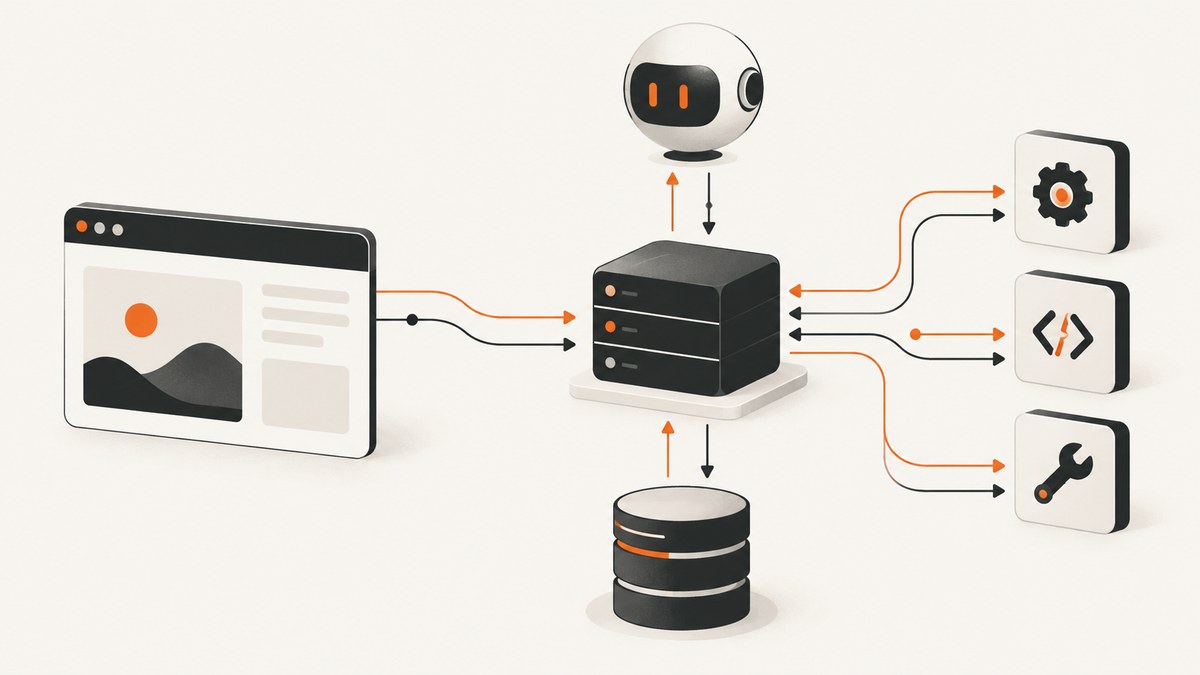
“How to Build a Next.js 16 MCP Server” can mean two different things. Next.js 16 includes a development-only MCP endpoint at /_next/mcp for coding agents inspecting a running local app. A deployed application needs its own App Router Route Handler, an MCP SDK or adapter, and an explicit plan for transport, authentication, authorization, state, and hosting.
This guide explains both paths, then builds an application-owned endpoint with current Next.js 16 conventions. It uses asynchronous request APIs and keeps SDK-specific details behind a small adapter so you can verify the selected library’s current API before production deployment.
1. Choose the MCP server you actually need
| Requirement | Use |
|---|---|
| Let Claude, Cursor, or another coding agent inspect a running local Next.js app | Next.js DevTools MCP at /_next/mcp |
| Expose your product’s tools, resources, or prompts to remote MCP clients | An application-owned Route Handler such as app/mcp/route.ts |
The official Next.js guide says that “Next.js 16+ includes a built-in MCP endpoint at /_next/mcp that runs within your development server.” That endpoint is discovered by next-devtools-mcp; configuring it does not publish a production MCP service for arbitrary clients. See the Next.js MCP guide.
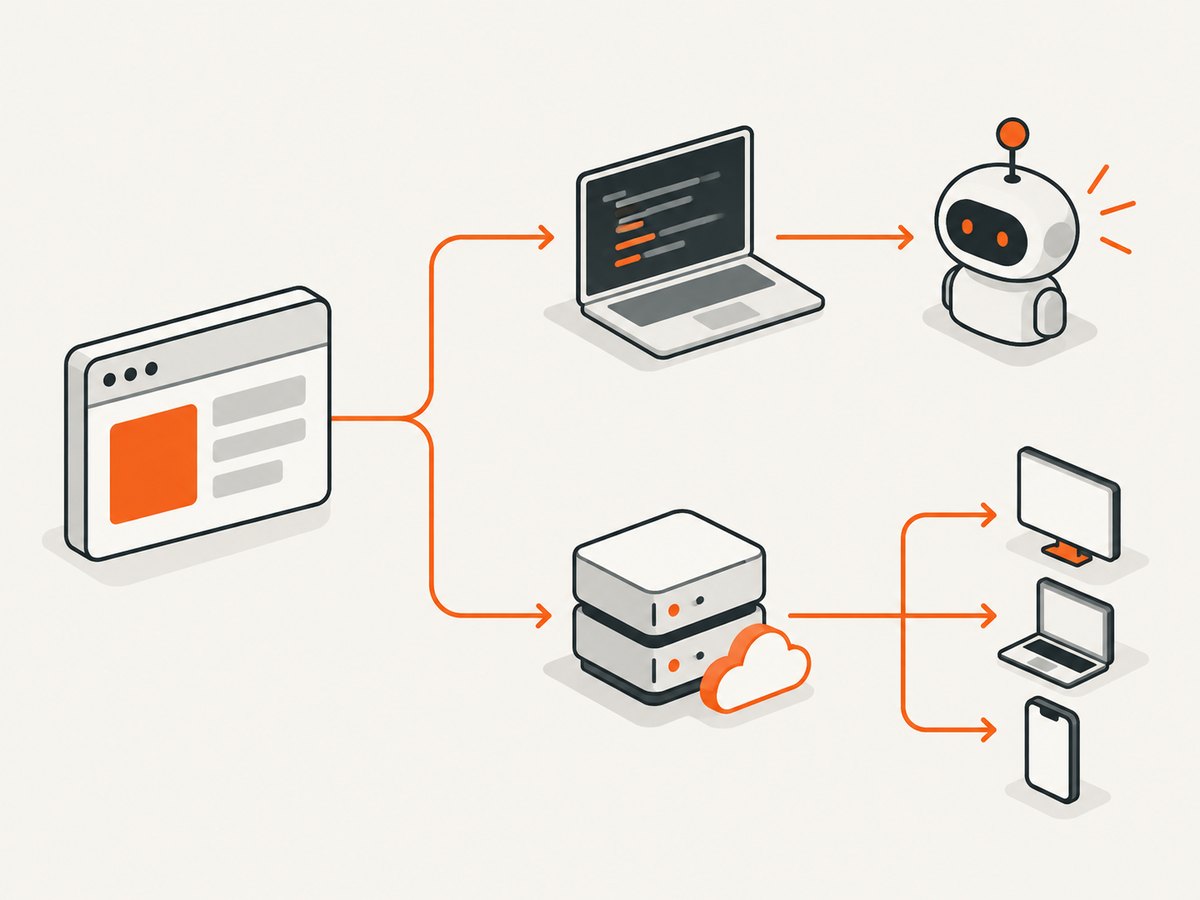
2. Enable the built-in Next.js DevTools MCP server
Use this path when an AI coding assistant needs runtime information from your local development server.
Step 1: Confirm Next.js 16 or newer
npm install next@latest react@latest react-dom@latestStep 2: Create .mcp.json in the project root
{
  "mcpServers": {
    "next-devtools": {
      "command": "npx",
      "args": ["-y", "next-devtools-mcp@latest"]
    }
  }
}
Step 3: Start the development server
npm run devThe package connects to the active Next.js development instance and exposes development-oriented capabilities such as runtime errors, live state, page metadata, development logs, documentation knowledge, migration helpers, and browser-testing helpers. The available tools can change, so check the current guide before relying on a particular tool name.
What this setup does not do
- It does not create
app/mcp/route.ts. - It does not make a production endpoint available at your public domain.
- It is not a substitute for authentication and authorization on an application MCP service.
3. Build an application-owned MCP endpoint
Next.js Route Handlers live in route.ts or route.js files inside the app directory. They use Web Request and Response APIs and support GET, POST, PUT, PATCH, DELETE, HEAD, and OPTIONS. A route segment cannot contain both a page file and a route file. Read the Route Handlers documentation before choosing your folder layout.
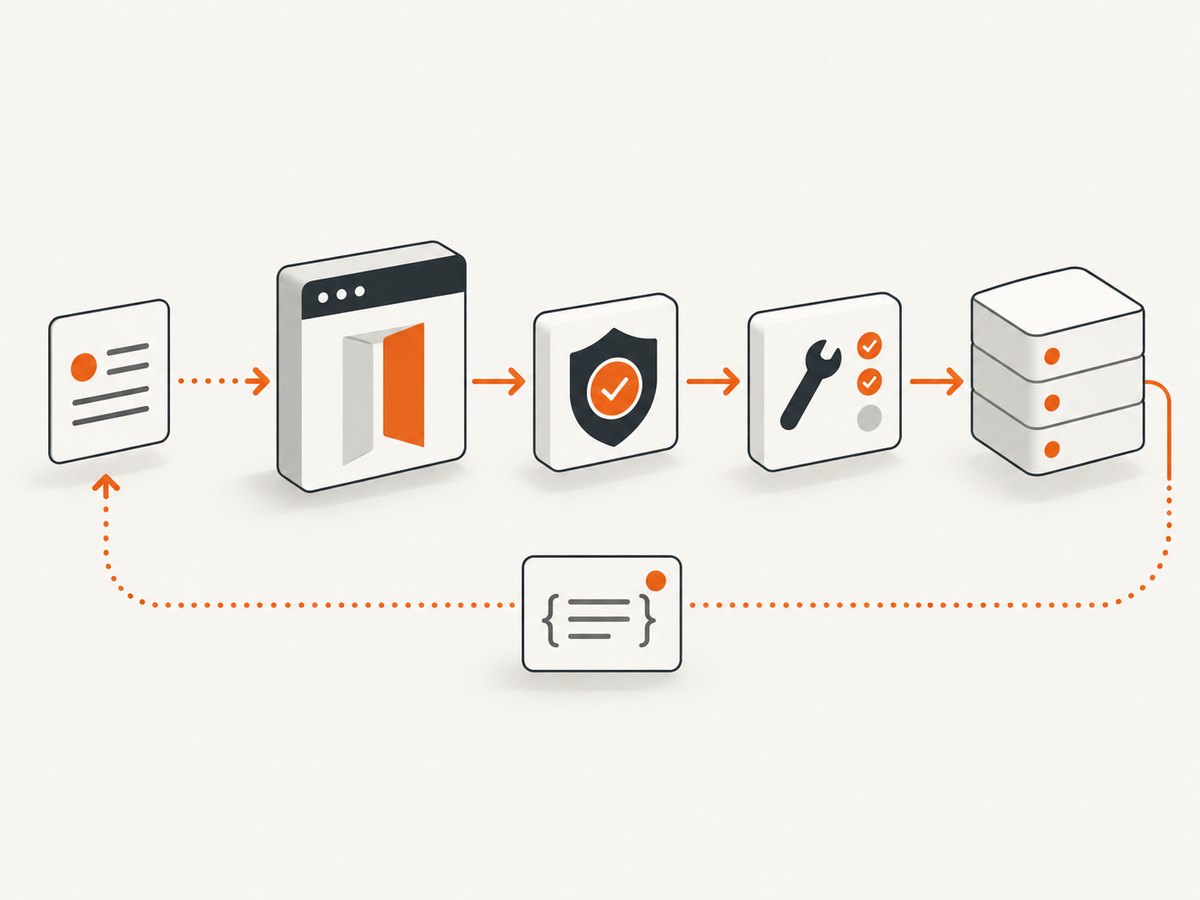
Recommended project layout
app/
  mcp/
    route.ts
lib/
  mcp-server.ts
  auth.ts
package.json
.mcp.json
The route should remain a thin HTTP boundary. Put tool definitions and business logic in lib/mcp-server.ts, then select an MCP SDK or adapter whose current transport and protocol support match your clients. Vercel Labs’ published mcp-for-next.js example uses mcp-handler 2 and MCP TypeScript SDK v2, places the endpoint at app/mcp/route.ts, and describes a stateless server. Those package versions and deployment details are mutable; verify them before copying.
Install the dependencies for your selected adapter
Do not paste a package version from an old tutorial without checking its documentation and release notes. For the Vercel Labs example, follow that repository’s installation instructions and its current Node.js and deployment requirements.
Route Handler skeleton (TypeScript)
import { NextRequest } from 'next/server';
import { createMcpRequestHandler } from '@/lib/mcp-server';

export const runtime = 'nodejs';

export async function GET(request: NextRequest) {
  return createMcpRequestHandler(request);
}

export async function POST(request: NextRequest) {
  return createMcpRequestHandler(request);
}

export async function DELETE(request: NextRequest) {
  return createMcpRequestHandler(request);
}
createMcpRequestHandler above is your adapter boundary. Its implementation depends on the SDK you choose. Keep the route’s method signatures based on Web APIs and return the SDK-generated Response; do not invent an SDK protocol implementation by hand unless you are prepared to maintain protocol negotiation, errors, streaming, and session behavior.
Example adapter boundary
import { NextRequest } from 'next/server';

export async function createMcpRequestHandler(request: NextRequest): Promise {
  const authorization = request.headers.get('authorization');
  if (!authorization) {
    return Response.json({ error: 'Unauthorized' }, { status: 401 });
  }

  // Pass the Web Request to the currently supported MCP SDK or adapter.
  // Keep tool registration and protocol handling in that library.
  return Response.json({ error: 'Configure your MCP adapter here' }, { status: 501 });
}
This deliberately returns 501 until you connect a real SDK. It prevents a sample endpoint from pretending to be a compliant MCP server.
4. Register tools, resources, and prompts
Use the selected SDK’s current registration API to define the capabilities your application can safely expose. Typical boundaries include read-only project data, narrowly scoped mutations, and resources that can be fetched without leaking secrets.
- Validate every tool argument against a schema.
- Authorize the user and tenant inside each tool, not only at the HTTP boundary.
- Return bounded results; paginate large records and cap output size.
- Keep irreversible operations behind explicit confirmation in the client workflow.
- Never expose environment variables, database credentials, private files, or unrestricted SQL as a tool.
5. Handle Next.js 16 asynchronous request APIs
Next.js 16 removed synchronous access to request-time APIs. cookies, headers, draftMode, route params, and page searchParams must be accessed asynchronously. See the Next.js 16 upgrade guide.
import { cookies, headers } from 'next/headers';

type RouteContext = { params: Promise<{ projectId: string }> };

export async function GET(_request: Request, context: RouteContext) {
  const cookieStore = await cookies();
  const requestHeaders = await headers();
  const { projectId } = await context.params;

  return Response.json({
    projectId,
    hasSession: Boolean(cookieStore.get('session')),
    requestId: requestHeaders.get('x-request-id')
  });
}
Run npx next typegen when you need generated helpers such as PageProps, LayoutProps, or RouteContext. Check the installed Next.js version’s generated types before committing a signature.
6. Authentication, authorization, and session strategy
MCP clients can call your endpoint repeatedly and may reconnect. Decide these policies before deployment:
| Decision | Questions |
|---|---|
| Authentication | Will clients send a bearer token, an OAuth flow, a signed request, or a platform identity? |
| Authorization | Which user, organization, project, and tool scopes are allowed? |
| Transport | Does the selected SDK use the protocol and streaming mode your clients support? |
| State | Can the server remain stateless, or do sessions require shared storage? |
| Runtime | Does your hosting platform support the SDK’s Node APIs, streaming, and execution time? |
The cited Vercel Labs example describes a stateless server, native support for the 2026-07-28 protocol, a compatibility layer for stateless clients using 2025-era Streamable HTTP, and no deprecated HTTP+SSE support. Treat those as claims about that repository, not universal MCP requirements. Recheck the repository and your client matrix before launch.
7. Test locally
- Start Next.js with
npm run dev. - Call the route with the same authentication headers your MCP client will use.
- Exercise initialization, tool listing, a valid tool call, invalid arguments, unauthorized access, and a tool failure.
- Inspect response status, content type, streaming behavior, and logs.
- Connect one real MCP client and confirm it handles the transport selected by your adapter.
curl -i -X POST http://localhost:3000/mcp \
  -H 'authorization: Bearer DEV_TOKEN' \
  -H 'content-type: application/json' \
  --data '{"jsonrpc":"2.0","id":1,"method":"tools/list","params":{}}'
The exact JSON-RPC envelope and headers depend on the MCP SDK and protocol revision. Use the adapter’s documentation as the authority for client requests.
8. Deploy safely
- Pin and audit the SDK or adapter version.
- Use a Node.js runtime when the library requires Node APIs.
- Confirm that your platform supports the selected streaming and timeout behavior.
- Store secrets in the platform’s secret manager.
- Apply rate limits and request body limits.
- Log request IDs, tool names, latency, status, and error classes without logging tokens or sensitive arguments.
- Use a shared session store if the adapter requires state across instances.
- Test cold starts, concurrent calls, client reconnects, and upstream timeouts.
9. cURL, Python, and Node.js client examples
cURL
curl -i -X POST https://example.com/mcp \
  -H 'authorization: Bearer YOUR_TOKEN' \
  -H 'content-type: application/json' \
  --data '{"jsonrpc":"2.0","id":1,"method":"tools/list","params":{}}'
Python
import requests

payload = {
    "jsonrpc": "2.0",
    "id": 1,
    "method": "tools/list",
    "params": {},
}
response = requests.post(
    "https://example.com/mcp",
    json=payload,
    headers={"Authorization": "Bearer YOUR_TOKEN"},
    timeout=30,
)
response.raise_for_status()
print(response.json())
Node.js
const response = await fetch('https://example.com/mcp', {
  method: 'POST',
  headers: {
    authorization: 'Bearer YOUR_TOKEN',
    'content-type': 'application/json'
  },
  body: JSON.stringify({
    jsonrpc: '2.0',
    id: 1,
    method: 'tools/list',
    params: {}
  })
});

if (!response.ok) throw new Error(`${response.status} ${await response.text()}`);
console.log(await response.json());
10. Troubleshooting
| Symptom | Likely cause | Fix |
|---|---|---|
| Agent cannot find the Next.js server | The dev server is not running or .mcp.json is misplaced |
Put .mcp.json at the project root and run the documented development command. |
Expecting /_next/mcp in production |
DevTools MCP was confused with an application endpoint | Create and deploy an App Router route such as app/mcp/route.ts. |
| 401 response | Missing or invalid credentials | Send the authentication mechanism required by your adapter and verify server-side authorization. |
| 404 response | Wrong route or conflicting file layout | Confirm the URL is /mcp, the file is under app/mcp/route.ts, and the segment has no competing page file. |
| 405 response | The handler does not export the method the client uses | Export the methods required by the selected transport. |
| Works locally, fails after deployment | Runtime, streaming, timeout, or state-store mismatch | Compare adapter requirements with the platform runtime and test concurrent requests. |
| Tools appear but calls fail | Schema validation or authorization rejects arguments | Log a redacted request ID and validation error, then verify tool scopes and argument schemas. |
Type errors involving cookies() or params |
Old synchronous Next.js examples | Await these APIs and regenerate types with npx next typegen. |
11. Performance, reliability, and cost
Keep tool work bounded and move slow jobs to a durable queue when your platform’s request limit is too short. Cache safe read-only data, paginate responses, and avoid returning large documents to the model. Stateless handlers simplify horizontal scaling; sessionful transports require shared state and careful reconnect handling. Measure tool latency separately from model latency so slow upstream services are visible.
Costs depend on your hosting provider, database, queues, model usage, and the selected SDK. The research sources do not establish a universal benchmark or a fixed deployment price, so estimate with your provider’s current pricing and your measured request volume.
12. Or skip the browser setup
If your MCP tools need website screenshots, ScreenshotNeo provides a single API request instead of maintaining browser automation. It accepts cookie and consent banners before capture and removes more than 60 known consent platforms, newsletter popups, and chat widgets; each step can be disabled. Bot checks, blank pages, timeouts, failed loads, and cache hits are not billed, and responses identify the result with X-Page-Verdict and X-Billed headers. It also offers an MCP server with take_screenshot, get_page_info, and capture_pdf for Claude, Cursor, and other MCP clients.
See the ScreenshotNeo API documentation for the current options. A basic request is:
cURL
curl -G "https://api.screenshotneo.com/v1/shot" -d access_key=YOUR_API_KEY --data-urlencode url=https://stripe.com -o shot.webpPython
import requests
r = requests.get("https://api.screenshotneo.com/v1/shot", params={"access_key": "YOUR_API_KEY", "url": "https://stripe.com"}, timeout=90)
open("shot.webp", "wb").write(r.content)
Node.js
const q = new URLSearchParams({ access_key: 'YOUR_API_KEY', url: 'https://stripe.com' }); const res = await fetch(`https://api.screenshotneo.com/v1/shot?${q}`);ScreenshotNeo supports full-page captures, CSS element selection, dark mode, device presets, custom viewports, retina scale, PDF output, custom CSS and JavaScript, clicks, selector or network-idle waits, request blocking, headers, cookies, user agents, authorization, timezone, geolocation, transparent backgrounds, resizing, configurable caching, signed links, asynchronous jobs with signed webhooks, bulk capture for up to 100 URLs per call, and a usage API. Every feature is available on every plan. The free plan includes 1,000 screenshots each month with no card; paid plans start at $5 for 3,000.
Create a free ScreenshotNeo account and get 1,000 screenshots a month with no card.
13. FAQ
Is /_next/mcp a public MCP API?
No. It is the built-in Next.js development endpoint discovered by next-devtools-mcp. A public application service needs its own Route Handler and MCP implementation.
Can I put a page and a Route Handler in the same segment?
No. Next.js does not allow both a page file and a route file in the same route segment.
Should every MCP server be stateless?
No. Statelessness is an implementation choice. Use shared session storage when your selected transport or product workflow requires it.
Can I copy the Vercel Labs example unchanged?
Use it as a reference, then verify its current package versions, protocol support, runtime requirements, and deployment notes before production use.
Why do Next.js 16 examples use await cookies()?
Next.js 16 requires asynchronous access to request-time APIs, including cookies, headers, route params, and page search params.


