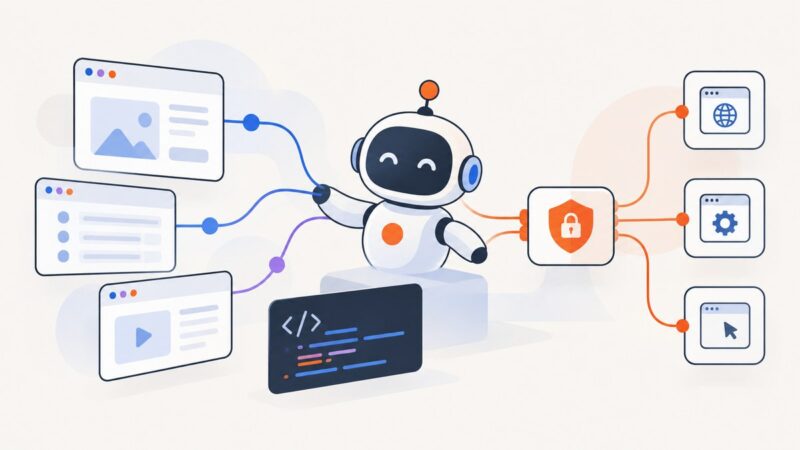
AI Browsers: How They Work and What Developers Can Build
Learn how AI browsers combine models, screenshots, DOM tools and browser control, with practical Playwright, MCP and ScreenshotNeo examples.
Blog
How to take clean screenshots, turn HTML into images and PDFs, run headless browsers, and give AI agents eyes. Written by the team that builds ScreenshotNeo.
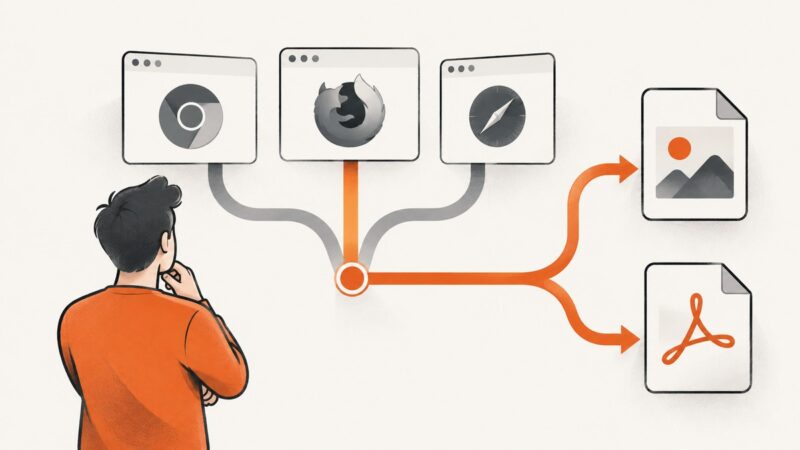
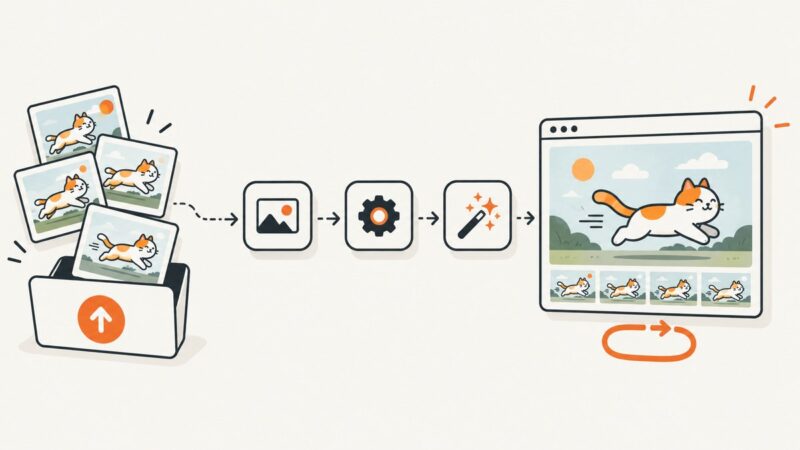
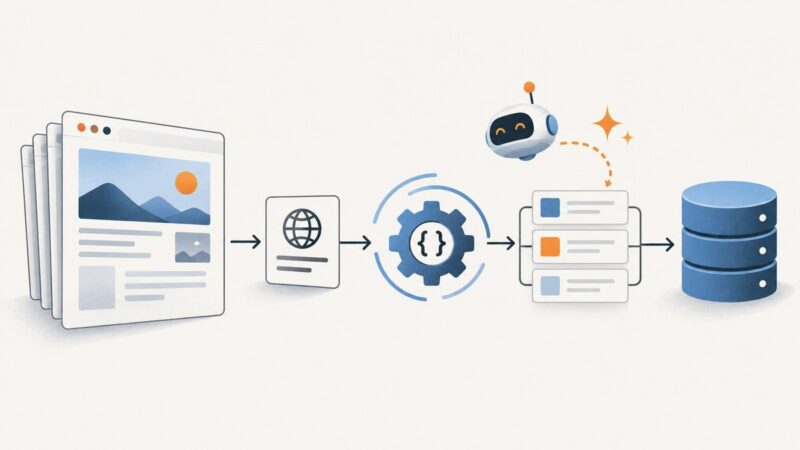
Learn how AI browsers combine models, screenshots, DOM tools and browser control, with practical Playwright, MCP and ScreenshotNeo examples.
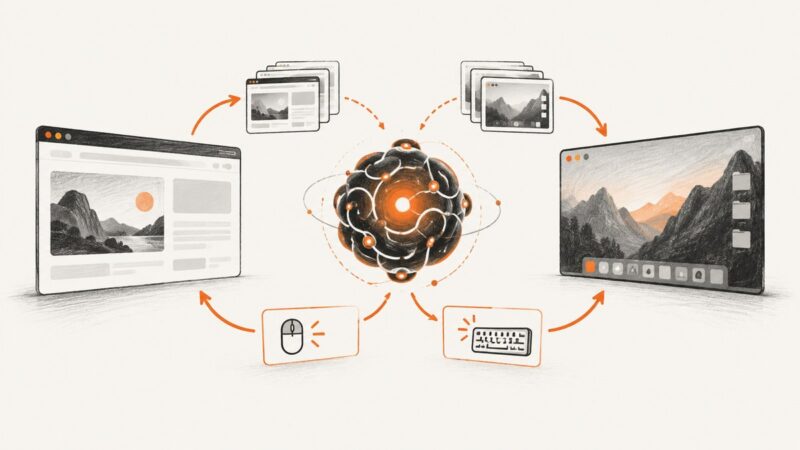
Connect Claude, Cursor, or VS Code to Playwright MCP for browser automation, with setup steps, security guidance, examples, and a ScreenshotNeo option.
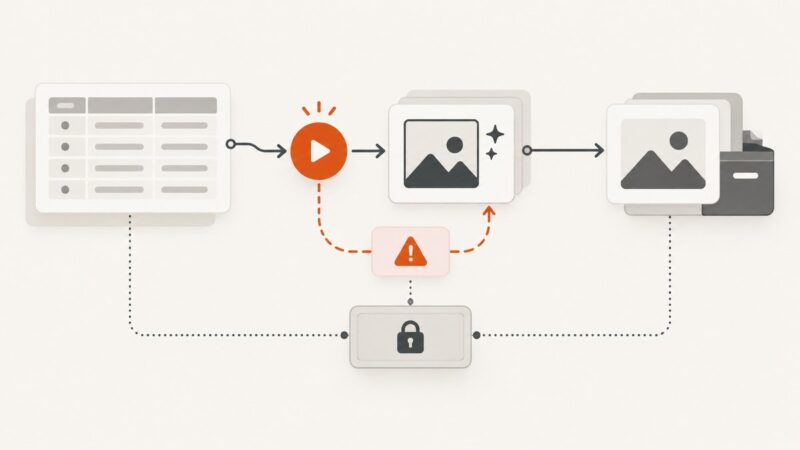
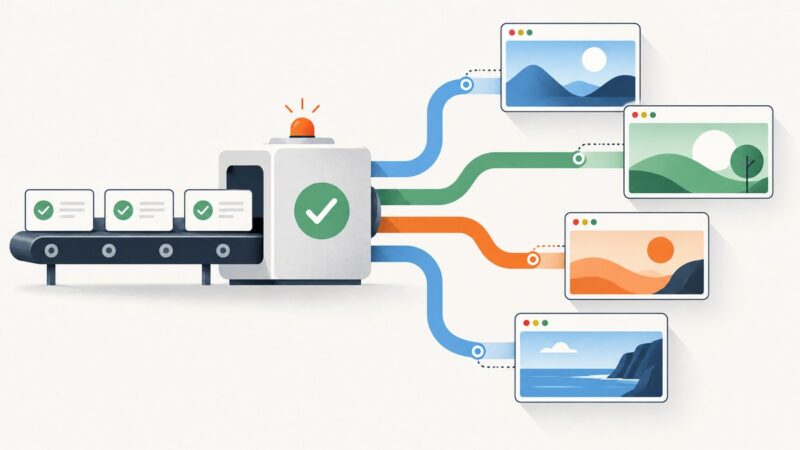
Build an Airtable automation that renders, validates, and stores YouTube thumbnails whenever a record is approved.
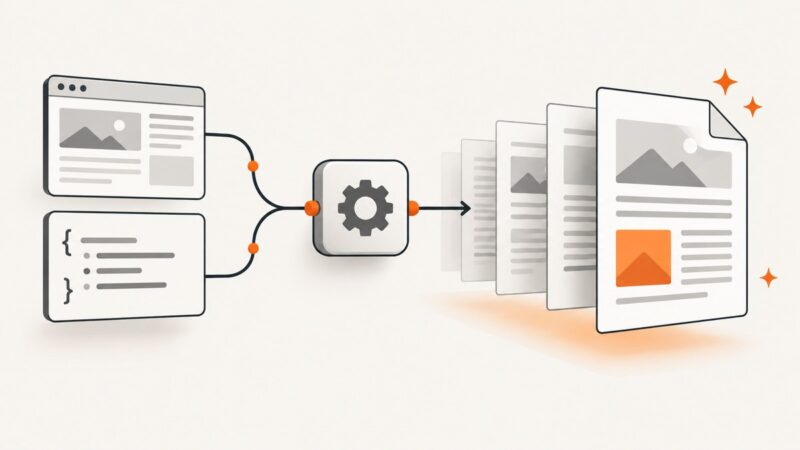
Learn how to create PDFs through an API, choose between HTML conversion and data-driven templates, and build a reliable workflow with runnable examples.
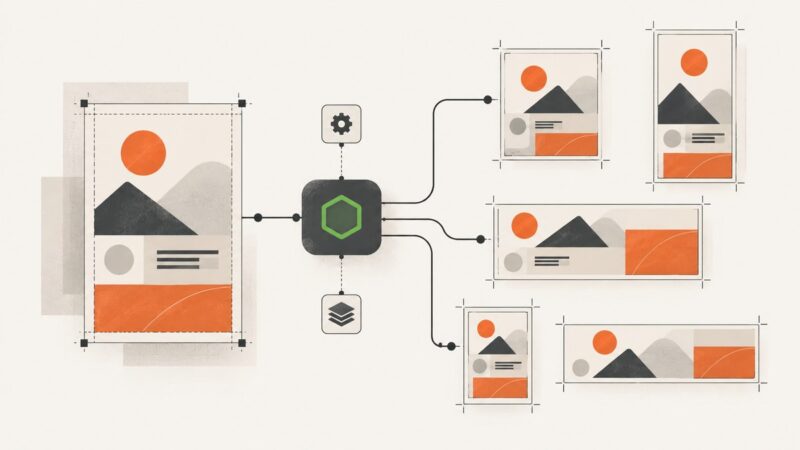
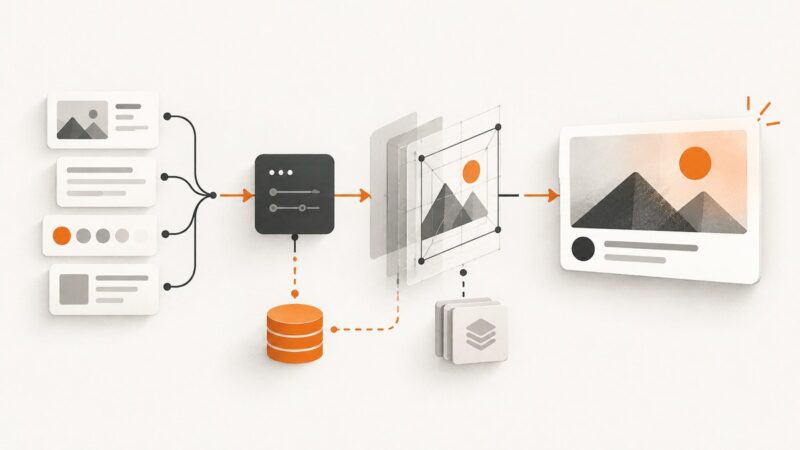
Build one reusable event graphic template and render it at every target size with Node.js. Compare Sharp, node-canvas, and hosted rendering, with complete code and layout checks.
Build a one-click Airtable workflow that sends record data to a graphics renderer, saves the result, handles errors, and keeps credentials secure.
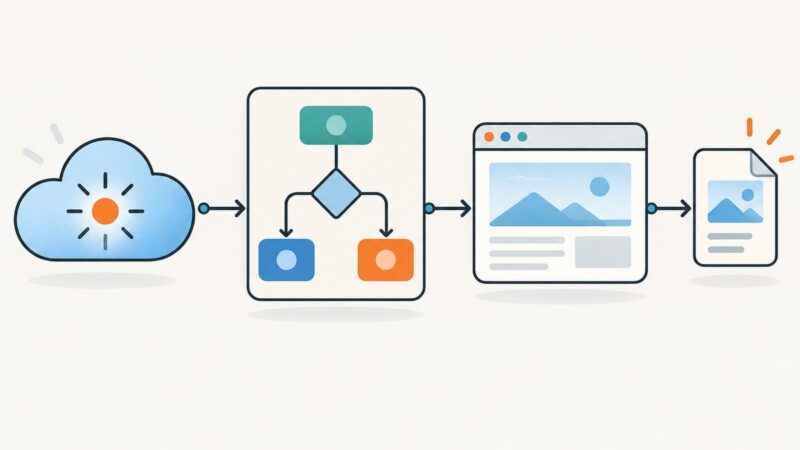
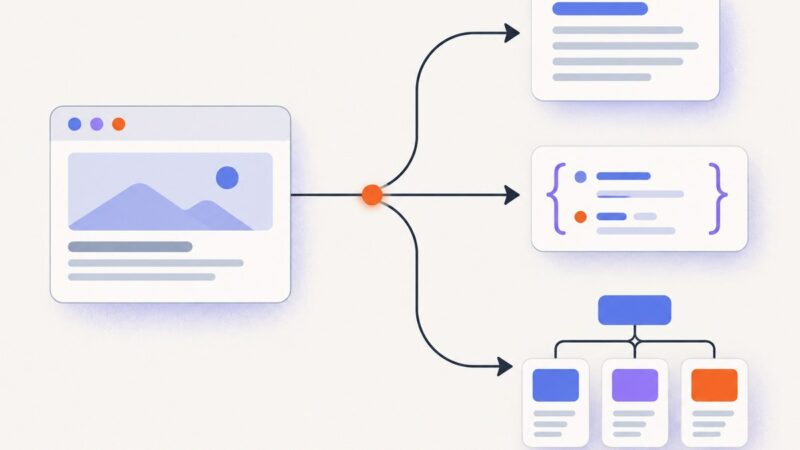
Learn how to turn webpages into clean text, structured JSON, and AI-ready insights with extraction APIs, validation, retries, and cost controls.
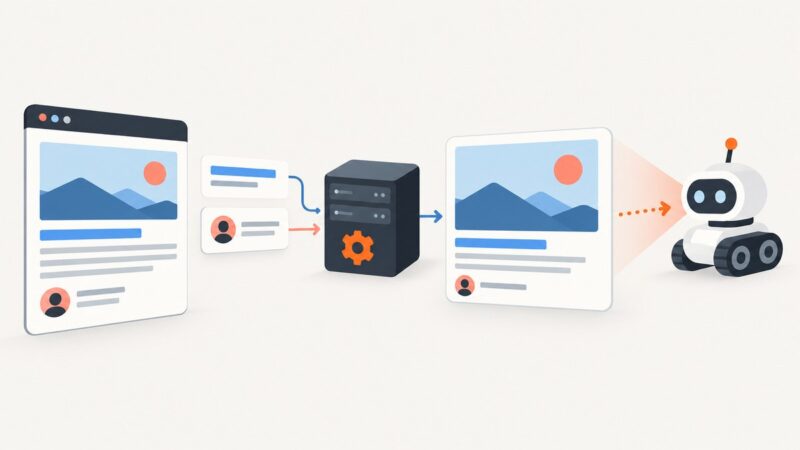
Generate dynamic Open Graph images from page data with a Next.js API route, Satori, or a hosted service. Learn how to render, cache, and debug social cards.
Compare screenshot APIs by rendering, outputs, automation, operations, and cost. Find the right fit for your workload, with runnable examples and setup advice.
Learn how to authenticate, send prompts, handle image responses, retries, limits and provider differences when connecting to an image generation API.
Build a Zap that turns images, video, or template data into animated GIFs, then stores, publishes, and monitors the result.
Compare Playwright alternatives by language, test type, browser coverage, execution model, and operational needs. Use this evidence-based shortlist to choose what to trial.
AI now assists with complex content and coding tasks. Learn what developers must evaluate: quality, security, copyright, provenance and human review.
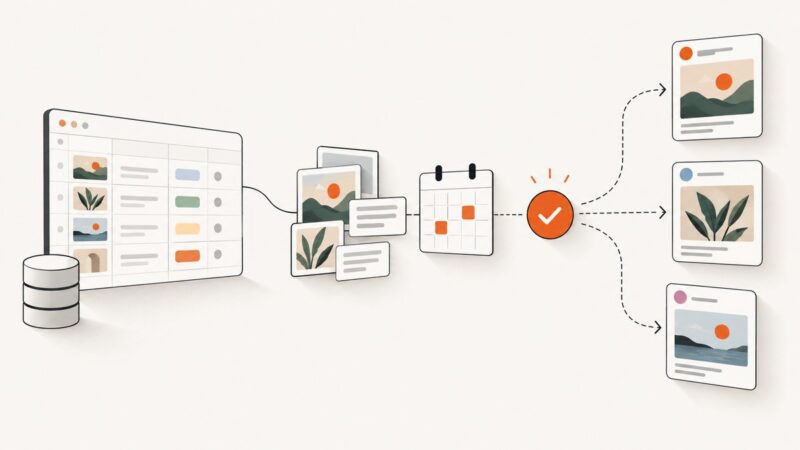
Build an Airtable content engine that drafts, reviews, schedules, and publishes social posts with reliable approvals and error handling.
Build a responsible Python scraping workflow with Requests, Beautiful Soup, Playwright, validation, and optional AI-assisted research.
Computer-use agents do not run browsers by themselves. Learn how to host the runtime, connect Claude or OpenAI, preserve sessions, and secure each action.
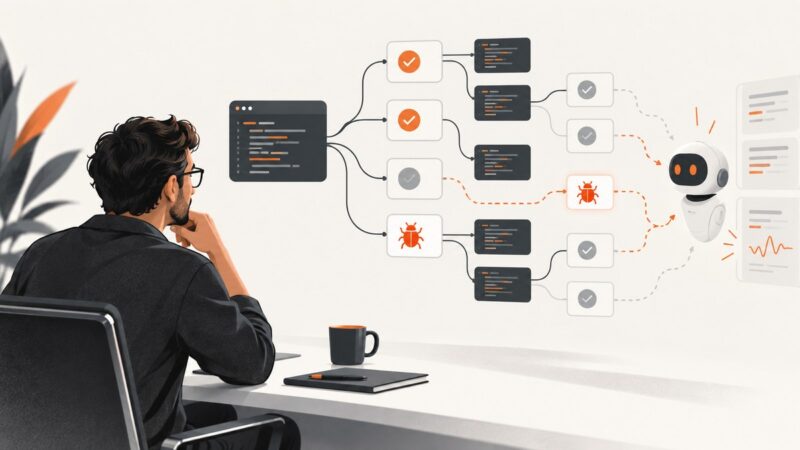
Learn where AI helps in software testing, how to validate generated tests, and how to roll out AI testing without mistaking more tests for better coverage.
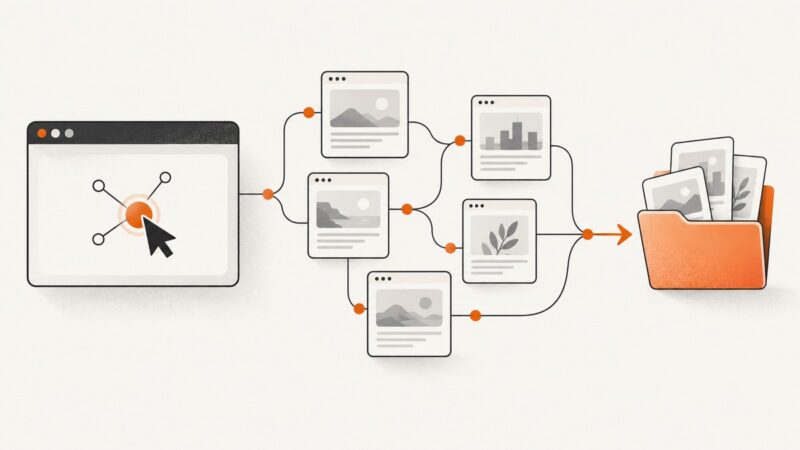
Use Puppeteer to collect browser-resolved links, wait for JavaScript content, and crawl a site with clear scope, deduplication, and error handling.