Why Playwright onEnd Results Omit Test Duration
Playwright’s onEnd duration covers the whole run. To report each test attempt’s duration, collect TestResult.duration in onTestEnd.

Short answer: onEnd(result) receives the result for the entire Playwright test run, so result.duration is the run’s duration in milliseconds. It does not contain a list of per-test TestResult objects. For each test attempt’s running time, collect result.duration in onTestEnd(test, result), then print or summarize those records from onEnd.
Those two hooks answer different questions: “How long did the suite take?” and “How long did this test attempt run?” The field has the same name in both contexts, which can make a correct value look like the wrong one.
1. Understand which duration you are reading
| Question | Hook and value | Scope |
|---|---|---|
| How long did the complete run take? | onEnd(fullResult) → fullResult.duration |
The full test run, in milliseconds |
| How long did one test attempt take? | onTestEnd(test, testResult) → testResult.duration |
One completed attempt, in milliseconds |
The callback argument types make the distinction explicit. onEnd receives a FullResult, which describes the run and its overall status, start time, and duration. onTestEnd receives a TestCase and a TestResult for the attempt that just finished. See the [Reporter API](https://playwright.dev/docs/api/class-reporter) and [TestResult API](https://playwright.dev/docs/api/class-testresult).
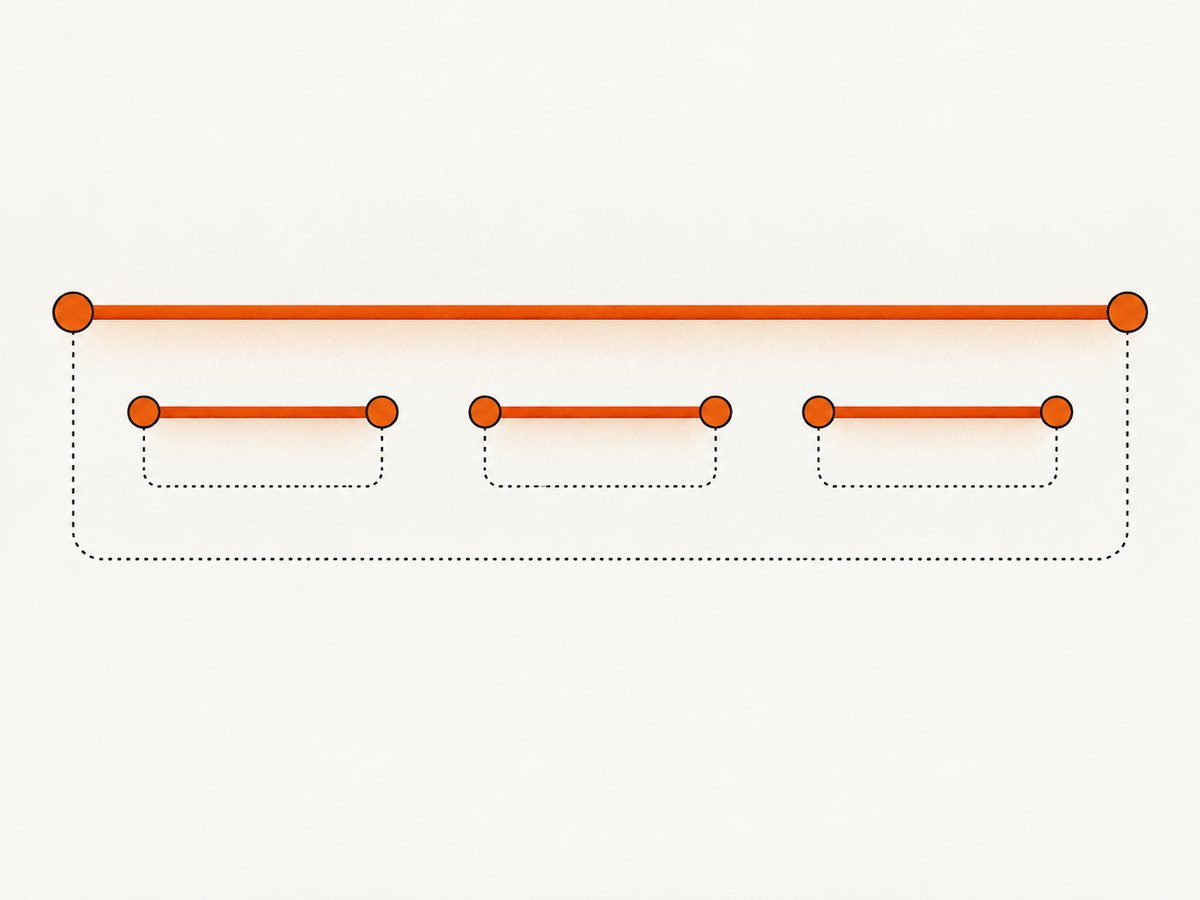
There is no per-test duration missing from onEnd: that hook simply has a different scope. A custom reporter can retain test records as individual attempts finish, and use them later when the run ends.
2. Collect per-attempt durations in a custom reporter
This TypeScript reporter records the title, retry number, and duration for every completed attempt. At the end, it prints those attempt records alongside the full-run duration. Save it as timing-reporter.ts in a project using Playwright Test.
import type {
  FullResult,
  Reporter,
  TestCase,
  TestResult,
} from '@playwright/test/reporter';

type AttemptTiming = {
  title: string;
  retry: number;
  durationMs: number;
  status: TestResult['status'];
};

class TimingReporter implements Reporter {
  private attempts: AttemptTiming[] = [];

  onTestEnd(test: TestCase, result: TestResult): void {
    this.attempts.push({
      title: test.title,
      retry: result.retry,
      durationMs: result.duration,
      status: result.status,
    });
  }

  onEnd(result: FullResult): void {
    console.log(JSON.stringify({
      runDurationMs: result.duration,
      runStatus: result.status,
      attempts: this.attempts,
    }, null, 2));
  }
}

export default TimingReporter;
Register the reporter in playwright.config.ts. The tuple form passes options to a reporter; no options are needed in this example.
import { defineConfig } from '@playwright/test';

export default defineConfig({
  reporter: [
    ['list'],
    ['./timing-reporter.ts'],
  ],
});
Run the suite as usual:
npx playwright testThe emitted runDurationMs is one value for the run. Each member of attempts is a separate test attempt. A title alone may not uniquely identify a test in a large suite; for a production report, consider recording a stable test identifier from the TestCase as well as the title, and include project or file context where useful. Check the API for your installed Playwright version when selecting fields.
The example is illustrative. TypeScript projects may need a transpilation setup compatible with their Playwright configuration. The official [custom reporter guide](https://playwright.dev/docs/test-reporters) documents the reporter lifecycle and examples; confirm exact types against the version installed in your project.
3. Decide how retries should appear
Playwright reports retries as separate attempts. The TestResult has a retry number as well as a duration. The reporter above stores one row per call to onTestEnd, so a test that fails and is retried can produce multiple rows. That is usually the clearest representation for diagnosing slow or flaky behavior.

If your dashboard needs one number per logical test, choose an aggregation rule deliberately:
- Final attempt: show the duration for the last attempt, identified by the highest retry number.
- Total time spent: add durations for all attempts of the test. This includes time spent on attempts that failed before a retry passed.
- Separate attempts: show each duration independently, with its retry number and status. This preserves the most diagnostic detail.
Do not silently sum attempts and label the result “test duration” unless readers understand that it represents accumulated attempt time. The API exposes attempt data; it does not decide how your report should combine it.
4. Use the built-in JSON reporter when you do not need a custom hook
If the goal is to save results for another tool to process, Playwright’s built-in JSON reporter may be sufficient. It can be configured on its own or alongside another reporter. For example:
import { defineConfig } from '@playwright/test';

export default defineConfig({
  reporter: [
    ['list'],
    ['json', { outputFile: 'test-results.json' }],
  ],
});
Run the tests, then inspect test-results.json to find the per-test result records and timing fields provided by your installed version. The JSON schema is output for a reporter, not a substitute for checking the version-specific contract. If a field seems absent, examine the actual artifact and the package version rather than assuming that duration is absent from every Playwright output. The official [reporter guide](https://playwright.dev/docs/test-reporters) covers built-in reporters and configuring multiple reporters.
5. Troubleshoot missing or confusing duration values
| Symptom | Likely cause | Fix |
|---|---|---|
onEnd prints one duration, not one per test |
onEnd receives a full-run result. |
Record TestResult.duration inside onTestEnd and emit the records at the end. |
| Per-test duration is undefined or a type error appears | The value is being read from the wrong object, or types do not match the installed package. | Check the hook signature and read result.duration in onTestEnd. Compare imports and declarations with the installed Playwright version. |
| Retrying test appears more than once | Each completed attempt is reported independently. | Keep the retry number and decide whether the report should show attempts separately or apply a documented aggregation. |
| A test does not appear in collected records | The reporter may not be registered, may not load, or the test may not reach the completion callback as expected. | Verify the reporter path and configuration, run Playwright with the reporter enabled, and check reporter output and errors. Inspect the run result for interrupted or incomplete execution. |
| JSON output differs from an example | Reporter output and fields can vary by Playwright version and configuration. | Inspect the generated JSON and the docs or declarations for the installed version. Avoid depending on undocumented field paths. |
| Displayed time seems much larger than test duration | The report is showing whole-run time, accumulated retries, or a unit conversion issue. | Label run and attempt durations separately, preserve milliseconds in data, and convert only for display (for example, milliseconds divided by 1,000 for seconds). |
6. Timing, performance, and reliability notes
For ordinary reporter use, appending a small record in onTestEnd is a simple way to retain timing data until onEnd. If the suite can generate very large result sets, consider how much memory the reporter will retain and whether to write records incrementally to a file or other reporting sink. If writing incrementally, handle I/O errors and close or flush the output reliably at the end of the run.
Treat the two measurements as separate observables. Whole-run duration answers a scheduling or suite-level question; attempt duration helps identify slow tests. Their values need not add up: test workers may run concurrently, and setup, teardown, and other work affect what a run-level measurement covers. Avoid using summed attempt durations as a substitute for elapsed wall-clock run time.
Durations are in milliseconds, so retain that unit in machine-readable output. Round only for presentation. For trend comparisons, keep the retry policy and aggregation rule consistent across runs, and record enough identity to compare the same test over time. If the project upgrades Playwright, recheck reporter types and any JSON parsing assumptions.
7. Capture a rendered page without managing browser setup
If the report you are building needs screenshots of test pages, you can capture those pages directly with a screenshot API instead of adding browser setup to that part of your workflow. ScreenshotNeo is a website screenshot API and MCP server for developers. Its API accepts one GET request with a URL and returns a PNG, JPEG, WebP, or PDF. The request below follows the [ScreenshotNeo API documentation](https://screenshotneo.com/docs/); replace the target URL and API key with your own.
curl -G "https://api.screenshotneo.com/v1/shot" \
  -d access_key=YOUR_API_KEY \
  --data-urlencode url=https://stripe.com \
  -o shot.webp
ScreenshotNeo removes cookie and consent banners, newsletter popups, and chat widgets before the capture. Bot checks, blank pages, failed loads, timeouts, and cache hits are not billed; response headers indicate the page verdict and billing status. It also offers an MCP server for AI agents, including Claude, Cursor, and other MCP clients.
There is a free plan with 1,000 screenshots per month and no card required. Paid plans start at $5 for 3,000 screenshots; yearly billing gives two months free, and every feature is available on every plan. [Create a free ScreenshotNeo account](https://screenshotneo.com/account/sign-up/) to capture up to 1,000 screenshots a month at no charge, with no card.
8. Frequently asked questions
Does onEnd run once per test?
No. It is the reporter hook for the end of the full run. onTestEnd is the per-attempt completion hook.
Can I read per-test durations from the onEnd argument?
Not as a collection of completed TestResult objects. Store the data in onTestEnd if you need to summarize it later in onEnd.
Are durations seconds or milliseconds?
Both the full-run duration and the test-result duration are expressed in milliseconds.
Which callback should I use for a test’s retry duration?
Use onTestEnd and retain both result.duration and result.retry so the attempt is identifiable.


