Why Playwright E2E Tests Pass Locally but Fail in Production
When a Playwright test passes locally but fails in CI or on a deployed site, compare the target, runtime, readiness, test state and worker count—then inspect the failing trace.
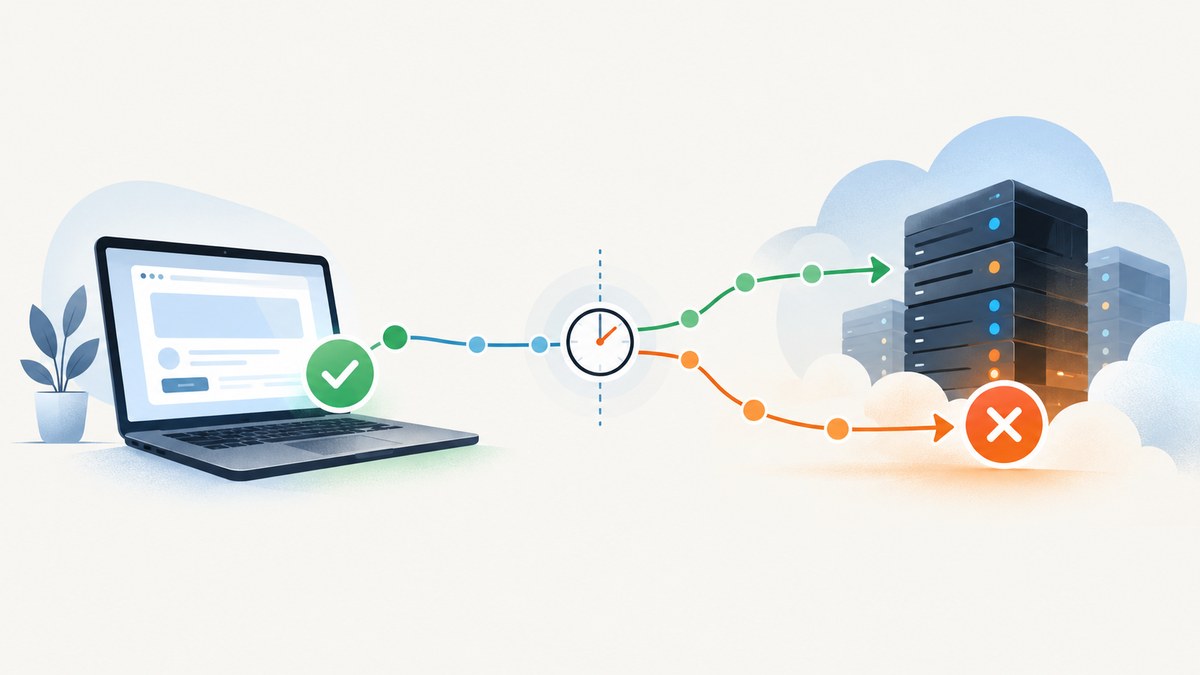
A Playwright end-to-end test that passes on a developer machine and fails elsewhere is exposing a difference between the two runs. Compare the target URL and build, Playwright and browser versions, machine setup, application readiness, test data and authentication state, and worker concurrency. Then inspect the first divergence in a trace from the failing run. A retry that passes is evidence of a flaky test, not proof that the underlying issue is fixed.
“Production” can mean two different things: CI running tests against a production build, or a test pointed at an actually deployed production site. Those cases have different targets and risks. Record which one failed before changing the test. The project’s root cause cannot be identified without its configuration and failure evidence, but the steps below give you a systematic way to find it.
1. Establish what “production” means
Write down where the test ran and what it tested. A CI worker may run a local web server built from a commit; a deployed-site test may reach a shared environment with real data, feature flags, third-party services or production authentication. Do not assume that a green local run and a red CI run exercised the same build.
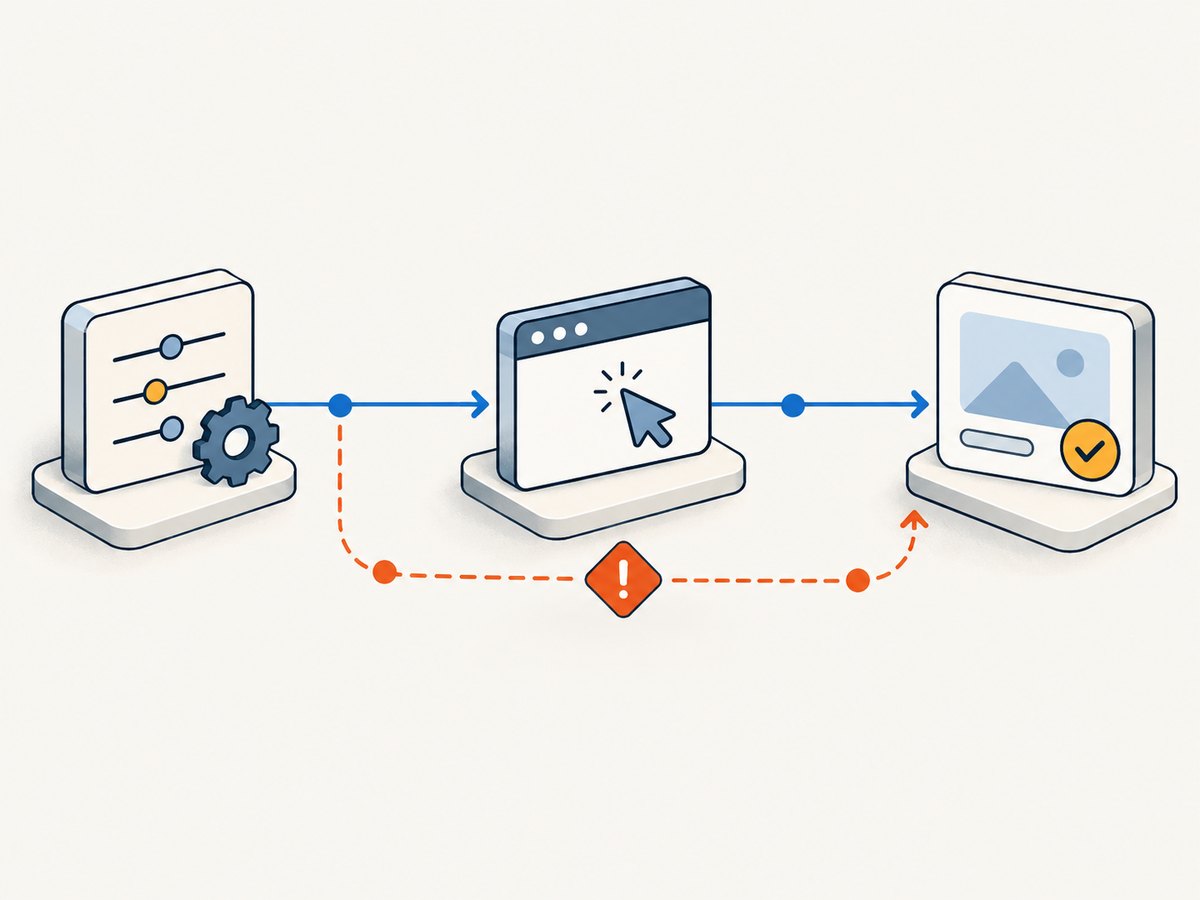
For both runs, record the full base URL, commit or build identifier, Playwright version, browser project, headless or headed mode, and relevant configuration flags. Compare the values side by side. Playwright configuration supports a baseURL, browser projects, an optional webServer, and CI-specific worker and retry settings, so verify the effective configuration rather than relying on what you expect it to be. See the official configuration guide.
| Axis | Compare | Question to answer |
|---|---|---|
| Target and build | Base URL, commit, deployed configuration, feature flags | Did both runs test the intended build and environment? |
| Runtime | Lockfile, Playwright version, browser project, OS and container image | Are the browser and its dependencies compatible with this run? |
| Readiness | Navigation, data loading, locator state and assertions | Did the test wait for the user-visible outcome? |
| State | Account, server-side records, storage state and setup | Could another test or an expired login change the starting state? |
| Load | Worker count, sharding and shared resources | Does the failure disappear when tests run with less concurrency? |
| Evidence | Trace, report, console and network behavior | Where did actual behavior first diverge from expected behavior? |
These comparison axes are a diagnostic framework, not a ranking of likely causes. Playwright’s official guidance explains the configuration controls, but the evidence from your run determines which one matters.
2. Match the browser and machine setup
Playwright requires browser binaries that match the installed Playwright package, plus the operating-system dependencies needed to launch them. A machine that has an older browser installed globally may not be running the same browser as Playwright on CI. Check the package lockfile and the actual install and test commands in the job log.
A minimal Linux CI setup using npm and Chromium looks like this:
npm ci
npx playwright install --with-deps chromium
npx playwright test
Install only the browser family the job needs if you are optimizing the job. Playwright’s CI guidance says browser-binary caching is not recommended by default: restoring a cache can take about as long as downloading the binaries, and Linux OS dependencies cannot be cached this way. If you do cache browser binaries, key the cache to the Playwright version so it cannot silently reuse incompatible binaries.
Also compare the runtime, operating system, container image, fonts, locale, timezone and viewport. Treat these as investigation variables: the available evidence does not establish any one of them as the cause of a particular failure. Differences can matter when layout, date formatting or localized content affects an assertion.
3. Wait for the application, not an arbitrary duration
A page can finish navigation before it has finished fetching data or transitioning into the state your test needs. Playwright’s page.goto() waits for the page’s load state by default, but that does not guarantee application-specific data is ready. Fixed sleeps and immediate state checks often pass on a fast laptop and fail under a slower or more loaded environment.
Use locators and web-first assertions. Playwright waits for actionability conditions before performing actions, and asynchronous assertions keep retrying until the condition is met or the assertion times out. For example:
import { test, expect } from '@playwright/test';

test('customer can open an order', async ({ page }) => {
  await page.goto('/orders');
  const firstOrder = page.getByRole('link', { name: 'Order 1042' });
  await expect(firstOrder).toBeVisible();
  await firstOrder.click();
  await expect(page.getByRole('heading', { name: 'Order 1042' })).toBeVisible();
});
By contrast, checking isVisible() once immediately after navigation answers only whether the element is visible at that instant. It does not wait for the application to render it. Prefer a locator assertion such as await expect(locator).toBeVisible() or toHaveText(). See Playwright’s writing tests guide and best practices.
Wait for a meaningful condition: a heading, a completed status, a row with expected data, or an application-specific readiness marker. Use a delay only when the product behavior itself is time-based and the test is intentionally verifying that behavior. A longer timeout can help a legitimately slow operation, but it does not repair a wrong target, missing data or broken readiness signal.
4. Make test data and authentication reproducible
Playwright Test gives each test a fresh browser context. As the official Writing tests documentation puts it: “Every test gets a fresh environment, even when multiple tests run in a single browser.” That isolation covers browser state; it does not reset shared server-side records or third-party systems.
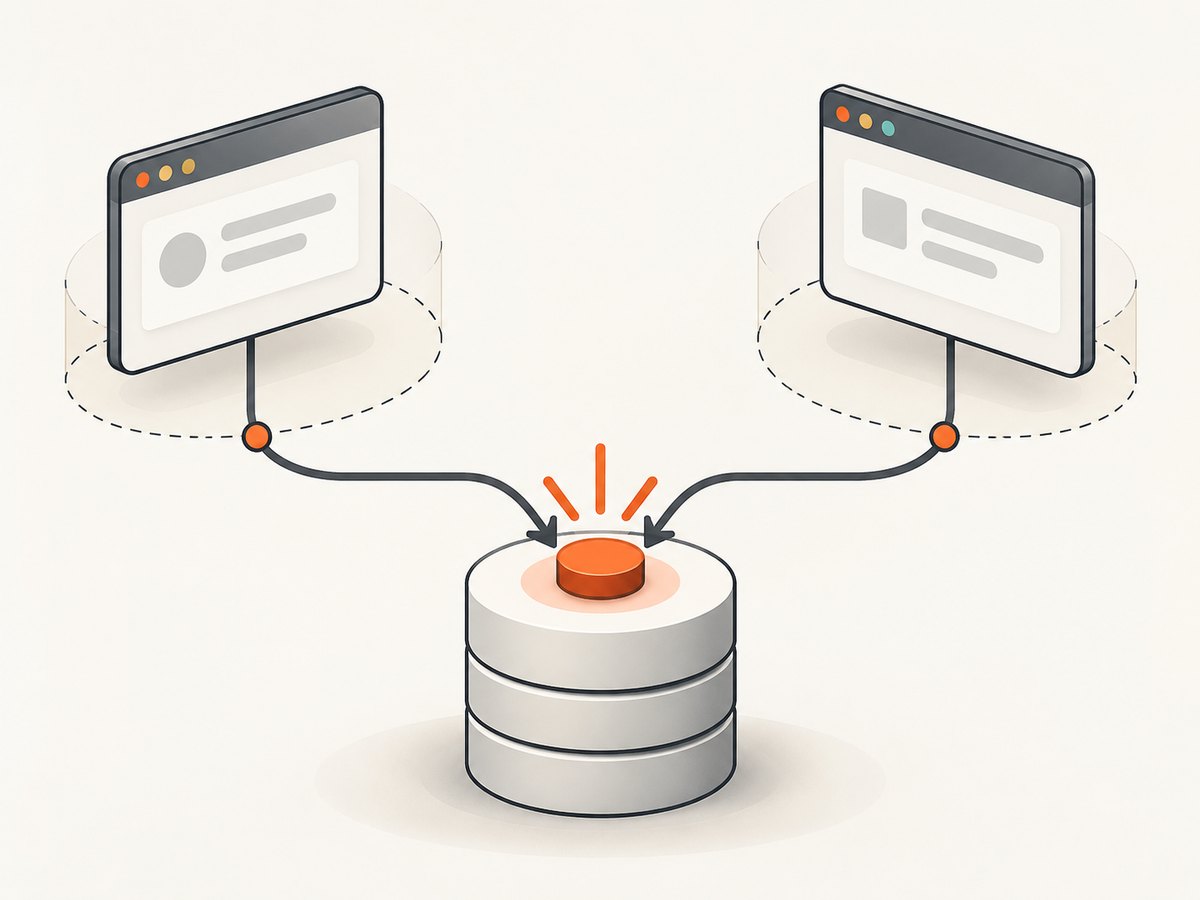
Run a failing test on its own and then in the full suite. If it passes alone but fails in the suite, look for order dependencies, shared accounts, records changed by earlier tests, or setup that only runs once. Parallel tests that mutate the same account or record can interfere even when each has an isolated browser context. Prefer separate test data or accounts for independently running tests.
If the test uses stored authentication state, verify that the file exists in CI, was generated for the intended environment and still represents a valid session. Do not commit it: stored browser state can contain cookies and headers that allow someone to impersonate the account. Playwright’s authentication guide describes the storage-state pattern and its security implications. Avoid using credentials or customer data in traces and reports that could be accessed publicly.
When testing external pages, remember that their content can change and that cookie banners or overlays can affect interaction. Playwright’s best-practices guidance recommends testing what your team controls. If an external dependency is part of the behavior under test, record its response and make the test’s dependency explicit.
5. Treat concurrency and retries as diagnostic variables
Local runs and CI runs may use different worker counts. More workers can expose shared-data conflicts or resource contention, such as a slow worker making timing assumptions visible. Playwright recommends workers: 1 in CI as a stability and reproducibility baseline. Try the failing suite with one worker and compare it with the normal setting:
// playwright.config.ts
import { defineConfig } from '@playwright/test';

export default defineConfig({
  testDir: './tests',
  use: {
    baseURL: process.env.BASE_URL ?? 'http://127.0.0.1:3000',
    trace: 'on-first-retry',
  },
  workers: process.env.CI ? 1 : undefined,
  retries: process.env.CI ? 1 : 0,
});
Adapt the base URL and test directory to your project. The example uses one worker and one retry on CI; those are diagnostic settings, not a universal guarantee of correctness. If reducing workers removes the failure, investigate shared state and resource limits before deciding how to scale. For throughput, consider sharding independent tests across jobs rather than increasing concurrency blindly. See the CI guide and configuration reference.
A test that fails and then passes on retry is classified as flaky by Playwright. Keep that signal visible in the report. A retry can help preserve evidence and reduce the impact of intermittent failures, but a green retry does not demonstrate that the test is reliable. The retry documentation explains how Playwright reports these outcomes.
6. Inspect the first divergence in the trace
Use the failure artifact to establish what happened before changing the test. Configure trace: 'on-first-retry' when retries are enabled, or retain traces on failure when they are not. Tracing every run adds substantial overhead, so reserve it for diagnosis or use the recommended selective capture setting.
Open a trace locally with:
npx playwright show-trace path/to/trace.zipYou can also inspect the trace through the HTML report. Follow the action timeline and find the first point where the actual page differs from the expected behavior. Inspect locator results, DOM snapshots and network requests around that moment. The trace can show whether the locator matched, whether an action was attempted, what DOM was present, and which requests completed or failed. Use the report to identify the browser project and test outcome. See the official Trace Viewer guide.
Keep traces, reports and screenshots as access-controlled CI artifacts. They can expose page content, account data or session details. Store them only where people who need to debug the run can access them, and avoid putting secrets into test output.
7. A practical triage sequence
- Classify the target. Record whether the failure was on a CI worker, in a container, or against a deployed production URL. Save the full base URL and build or commit identifier.
- Capture run conditions. Record the Playwright package version, browser project, headless mode, operating system and effective worker and retry settings.
- Reproduce narrowly. Run the test alone, then in the suite. If possible, repeat at one worker and at the usual worker count.
- Check readiness. Replace immediate checks with locator actions and web-first assertions. Wait for the state the user needs, rather than an arbitrary sleep.
- Check state. Verify the account, server-side records and stored authentication state. Look for a test-order dependency or shared resource.
- Read the trace. Identify the first divergence and inspect the nearby action, DOM snapshot and network activity. Use the report to confirm which project and run failed.
- Change one cause at a time. Re-run the failure with the same target and useful artifacts. Keep retry outcomes visible so a flaky pass is not mistaken for a durable fix.
Common errors and fixes
| Symptom | Likely explanation to check | Next step |
|---|---|---|
| Browser executable missing or will not launch in CI | Browser binaries or operating-system dependencies are absent or mismatched. | Run npm ci and npx playwright install --with-deps for the required browser. Confirm the installed Playwright version and browser project. |
| Navigation times out or the test reaches the wrong page | The base URL, deployed target, server startup or build differs from local. | Log and verify the resolved URL and build. Check baseURL and any webServer configuration. |
| Element is missing immediately after navigation | The app has not reached the state the assertion expects, or the locator no longer matches. | Inspect the trace and DOM snapshot. Use a locator assertion that waits for the visible outcome. |
| Authentication works locally but not in CI | The storage-state file is absent, expired or created for another environment. | Generate or provide state for the intended target in CI, check session validity, and keep the state file private. |
| Failure appears only in the full suite | Tests may share server-side state or depend on order. | Run alone and in the suite; isolate accounts and records and remove order assumptions. |
| Failure appears only with multiple workers | Shared state or resource contention may be involved. | Compare with one worker. Resolve data conflicts, then use sharding for independent tests if additional throughput is needed. |
| Retry passes, original attempt fails | The test is flaky or the environment is intermittent. | Inspect the failing attempt’s trace and keep the flaky result visible. Do not count the retry as proof of a fix. |
| Layout or text differs across machines | Viewport, fonts, locale, timezone or browser setup may differ. | Compare those run conditions and determine whether the asserted behavior should be environment-independent. |
Performance, reliability and cost considerations
Start CI with the stability settings recommended by Playwright, then measure the effect of changes in your own pipeline. One worker can reduce concurrency-related noise but may increase elapsed time. Sharding can distribute independent tests across jobs; it does not make shared test data safe by itself. Browser installation and caching also have a tradeoff: caching may not save time, and system dependencies still need to be installed.
Retries and traces consume resources. Retries rerun work, while tracing every run adds substantial overhead. Capture traces selectively so failures remain diagnosable without making every run pay the same cost. Preserve enough artifacts to investigate, with access limited appropriately because artifacts may contain sensitive information.
For tests against an actually deployed site, account for the fact that the target can change independently of the test run. Record the target and build details and avoid treating a screenshot or test result from one moment as proof about a later deployment. The dossier provides no quantified flake rates or performance benchmarks, so use your own job timings and failure history rather than assuming a universal threshold.
Or skip the browser setup
If you need a page screenshot while investigating a deployed target, ScreenshotNeo provides a website screenshot API and MCP server. A GET request returns a PNG, JPEG, WebP or PDF. The API can help capture a page without installing and maintaining a browser in your own script; it does not replace Playwright assertions or identify the root cause of an E2E failure. See the ScreenshotNeo API documentation.
curl -G "https://api.screenshotneo.com/v1/shot" -d access_key=YOUR_API_KEY --data-urlencode url=https://stripe.com -o shot.webpPython:
import requests

r = requests.get(
    "https://api.screenshotneo.com/v1/shot",
    params={"access_key": "YOUR_API_KEY", "url": "https://stripe.com"},
    timeout=90,
)
open("shot.webp", "wb").write(r.content)
Node.js:
const q = new URLSearchParams({ access_key: 'YOUR_API_KEY', url: 'https://stripe.com' });
const res = await fetch(`https://api.screenshotneo.com/v1/shot?${q}`);- Cookie and consent banners are accepted and removed before the shot, along with 60+ known consent platforms, newsletter popups and chat widgets; each step can be turned off.
- Bot checks and CAPTCHAs, blank pages, timeouts, failed loads and cache hits are not billed. Responses identify the page verdict and billing status in headers.
- An MCP server gives AI agents tools for screenshots, page information and PDF capture.
- The Free plan includes 1,000 shots a month without a card; paid plans start at $5 for 3,000 shots. Every feature is on every plan.
Sign up for 1,000 free screenshots a month, no card required.
FAQ
Does a test that passes on retry count as passing reliably?
No. Playwright classifies a failure followed by a passing retry as flaky. Investigate the original failure and retain the signal.
Should I increase the timeout?
Only when the expected operation can legitimately take longer and the test is waiting for the right condition. First rule out a wrong target, missing state, or assertion that checks too early.
Should I run every CI test in one worker?
One worker is Playwright’s recommended CI stability baseline. If you need more throughput, first check isolation and consider sharding independent tests across jobs.
Can a fresh browser context prevent every test conflict?
No. It isolates browser context state, but tests can still conflict through shared accounts, server-side records or external systems.
What is the quickest useful artifact to inspect?
A trace from the failing attempt. Its timeline, snapshots and network requests help locate the first divergence; the HTML report adds test and browser outcome context.


