Why Playwright Test Timeouts Are Skipped and How to Fix Them
Learn why Playwright reports skipped tests, how timeout scopes differ, and how to fix annotations, filters, fixtures, assertions, and browser actions.
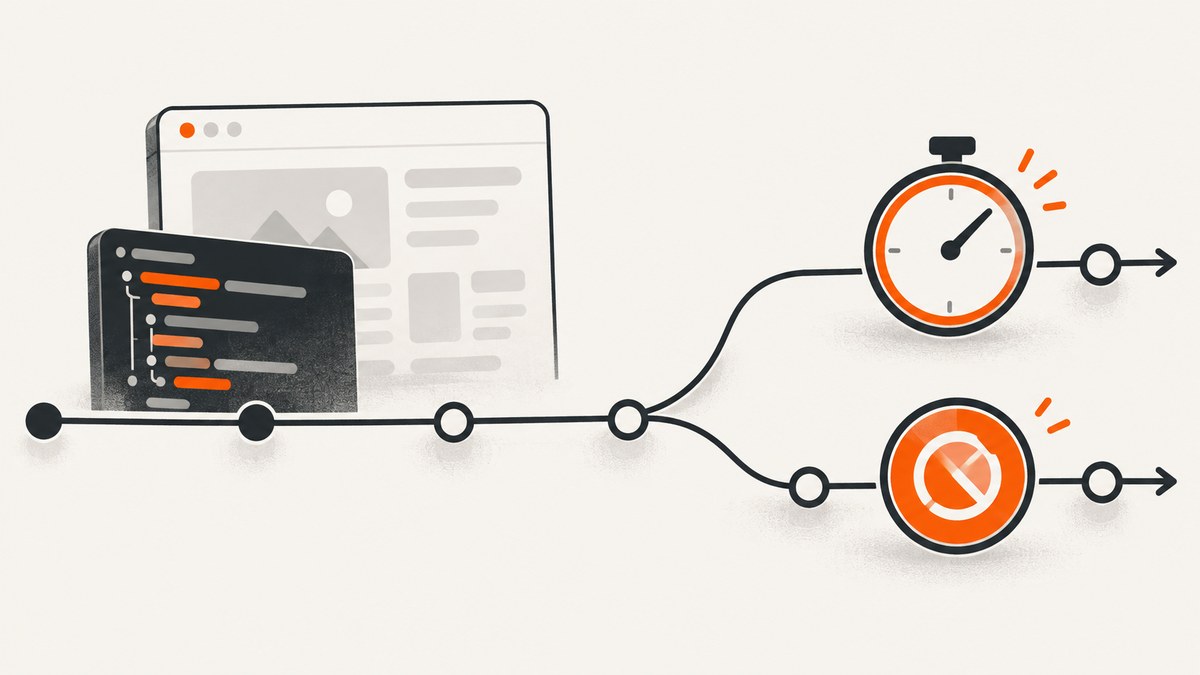
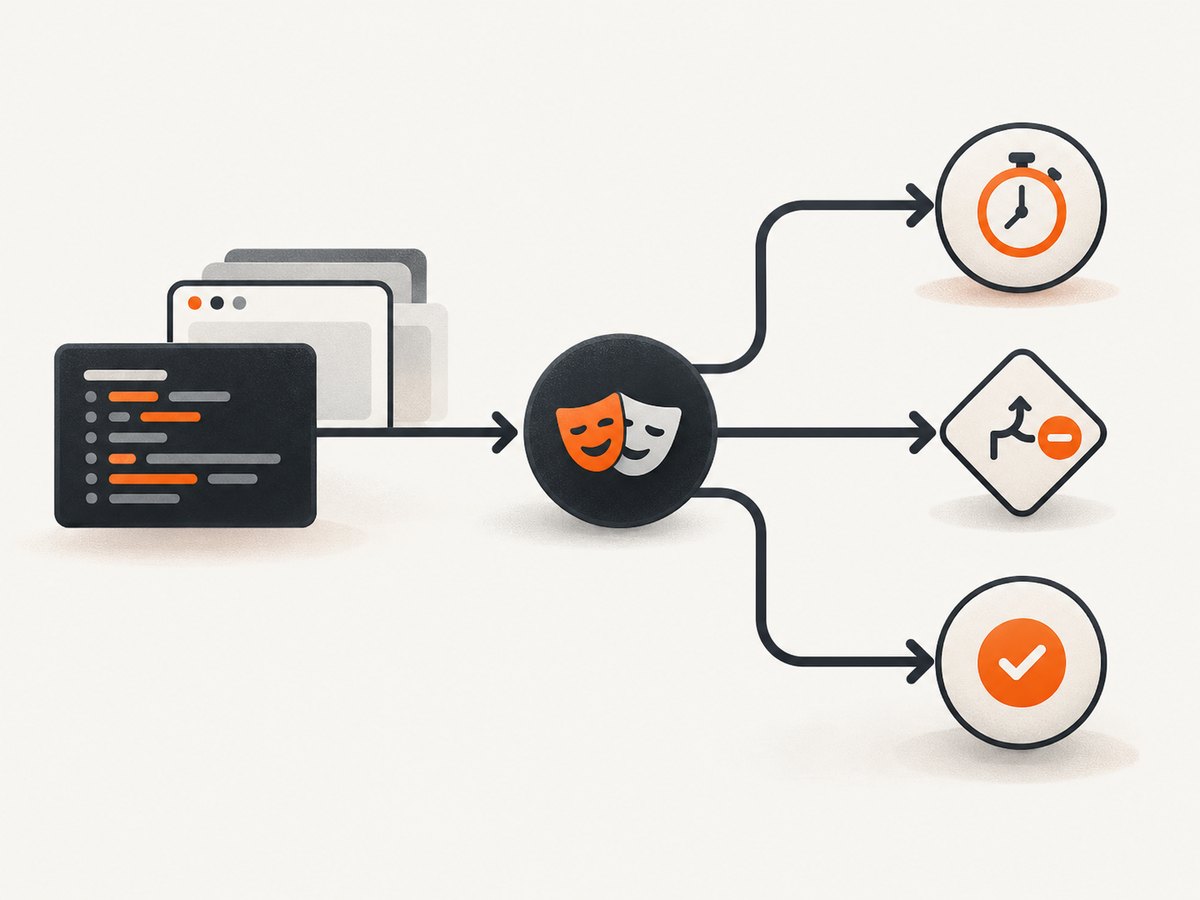
Short answer: a Playwright timeout and a skipped test are different results. A timeout means an operation did not finish within its configured budget. A skip means Playwright was told not to run all or part of the test, usually through test.skip(), test.fixme(), a skipped suite, a conditional predicate, or CLI filtering. Increasing timeout cannot undo an intentional skip.
Start by reading the exact result in the HTML report or terminal output. If it says timed out, find the operation, hook, fixture, or assertion named in the diagnostic and change that budget. If it says skipped, inspect annotations, conditions, projects, and command-line filters instead.
Timeout and skip are separate Playwright outcomes
Playwright Test has several independent clocks. The default per-test timeout is 30,000 ms. It covers the test body, fixture setup, and beforeEach hooks. After the test body finishes, fixture teardown and afterEach receive a separate timeout window of the same duration. The default timeout for auto-retrying expect assertions is 5,000 ms. Action and navigation timeouts have their own settings; the timeout guide describes the default action timeout as no timeout. A globalTimeout, when configured, limits the entire run rather than one test.
| Scope | What it bounds | Default or fix |
|---|---|---|
| Test | Test body, fixture setup, and beforeEach; teardown gets a separate same-value window |
30 seconds; configure timeout, call test.setTimeout(), or use test.slow() |
| Expect | Auto-retrying locator assertions | 5 seconds; set expect.timeout or an assertion-level timeout |
| Action/navigation | One click, fill, wait, or navigation | No action timeout by default in the guide; set per call or under use |
| Fixture | Fixture setup or teardown | Give the fixture its own timeout |
| Global run | The complete test command | Disabled unless configured; set globalTimeout |
A timeout fails the test and normally includes an error such as “Test timeout of 30000ms exceeded.” A skip is a deliberate control-flow decision. A declared skipped test never starts; test.skip() reached inside a running test stops that test at that point. Playwright reports the skip reason when you provide one.
Why are my Playwright tests skipped?
1. An explicit test.skip()
Use this when a test does not apply to a browser, operating system, feature flag, or environment. The condition form evaluates at runtime.
import { test, expect } from '@playwright/test';

test('uses WebKit-only behavior', async ({ page, browserName }) => {
  test.skip(browserName !== 'webkit', 'This behavior is validated only in WebKit');
  await page.goto('https://example.com');
  await expect(page).toHaveTitle(/Example/);
});

test.skip('temporarily disabled case', async ({ page }) => {
  // This body is never run.
});
Check the predicate and the project that supplied browserName or environment data. A condition that is always true can make an entire project appear skipped.
2. A skipped suite
test.describe.skip('legacy checkout', () => {
  test('old payment flow', async ({ page }) => {
    // Not collected for execution.
  });
});
Search enclosing describe blocks as well as the test file. A suite-level annotation can be several lines above the test you are investigating.
3. test.fixme() or test.slow()
test.fixme() marks a known failing test that Playwright should not run while it is being repaired. It is a skip mechanism, not a timeout setting. test.slow() has the opposite purpose: it triples the default test timeout for a test that is expected to take longer.
test('known defect', async ({ page }) => {
  test.fixme(true, 'Waiting for issue 1234 to be resolved');
  await page.goto('/broken-flow');
});

test('large report export', async ({ page }) => {
  test.slow();
  await page.goto('/reports');
  await page.getByRole('button', { name: 'Export' }).click();
});
Remove or correct a stale fixme when the defect is resolved. Do not raise a timeout to “fix” a fixme.
4. CLI selection and project filters
A test that never appears in the run may have been excluded before execution. The --grep, --grep-invert, file arguments, line filters, project selection, and test-list options determine what Playwright collects. These filters are independent of timeout configuration. Compare the command used locally with the command used in CI, and run with a broader project or without the grep expression.
# Run one file
npx playwright test tests/checkout.spec.ts

# Run tests whose titles match a pattern
npx playwright test --grep "checkout"

# Select a configured project
npx playwright test --project=chromium
Use the command-line documentation to check the exact options for your installed Playwright version: Playwright test CLI.
Fix the timeout that actually expired
Per-test timeout
Set a suite-wide value in playwright.config.ts when the whole group needs more time, or set one test’s budget with test.setTimeout(). Keep the value close to the slow operation so unrelated tests remain fast.
import { defineConfig } from '@playwright/test';

export default defineConfig({
  timeout: 45_000,
  use: {
    baseURL: 'http://127.0.0.1:3000'
  }
});
import { test } from '@playwright/test';
test('imports a large data set', async ({ page }) => {
test.setTimeout(120_000);
await page.goto('/import');
await page.getByLabel('CSV file').setInputFiles('fixtures/large.csv');
await page.getByRole('button', { name: 'Import' }).click();
});The documented configuration and API details are in Playwright timeouts and the TestConfig API.
Assertion (expect) timeout
If the diagnostic names an assertion, change the assertion budget rather than only changing the test timeout. The default expect timeout is 5,000 ms.
import { defineConfig } from '@playwright/test';

export default defineConfig({
  expect: {
    timeout: 10_000
  }
});
await expect(page.getByRole('status')).toHaveText('Ready', {
timeout: 20_000
});A longer test timeout does not automatically extend an assertion’s independent retry window.
Action and navigation timeout
For a click, fill, locator wait, or navigation, use the operation’s timeout or the use defaults. Avoid inflating the test budget when a single navigation is the slow step.
import { defineConfig } from '@playwright/test';

export default defineConfig({
  use: {
    actionTimeout: 15_000,
    navigationTimeout: 30_000
  }
});
await page.goto('https://example.com/report', {
waitUntil: 'domcontentloaded',
timeout: 45_000
});
await page.getByRole('button', { name: 'Refresh' }).click({
timeout: 10_000
});Prefer locator assertions and web-first waits over fixed sleeps. A fixed delay consumes the test budget even when the page is ready early.
Fixture timeout
A slow fixture can be given a separate budget so every test does not inherit an unnecessarily large timeout. The fixture documentation explains the timeout option and fixture scope.
import { test as base } from '@playwright/test';

export const test = base.extend<{ seededUser: string }>({
  seededUser: [async ({ request }, use) => {
    const response = await request.post('/api/seed-user');
    const userId = await response.text();
    await use(userId);
    await request.delete(`/api/users/${userId}`);
  }, { timeout: 60_000 }]
});
See Playwright fixtures for fixture setup, teardown, and timeout behavior.
Global timeout
globalTimeout is a ceiling for the entire test run. It is useful in CI to prevent a wedged suite from running forever, but it cannot repair an individual test timeout or a skip.
import { defineConfig } from '@playwright/test';

export default defineConfig({
  globalTimeout: 15 * 60 * 1000
});
A repeatable troubleshooting sequence
- Capture the exact status. Open the report and copy the error, timeout value, test title, project, and hook or operation named.
- If it says timed out, identify the scope. Test body, fixture,
beforeEach,afterEach, assertion, action, navigation, or global run each has a different setting. - If it says skipped, search annotations. Search the file and parent suites for
test.skip,test.describe.skip,test.fixme, and conditional predicates. - Check the reason. A conditional skip should include a description such as “Chromium only”; that text makes reports diagnosable.
- Compare collection commands. Inspect
--grep, file and line arguments,--project, test-list files, and CI scripts. - Reproduce the smallest case. Run one file, one project, or one test title with the same environment variables.
- Change one budget at a time. Apply the narrowest fix, then keep a lower suite-wide default for fast feedback.
Common errors and fixes
| Symptom | Likely cause | Fix |
|---|---|---|
| “Test timeout of 30000ms exceeded” | Body, fixture setup, or beforeEach exceeded the test budget |
Use timeout, test.setTimeout(), test.slow(), or a fixture-specific timeout after locating the slow step |
| “expect(…).toBeVisible” timed out | Assertion’s 5-second budget expired | Set expect.timeout or pass { timeout: ... }; verify the locator and application state |
| Navigation timeout | Navigation-specific budget expired or page never reached the requested state | Set navigation timeout, choose an appropriate waitUntil, and inspect network or server failures |
| Test is marked skipped | Explicit or conditional annotation, skipped suite, or fixme |
Inspect the predicate and reason; remove or correct the annotation |
| Test is absent from the report | CLI grep, project, file, line, or test-list filter excluded it | Run without the filter and inspect the CI command |
| Teardown times out after a passing body | Fixture teardown or afterEach used its separate window |
Profile cleanup and give the fixture an appropriate timeout |
Performance and reliability practices
- Keep the default test timeout close to the application’s normal response time. Large blanket values hide regressions and increase feedback time.
- Use
test.slow()or a local timeout for genuinely long workflows such as exports, migrations, and uploads. - Prefer deterministic readiness signals: locator assertions, response waits tied to a request, or a specific application status.
- Record the active project and environment in CI artifacts. A conditional skip can be correct in one browser and accidental in another.
- Separate fixture setup from test logic. A fixture-specific budget makes failures easier to classify and prevents every test from receiving a broad allowance.
- Use retries carefully. Retries can expose flaky timing, but they do not fix a wrong skip condition or an excluded test.
- Set a suite-level
globalTimeoutin CI as a safety ceiling, while keeping per-test and operation budgets precise.
Or skip the browser setup
If your goal is a reliable image of a page for documentation, visual review, or an automated report, ScreenshotNeo provides a single HTTP capture request instead of maintaining browser setup, waits, and cleanup. Cookie and consent banners, newsletter popups, and chat widgets are removed before the shot. Bot checks, blank pages, failed loads, timeouts, and cache hits are not billed, and the response identifies the result with X-Page-Verdict and X-Billed headers. An MCP server lets Claude, Cursor, and other MCP clients call take_screenshot, get_page_info, and capture_pdf.
See the ScreenshotNeo API documentation for all options. The basic request works from any shell:
curl -G "https://api.screenshotneo.com/v1/shot" -d access_key=YOUR_API_KEY --data-urlencode url=https://stripe.com -o shot.webpPython:
import requests

r = requests.get(
    "https://api.screenshotneo.com/v1/shot",
    params={"access_key": "YOUR_API_KEY", "url": "https://stripe.com"},
    timeout=90,
)
r.raise_for_status()
open("shot.webp", "wb").write(r.content)
Node.js:
const q = new URLSearchParams({ access_key: 'YOUR_API_KEY', url: 'https://stripe.com' });
const res = await fetch(`https://api.screenshotneo.com/v1/shot?${q}`);
if (!res.ok) throw new Error(`Screenshot failed: ${res.status}`);
const data = Buffer.from(await res.arrayBuffer());
require('fs').writeFileSync('shot.webp', data);
ScreenshotNeo supports full-page and element captures, dark mode, device presets or custom viewports, retina scale, PDF output, custom CSS and JavaScript, clicks, selector or network-idle waits, blocked resources, headers, cookies, user agents, authorization, timezone, geolocation, transparent backgrounds, resizing, configurable caching, signed image links, asynchronous jobs with signed webhooks, bulk capture of up to 100 URLs per call, usage reporting, and an OpenAPI specification. Existing parameter names used by other screenshot APIs also work, which can simplify migration.
The Free plan includes 1,000 screenshots per month with no card. Paid plans start at $5 for 3,000 shots; yearly billing gives two months free, and every feature is available on every plan. Create a free ScreenshotNeo account and start with the included 1,000 screenshots.
FAQ
Does increasing Playwright’s timeout unskip a test?
No. A timeout controls how long an active operation may run. Remove or correct the skip, fixme, suite annotation, condition, or selection filter that excluded the test.

What is the default Playwright test timeout?
30,000 ms, covering the test body, fixture setup, and beforeEach. Teardown and afterEach receive a separate same-value window.
Why does my test timeout after the page looks ready?
The remaining time may be spent in an assertion, fixture, hook, or teardown. Read the diagnostic to identify the active scope, then change that scope’s budget.
Should I use test.slow() everywhere?
No. Use it for a test that is expected to be slow, and use a specific timeout when only one operation needs extra time. Broad values can conceal performance regressions.
Can a conditional skip be correct?
Yes. Browser-, operating-system-, or environment-specific behavior can justify it. Include a clear reason and verify that the predicate matches the selected project.


