How to Prevent Cypress Cucumber Tests from Signing Out on Dashboard Actions
Diagnose authentication loss in Cypress Cucumber tests and fix isolation, sessions, hooks, API cookies, and dashboard action failures.

Short answer: first determine whether authentication disappears at a test or Cucumber-scenario boundary, immediately after cy.session(), or during the dashboard action itself. Cypress clears cookies, localStorage, and sessionStorage between end-to-end tests when test isolation is enabled. Restore authentication deliberately with cy.session(), visit the dashboard after restoring it, make Cucumber cleanup hooks run before login, and inspect network responses for logout requests or Set-Cookie headers that clear the auth cookie.
Cypress documents that tests should run independently, while Cucumber requires scenarios to be independent as well. See Cypress test isolation and Cucumber state guidance.
1. Locate exactly where authentication disappears
- Run the failing scenario by itself.
- Run the complete feature or suite.
- Record whether the loss occurs after a new
ittest, a Cucumber hook,cy.session(), or a dashboard click/request. - Open the Cypress runner’s Command Log and browser network panel around the first redirect to a sign-in page.
A failure only when the suite runs in sequence usually indicates shared state or cleanup ordering. It does not prove that a dashboard control logged the user out.
2. Understand Cypress test isolation
With isolation enabled, Cypress resets the page to about:blank and clears cookies, localStorage, and sessionStorage before each end-to-end test. Authentication created in one test therefore cannot be assumed to exist in the next test.
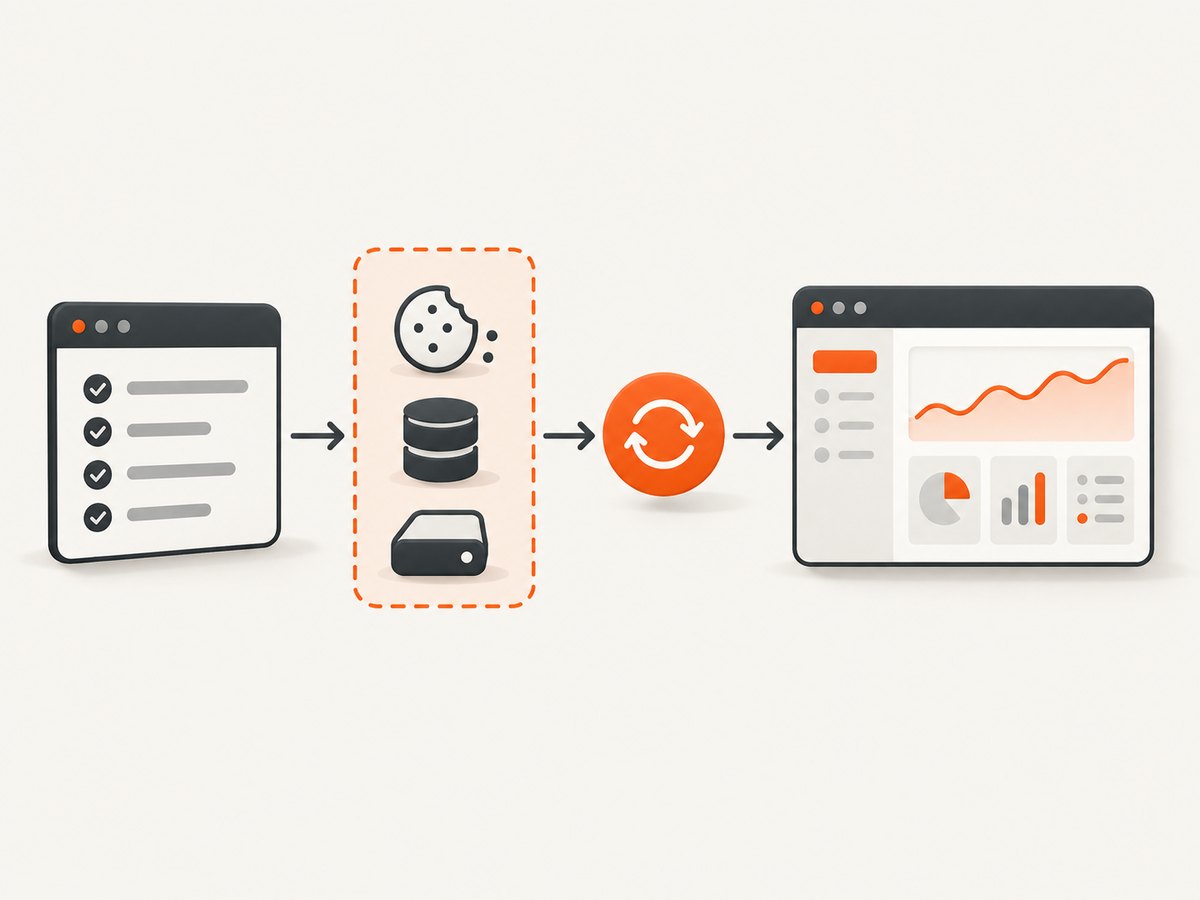
Isolation does not clear every storage mechanism. IndexedDB persists, and cy.session() does not capture or clear IndexedDB. If your application stores a refresh token or user state there, clean or seed it explicitly.
describe('dashboard', { testIsolation: true }, () => {
  beforeEach(() => {
    cy.loginAs('analyst')
    cy.visit('/dashboard')
  })

  it('opens reports', () => {
    cy.contains('Reports').click()
    cy.url().should('include', '/reports')
  })
})
Disabling isolation is possible, but it keeps page and browser state between tests and can create order-dependent failures:
describe('continuous browser flow', { testIsolation: false }, () => {
  // Use only when persistence across tests is part of the test design.
})
3. Cache a completed login with cy.session()
cy.session() saves and restores cookies, localStorage, and sessionStorage. It does not automatically load the dashboard after restoration, so call cy.visit() afterward when isolation is enabled.
Cypress.Commands.add('loginAs', (user) => {
  cy.session(['login', user], () => {
    cy.visit('/login')
    cy.get('[name=email]').type(Cypress.env(`${user}_email`))
    cy.get('[name=password]').type(Cypress.env(`${user}_password`), { log: false })
    cy.get('button[type=submit]').click()

    // Use a retryable success condition from your application.
    cy.url().should('include', '/dashboard')
    cy.contains('[data-testid=account-menu]', user).should('be.visible')
  }, {
    validate() {
      cy.request({
        url: '/api/me',
        failOnStatusCode: false
      }).its('status').should('eq', 200)
    }
  })
})
Save the session only after login has really completed. A click finishing, a redirect starting, or a non-retryable cookie read is not sufficient evidence that the application stored valid authentication. Cypress notes that cy.getCookie() does not retry; prefer a retryable URL, visible authenticated element, or authenticated API assertion.
The session ID must include every value that changes the resulting browser state. An ID such as ['login', user, tenant] prevents one tenant’s cached session from being restored for another.
4. Use an API login when the UI login is outside the test
Cypress API requests share the browser cookie jar. A response’s matching cookies are applied to the browser, and a later response can remove them with Set-Cookie. This makes API setup fast, but it also means an API call can change the browser’s authentication.
Cypress.Commands.add('loginByApi', (user) => {
  cy.session(['api-login', user], () => {
    cy.request('POST', '/auth/login', {
      email: Cypress.env(`${user}_email`),
      password: Cypress.env(`${user}_password`)
    }).its('status').should('be.oneOf', [200, 201])
  }, {
    validate() {
      cy.request({ url: '/api/me', failOnStatusCode: false })
        .its('status').should('eq', 200)
    }
  })
})

beforeEach(() => {
  cy.loginByApi('analyst')
  cy.visit('/dashboard')
})
This verifies the authentication endpoint and dashboard behavior, not the login form itself. Keep a separate UI-login test if the form is in scope.
5. Make Cucumber hooks establish state in the right order
Cucumber recommends independent scenarios. If scenarios share a browser, clear stale state in a Before hook, then perform the scenario’s login. A cleanup hook that runs after login, or a helper that clears cookies during a step, can look exactly like a dashboard logout.
import { Before } from '@badeball/cypress-cucumber-preprocessor'

Before(() => {
  cy.clearCookies()
  cy.clearLocalStorage()
  cy.window().then((win) => win.sessionStorage.clear())
})
Pair that hook with login in a scenario background or step:
Given('I am signed in as an analyst', () => {
  cy.loginAs('analyst')
  cy.visit('/dashboard')
})
Check all Before, After, beforeEach, and custom command code. Cucumber’s World isolates step-definition data; it does not by itself isolate the external browser cookie jar.
6. Trace the dashboard action’s network effects
If the loss occurs inside one test, inspect requests immediately before and after the click:

- Look for navigation to
/loginor another sign-in route. - Search for an explicit logout endpoint.
- Check response status for 401, 403, or token-refresh failures.
- Inspect
Set-Cookiefor an expired or replaced auth cookie. - Check whether the action changes tenant, subdomain, origin, or permission context.
- Check clock, timezone, and refresh-token expiry behavior.
cy.intercept('**/api/**').as('api')
cy.contains('Export').click()
cy.wait('@api').then(({ request, response }) => {
  cy.log(`${request.method} ${request.url}`)
  expect(response.statusCode).to.be.within(200, 499)
})
Use the browser’s network panel when you need to inspect response headers such as Set-Cookie. A dashboard action may call an API that invalidates a session even though the button itself is not a logout control.
7. Choose the right authentication strategy
| Approach | Fits when | Trade-off |
|---|---|---|
cy.session() with UI login |
The real login flow is part of setup or needs coverage | Slower; wait for a definitive success condition |
cy.session() with API login |
Dashboard tests should skip login UI work | Does not test the login form |
| Isolation on, cached session per test | You want independent tests without repeated login | Requires correct IDs and validation |
| Isolation off | A suite intentionally models one continuous browser session | State leakage and order sensitivity |
| Cucumber cookie cleanup | A shared browser needs a clean scenario start | Must run before scenario login |
8. Common errors and fixes
| Symptom | Likely cause | Fix |
|---|---|---|
Signed in in one it, signed out in the next |
Normal test isolation | Call a cached login in every beforeEach or scenario setup. |
Commands fail after cy.session() |
The page was reset and never revisited | Call cy.visit('/dashboard') after the session command. |
| Intermittent sign-out after login | Session cached before redirect or token storage completed | Assert a retryable URL or authenticated UI before caching. |
| Wrong user or tenant appears | Session ID is too broad | Include user, tenant, role, and other setup inputs in the ID. |
| Scenario starts unauthenticated | Before hook clears cookies after or instead of login |
Order cleanup first, then login; inspect hook registration order. |
| One click causes a 401 | Expired token, missing refresh, or API response clearing cookies | Inspect request headers, response status, and Set-Cookie; fix refresh or cookie scope. |
| Auth survives cookies but user is still logged out | State is in IndexedDB or another store | Seed or clear that store explicitly; cy.session() does not manage IndexedDB. |
| Only full-suite runs fail | State coupling, leaked data, or order dependence | Run tests independently, remove shared mutable state, and keep isolation enabled where possible. |
9. Reliability and performance checklist
- Keep each scenario independently runnable.
- Use stable
data-testidselectors for login and dashboard controls. - Validate restored sessions when expiry or server invalidation is possible.
- Wait on application conditions rather than arbitrary sleeps.
- Use API login for dashboard-focused suites and UI login for login coverage.
- Record the first failing request and response headers before changing isolation settings.
- Keep test users and tenants deterministic; avoid a session cache shared by unrelated identities.
- Use retries only for genuinely transient infrastructure failures; retries can hide deterministic logout bugs.
Cached sessions reduce repeated login work. Disabling isolation may appear faster, but leaked state can produce reruns and debugging time that outweigh the setup saved.
10. Or skip the browser setup
For documentation, regression evidence, or dashboard snapshots, ScreenshotNeo provides a single screenshot request without maintaining a Cypress browser session. Before capture it accepts consent banners and removes more than 60 known consent platforms, newsletter popups, and chat widgets. Bot checks, blank pages, timeouts, failed loads, and cache hits are not billed, and response headers identify the page verdict and billing result. Its MCP server provides take_screenshot, get_page_info, and capture_pdf tools for Claude, Cursor, and other MCP clients.
See the ScreenshotNeo API documentation for all options.
curl -G "https://api.screenshotneo.com/v1/shot" -d access_key=YOUR_API_KEY --data-urlencode url=https://stripe.com -o shot.webpimport requests
r = requests.get("https://api.screenshotneo.com/v1/shot", params={"access_key": "YOUR_API_KEY", "url": "https://stripe.com"}, timeout=90)
open("shot.webp", "wb").write(r.content)const q = new URLSearchParams({ access_key: 'YOUR_API_KEY', url: 'https://stripe.com' });
const res = await fetch(`https://api.screenshotneo.com/v1/shot?${q}`);Free accounts include 1,000 screenshots each month with no card. Paid plans start at $5 for 3,000 shots, and every feature is available on every plan. Create a free ScreenshotNeo account.
FAQ
Does cy.session() visit the dashboard?
No. Restore the session, then call cy.visit() for the page under test.
Should every Cucumber scenario log in?
Every scenario should establish its own required state. A cached session avoids repeating the full login flow.
Can I turn off test isolation permanently?
You can configure testIsolation: false for a suite, but do so only when cross-test persistence is intentional and order dependence is acceptable.
Why did an API call log me out?
Cypress applies matching response cookies to the browser. A logout, expired-token, or replacement Set-Cookie response can change browser authentication.
What if authentication is stored in IndexedDB?
Seed and clean IndexedDB separately. Cypress test isolation and cy.session() do not manage it.


