How to Prevent html2canvas Resources Loading on Every Loop
Stop html2canvas from reloading images in every capture by preserving its shared cache, stabilizing cloned resources, and handling CORS correctly.
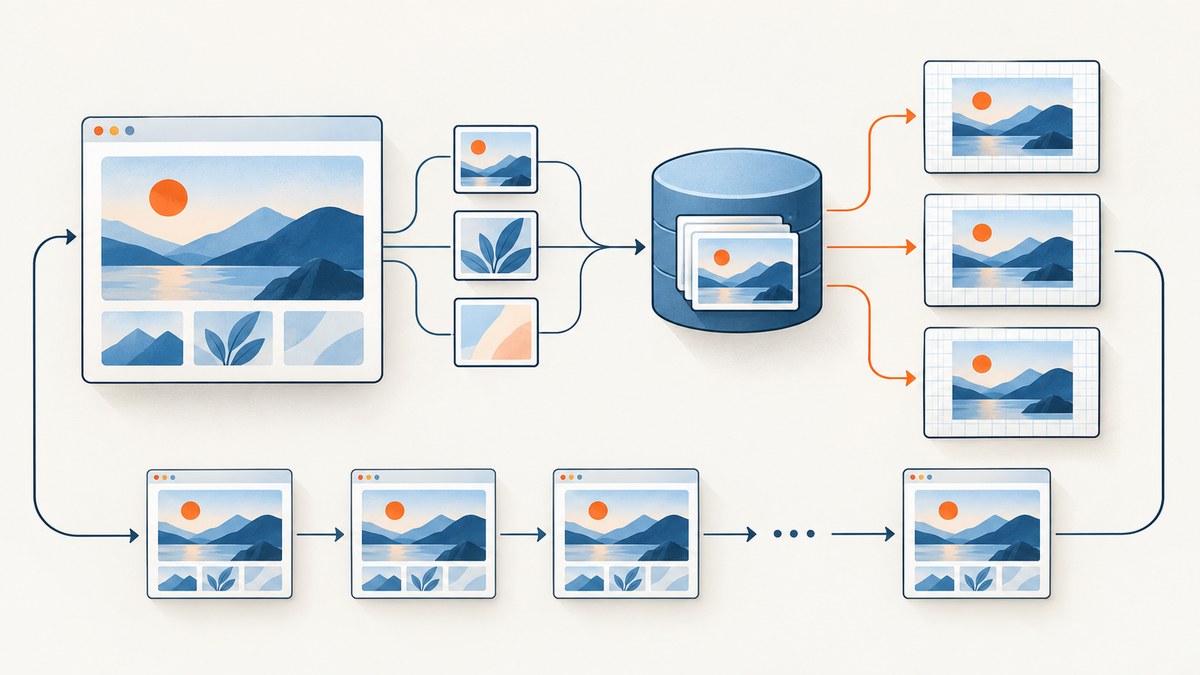
To stop html2canvas from loading the same images on every loop iteration, keep one shared image cache alive and leave clearImageCache set to false. Do not construct a new cache or rendering wrapper inside the loop. If your installed version exposes maxCacheSize, use it to limit memory while retaining least-recently-used entries. Then make the cloned document deterministic with onclone, ignoreElements, or data-html2canvas-ignore.
The most common mistake looks like this:
for (const element of elements) {
  await html2canvas(element, {
    clearImageCache: true
  });
}
clearImageCache: true deliberately removes cached images before each capture. That guarantees another fetch on the next iteration. The html2canvas configuration reference says to leave it false to keep caching images across calls, and warns against enabling it when a cache is shared by concurrent captures. See the official configuration reference.
What the loop should do
A reliable loop has three properties:
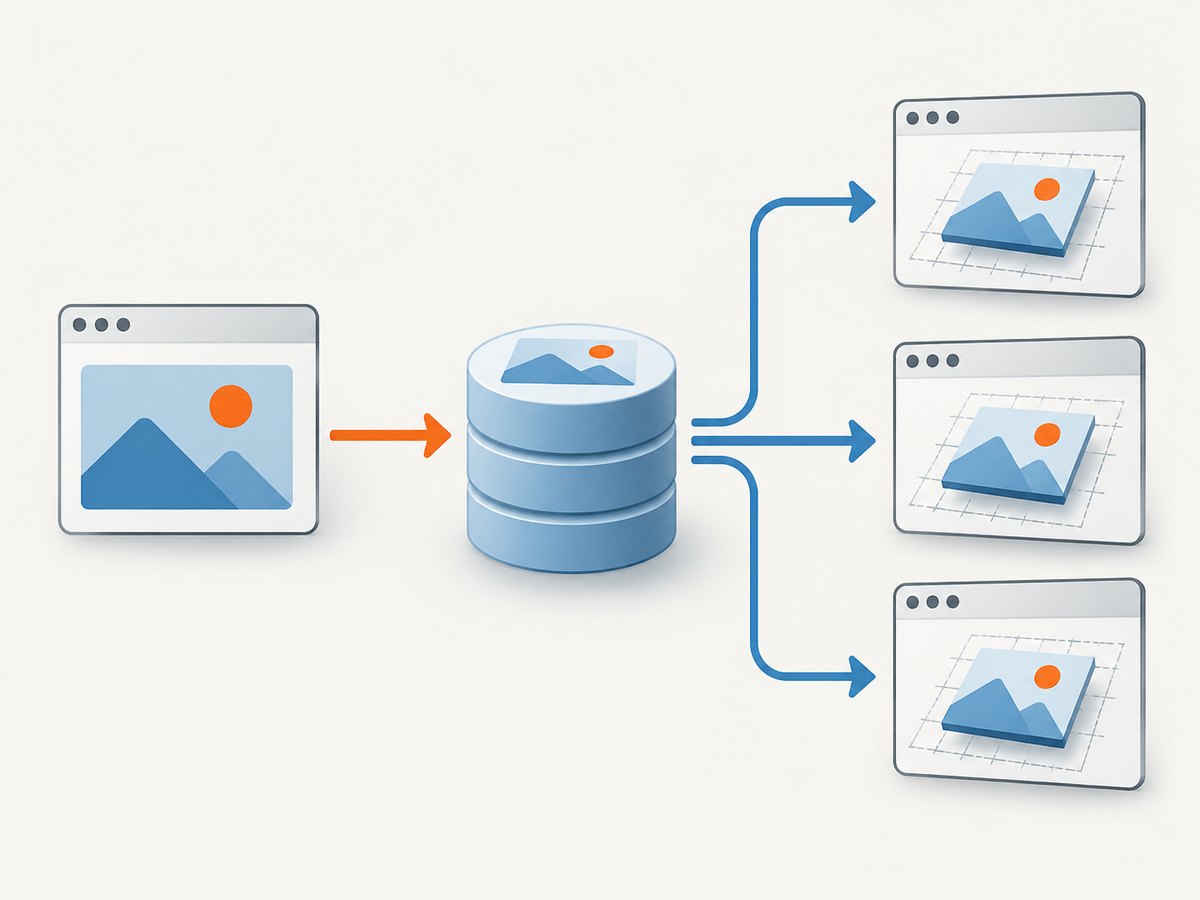
- The cache and any supported rendering state are created once, outside the loop.
- Each call uses
clearImageCache: false. - The cloned document contains stable image URLs and excludes resources that do not belong in the output.
A minimal sequential pattern is:
const sharedCache = new CacheStorage(); // Only if your installed version exposes this API

for (const frame of frames) {
  const canvas = await html2canvas(frame.element, {
    cache: sharedCache,
    clearImageCache: false,
    onclone: (clonedDocument) => {
      clonedDocument
        .querySelectorAll('[data-html2canvas-ignore="true"]')
        .forEach((node) => node.remove());
    }
  });

  consume(canvas);
}
Check your installed release before copying CacheStorage. Cache injection is version-dependent. The stable rule is clearImageCache: false; use a cache object only when that object is part of your version’s public API. A new cache created during every iteration provides no reuse.
Why html2canvas reloads resources
The image cache is cleared
Setting clearImageCache: true tells html2canvas to discard image entries. This is useful when an application must force fresh content, but it is the opposite of what a repeated capture loop needs. Remove the option or set it explicitly to false.
A new cache is created for every call
Even with clearImageCache: false, a wrapper can defeat caching by constructing cache state inside a helper called by each loop iteration. Search for new CacheStorage(), cache factories, or code that recreates a renderer. The project source shows that each invocation builds a rendering Context and passes resource options plus an optional cache into it. Keep supported shared state at application scope. Review the source for your installed release at the html2canvas repository.
The URL changes between iterations
Browser caches key requests by URL and related request properties. A timestamp, random token, signed URL, or changing query string makes every image look new. CSS background-image values can contain the same kind of cache buster. Remove volatile parameters where possible, or normalize them in onclone.
The cloned page contains dynamic resources
html2canvas renders a cloned document. Ads, rotating banners, chat widgets, animated avatars, and lazy-loaded images can add different resources on each pass. The onclone callback runs against that clone, so you can remove or replace nodes for the capture without changing the live page.
A complete reusable capture helper
This example keeps captures sequential, filters decorative content, and applies a memory limit when supported by the installed version.
import html2canvas from 'html2canvas';

// Use the cache API only when it is publicly available in your version.
const sharedCache = new CacheStorage();

const captureOptions = {
  cache: sharedCache,
  clearImageCache: false,
  // Supported releases can evict least-recently-used entries at this limit.
  maxCacheSize: 200,
  imageTimeout: 15000,
  onclone: (doc) => {
    // Remove nodes marked for exclusion.
    doc.querySelectorAll('[data-html2canvas-ignore="true"]')
      .forEach((node) => node.remove());

    // Freeze a volatile image URL in the cloned document.
    doc.querySelectorAll('img[data-static-src]').forEach((img) => {
      img.src = img.dataset.staticSrc;
    });
  },
  ignoreElements: (element) => {
    return element.matches('.live-chat, .ad-slot, .rotating-promo');
  }
};

export async function captureFrames(frames) {
  const output = [];

  for (const frame of frames) {
    const canvas = await html2canvas(frame.element, captureOptions);
    output.push({ id: frame.id, canvas });
  }

  return output;
}
removeContainer defaults to true and removes temporary cloned DOM after rendering. Turning it off does not preserve image requests and can retain more DOM memory. Leave cleanup enabled unless you have a specific reason to inspect the clone.
Reducing the resource set in the clone
Use onclone for per-capture changes
Use onclone to remove volatile nodes, replace a URL with a stable one, disable an animation class, or set a predictable state. Changes apply only to the rendering clone:
const options = {
  clearImageCache: false,
  onclone: (doc) => {
    doc.querySelectorAll('[data-html2canvas-ignore="true"]')
      .forEach((node) => node.remove());

    doc.querySelectorAll('.animated').forEach((node) => {
      node.classList.remove('animated');
    });
  }
};
Use ignoreElements for predictable exclusions
The predicate receives each element. Return true for content that never needs to appear in the image. This reduces DOM inspection and prevents resources inside excluded branches from affecting the capture.
const options = {
  clearImageCache: false,
  ignoreElements: (element) => {
    return element.hasAttribute('data-no-screenshot') ||
      element.classList.contains('video-player');
  }
};
Use the data attribute when markup owns the rule
<aside class="live-chat" data-html2canvas-ignore="true">
  Chat content is excluded from captures.
</aside>
The attribute mechanism and predicate are documented on the configuration page. Prefer one consistent convention across components so a later loop does not accidentally reintroduce expensive resources.
Cross-origin images, CORS, and redirects
Cache persistence does not bypass browser security. The html2canvas FAQ states that it cannot circumvent browser content-policy restrictions. For an image hosted on another origin, set useCORS: true only when the image server returns a suitable Access-Control-Allow-Origin header. Otherwise route the image through a same-origin proxy.

const canvas = await html2canvas(element, {
  clearImageCache: false,
  useCORS: true,
  imageTimeout: 15000
});
The documented defaults are useCORS: false, proxy: null, and imageTimeout: 15000 milliseconds. If you use a proxy, configure the URL supported by your release and ensure it returns the image with an appropriate content type.
A subtle case occurs when a URL appears same-origin but redirects to a CDN. An issue report describes origin classification happening before the redirect, so useCORS may not be applied to the final request. Treat this as a diagnostic clue, not as an API guarantee. In browser developer tools, inspect the final URL, redirect chain, request mode, and response headers.
Diagnosing repeated network requests
- Open the browser Network panel and preserve the log.
- Capture one frame, then capture it again.
- Compare request URLs, redirect chains, cache status, request mode, and response headers.
- Check whether the second request has a changed query string or a different signed URL.
- Inspect the loop and wrappers for
clearImageCache: trueor per-iteration cache construction. - Confirm the html2canvas version and compare its public options with the documentation for that release.
Do not assume that a request shown in the Network panel means the image was downloaded from the origin. A revalidation request, a redirect, or a failed CORS attempt can look different from a normal cache hit. The response headers and timing provide the distinction.
Concurrency and memory limits
A shared cache is most useful when captures run sequentially or when your installed version explicitly supports sharing it safely. The configuration reference warns against enabling clearImageCache when sharing a cache between concurrent captures. If multiple jobs run at once, verify the version’s cache behavior before sharing mutable state; otherwise use controlled concurrency and separate state.
Keeping every image forever can increase memory use in a long-running dashboard or worker. When available, maxCacheSize lets the cache evict least-recently-used images instead of clearing everything after every frame:
const options = {
  cache: sharedCache,
  clearImageCache: false,
  maxCacheSize: 200
};
The value is an application limit, not a promise that every release interprets it identically. Check the installed package’s public API and monitor process memory. If the option is unavailable, reduce the number of distinct resources, process batches, or recreate the worker at a controlled boundary rather than inside every capture.
Performance and reliability checklist
- Keep one supported cache at application scope.
- Set
clearImageCache: false. - Use stable image and background URLs.
- Remove ads, chat, animation, and other nonessential nodes in
onclone. - Use
ignoreElementsordata-html2canvas-ignorefor permanent exclusions. - Set a realistic
imageTimeout; the documented default is 15 seconds. - Verify CORS headers on the final response after redirects.
- Use
maxCacheSizewhere supported to bound memory. - Keep capture concurrency within what your version’s cache implementation supports.
- Record URL, iteration number, request timing, and canvas failure separately so one bad resource does not hide a loop bug.
Common errors and fixes
| Symptom | Likely cause | Fix |
|---|---|---|
| Every image downloads again | clearImageCache is true |
Remove it or set it to false. |
| Cache option has no effect | A new cache is created by a wrapper each iteration | Move construction outside the loop and confirm the API is public in your version. |
| Only CDN images fail | Redirect changes the effective origin | Inspect the final response and configure CORS or a same-origin proxy. |
| Canvas is blank or tainted | Cross-origin response lacks permission | Enable server CORS or proxy the image through your origin. |
| Memory grows during a long run | Too many unique resources remain cached | Use maxCacheSize if available, reduce resources, or batch work. |
| Captures differ between iterations | Dynamic DOM, animation, or changing URLs | Freeze state and remove or replace volatile nodes in onclone. |
| Timeouts occur on large pages | Slow or blocked image requests | Inspect Network timing, remove unnecessary resources, and adjust imageTimeout deliberately. |
Or skip the browser setup
If your goal is dependable screenshots rather than maintaining a browser rendering loop, ScreenshotNeo provides a website screenshot API. It accepts one GET request and returns PNG, JPEG, WebP, or PDF. Cookie and consent banners are accepted before capture, and more than 60 known consent platforms, newsletter popups, and chat widgets are removed. Each step can be turned off.
Only clean shots are billed. Bot checks and CAPTCHAs, blank pages, timeouts, failed loads, and cache hits cost nothing, and the response identifies the result with X-Page-Verdict and X-Billed headers. An MCP server provides take_screenshot, get_page_info, and capture_pdf tools for Claude, Cursor, and other MCP clients.
See the ScreenshotNeo API documentation for all options. The same endpoint supports full-page and element captures, dark mode, device presets, retina scale, custom CSS and JavaScript, waits, request blocking, headers, cookies, user agents, authorization, timezone, geolocation, transparent backgrounds, resizing, TTL caching, signed image links, asynchronous jobs, webhooks, bulk capture, usage data, PDFs, and HTML/CSS rendering.
cURL
curl -G "https://api.screenshotneo.com/v1/shot" -d access_key=YOUR_API_KEY --data-urlencode url=https://stripe.com -o shot.webpPython
import requests

r = requests.get(
    "https://api.screenshotneo.com/v1/shot",
    params={"access_key": "YOUR_API_KEY", "url": "https://stripe.com"},
    timeout=90,
)
r.raise_for_status()
open("shot.webp", "wb").write(r.content)
Node.js
const q = new URLSearchParams({ access_key: 'YOUR_API_KEY', url: 'https://stripe.com' });
const res = await fetch(`https://api.screenshotneo.com/v1/shot?${q}`);
if (!res.ok) throw new Error(`HTTP ${res.status}`);
const body = Buffer.from(await res.arrayBuffer());
await import('node:fs/promises').then(fs => fs.writeFile('shot.webp', body));
There is a free plan with 1,000 screenshots per month and no card. Paid plans start at $5 for 3,000 shots; every feature is available on every plan. Create a free ScreenshotNeo account.
FAQ
Does useCORS cache images?
No. It controls whether cross-origin images may be loaded without violating browser policy. Cache reuse still depends on stable URLs and preserved html2canvas cache state.
Should I set clearImageCache to true when content changes?
Only when you intentionally need fresh image data. For a loop that captures the same resources, leave it false and change URLs or cache state at a deliberate invalidation boundary.
Can I share one cache across parallel captures?
Do so only when your installed html2canvas release documents that behavior. Otherwise serialize captures or give each concurrent operation isolated state.
Why does excluding an element improve loading?
Ignored nodes do not need to be inspected and rendered, so resources associated with those branches are less likely to enter the capture path. It also makes the cloned document more deterministic.
What is the fastest way to prove the loop is the problem?
Capture one element twice with a stable URL, clearImageCache: false, and the Network panel open. If the URL or cache state differs, inspect the wrapper and clone before changing browser settings.


