How to Prevent MSS Screenshots From Filling Python Memory
Stop MSS capture loops from retaining frames, multiplying image copies, or growing queues. Use bounded lifetimes, smaller regions, and measured diagnostics.

Direct answer: reuse one mss.MSS() instance, capture only the monitor or region you need, process each frame immediately, and avoid storing screenshots or converted arrays beyond their useful lifetime. A call to grab() returns a ScreenShot containing pixel data; an unbounded list, queue, callback, closure, cache, or repeated image conversion can keep that data alive. Use .copy() only when independent storage is required, because it creates another pixel buffer.
This fixes application-level retention. It cannot guarantee that process RSS immediately falls after references are released, and it does not rule out allocator behavior, downstream libraries, or a platform/backend issue.
Use a bounded capture loop
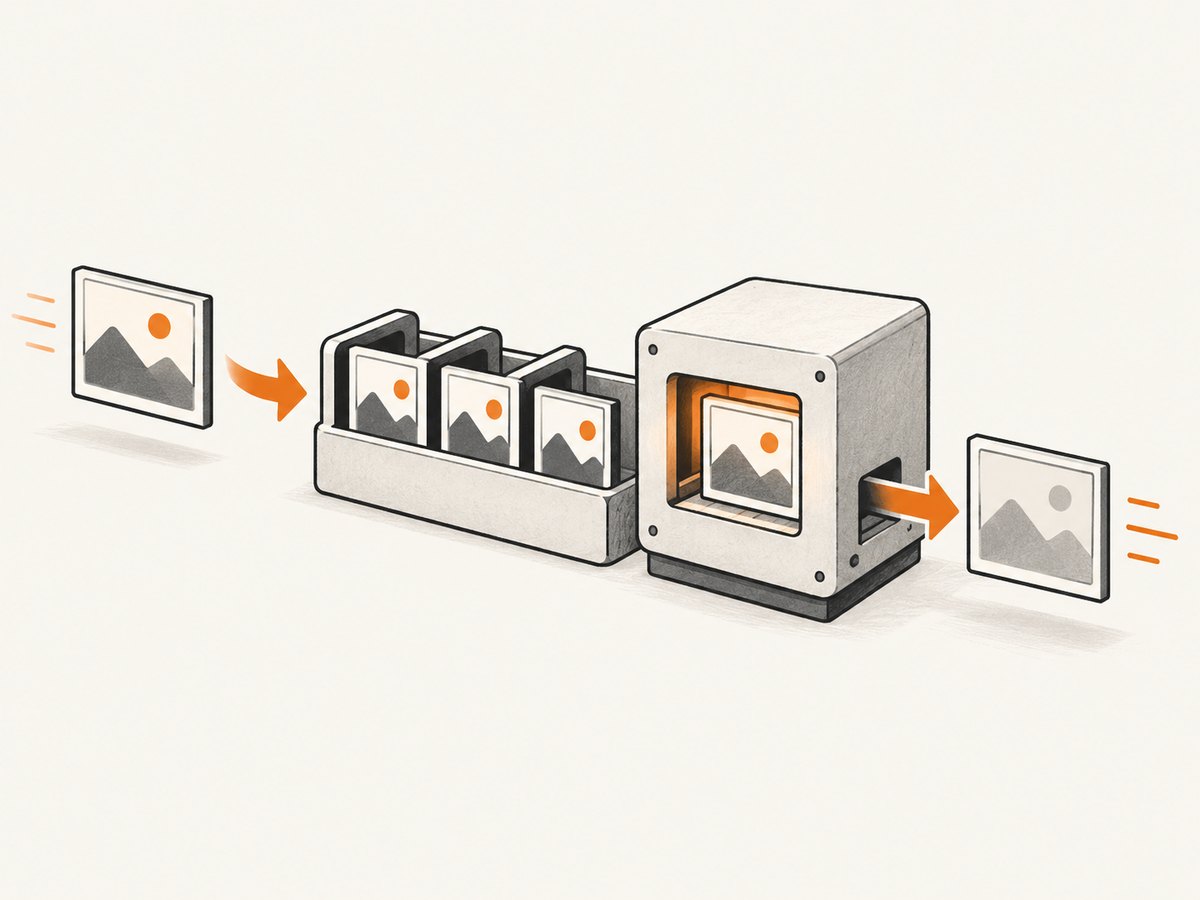
The basic lifecycle is one MSS object around the loop, one frame in flight, immediate processing, and no unbounded frame collection.
import mss
from mss.models import Region

region = Region(left=0, top=40, width=800, height=640)

def should_capture():
    # Replace with your stop condition.
    return True

def process(screenshot):
    # Analyze, encode, display, or dispatch this frame here.
    pass

with mss.MSS() as sct:
    while should_capture():
        screenshot = sct.grab(region)
        process(screenshot)
        # On the next iteration, the name is overwritten. Do not append
        # screenshot to an unbounded list or retain it in a callback.
MSS documents a single reusable instance as the intensive-use pattern and recommends keeping it as a class attribute when integrating capture into a class. See the MSS usage documentation.
Where memory growth usually comes from
Retaining every ScreenShot
# Unbounded growth: every frame remains reachable.
frames = []
with mss.MSS() as sct:
    while running:
        frames.append(sct.grab(monitor))
Replace this with immediate processing, a bounded ring buffer, or explicit backpressure.
from collections import deque

recent = deque(maxlen=10)
with mss.MSS() as sct:
    while running:
        frame = sct.grab(monitor)
        recent.append(frame)  # older entries are discarded automatically
A bounded buffer still consumes memory proportional to its size and frame dimensions. Set the limit from the actual work your application needs.
Queues whose producer outruns the consumer
A capture thread can fill a queue even when every individual frame is eventually released. Bound the queue and decide what to do when it is full: block the producer, drop the oldest frame, or drop the newest frame.
from queue import Queue, Full

queue = Queue(maxsize=2)

# Producer
frame = sct.grab(region)
try:
    queue.put_nowait(frame)
except Full:
    # Drop this frame, or remove an older item according to your policy.
    pass
When using multiprocessing, remember that serialization can create additional copies. Ensure workers terminate and queues are closed when capture stops. MSS’s examples show queue and image-processing patterns that require deliberate worker lifecycle management.
Conversions, aliases, and copies
MSS exposes pixel data through interfaces such as bgra and rgb, and it can be used with Pillow, NumPy, OpenCV, PyTorch, and TensorFlow. A conversion may share screenshot storage or may allocate new storage; MSS documents that this depends on the implementation and environment. Treat every derived object as potentially retaining the original pixels until you verify its ownership.
import numpy as np

with mss.MSS() as sct:
    shot = sct.grab(region)
    view = np.asarray(shot)       # May share memory, depending on path
    independent = view.copy()     # Guaranteed independent storage
    process(independent)
    del independent, view, shot
Use one representation for the processing path where possible. Calling .copy() is correct when a worker must own pixels independently or when the source lifetime is shorter than the consumer’s, but it raises peak memory by allocating another buffer.
Capture fewer pixels
MSS accepts a monitor, a region, or explicit bounding-box geometry. Capture the smallest area that satisfies the task instead of the whole desktop.
import mss

region = {"left": 100, "top": 100, "width": 800, "height": 640}

with mss.MSS() as sct:
    frame = sct.grab(region)
    process(frame)
Smaller dimensions mean a smaller frame payload, all else equal. The exact saving depends on pixel format, conversions, queues, and downstream processing, so measure your complete pipeline.
Reuse MSS correctly in a class
import mss

class Capturer:
    def __init__(self, region):
        self.region = region
        self.sct = mss.MSS()

    def capture_once(self):
        frame = self.sct.grab(self.region)
        try:
            return process(frame)
        finally:
            # Remove local references as soon as this method is done.
            del frame

    def close(self):
        self.sct.close()

capturer = Capturer({"left": 0, "top": 40, "width": 800, "height": 640})
try:
    while running:
        capturer.capture_once()
finally:
    capturer.close()
Do not construct and destroy an MSS instance for every frame. Reuse the capture object for the session, then close it when the session ends.

Do not confuse unreachable objects with falling RSS
After a frame becomes unreachable, Python and native allocators may keep arenas available for reuse. The operating system’s resident-set-size value therefore may remain high even when old frame objects are no longer live. Compare memory after warm-up, after processing completes, and across repeated runs; do not infer a leak from one RSS snapshot.
If memory keeps rising, inspect all references: lists, queues, closures, task futures, caches, display windows, asynchronous workers, model inputs, encoded byte strings, and logging buffers. A downstream image or machine-learning library can retain data after the MSS object is gone.
Platform and version details
Current MSS usage documentation describes direct screenshot buffers from operating-system memory on GNU/Linux with Python 3.12 or later. The optimization is enabled automatically when supported and reduces copying; it does not release screenshots your code intentionally retains. Other operating systems and backends can behave differently.
Project release notes describe platform-specific capture changes, Linux shared-memory fallback behavior, and a historical macOS backend memory-leak fix. Before blaming a backend, record your MSS version, Python version, operating system, display server or backend, and a minimal reproduction. See the MSS release notes.
Diagnostic checklist
- Confirm one MSS instance is reused for the complete capture session.
- Search for
append, unbounded queues, caches, futures, callbacks, and closures containing frames. - Log the queue length and number of in-flight tasks over time.
- Capture a smaller region and compare memory after the same warm-up period.
- Count every conversion to NumPy, Pillow, OpenCV, encoded bytes, or tensors.
- Remove unnecessary
.copy()calls, but keep copies required for independent ownership. - Stop display windows and worker processes when the loop ends.
- Compare live object ownership with process RSS; they are different measurements.
- Record Python, MSS, OS, and backend versions before investigating platform behavior.
Troubleshooting
| Symptom | Likely cause | Fix |
|---|---|---|
| Memory rises once per frame | Frames or derived images remain in a list, queue, callback, or cache | Process in place, bound storage, and remove references after use |
| Memory rises only with NumPy/OpenCV | Repeated conversions or explicit copies | Keep one representation and use .copy() only for required ownership |
| RSS stays high after cleanup | Allocator arenas or native buffers remain mapped for reuse | Measure live retention separately and test whether RSS stabilizes after warm-up |
| Queue length grows | Producer is faster than the consumer | Use a bounded queue and a documented drop or backpressure policy |
| Growth appears only on one OS | Backend or version-specific behavior | Record versions, check release notes, and isolate a minimal backend-specific case |
| Capture slows and memory climbs during display | GUI windows or event buffers retain frames | Release GUI references and pump or close the window according to that toolkit’s lifecycle |
| Worker memory never falls | Async tasks, model batches, or process queues still own pixels | Drain or cancel work, join workers, and close queues at shutdown |
Performance, reliability, and cost considerations
Reuse avoids repeated setup work. Smaller regions reduce bytes copied and processed. A single representation reduces allocation pressure. Bounded queues trade frame freshness or throughput for a predictable memory ceiling. Copies trade memory for safe independent ownership. Choose these settings from the latency and correctness requirements of your application, then measure the complete pipeline rather than MSS capture alone.
For long-running services, add a bounded shutdown path, expose queue depth and dropped-frame counts, and periodically verify that memory reaches a plateau after warm-up. Do not promise that one code change cures every increase: the cause may be a backend, allocator behavior, or another library.
Or skip the browser setup
If your goal is a URL screenshot rather than a local desktop capture, ScreenshotNeo removes the browser and MSS lifecycle from your process. One request returns a PNG, JPEG, WebP, or PDF.
curl -G "https://api.screenshotneo.com/v1/shot" -d access_key=YOUR_API_KEY --data-urlencode url=https://stripe.com -o shot.webpimport requests
r = requests.get("https://api.screenshotneo.com/v1/shot", params={"access_key": "YOUR_API_KEY", "url": "https://stripe.com"}, timeout=90)
open("shot.webp", "wb").write(r.content)const q = new URLSearchParams({ access_key: 'YOUR_API_KEY', url: 'https://stripe.com' });
const res = await fetch(`https://api.screenshotneo.com/v1/shot?${q}`);See the ScreenshotNeo API documentation for options. Cookie and consent banners, newsletter popups, and chat widgets are removed before the shot. Bot checks, blank pages, timeouts, failed loads, and cache hits are not billed, and response headers identify the page verdict and billing result. An MCP server lets AI agents use take_screenshot, get_page_info, and capture_pdf. The Free plan includes 1,000 screenshots per month with no card; paid plans start at $5 for 3,000. Sign up free.
FAQ
Should I call gc.collect() after every frame?
Usually no. First remove application references and bound queues. Forced collection cannot free objects that are still reachable and can add latency.
Is ScreenShot itself always a copy?
It contains pixel data, but conversions may share or copy that storage depending on the implementation and environment. Treat ownership explicitly.
Is a smaller monitor always enough?
No. It reduces the captured payload, but conversions, queues, GUI code, and downstream models can still retain multiple representations.
Can MSS direct buffers eliminate memory growth?
They can reduce copying on documented GNU/Linux and Python 3.12-or-later setups. They do not fix code that keeps old frames alive.
What information should accompany a bug report?
Include a minimal loop, retention points, memory measurements, MSS and Python versions, operating system, display backend, capture dimensions, and conversion libraries.


