Why Puppeteer setContent Fails to Load Dynamic Content
Puppeteer setContent can finish before your app renders fetched data. Learn deterministic waits, diagnostics, fixes for network idle, HTTPS failures, and upgrades.

Short answer: page.setContent() waits for the lifecycle condition you configure, not for your application’s asynchronous work. If your page fetches data, hydrates React/Vue/Svelte, renders a chart, or updates state after the document lifecycle event, setContent() can resolve while the target content is still absent.
Use a deterministic condition that represents the output you need: wait for a visible selector, an application readiness flag, or a specific API response followed by the DOM update. Treat networkidle0 as a specialized diagnostic tool rather than a universal “page is ready” signal.
What setContent actually waits for
Puppeteer documents Page.setContent(html, options) as setting the page content and returning a Promise. The current API reference documents load as the default waitUntil condition and the current SetContentWaitForOptions type does not include networkidle0 or networkidle2.
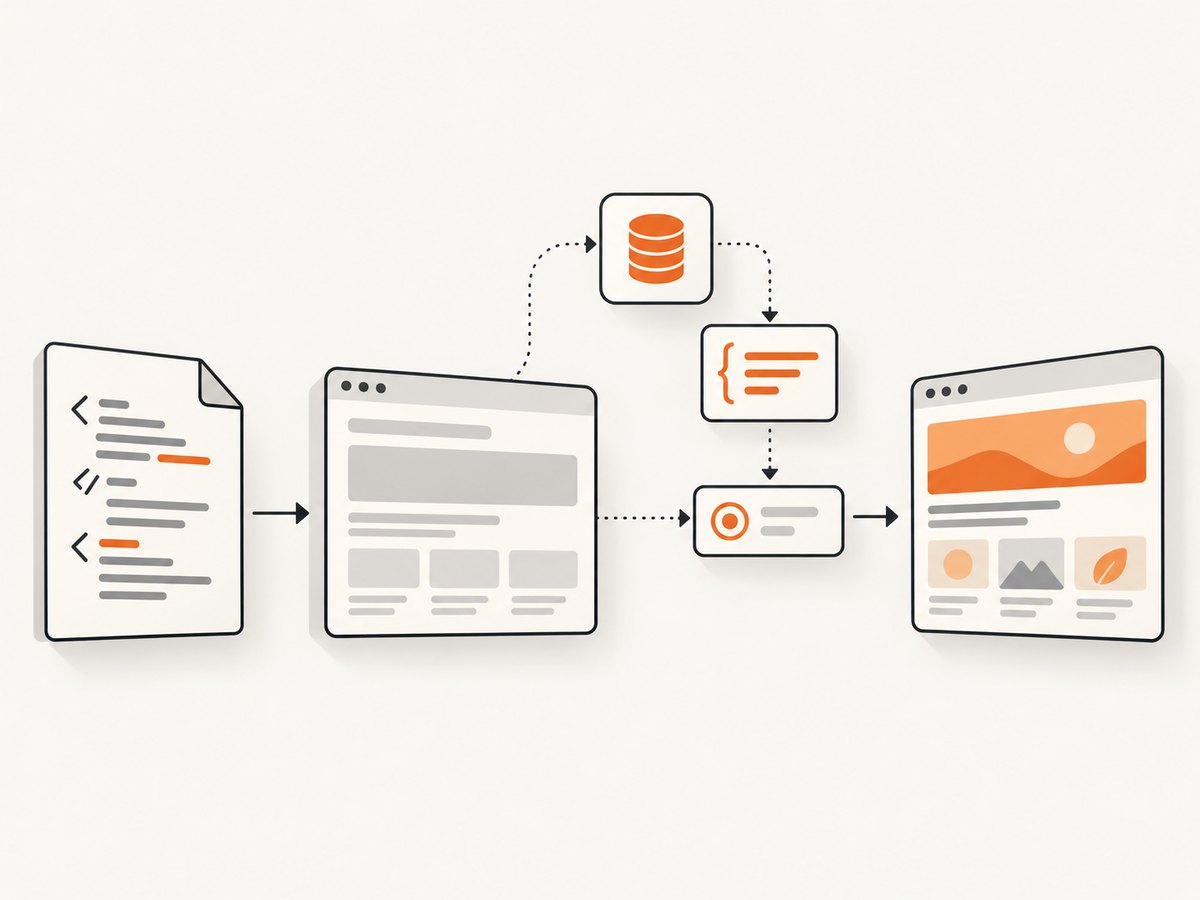
A lifecycle event answers a browser question such as “has the document reached the load milestone?” It does not answer your application question: “has the API response arrived and has the framework committed .result to the DOM?” Those are separate events.
| Wait condition | What it proves | Typical limitation |
|---|---|---|
domcontentloaded |
The HTML has been parsed. | Scripts, fetches, hydration, and rendering may still be running. |
load |
Document load lifecycle reached its condition. | Application state can still be pending. |
waitForSelector |
A selector exists; with visible: true, it is visible. |
The node may exist before its text or data is final. |
waitForFunction |
A page-context predicate is truthy. | The predicate must represent a real readiness state. |
waitForNetworkIdle |
Network activity has been idle for the configured period. | Long polling, analytics, fonts, images, or websockets can prevent idle. |
See Puppeteer’s references for waitForSelector, waitForFunction, and waitForNetworkIdle.
A reliable baseline pattern
import puppeteer from 'puppeteer';

const browser = await puppeteer.launch({headless: true});
const page = await browser.newPage();

await page.setContent(`
  <!doctype html>
  <html>
    <body>
      <div id="result">Loading…</div>
      <script>
        setTimeout(() => {
          const result = document.querySelector('#result');
          result.textContent = 'API data loaded';
          result.dataset.rendered = 'true';
        }, 250);
      </script>
    </body>
  </html>
`, {waitUntil: 'domcontentloaded'});

await page.waitForSelector('#result[data-rendered="true"]', {
  visible: true,
  timeout: 10_000
});

console.log(await page.$eval('#result', el => el.textContent));
await browser.close();
The selector expresses the result you need, instead of guessing that a fixed delay is long enough.
Choose the right synchronization strategy
Wait for the rendered selector
await page.setContent(html, {waitUntil: 'domcontentloaded'});
await page.waitForSelector('.result', {visible: true, timeout: 15_000});
Use this when the application has a stable output node. Prefer a state-specific selector such as [data-rendered="true"] over a generic container that exists during loading.
Wait for an explicit readiness flag
await page.setContent(html, {waitUntil: 'domcontentloaded'});
await page.waitForFunction(() => window.appReady === true, {
  timeout: 15_000
});
Set window.appReady = true only after data has arrived and the framework has committed the final view. This is often more stable than selecting text that may change.
Wait for the known API response, then the DOM
const responsePromise = page.waitForResponse(response =>
  response.url().endsWith('/api/report') && response.status() === 200
);

await page.setContent(html, {waitUntil: 'domcontentloaded'});
await responsePromise;
await page.waitForSelector('[data-report-ready="true"]', {visible: true});
Waiting for the response alone is insufficient if rendering happens in a later task. Keep the DOM condition after the response.
Use a short delay only as a supplement
await page.waitForSelector('.chart-shell', {visible: true});
await new Promise(resolve => setTimeout(resolve, 100));
A delay can allow a chart library to finish a final paint after its container appears, but it should not be your primary readiness signal.
Why networkidle0 hangs or still misses content
networkidle0 requires zero active network connections. Long polling, analytics, tracking pixels, webfonts, image requests, and websockets can keep the counter nonzero indefinitely. Puppeteer issue #4627 describes a setContent reproduction timing out while external PNG requests remained active; aborting those requests removed the timeout but also removed the images.
When you need an idle period, call page.waitForNetworkIdle() explicitly and still verify the rendered output:
await page.setContent(html, {waitUntil: 'domcontentloaded'});
await page.waitForNetworkIdle({idleTime: 500, timeout: 15_000});
await page.waitForSelector('[data-rendered="true"]', {visible: true});
If a known analytics or long-lived endpoint prevents idle, stub only that endpoint after confirming it is irrelevant to the capture. Do not blindly abort all images or scripts.
Make failures visible before changing waits
page.on('console', message => {
  console.log('[console]', message.type(), message.text());
});
page.on('pageerror', error => {
  console.error('[pageerror]', error);
});
page.on('requestfailed', request => {
  console.error('[requestfailed]', request.url(), request.failure());
});
page.on('response', response => {
  if (response.status() >= 400) {
    console.error('[http]', response.status(), response.url());
  }
});
Attach these listeners before setContent. Record the Puppeteer version, Chromium revision, exact HTML, base URL assumptions, and every setContent option. This distinguishes a timing problem from a script error, failed request, certificate issue, or version regression.
External scripts, images, HTTPS, and URL resolution
- Relative URLs: HTML supplied to
setContentmay resolve relative resources differently from a normal navigation. Use absolute URLs or provide a deliberate base URL. - TLS and hostnames: Verify certificates and hostnames from the capture environment. Issue #5002 reports external-resource failures where HTTPS behaved differently from non-SSL and
domcontentloadedcompleted. - Mixed content and CSP: A page can parse successfully while the browser blocks a script or image. The console and request-failure listeners reveal this.
- Authentication and CORS: Ensure cookies, authorization headers, and origins match what the application expects.
- Response status: A 404 JavaScript file can leave the document looking valid while dynamic rendering never starts.
Use a minimal reproduction containing one external script and one data request. Confirm each URL with the same environment before adding more waits.
Version regressions and reproducibility
If a previously working capture starts stalling after an upgrade, pin the Puppeteer version and compare the smallest reproduction against the previous release. Issue #14759 reports a networkidle0 reproduction that stalled on 24.38.0 but completed on 24.37.5.
- Log the installed Puppeteer version and Chromium revision.
- Run the same HTML with the current and previous versions.
- Remove unrelated requests and waits.
- Replace generic network idle with a selector or readiness predicate.
- Keep the pinned version until the regression is understood.
Diagnostics checklist
- Does the readiness selector represent final content rather than a loading shell?
- Is the selector visible, and is its text or attribute updated after data arrives?
- Does the page set an explicit readiness flag?
- Are API responses successful and authenticated?
- Are relative resource URLs resolving to the intended host?
- Are console errors, page errors, failed requests, and 4xx/5xx responses logged?
- Could polling, analytics, fonts, images, or websockets prevent network idle?
- Did the issue begin after a Puppeteer or Chromium upgrade?
- Does the timeout expose the last observed URL and selector?
Runnable diagnostic helpers
Node.js capture script
import puppeteer from 'puppeteer';

const browser = await puppeteer.launch();
const page = await browser.newPage();
page.on('console', m => console.log('console:', m.text()));
page.on('pageerror', e => console.error('pageerror:', e.message));
page.on('requestfailed', r => console.error('failed:', r.url(), r.failure()?.errorText));

const html = `<div id="result">Loading…</div>
<script>
  fetch('https://example.com/data.json')
    .then(() => {
      document.querySelector('#result').textContent = 'Ready';
      document.querySelector('#result').dataset.ready = 'true';
    })
    .catch(error => console.error(error));
</script>`;

await page.setContent(html, {waitUntil: 'domcontentloaded'});
await page.waitForSelector('#result[data-ready="true"]', {
  visible: true,
  timeout: 15_000
});
await page.screenshot({path: 'result.png'});
await browser.close();
Python: serve a minimal reproduction
from http.server import ThreadingHTTPServer, SimpleHTTPRequestHandler

server = ThreadingHTTPServer(("127.0.0.1", 8000), SimpleHTTPRequestHandler)
print("Serving http://127.0.0.1:8000")
server.serve_forever()
Put your HTML and JavaScript in the served directory, then point Puppeteer at the local URL or use its HTML as a controlled fixture. Python does not change Puppeteer’s wait semantics; it gives you a repeatable origin for debugging.

cURL: inspect an external dependency
curl -I -L --max-time 20 https://example.com/data.jsonCheck the final URL, certificate negotiation, redirects, and HTTP status from the same environment that runs Chromium. A successful cURL request does not prove that browser CORS, CSP, cookies, or JavaScript execution will succeed.
Timeouts, performance, and reliability
Set a timeout that covers the slowest legitimate API response, then fail with a useful selector or predicate. Deterministic waits usually finish sooner than a large fixed sleep because they return as soon as the application is ready. Network-idle waits can be slower and less reliable on pages with legitimate background traffic.
For high-volume screenshots, keep the HTML fixture small, block only confirmed nonessential requests, reuse a browser process carefully, and cache stable assets. Preserve images and scripts needed for the final output. Treat a timeout as a failed capture and record the page verdict, URL, version, and last diagnostic event.
Or skip the browser setup
If your goal is a clean screenshot rather than browser timing work, ScreenshotNeo provides a one-request screenshot API. Its capture pipeline accepts cookie or consent banners like a visitor and removes more than 60 known consent platforms, newsletter popups, and chat widgets before the shot; each step can be turned off. Bot checks, blank pages, timeouts, failed loads, and cache hits are not billed, and the response identifies the result with X-Page-Verdict and X-Billed headers. It also provides an MCP server with take_screenshot, get_page_info, and capture_pdf tools for Claude, Cursor, and other MCP clients.
See the ScreenshotNeo API documentation for all options.
curl -G "https://api.screenshotneo.com/v1/shot" -d access_key=YOUR_API_KEY --data-urlencode url=https://stripe.com -o shot.webpimport requests
r = requests.get("https://api.screenshotneo.com/v1/shot", params={"access_key": "YOUR_API_KEY", "url": "https://stripe.com"}, timeout=90)
open("shot.webp", "wb").write(r.content)const q = new URLSearchParams({ access_key: 'YOUR_API_KEY', url: 'https://stripe.com' });
const res = await fetch(`https://api.screenshotneo.com/v1/shot?${q}`);ScreenshotNeo includes full-page capture with lazy images loaded, CSS-element capture, dark mode, device presets and custom viewports, retina scale, PDF output, custom CSS and JavaScript, clicks, selector waits, delays, network-idle waits, request blocking, headers, cookies, user agents, authorization, timezone, geolocation, transparent backgrounds, resizing, TTL caching, signed links, asynchronous webhooks, bulk capture for up to 100 URLs per call, a usage API, and an OpenAPI specification. It supports the parameter names used by other screenshot APIs, which helps when switching.
The Free plan includes 1,000 screenshots per month with no card. Paid plans start at $5 for 3,000 shots; every feature is available on every plan. Create a free ScreenshotNeo account.
FAQ
Does setContent wait for fetch?
No. It waits for the configured lifecycle condition. Add a response wait, selector wait, or readiness predicate for the fetch-driven output.
Should I always use networkidle0?
No. Background requests can make it hang, and idle does not prove that your framework finished rendering. Prefer an application-specific condition.
Why does the selector exist but contain no data?
The loading shell may be present before its text or attributes update. Wait for a state-specific attribute, nonempty content, or an explicit readiness flag.
Why did an upgrade break my capture?
Compare the smallest reproduction on the current and previous Puppeteer versions, pin the working version, and replace fragile network-idle waits where possible.
Can ScreenshotNeo wait for dynamic pages?
Yes. Its options include selector, delay, and network-idle waits, plus custom JavaScript and request controls. Clean shots only are billed.


