Why Removing Selenium Screenshots Breaks a Python Program
Removing a Selenium screenshot line can break cleanup, file consumers, variables, or Python block structure. Trace the dependency before deleting it.
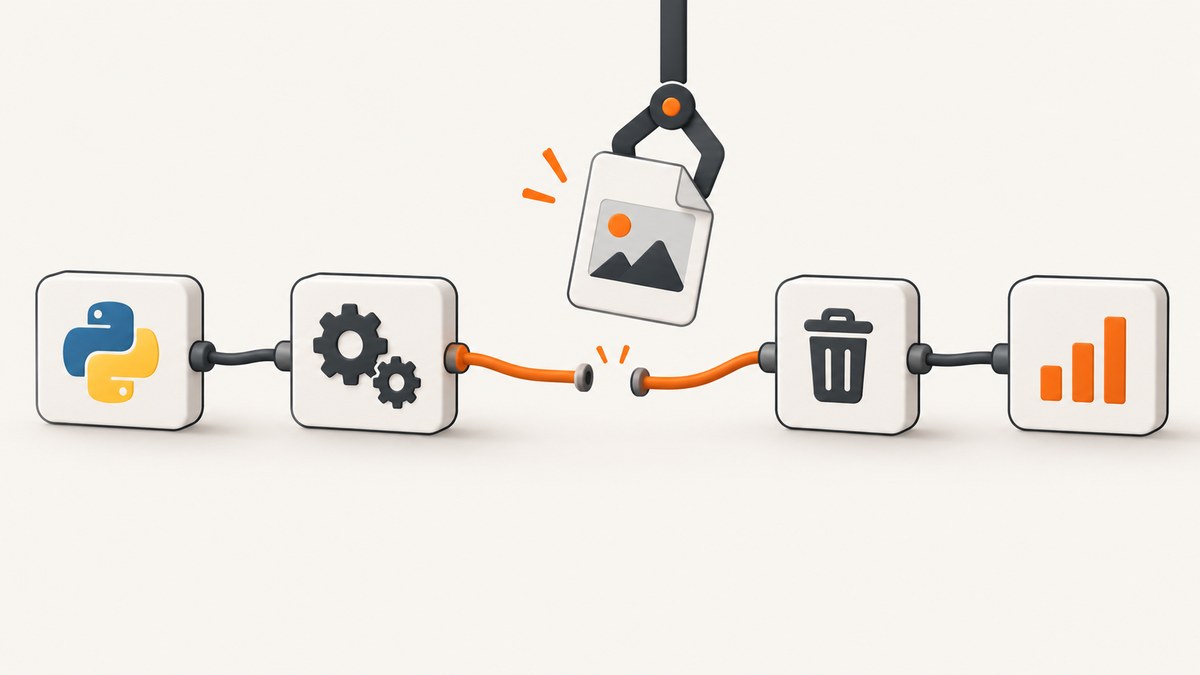
Short answer: removing a Selenium screenshot file should not normally break Python by itself. Removing the code that creates the screenshot can break a later step that deletes the file, reads its path, uploads the image, checks its existence, or uses a variable initialized by the screenshot call. Deleting a line can also change indentation and invalidate a surrounding Python block.
Diagnose the traceback and the code path before choosing a fix. Selenium has separate APIs for saving a PNG to disk and returning image data in memory, so “remove screenshots” can mean several different changes.
What Selenium screenshot code actually does
Selenium’s Python WebDriver provides file and in-memory screenshot methods. save_screenshot(filename) saves the current window to a PNG file. get_screenshot_as_file(filename) is another file-oriented method. The documented file-save methods report False for an I/O error; otherwise they report success. Selenium also exposes get_screenshot_as_png(), which returns image bytes, and get_screenshot_as_base64(), which returns encoded image data. See the official Selenium Python API documentation.
from selenium import webdriver

browser = webdriver.Chrome()
browser.get("https://example.com")

# Writes a PNG file and returns a success value.
ok = browser.save_screenshot("artifacts/home.png")
print(ok)

# Keeps the image in memory instead of writing a file.
png_bytes = browser.get_screenshot_as_png()
base64_image = browser.get_screenshot_as_base64()

browser.quit()
The screenshot call may therefore be the producer in a larger artifact pipeline:
from pathlib import Path
from selenium import webdriver

path = Path("artifacts/failure.png")
browser = webdriver.Chrome()
try:
    browser.get("https://example.com")
    browser.save_screenshot(path)
    # A report, uploader, assertion, or test harness may use path here.
finally:
    browser.quit()
    path.unlink()
If the producer is deleted while the cleanup remains, path.unlink() can raise FileNotFoundError because its default is missing_ok=False. Python documents that missing_ok=True ignores an absent file. Check the Python pathlib documentation for the exact behavior.
Common dependency chains that fail after removal
1. Cleanup still deletes the old path
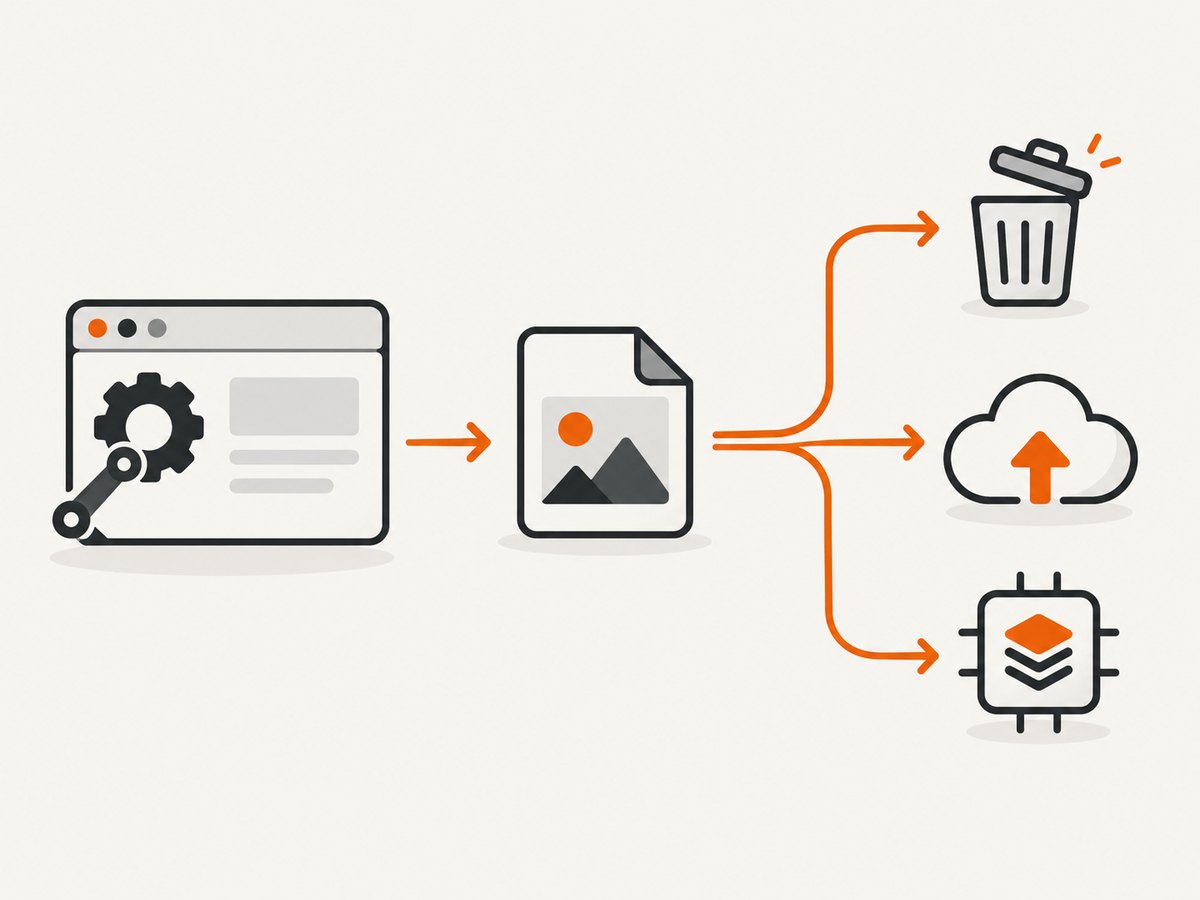
This is the most concrete failure chain: screenshot code creates a file, and a finally block or teardown function removes it. After the save call is removed, cleanup sees no file.
# Fragile when the screenshot producer is optional
finally:
    Path("artifacts/failure.png").unlink()

# Explicitly allow an optional artifact to be absent
finally:
    Path("artifacts/failure.png").unlink(missing_ok=True)
Use missing_ok=True only when absence is expected. Do not use it to hide permission errors, an incorrect path, or unrelated I/O failures.
2. A later step still needs the filename
Report generation, an upload call, an HTML attachment, or a test plugin may receive the screenshot path. Search for every use of the path variable and filename, not only for Selenium method names.
shot_path = "artifacts/checkout.png"
browser.save_screenshot(shot_path)
report.attach_file(shot_path)
If you remove only the save call, report.attach_file(shot_path) still runs. If you remove the assignment too, Python raises NameError when the variable is referenced.
3. Code expects screenshot bytes or base64
A program may pass get_screenshot_as_png() to an image parser, hash function, HTTP upload, or visual assertion. Removing a file-writing call does not remove these independent consumers.
from io import BytesIO
from PIL import Image

png_bytes = browser.get_screenshot_as_png()
image = Image.open(BytesIO(png_bytes))
print(image.size)
4. Removing the line changes Python structure
Python uses indentation as syntax. Deleting the only statement inside a function, conditional, loop, try, or finally block can produce IndentationError, SyntaxError, or a changed control flow.
# Invalid after deleting the only statement in the block
if save_artifacts:

# Keep a deliberate no-op while refactoring
if save_artifacts:
    pass
Also inspect whether deleting a line moved an except, else, or finally clause out of alignment.
A reliable diagnosis sequence
- Read the complete traceback. Record the first failing line and exception type. A
FileNotFoundError,NameError, andIndentationErrorpoint to different causes. - Compare the diff. Check the removed line and the surrounding function, conditional, loop,
try/except/finally, and teardown code. - Search all references. Search for the screenshot filename, path variable,
save_screenshot,get_screenshot_as_file,get_screenshot_as_png,get_screenshot_as_base64,unlink, andos.remove. - Identify the contract. Decide whether downstream code needs a persistent file, bytes, base64, or only a success/failure signal.
- Check optional-artifact policy. If screenshots are now optional, make creation, consumption, and cleanup conditional together.
- Repeat with the same environment. Compare behavior using the same Python, Selenium, browser-driver, browser, and operating-system versions.
- Reduce the reproduction. Keep driver startup, navigation, the changed block, and teardown. Remove unrelated test logic until the first failure is clear.
Safe ways to remove screenshot files
Keep screenshot behavior behind a flag
from pathlib import Path
from selenium import webdriver

capture_artifacts = False
shot_path = Path("artifacts/page.png")
browser = webdriver.Chrome()
try:
    browser.get("https://example.com")
    if capture_artifacts:
        shot_path.parent.mkdir(parents=True, exist_ok=True)
        if not browser.save_screenshot(str(shot_path)):
            raise OSError(f"Selenium could not save {shot_path}")
finally:
    browser.quit()
    if capture_artifacts:
        shot_path.unlink(missing_ok=True)
Keep an in-memory image instead of a file
png_bytes = browser.get_screenshot_as_png()
# Pass png_bytes directly to an image validator, uploader, or report API.
Choose this only when the consumer accepts bytes. It does not satisfy a consumer that requires a filesystem path.
Remove the entire artifact pipeline
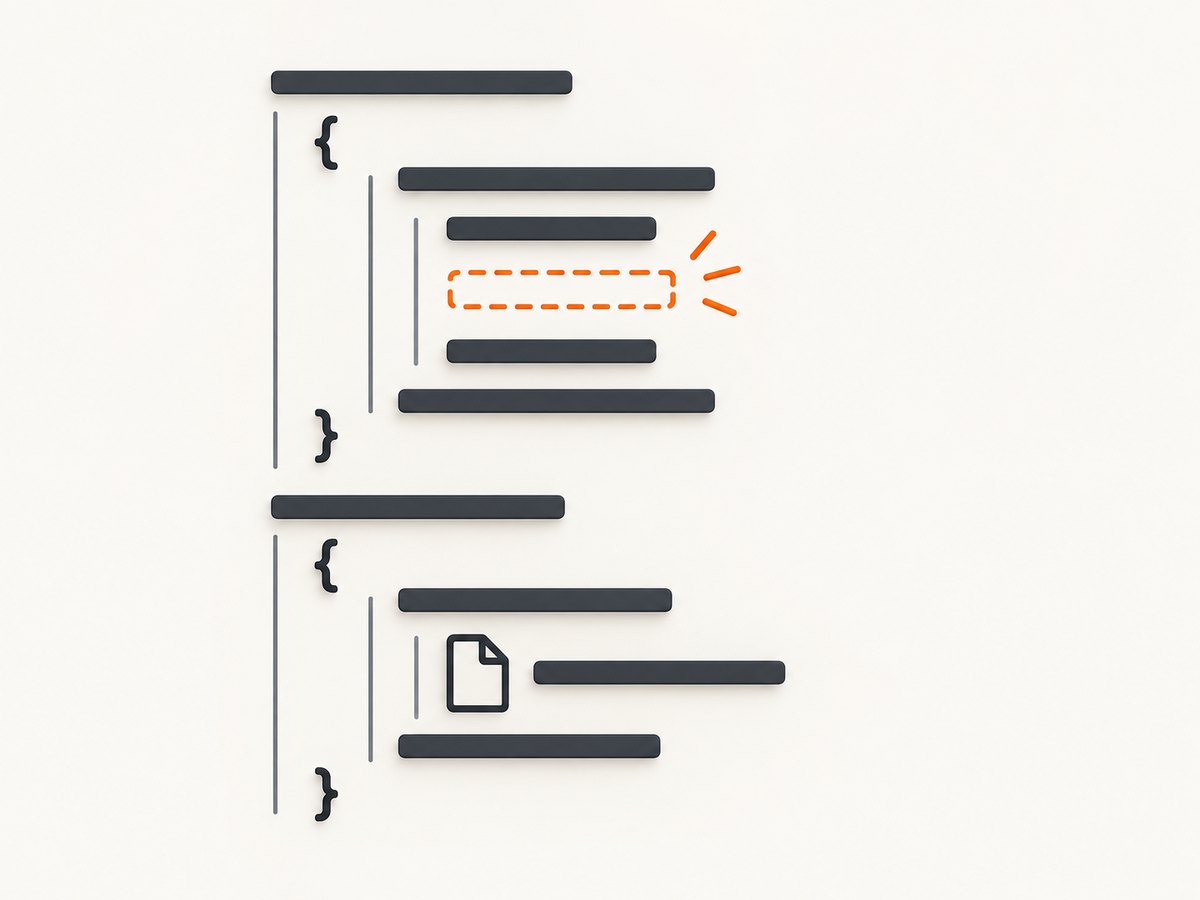
If screenshots are no longer needed, remove or disable all three roles together: producer, consumer, and cleanup. Then run a project-wide search for the old path and variable.
File-save errors and their fixes
| Symptom | Likely cause | Fix |
|---|---|---|
FileNotFoundError in unlink() |
The producer was removed or the path is wrong. | Make cleanup conditional or use unlink(missing_ok=True) for an optional file. |
NameError |
A removed assignment initialized a path or screenshot variable. | Remove downstream references or initialize the variable under the same feature flag. |
IndentationError or SyntaxError |
Deleting the only statement changed block structure. | Fix indentation and keep pass where an empty block is intentional. |
| Report or upload says file is missing | A consumer still expects a persistent artifact. | Keep file capture, switch the consumer to bytes, or disable the consumer. |
PermissionError |
The process cannot write or delete the path, or another process holds it. | Check directory permissions, ownership, locks, and whether the path is a directory. |
Selenium returns False |
The file save encountered an I/O error. | Check the directory, filename, permissions, and return value instead of assuming success. |
| Browser tests fail only in CI | Different working directory, filesystem permissions, driver, or browser version. | Log the resolved path and versions; use an absolute writable artifact directory. |
Performance, reliability, and cost considerations
- Disk versus memory: writing a PNG adds filesystem work and leaves an artifact for later consumers. In-memory bytes avoid cleanup but still allocate image data.
- Capture timing: screenshot removal can expose timing assumptions elsewhere. If a screenshot was the step that implicitly waited for a page state, replace that behavior with an explicit wait for the required condition.
- Failure handling: check Selenium’s file-save return value when the artifact matters. Treat a failed save differently from an optional missing cleanup file.
- Parallel tests: use unique paths per test to avoid races where one worker deletes another worker’s screenshot.
- Retention: clean artifacts in teardown, but preserve them on failure when diagnostics require them. Make that policy explicit.
- Versions: the cited API page is Selenium 4.49.0 documentation and the filesystem reference is Python 3.12.14 documentation. Verify behavior against the versions installed by your project.
Or skip the browser setup
If the goal is simply to obtain a clean website image, ScreenshotNeo provides a single HTTP request without managing Selenium, browser drivers, or local screenshot files. Cookie and consent banners are accepted before capture, and more than 60 known consent platforms, newsletter popups, and chat widgets are removed. Bot checks, blank pages, timeouts, failed loads, and cache hits are not billed; response headers identify the page verdict and billing status. Its MCP server lets Claude, Cursor, and other MCP clients call take_screenshot, get_page_info, and capture_pdf.
See the ScreenshotNeo API documentation for options such as full-page or element capture, device presets, custom CSS and JavaScript, waits, headers, cookies, blocking rules, caching, PDFs, async jobs, and bulk capture.
cURL
curl -G "https://api.screenshotneo.com/v1/shot" \
  -d access_key=YOUR_API_KEY \
  --data-urlencode url=https://example.com \
  -o shot.webp
Python
import requests

r = requests.get(
    "https://api.screenshotneo.com/v1/shot",
    params={"access_key": "YOUR_API_KEY", "url": "https://example.com"},
    timeout=90,
)
r.raise_for_status()
open("shot.webp", "wb").write(r.content)
Node.js
const q = new URLSearchParams({
  access_key: 'YOUR_API_KEY',
  url: 'https://example.com'
});
const res = await fetch(`https://api.screenshotneo.com/v1/shot?${q}`);
if (!res.ok) throw new Error(`Screenshot failed: ${res.status}`);
const data = Buffer.from(await res.arrayBuffer());
require('fs').writeFileSync('shot.webp', data);
There is a free plan with 1,000 screenshots per month and no card. Paid plans start at $5 for 3,000 shots, and every feature is available on every plan. Create a free ScreenshotNeo account.
FAQ
Does deleting a PNG cause Selenium to fail?
Deleting an existing file is separate from Selenium. Failures usually come from remaining code that expects the file, a missing path, cleanup behavior, or a syntax change.
Should I use save_screenshot() or get_screenshot_as_png()?
Use the file method when a later step needs a path. Use the PNG method when the consumer accepts bytes and no persistent artifact is required.
Is missing_ok=True always safe?
No. It is appropriate for an intentionally optional file. It should not conceal permission problems or an incorrect path.
What information is needed to diagnose an unknown case?
The complete traceback, the removed line, the remaining cleanup and consumer code, installed Selenium and Python versions, and the operating system.


