How to Run Puppeteer in the Cloud Cost-Effectively
Compare Cloud Run, Lambda, and managed browsers with a practical cost model, deployment code, troubleshooting steps, and ways to reduce Puppeteer spend.
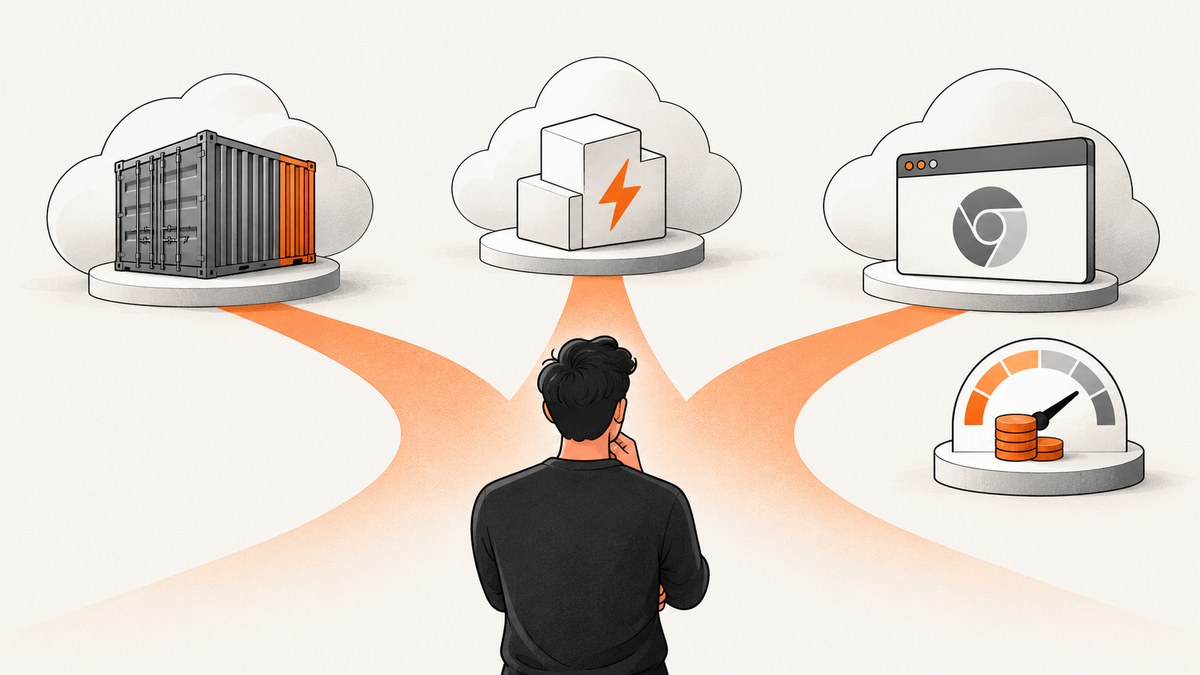
Direct answer: run Puppeteer cost-effectively by matching the hosting model to the shape of your jobs. Use a container service such as Cloud Run for predictable browser workers and control over the image. Use a function such as AWS Lambda for short, bounded, event-driven captures when packaging Chromium fits your runtime limits. Use a managed browser endpoint such as Browserless when the engineering and operations work of maintaining Chrome costs more than the service fee. Measure browser seconds, memory and CPU, peak concurrency, idle time, retries, networking, and operations time before choosing.
There is no reliable evidence that one provider is universally cheapest. Prices and quotas change, and a comparison without a workload is only a guess. This guide gives you runnable deployment patterns, a cost worksheet, and the controls that keep browser sessions short and predictable.
1. Model the workload before choosing a host
Write down these values for a representative month:
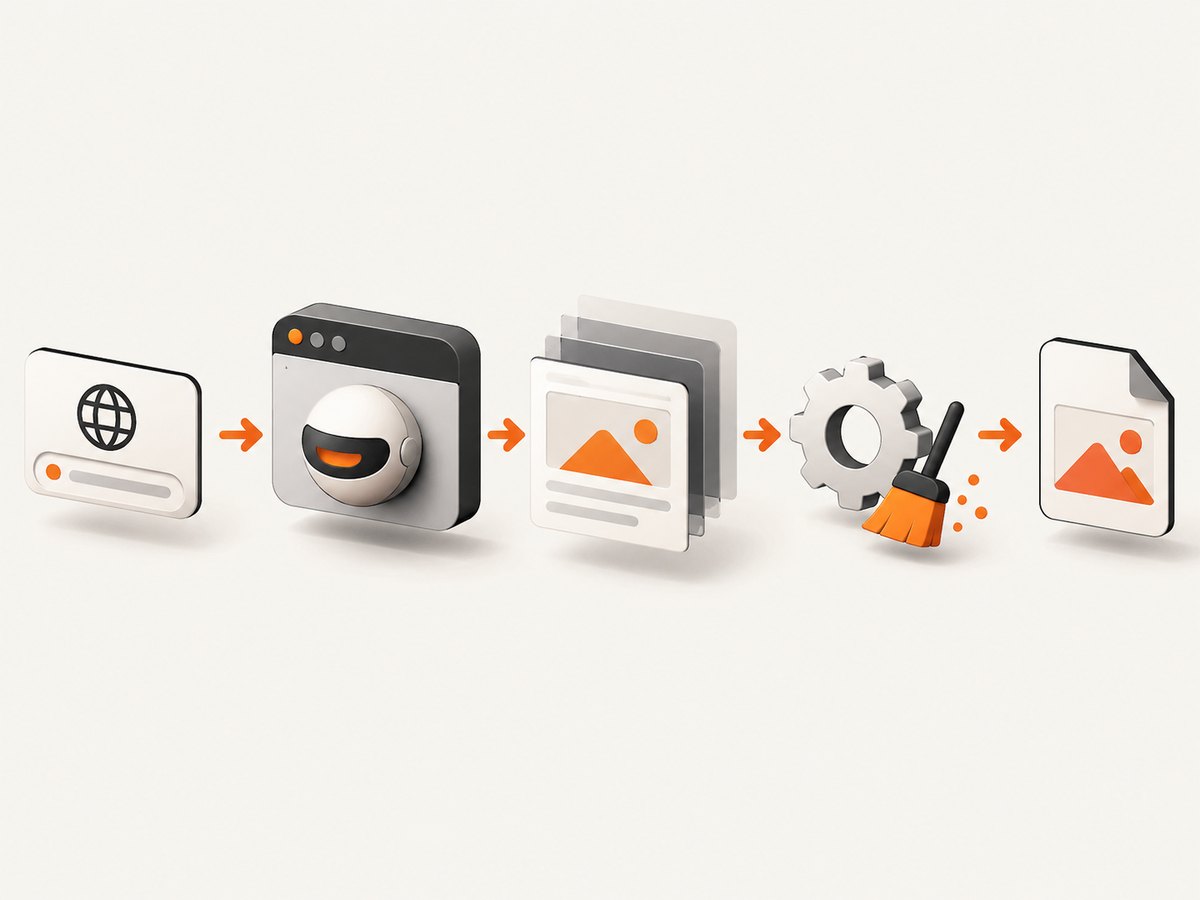
- Jobs per month and the percentage that are retries.
- p50 and p95 browser session duration, including startup and cleanup.
- Peak concurrent sessions and the maximum queue depth you can tolerate.
- Memory and CPU allocated to each worker.
- Whether work continues after an HTTP response, or ends before the response.
- Browser startup frequency, cold starts, and time spent waiting for pages or network idle.
- Region, egress, proxy usage, and any authenticated upstream traffic.
- Engineering hours for image updates, Chrome patches, monitoring, scaling, and incidents.
Your monthly compute estimate can start with:
monthly_compute = jobs * average_runtime_seconds * allocated_memory_GB
monthly_total = compute + requests + network + proxy + retries + operations_time
This is a comparison framework, not a provider bill. Plug the result into each provider’s current calculator and plan limits. Cloud Run’s billing settings, AWS Lambda pricing, and Browserless’s pricing page use different units and lifecycle boundaries.
2. Pattern A: a containerized Puppeteer worker on Cloud Run
Cloud Run documents headless Chrome automation and names Puppeteer as a suitable high-level API. A container gives you control over the browser version and Linux dependencies, while Cloud Run handles HTTPS, revisions, and scaling.
Minimal Docker image
FROM node:22-bookworm-slim

# Chromium and libraries required by headless Chrome
RUN apt-get update \
  && apt-get install -y --no-install-recommends \
     chromium ca-certificates fonts-liberation \
     libasound2 libatk-bridge2.0-0 libatk1.0-0 \
     libcups2 libdbus-1-3 libdrm2 libgbm1 libgtk-3-0 \
     libnspr4 libnss3 libu2f-udev libx11-6 libx11-xcb1 \
     libxcb1 libxcomposite1 libxdamage1 libxext6 libxfixes3 \
     libxrandr2 xdg-utils \
  && rm -rf /var/lib/apt/lists/*

WORKDIR /app
COPY package*.json ./
RUN npm ci --omit=dev
COPY server.js ./
ENV PUPPETEER_SKIP_DOWNLOAD=true
CMD ["node", "server.js"]
The package file:
{
  "type": "module",
  "dependencies": { "express": "^4.21.2", "puppeteer-core": "^24.10.0" }
}
Use puppeteer-core when Chromium is installed by the image. The server below keeps one browser per process and creates a fresh page per request. Set a hard navigation timeout and always close the page.
import express from 'express';
import puppeteer from 'puppeteer-core';

const app = express();
const port = process.env.PORT || 8080;
let browserPromise;

function browser() {
  if (!browserPromise) {
    browserPromise = puppeteer.launch({
      executablePath: '/usr/bin/chromium',
      headless: 'new',
      args: ['--no-sandbox', '--disable-setuid-sandbox', '--disable-dev-shm-usage']
    });
  }
  return browserPromise;
}

app.get('/shot', async (req, res) => {
  const target = String(req.query.url || '');
  if (!/^https?:\\/\\//i.test(target)) return res.status(400).send('url must use http or https');
  const page = await (await browser()).newPage();
  try {
    await page.setViewport({ width: 1440, height: 900, deviceScaleFactor: 1 });
    await page.goto(target, { waitUntil: 'networkidle2', timeout: 30000 });
    const png = await page.screenshot({ fullPage: true, type: 'png' });
    res.type('png').send(png);
  } catch (error) {
    res.status(502).json({ error: 'capture_failed', message: error.message });
  } finally {
    await page.close().catch(() => {});
  }
});

const server = app.listen(port, () => console.log(`listening on ${port}`));
process.on('SIGTERM', async () => {
  server.close();
  if (browserPromise) (await browserPromise).close();
});
Build and deploy:
gcloud builds submit --tag REGION-docker.pkg.dev/PROJECT/browser/puppeteer

gcloud run deploy puppeteer-shot \
  --image REGION-docker.pkg.dev/PROJECT/browser/puppeteer \
  --region REGION \
  --platform managed \
  --concurrency 1 \
  --memory 2Gi \
  --timeout 60
Start with low concurrency because Chromium is memory-sensitive. Increase it only after measuring p95 latency and memory under simultaneous pages. Reuse a browser process, but isolate requests in separate pages and recycle the browser after repeated crashes or a chosen lifetime.
Cloud Run billing details that affect cost
Request-based and instance-based billing charge across different lifecycle boundaries. If all browser work finishes before the HTTP response, request-based processing is easy to reason about. If a handler returns and then continues browser work, default CPU behavior can make that work appear very slow. Puppeteer’s troubleshooting guide calls out this Cloud Run behavior; configure CPU allocation and billing for background processing, or move the work to a queue worker that remains active while processing. Verify the current Cloud Run console terms before deployment.
Keep a request timeout below the platform limit, return a clear failure, and make jobs idempotent so retries do not create duplicate captures. Set a maximum page count and block unnecessary resources such as video, fonts, and analytics when your output allows it.
3. Pattern B: Puppeteer in AWS Lambda
Lambda charges for requests and duration measured in GB-seconds. Memory selection also changes the proportional CPU and other resources. A larger memory setting can shorten a browser run enough to reduce duration, but you must measure the complete GB-second result.
The packaging problem is separate from the compute price. Headless Chromium is large and needs native libraries. Puppeteer’s troubleshooting documentation describes Lambda package-size constraints and points to community Chromium tooling. Treat those projects as community solutions, not AWS-supported Puppeteer packaging, and pin versions that you can rebuild.
import puppeteer from 'puppeteer-core';
import chromium from '@sparticuz/chromium';

export const handler = async (event) => {
  const url = event.url;
  if (!url || !/^https?:\\/\\//i.test(url)) {
    return { statusCode: 400, body: 'url must use http or https' };
  }
  const browser = await puppeteer.launch({
    args: chromium.args,
    defaultViewport: { width: 1280, height: 800 },
    executablePath: await chromium.executablePath(),
    headless: true
  });
  try {
    const page = await browser.newPage();
    await page.goto(url, { waitUntil: 'domcontentloaded', timeout: 25000 });
    const body = await page.screenshot({ type: 'png', encoding: 'base64' });
    await page.close();
    return { statusCode: 200, headers: { 'content-type': 'image/png' }, isBase64Encoded: true, body };
  } finally {
    await browser.close();
  }
};
Keep Lambda jobs bounded. Avoid leaving a browser running after the handler has produced its result. Put large browser layers in a supported deployment arrangement, set a timeout that covers cold starts, and record duration and configured memory for every invocation. If a page can exceed the function timeout, enqueue it for a container worker instead.
4. Pattern C: connect to a managed browser endpoint
A managed service removes browser image maintenance, OS patching, and much of the scaling work. Browserless’s BaaS guide shows Puppeteer connecting with puppeteer.connect() over a WebSocket endpoint.
import puppeteer from 'puppeteer-core';

const browser = await puppeteer.connect({
  browserWSEndpoint: `wss://YOUR_BROWSERLESS_ENDPOINT?token=${process.env.BROWSERLESS_TOKEN}`
});
const page = await browser.newPage();
try {
  await page.goto('https://example.com', { waitUntil: 'networkidle2', timeout: 30000 });
  await page.screenshot({ path: 'shot.png', fullPage: true });
} finally {
  await page.close();
  await browser.close();
}
Read the provider’s current plan, concurrency, proxy, and overage terms. Browserless defines one unit as up to 30 seconds of browser time per connection; partial intervals round up, longer sessions consume more units, and reconnects count as new connections. A session left open while your code waits can consume units without useful navigation. Use strict timeouts, close pages and browsers promptly, and avoid reconnect loops.
5. Cost controls that work across all three patterns
- Bound navigation. Set navigation, selector, and total-job deadlines. Abort stalled pages.
- Reuse carefully. Reusing a browser avoids startup cost, but recycle it after crashes, memory growth, or a fixed number of jobs.
- Reduce page weight. Intercept and abort ads, trackers, video, and other resources that cannot affect the capture.
- Control concurrency. Match parallel pages to memory, then measure p95 duration and out-of-memory failures.
- Cache deterministic results. Cache by URL, viewport, user agent, and relevant options. Add an expiration policy when pages change.
- Retry selectively. Retry transient navigation or infrastructure errors with backoff. Do not retry invalid URLs or permanent bot checks repeatedly.
- Separate queues. Give interactive requests a short queue and run bulk captures in a worker pool with a defined maximum.
- Track the full unit cost. Log runtime, memory, retries, egress, proxy use, and operator time, not only the provider invoice.
6. DIY troubleshooting checklist
| Symptom | Likely cause | Fix |
|---|---|---|
| Browser fails to launch | Missing Chromium binary or Linux libraries | Install the documented dependencies in the image, set the correct executable path, and inspect startup logs. |
| Works locally, fails in Cloud Run | Node runtime lacks Chrome system packages | Deploy a Docker image based on the Cloud Run browser automation guidance and Puppeteer troubleshooting notes. |
| Work becomes very slow after response | CPU is not allocated for post-response processing | Finish before responding, or configure Cloud Run billing and CPU for background work. |
| Lambda package is too large | Chromium and native libraries exceed the deployment layout | Use a pinned community Chromium layer or container image, and verify its license and maintenance status. |
| Out-of-memory crashes | Too many pages, large images, or high concurrency | Lower concurrency, increase memory, block heavy resources, and close pages in finally. |
| Timeouts on dynamic sites | Waiting for network idle never settles | Use a shorter explicit wait, wait for a known selector, and set a total deadline. |
| Duplicate charges or jobs | Retries are not idempotent | Attach an idempotency key and persist job state before retrying. |
| Managed units grow unexpectedly | Sessions are open or reconnecting | Close every session, cap reconnect attempts, and inspect 30-second rounding. |
7. When ScreenshotNeo is a lower-operations option
If your actual requirement is reliable website screenshots rather than owning a browser fleet, ScreenshotNeo gives you a single HTTP capture endpoint. It handles browser setup and includes options for full-page shots with lazy images, CSS element capture, device presets or custom viewports, dark mode, retina scale, custom CSS and JavaScript, clicks, selector waits, delay or network-idle waits, blocked resources, headers, cookies, user agents, authorization, timezone, geolocation, transparent backgrounds, resizing, caching, signed links, asynchronous jobs with signed webhooks, bulk capture of up to 100 URLs per call, usage reporting, and PDF output.

Or skip the browser setup
See the ScreenshotNeo API documentation for the complete option list. A basic call is:
curl -G "https://api.screenshotneo.com/v1/shot" -d access_key=YOUR_API_KEY --data-urlencode url=https://stripe.com -o shot.webpimport requests
r = requests.get("https://api.screenshotneo.com/v1/shot", params={"access_key": "YOUR_API_KEY", "url": "https://stripe.com"}, timeout=90)
open("shot.webp", "wb").write(r.content)const q = new URLSearchParams({ access_key: 'YOUR_API_KEY', url: 'https://stripe.com' });
const res = await fetch(`https://api.screenshotneo.com/v1/shot?${q}`);Cookie and consent banners, newsletter popups, and chat widgets are removed before the shot, with each cleanup step configurable. Bot checks, blank pages, failed loads, timeouts, and cache hits are not billed; response headers identify the page verdict and billing result. An MCP server provides take_screenshot, get_page_info, and capture_pdf for Claude, Cursor, and other MCP clients. The Free plan includes 1,000 screenshots per month with no card; paid plans start at $5 for 3,000 shots. Create a free ScreenshotNeo account.
8. Reliability and security checklist
- Keep API keys, cookies, proxy credentials, and authorization headers in a secret manager.
- Allow only approved URL schemes and validate redirects if users supply URLs.
- Set egress controls if a browser can reach internal network addresses.
- Record a request ID, URL hash, timing phases, browser version, and final status.
- Use a dead-letter queue for repeated failures and retain a small diagnostic artifact.
- Pin browser and library versions, rebuild regularly, and roll out revisions gradually.
9. FAQ
Can Puppeteer run on Cloud Run or Lambda?
Yes. Cloud Run needs a container with Chromium and its system dependencies. Lambda can run bounded jobs, but Chromium packaging and deployment size require additional engineering.
Is a managed browser always cheaper?
No. It can reduce operations time and maintenance, while self-hosting can cost less at steady high utilization. Compare the same workload and include labor, idle time, retries, and concurrency limits.
Should I use network idle for every screenshot?
No. Analytics and long polling can prevent it from settling. Prefer a known selector or a bounded delay when the page has a clear readiness signal.
How do I choose memory?
Start with a safe allocation, measure peak usage and p95 duration, then test adjacent sizes. The cheapest setting is the one with the lowest complete cost and acceptable failure rate, not necessarily the smallest memory value.
What is the first metric to add?
Log end-to-end duration and browser duration separately, along with memory, concurrency, retries, and outcome. Those fields make provider and code changes comparable.


