How to Scrape Booking.com: Hotel Data With JavaScript
Booking.com prohibits automated scraping without prior written permission. Learn the authorized API route and how to extract hotel data from pages you’re permitted to automate.
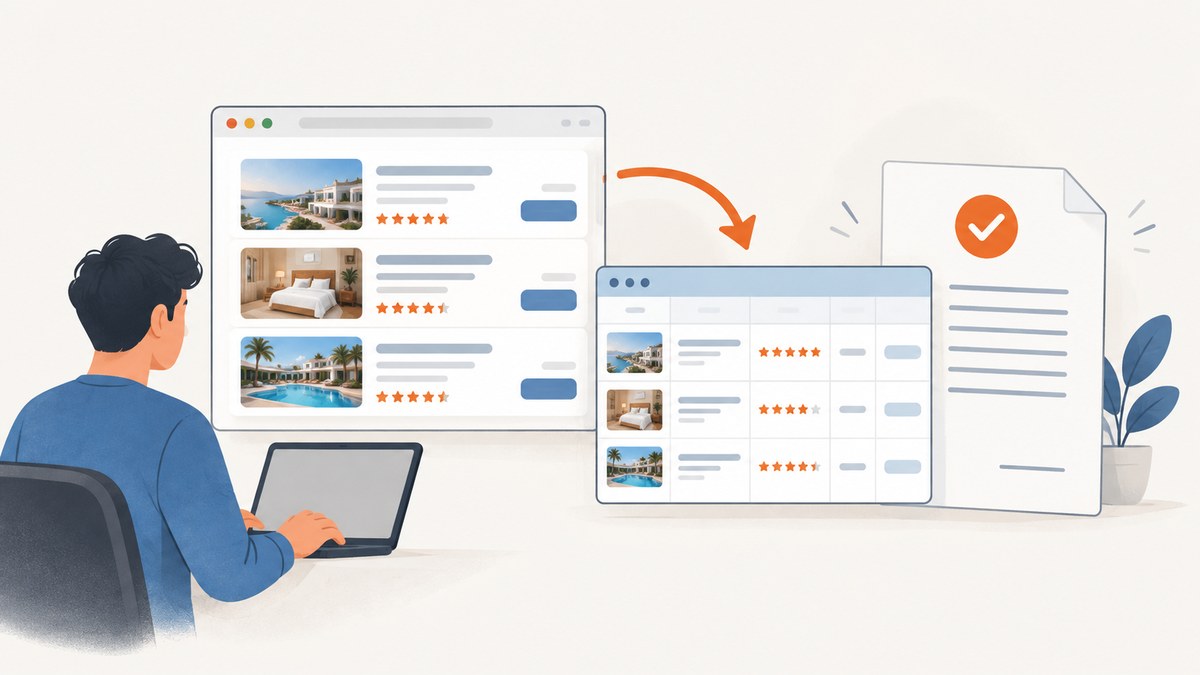
Direct answer: Booking.com’s terms prohibit scraping or other automated access without its prior express written permission, whether or not you have a commercial purpose. For production data, use an authorized Booking.com API or partner arrangement. If you have written permission to automate a page, Playwright can render it and extract hotel fields with JavaScript; the example below uses a permitted test page because Booking.com’s current page markup and selectors are not guaranteed. Booking.com Terms, A15.2.
1. Check permission and choose the access route
Before writing a scraper, decide whether you actually have authorization for the specific data and workflow. Booking.com says it monitors for unreasonable searches and activity that gathers prices or stresses the platform. This guide does not provide ways to evade rate limits, CAPTCHA, bot checks, access controls, or other safeguards. If a challenge or denial appears, stop and resolve access through the authorized channel.
For a production integration, start at the official Booking.com developer portal. It lists Demand, Connectivity, Metasearch Connect, and Data Portability APIs. Registration, certification, contracts, and security requirements depend on the API and use case. Confirm eligibility, market, account type, fields, retention, and any certification before building against it. Some booking flows require appropriate contracts and PCI DSS compliance; the Data Portability API requires user authorization, OAuth, and a registered application with client credentials.
API access also comes with rules about use of the returned data. Booking.com’s permitted-use guidance says availability and prices must not be cached, data forwarding is forbidden, and affiliates doing price comparison may not reuse Booking.com property descriptions, photos, facilities, or policies; they must use their own content. Review the current requirements for your particular API and agreement before storing or displaying data. See the developer documentation and its Demand API documentation.
| Route | Best fit | Check before implementation |
|---|---|---|
| Authorized Booking.com API | Production integrations that need supported data or booking flows | Eligibility, contracts, certification, quotas, security, retention and permitted display |
| Playwright on an authorized page | A page you own, a local fixture, test site, or an explicitly permitted browser workflow | Written scope, allowed request rate, permitted fields and stop conditions |
| Static HTML parsing | Owned pages whose required data is in the delivered HTML | Whether client rendering or asynchronous data makes the HTML incomplete |
Do not assume that public visibility grants permission to automate access. A browser tool explains how to render a page; it does not grant access rights.
2. Set up an authorized JavaScript browser workflow
For permitted browser automation, Playwright is a practical choice because its locator API supports auto-waiting and retryability. Prefer user-facing roles, labels, text, and test IDs over long CSS or XPath chains tied to a page’s internal structure. On a site you control, add stable test IDs where appropriate. Booking.com’s current DOM may change and this generic example does not claim its selectors match Booking.com.
Install Node.js, create a project, and install Playwright. The command downloads the Playwright package; install the browser binary using the documented command for your environment.
mkdir hotel-extractor
cd hotel-extractor
npm init -y
npm install playwright
npx playwright install chromium
Save the following as extract.mjs. It targets a local fixture you control. The fixture should contain result cards with accessible article roles, headings, a score field, and a detail link. Change the target only to a page you own or have written permission to automate, and adapt the locators to that permitted page.
import { chromium } from 'playwright';

const target = process.env.TARGET_URL;
if (!target) throw new Error('Set TARGET_URL to an authorized page');

const browser = await chromium.launch({ headless: true });
try {
  const context = await browser.newContext({
    locale: 'en-US',
    timezoneId: 'UTC',
    viewport: { width: 1440, height: 1000 },
  });
  const page = await context.newPage();
  page.setDefaultTimeout(10_000);
  await page.goto(target, { waitUntil: 'domcontentloaded', timeout: 30_000 });

  const cards = page.getByRole('article');
  await cards.first().waitFor({ state: 'visible' });

  const rows = [];
  for (const card of await cards.all()) {
    const heading = card.getByRole('heading').first();
    const link = card.getByRole('link').first();
    const score = card.getByText(/review|score/i).first();
    rows.push({
      name: (await heading.innerText()).trim(),
      score: (await score.innerText().catch(() => null))?.trim() ?? null,
      url: await link.getAttribute('href'),
    });
  }

  console.log(JSON.stringify(rows, null, 2));
  await context.close();
} finally {
  await browser.close();
}
Run it by setting the permitted target in the environment:
TARGET_URL='https://example.test/hotels' node extract.mjsThe example treats a missing score as null instead of crashing; adjust that policy to your schema. It does not silently invent a value for an absent field. In real work, keep the exact source URL, retrieval time in UTC, locale, selector version, and parser version alongside each record. That provenance makes later corrections possible when a source changes.
3. Wait for the fields you need, then extract narrowly
A JavaScript page can return an initial shell and fill in hotel cards afterward. A successful navigation is not evidence that prices, names, or amenities are ready. Wait for a representative card or required field to become visible, then read it. Playwright documents locator.waitFor() states such as attached, detached, visible, and hidden. Its locator.all() method does not wait for a dynamic list to finish appearing; wait for the list state first.

Avoid treating arbitrary sleeps or generic network-idle as proof of readiness. Pages may keep background requests open, and a fixed delay can be too short under load and wasteful when the page is fast. Playwright describes networkidle as discouraged for testing and recommends assertions that establish the intended UI state. Use a field-specific condition, such as a visible first card and a non-empty heading, and add a bounded timeout so a failed load ends predictably.
Extract only the fields your permitted use needs. A useful schema for a hotel result could include:
nameanddestinationreview_scoreandreview_countas separate valuesdisplayed_priceandcurrency, preserving the raw displayed textroom_labeland cancellation text, if authorized and relevantdetail_url, retrieval timestamp, locale, and source URL
Do not conflate a missing price with zero. Parse decimal separators and currency symbols with an explicit locale and currency strategy: 1.234,56 and 1,234.56 do not mean the same thing in every locale. Preserve raw text alongside a normalized value so parsing can be audited. De-duplicate with a stable property identifier or canonical URL where the authorized response provides one; names alone may collide.
4. Handle authorized sessions, request limits, and data safely
Use an isolated browser context for each independent session. Set a fixed locale, timezone, and viewport when those settings are part of your authorized workflow, since they can affect formatting and responsive layout. Keep credentials in environment variables or a secrets manager; never commit them into source. Avoid collecting guest payment details or personally identifying data unless your contract and privacy basis explicitly permit it.
Set an explicit request budget and throttle within the limits of your written permission and contract. Stop on access-denied pages, bot challenges, or unexpected authentication screens. Back off on transient errors only where the permitted integration allows retries; do not respond to blocking with stealth plugins or CAPTCHA bypasses. Persist only the data the agreement permits, and apply its retention and display rules.
For an official API integration, treat its response schema and version as the contract rather than scraping page markup. Validate required fields, handle missing or changed fields, and log request IDs or error codes where available. Keep credentials scoped, rotate them under your organization’s policy, and avoid logging tokens or unnecessary guest data.
5. Choose Playwright, Puppeteer, or an official API
| Approach | Strength | Trade-off |
|---|---|---|
| Official Booking.com API | Documented integration route with defined partner flows and data-use conditions | Access, contracts, certification, and security requirements may apply |
| Playwright | Browser rendering and locator-based waiting for an authorized UI workflow | UI selectors can break; browser processes use more resources than direct API calls |
| Puppeteer | JavaScript browser automation for permitted targets | Still depends on page markup and does not change permission or data-use rules |
Choose using authorization fit, field completeness, rendering needs, schema stability, freshness and caching rules, quota controls, operational cost, and privacy burden. The official Playwright guidance favors locators and web-first assertions over brittle element handles. An official API is usually the more appropriate production route when one is available and your use is approved; a browser workflow is for the explicit scope of an authorized UI task.
6. Troubleshooting
| Symptom | Likely cause | Fix |
|---|---|---|
| No cards found | Wrong target, changed fixture, or the list has not rendered | Verify the authorized URL and inspect your own fixture; wait for a specific card locator before enumerating. |
| Timeout waiting for a card | Slow load, blocked request, selector mismatch, or an error page | Check the page title and visible state, confirm the selector against the permitted page, and use a bounded timeout. Stop if access is denied. |
| Empty or null field | Optional field absent, wrong locator, or field rendered later | Wait for that field if required, validate the locator, and keep absent values null rather than substituting misleading defaults. |
| Price parses incorrectly | Locale-specific separators, currency symbols, or price text containing extra labels | Keep raw text, record locale and currency, and normalize with an explicit parser and validation rules. |
| Results duplicate | Repeated cards or multiple URLs for one property | De-duplicate using a stable authorized identifier or canonical URL and retain provenance. |
| Access denied or challenge page | Access controls or a policy threshold has been reached | Stop automation. Do not try to bypass the challenge; contact the authorized integration channel. |
| API authorization error | Missing scope, expired OAuth token, incorrect credentials, or an unapproved application | Check the API’s official authorization flow and registered app configuration; renew credentials securely. |
7. Performance, reliability, and cost
Direct API calls generally avoid launching a browser and are less resource-intensive. A browser is useful when the permitted task genuinely depends on rendered UI, but each browser and page consumes memory and CPU. Reuse a browser process for a controlled batch of authorized pages, isolate contexts where sessions differ, and close pages and contexts reliably. Bound navigation and locator timeouts; record failures with enough context to diagnose them without storing secrets.

For reliability, make extraction idempotent, validate schema before persistence, and distinguish transient load failures from permanent missing data. A retry should be bounded and permitted by the relevant contract. Do not cache or reuse Booking.com prices or availability in ways the applicable rules prohibit; those values can change rapidly, and Booking.com’s guidance says they must not be cached. Keep static content handling separate and follow its specific rules. No generic scraper benchmark or request limit applies to every authorized arrangement, so use the limits in your actual agreement and API documentation.
Or skip the browser setup
For a page you are authorized to capture, ScreenshotNeo returns a screenshot with one request instead of requiring you to install and maintain a browser. It is a website screenshot API and MCP server from Yorker Media; it does not provide permission to access Booking.com or replace an authorized Booking.com data API.
See the ScreenshotNeo API documentation for request options. This cURL example captures an authorized page; replace the target with one you own or have permission to access.
curl -G "https://api.screenshotneo.com/v1/shot" -d access_key=YOUR_API_KEY --data-urlencode url=https://example.test/hotels -o shot.webpCookie banners, popups, and chat widgets are removed before the shot. Bot checks, blank pages, and failed loads are never billed. An MCP server lets AI agents take screenshots. The free plan includes 1,000 screenshots a month with no card; paid plans start at $5 for 3,000. Sign up for 1,000 free screenshots a month, no card required.
8. FAQ
Does a public hotel page mean I can scrape it?
No. Booking.com’s cited terms require prior express written permission for automated access, regardless of commercial purpose. Public visibility is not that permission.
Can I use screenshots to build a hotel price database?
A screenshot tool only captures an authorized page; it does not grant rights to scrape, store, compare, or republish its contents. Follow your written authorization and the applicable Booking.com data-use rules.
Should I use network-idle before extracting?
Not as the sole readiness signal. Wait for the specific visible card or field your extraction depends on.
What should I do if my integration needs guest or card data?
Use the approved booking flow and confirm its contracts, PCI DSS, privacy, and security requirements with the official documentation and your organization’s responsible teams.


