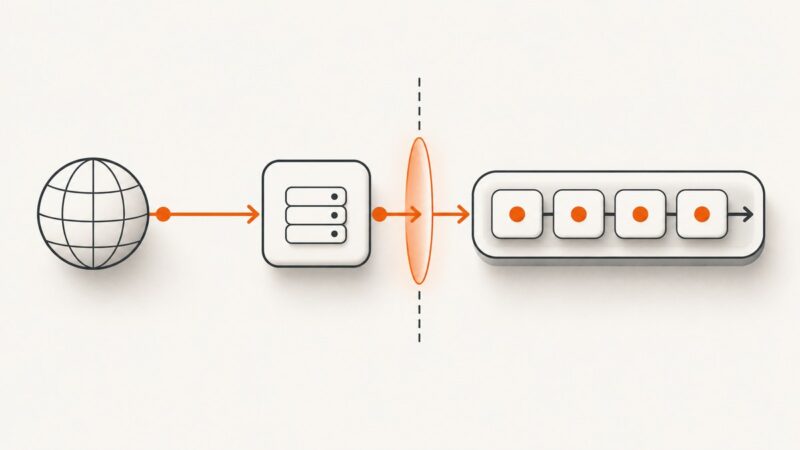
How to Scrape Data from Idealista: An Authorization-First Guide
Idealista’s terms restrict automated copying without written permission. Start with its Search API, and use a controlled crawler only when your authorization covers it.

To collect Idealista listing data, first request access to Idealista’s official Search API and confirm that its license covers your project. Idealista’s English General Terms and Conditions, last updated 30 April 2025, prohibit accessing, monitoring, or copying site content with robots, spiders, scrapers, or other processes without express written permission. They also restrict commercial or competitive reproduction without prior written permission. A scraping package or hosted extraction service does not grant that permission. Read Idealista’s terms and request Search API access before building a collector.
This guide covers a compliant workflow, runnable examples for an approved API and an authorized HTML collection project, data handling, failure modes, and ways to inspect authorized pages visually. It does not explain how to evade bot checks, CAPTCHAs, robots exclusions, or other access controls.
1. Confirm what you are allowed to collect
Do not treat public visibility as permission to copy or reuse listing content. Idealista’s terms specifically address automated and manual copying without express written permission; they also describe limits on commercial and competitive use. The English terms are an informative translation, and the page says the Spanish version takes precedence in a dispute. This is operational guidance, not legal advice: confirm your intended use and rights with Idealista and, where appropriate, counsel.
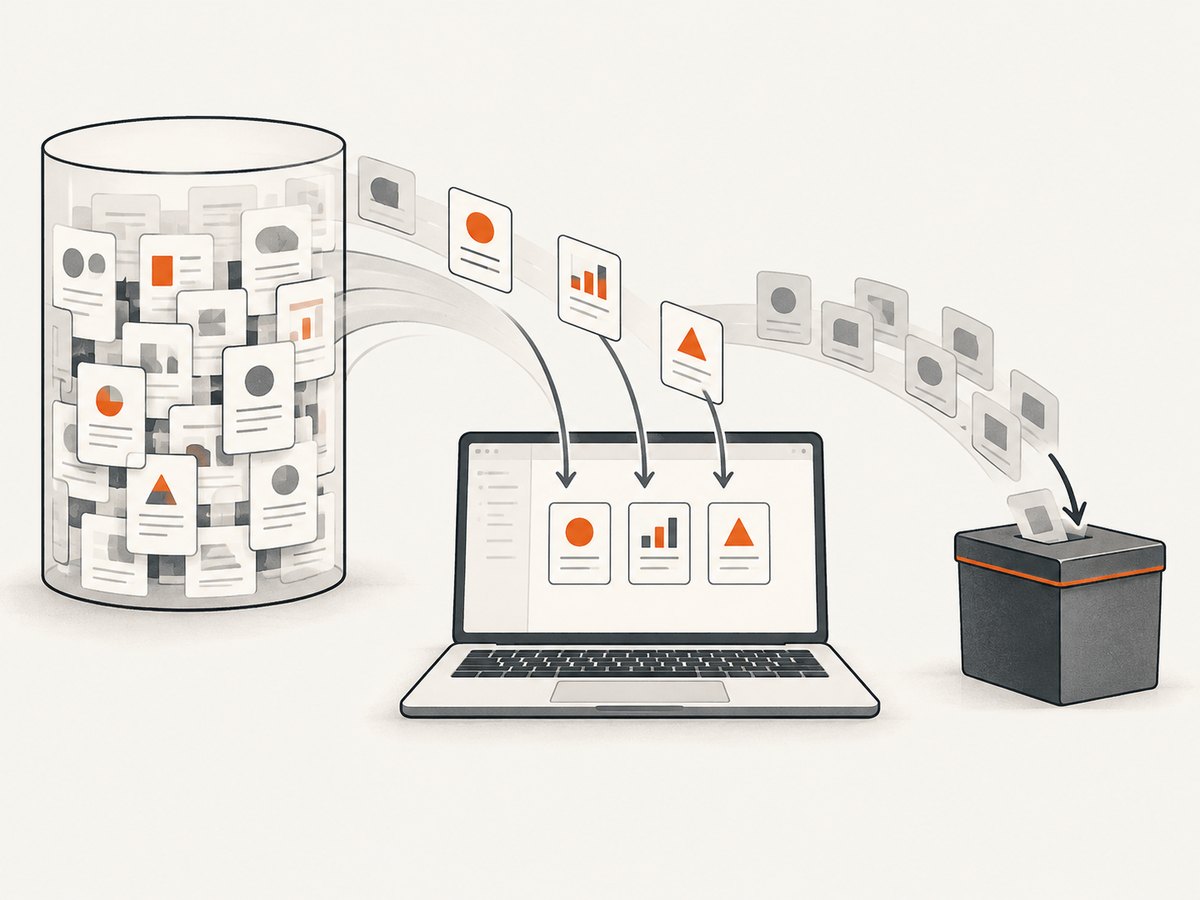
The most direct route is the official Search API. Idealista says it can integrate property information published on Idealista into a website or app and provides a request-access workflow. The page does not guarantee approval, a particular schema, quota, or commercial terms. Obtain those details from Idealista before implementation.
Ask for the terms your project needs
- Describe the application, users, and business purpose.
- Specify the markets, locations, property types, fields, and expected request volume.
- Ask which fields and history are available, and whether photos, descriptions, prices, or identifiers may be stored.
- Confirm refresh limits, retention, display attribution, redistribution, derived-statistic, and deletion rules.
- Get the approved authentication method, endpoint documentation, rate limits, and error handling from the API agreement.
Do not substitute endpoint patterns or credentials found in old tutorials for current documentation issued to your project. API versions, access policies, and schemas can change.
2. Plan a minimal, auditable dataset
Write down the purpose and fields before collecting. A market analysis might need a listing URL, operation (sale or rent), location, price, area, rooms, bathrooms, selected features, and the time observed. That is an example, not an authoritative Idealista schema: verify every field against the API response or written permission.
| Decision | What to define | Why it matters |
|---|---|---|
| Scope | Markets, areas, property categories, and fields | Keeps collection aligned with the approved use. |
| Refresh | Polling cadence and any API quota | Avoids unnecessary requests and makes change tracking interpretable. |
| Identity | Permitted stable identifier or canonical URL | Supports deduplication without guessing whether two records are the same. |
| Retention | Expiry, deletion, and backup rules | Limits stored data to the period and purpose you are allowed. |
| Provenance | Request timestamp, source URL or API reference, and collector version | Lets you audit where a record came from and how it was parsed. |
Keep raw responses only if your permission allows it and you need them for debugging. Restrict access to collected personal or commercially sensitive information, and avoid collecting contact details or images unless the approved scope specifically includes them.
3. Use the official API when approved
Idealista’s access-request page describes a Search API and asks applicants to explain their project. Once approved, follow the supplied documentation exactly. The example below is a safe client structure: replace the placeholder URL, authentication, parameters, and response handling with values from your approved API documentation. It intentionally does not invent an Idealista endpoint or schema.
Python: make an approved API request
import os
import requests

# Set these values from the documentation and credentials Idealista provides.
API_URL = os.environ["IDEALISTA_API_URL"]
API_TOKEN = os.environ["IDEALISTA_API_TOKEN"]

params = {
    # Add only documented filters that your access permits.
}
headers = {
    # Use the authentication scheme specified in your issued documentation.
    "Authorization": f"Bearer {API_TOKEN}",
    "Accept": "application/json",
}

response = requests.get(
    API_URL,
    headers=headers,
    params=params,
    timeout=(5, 30),
)
response.raise_for_status()

payload = response.json()
print(payload)
Install the dependency with python -m pip install requests. Set IDEALISTA_API_URL and IDEALISTA_API_TOKEN in your environment or secret manager; do not commit credentials. If Idealista specifies a different authentication scheme, pagination format, or method, use its documented version instead of this placeholder pattern.
cURL: inspect a documented request
curl --fail-with-body --get "$IDEALISTA_API_URL" \
  --header "Authorization: Bearer $IDEALISTA_API_TOKEN" \
  --header "Accept: application/json" \
  --data-urlencode "DOCUMENTED_FILTER=VALUE"
Replace the sample filter with an actual documented parameter. Shell environment variables keep credentials out of the command text, though shell history and process visibility still depend on your environment. For production, use a secret manager and avoid logging authorization headers.
Node.js: request documented JSON
const endpoint = process.env.IDEALISTA_API_URL;
const token = process.env.IDEALISTA_API_TOKEN;
if (!endpoint || !token) throw new Error("Set API URL and token");

const url = new URL(endpoint);
// Add only filters named in the API documentation you received.
// url.searchParams.set("DOCUMENTED_FILTER", "VALUE");

const response = await fetch(url, {
  headers: {
    Authorization: `Bearer ${token}`,
    Accept: "application/json",
  },
  signal: AbortSignal.timeout(30_000),
});
if (!response.ok) {
  throw new Error(`API request failed: HTTP ${response.status}`);
}
const payload = await response.json();
console.log(payload);
This uses the built-in Fetch API in current Node.js versions. Follow the API’s actual timeout, pagination, and retry instructions; do not retry indefinitely or retry authorization errors as if they were transient.
4. If HTML collection is separately authorized
Only proceed when your written permission covers the pages and collection method. Check the current terms and robots exclusions first. Idealista’s terms prohibit bypassing measures that prevent or limit access. If a page returns a CAPTCHA, access-denied response, or other control, stop and ask the authorized contact for an approved route. Do not rotate identities, disguise automation, or work around the restriction.
For a permitted crawler, Scrapy provides general crawling and extraction patterns. Keep its robots setting enabled, use a narrow allowed domain, limit concurrency, apply a delay, and extract only fields in scope. The selectors below are deliberately placeholders: inspect pages only within your authorization and write selectors for the approved content structure.
Scrapy project example
Install Scrapy with python -m pip install scrapy. Create idealista_project/spiders/authorized_listings.py:
import scrapy

class AuthorizedListingsSpider(scrapy.Spider):
    name = "authorized_listings"
    allowed_domains = ["www.idealista.com"]
    start_urls = ["https://www.idealista.com/REPLACE_WITH_AUTHORIZED_PATH"]

    custom_settings = {
        "ROBOTSTXT_OBEY": True,
        "CONCURRENT_REQUESTS": 1,
        "DOWNLOAD_DELAY": 2.0,
        "AUTOTHROTTLE_ENABLED": True,
        "AUTOTHROTTLE_START_DELAY": 2.0,
        "AUTOTHROTTLE_MAX_DELAY": 30.0,
        "RETRY_TIMES": 2,
        "FEEDS": {
            "authorized-listings.jsonl": {
                "format": "jsonlines",
                "encoding": "utf8",
            }
        },
    }

    def parse(self, response):
        # Replace selectors only after confirming permitted page structure.
        for card in response.css("REPLACE_WITH_APPROVED_CARD_SELECTOR"):
            yield {
                "source_url": response.url,
                "observed_at": response.headers.get("Date", b"").decode(),
                "title": card.css("REPLACE_TITLE_SELECTOR::text").get(),
                "price": card.css("REPLACE_PRICE_SELECTOR::text").get(),
            }

        # Add pagination only if it is explicitly within your permission.
        # Do not follow links indiscriminately.
Run it with scrapy runspider idealista_project/spiders/authorized_listings.py. Replace every REPLACE_... value; the sample is not a drop-in parser because page markup and authorized fields must be verified. The timestamp shown is a response header if present, not a guaranteed capture time; for reliable provenance, record your own UTC request timestamp in a pipeline or item processor.
A package named idealista-scraper documents commands for listing collection and JSONL output, including location/type examples. Those are descriptions of software capability, not proof of permission. Before using any package, confirm that it can respect the exact scope, rate limits, retention, and stop conditions in your written authorization.
5. Build in data quality and stopping rules
For authorized collection, make the pipeline explicit: fetch, validate, normalize, deduplicate, persist, and monitor. Store request time and permitted provenance beside each record. Normalize currencies, units, and missing values only where their meaning is clear; do not turn absent fields into invented values.

- Deduplicate: prefer an authorized stable listing identifier; otherwise use a permitted canonical URL and document limitations.
- Track changes: compare only fields your license permits you to retain, and distinguish a missing value from a removed listing.
- Validate: monitor schema changes, missing prices, malformed areas, duplicate rates, and unexpected response types.
- Stop safely: pause on CAPTCHA, access-denied, robots exclusion, unexpected volume, or a sharp rise in errors. Escalate to the authorized contact.
- Limit blast radius: use a small batch first, cap pages and runtime, and make the job resumable without repeating completed requests.
Throttle requests and cache responses only as your authorization allows. A cache reduces repeated work, but it does not expand data rights or permit longer retention. Likewise, deduplication improves quality but does not grant permission to keep records.
6. Troubleshooting
| Symptom | Likely cause | Response |
|---|---|---|
| API request returns 401 or 403 | Credential, access approval, or scope is missing or invalid. | Check the issued authentication instructions and access status. Do not probe alternate endpoints. |
| API request returns 429 | Rate limit or quota reached. | Honor any documented retry guidance and reduce request frequency. Ask Idealista about quota; do not parallelize around the limit. |
| API response shape changes | Schema/version change or an unexpected response. | Validate before parsing, preserve a safe error record, and check the current issued documentation. |
| Scrapy collects no records | Placeholder or stale selectors, an out-of-scope URL, or changed markup. | Check that the URL and page access are authorized; inspect a permitted response and update selectors only within scope. |
| Robots disallows a path | The crawler is excluded from that path. | Do not override ROBOTSTXT_OBEY. Stop and request an authorized API or written exception. |
| CAPTCHA or access denied | An access control is limiting the request. | Stop collection and contact Idealista. Do not attempt to evade the control. |
| Duplicate or stale rows | Pagination overlap, refresh cadence, or identity assumptions. | Use a permitted stable identifier, record observation time, and reconcile changes under the retention terms. |
| Timeouts or intermittent 5xx responses | Network issue, temporary service failure, or excessive load. | Use bounded timeouts and documented backoff for transient failures; keep concurrency low and stop if errors persist. |
7. Performance, reliability, and cost
Estimate volume from the approved number of searches, pages, and refreshes, then compare it with the quota and rate limits Idealista gives you. The sources here do not establish public API pricing, quotas, or response-time guarantees, so confirm those directly rather than relying on figures from old code samples.
Prefer incremental refreshes when the API supports them and your agreement permits them. Cache only for the allowed period, deduplicate before expensive downstream processing, and make jobs idempotent so retries do not create duplicate rows. Use bounded concurrency and request timeouts. Retries should be limited to transient failures, with backoff; a 401, 403, CAPTCHA, or robots exclusion is a stop-and-review condition, not a retry target.
Budget for more than requests: engineering time to maintain parsers, storage, monitoring, and review of license changes can exceed the direct cost of an authorized API. HTML parsers are especially sensitive to page structure changes. Define an owner for alerts and a maximum tolerated failure rate before scheduling recurring collection.
Or skip the browser setup
If your authorized task is to capture a visual record of a page rather than extract structured property fields, ScreenshotNeo is a website screenshot API and MCP server. A screenshot is not a substitute for data extraction or permission to collect Idealista content. Confirm that page capture is within your authorization.
One GET request returns an image or PDF. See the ScreenshotNeo API documentation.
curl -G "https://api.screenshotneo.com/v1/shot" -d access_key=YOUR_API_KEY --data-urlencode url=https://stripe.com -o shot.webpScreenshotNeo accepts cookie/consent banners and removes 60+ known consent platforms, newsletter popups, and chat widgets before capture; each step can be turned off. Bot checks/CAPTCHAs, blank pages, timeouts, failed loads, and cache hits cost nothing, with response headers reporting the page verdict and billing status. Its MCP server offers take_screenshot, get_page_info, and capture_pdf for AI agents. The free plan includes 1,000 screenshots per month with no card; paid plans start at $5 for 3,000. Sign up for 1,000 free screenshots a month, no card required.
Frequently asked questions
Is there an official Idealista API?
Idealista’s developer site offers a Search API access-request process. The page describes integration of published property information into a site or app; approval and commercial terms must be confirmed with Idealista.
Can I use Python or Scrapy?
Yes, as implementation tools for a project whose API or HTML access is authorized. Neither Python, Scrapy, nor a third-party scraper changes the site’s permission requirements.
Can I republish listing data or photos?
Do not assume you can. Confirm display, storage, commercial use, and redistribution rights in the permission or API terms that apply to your project.
What if I only need a screenshot?
Use a screenshot workflow only if capturing that page is permitted. ScreenshotNeo returns a visual image or PDF; it does not provide a structured listing dataset.
Primary sources
- Idealista General Terms and Conditions (English), latest update shown as 30 April 2025.
- Idealista Search API access request.
- Scrapy documentation for general crawler patterns.
- idealista-scraper package documentation for its documented command shape and JSONL output.