BlogScreenshots on your device
How to Take a Screenshot From the Command Prompt
Learn the right screenshot command for Windows, macOS, and Linux, with file-saving examples, troubleshooting, and an API option for remote pages.
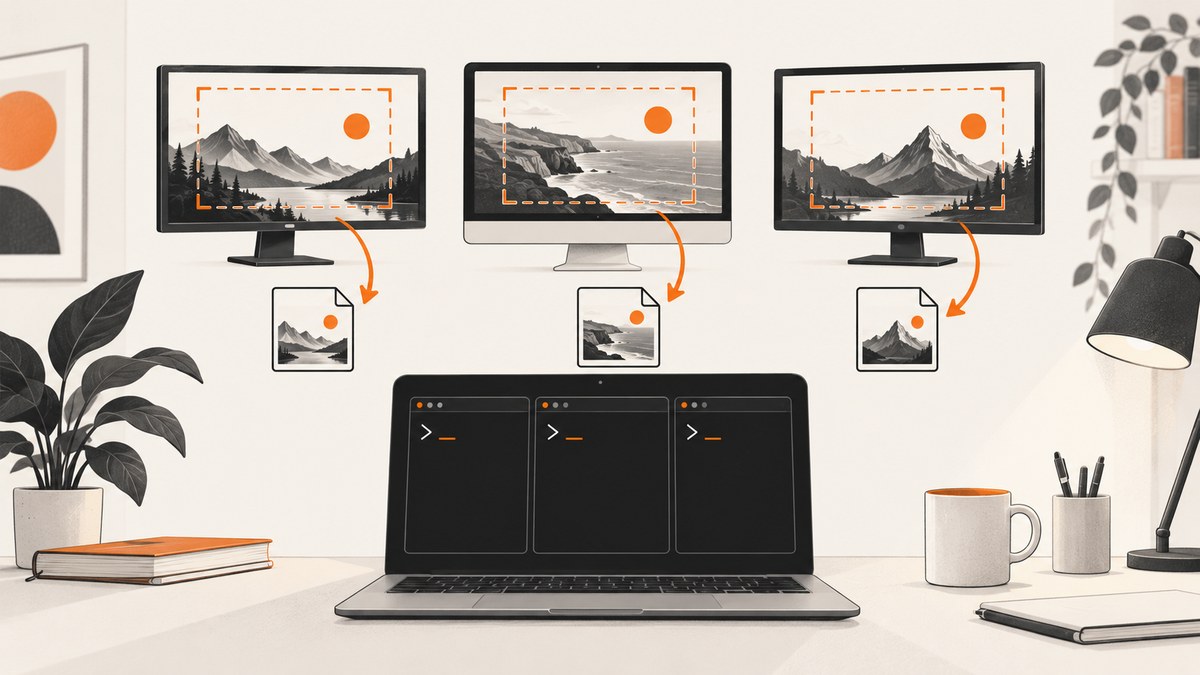
There is no single screenshot command that works on every operating system. Use screencapture on macOS, scrot or gnome-screenshot on Linux, and the Snipping Tool interface for ordinary captures on Windows. Windows’ documented command-style URI is an app-integration protocol, not a general cmd.exe command that silently writes an image file.
Choose the command for your operating system
| System | Built-in or installed | Full screen | Region or window |
|---|---|---|---|
| Windows | Snipping Tool interface | Interactive | Interactive overlay |
| macOS | Built-in screencapture |
screencapture -x output/screen.png |
-i or -R |
| Linux | scrot or GNOME Screenshot |
scrot output.png |
Area, window, and delay options |
Windows: what works from Command Prompt
Microsoft documents a Snipping Tool protocol using a URI such as ms-screenclip://capture/image. An app can request one capture mode, for example rectangle, freeform, or window. The protocol is designed for packaged applications that receive the result through a redirect URI.
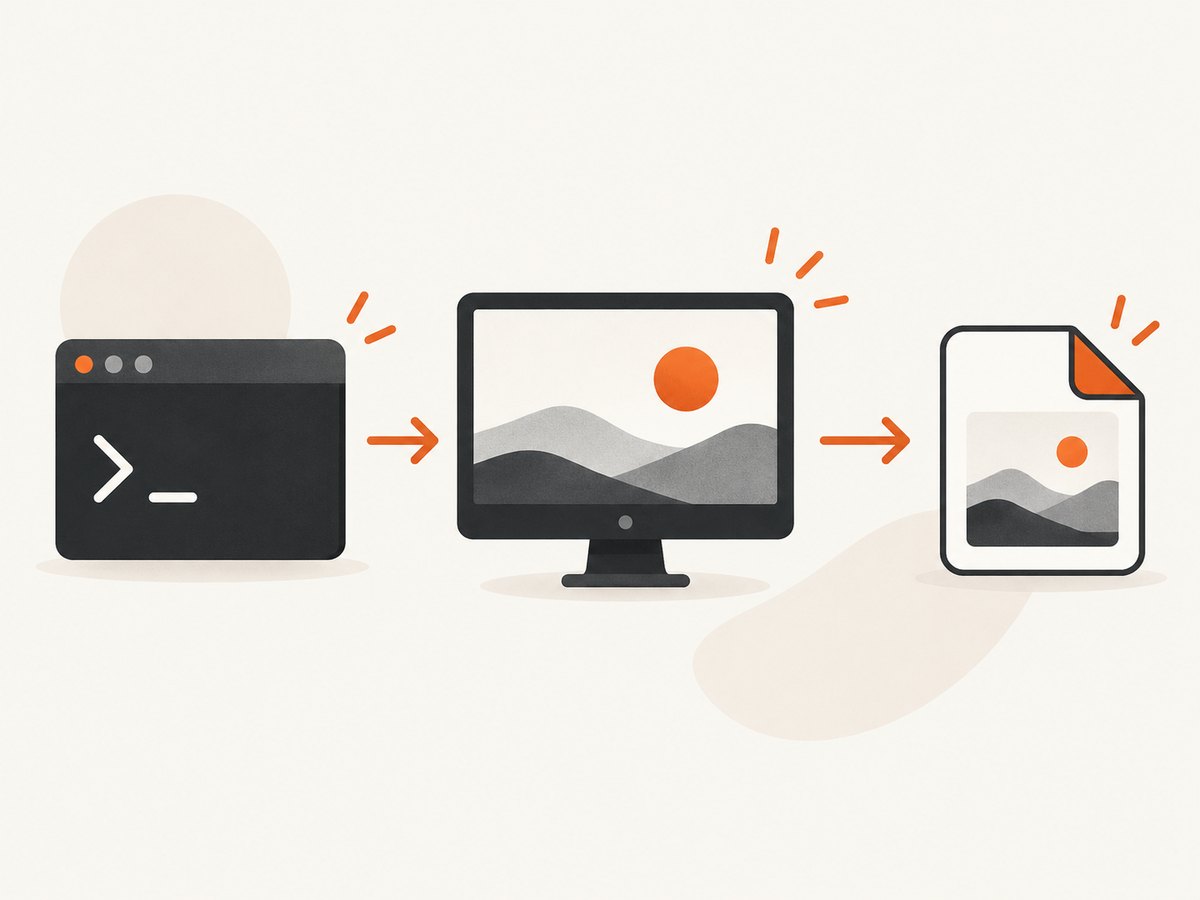
Do not treat that URI as a normal command that saves a screenshot to an arbitrary path from cmd.exe. Microsoft states that an unpackaged Win32 caller cannot receive the capture response, and a redirect URI can cause the capture UI not to appear. For a normal manual screenshot, open Snipping Tool from the Start menu or use its keyboard shortcut, then save the result.
Windows capture workflow
- Open Snipping Tool.
- Select rectangle, freeform, window, or full-screen capture.
- Capture the screen.
- Choose Save and select PNG, JPG, or another offered format.
The older screen-snipping URI protocol is deprecated. Application developers should follow Microsoft’s current Snipping Tool protocol documentation instead of relying on the legacy form.
macOS: use screencapture in Terminal
macOS includes the screencapture utility. Create the destination directory first if it does not exist.
mkdir -p output
screencapture -x output/screen.png
-x suppresses the camera shutter sound. The command captures the full screen and writes a PNG file.
Interactive selection
mkdir -p output
screencapture -x -i output/interactive.png
After running the command, drag over the area to capture. Press Escape to cancel.
Capture an exact pixel rectangle
mkdir -p output
screencapture -x -R100,200,800,600 output/region.png
The rectangle is expressed as x,y,width,height. Coordinates use the display coordinate system, so multiple monitors and display scaling can affect the result.
When Terminal is not required
Apple documents Shift-Command-3 for the full screen and Shift-Command-4 for a selected area. Use those shortcuts when you need a quick manual capture rather than a scriptable file command. Available flags can vary by macOS release; check the local manual with:
man screencaptureLinux: scrot commands
scrot is a command-line screenshot utility. Install it with your distribution’s package manager if it is missing, then run it inside an active graphical desktop session.
Full screen
mkdir -p output
scrot output/screen.png
Rectangular area
mkdir -p output
scrot -a 100,200,800,600 output/region.png
The -a option takes x,y,width,height.
Check the result and exit status
scrot output/screen.png
status=$?
if [ "$status" -eq 0 ]; then
  echo "Saved output/screen.png"
else
  echo "Screenshot failed" >&2
  exit "$status"
fi
Linux: GNOME Screenshot commands
GNOME Screenshot supports full-screen, active-window, selected-area, and delayed captures.
Full screen
mkdir -p output
gnome-screenshot -f output/screen.png
Active window
gnome-screenshot -w -f output/window.pngSelected area
gnome-screenshot -a -f output/region.pngDelayed capture
gnome-screenshot -d 5 -f output/delayed.pngOptions and package names vary by distribution and desktop environment. Run scrot --help or gnome-screenshot --help to inspect the installed version.
Automate repeated captures
macOS shell loop
mkdir -p output
for i in 1 2 3; do
  screencapture -x "output/screen-$i.png"
  sleep 2
done
Linux shell loop
mkdir -p output
for i in 1 2 3; do
  scrot "output/screen-$i.png"
  sleep 2
done
Use a unique filename for each capture. Otherwise, later screenshots overwrite the earlier file.
Capture a website from a server or script
Desktop commands capture the screen attached to the current session. They are not suitable for a headless server, a CI job, or a URL that must be rendered at a controlled viewport. For those cases, use a browser automation tool or a screenshot API.
Or skip the browser setup
ScreenshotNeo returns a website screenshot with one GET request. See the ScreenshotNeo API documentation for all options.
cURL
curl -G "https://api.screenshotneo.com/v1/shot" -d access_key=YOUR_API_KEY --data-urlencode url=https://stripe.com -o shot.webpPython
import requests
r = requests.get("https://api.screenshotneo.com/v1/shot", params={"access_key": "YOUR_API_KEY", "url": "https://stripe.com"}, timeout=90)
open("shot.webp", "wb").write(r.content)
Node.js
const q = new URLSearchParams({ access_key: 'YOUR_API_KEY', url: 'https://stripe.com' });
const res = await fetch(`https://api.screenshotneo.com/v1/shot?${q}`);
Cookie banners, newsletter popups, and chat widgets are removed before the shot. Bot checks, blank pages, timeouts, failed loads, and cache hits are not billed, and response headers identify the page verdict and billing result. ScreenshotNeo also provides an MCP server with take_screenshot, get_page_info, and capture_pdf tools for Claude, Cursor, and other MCP clients. The Free plan includes 1,000 screenshots per month with no card; paid plans start at $5 for 3,000. Create a free ScreenshotNeo account.
Troubleshooting
| Problem | Likely cause | Fix |
|---|---|---|
command not found |
The utility is not installed or is outside PATH. |
Install the package, then run which scrot, which gnome-screenshot, or which screencapture. |
| Linux capture is black or fails | No usable graphical display session, or sandbox permissions. | Run inside the logged-in desktop session; check DISPLAY and desktop security settings. |
| Wrong monitor or coordinates | Multi-monitor layout or display scaling changes coordinates. | Use interactive selection, inspect display arrangement, and verify the output dimensions. |
| File is missing | Destination directory does not exist or the process lacks write permission. | Run mkdir -p output and save to a writable path. |
| Windows URI opens nothing | The Snipping Tool URI is an app integration protocol, not a shell-to-file command. | Use Snipping Tool interactively or implement the documented packaged-app callback flow. |
| Screenshot shows a desktop instead of a website | A local screen utility captured the current display. | Use browser automation or an API for URL rendering. |

Performance, reliability, and cost
- Desktop commands: They are fast because they capture the existing display, but they depend on an active session, display permissions, installed utilities, and stable monitor coordinates.
- Headless browser workflows: They can render a URL in CI or on a server, but require browser binaries, fonts, sandbox configuration, waits for page load, and cleanup of consent dialogs.
- Repeatability: Save explicit filenames, check exit codes, and record viewport, monitor, and display-scaling assumptions.
- API billing: ScreenshotNeo bills only clean shots. Bot checks, blank pages, timeouts, failed loads, and cache hits cost nothing; response headers include
X-Page-VerdictandX-Billed.
FAQ
What is the Windows screenshot command?
For ordinary users, use Snipping Tool. Microsoft’s ms-screenclip:// protocol is for application integration and does not provide a general silent save-to-file command in cmd.exe.
Can I take a screenshot without a graphical session?
Local desktop utilities generally need an active display session. For a remote website, use browser automation or a screenshot API.
Which Linux utility should I choose?
Use scrot for a compact command-line workflow, or gnome-screenshot when you want GNOME’s window, area, and delay options.
Where does macOS save screenshots?
The path is whatever filename you provide, such as output/screen.png. Create the directory first when necessary.
Can a screenshot command capture only one website element?
Screen utilities capture pixels from the display. Element-level capture requires browser automation or an API that accepts a CSS selector, such as ScreenshotNeo.


