BlogScreenshots on your device
How to Take a Screenshot with the .NET WebBrowser Control
WebBrowser.DrawToBitmap is unsupported. Learn what that means, how to capture the visible control safely, and when to move to WebView2 or ScreenshotNeo.
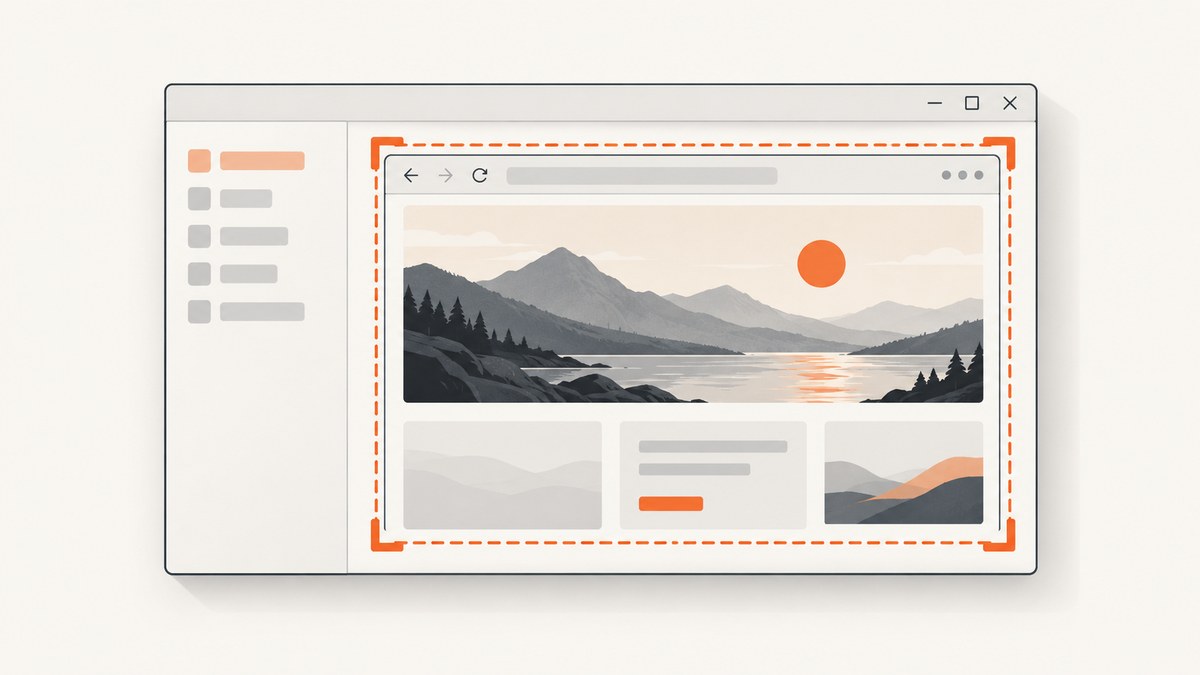
Short answer: do not use WebBrowser.DrawToBitmap as your screenshot method. Microsoft documents the WebBrowserBase.DrawToBitmap override as unsupported for this control: “This method is not supported by this control.” (Microsoft Learn)
The legacy Windows Forms WebBrowser control is an ActiveX-backed wrapper around the browser version installed on the computer. For a new application, Microsoft recommends WebView2. If you must keep WebBrowser, first decide whether you need a screenshot of the visible, on-screen viewport or a full page. The official references reviewed here do not establish a universally supported, control-specific replacement that reliably renders either output.
What works, what does not, and why
| Approach | Result | Use it when |
|---|---|---|
WebBrowser.DrawToBitmap |
Unsupported by this control; blank or incomplete images are possible. | Do not use as a production capture path. |
Screen capture with CopyFromScreen |
Captures pixels currently visible on the desktop. | You control the UI session and only need the viewport. |
| Migration to WebView2 | Modern browser engine and Microsoft’s recommended direction for new WinForms applications. | You can change the application architecture and verify the capture API required by your project. |
| Screenshot service | Captures a URL without hosting a browser control in your process. | You need repeatable server-side images, automation, or full-page output. |
Capture the visible WebBrowser viewport with WinForms
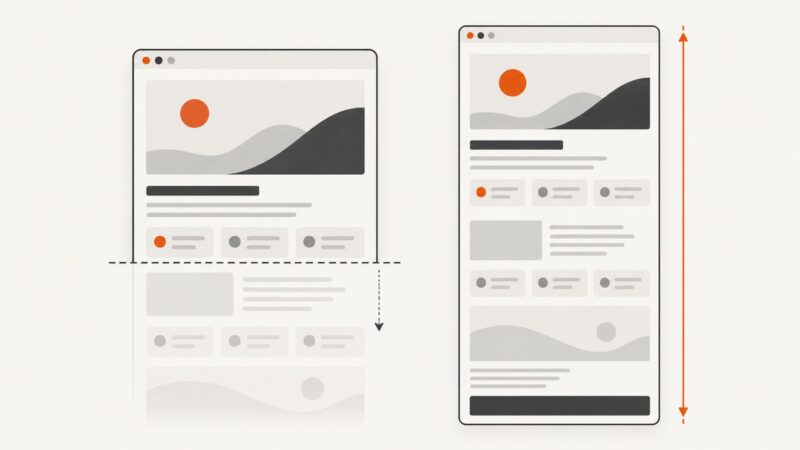
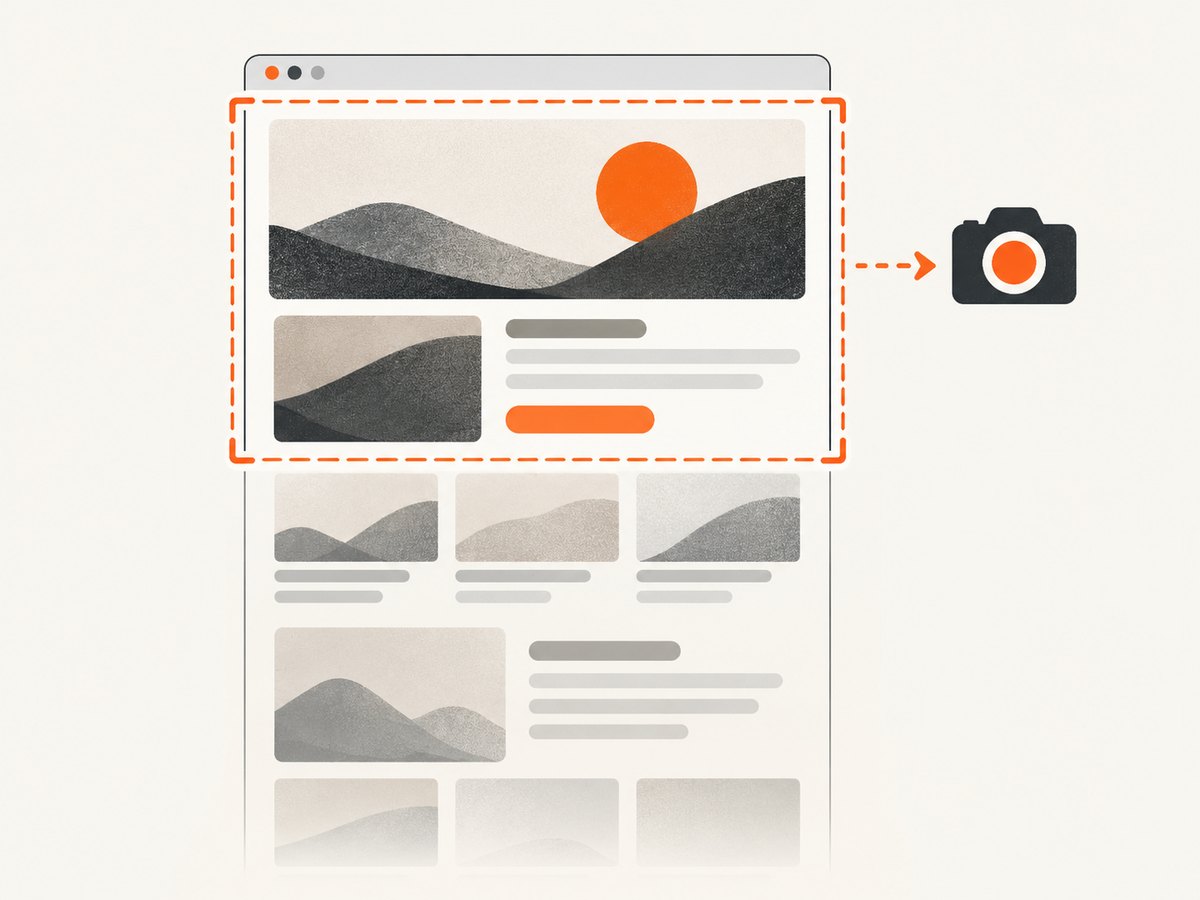
This workaround captures the control’s screen rectangle after navigation reports completion. It is a desktop screenshot, not an off-screen renderer. The browser window must be visible, unobscured, and running in an interactive Windows session.
Complete C# example
using System;
using System.Drawing;
using System.Drawing.Imaging;
using System.IO;
using System.Windows.Forms;

internal sealed class BrowserCaptureForm : Form
{
    private readonly WebBrowser browser = new WebBrowser
    {
        Dock = DockStyle.Fill,
        ScriptErrorsSuppressed = true
    };

    private bool captured;

    public BrowserCaptureForm()
    {
        Text = "WebBrowser capture";
        Width = 1280;
        Height = 900;
        Controls.Add(browser);
        browser.DocumentCompleted += Browser_DocumentCompleted;
        Shown += (_, _) => browser.Navigate("https://example.com");
    }

    private void Browser_DocumentCompleted(object? sender, WebBrowserDocumentCompletedEventArgs e)
    {
        // A frame can raise DocumentCompleted more than once for nested frames.
        if (captured || browser.ReadyState != WebBrowserReadyState.Complete)
            return;

        captured = true;
        BeginInvoke(new Action(CaptureVisibleViewport));
    }

    private void CaptureVisibleViewport()
    {
        // CopyFromScreen requires the control to be visible on the desktop.
        Point screenPoint = browser.PointToScreen(Point.Empty);
        using var bitmap = new Bitmap(browser.ClientSize.Width, browser.ClientSize.Height,
            PixelFormat.Format32bppArgb);

        using (Graphics graphics = Graphics.FromImage(bitmap))
        {
            graphics.CopyFromScreen(
                screenPoint,
                Point.Empty,
                browser.ClientSize,
                CopyPixelOperation.SourceCopy);
        }

        string output = Path.Combine(AppContext.BaseDirectory, "webbrowser-viewport.png");
        bitmap.Save(output, ImageFormat.Png);
        MessageBox.Show($"Saved {output}");
    }

    [STAThread]
    private static void Main()
    {
        Application.EnableVisualStyles();
        Application.SetCompatibleTextRenderingDefault(false);
        Application.Run(new BrowserCaptureForm());
    }
}
The control must run on an STA thread. Microsoft also describes WebBrowser as resource-intensive and says to dispose it on the same UI thread that attached its events. Keep the control alive until capture completes, then dispose it on that thread.
What this code does not guarantee
DocumentCompletedindicates that a page finished loading; it does not prove that delayed JavaScript, animations, fonts, lazy images, or later network activity have stopped.- It captures only the visible viewport. Content below the scroll position is excluded.
- Any overlapping window, minimized form, display scaling issue, remote-session limitation, or hidden control can produce the wrong pixels.
- It does not bypass bot checks, consent dialogs, login flows, or site policies.
Making viewport capture less fragile
- Set a deterministic form size and browser bounds.
- Wait for
DocumentCompleted, then add an application-specific delay if the page visibly hydrates after navigation. - Keep the form active and unobscured while
CopyFromScreenruns. - Use one capture per navigation and guard against repeated frame events.
- Save PNG when lossless text and UI edges matter; use JPEG only when smaller files are more important.
- Record the URL, viewport size, Windows display scale, and capture timestamp with the output so failures can be reproduced.
Why DrawToBitmap often returns a blank image
The failure is not necessarily a missing Refresh call or an incorrect rectangle. The control-specific API documentation says the override is unsupported. The base Control.DrawToBitmap method has rendering behavior, but the more specific WebBrowserBase documentation governs this control. Treat a blank result as an unsupported capture path, not as proof that one more layout call will fix it.
// Do not use this as a production fix:
using var bitmap = new Bitmap(webBrowser.Width, webBrowser.Height);
webBrowser.DrawToBitmap(bitmap, webBrowser.ClientRectangle);
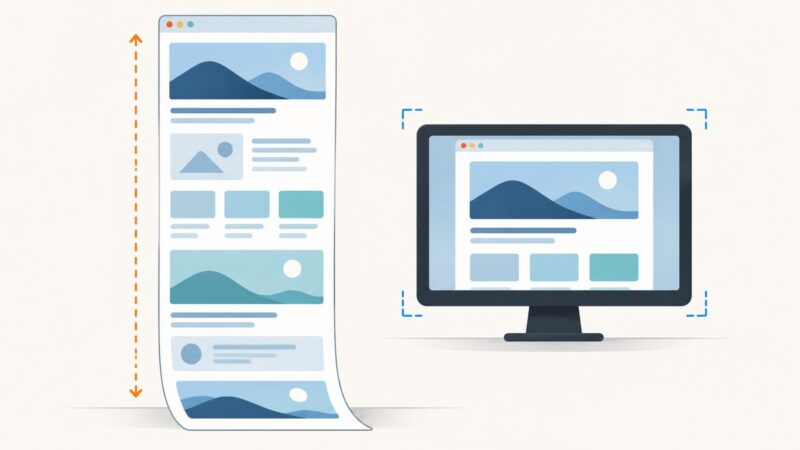
Visible viewport versus full-page output
| Requirement | Implication |
|---|---|
| Current viewport | Screen capture can work when the control is visible and unobscured. |
| Entire document | Scrolling and stitching require page-specific logic; the reviewed Microsoft documentation does not establish a universal supported implementation for the legacy control. |
| Off-screen or background capture | CopyFromScreen cannot provide it because it reads desktop pixels. |
| Modern browser behavior | Evaluate WebView2 for new WinForms work and verify the exact capture API, runtime, and deployment requirements for your target. |
WebBrowser lifecycle and environment details
- Browser engine: the managed control uses the ActiveX browser version installed on the user’s computer, so two machines can render the same URL differently.
- Threading: run it on an STA UI thread.
- External content: Microsoft says the control is designed for full-trust use and does not prevent unmanaged code in external content from running. Load only content and scripts you trust.
- Navigation events: nested frames can raise
DocumentCompletedmore than once. Filter events or use an explicit capture state. - Dynamic pages: completion is a lifecycle signal, not a guarantee that every asynchronous visual change is finished.
Common errors and fixes
| Symptom | Likely cause | Fix |
|---|---|---|
Blank bitmap from DrawToBitmap |
The control-specific method is unsupported. | Use visible screen capture for a viewport, or move to a capture design based on WebView2 or a service. |
| Screenshot contains another window | The browser was covered during CopyFromScreen. |
Keep the form foreground and unobscured; do not run this path on a hidden or minimized form. |
| Only part of the page is present | Viewport capture does not include scrolled content. | Clarify whether full-page output is required. The legacy control has no universally documented full-page capture replacement in the cited sources. |
| Capture occurs too early | Scripts, lazy resources, or animations continue after navigation. | Use DocumentCompleted as the first signal, then add a page-specific readiness condition or delay and guard against duplicate events. |
| Different machines produce different images | The installed ActiveX browser version, display scale, fonts, or security settings differ. | Standardize the runtime and viewport, or migrate to a controlled browser environment. |
| Cross-thread exception | The control or bitmap is accessed outside its UI thread. | Perform navigation, coordinate lookup, capture, and disposal on the owning STA thread. |
| External page behaves unexpectedly | Scripts, redirects, security zones, or trust requirements affect the legacy control. | Review the WebBrowser security guidance and restrict untrusted content. |
Performance, reliability, and cost
Desktop capture
- Bitmap memory grows with viewport width, height, and pixel format. Dispose every bitmap and graphics object promptly.
- Screen capture is sensitive to display scaling, remote desktop behavior, focus, and other windows.
- Repeated navigation in one control can retain page resources. Reuse carefully and dispose the control on its UI thread.
- There is no reliable cost model for this local method beyond CPU, memory, and application maintenance.
When a service is a better fit
A URL-to-image service removes the need to keep a visible Windows control running. It can also provide consistent options for full-page images, element selection, waiting, headers, cookies, and output formats. Check the service’s failure and billing semantics before building a high-volume pipeline.

Or skip the browser setup
ScreenshotNeo accepts one GET request and returns a PNG, JPEG, WebP, or PDF. Its capture pipeline accepts cookie or consent banners like a visitor and removes more than 60 known consent platforms, newsletter popups, and chat widgets before the shot; each step can be turned off. Bot checks, blank pages, timeouts, failed loads, and cache hits are not billed, and the response identifies the result with X-Page-Verdict and X-Billed headers. It also offers an MCP server for AI agents with take_screenshot, get_page_info, and capture_pdf.
See the ScreenshotNeo API documentation for the complete option list. The basic request is:
cURL
curl -G "https://api.screenshotneo.com/v1/shot" \
  -d access_key=YOUR_API_KEY \
  --data-urlencode url=https://stripe.com \
  -o shot.webp
Python
import requests

r = requests.get(
    "https://api.screenshotneo.com/v1/shot",
    params={"access_key": "YOUR_API_KEY", "url": "https://stripe.com"},
    timeout=90,
)
r.raise_for_status()
open("shot.webp", "wb").write(r.content)
Node.js
const q = new URLSearchParams({ access_key: 'YOUR_API_KEY', url: 'https://stripe.com' });
const res = await fetch(`https://api.screenshotneo.com/v1/shot?${q}`);
if (!res.ok) throw new Error(`HTTP ${res.status}`);
const data = Buffer.from(await res.arrayBuffer());
require('fs').writeFileSync('shot.webp', data);
Relevant options include full-page capture with lazy images loaded, CSS-selector element capture, dark mode, 12 device presets or a custom viewport, retina scale, PDF paper size/margins/landscape/page ranges, custom CSS and JavaScript, clicks, selector or network-idle waits, ad/tracker/request/resource blocking, custom headers/cookies/user agent/Authorization, timezone and geolocation, transparent backgrounds, resizing, configurable cache TTL, signed links, asynchronous jobs with signed webhooks, bulk capture of up to 100 URLs per call, and a usage API. Parameter names used by other screenshot APIs also work, which eases migration.
Plans include 1,000 shots per month free with no card; paid plans start at $5 for 3,000 shots. Yearly billing gives two months free, and every feature is available on every plan. Create a free ScreenshotNeo account to get started.
FAQ
Is DocumentCompleted enough to guarantee a final screenshot?
No. It signals that a page finished loading, but the cited documentation does not say that delayed scripts, animations, or later network activity have stopped.
Can I capture a hidden WebBrowser control?
Not with the CopyFromScreen workaround. It reads pixels from the desktop and therefore requires a visible, unobscured control.
Should a new project still use WebBrowser?
Microsoft recommends WebView2 for new Windows Forms applications. Confirm the capture API and deployment requirements that match your output before migrating.
Why does the same URL look different on two computers?
The legacy control uses the browser version installed on each computer, and display scale, fonts, security settings, and page timing can also differ.
Where can I get a server-side screenshot without hosting WinForms?
ScreenshotNeo provides a URL screenshot API, PDF output, waiting and browser options, and an MCP server for AI agents. Its free plan includes 1,000 shots each month with no card.