BlogScreenshots on your device
How to Screenshot Only the Active Window
Capture just the window you’re using on Windows, macOS or GNOME Linux, save it correctly, fix shortcut issues, and automate web captures.
Direct answer: focus the window you want first, then use your operating system’s window-capture shortcut. On Windows and GNOME Linux, press Alt+Print Screen. On macOS, press Shift+Command+4, press Space, then click the window. The result may go to the clipboard, a file, or a thumbnail depending on the operating system.
1. What “active window” means
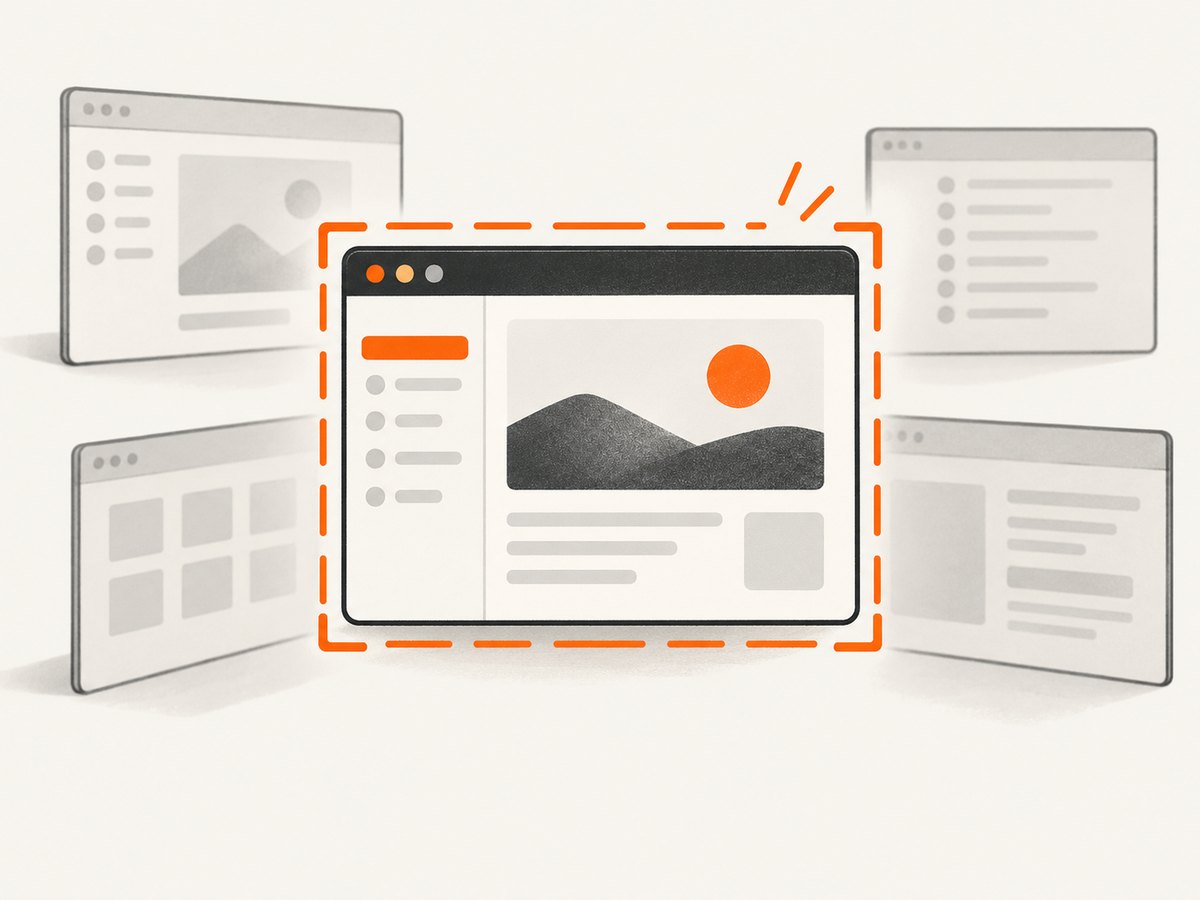
The active window is the application window that currently has keyboard focus. A shortcut that captures the active window does not choose a window by its position on screen; it captures whichever window is focused at the moment you press the keys.
- Click the title bar or content area of the target window.
- Close menus, dialogs, tooltips, or permission prompts that you do not want included.
- Use the platform shortcut below.
- Save or paste the result according to that platform’s behavior.
If the wrong window appears, refocus the intended window and repeat the shortcut.
2. Windows 10 and 11
Capture the focused window with Alt+Print Screen
- Click the window you want to capture.
- Press Alt+Print Screen. The key may be labeled PrtScn or combined with another key on a laptop.
- Open Paint, an image editor, a document, email, or chat.
- Press Ctrl+V to paste the image.
- Save or send the pasted image.
Microsoft documents that Alt+Print Screen copies only the active-window image to the clipboard. See the Microsoft support instructions.
Use Snipping Tool when you need to click a window
Press Windows+Shift+S to open the screen-snipping interface. Choose the window option, then click the window. This is useful when you want to select a window interactively or capture a region instead of relying on the currently focused window.
Where the Windows capture goes
Alt+Print Screen places the image on the clipboard; it does not automatically create a file. Paste it into an app and save it as PNG, JPEG, or another format supported by that app. Snipping Tool can show a notification or thumbnail from which you can open and save the capture.
3. macOS
Capture one window
- Bring the target window to the front.
- Press Shift+Command+4.
- Press Space. The pointer changes to a camera.
- Move over the target window and click.
- Open the resulting screenshot file or thumbnail and move, edit, or share it.
Apple lists this sequence in its official screenshot instructions. Screenshot location and thumbnail behavior depend on your Screenshot settings. macOS may include a window shadow or border; the exact appearance can vary with the system version and settings.
When macOS will not capture an app
Some applications restrict screenshots. Apple specifically notes that apps such as Apple TV may not permit them. If the shortcut works in another app but produces a black or blocked result in one application, check that application’s capture policy rather than changing the keyboard shortcut.
4. GNOME Linux
Capture the focused window
- Click the window you want so it has focus.
- Press Alt+Print Screen (also written Alt+Prnt Scrn).
- Follow the screenshot interface or file notification provided by your GNOME version.
The GNOME Shell shortcut reference identifies Alt+Print Screen for the focused window, Print Screen for the whole screen, and Shift+Print Screen for an area.
Where GNOME saves the image
GNOME releases and Linux distributions can customize the screenshot UI, destination, and notification. Open the screenshot overview if the shortcut does not make the destination clear, verify that the active-window option is selected, and confirm with Enter or Space when prompted.
5. Choosing the right capture method
| Need | Best method | Output behavior |
|---|---|---|
| Fast capture of the already focused window on Windows | Alt+Print Screen | Clipboard; paste and save |
| Select a window or region interactively on Windows | Windows+Shift+S | Snipping interface and notification |
| Capture one macOS window | Shift+Command+4, then Space | Screenshot file or thumbnail |
| Capture the focused GNOME window | Alt+Print Screen | GNOME screenshot UI or file |
Window borders, shadows, scaling, and file paths are platform- and version-dependent. The documented shortcuts establish what is selected, but they do not guarantee identical decoration or output formatting.
6. Troubleshooting
Nothing happens
- Confirm that the target window has focus.
- On a laptop, try holding Fn with Print Screen.
- Check whether another utility has remapped the screenshot shortcut.
The screenshot contains the wrong window
A dialog, menu, or child window may have focus. Close it, click the main target window, and repeat the shortcut.
Windows produced no file
Alt+Print Screen copies the capture to the clipboard. Open Paint or another destination and press Ctrl+V, then save the pasted image.
The macOS image is black or blocked
Test another application. Some apps restrict screenshots, and Apple documents that certain apps, including Apple TV, may not permit them.
GNOME uses a different destination or interface
Distribution packages can customize GNOME’s screenshot workflow. Open the screenshot UI, select the active-window option, and confirm the capture there.
A remote desktop or virtual machine captures the wrong layer
The shortcut may be handled by the host instead of the guest, or vice versa. Focus the remote session, use its screenshot control if available, or configure which system receives the Print Screen key.
Protected video or DRM content is missing
Protected applications can deliberately block or blank screenshots. Use an allowed export or share function from that application rather than trying to bypass its protection.
7. Or skip the browser setup
The operating-system shortcuts above capture a local desktop window. If the thing you need is a web page at a URL, ScreenshotNeo captures it through one API request without managing a browser locally. It is useful for repeatable web captures, while the desktop shortcuts remain the right choice for arbitrary local applications.
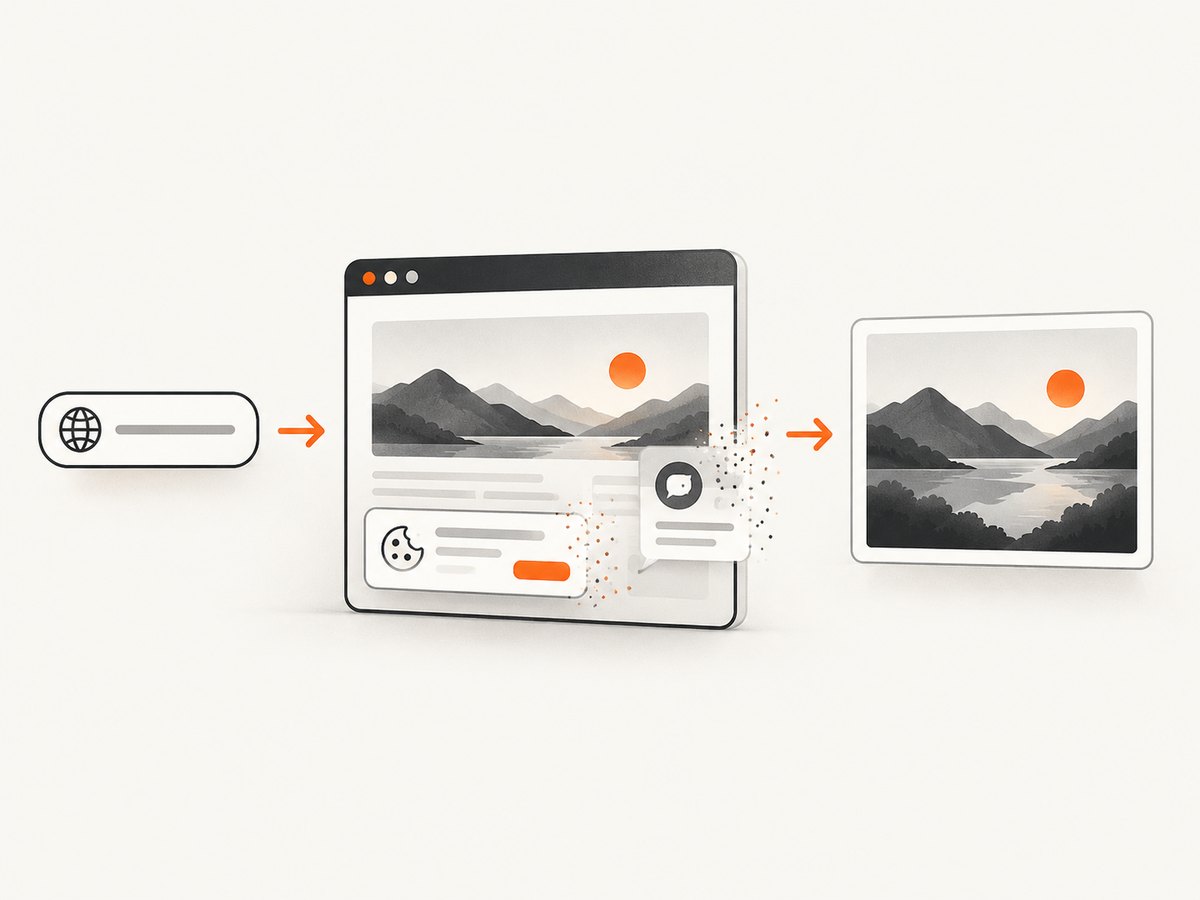
Before capture, ScreenshotNeo accepts cookie or consent banners and removes more than 60 known consent platforms, newsletter popups, and chat widgets; each step can be disabled. Bot checks, blank pages, timeouts, failed loads, and cache hits are not billed, and the response identifies the result with X-Page-Verdict and X-Billed headers. Its MCP server provides take_screenshot, get_page_info, and capture_pdf tools for Claude, Cursor, and other MCP clients.
See the ScreenshotNeo API documentation for parameters and response details.
cURL
curl -G "https://api.screenshotneo.com/v1/shot" -d access_key=YOUR_API_KEY --data-urlencode url=https://stripe.com -o shot.webpPython
import requests
r = requests.get("https://api.screenshotneo.com/v1/shot", params={"access_key": "YOUR_API_KEY", "url": "https://stripe.com"}, timeout=90)
open("shot.webp", "wb").write(r.content)
Node.js
const q = new URLSearchParams({ access_key: 'YOUR_API_KEY', url: 'https://stripe.com' }); const res = await fetch(`https://api.screenshotneo.com/v1/shot?${q}`);ScreenshotNeo supports PNG, JPEG, WebP, and PDF output plus full-page capture, element selectors, device and viewport settings, retina scale, waits, custom CSS and JavaScript, hidden selectors, headers, cookies, user agents, authorization, timezone, geolocation, request blocking, caching, signed links, asynchronous jobs, webhooks, bulk capture, and a usage API. You can choose a cache TTL and use the same parameter names accepted by many other screenshot APIs when switching.
For performance, use caching for unchanged URLs, choose the smallest viewport and output you need, and use asynchronous jobs or bulk capture for batches. For reliability, set an explicit wait condition for pages that render after load and inspect the verdict and billing headers. The Free plan includes 1,000 screenshots per month with no card; paid plans start at $5 for 3,000 shots, with every feature on every plan. Create a free ScreenshotNeo account to get started.
8. FAQ
Does Alt+Print Screen capture the whole monitor?
No. On Windows and GNOME, it targets the window that currently has focus. Use the full-screen shortcut when you need every monitor or the entire desktop.
Can I screenshot a window without clicking it first?
The platform shortcuts use focus, so click or otherwise activate the target first. Windows Snipping Tool and macOS’s camera cursor let you select a window interactively.
Why is my screenshot not automatically saved?
Windows’ Alt+Print Screen result is explicitly clipboard-based. Paste it into an application and save it. macOS and GNOME normally provide a file or screenshot interface, but their exact destinations vary.
Can ScreenshotNeo capture my local desktop window?
No. ScreenshotNeo captures web pages by URL. Use the operating-system procedure for a local application, and use ScreenshotNeo when the target is a web page you can address with a URL.


