BlogScreenshots on your device
How to Screenshot an Overlapped Qt Window on Linux with Python
Capture a Qt window behind another window on Linux with PySide6 or PyQt6, understand X11 and Wayland limits, and avoid hidden-pixel surprises.
Direct answer: On X11 or XWayland, use QScreen.grabWindow() with the target window’s native WId, usually obtained from QWidget.winId(). The function reads composed screen pixels, so any window covering the target appears in the result. It cannot reconstruct pixels hidden behind another window.
On Wayland, direct arbitrary-window capture is restricted. Qt’s capture path is experimental and uses the XDG Desktop Portal ScreenCast service together with PipeWire, with compositor and user permission involved.
1. Capture a Qt window with PySide6
This example captures the visible area of a Qt widget. Run it under X11 or XWayland. The call uses device-independent geometry; the saved image may contain more physical pixels on a high-DPI display.
from pathlib import Path
import sys
from PySide6.QtCore import QTimer
from PySide6.QtGui import QGuiApplication
from PySide6.QtWidgets import QApplication, QLabel, QWidget, QVBoxLayout

app = QApplication(sys.argv)

window = QWidget()
window.setWindowTitle("Capture target")
layout = QVBoxLayout(window)
layout.addWidget(QLabel("This visible Qt window will be captured."))
window.resize(640, 360)
window.show()


def capture_once():
    # winId() returns the native window handle used by grabWindow().
    wid = window.winId()
    screen = window.screen() or QGuiApplication.primaryScreen()
    if screen is None:
        raise RuntimeError("No screen is available")

    # x and y are relative to the selected screen. Width and height are
    # logical/device-independent pixels.
    pixmap = screen.grabWindow(wid, 0, 0, window.width(), window.height())
    output = Path.home() / "qt-window.png"
    if not pixmap.save(str(output)):
        raise RuntimeError(f"Could not save {output}")
    print(f"Saved {output}; DPR={pixmap.devicePixelRatio()}")
    app.quit()


# Let the window become visible before the compositor capture.
QTimer.singleShot(250, capture_once)
sys.exit(app.exec())
Install PySide6 with python -m pip install PySide6. If another window overlaps this one when capture_once() runs, those overlying pixels are captured.
PyQt6 equivalent
The API is the same in PyQt6. Change the imports and application setup:
from pathlib import Path
import sys
from PyQt6.QtCore import QTimer
from PyQt6.QtGui import QGuiApplication
from PyQt6.QtWidgets import QApplication, QLabel, QWidget, QVBoxLayout

app = QApplication(sys.argv)
window = QWidget()
window.setWindowTitle("Capture target")
layout = QVBoxLayout(window)
layout.addWidget(QLabel("This visible Qt window will be captured."))
window.resize(640, 360)
window.show()


def capture_once():
    screen = window.screen() or QGuiApplication.primaryScreen()
    if screen is None:
        raise RuntimeError("No screen is available")
    pixmap = screen.grabWindow(window.winId(), 0, 0,
                               window.width(), window.height())
    path = Path.home() / "qt-window.png"
    if not pixmap.save(str(path)):
        raise RuntimeError(f"Could not save {path}")
    print(path, pixmap.devicePixelRatio())
    app.quit()


QTimer.singleShot(250, capture_once)
sys.exit(app.exec())
For the normative behavior and platform notes, see Qt’s QScreen documentation.
2. Why an overlapping window appears in the screenshot
grabWindow() captures pixels from the screen, not an off-screen render of the target window. Qt documents the consequence: if another window is partially or entirely over the window being grabbed, the overlying pixels are returned.
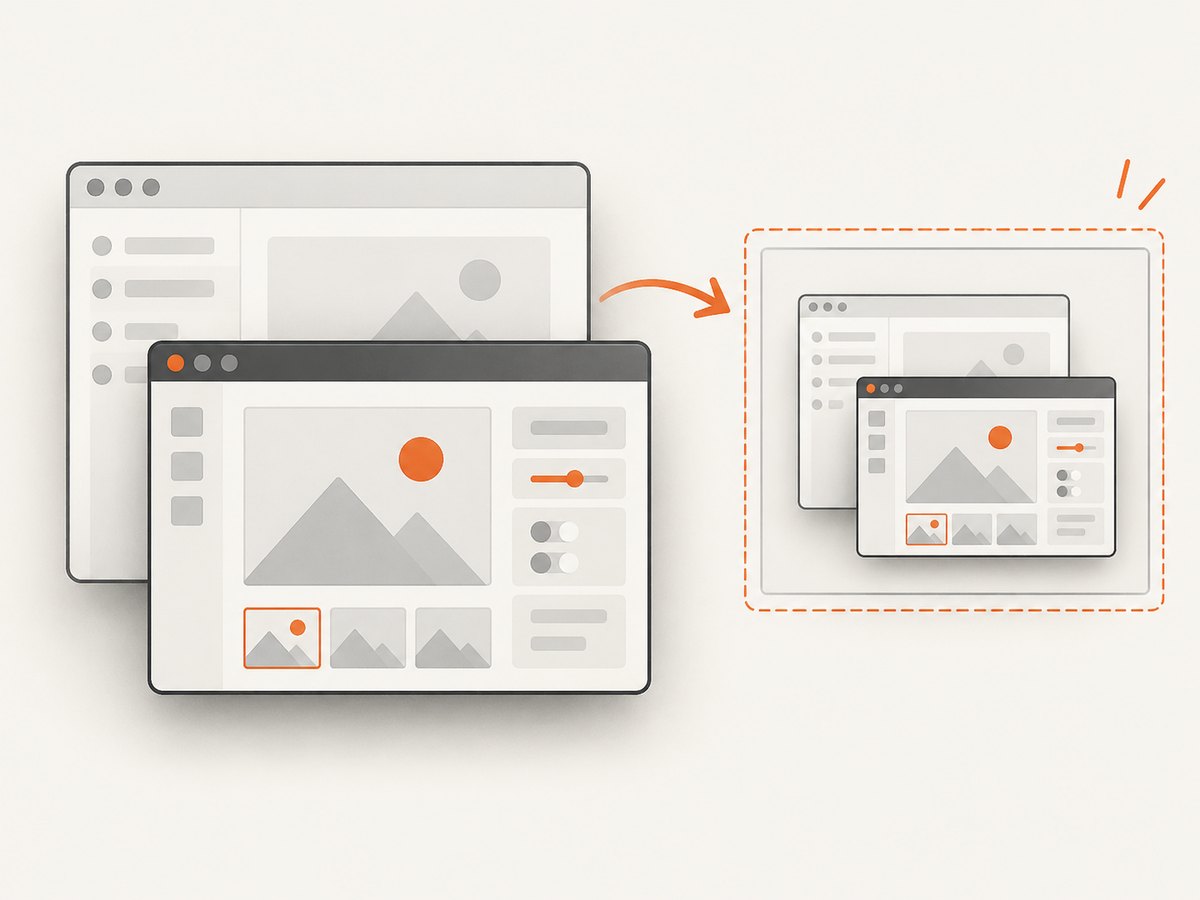
- Target fully visible: the image matches the visible target area.
- Target partially covered: the covering window appears in the covered region.
- Target fully covered or minimized: hidden content is unavailable through this screen-pixel path.
- Window decorations: capture behavior depends on the native window and the coordinates you request; test whether your desktop includes the frame in the returned area.
Qt also warns on X11 that obscured pixels can be undefined when the target and root window depths differ. Treat strange regions as a platform limitation rather than assuming your widget drew incorrectly.
3. Capture an external X11 application
For another application, you need its native X11 window ID. The ID is session-specific and is not a portable Wayland technique.
- Run
xwininfoand click the target window, or use an X11-aware window-listing tool. - Copy the hexadecimal window ID, such as
0x3a00007. - Convert it to an integer and pass it as
WIdtograbWindow().
import sys
from pathlib import Path
from PySide6.QtGui import QGuiApplication
from PySide6.QtWidgets import QApplication

# Replace with the ID returned by xwininfo.
native_id = int("0x3a00007", 16)
app = QApplication(sys.argv)
screen = QGuiApplication.primaryScreen()
if screen is None:
    raise RuntimeError("No screen is available")

pixmap = screen.grabWindow(native_id)
path = Path.home() / "external-window.png"
if not pixmap.save(str(path)):
    raise RuntimeError(f"Could not save {path}")
print(f"Saved {path}; DPR={pixmap.devicePixelRatio()}")
When you need a repeatable result, move or resize the external window so it is completely unobscured before capturing. A short delay after changing its position gives the compositor time to present the new frame.
4. Coordinates, cropping, and high-DPI displays
The x, y, width, and height arguments are logical, device-independent pixels. On X11, coordinates are relative to the selected screen’s origin. The resulting QPixmap can have a larger physical size when display scaling is enabled.
screen = window.screen() or QGuiApplication.primaryScreen()
geometry = window.geometry()
print("screen origin:", screen.geometry().topLeft())
print("logical size:", window.width(), window.height())

pixmap = screen.grabWindow(window.winId(), 0, 0,
                           window.width(), window.height())
print("physical size:", pixmap.width(), pixmap.height())
print("device pixel ratio:", pixmap.devicePixelRatio())
Use pixmap.devicePixelRatio() when combining the result with other images or converting it to a pixel-based format. Do not multiply the grab arguments by the device-pixel ratio unless you have deliberately changed the coordinate system; doing so can request the wrong region.
5. Wayland and portal-based capture
Wayland compositors generally do not let an application select arbitrary hidden windows by native ID. Qt’s Wayland screen-capture path is experimental and relies on the XDG Desktop Portal ScreenCast service and PipeWire.
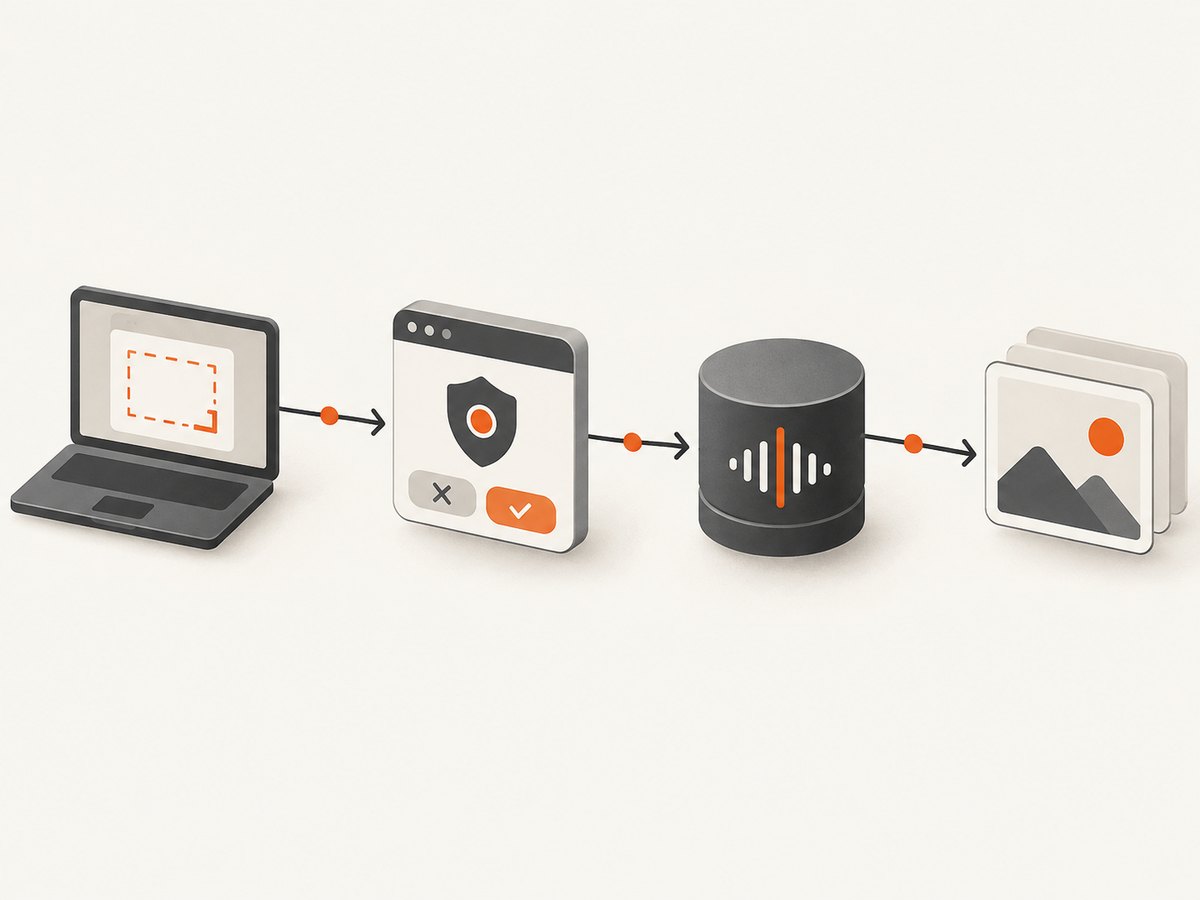
- Expect a compositor permission or source-selection dialog.
- Do not assume an X11
WIdidentifies a capturable Wayland surface. - Design for the user selecting a screen or window through the portal.
- Check your desktop environment and Qt version for the portal implementation available on that system.
If your application runs under XWayland, it may be possible to capture the X11 surface, but behavior depends on the compositor and session configuration. Detect the session rather than promising identical results on every Linux desktop.
6. When you need hidden content instead
If the requirement is the complete Qt scene regardless of what covers it, screen capture is the wrong layer. Render the widget or scene off-screen, or temporarily expose it and capture after the compositor presents it.
- Off-screen rendering: use the widget’s rendering APIs or a framebuffer-oriented design to draw into a
QImage. This excludes other desktop windows. - Temporary exposure: raise, activate, or move the target into an unobscured area, wait for a frame, capture, then restore its state. This can disturb users and still depends on compositor behavior.
- Visible-user screenshot: keep
grabWindow(); it intentionally records what is on screen, including overlap.
7. Troubleshooting
| Symptom | Likely cause | Fix |
|---|---|---|
| Covered window appears in the image | grabWindow() reads composed screen pixels |
Uncover the target, or render it off-screen when hidden content is required. |
| Black, stale, or undefined regions on X11 | Obscured pixels or an X11 depth mismatch | Make the window visible and unobscured; verify the desktop scale and retry. |
screen is None |
No GUI screen is available, often because the process has no display | Run inside a graphical session and create QApplication before querying screens. |
| Wayland capture fails or no window ID works | Wayland restricts direct native-window selection | Use Qt’s portal/PipeWire path and handle user consent; do not reuse X11 ID logic. |
| Image size is unexpected on a scaled display | Logical coordinates differ from physical pixels | Inspect devicePixelRatio() and keep grab arguments in logical units. |
| Only part of the window is saved | Requested width or height excludes content, or the window changed size | Read geometry immediately before capture and request the intended rectangle. |
| Saved file is missing or empty | Unsupported path, permissions, or a failed image plugin | Check the boolean result of pixmap.save(), use an absolute writable path, and choose a supported suffix such as .png. |
| Screenshot is taken before the UI is painted | Capture ran immediately after show() |
Capture from a later event-loop turn, such as a short QTimer.singleShot, after the first visible frame. |
8. Performance and reliability
- Capturing a large screen or high-DPI window copies more pixels and uses more memory. Request only the rectangle you need.
- For repeated captures, reuse the application and screen objects rather than starting a new process for every frame.
- Wait for a stable frame after moving, resizing, or changing content. A timer delay is simple; an application-specific “render complete” signal is more deterministic.
- Save PNG for lossless diagnostics. Use JPEG only when smaller files matter and some compression loss is acceptable.
- Test separately on X11, XWayland, and native Wayland. Window IDs, permissions, scaling, and compositor timing differ.
- Do not treat a successful
QPixmapreturn as proof that every pixel came from the target; overlap and depth limitations can still affect the image.
9. Or skip the browser setup
If the thing you need to capture is a web page rather than a local Qt window, ScreenshotNeo provides a single HTTP request. It cannot capture an arbitrary local desktop window, but it removes the browser automation setup for URL screenshots.
See the ScreenshotNeo API documentation for the available options.
cURL
curl -G "https://api.screenshotneo.com/v1/shot" -d access_key=YOUR_API_KEY --data-urlencode url=https://stripe.com -o shot.webpPython
import requests
r = requests.get("https://api.screenshotneo.com/v1/shot", params={"access_key": "YOUR_API_KEY", "url": "https://stripe.com"}, timeout=90)
open("shot.webp", "wb").write(r.content)
Node.js
const q = new URLSearchParams({ access_key: 'YOUR_API_KEY', url: 'https://stripe.com' });
const res = await fetch(`https://api.screenshotneo.com/v1/shot?${q}`);
Cookie banners, newsletter popups, and chat widgets are removed before the shot. Bot checks, blank pages, failed loads, timeouts, and cache hits are not billed, and response headers identify the page verdict and billing result. ScreenshotNeo also provides an MCP server for AI agents, including Claude and Cursor, with take_screenshot, get_page_info, and capture_pdf tools. The Free plan includes 1,000 screenshots a month with no card; paid plans start at $5 for 3,000 screenshots.
Create a free ScreenshotNeo account to get started.
10. FAQ
Can I capture a minimized Qt window?
Not reliably with grabWindow(). It captures screen pixels, so use off-screen rendering when the window must remain hidden.
Does winId() work for a child widget?
It returns a native handle when the widget has one. For predictable results, capture the top-level window or ensure the child is a native window and request its own dimensions.
Why is the screenshot sharper or larger than the window dimensions?
Qt reports logical dimensions while the pixmap can contain physical pixels for the display’s device-pixel ratio.
Is an X11 window ID portable between sessions?
No. It is assigned by the current X11 session and should be discovered again when the target application starts.
Can ScreenshotNeo capture this local Linux desktop window?
No. ScreenshotNeo captures web URLs. Use QScreen.grabWindow() or an appropriate Wayland portal for local desktop capture.


