Screenshots in CI: Visual Regression Testing and Monitoring
Add Playwright screenshot comparisons to CI, keep captures repeatable, review visual changes, and decide when hosted capture fits your workflow.

Visual regression testing in CI captures a known page or component state and compares it with a reviewed screenshot baseline. With Playwright, write a normal Playwright Test and use toHaveScreenshot(); commit the generated baseline, then review and update it when a visual change is intentional. A diff is a signal to inspect, not proof that the change is a bug.
This guide builds a runnable Playwright workflow, explains how to reduce noisy diffs, and covers CI setup, review, troubleshooting, and hosted capture options.
1. How visual regression checks work
A visual test renders a page under defined conditions, captures pixels, and compares the result to an expected image. If the images differ beyond configured tolerances, the assertion fails and CI surfaces the actual image and diff for review.
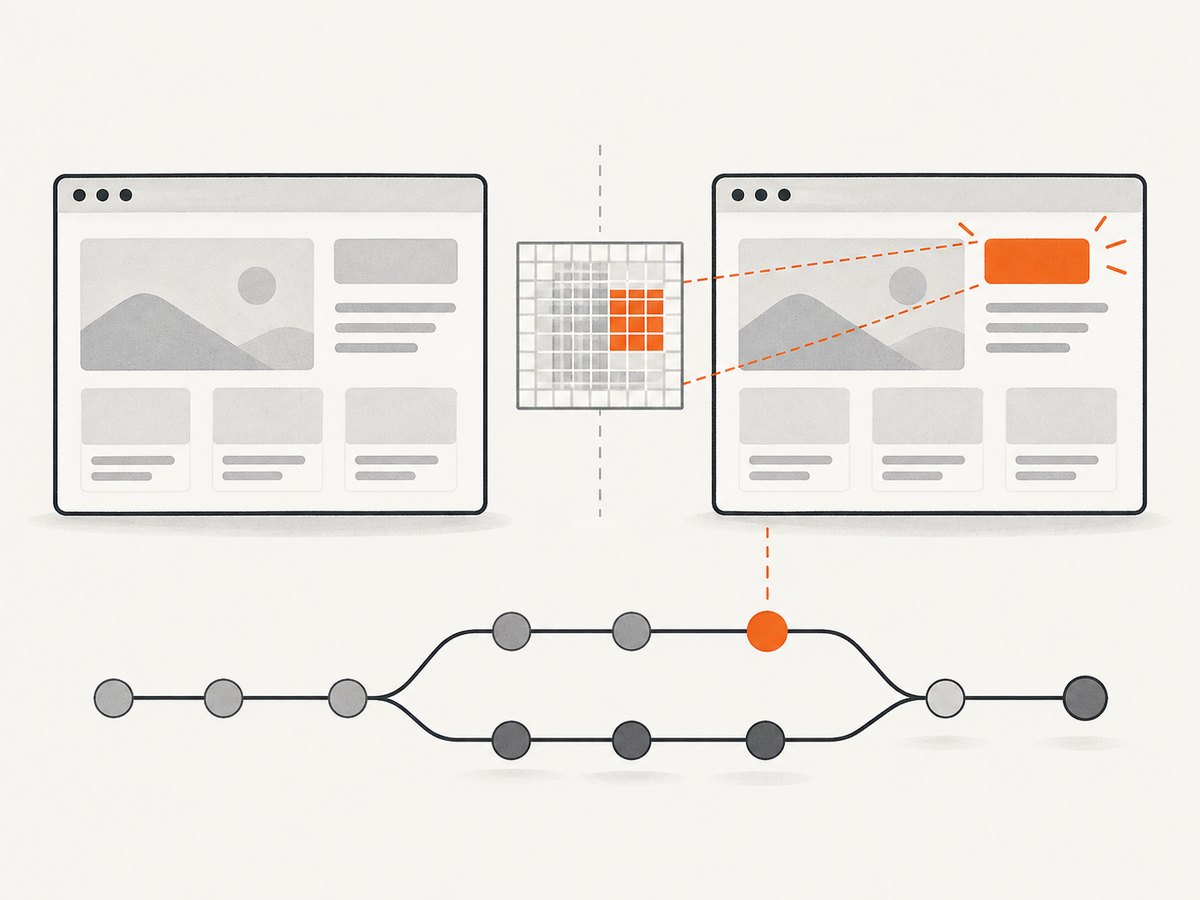
Playwright’s screenshot assertions run in Playwright Test. For page assertions, Playwright waits for two consecutive screenshots to match before comparing the final capture with the expectation. This helps avoid capturing during a transition, but it cannot make changing application data deterministic for you. [Source: Playwright screenshot assertions]
There are three useful outcomes to distinguish:
- Unexpected UI change: investigate the code or environment change and fix it if unintended.
- Intentional UI change: review the new rendering, update the baseline, and commit it with the code change.
- Capture noise: stabilize or mask irrelevant content; do not blindly raise tolerances until the failure disappears.
2. Add a Playwright screenshot test
Use a stable route and arrange a meaningful state before taking the screenshot. The example below assumes an existing app is available at http://127.0.0.1:3000 and that the page has a heading named “Dashboard.” Save it as tests/dashboard.visual.spec.ts.
import { test, expect } from '@playwright/test';

test('dashboard visual baseline', async ({ page }) => {
  await page.setViewportSize({ width: 1440, height: 900 });
  await page.goto('http://127.0.0.1:3000/dashboard');
  await expect(page.getByRole('heading', { name: 'Dashboard' })).toBeVisible();
  await expect(page).toHaveScreenshot('dashboard.png', {
    fullPage: true,
    animations: 'disabled',
  });
});
Install the test runner if needed, then run the test once to create its expected screenshot. Review the image before adding it to version control.
npm install --save-dev @playwright/test
npx playwright install
npx playwright test tests/dashboard.visual.spec.ts --update-snapshots
npx playwright test tests/dashboard.visual.spec.ts
Playwright stores snapshots next to the test file by default, with platform-specific naming where needed. Commit approved snapshots with the corresponding UI change. A baseline update is a code review decision: inspect the image and diff, and avoid updating all snapshots just to make CI green. [Source: Playwright snapshot workflow]
Focused element capture
For a component or region, assert on a locator instead of the whole page. This reduces unrelated changes in navigation or surrounding layout from affecting a focused test.
test('pricing card visual baseline', async ({ page }) => {
  await page.goto('http://127.0.0.1:3000/pricing');
  const card = page.getByTestId('pricing-card-pro');
  await expect(card).toBeVisible();
  await expect(card).toHaveScreenshot('pricing-card-pro.png', {
    animations: 'disabled',
  });
});
Use page captures for layout and integrated states; use locator captures for visual components whose boundaries and purpose are clear. You can maintain both when the full page and the component expose different failure modes.
3. Run it in CI
CI must start the application, install the same browser binaries expected by Playwright, and run the test in a consistent environment. For GitHub Actions, a basic workflow can use Playwright’s maintained action:
name: Visual checks
on:
  pull_request:
  push:
    branches: [main]

jobs:
  visual:
    runs-on: ubuntu-latest
    steps:
      - uses: actions/checkout@v4
      - uses: actions/setup-node@v4
        with:
          node-version: 22
          cache: npm
      - run: npm ci
      - run: npx playwright install --with-deps chromium
      - run: npm run build
      - run: npm run start:test &
      - run: npx playwright test tests/dashboard.visual.spec.ts
Adapt the start command to your app. In a production workflow, prefer a process manager or Playwright’s webServer configuration so the test waits for the server and fails clearly if startup does not succeed:
import { defineConfig } from '@playwright/test';

export default defineConfig({
  testDir: './tests',
  webServer: {
    command: 'npm run start:test',
    url: 'http://127.0.0.1:3000',
    reuseExistingServer: !process.env.CI,
    timeout: 120_000,
  },
  use: {
    baseURL: 'http://127.0.0.1:3000',
    browserName: 'chromium',
  },
});
Configure your app to use fixed test data and avoid dependencies on live third-party content. Pin the browser/runtime environment used to create and compare baselines. Screenshot pixels can vary with browser version, operating system, fonts, device scale factor, viewport, and rendering state. Treat changes to these inputs as baseline-affecting changes.
4. Reduce flaky and noisy diffs
Repeatability is the core engineering challenge. A stable screenshot needs the same viewport, browser environment, data, fonts, and page state at baseline creation and comparison time. Playwright offers screenshot controls for common sources of noise. [Sources: snapshot assertions, PageAssertions options]
Control animation and timing
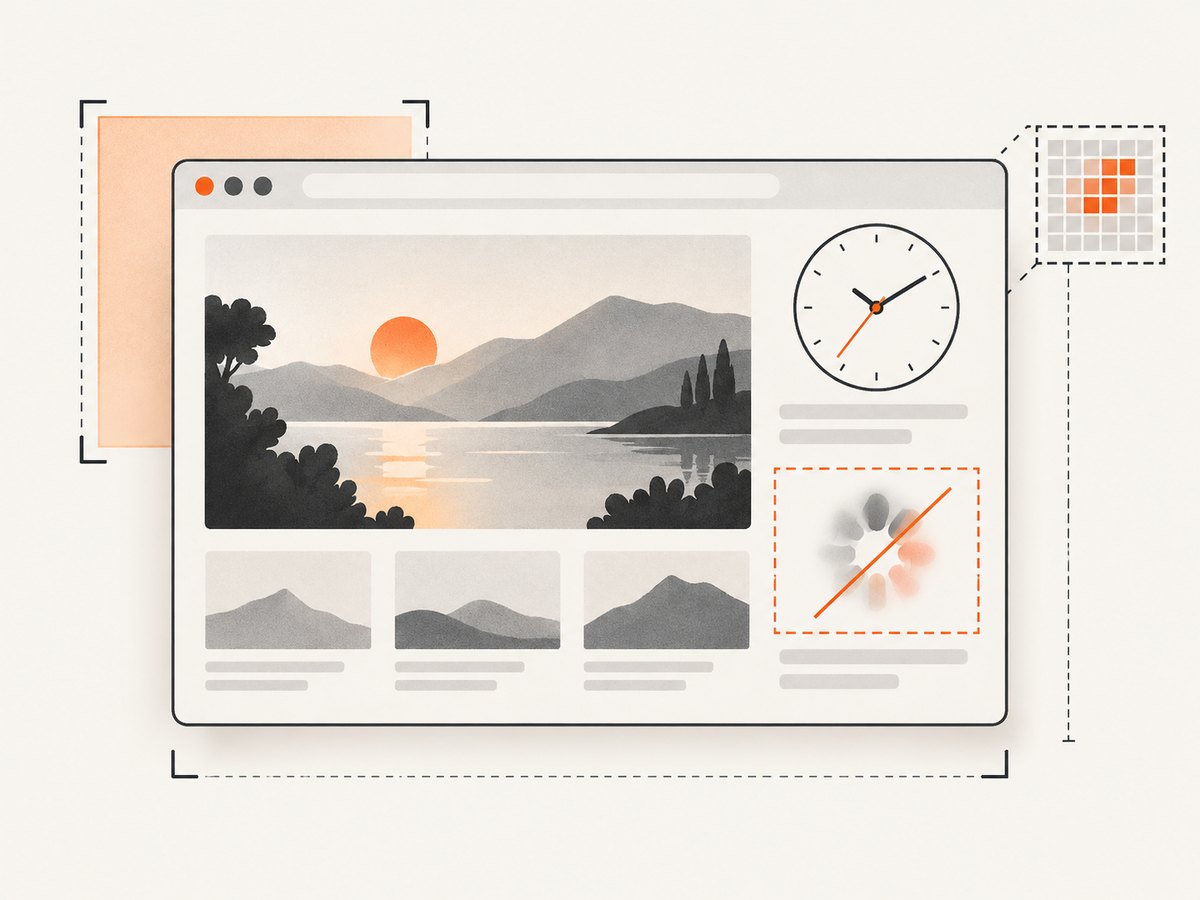
Screenshot assertions disable animations by default; keeping this behavior avoids capturing a moving element halfway through an animation. For delayed content, wait for an explicit page condition instead of adding an arbitrary long sleep:
await page.goto('/reports');
await page.getByTestId('report-ready').waitFor();
await expect(page).toHaveScreenshot('reports.png', {
  animations: 'disabled',
  fullPage: true,
});
Use a fixed test clock or deterministic application data when dates, countdowns, or generated values appear in the UI. Keep network responses controlled when external APIs could change the rendered content.
Mask volatile areas
Mask a region only when its content is unrelated to what the test is intended to protect. Playwright fills masked elements in the screenshot with a configurable color. For more complex dynamic elements, apply a stylesheet during capture with stylePath to hide them or replace their appearance. [Source: Playwright PageAssertions]
await expect(page).toHaveScreenshot('account.png', {
  mask: [page.getByTestId('live-clock')],
  maskColor: '#888',
  stylePath: './tests/visual-stability.css',
});
/* tests/visual-stability.css */
[data-testid="random-avatar"] {
visibility: hidden !important;
}Masking can conceal real regressions if applied too broadly. Keep masks narrow, document why each exists, and test the surrounding layout separately if the masked element affects it.
Choose comparison tolerances deliberately
Playwright supports a color-difference threshold and limits such as maxDiffPixels or maxDiffPixelRatio. These are controls to tune against your interface and capture environment, not universal values. A permissive tolerance can let a genuine change pass unnoticed. Start strict, inspect actual diffs, then adjust only when you understand the source of recurring harmless variation. [Sources: Playwright snapshots, assertion options]
await expect(page).toHaveScreenshot('dashboard.png', {
  maxDiffPixels: 120,
  threshold: 0.2,
});
5. Browser, viewport, and device coverage
One baseline only covers the rendering conditions used to produce it. Decide which axes matter for the interface: browser engine, viewport size, color theme, locale, and relevant application states. Each additional combination expands the number of captures and baselines reviewers must maintain.
Keep device pixel ratio consistent. Chromatic documents that snapshots captured at DPR 2.0 and DPR 1.0 are reported as changed even when the UI is otherwise identical. A full-page diff after a browser or runner update can therefore indicate an environment shift rather than a CSS regression. [Source: Chromatic snapshots]
For Playwright, define project configurations for the browsers or viewports you actively support, and create the baseline in the same project environment used in CI. If you intentionally change browser versions or operating systems, review the resulting snapshots as a migration.
6. Native Playwright or hosted visual review?
Native Playwright keeps expected screenshots alongside the tests in your repository. Hosted visual testing services can add cloud rendering, commit-associated snapshots, and shared review workflows. Chromatic documents support for Storybook, Vitest, Playwright, and Cypress, and offers browser, viewport, and theme variations. These are product capabilities described by the vendor. [Sources: Chromatic documentation, snapshots]
| Decision area | Native Playwright | Hosted service |
|---|---|---|
| Baseline ownership | Snapshot files live with tests in the repository. | Review the service’s baseline and approval model. |
| Capture coverage | You configure projects and environments. | May offer managed browser and viewport variations; verify current coverage. |
| Review workflow | Use CI artifacts and code review. | Can associate snapshots with commits and provide shared review. |
| Operational dependency | Requires maintaining browser setup and artifacts. | Depends on service availability, terms, and data handling. |
Compare tools by baseline ownership, supported browsers and viewports, dynamic-content handling, reviewer experience, CI integration, and data requirements. Verify current service pricing, limits, and security terms directly; the cited documentation does not establish them.
7. Or skip the browser setup
If your task is to capture a page for review, documentation, or an AI workflow rather than compare a version-controlled test baseline, ScreenshotNeo provides a one-request screenshot API and MCP server. It is separate from Playwright’s repository-based visual assertions: use Playwright for CI baseline comparisons, and use ScreenshotNeo when you need a clean capture without managing a browser.
See the ScreenshotNeo API documentation. Replace the URL with the page you need and set your API key:
curl -G "https://api.screenshotneo.com/v1/shot" -d access_key=YOUR_API_KEY --data-urlencode url=https://stripe.com -o shot.webpPython:
import requests
r = requests.get("https://api.screenshotneo.com/v1/shot", params={"access_key": "YOUR_API_KEY", "url": "https://stripe.com"}, timeout=90)
open("shot.webp", "wb").write(r.content)
Node.js:
const q = new URLSearchParams({ access_key: 'YOUR_API_KEY', url: 'https://stripe.com' });
const res = await fetch(`https://api.screenshotneo.com/v1/shot?${q}`);
ScreenshotNeo accepts cookie and consent banners before capture and removes more than 60 known consent platforms, newsletter popups, and chat widgets; each step can be turned off. Bot checks, blank pages, failed loads, timeouts, and cache hits cost nothing, with response headers indicating the page verdict and billing status. Its MCP server offers take_screenshot, get_page_info, and capture_pdf for Claude, Cursor, and other MCP clients. The free plan includes 1,000 shots per month with no card; paid plans start at $5 for 3,000 shots. These captures do not replace deterministic baselines for visual regression testing.
Sign up for 1,000 free screenshots a month, with no card.
8. Troubleshooting common failures
| Symptom | Likely cause | Fix |
|---|---|---|
| Snapshot missing on first run | No baseline has been created yet. | Run with --update-snapshots, inspect the generated image, and commit it deliberately. |
| Test fails on every CI run | Baseline and CI use different browser, OS, fonts, viewport, or DPR. | Align capture environments and dimensions; inspect the actual image and diff before changing tolerances. |
| Diff changes from run to run | Animated, live, random, or time-based content varies. | Use fixed data, wait for a stable condition, disable animations, and mask or filter only isolated volatile regions. |
| Entire page appears changed | Image dimensions or DPR changed, or a broad rendering input shifted. | Check viewport and device scale factor, browser version, fonts, and baseline provenance. Chromatic notes DPR mismatches are reported as changes. |
| CI cannot reach the page | The server did not start, wrong host/port, or startup is asynchronous. | Use Playwright webServer, confirm its readiness URL, and inspect server logs. |
| Snapshot update creates many files | Tests or projects use different names, platforms, or viewports. | Review the project matrix and update only the intended tests and environment. |
| Tolerance hides a visible regression | Pixel allowance or color threshold is too permissive. | Lower the tolerance, identify the source of noise, and split a broad assertion into focused assertions if needed. |
9. Performance, reliability, and cost
Screenshot comparisons add browser startup, navigation, rendering, capture, and image comparison work to the CI job. Keep the suite useful by choosing representative states, sharing setup where safe, and reserving broad full-page captures for routes where layout matters. Parallel workers can shorten elapsed time but consume more CI resources and may contend for app or test data; isolate state before increasing concurrency.
Reliability depends on deterministic inputs and a consistent capture environment. A retry can help diagnose an intermittent failure, but a passing retry does not make the original diff irrelevant. Preserve failure artifacts and review whether the first run exposed a real race or unstable page.
Native Playwright’s documented workflow stores snapshots with tests, so repository size and review volume grow with the number and dimensions of baselines. Hosted services may change how capture and review are operated; compare current pricing, limits, and data policies directly. The sources here do not establish comparative cost or time savings.
10. CI visual testing checklist
- Choose a small set of important page and component states.
- Use deterministic data and wait for a semantic ready condition.
- Keep viewport, DPR, browser, fonts, and runtime consistent.
- Disable animation and mask only justified volatile areas.
- Review baseline changes alongside the application code.
- Inspect CI artifacts before changing tolerances or updating snapshots.
- Expand browser and viewport coverage according to product support needs.
- For hosted review, check current service coverage, terms, and data handling.
11. FAQ
Can visual regression testing prove a page is correct?
No. It identifies rendered differences from a baseline. A reviewer decides whether a difference is intended and whether the baseline itself reflects the desired design.
Should every page have a full-page baseline?
No. Use captures that protect meaningful behavior. A focused component assertion often gives clearer feedback for isolated UI, while selected full-page captures cover layout integration.
Can I update baselines automatically on every pull request?
Automation can generate candidate screenshots, but accepting them without review removes the safeguard. Treat baseline changes as reviewed artifacts.
Does ScreenshotNeo replace Playwright screenshot assertions?
No. ScreenshotNeo returns screenshots through an API and MCP server. Playwright assertions compare rendered test states with repository baselines; use that workflow when CI needs regression signals and reviewed snapshot updates.


